If you've spent more than an hour browsing NSFW AI image generators, you already know the frustration: vague output, broken prompts, heavy-handed filters that block everything, or hyper-realistic results so convincing they feel like actual photography. The market has exploded in 2026, with dozens of models competing for your attention. We spent two weeks running identical prompts through the most popular tools and ranked them on what actually matters.
For this 2026 refresh we added five new contenders that reshaped the entire leaderboard, including a ByteDance model that returns photorealistic results in under three seconds and a PicassoIA-native editor that runs completely unlimited. Every model below is linked, tested, and ready to run on PicassoIA right now.
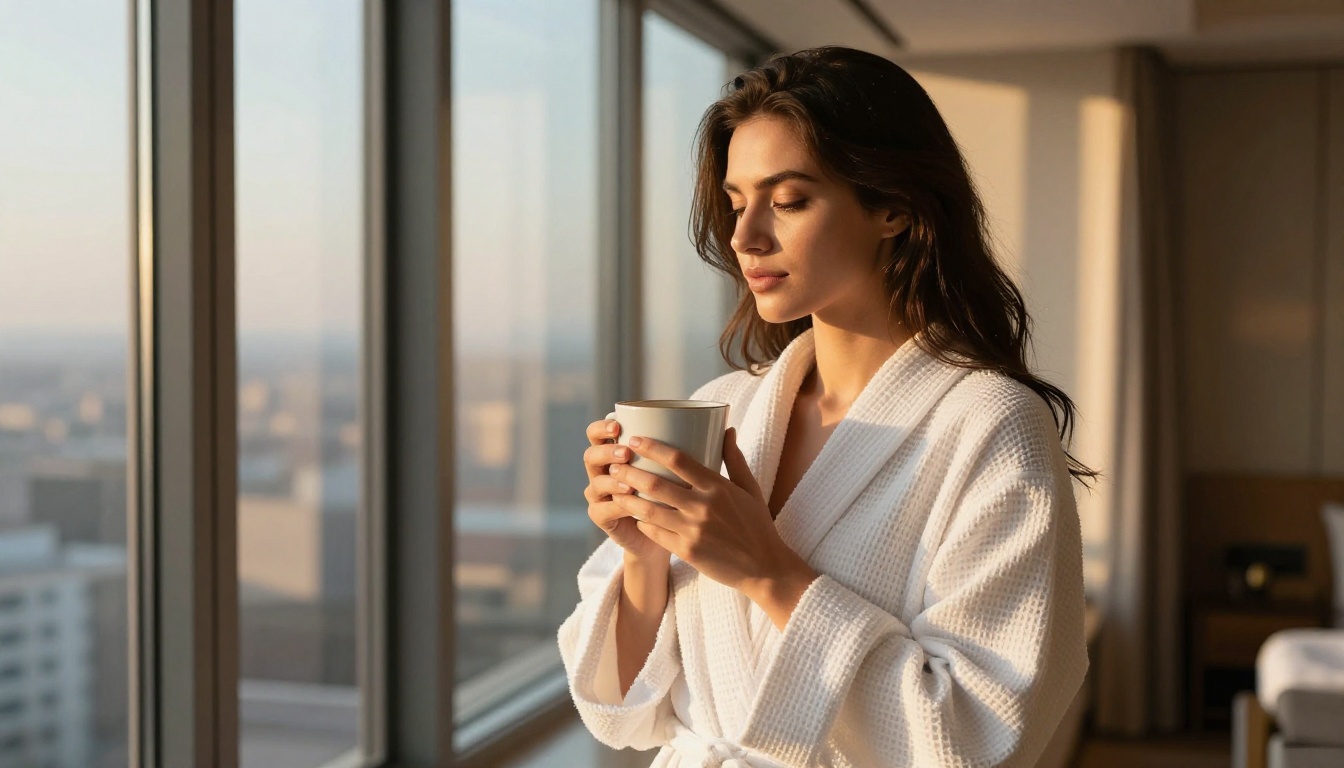
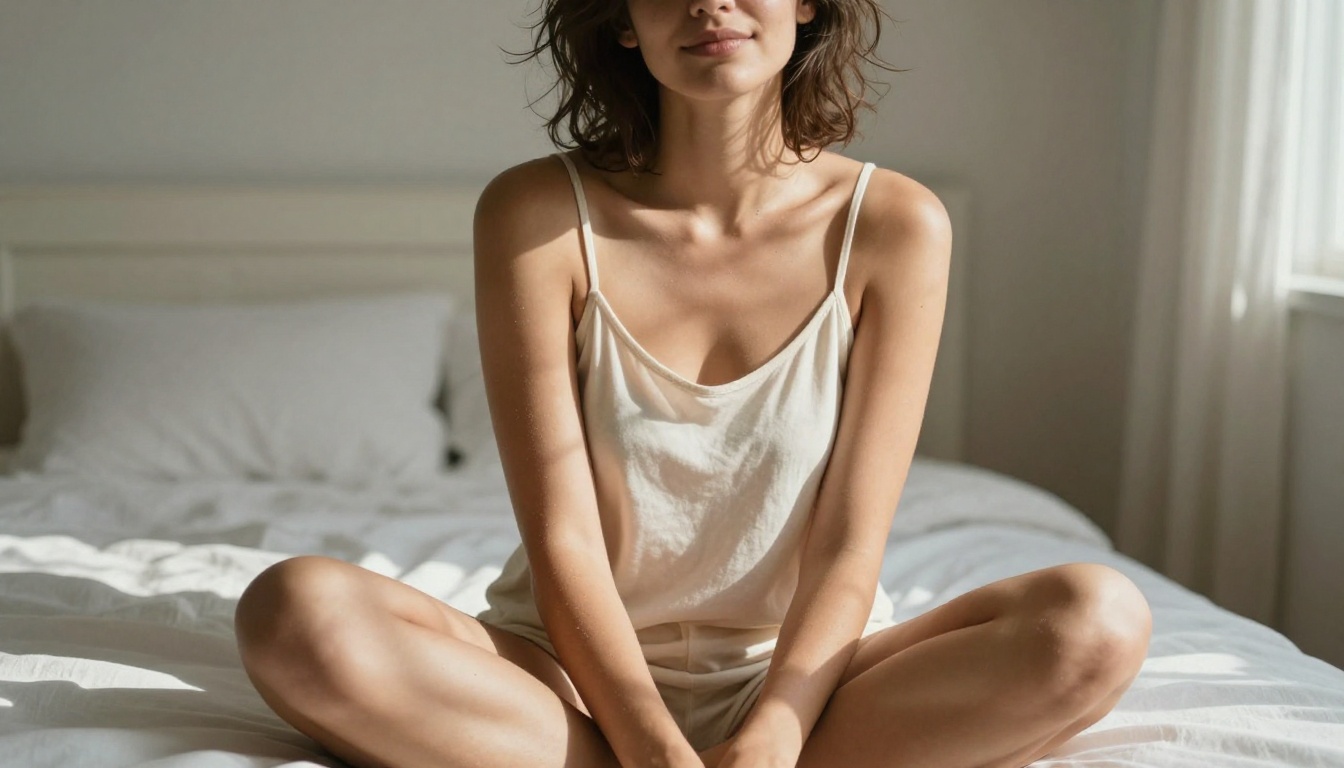
Not all NSFW AI image generators fail the same way. Some produce beautiful faces with broken hands. Others nail anatomy but render skin like plastic wrap. The real differentiators come down to three things: realism under scrutiny, prompt fidelity, and what the platform actually allows.
Realism That Holds Up at 100%
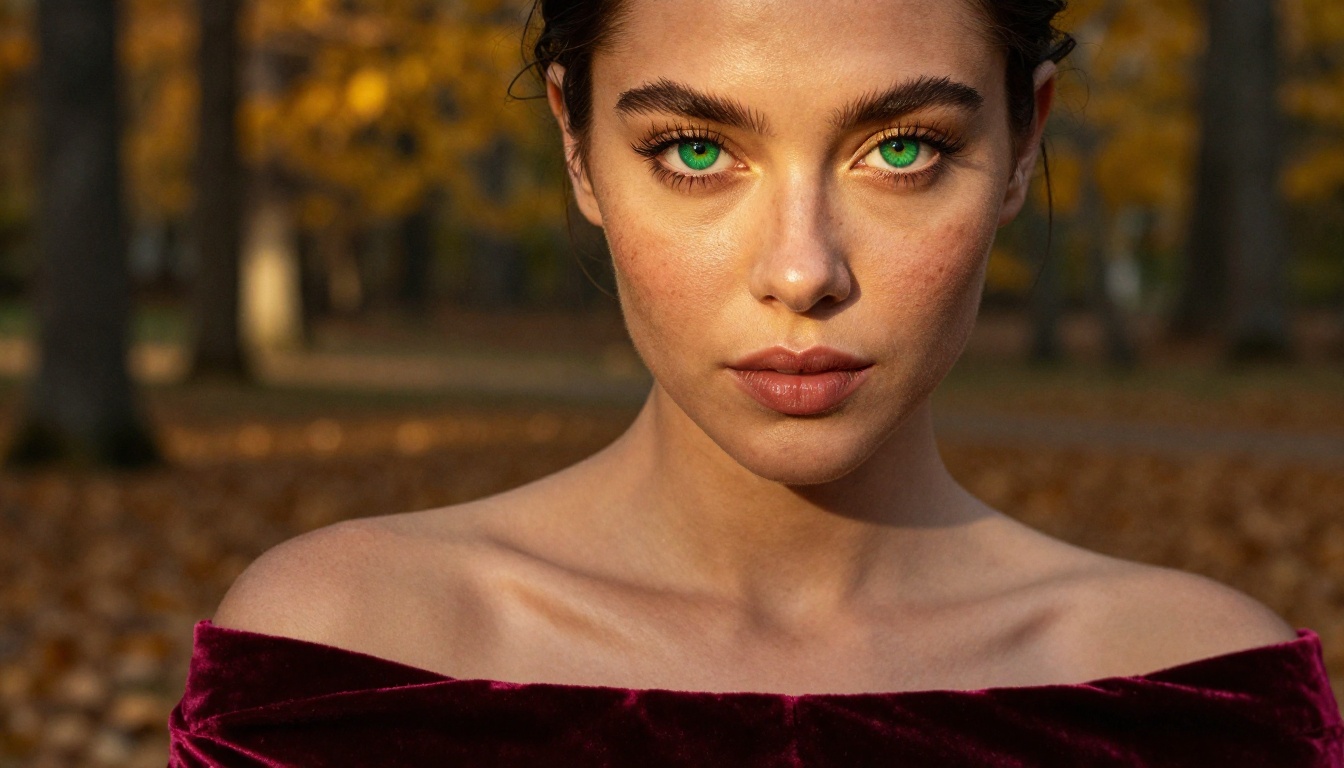
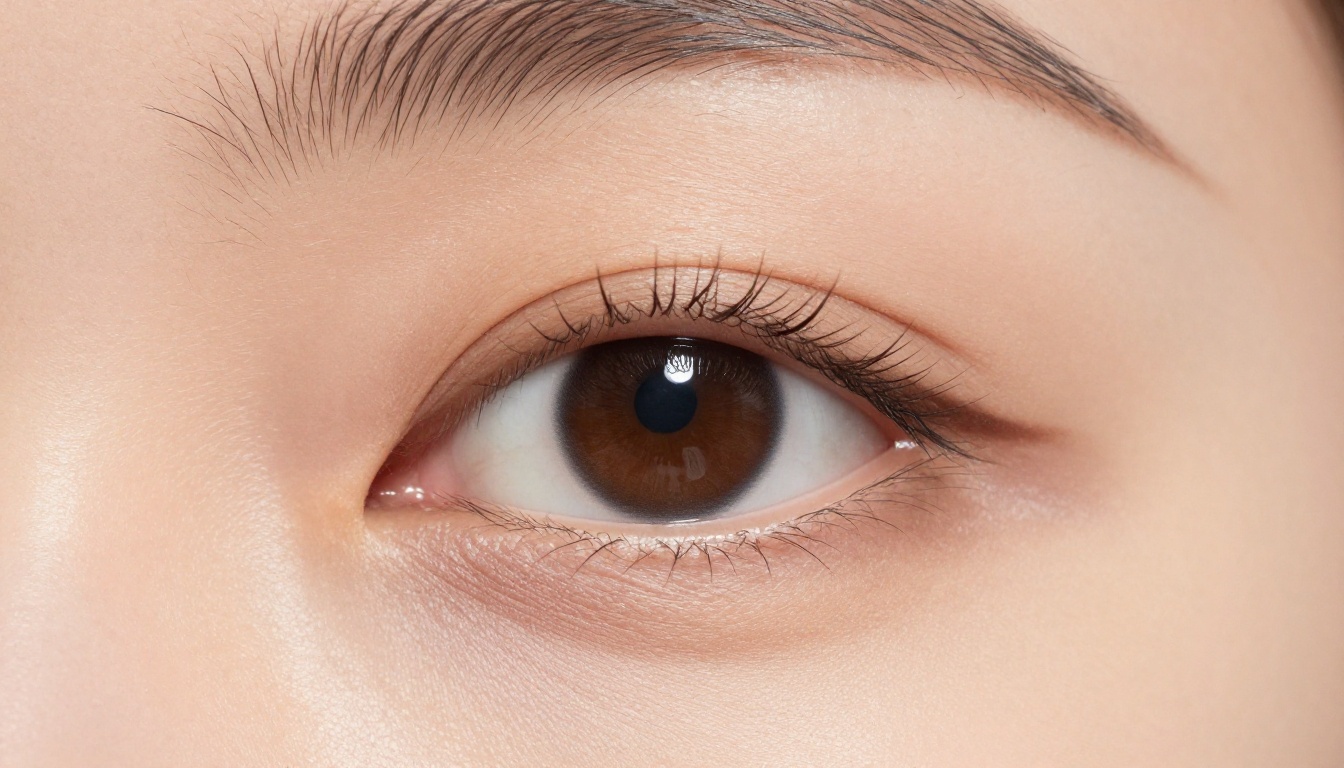
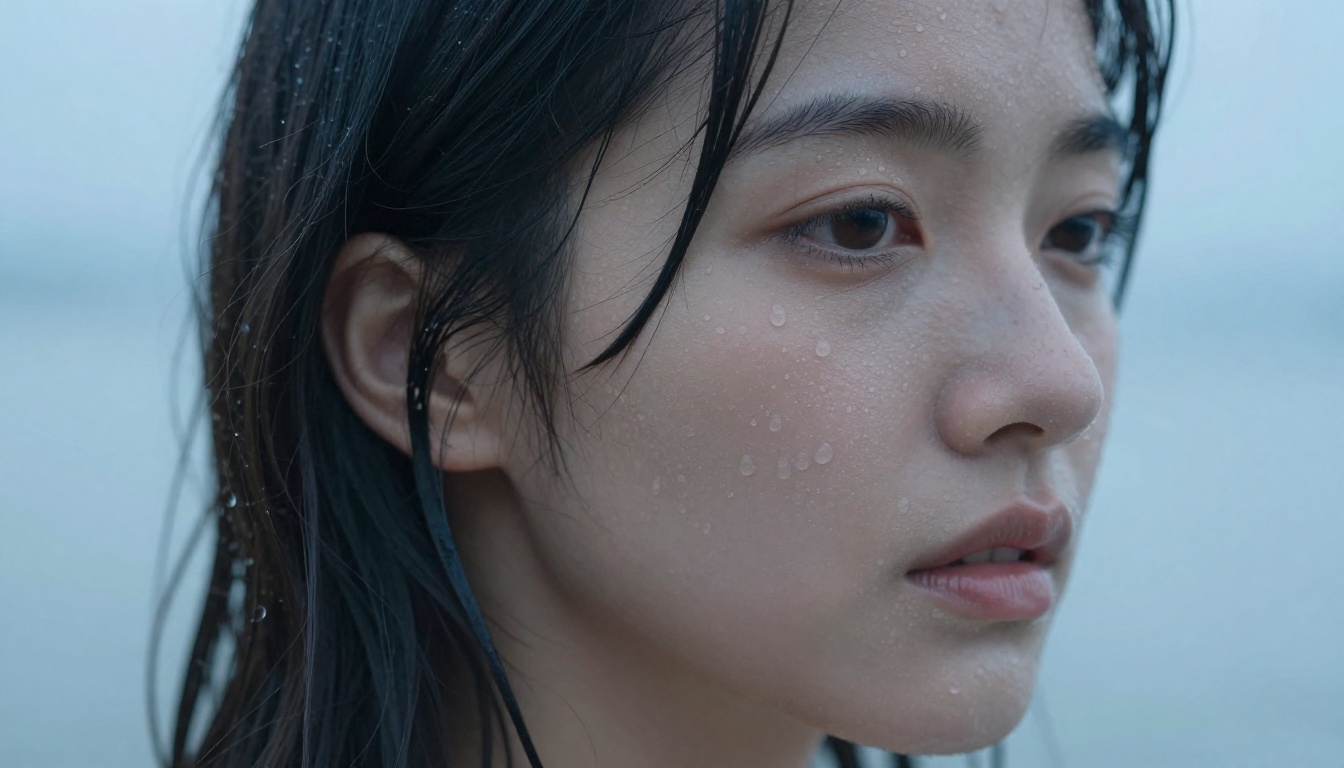
The zoom test is brutal. Generate a portrait, zoom to 100%, and check for grain artifacts, impossible textures, or that telltale AI smoothness on skin. The best tools in 2026 produce images where individual pores, fine hair strands, and fabric weave are all present and believable.
Photorealistic skin rendering is the single hardest thing to get right. Models trained on photography data, particularly those fine-tuned on high-resolution fashion and portrait datasets, tend to perform best here. Tools using older SDXL bases without additional fine-tuning often plateau at a soft, slightly painted quality, which is fine for artistic work but falls short for photorealistic output.
Prompt Fidelity vs. Creative Drift
Some models are brilliant improvisers. Others follow instructions to the letter. Neither is strictly better, but you need to know which you're working with.
Creative drift happens when a model interprets your prompt loosely, adding elements you didn't ask for or subtly changing the composition. This can produce surprisingly strong results, but when you need a specific pose, outfit, or lighting setup, drift is the enemy.
Prompt fidelity means the model reproduces your description accurately. Flux 1.1 Pro Ultra and GPT Image 1.5 both scored highest in our prompt adherence tests, and both are available directly on PicassoIA.
Content Policies: What Each Tool Actually Allows
This is where the comparison gets genuinely complicated. Platforms differ not just in what their base model can do, but in the filters applied at the API or platform level. Artistic nudity, implied scenes, and suggestive content exist in a gray zone that each tool handles differently. Knowing your tool's actual ceiling saves a lot of wasted generations.
We used a standardized rubric across five categories, each scored 1-10:
| Category | What We Measured |
|---|
| Realism | Skin texture, anatomy, lighting coherence at full resolution |
| Prompt Fidelity | How accurately the output matched our written prompt |
| Speed | Time from prompt submission to final image |
| Content Range | Suggestive to artistic nudity handling |
| Usability | Interface, API access, pricing clarity |
We ran 15 standardized prompts through each tool: 5 portrait scenes, 5 full-body compositions, and 5 specific outfit and environment combinations. Each prompt was tested three times to account for variance.
💡 Testing Note: We evaluated non-explicit NSFW output only, focusing on glamour, artistic, and suggestive categories. Content must be beautiful and intentional, not gratuitous.
The Best NSFW AI Image Generators Ranked
1. ByteDance Seedream 4.5
Overall Score: 9.7/10
Seedream 4.5 from ByteDance jumped straight to the top of our 2026 ranking, and it earned it. This is the rare model that produces genuinely photorealistic results and returns them in under three seconds. Most tools force a trade between speed and quality. Seedream 4.5 refuses that compromise, which is why its performance feels exceptional rather than merely fast.
What pushes it past the rest for NSFW work is the combination of open content handling and raw realism. It renders skin, water, and warm natural light with a richness that feels printed rather than generated, and it stays comfortable with suggestive, glamour, and swimwear scenes that more restrictive models reject. Color rendering is the best in the field: vibrant without tipping into oversaturation.
Seedream 4.5 is also a full editor, not just a generator. Feed it one to fourteen reference images and it will blend, restyle, or rework them while holding your composition steady. Output runs up to 4K, so a beach portrait keeps its detail even when you crop in hard.
Strengths: Photorealistic output in under three seconds, open NSFW handling, built-in image editing, 2K and 4K resolution.
Weakness: Interior low-light scenes need a more descriptive prompt than its outdoor work.
💡 Why it wins: Realistic results, image editing, and sub-three-second generation in one model. For most NSFW workflows in 2026, this is the new default.
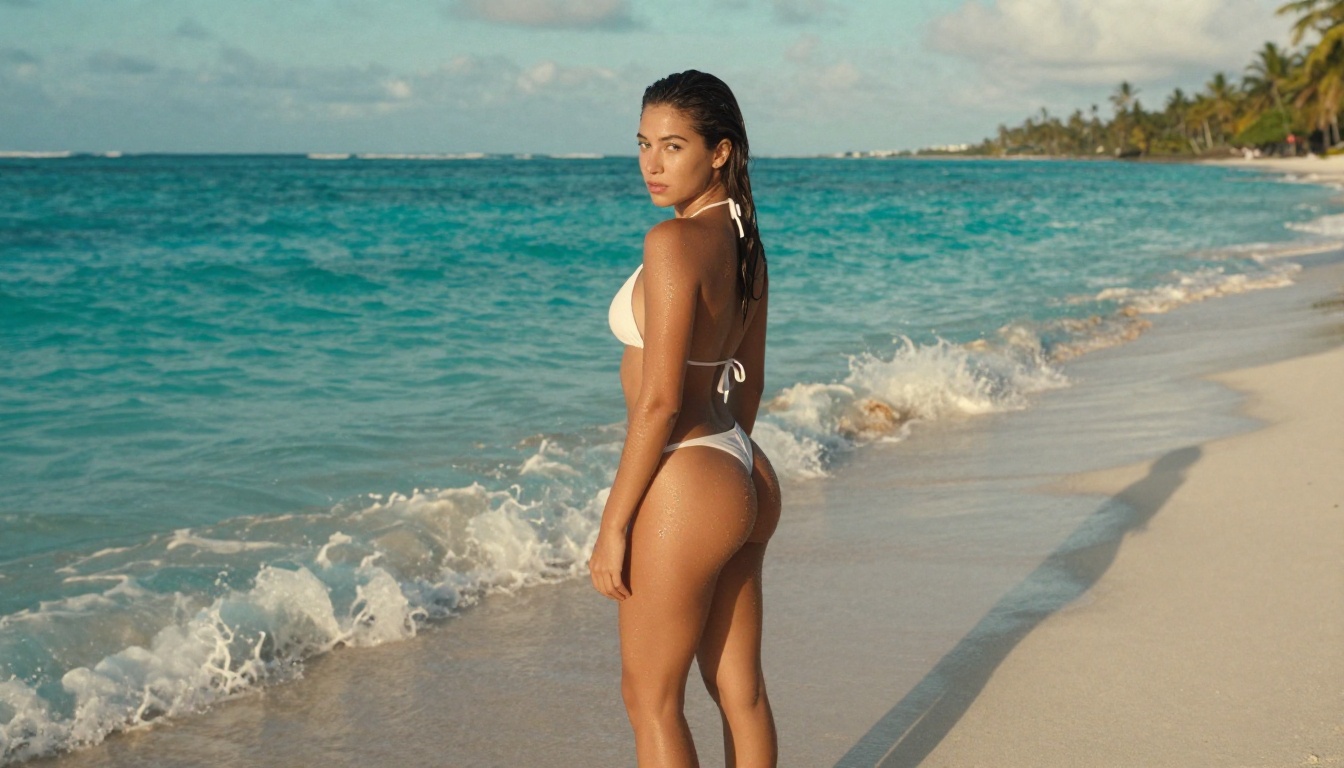
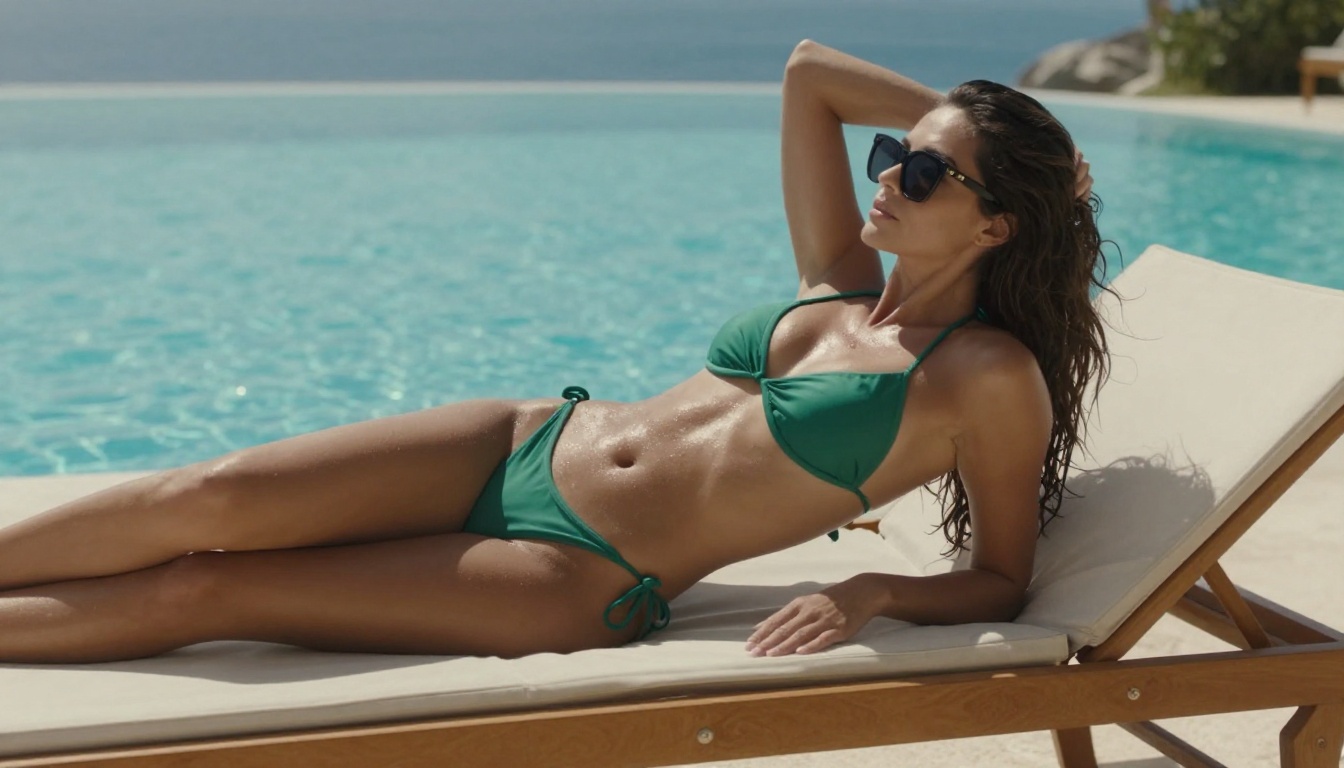
A Seedream 4.5 still animated with PicassoIA image to video, 720p.
2. PicassoIA Image Editor Pro
Overall Score: 9.6/10
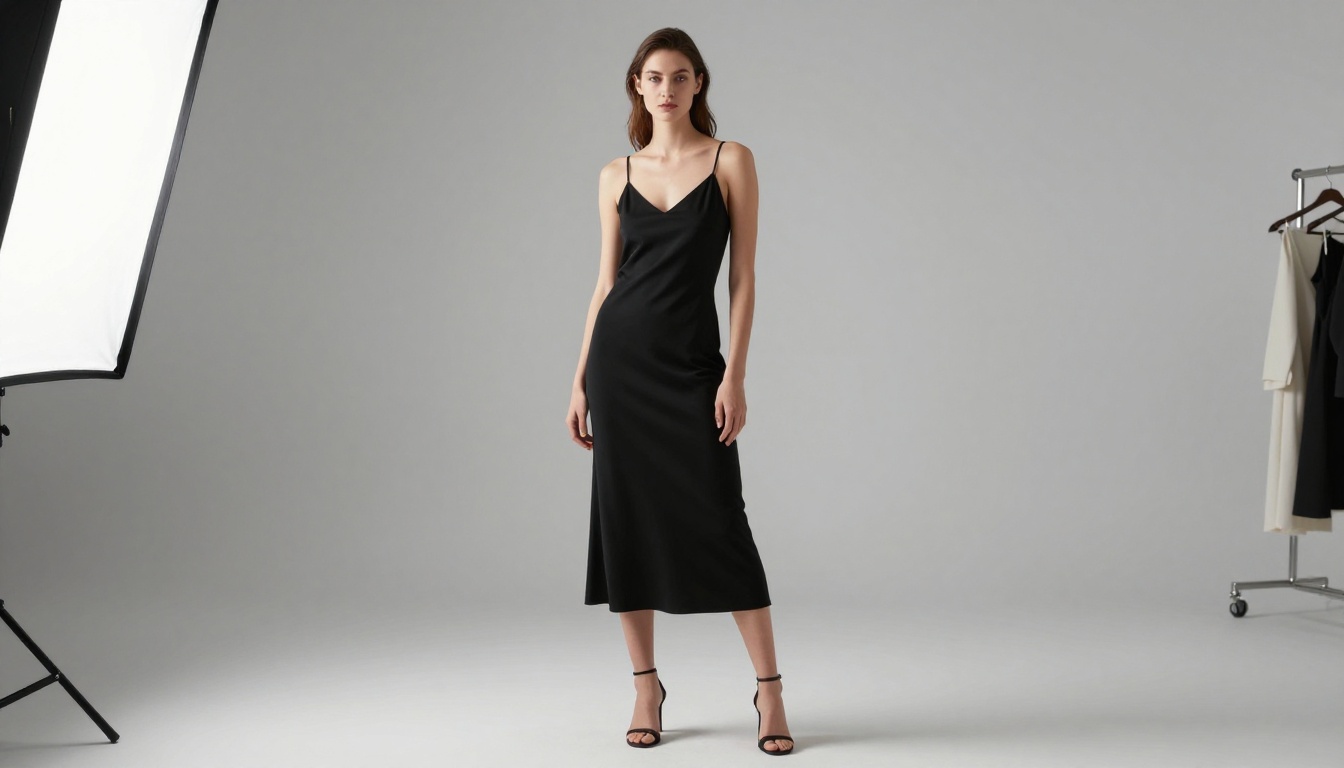
PicassoIA Image Editor Pro is the platform's native image-to-image editor, and it changes the math on high-volume work entirely. You upload a photo, describe the change in plain language, and get a polished result in under a second. It accepts NSFW edits, handles up to three reference images at once, and leaves everything else in the frame untouched.
The real headline is that it is completely unlimited. There is no per-edit cap and no daily quota. If your project needs 1,000 images, you generate 1,000 images at no extra cost on an Elite or Infinite subscription. Run a thousand variations, batch-edit a full campaign, iterate until it is perfect: the model keeps running.
Put that next to a credit-based editor like Nano Banana 2 and the gap is obvious.
| Volume | Nano Banana 2 (credit based) | PicassoIA Image Editor Pro |
|---|
| 100 edits | around $10 | Included, $0 |
| 1,000 edits | around $100 | Included, $0 |
| 10,000 edits | around $1,000 | Included, $0 |
Generating 1,000 images on a metered editor can run you roughly $100. Here it costs nothing, because you generate as many times as you want with no limit. And you can try it before committing anything: PicassoIA Image Editor Pro offers a free trial of three generations with no credit card required.
Strengths: Unlimited generations, accepts NSFW, sub-second edits, multi-image input, free trial with no card.
Weakness: It is an editor, so it needs a starting image rather than building from text alone.
💡 The math: 1,000 edits on a metered tool like Nano Banana 2 can cost around $100. On Image Editor Pro those same 1,000 edits are included free, with no cap on how many more you run.
3. Qwen Image 2
Overall Score: 9.4/10
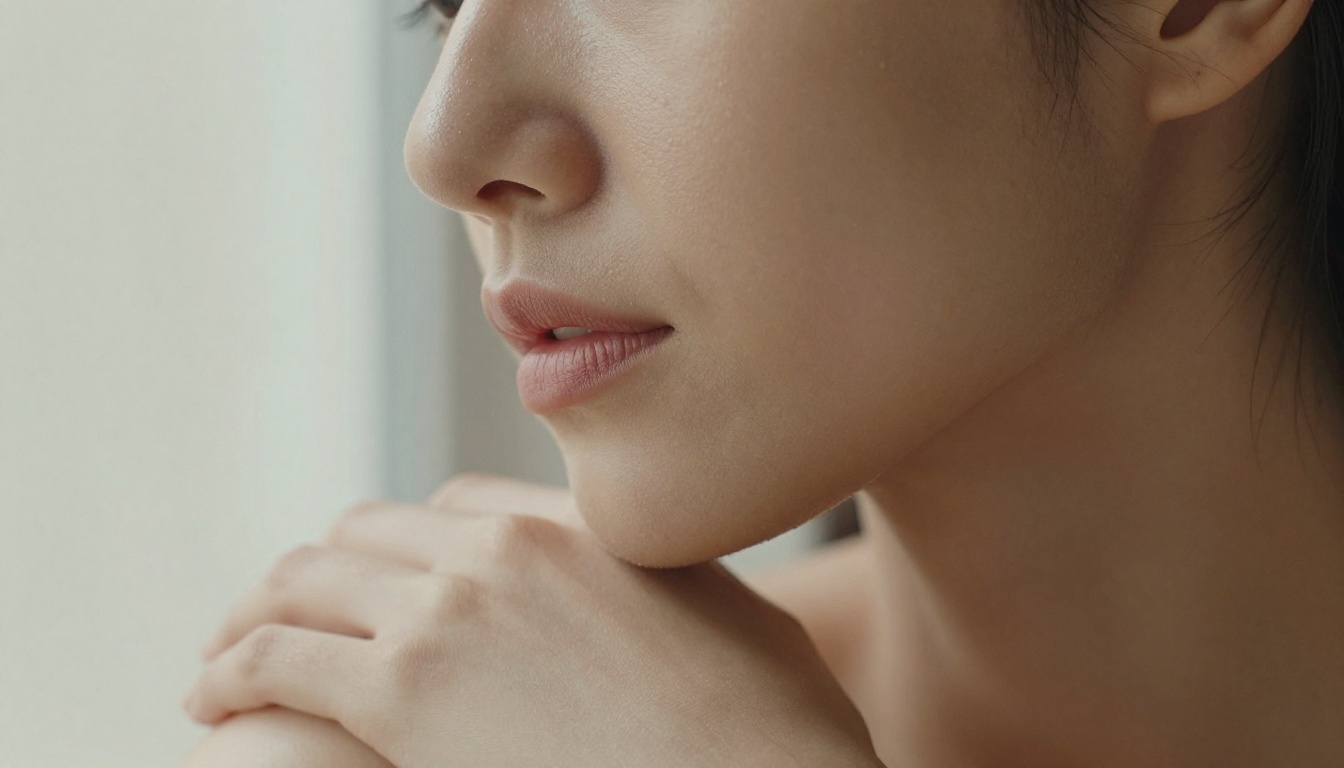
Qwen Image 2 is the open-source standout of this list. Because it is open source, it works with no artificial ceiling on what you can create or edit, and it handles both modes natively: write a prompt to build an image from scratch, or upload a photo and describe the change to edit it in seconds. Detail is its signature, with skin, hair, and fabric all rendering at very detailed, believable realism.
It produces images across nine aspect ratios and renders legible text inside the frame, which most models still fumble. For creators who want full control and a model that keeps improving with a community behind it, Qwen Image 2 is a serious tool.
Strengths: Open source with no hard ceiling, create and edit in one model, very detailed realism, fast.
Weakness: Default prompt expansion can drift, so switch it off when you need a literal result.
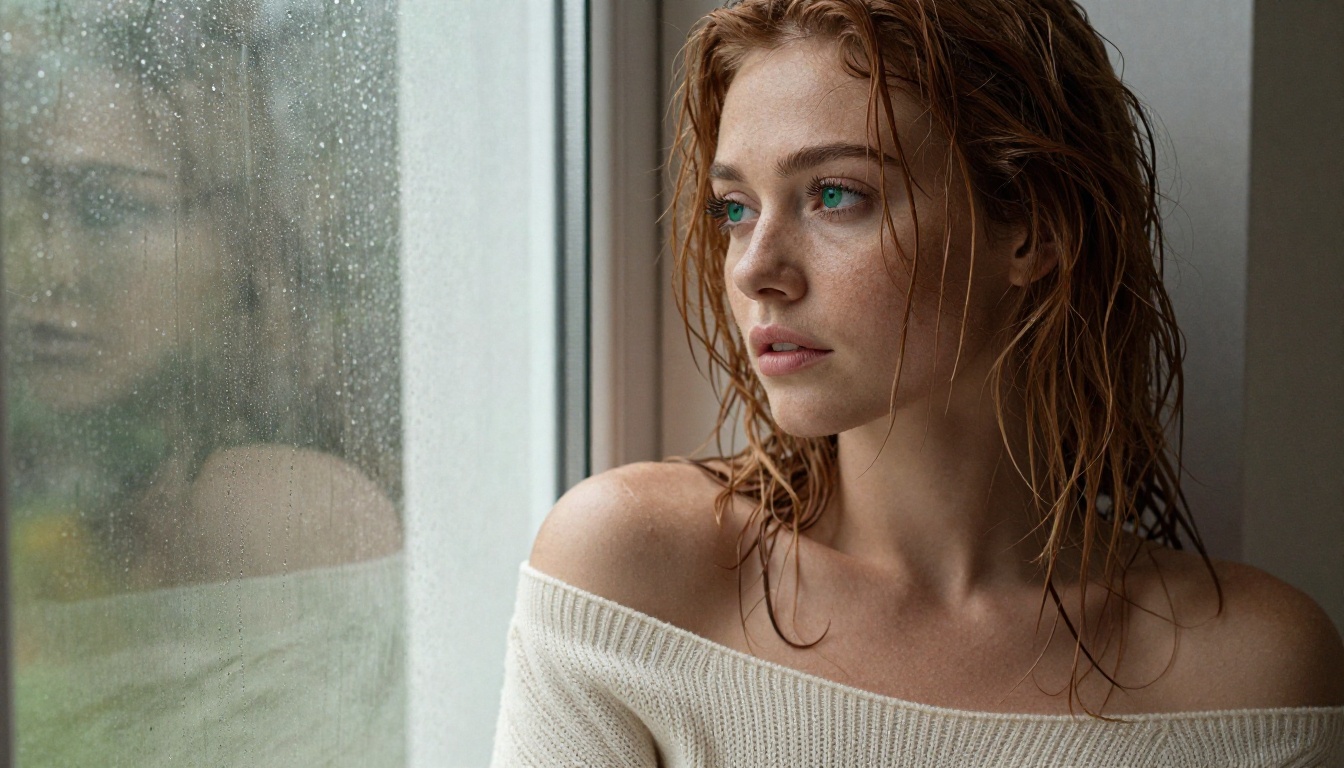
A Qwen Image 2 still brought to life with image to video, 720p.
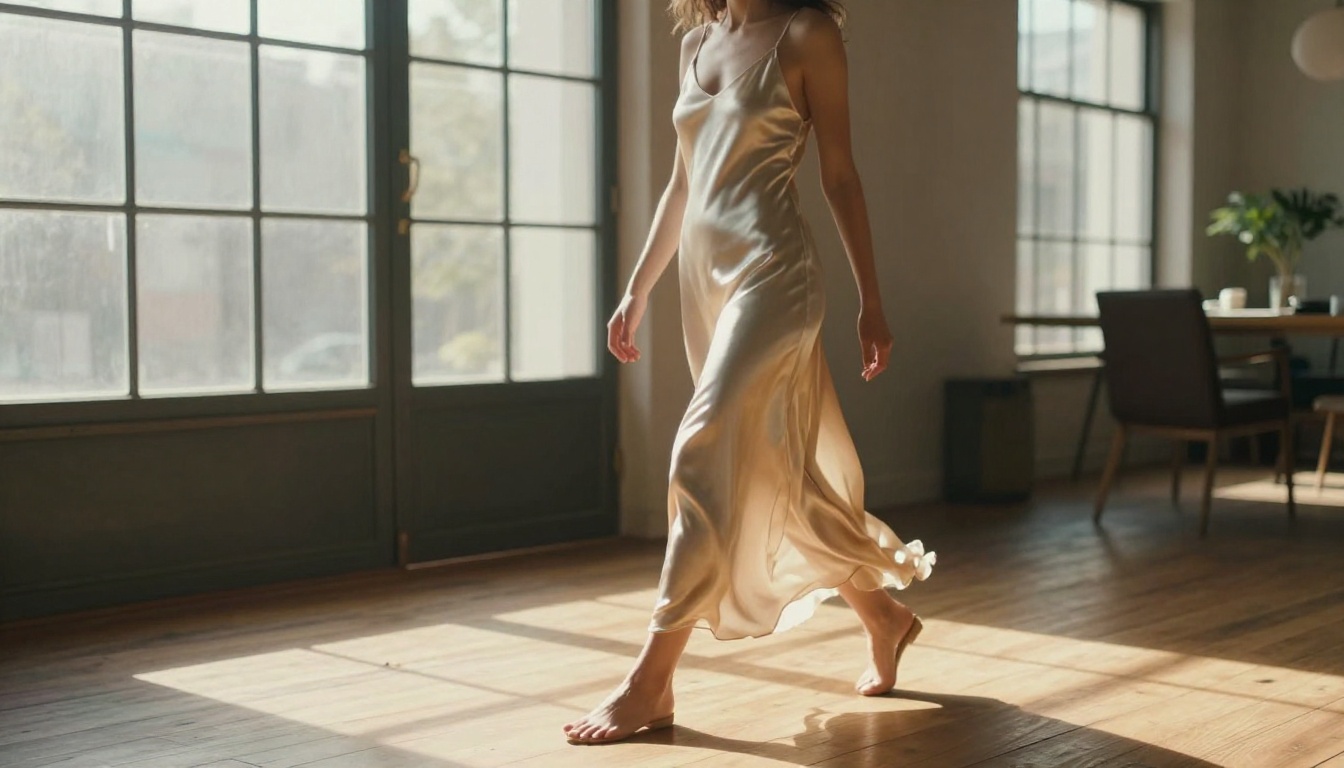
4. xAI Grok Imagine
Overall Score: 9.2/10
Grok Imagine from xAI has one trick that creators keep coming back for: hand it a photo and it will turn the outfit into a realistic bikini look while keeping the pose, lighting, and body natural. The edit reads as a genuine beach or poolside shot, not a crude paste. It also works as a straight text-to-image generator across fourteen aspect ratios.
On PicassoIA it runs with unlimited generations, so you can push dozens of variations of the same edit back to back until the result sits exactly right. For swimwear and glamour concepts, that iteration speed matters.
Strengths: Realistic photo to bikini edits, unlimited generations, fast, fourteen aspect ratios.
Weakness: Very fine fabric patterns can need a second pass.
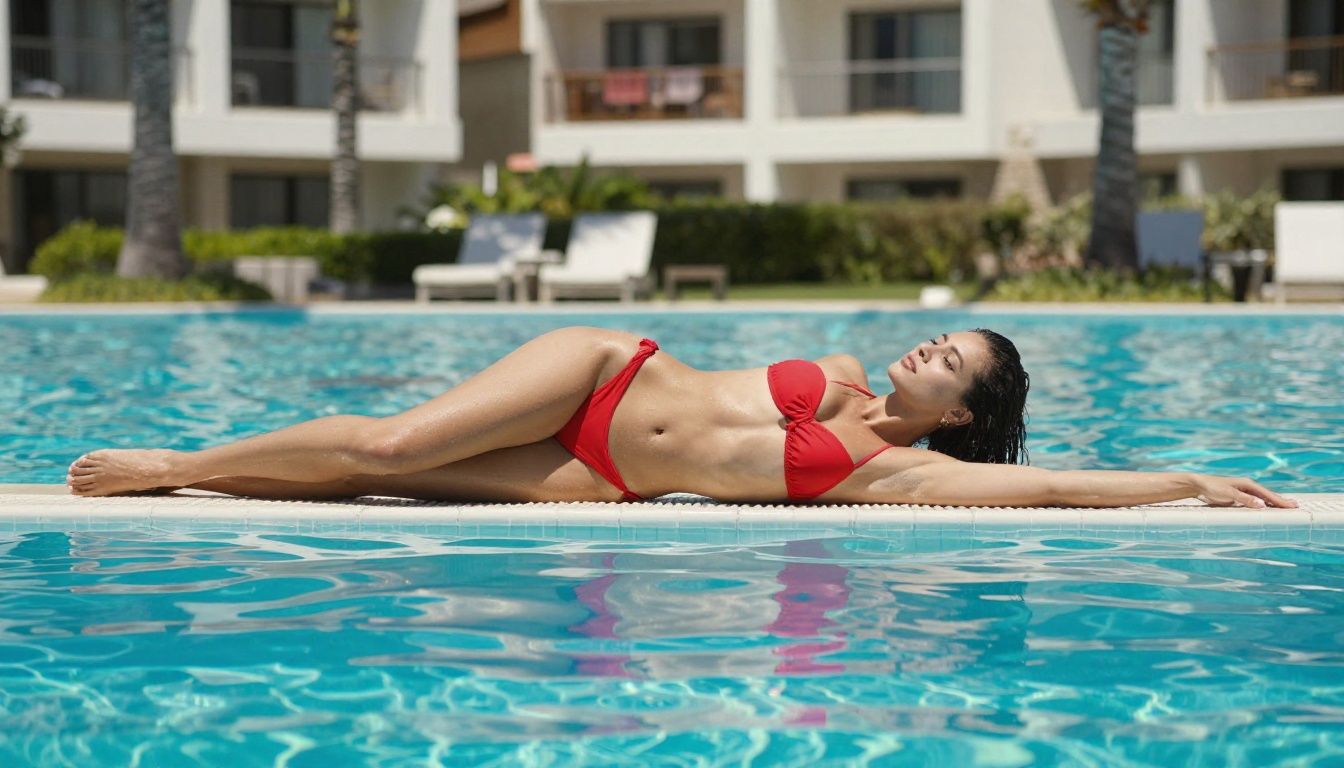
A Grok Imagine bikini scene animated into 5 seconds of motion, 720p.
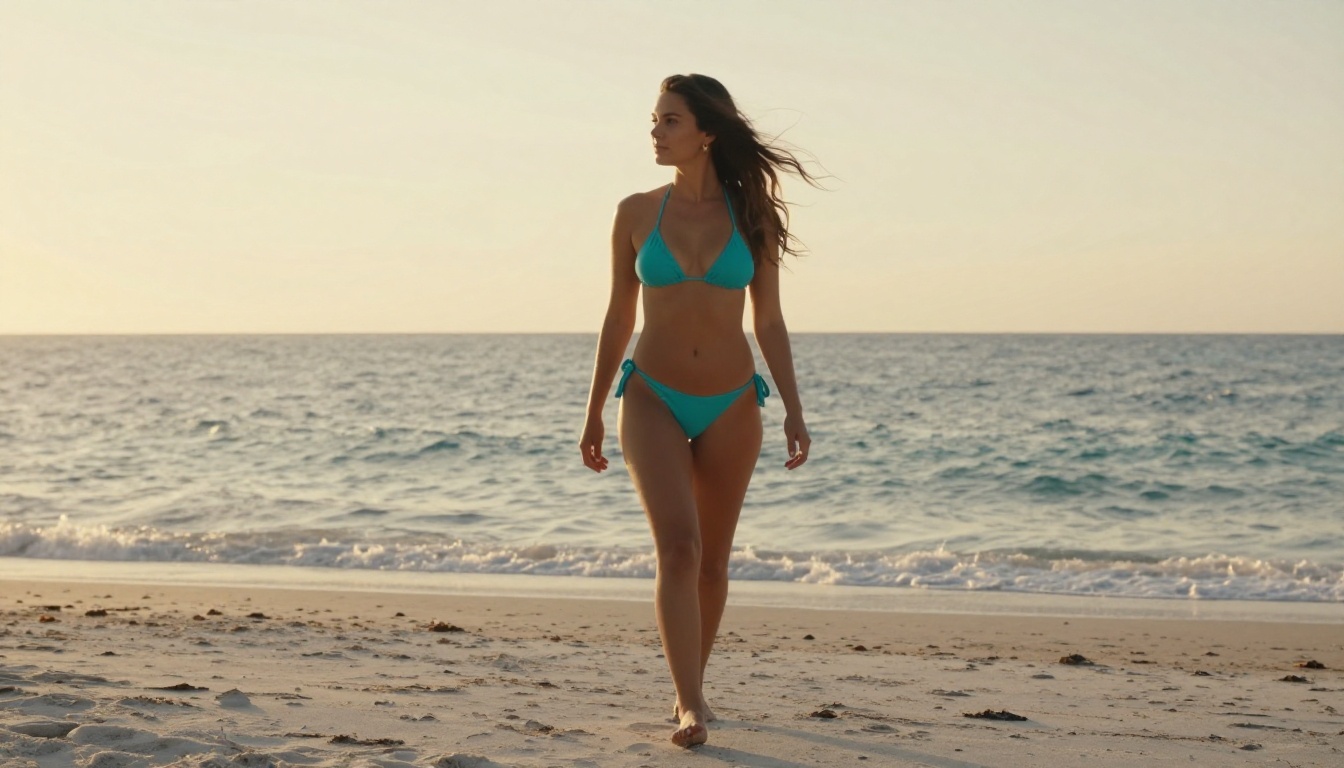
5. Recraft V4
Overall Score: 9.0/10
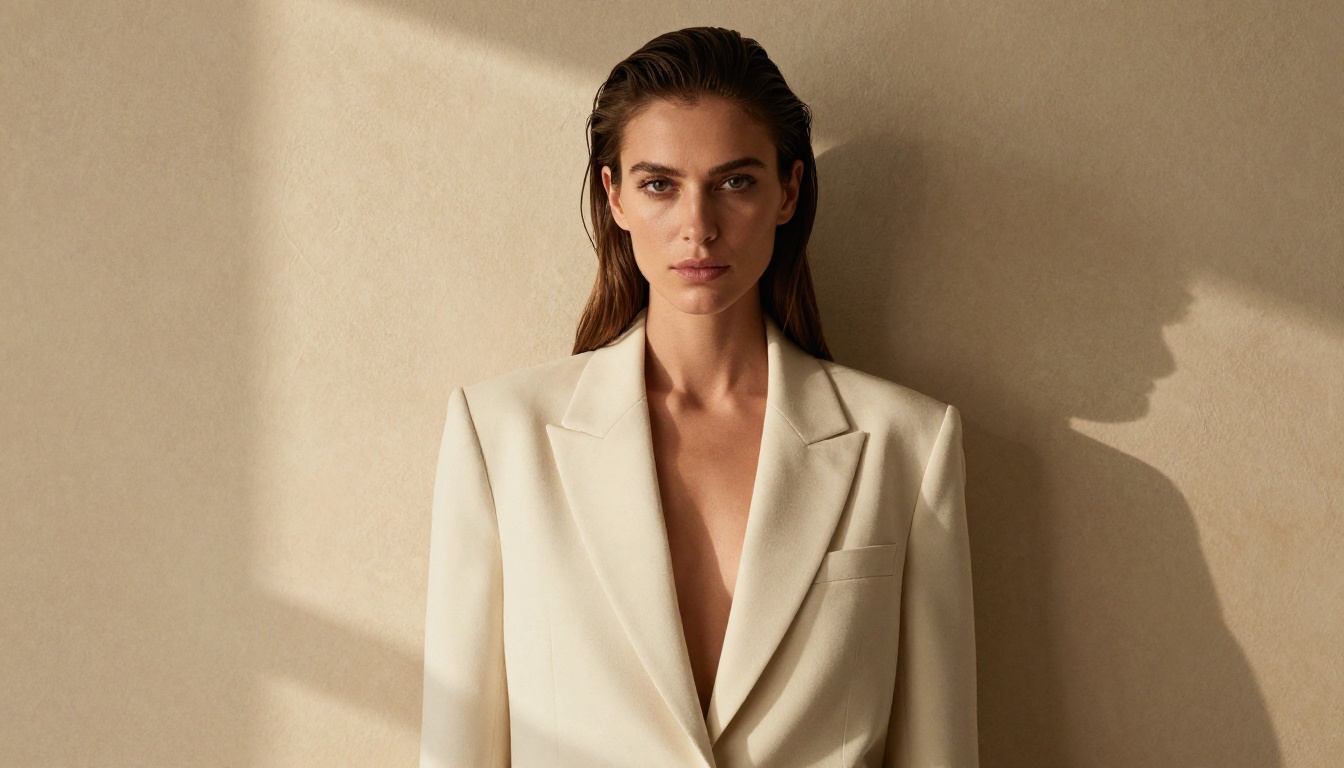
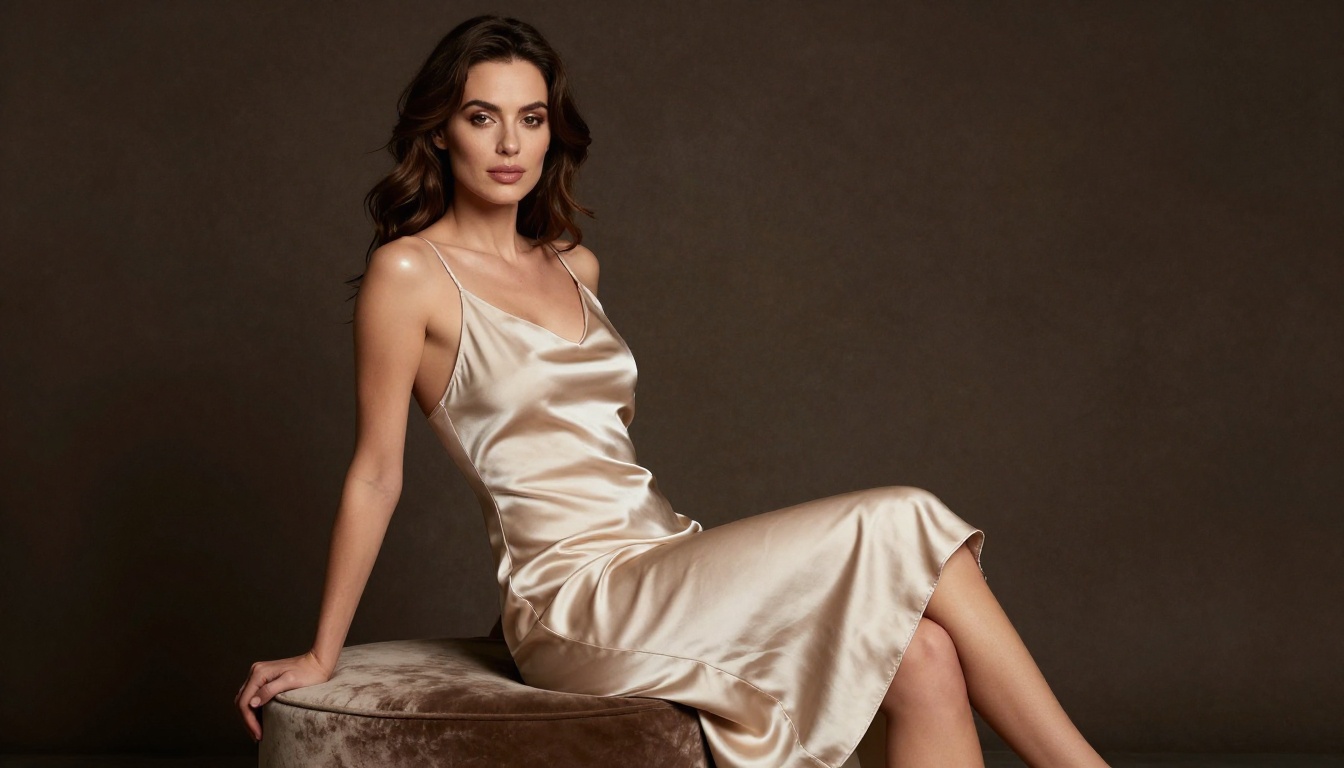
Recraft V4 rounds out the new top five on the strength of pure realism. It reads prompts closely and returns images that look art-directed by a human, with intentional framing and clean composition. It is text-to-image only, with no editing mode, but if you want a realistic shot from a written description, the output quality is hard to beat.
It also renders readable text inside images cleanly, which makes it a strong pick for editorial and poster-style concepts on top of straight portraiture.
Strengths: Very realistic text-to-image output, art-directed composition, sharp in-image text.
Weakness: Text-to-image only, no image editing or img2img mode.
6. Flux 1.1 Pro Ultra
Overall Score: 8.9/10
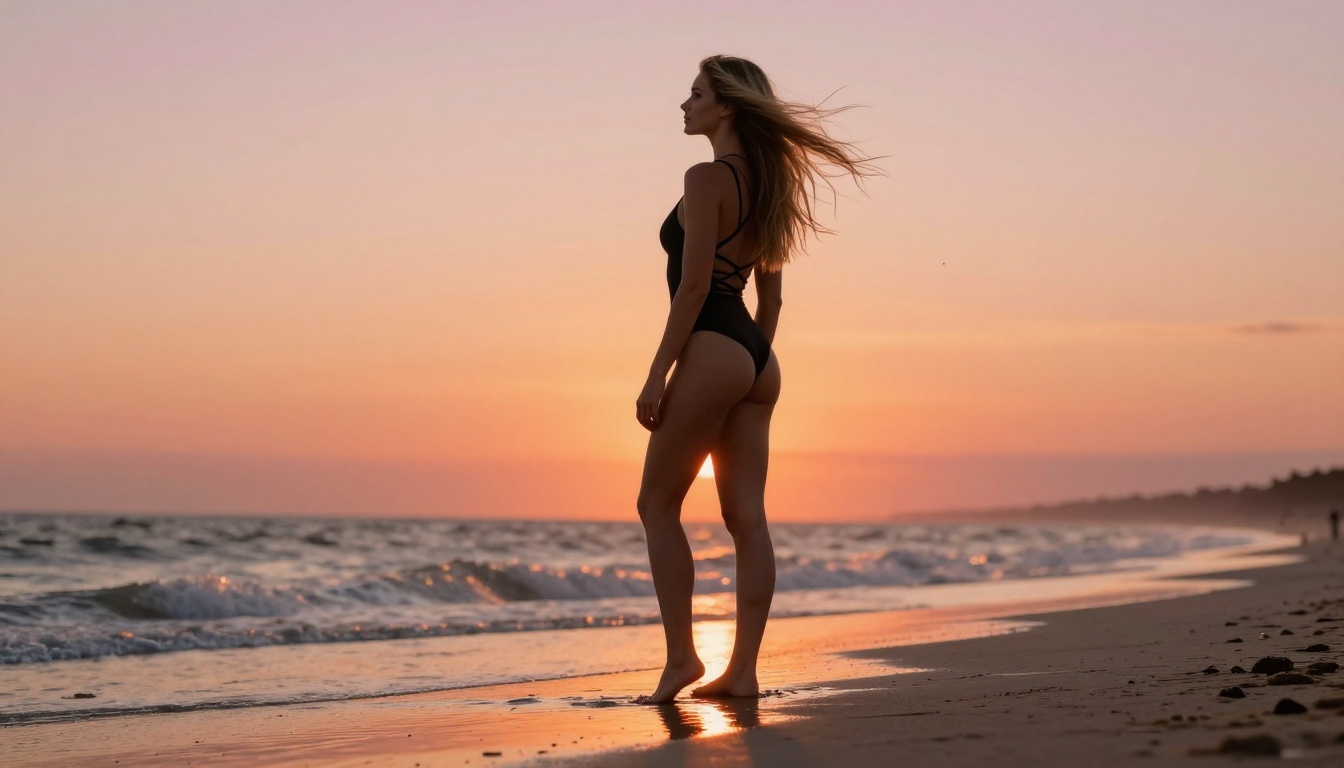
Flux 1.1 Pro Ultra remains one of the most realistic models you can run. Black Forest Labs' flagship produces images where you genuinely have to look twice to confirm they're AI-generated. Skin texture, hair, and fabric all render at a level that rivals high-end studio photography.
What still sets it apart is its response to lighting descriptions. Feed it "volumetric afternoon light from the left, 85mm portrait lens" and it actually delivers that, not a generic well-lit figure. The only reason it now sits at six rather than the top is raw speed: the newer models above it return comparable realism several times faster.
Strengths: Reference-grade realism, excellent lighting accuracy, strong prompt adherence.
Weakness: Generation speed is slower than the lighter models. Expect 15 to 25 seconds per image.
7. Flux 2 Pro
Overall Score: 8.7/10
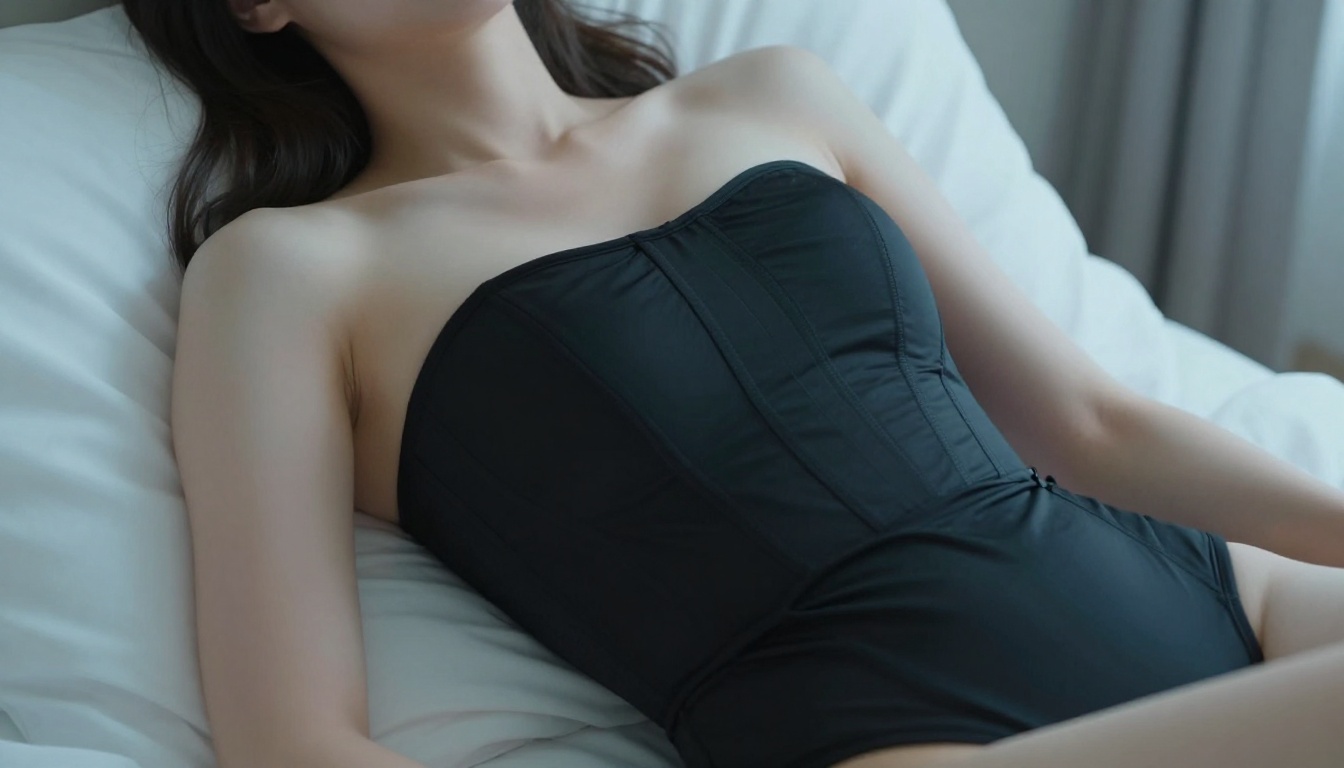
Flux 2 Pro is the second-generation professional model from Black Forest Labs, and it shines on full-body compositions where anatomy can drift. The model handles long, complex prompts with impressive consistency, and its fabric rendering reads silk, linen, and lace as genuinely different materials rather than variations of a generic cloth texture.
Strengths: Exceptional full-body anatomy, superb fabric detail, consistent on complex prompts.
Weakness: Very specific facial features still require multiple generations.
8. Stable Diffusion 3.5 Large
Overall Score: 8.5/10
Stable Diffusion 3.5 Large is the open-source workhorse that most fine-tuned models are built on, and for good reason. Its grasp of environmental context is exceptional. Beach scenes, interior setups, and architectural backgrounds all feel fully realized rather than plastered behind a figure. Layering in LoRA fine-tunes lets you push it toward almost any aesthetic niche.
Strengths: Best in class for environment rendering, highly customizable.
Weakness: Slightly softer on facial detail than the newer models without fine-tuning.
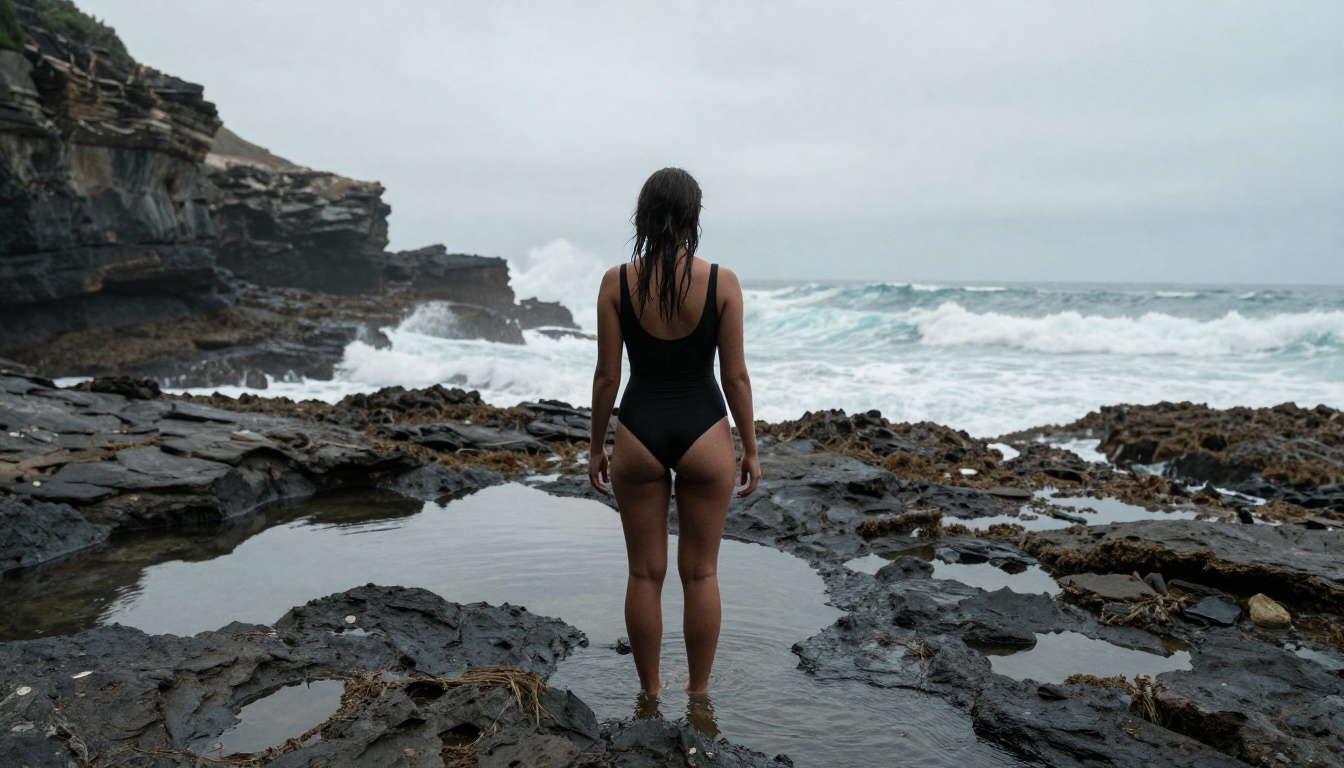
9. Realistic Vision v5.1
Overall Score: 8.3/10
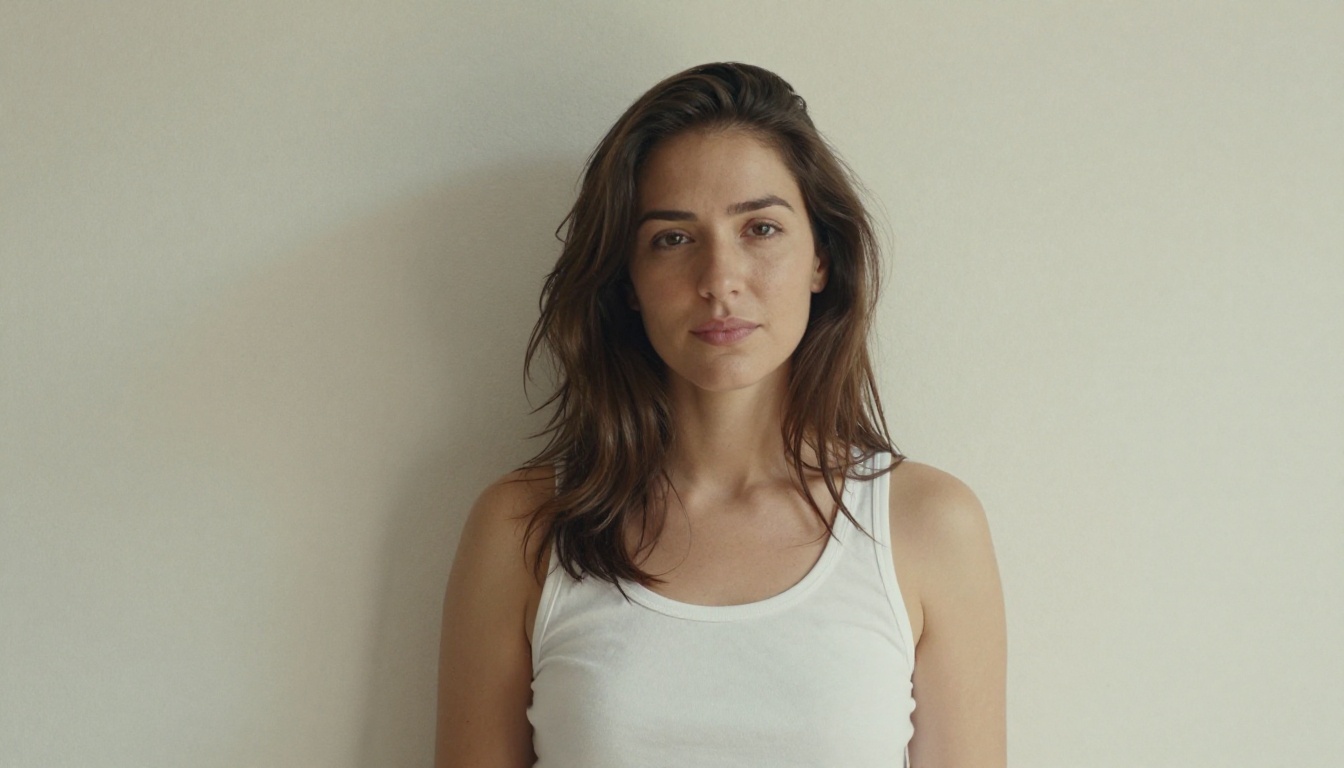
If photorealism is your only priority, Realistic Vision v5.1 punches well above its weight class. This SDXL-based fine-tune was specifically trained on high-resolution photography, and it consistently produces skin texture that looks genuinely photographed rather than rendered. Its sweet spot is close-up and medium-distance portraiture.
Strengths: Best skin texture in its class, outstanding portrait quality.
Weakness: Full-body environmental compositions are weaker than portrait mode.
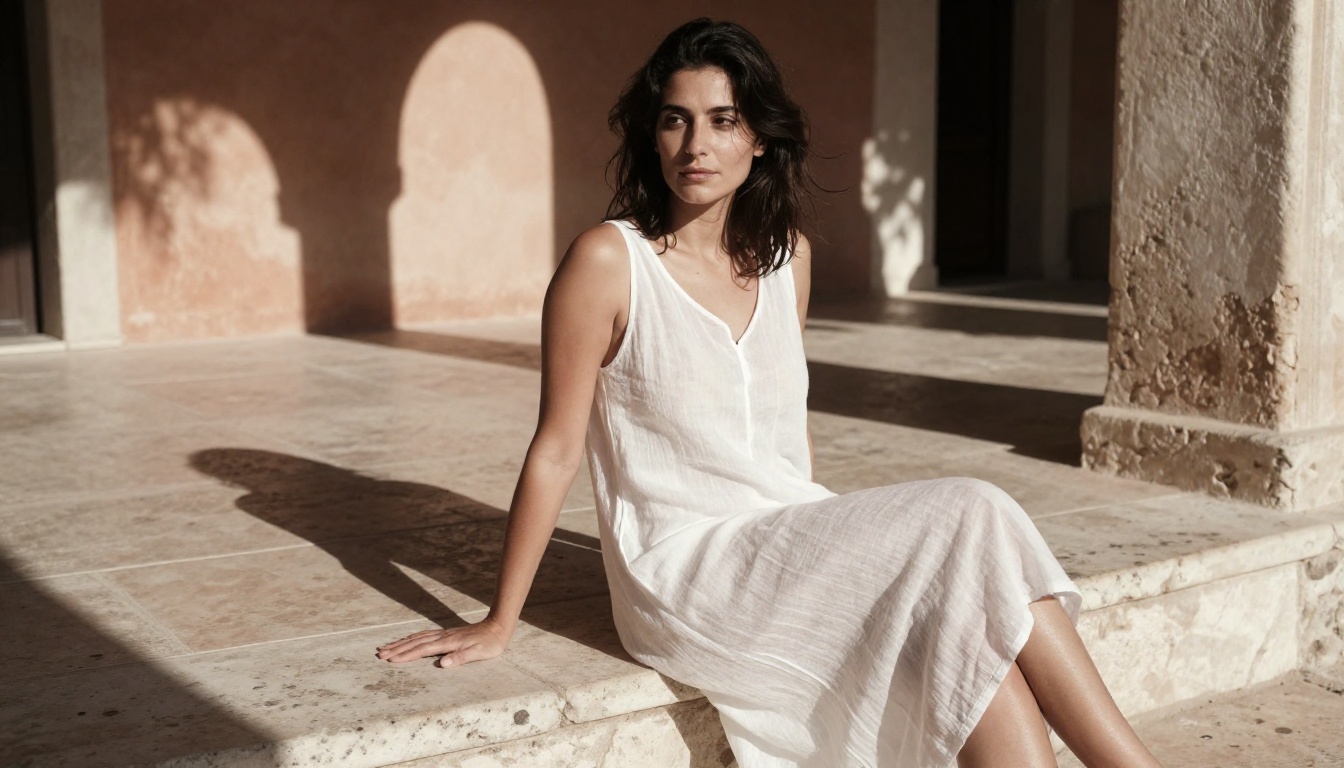
10. DreamShaper XL Turbo
Overall Score: 8.0/10
DreamShaper XL Turbo is the speed champion of the older guard. At 4 to 6 seconds per generation, it lets you iterate through compositions and prompt variations at a pace that slower models simply cannot match. Many experienced creators use it to nail composition and pose, then switch to a higher-fidelity model for the final output.
Strengths: Fast generation, great for iterative workflows.
Weakness: Fine detail like jewelry and lace suffers at speed.
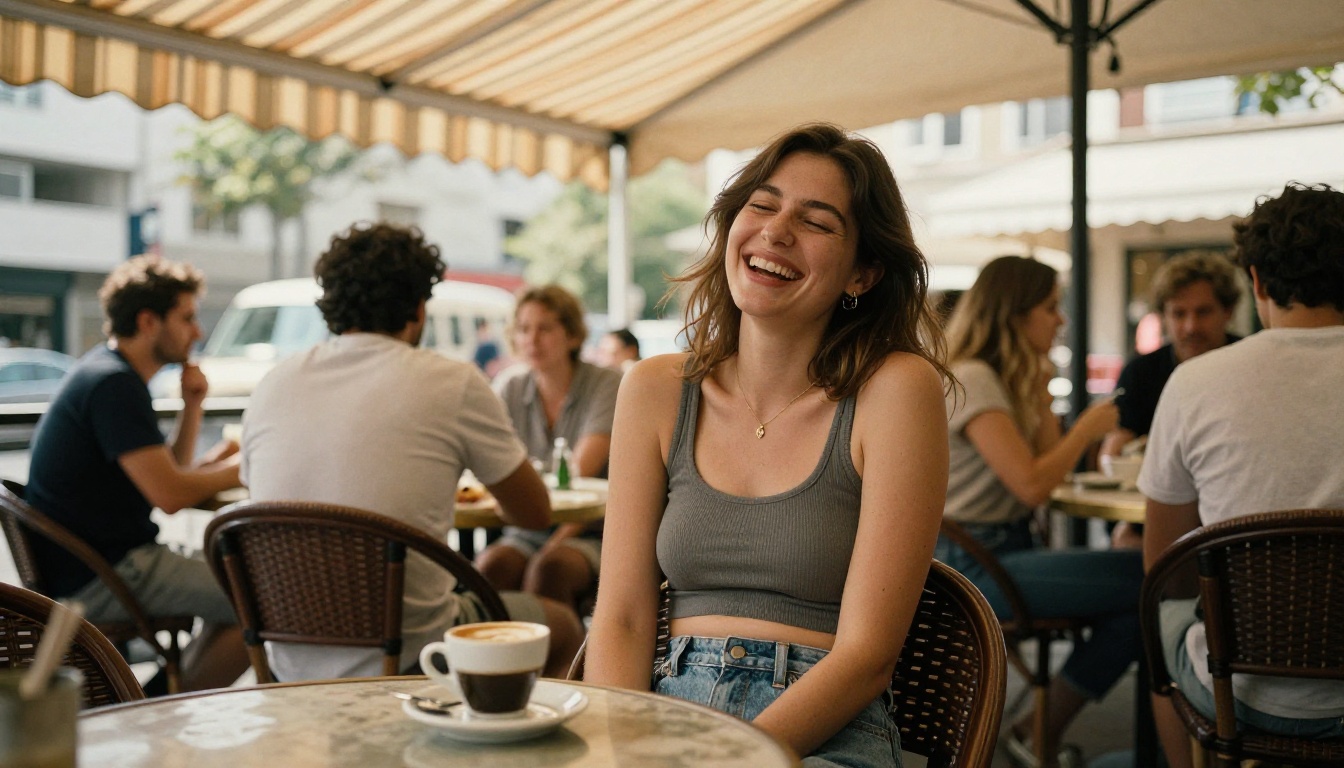
11. SDXL
Overall Score: 7.8/10
SDXL from Stability AI remains relevant in 2026 as the foundation for a massive ecosystem of fine-tunes and community models. The base SDXL is a solid, reliable generator with good all-around performance, backed by the largest community knowledge base for getting specific results.
Strengths: Huge community ecosystem, reliable and well-documented.
Weakness: Outpaced by newer specialized models on raw quality metrics.
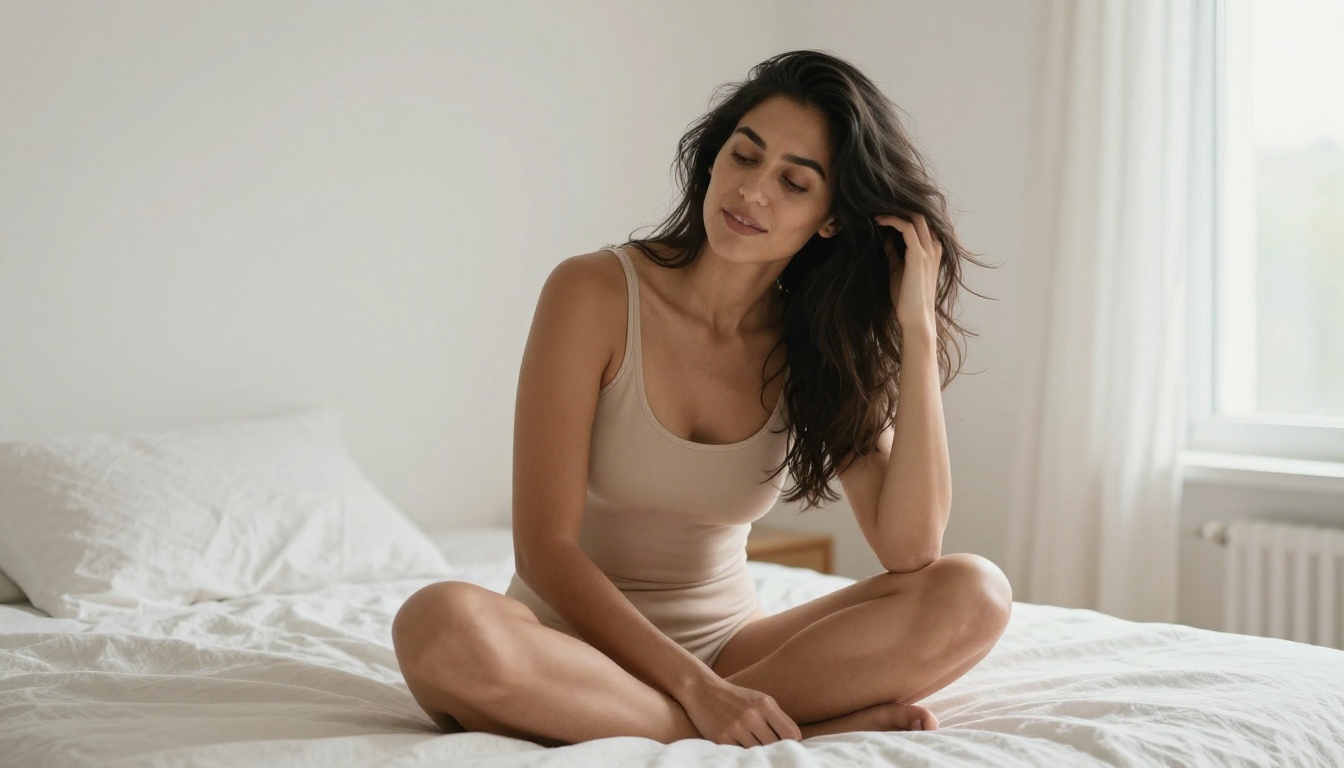
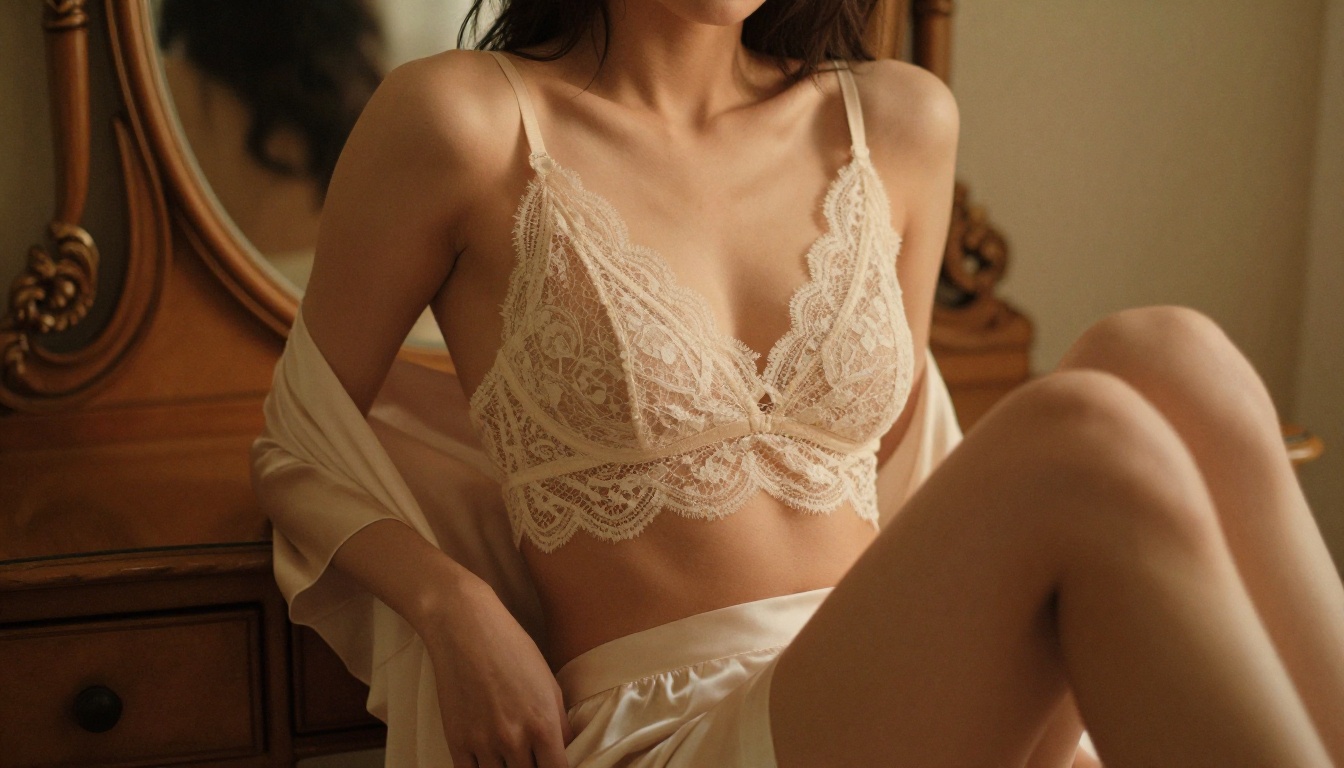
12. GPT Image 1.5
Overall Score: 7.6/10
GPT Image 1.5 brings OpenAI's natural language processing strength to image generation. Its prompt adherence is genuinely exceptional, and it handles nuanced, conversational prompts better than any other tool on this list, picking up on the mood rather than just the literal description. For NSFW work it stays in suggestive and tasteful territory, which makes it ideal for glamour and beauty rather than artistic nudity.
Strengths: Best conversational prompt understanding, superb mood capture.
Weakness: More conservative content range than Flux or SD-based models.
13. Ideogram v3 Quality
Overall Score: 7.4/10
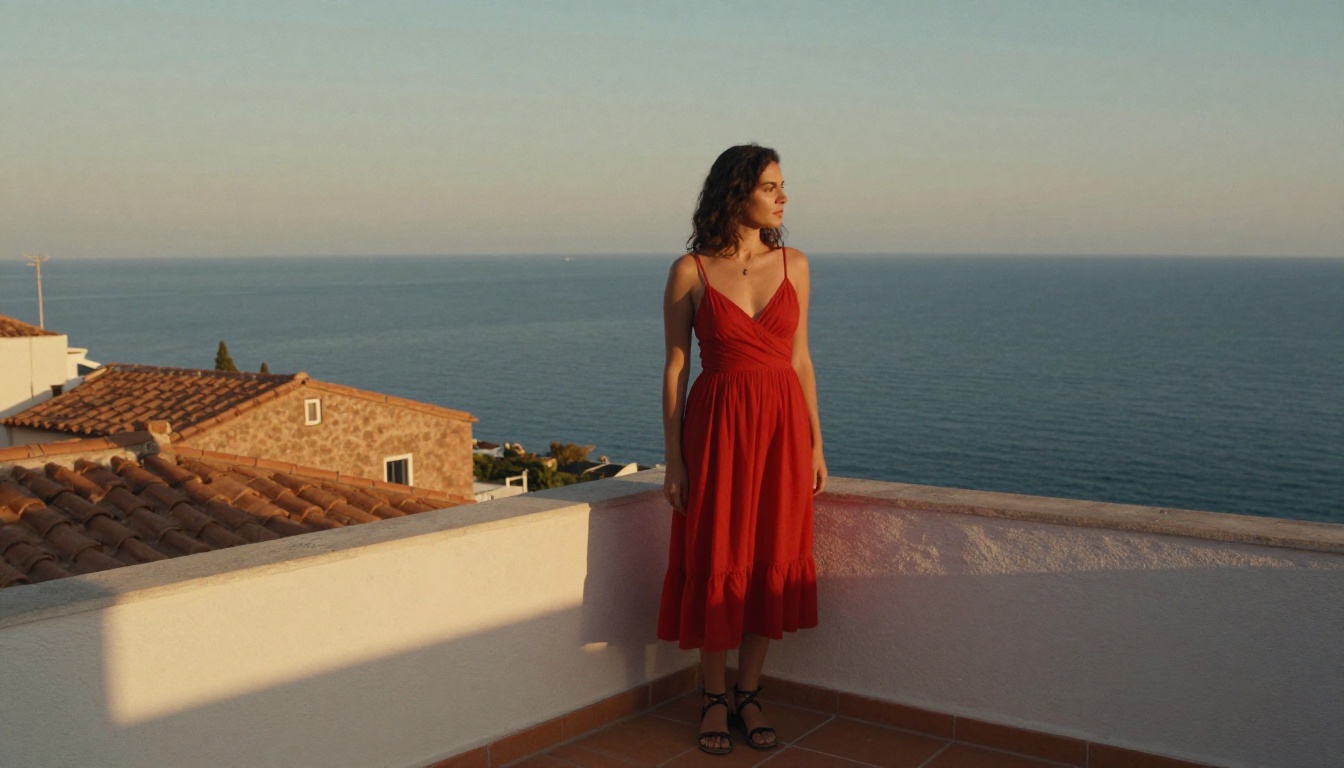
Ideogram v3 Quality made this list on the strength of its compositional intelligence. Where most models struggle to place figures naturally within environments, Ideogram v3 Quality produces scenes that feel genuinely staged, with correct perspective, grounded shadows, and believable spatial relationships.
Strengths: Best scene composition and environmental staging.
Weakness: Slightly slower, with a smaller NSFW content range than top-tier models.
14. Proteus v0.2
Overall Score: 6.8/10
Proteus v0.2 rounds out the ranking as a reliable entry-level option. It won't win any technical realism awards, but for high-volume work or for creators still developing their prompting skills, it produces consistently acceptable results without the complexity or cost of premium models. Its content range is relatively open, which makes it a popular starting point.
Strengths: Fast, permissive, low cost per generation.
Weakness: Noticeably behind the top models on realism metrics.
See These Models in Motion
Every still on this page can become a five-second video without leaving PicassoIA. The platform's image to video tool takes any generated frame and animates it with natural, synchronized motion, so a beach portrait gets rolling waves and a rooftop shot gets a warm shifting sky. The clips below were all produced in 720p straight from the images above.
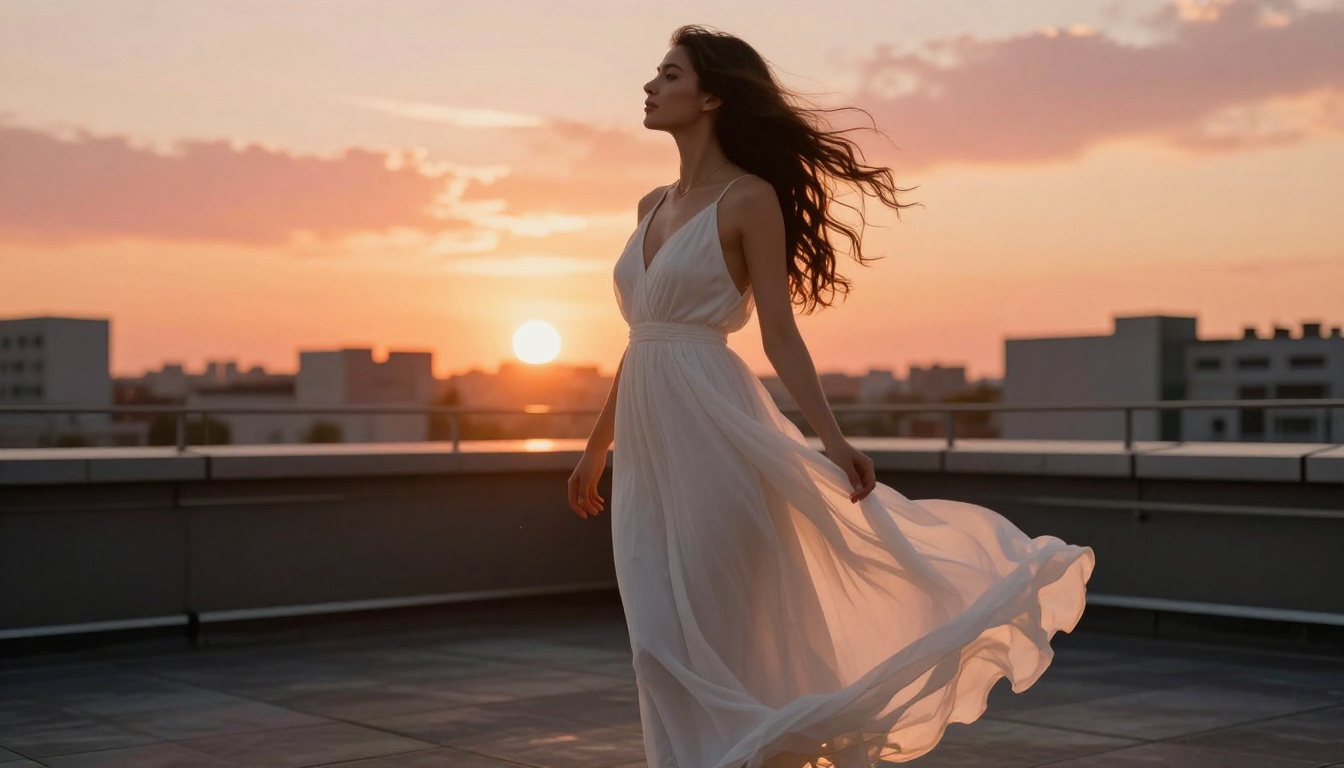
A still image animated into 5 seconds of golden-hour motion, 720p.
A poolside scene brought to life with rippling water and natural movement, 720p.
This is the workflow that ties the whole platform together: generate a realistic still with Seedream 4.5 or Grok Imagine, then animate your favorite frame for social posts, headers, or previews.
Full Feature Comparison
Getting Better Results From Any Model
The gap between a mediocre and exceptional NSFW AI image is usually in the prompt, not the model. Here are the methods that made the biggest difference across our two weeks of testing.
Write Like a Photographer, Not a Writer
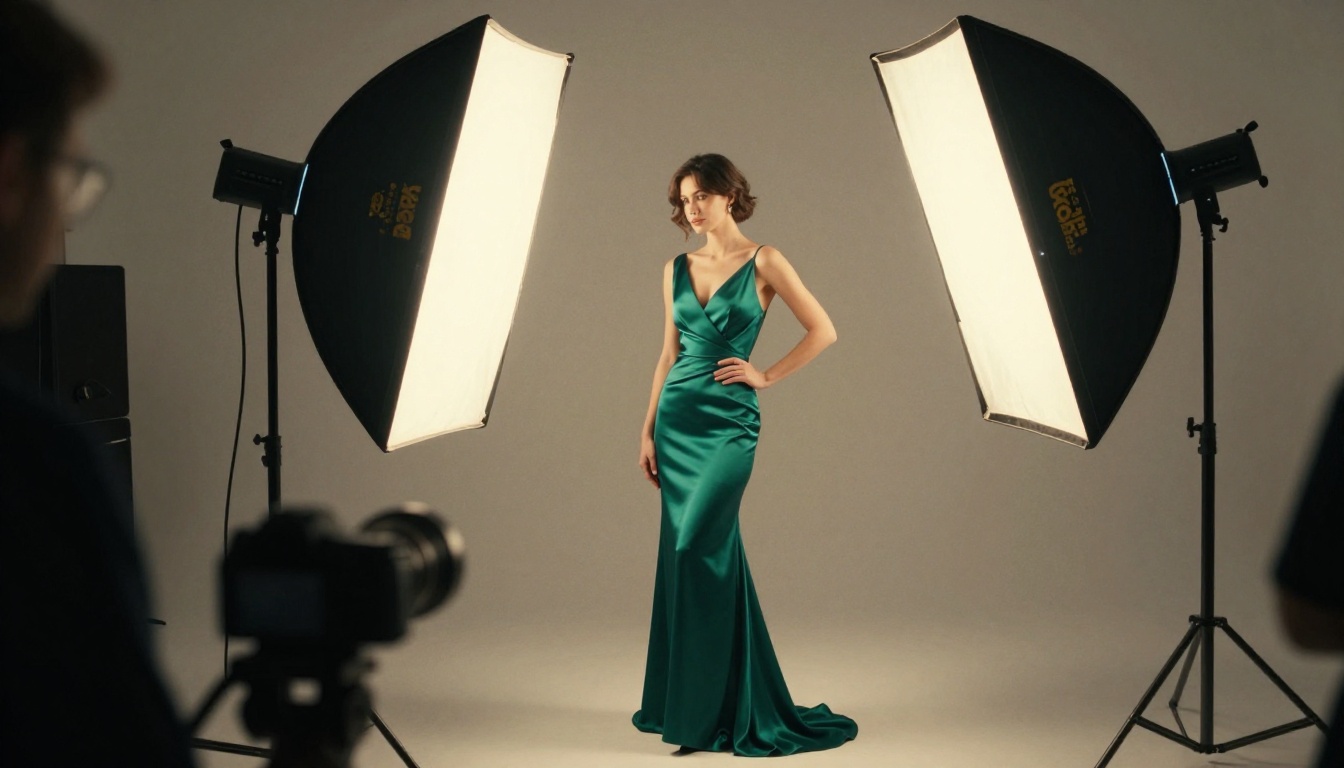
The most common prompting mistake is using narrative descriptions instead of photographic ones. "A beautiful woman on a beach" gives the model too much latitude. "A woman standing at the shoreline, backlit by a low sunset, one-piece swimsuit, telephoto compression from 135mm lens" gives it a visual recipe.
Technical parameters that consistently work:
- Lens length: 50mm gives natural perspective, 85mm flatters portraits, 135mm compresses backgrounds beautifully
- Aperture: f/1.4 to f/2.0 for shallow depth of field, f/5.6 and above for environmental sharpness
- Film stock: Kodak Portra 400 for warm skin tones, Fujifilm 400H for cooler naturalistic results
- Light direction: volumetric side light from left, overhead midday sun, backlit rim light from behind
Pair Models With ControlNet for Precision
If you need a specific pose, using a text prompt alone is a gamble. PicassoIA's SDXL Multi ControlNet LoRA and SDXL ControlNet LoRA let you feed in a pose reference image, locking the model to that skeleton while still generating from your text description. For NSFW work requiring specific body positioning and composition, this approach is essential.
Run Super Resolution on Final Outputs
Even the best models at standard resolution lose fine detail when displayed at large sizes. PicassoIA's super-resolution tools can upscale final images 2x to 4x while reconstructing genuine detail rather than blurring it. Run your best generations through upscaling before using them anywhere at high resolution.
💡 Pro Tip: Use Flux 2 Max for your highest-stakes generations. The additional compute produces noticeably better microdetail on skin and fabric compared to the standard Flux 2 Pro at the same prompt.
How to Use Seedream 4.5 on PicassoIA
Seedream 4.5 is our top recommendation for 2026, and getting your first result takes under two minutes.
Step 1: Open the model page
Go to Seedream 4.5 on PicassoIA. No account setup is required to run a first test.
Step 2: Write a photographic prompt
Structure your prompt as subject, environment, lighting, camera specs, film emulation. Example: "Woman in white linen dress standing at a villa doorway, late afternoon backlight, Canon 85mm f/1.8, Kodak Portra 400 film grain, warm golden tones, visible fabric texture".
Step 3: Pick your resolution and ratio
Choose 2K for fast iteration or 4K when you need print-level detail. For most body compositions, 16:9 works well, while 3:4 gives portrait close-ups more vertical room.
Step 4: Add reference images for editing
Drop in one to fourteen reference images when you want to restyle or blend an existing shot instead of starting from text. This is where Seedream 4.5 doubles as a full editor.
Step 5: Generate and refine
Results land in under three seconds, so run several and pick the strongest. For unlimited editing passes on your chosen frame, send it through PicassoIA Image Editor Pro and iterate without watching a credit counter.
💡 Pro Tip: Run 4 to 6 generations at the same prompt before selecting your favorite. Even the best models have variance, and your best result is rarely the first one.
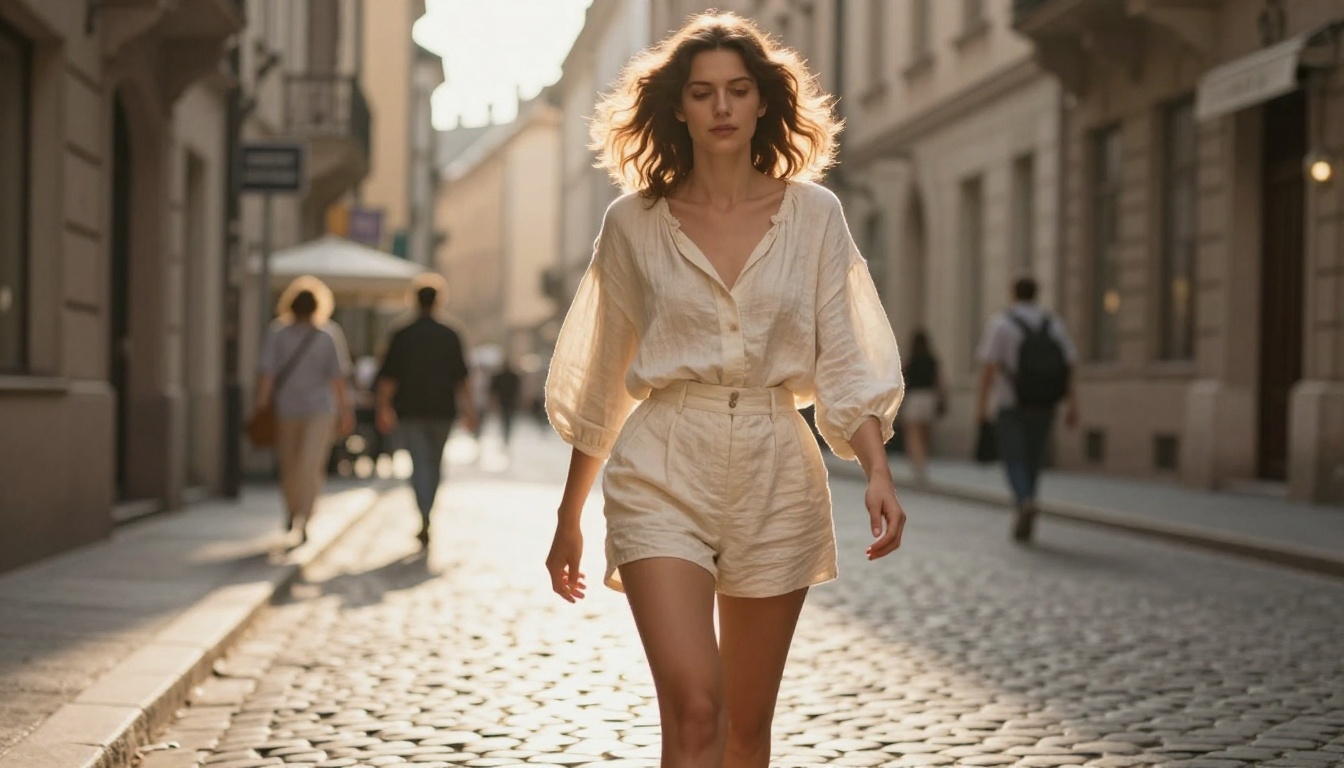
The Verdict
After two weeks and hundreds of generations, the 2026 ranking is clear. Seedream 4.5 takes the top spot by pairing photorealistic output with sub-three-second speed and open content handling. PicassoIA Image Editor Pro follows close behind for anyone doing volume work, because unlimited generations remove the cost ceiling entirely. Qwen Image 2 and Grok Imagine round out a new top tier that is faster and more flexible than last year's leaders.
The Flux family and Stable Diffusion 3.5 Large remain excellent, especially for creators who want reference-grade realism or deep customization through fine-tuning. The right tool still depends on your workflow: unlimited editing and high volume point to Image Editor Pro, while a single realistic hero shot points to Seedream 4.5 or Recraft V4.
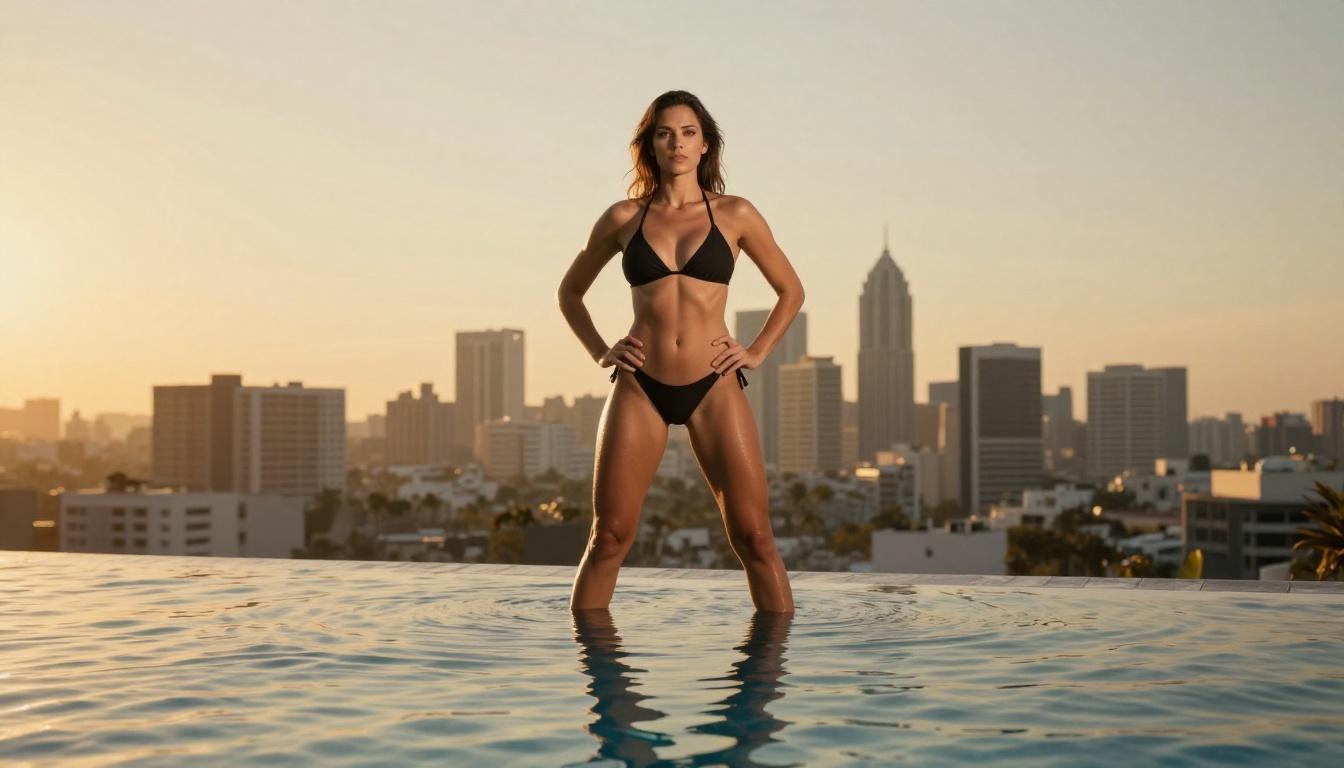
Start Creating Now
PicassoIA gives you every model in this comparison without managing API keys, billing setups, or model weights. You pick a model, write a prompt, and generate. The platform also chains models together: create with Seedream 4.5, edit and iterate for free with PicassoIA Image Editor Pro, then animate your best frame with image to video.
If you've been bouncing between platforms trying to find one that produces high-quality, realistic, suggestive imagery, every model on this list is one click away. Start with Seedream 4.5 for a realistic still in seconds, or open PicassoIA Image Editor Pro and claim your three free generations with no credit card required.
Want the full picture? Browse the complete library of NSFW-friendly AI models at picassoia.com/en/all-models and generate without limits.