The moment you decide to create NSFW AI art, you face a fork in the road: do you want images that look like they were pulled from a professional photography shoot, or do you want the vivid, expressive world of Japanese animation? This is not a small decision. Realistic style and anime style sit at opposite ends of the visual spectrum, and each demands a completely different approach to prompting, model selection, and post-processing. This article breaks down exactly what separates them, which AI models perform best in each category, and how to get stunning results on either path.
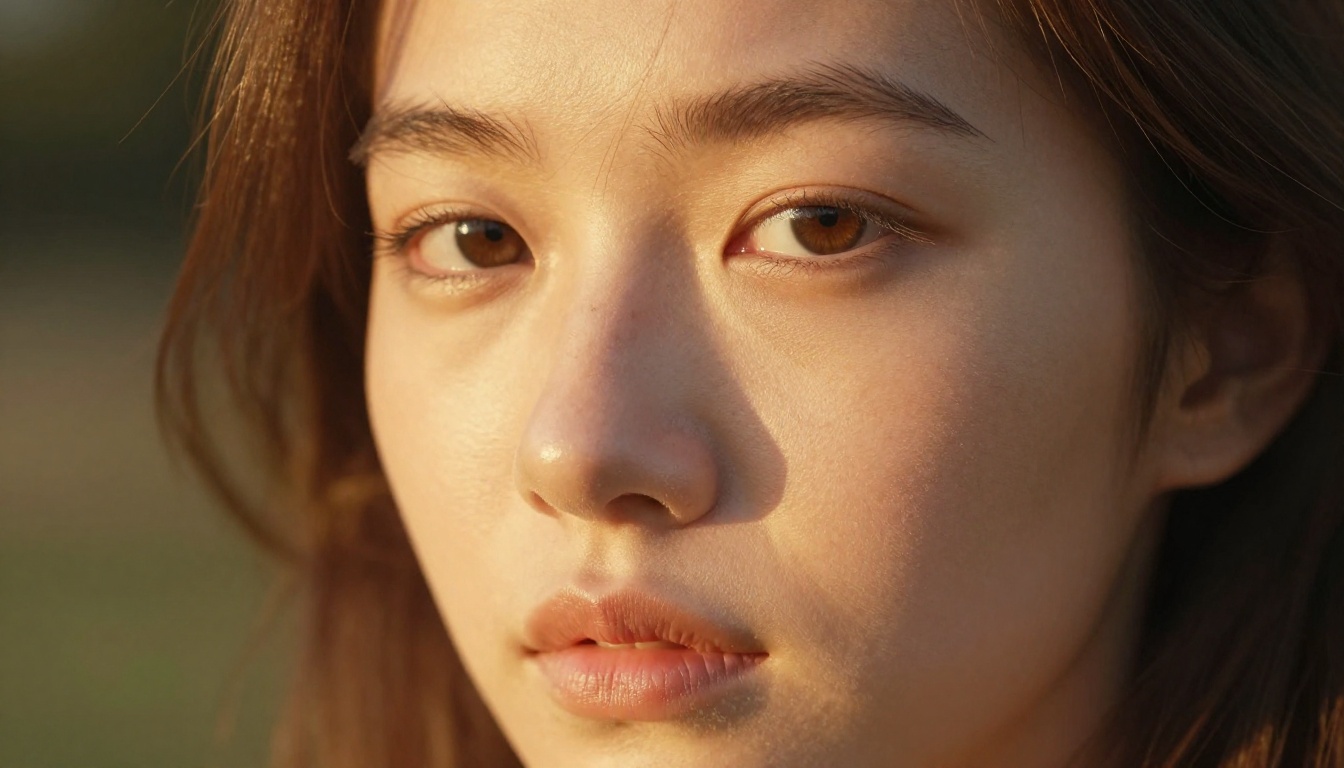
Why Style Choice Changes Everything
Most people assume switching between realistic and anime NSFW AI output is as simple as changing a word in a prompt. It is not. The underlying models are trained on fundamentally different datasets, and the aesthetic conventions of each style require specific prompting vocabulary, resolution settings, and sometimes entirely different model architecture. Getting this wrong means wasted credits and frustrating results.
It Starts With Training Data
A photorealistic AI generator like Realistic Vision v5.1 was trained heavily on photographs: professional fashion shoots, portrait photography, studio lighting setups. It understands what human skin looks like under natural light, how fabric drapes, how shadows fall on a face. An anime-style model like Proteus v0.3 was trained on illustrated works where anatomy follows different conventions, colors are more saturated, and lighting is often stylized rather than physically accurate.
This training difference means the two styles do not just look different. They think differently about what makes an image beautiful.
What Your Goals Actually Require
If your goal is art that passes for a real photograph, even at high zoom, you need photorealistic AI generation. If your goal is expressive, character-driven imagery with the visual language of manga and animation, anime models will always outperform photorealistic ones in that niche.
💡 Quick rule: If you would describe your ideal output with words like "shot on film", "Kodak Portra", or "85mm lens", go realistic. If you say "sakura petals", "big eyes", or "pastel sky", go anime.
The wrong model choice is the number one reason NSFW AI image generation outputs look off. A photorealistic model given an anime prompt does not output anime art. It outputs a confused hybrid with uncanny anatomy and muddy colors. Match the model to the aesthetic.
How Realistic NSFW AI Works
Realistic NSFW AI image generation is built on diffusion models trained to replicate photography with near-perfect accuracy. The best ones handle subsurface skin scattering, specular highlights, depth of field, and film grain in ways that are genuinely difficult to distinguish from a real photograph.
Skin, Light, and Physics
What separates great realistic output from mediocre output is the handling of light on organic surfaces. Human skin is not a flat texture. It has micro-relief, pores, fine hairs, and translucency near the ears and nose where light passes through. The top photorealistic AI models handle all of this automatically when you supply the right prompt vocabulary.
The most effective prompt elements for realism:
photorealistic, RAW photography, 8KKodak Portra 400 film grain85mm f/1.4 depth of fieldvolumetric lighting, soft key light at 45 degreessubsurface skin scattering, pore-level detailnatural skin tones, editorial photography
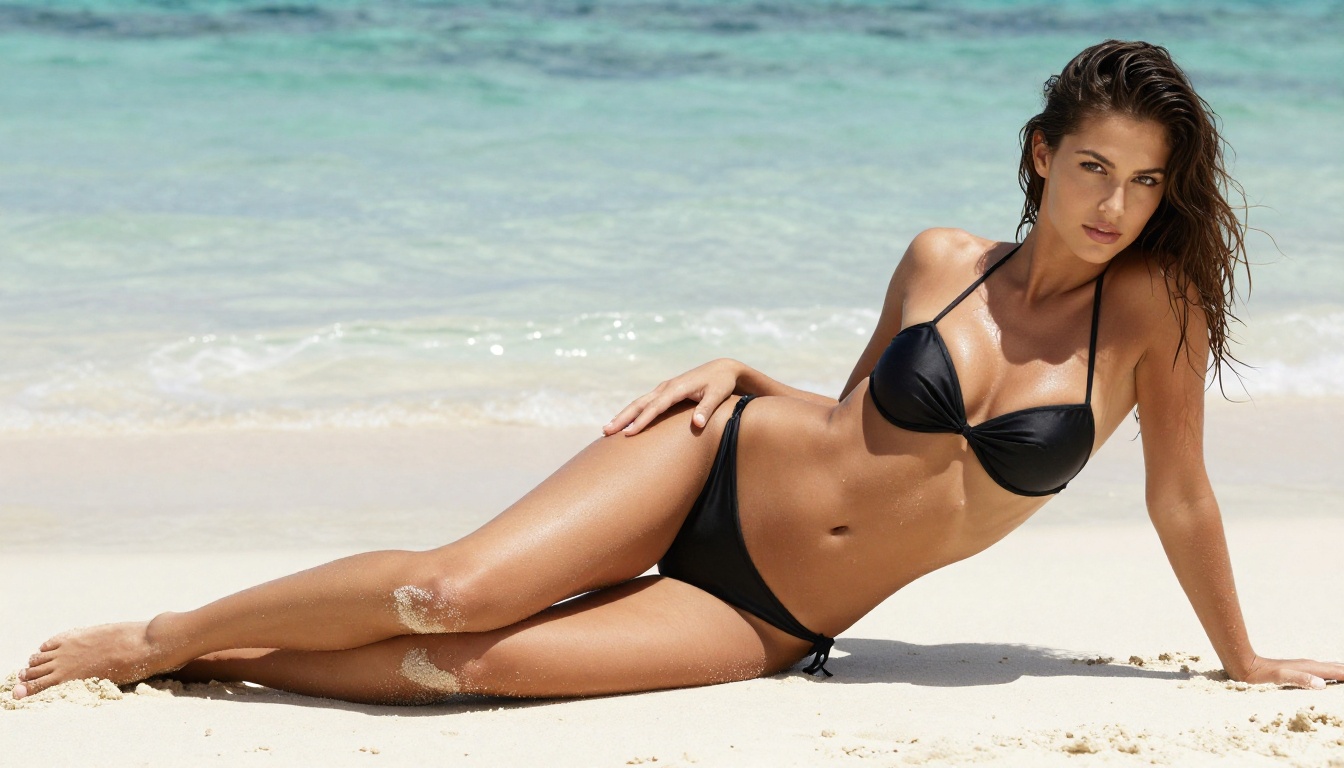
Specificity is everything. A vague prompt like "beautiful woman, realistic" produces a vague result. A prompt that specifies the lens, the film stock, the lighting direction, and the surface textures produces an image that feels like it was taken on a set.
The Best Models for Photorealism
These are the models that consistently produce the highest-fidelity realistic NSFW AI images on PicassoIA:
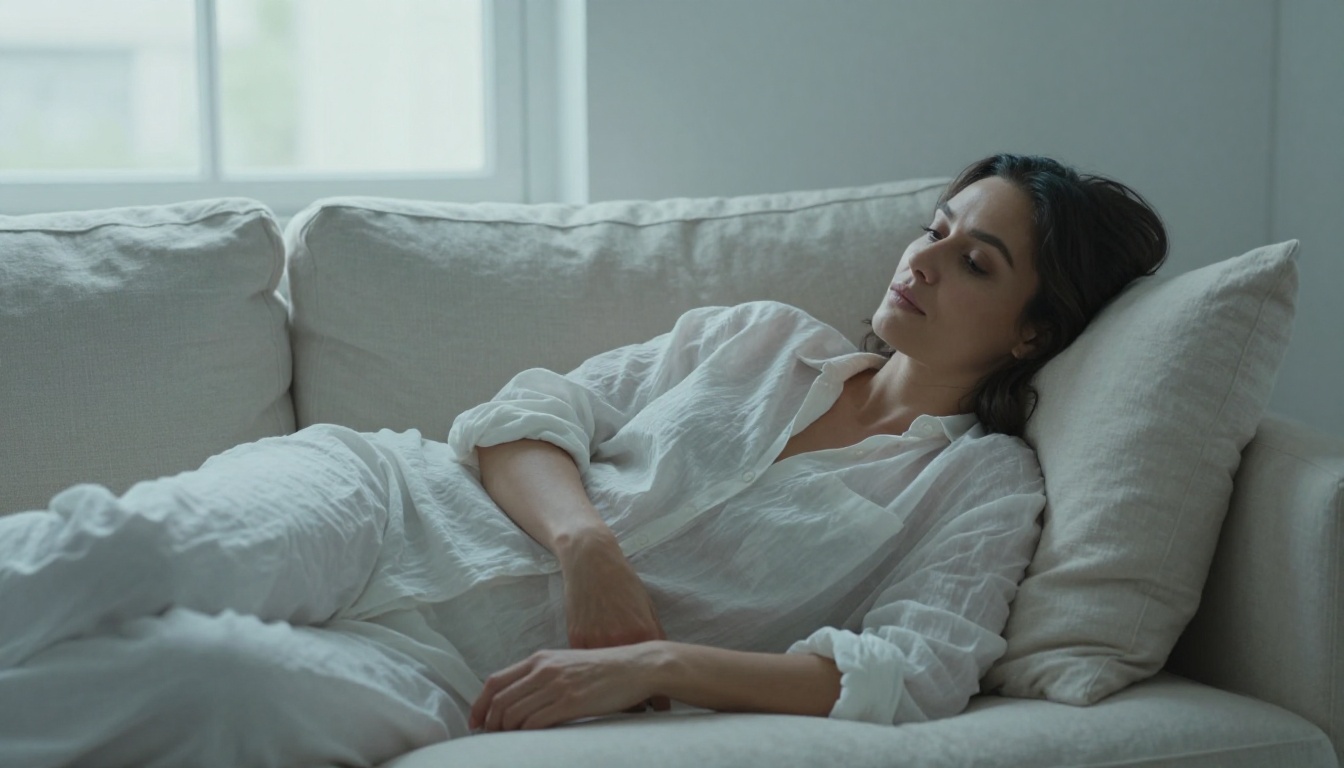
Flux 1.1 Pro Ultra is the current gold standard for pure photorealism. It handles hair strands, fabric texture, and environmental light interaction at a level that rivals professional studio photography. For NSFW AI image generation, this translates to outputs that feel tactile, grounded, and physically believable.
Realistic Vision v5.1 is a long-standing community favorite for exactly this reason: it was designed from the ground up for portrait-style photorealism with natural skin tones and minimal over-processing. Its outputs tend to have a warmth and organic quality that more clinical models sometimes lack.
RealVisXL v3.0 Turbo is the speed champion in this category. Built on the SDXL architecture, it delivers high-fidelity realistic output at turbo inference speed, making it ideal for creators who need to iterate rapidly through multiple compositions.
How Anime NSFW AI Works
Anime art has a completely different logic. Proportions are exaggerated. Eyes are large, irises complex. Lighting is often cel-shaded or rendered with sharp, clean gradients rather than physically accurate falloff. The emotional register skews toward expressiveness rather than documentation.
What Makes Anime Style Distinct
In anime-style NSFW AI image generation, the goal is not "does this look real?" The goal is "does this character feel alive?" The best anime models handle expressive facial features, dynamic hair physics, dramatic pose work, and highly saturated color palettes with a fluency that no photorealistic model can match.
Core structural differences from realistic AI:
- Anatomy: Stylized proportions, elongated limbs, large expressive eyes
- Color: High saturation, flat shading in mid-tones, dramatic accent colors
- Lighting: Often top-lit with cel shading or soft gradient fills rather than physical accuracy
- Background: Painterly environments, cherry blossom scenes, illustrative bokeh effects
- Expression: Exaggerated emotions, dynamic action poses, manga-style facial reactions
💡 Anime models respond well to prompts that reference specific art conventions: manga style, shoujo art, bishoujo, moe aesthetic. This vocabulary signals the training distribution and produces much more consistent results than vague style requests.
Top Models for Anime Art
| Model | Strength | Speed | Best For |
|---|
| Proteus v0.3 | Anime-native architecture, expressive characters | Fast | Character art, NSFW anime |
| DreamShaper XL Turbo | Fantasy and anime hybrid styles | Very Fast | Stylized character design |
| SDXL Lightning 4Step | Fast anime output with strong consistency | Extremely Fast | High-volume anime generation |
| SDXL | Broad style range including anime | Moderate | Versatile anime and semi-realistic |
Proteus v0.3 is specifically designed as an anime image generator and delivers exactly what that implies: expressive, large-eyed characters with the visual conventions of Japanese illustrated art. For NSFW AI image generation in anime style, it is the dedicated tool with the most consistent results.
DreamShaper XL Turbo sits interestingly between worlds, handling both fantasy illustration and anime aesthetics well. If your desired output is somewhere between photorealistic and anime, this is where experimentation pays off. Its fast inference makes it ideal for rapid style testing.
SDXL Lightning 4Step sacrifices some quality ceiling for remarkable speed. When you need to generate many variations to find the right composition, this model delivers usable anime-quality output faster than almost anything else available.
Head to Head: Style by Style
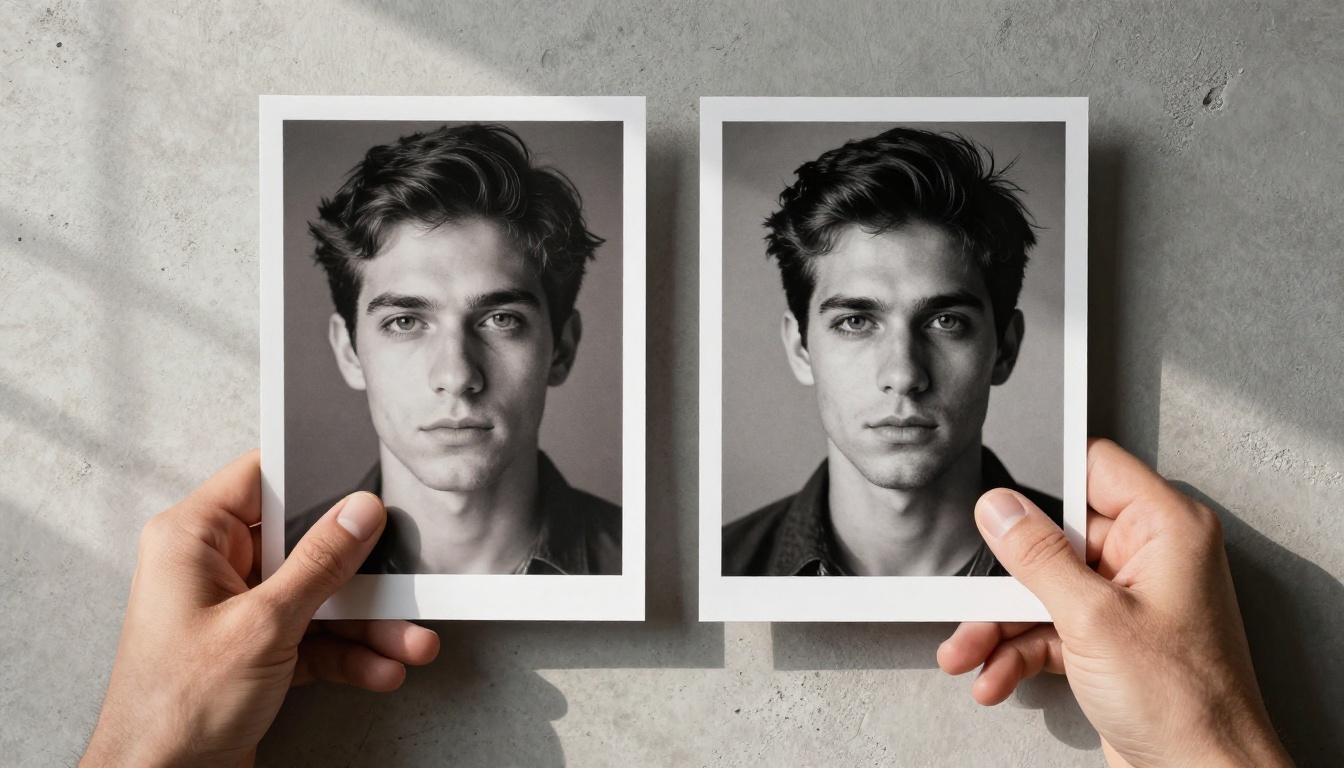
Both styles have real strengths and real limitations. Comparing them directly across the dimensions that matter for NSFW AI image generation removes the guesswork.
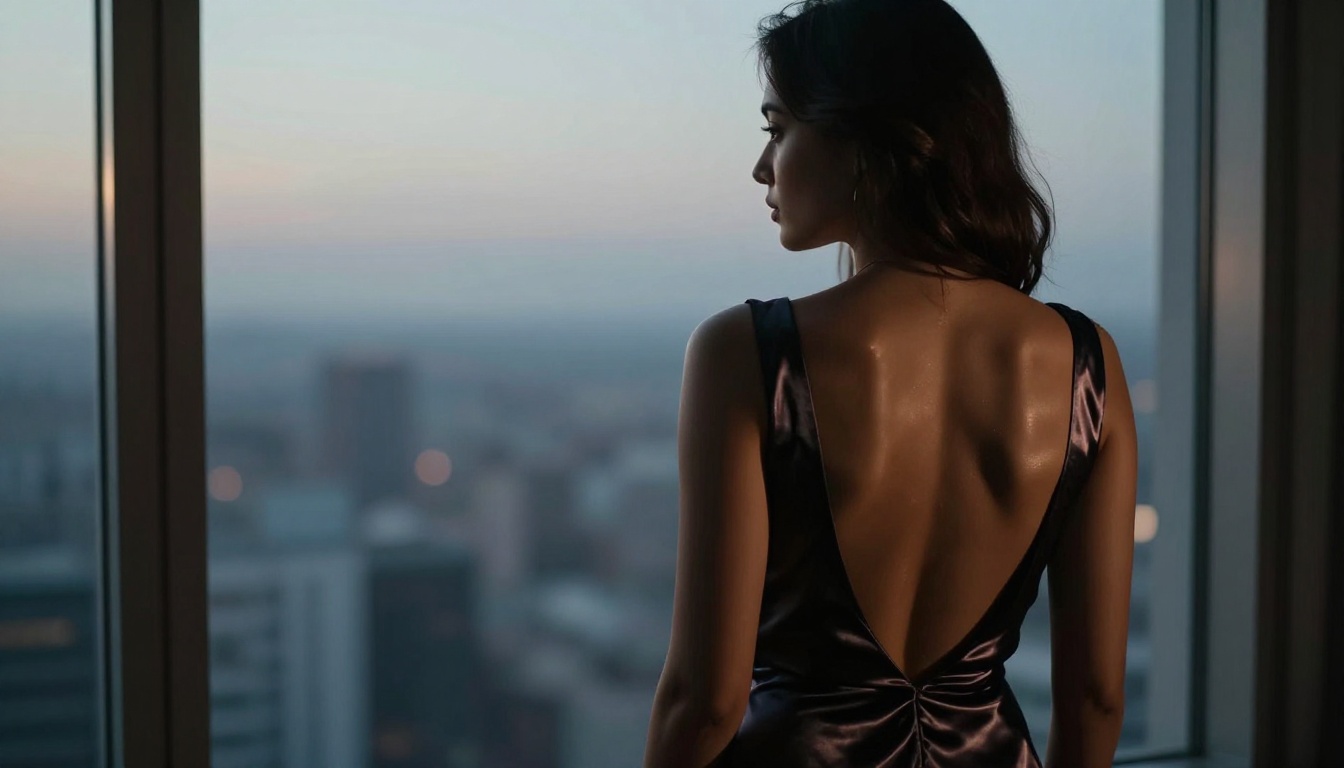
Output Quality Compared
| Dimension | Realistic Style | Anime Style |
|---|
| Skin fidelity | Exceptional, pore-level | Stylized, non-literal |
| Anatomy accuracy | Photographic | Exaggerated by design |
| Lighting complexity | Physically accurate | Cel-shaded or painted |
| Emotional expressiveness | Subtle, naturalistic | Exaggerated, dynamic |
| Background depth | Photographic depth of field | Illustrative environments |
| NSFW output feel | Intimate, sensual, tactile | Playful, fantastical, character-driven |
| Color range | Natural, film-accurate | Highly saturated, vivid |
| Scale of detail | Micro-texture, pores, fabric weave | Character design and clothing detail |
Speed and Efficiency
Realistic models at the highest quality tier, like Flux 1.1 Pro Ultra and Flux 2 Pro, require more compute than fast anime models. If speed is a priority, anime-optimized models like SDXL Lightning 4Step can produce usable output in a fraction of the inference time.
For users who need high-volume output, the combination of anime-native models and fast inference is hard to beat. For users who need a single high-fidelity realistic image, the slower but more precise photorealistic models are worth the wait.
💡 Workflow tip: Use Flux Schnell to prototype compositions quickly, then switch to Flux 1.1 Pro Ultra for the final high-fidelity render once you have the framing right. This approach cuts total generation time significantly.
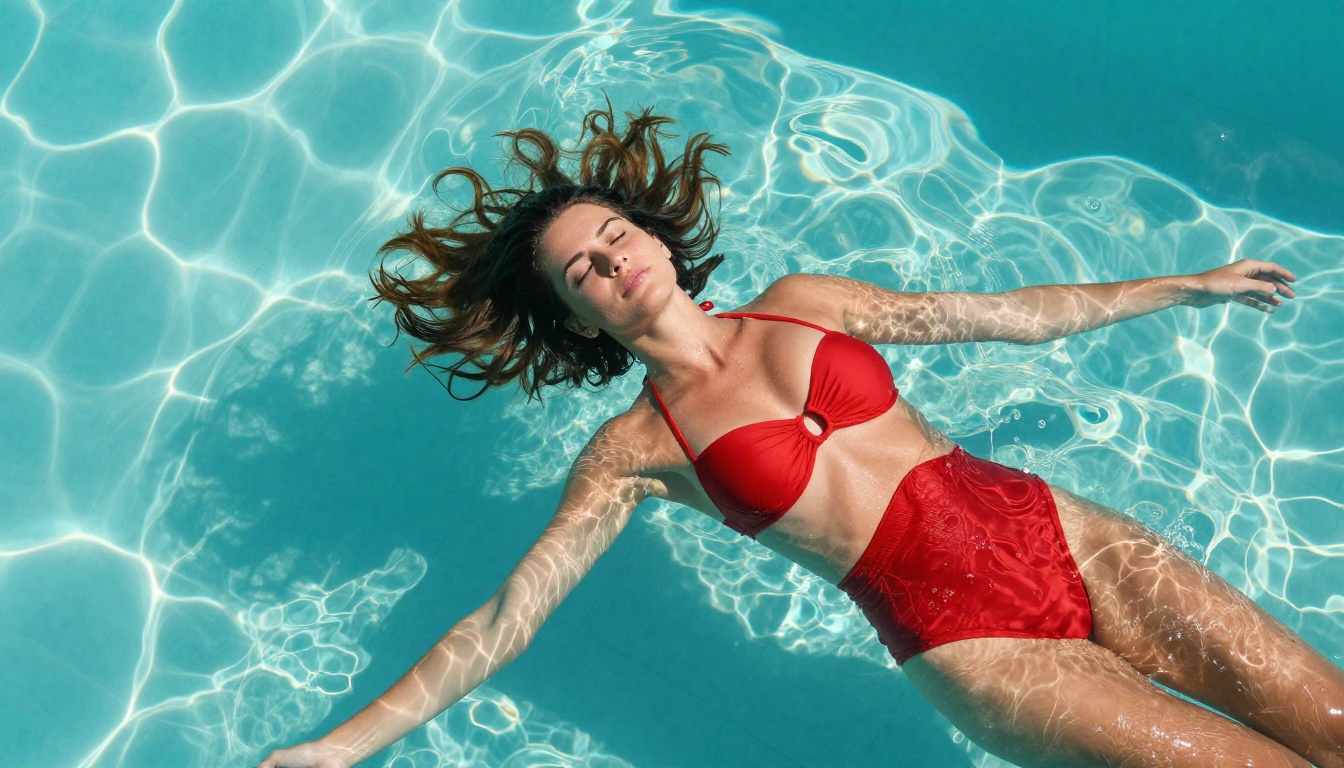
Choosing the Right Model
There is no universal winner. The right choice depends entirely on your creative intent, your audience, and the visual language you want to work in.
When Realistic Wins
Choose photorealistic NSFW AI generation when:
- Your output will be viewed at large size or high zoom where detail matters
- You want the image to feel physically present and sensory
- Your subject matter involves real-world environments: beaches, interiors, studios
- You are trying to match the visual language of photography or film
- You want lighting to feel dimensional and physically accurate
- Your audience responds to glamour, editorial, or fashion photography aesthetics
In these scenarios, Flux 1.1 Pro Ultra, Realistic Vision v5.1, and RealVisXL v3.0 Turbo will consistently deliver the strongest results. Pair with Flux Kontext Pro to make targeted text-based edits to your realistic outputs without regenerating from scratch.
When Anime Wins
Choose anime-style NSFW AI generation when:
- Your creative vision draws from manga, visual novels, or animation
- Character design and expressiveness matter more than physical accuracy
- You want vivid, saturated color palettes that feel illustrative
- Your subject involves fantastical elements: stylized features, magical environments, dramatic action poses
- You are building character art for a game, visual novel, or illustrated project
- You need to generate large volumes of images quickly for iteration
For this use case, Proteus v0.3 and DreamShaper XL Turbo are your primary tools, with SDXL Lightning 4Step for speed-first workflows.
How to Use These Models on PicassoIA
Both realistic and anime NSFW AI image generation are available directly through the PicassoIA platform, with no external tools or complicated setups required.
Step-by-Step for Realistic Style
- Open Flux 1.1 Pro Ultra or Realistic Vision v5.1 on PicassoIA
- Set your aspect ratio: 16:9 for landscape scenes, 9:16 for standing portraits
- Write a detailed prompt that includes lighting direction, camera lens specs, and film type
- Add environment context: location, time of day, and background elements
- Include texture vocabulary:
pore-level detail, subsurface skin scattering, film grain, RAW 8K
- Generate and review the output. For selective edits, use Flux Kontext Pro to modify specific areas with text instructions
Pro tips for realistic output:
- More specific lighting descriptions produce better skin rendering
- Avoid generic style tags. Describe the specific light, pose, and environment instead
RAW photography, 8K consistently improves detail fidelity across most photorealistic models- For super-resolution upscaling of your best outputs, use the Super Resolution tools available on PicassoIA
Step-by-Step for Anime Style
- Navigate to Proteus v0.3 or DreamShaper XL Turbo on PicassoIA
- Open your prompt with an aesthetic anchor:
anime style, bishoujo, highly detailed illustration
- Describe the character, outfit, expression, and pose with specificity
- Add an environment:
cherry blossom garden, moonlit bedroom, rooftop at dusk
- Specify the lighting convention:
soft top lighting, cel shading, pastel sky gradient
- For rapid iteration and composition testing, switch to SDXL Lightning 4Step to test multiple framings quickly before committing to final renders
Pro tips for anime output:
- Anime models are highly sensitive to quality tags:
masterpiece, best quality, highly detailed consistently improve output
- Negative prompts matter more in anime generation. Add
photorealistic, 3D render, low quality, blurry to your negative prompt field
- DreamShaper XL Turbo handles mixed requests like
semi-realistic anime better than pure anime-native models
Prompting Tips by Style
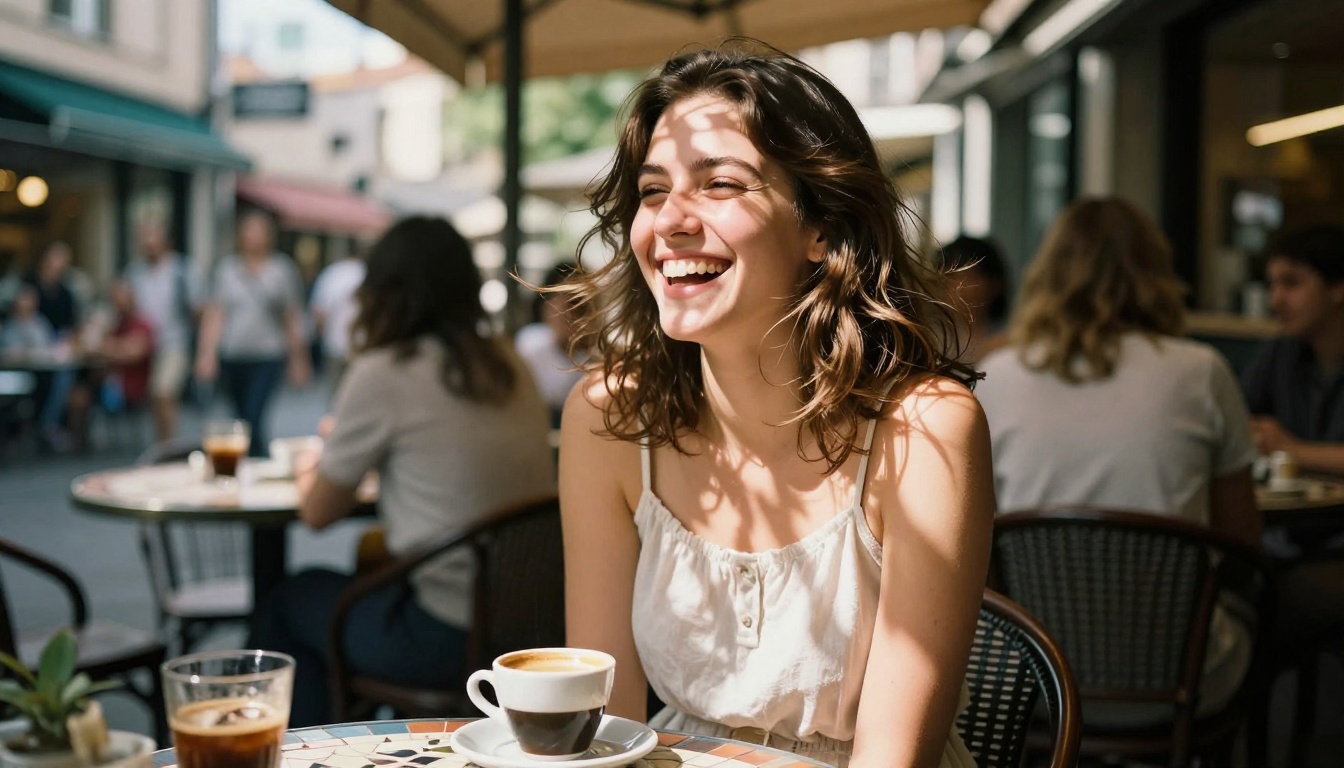
Prompting is the single biggest variable in NSFW AI image generation quality. The vocabulary you use signals the training distribution of the model, and matching your language to the model's training data is what separates strong outputs from weak ones.
Words That Work for Realism
| Category | Strong Prompt Terms |
|---|
| Film stock | Kodak Portra 400, Fuji Velvia 50, Ilford HP5, Kodak Ektar 100 |
| Lens | 85mm f/1.4, 50mm f/1.8, 105mm macro, 35mm f/2.0 |
| Lighting | volumetric morning light, Rembrandt lighting, golden hour backlight, chiaroscuro |
| Quality | RAW 8K, photorealistic, pore-level detail, film grain, subsurface scattering |
| Style | editorial photography, fashion photography, candid portrait, lifestyle photography |
| Mood | intimate, natural beauty, tactile, sensory, dimensional depth |
Words That Work for Anime
| Category | Strong Prompt Terms |
|---|
| Style anchor | anime style, bishoujo, manga art, illustration, shoujo |
| Quality | masterpiece, best quality, highly detailed, 8K illustration, sharp linework |
| Lighting | cel shading, soft lighting, dynamic highlights, top-lit, pastel gradient |
| Character | large expressive eyes, flowing hair, dynamic pose, detailed clothing |
| Atmosphere | cherry blossom, moonlit, pastel sky, soft bokeh, warm ambient light |
💡 Cross-style tip: For images that blend photorealism with anime aesthetics, try SDXL with prompts that combine both vocabularies: semi-realistic anime, detailed facial features, soft natural lighting, high resolution. The results sit in a compelling middle ground that neither pure anime nor pure realistic models achieve independently.
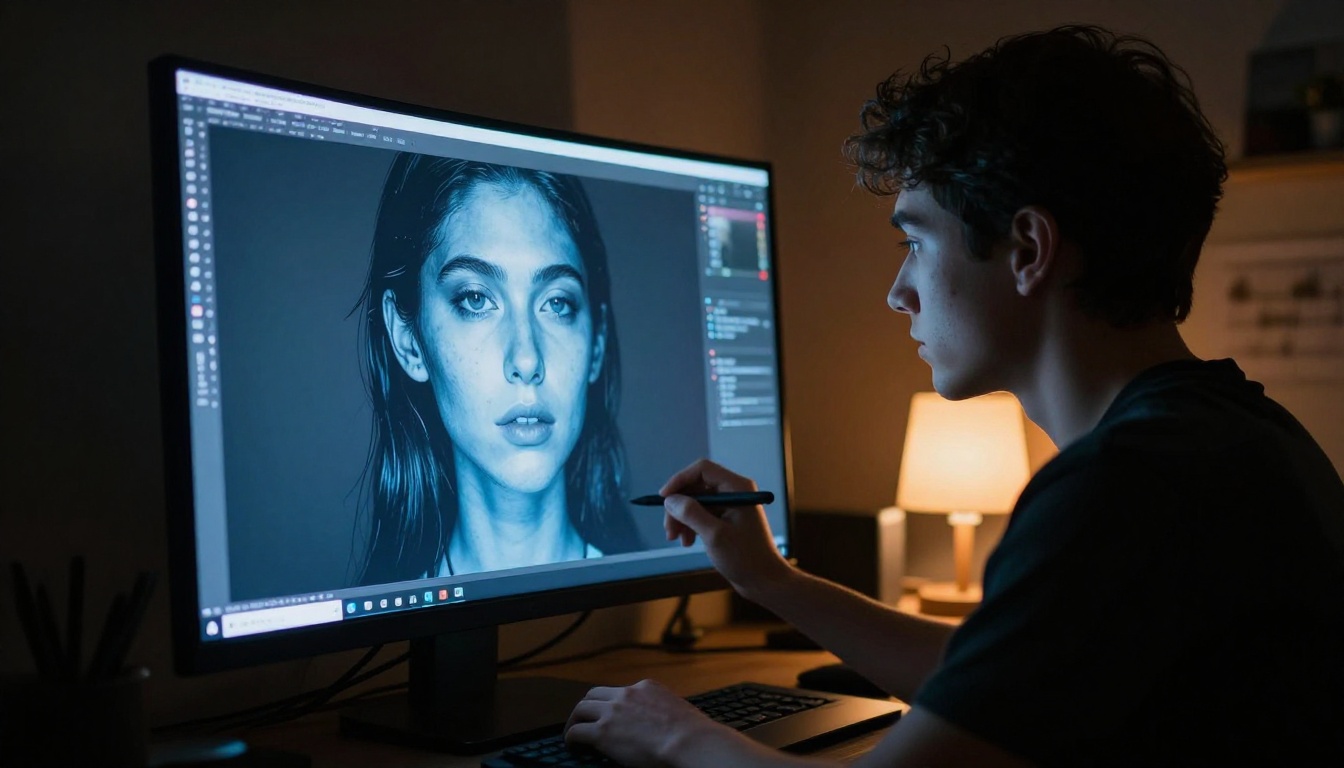
Mixing Styles Intentionally
Some of the most striking NSFW AI images come from intentional style blending. A semi-realistic model like GPT Image 1.5 can bridge both worlds, producing outputs with anime-influenced facial features rendered in a photorealistic color grading. Similarly, Ideogram v3 Quality brings strong compositional instincts and can interpret hybrid prompts with above-average coherence.
The more you experiment across models, the sharper your instincts become about which vocabulary triggers which aesthetic response. PicassoIA makes this easy: all models are accessible in one place, so you can run side-by-side comparisons without managing separate platforms.
Your Next Image Starts Here
You now have a clear picture of what separates realistic from anime NSFW AI image generation, which models to choose for each creative direction, and how to prompt effectively in both vocabularies.
Both styles are fully accessible on PicassoIA. Whether you start with the cinematic realism of Flux 1.1 Pro Ultra or the character-driven expressiveness of Proteus v0.3, every model covered in this article is available now. Run them side by side, compare the output quality, and find the visual language that fits your creative vision.
The gap between a generic AI image and a genuinely striking one is not the model. It is the prompt. Take the vocabulary tables above, apply them to your next generation, and see how much the specificity changes the result. Start with one style, spend time with it, then cross to the other. The contrast will make both clearer.
Try it now on PicassoIA with the models referenced in this article. Your first image is one prompt away.


