The NSFW AI Video Trick Everyone Is Trying Right Now
The NSFW AI video trick everyone is trying isn't about jailbreaks. It's a two-step workflow: generate a photorealistic suggestive image with an uncensored model, then animate it into a short video clip. This article breaks down exactly which models work, how to write prompts that produce editorial-quality results, and where to run the workflow without hitting content walls.
Every few weeks, a new AI "trick" shows up in creator communities, Discord servers, and private Telegram groups. This one is different. The NSFW AI video trick everyone is trying right now isn't about breaking anything. It's about using the right tools in the right order, and most people outside those circles have no idea the workflow even exists.
The short version: you generate a hyper-realistic suggestive image with an uncensored AI model, then you animate it. The result is a short video clip that moves, breathes, and feels real, all from a single text prompt. That's the trick. It sounds simple. The gap between knowing that and actually executing it well is where most people get stuck.
This article walks through exactly how it works, which models to use, and where to run them without hitting content walls.
What the Trick Actually Is
Not About Jailbreaks
Let's clear something up immediately: this has nothing to do with jailbreaking AI systems or exploiting loopholes. The creators doing this aren't hacking anything. They're using platforms that were built specifically to allow adult content, with models that accept NSFW prompts by design.
Most mainstream AI platforms, including the ones you've heard of, block adult content at the inference layer. They screen your prompt before generation. If anything triggers their filters, you get a refusal, and you start over. That's not a bug. It's intentional.
The trick is using platforms that don't do that. Specifically, platforms where NSFW content is a supported feature, not an accident.
💡 The real insight: It's not what you type. It's where you type it. The exact same prompt that gets blocked on one platform generates without issue on another.
Why It's Going Viral
The reason this workflow is spreading so fast comes down to quality. Early NSFW AI tools produced obvious fake-looking content. Waxy skin. Wrong hands. Off proportions. Nobody was impressed.
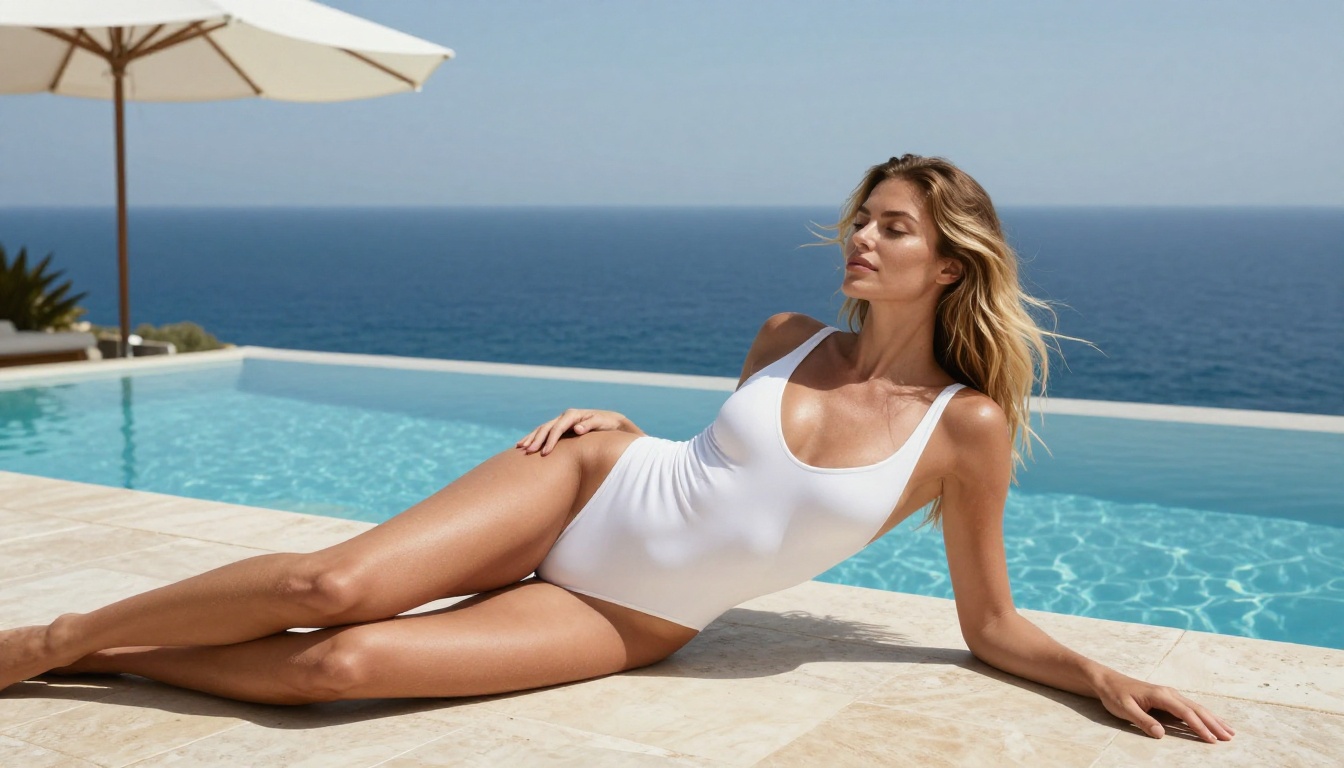
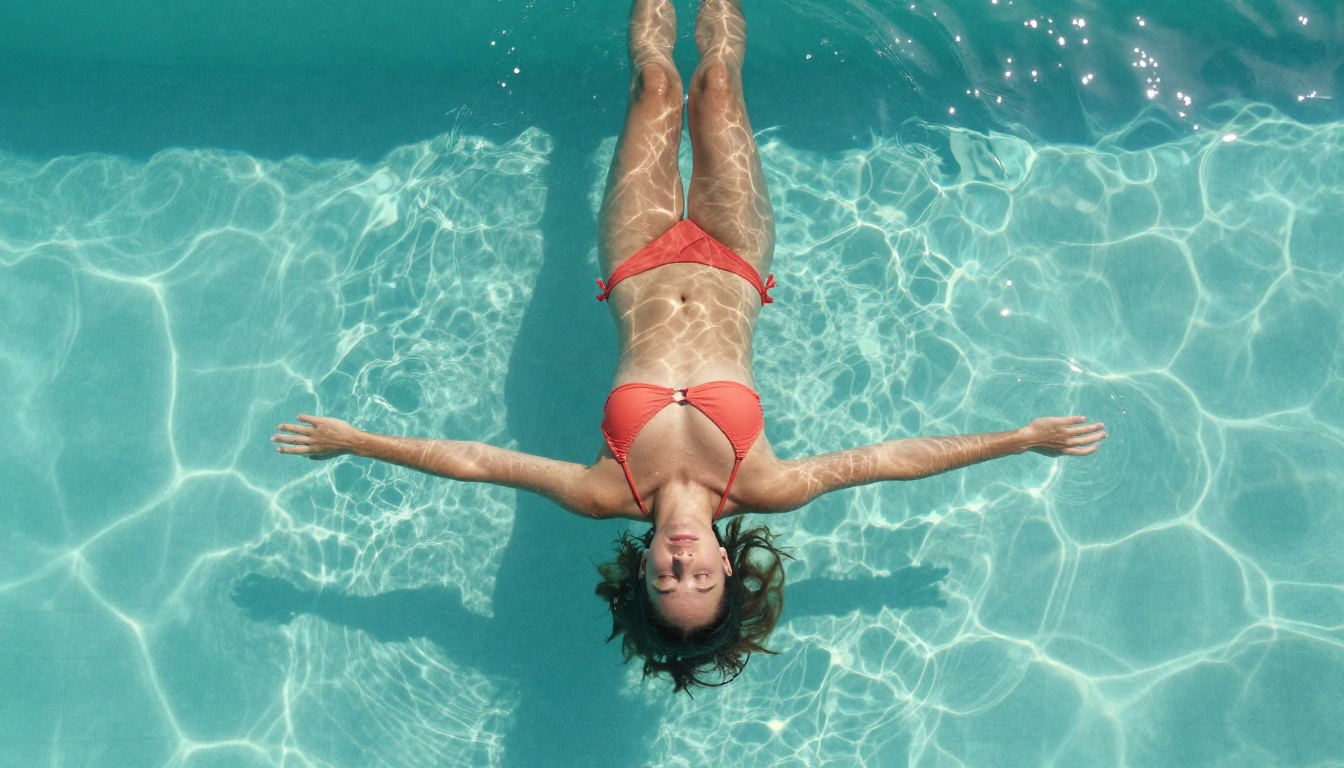
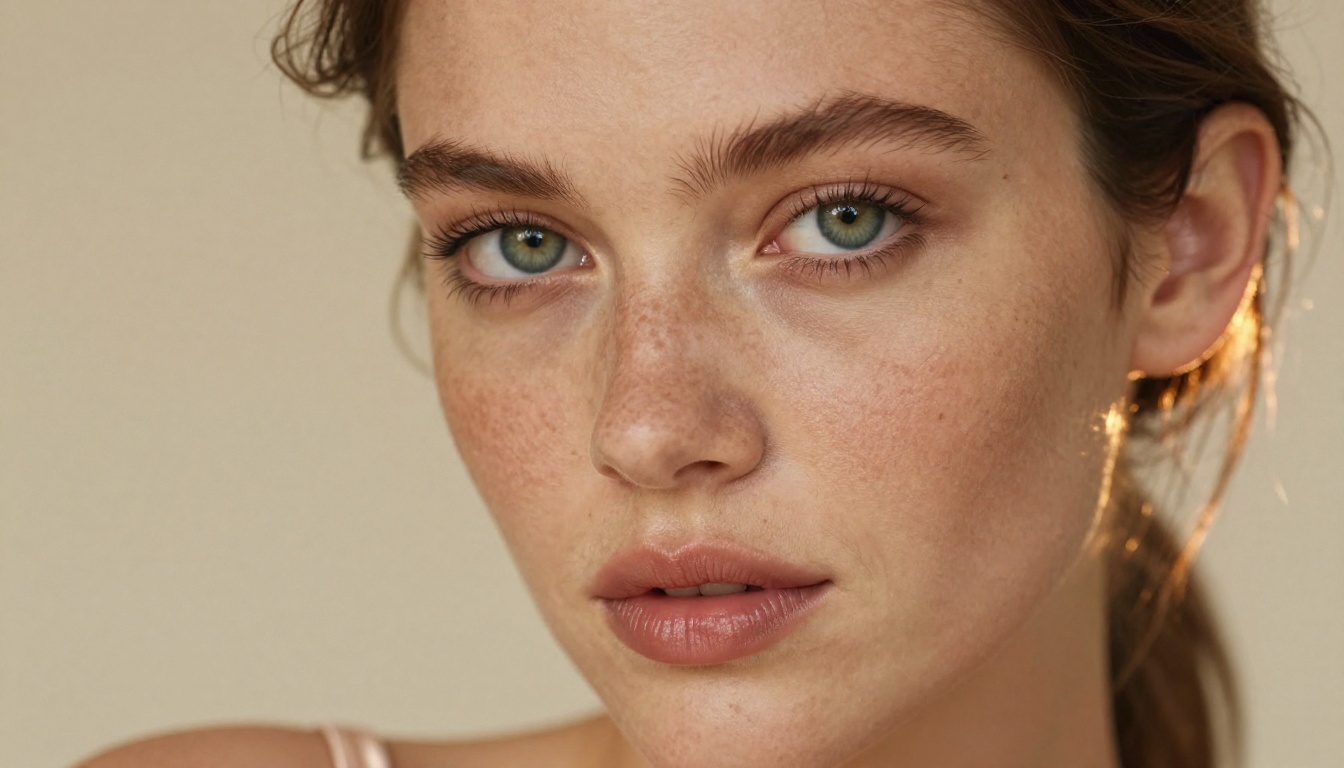
Modern models like Seedream 4.5 changed that completely. The photorealism is now so close to real photography that the outputs circulating in creator communities look like editorial shots from a professional studio. When you then animate that image using a video model, people genuinely do a double take.
That's why it's spreading. The quality crossed a threshold.
The Real Tools Behind It
Seedream 4.5 Does Most of the Work
The image generation step is where quality is won or lost. You need a model that:
Accepts NSFW prompts without filtering
Produces photorealistic human anatomy, not stylized art
Generates fast enough to iterate
Seedream 4.5 hits all three. It's ByteDance's flagship image model, and on PicassoIA it runs with NSFW content enabled. It generates in under 3 seconds. The realism it produces at high resolution is what separates the results people are sharing from the flat, generic outputs from earlier generation tools.
One thing worth knowing: its newer sibling, Seedream 5 Lite, does not support NSFW content. That's not a typo. The newer model is actually more restricted. Seedream 4.5 is the one you want.
For the image editing step, there's a second model that changes the economics entirely.
Image to Video Is the Missing Piece
Generating a static image is step one. The reason this workflow went from "cool trick" to "viral creator strategy" is what happens next: animation.
The image-to-video step is what creates the clip. You take the photorealistic still you just generated and pass it to a video model as the first frame. The model then predicts motion, adds subtle movement, and outputs a 5-second clip. Skin breathes. Hair shifts. Eyes blink. It's uncanny.
PicassoIA Image Editor Pro deserves a special mention. It's an img2img model, meaning it takes an existing image and transforms it based on your prompt. The reason creators love it for this workflow: unlimited generations on Elite and Infinite plans. If you're doing volume work, trying 50 variations to get the perfect source image costs nothing extra. Compare that to models where 1,000 images could cost $100+. Here, it's included. Results come back in under one second, and there's a 3-generation free trial with no credit card required.
For Animating Them
Once you have the source image, these are the video models that handle NSFW input best:
💡 Creator tip: Start with PicassoIA Video for your first tests. The unlimited generation removes the pressure to get every clip right on the first attempt. Once you've nailed your prompt style, move to P-Video or LTX 2.3 Pro for the final high-quality export.
How to Do It on PicassoIA Step by Step
Step 1: Choose Your Image Model
Go to picassoia.com and navigate to the text-to-image section. For NSFW content, start with Seedream 4.5. If you already have a base image you want to modify, go straight to PicassoIA Image Editor Pro instead.
Step 2: Write a Strong Prompt
This is where most people lose the most time. A weak prompt produces a generic, flat result. A strong one produces editorial-quality output worth animating. The elements that matter most:
What to include:
Subject description: body type, pose, expression, clothing (or lack thereof)
Environment: location, time of day, background elements
[Subject + clothing + pose] + [environment] + [lighting direction and quality] + [camera lens and angle] + [texture details] + photorealistic, RAW 8K, Kodak Portra 400
Example:
"A confident woman in a coral two-piece bikini reclining on a white sand beach at sunrise, warm apricot light raking from left, 85mm f/1.4 shallow depth of field, sand texture in fine detail in the foreground, ocean blurred behind her, skin warm and sun-kissed, Kodak Portra 400, RAW 8K photography"
That specific level of instruction is what produces results people screenshot and share.
Step 3: Animate the Result
Once you have a still image you're happy with, copy the image URL or download it. Then navigate to any of the image-to-video models listed above.
For the video prompt, describe the motion, not the subject. The model already sees the subject in the image. What it needs from you is what should move and how:
Good video prompt:
"Subject breathes slowly, chest rising gently, a soft sea breeze lifts strands of hair away from her shoulder, camera holds steady with a slight push-in over 5 seconds, warm light remains constant"
Bad video prompt:
"Beautiful woman on a beach looking attractive"
The first gives the model actionable motion direction. The second is a description of the image it already has.
Submit one video at a time. The server enforces a 30-second interval between submissions to protect the production queue. An early call will automatically wait for its slot, so there's no need to spam retry. Just submit and wait.
3 Mistakes That Kill the Output
1. Using a model that filters adult content
This sounds obvious, but it catches people constantly. Even within PicassoIA's library, some models block NSFW content. Seedream 5 Lite, for example, does not allow adult content despite being the newer model. Always check before building a workflow around a specific model. The NSFW-safe ones are listed clearly in the tables above.
2. Writing image prompts instead of motion prompts for video
The biggest quality gap in outputs comes from people pasting their image prompt directly into the video model. The image prompt tells the model what to create. The video prompt tells the model what to do. They're different instructions for different purposes. Motion verbs, camera movements, and timing descriptions are what belong in the video prompt.
3. Animating a low-quality source image
Video generation amplifies flaws. If your source image has distorted anatomy, soft focus, or compression artifacts, the video will make those worse, not better. Use your best image as the source frame. Generate five variations with Seedream 4.5 and pick the sharpest one before committing to animation.
Why PicassoIA Has No Content Walls
Most mainstream AI platforms built their content policies around the least offensive possible user. That makes sense for mass consumer apps. It doesn't work for professional creators who need flexibility.
PicassoIA took a different position: build a platform where creators have full control over what they generate, with models selected specifically for uncensored high-fidelity output. The result is a catalog of 91+ text-to-image models and 87+ text-to-video models where adult content is a supported feature across the key models, not a workaround.
The platform is also priced in a way that makes volume work viable. PicassoIA Image Editor Pro gives you unlimited img2img generations on Elite and Infinite plans. PicassoIA Video gives you unlimited video clips at up to 720p and 5 seconds per clip. For creators building any kind of repeatable workflow, that pricing changes the math entirely.
There's also no account required to try it. The Image Editor Pro free trial gives you 3 generations with no credit card. You can see the output quality for yourself before committing to anything.
Privacy is worth mentioning too. On filtered platforms, your prompts are screened. That means someone is reading what you type, or a system is logging it. On PicassoIA, generation happens without that layer of surveillance. For creators who value that, it matters.
💡 Bottom line: PicassoIA isn't a loophole. It's a purpose-built platform for creators who need tools that match their actual creative scope without hitting walls every few minutes.
Start Creating Right Now
The NSFW AI video trick everyone is trying isn't a single trick. It's a two-step workflow built on photorealistic image generation followed by animation, executed on a platform that doesn't get in the way.
The gap between a text prompt and a 5-second photorealistic video clip is now three clicks and under a minute. That's what's driving the spread.
The full catalog of NSFW-capable models, including everything listed in this article and more, is at picassoia.com/en/all-models. Browse by category, compare outputs, and find the ones that fit the style of content you create.
The tools are there. The quality is there. The only thing left is trying it.