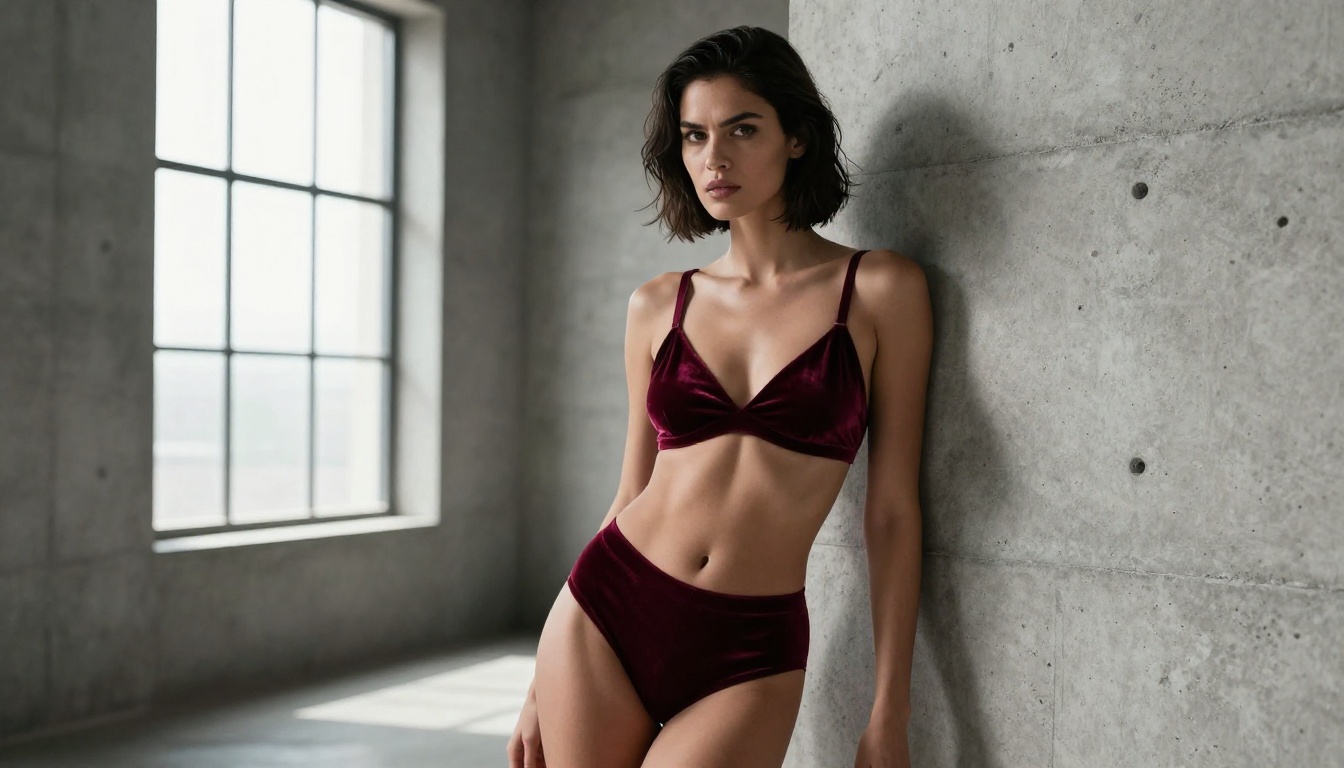
The Best NSFW Image Generators That Work Without Filters
A deep dive into the best NSFW image generators that work without filters in 2027. From uncensored AI art tools to unrestricted platforms, this covers what actually delivers results, which models dominate for adult content, and how to get stunning, photorealistic outputs without hitting a content wall.
The question is simple: which AI image generators actually let you create NSFW content without filter blocks, safety refusals, and watered-down results? If you have spent time experimenting with mainstream tools, you know the frustration. A perfectly reasonable artistic prompt gets rejected with a "community guidelines" error. This article cuts through the noise. Here is what actually works in 2027, which models to use, and how to get photorealistic outputs without hitting a content wall on every attempt.
What "No Filter" Really Means in AI
Not all NSFW restrictions work the same way. Platforms use different filtering mechanisms, and knowing the difference changes how you approach your workflow.
Soft Filters vs. Hard Blocks
A soft filter is a content threshold that you can nudge with careful prompting. These systems flag keywords or patterns but can often be bypassed with rephrasing, synonym swaps, or indirect descriptions. Most consumer-facing tools fall into this category.
A hard block is an architectural constraint baked into the model's training or the API layer. No amount of clever prompting will get you past it. Some of the most popular consumer platforms use hard blocks. You cannot get around them without risking account termination.
The generators worth your attention sit in a third category: permissive by design. These are platforms built explicitly to handle mature content, running models that were not fine-tuned to refuse adult prompts. PicassoIA falls here, running uncensored model variants through infrastructure that supports the full creative range of Stable Diffusion and Flux architectures.
Why Most Platforms Refuse NSFW Content
The refusal problem is not ideological. It is commercial. Platforms hosted on major cloud infrastructure face Terms of Service constraints from their providers. Running adult content at scale requires dedicated infrastructure, age verification systems, and legal frameworks that most startup AI tools simply do not have in place.
💡 Practical takeaway: If a platform does not explicitly state NSFW support, assume it does not have it. Workarounds are temporary at best and often trigger account bans.
The Top NSFW AI Generators Right Now
The landscape in 2027 is more mature than most people realize. The gap between the best and worst tools is enormous.
Open-Source Models That Don't Censor
The open-source ecosystem remains the bedrock of unrestricted AI image generation. Models like Stable Diffusion 3.5 Large and SDXL ship without NSFW filters by default. Their restrictiveness, or lack thereof, is entirely determined by the platform running them.
When you run these models locally, you control everything. When you access them through a platform like PicassoIA, you get the benefit of dedicated NSFW-capable infrastructure without the hardware overhead of running a large parameter model on your own machine.
Running models locally gives you total freedom. But the hardware requirements are significant: 24GB VRAM minimum for SDXL at quality settings, plus the technical overhead of ComfyUI or Automatic1111 setup can consume hours before you generate a single image.
Platform-based access through PicassoIA eliminates that friction entirely. You get GPU-accelerated inference on demand, model switching in seconds, and no installation headaches. For most creators, this is the practical choice.
Speed vs. Quality Tradeoffs
Not all generators offer the same output fidelity. Here is how the major options compare:
Fastest: SDXL Lightning 4Step delivers results in under 2 seconds. Quality is high enough for iteration and concept testing.
Highest Quality: Flux 2 Pro and Flux 2 Max produce the most photorealistic outputs available, with exceptional anatomy rendering and skin texture detail.
Best Models for Adult AI Art on PicassoIA
PicassoIA hosts over 91 text-to-image models. For NSFW and glamour content specifically, a handful of those dominate in actual output quality.
Flux Models for Photorealism
The Flux architecture from Black Forest Labs is the current gold standard for photorealistic generation. Flux Dev brought a step-change improvement in anatomical accuracy and lighting coherence over previous SDXL-based models. Flux 1.1 Pro refined this further, and Flux 1.1 Pro Ultra added ultra-high resolution output that holds detail at 2K and above.
For NSFW content, the Flux family excels in three areas:
Skin texture fidelity: Pores, fine hairs, and subsurface scattering render with photographic accuracy.
Lighting coherence: Complex lighting scenarios (backlight, Rembrandt, hard side-light) do not break the way they do in older diffusion models.
Anatomy accuracy: Hands, fingers, and body proportions are substantially more reliable than SDXL-era models.
Flux 2 Dev and Flux 2 Pro represent the current generation, with Flux 2 Max being the top-tier option for maximum fidelity. Flux Schnell provides the speed-optimized option for rapid drafts.
💡 Pro tip: For glamour and artistic content, Flux 1.1 Pro Ultra with high resolution settings and natural lighting descriptions consistently outperforms every other model available on the platform.
RealVisXL was specifically fine-tuned for photorealistic outputs. Its training data skews toward real photography rather than digital art, which means it handles skin tones, environmental lighting, and fabric textures with unusual accuracy. It is a top pick for glamour and boudoir-style content.
SDXL Lightning 4Step cuts inference time to a fraction of standard SDXL while maintaining quality. For rapid iteration, this is indispensable.
Realistic Vision and DreamShaper
Realistic Vision v5.1 occupies a specific niche: stock-photography-accurate outputs. If you need images that look indistinguishable from professional photoshoots, this model delivers at a consistency level that few others match.
DreamShaper XL Turbo leans slightly more stylized but remains firmly in the photorealistic camp. It handles dramatic lighting scenarios particularly well, making it a strong choice for editorial and fine art-adjacent NSFW content.
How to Write Prompts That Work
The model is only half the equation. Prompt quality determines the majority of your output quality. Here is what actually matters.
Positive Prompts That Deliver
Strong NSFW prompts share a specific structure. They are not just descriptions of what you want. They are instructions to the model about how to render it.
A weak prompt: beautiful woman, beach, sunset
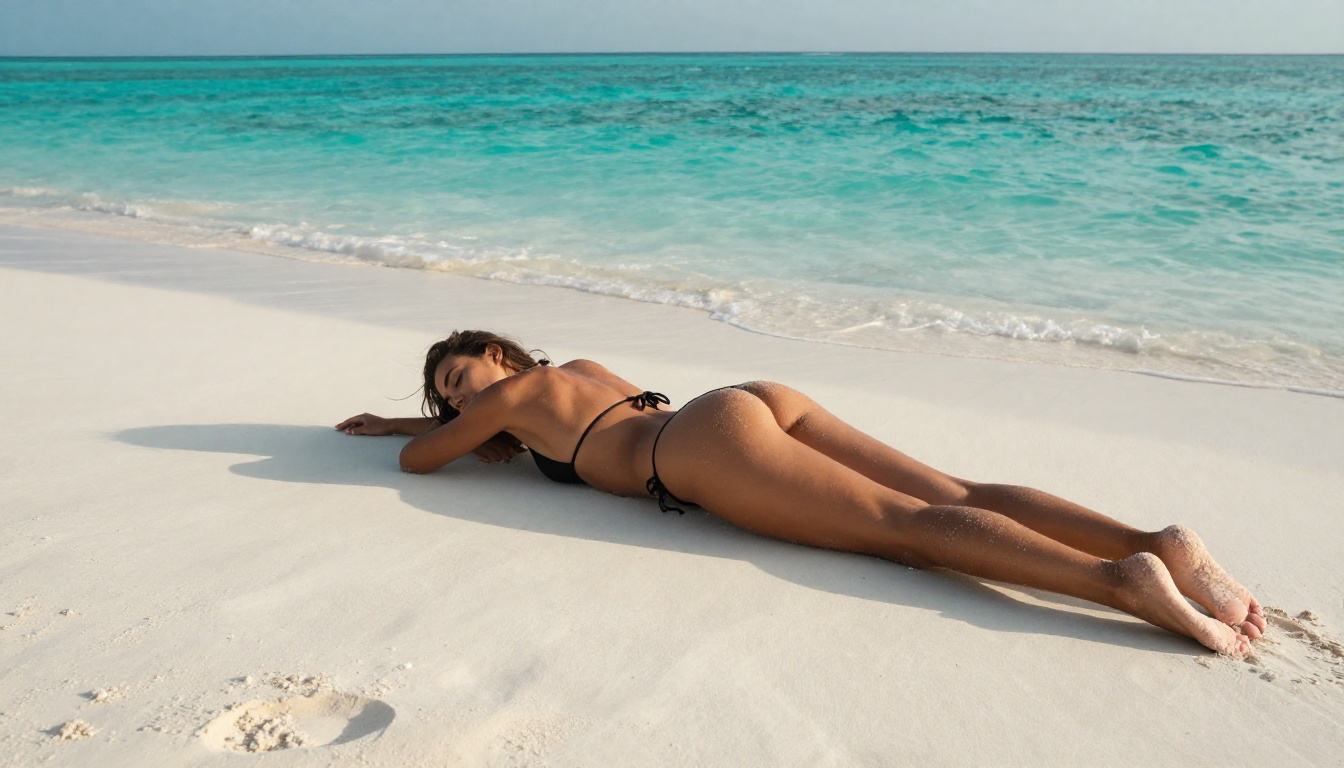
A strong prompt: photorealistic photograph of a beautiful woman with bronze skin and dark flowing hair, lying on white sand beach, turquoise lagoon behind her, late afternoon golden light creating warm streaks across her back, low angle camera at sand level, 85mm f/1.4, Kodak Portra 400 film grain, intimate candid moment, 8k
The difference is specificity. Every element of the strong version tells the model something actionable: lighting direction, camera angle, lens choice, film stock, time of day. These are not decorative additions. They directly shape the output.
Setting and environment (specific location, time of day)
Lighting conditions (directional, quality, color temperature)
Camera specifics (lens focal length, aperture, brand)
Film or texture characteristics (film stock, grain, processing style)
Negative Prompts That Matter
Negative prompts are your quality safety net. They tell the model what to avoid. For photorealistic NSFW content, these negatives are non-negotiable:
cartoon, anime, illustration, cgi, 3d render, artificial, plastic skin,
oversmoothed, airbrushed, bad anatomy, extra limbs, deformed hands,
watermark, text, logo, oversaturated, neon, digital painting
The most important negatives for photorealism: plastic skin, oversmoothed, and airbrushed. These address the most common failure mode where AI-generated skin looks like polished rubber rather than actual human skin.
CFG Scale and Sampling Steps
These two parameters have enormous impact on output quality and are often ignored by new users.
Parameter
Low Value Effect
High Value Effect
Sweet Spot for NSFW
CFG Scale
Creative, loose
Rigid, oversaturated
5-7 for Flux, 7-9 for SDXL
Steps
Fast, rough
Detailed, slow
25-35 for most models
Sampler
DPM++ 2M Karras (general)
Euler A (painterly)
DPM++ 2M Karras
For Flux models, lower CFG (around 3.5-5) consistently produces more natural, photographic results. The model is powerful enough that heavy guidance steering creates over-processing artifacts rather than more detail.
How to Use Flux Dev on PicassoIA
Flux Dev is one of the most capable models on the platform for NSFW work. Here is a step-by-step process to get the best results.
Step 1: Open the Flux Dev model page
Navigate to Flux Dev on PicassoIA. You will see the prompt input, image settings, and parameter controls laid out clearly.
Step 2: Set your aspect ratio
For portrait work, use 9:16. For landscape and scene-based content, use 16:9. Avoid 1:1 for full-body content, as the square crop often creates awkward compositional cuts.
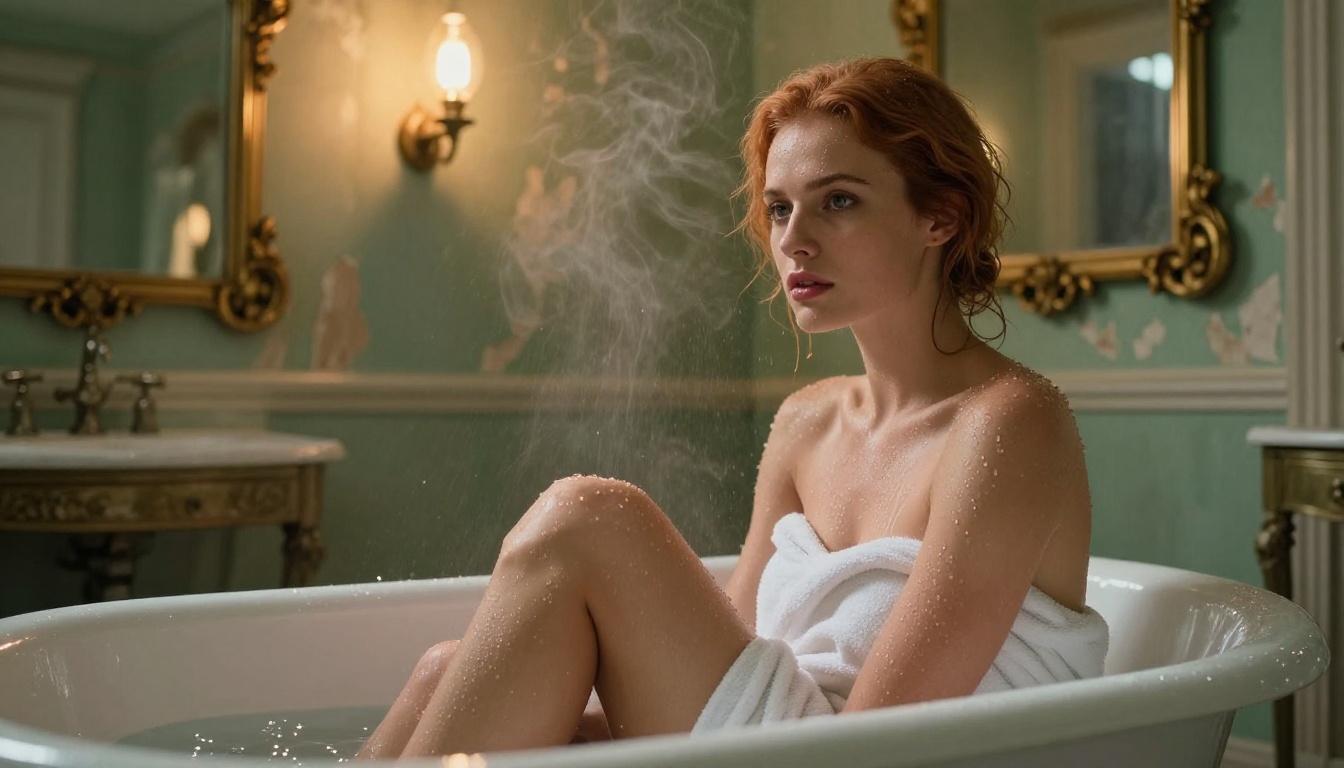
photorealistic photograph of a woman with auburn hair seated at the edge
of a vintage clawfoot bathtub, water droplets on her collarbone and shoulders,
crumbling Belle Epoque bathroom with peeling sage green walls, warm amber
Edison bulb lighting, low angle shot looking up slightly, Zeiss Otus 85mm f/1.4,
Kodak Portra 400, intimate fine art editorial, 8k
Step 4: Add your negative prompts
cartoon, illustration, anime, cgi, 3d render, plastic skin, airbrushed,
oversmoothed, bad anatomy, extra limbs, watermark, text
Step 5: Set your parameters
CFG Scale: 4.5
Steps: 28
Sampler: DPM++ 2M Karras
Step 6: Generate and iterate
Do not stop at one generation. Vary the seed, adjust lighting descriptors, and swap specific environment details to find the composition you are after. Flux Dev responds exceptionally well to lighting adjustments in the prompt.
4 Mistakes That Kill Your Results
These are the patterns that consistently produce poor outputs, regardless of which model you are using.
Being Too Vague
"A beautiful woman" gives the model almost no information to work with. You will get technically correct outputs with no character, no specificity, and no visual interest. Every detail you omit is a detail the model fills in randomly. Vague prompts produce average outputs, by definition.
Ignoring Negative Prompts
Running Stable Diffusion or SDXL without negative prompts is like developing a photograph without fixing the image. You will get outputs that look almost right but fail in specific ways: plastic-looking skin, distorted hands, oversaturated colors, and digital-looking highlights. A solid negative prompt template prevents all of these simultaneously.
Wrong Aspect Ratio
Anatomy breaks down when models generate in ratios they were not optimized for. Forcing 16:9 for a full-body portrait often results in distorted proportions at the frame edges. Match your ratio to your subject: 9:16 for full-body, 3:2 or 4:3 for three-quarter shots, 1:1 for tight portraits only.
Overcomplicating the Prompt
There is a common misconception that longer prompts always produce better outputs. Past a certain point, adding details creates conflicts that the model resolves unpredictably. A focused 80-word prompt typically outperforms a 250-word prompt that tries to describe everything simultaneously.
💡 The 80-word rule: Keep your positive prompt under 80 words. If you want to add more detail, remove something less important rather than just appending to the end.
PicassoIA vs. Other NSFW Platforms
The platform landscape for NSFW AI generation has consolidated significantly. Here is how the main options compare in 2026:
Platform
Model Variety
NSFW Support
Speed
Cost Structure
PicassoIA
91+ text-to-image
Full
Fast
Low per-image cost
Local ComfyUI
Unlimited (DIY)
Full
Hardware-dependent
Hardware cost only
Seaart
Limited
Partial
Moderate
Subscription
CivitAI
Large
Partial
Slow (queue)
Credits
PicassoIA's advantage is the combination of professional model selection and dedicated infrastructure without local hardware requirements. The Flux 2 Pro, Flux 2 Max, and Proteus v0.3 models available there are the same architectures that power the most capable local installations, served at GPU inference speeds without any setup overhead.
The actual technical difference between filtered and unfiltered generators comes down to three things:
Training data: Was the base model trained on curated (filtered) or unrestricted datasets?
RLHF fine-tuning: Was human reinforcement feedback used to penalize NSFW outputs during training?
API-layer filtering: Does the serving infrastructure flag and reject prompts before they reach the model?
Models like Flux Dev, Realistic Vision v5.1, and RealVisXL v3.0 Turbo on PicassoIA are not restricted at any of these three layers for adult artistic content. That is what makes the difference between a tool that works and one that does not.
The quality trajectory in NSFW AI generation is steep. Flux 2 Max already produces outputs that professional photographers have mistaken for real photographs in blind tests. The gap between AI-generated and real photographic content is narrowing at a pace that was not predicted even two years ago.
For creators working in this space, prompt quality and model selection are becoming the primary differentiators. The best creators are not the ones with the most expensive hardware or the longest prompts. They are the ones who know how to communicate precisely with these models, using specificity where it matters and restraint where it does not.
Create Your Own NSFW AI Art on PicassoIA
The models covered in this article are all accessible on PicassoIA right now. Whether you start with Flux Dev for its photorealism, SDXL Lightning 4Step for fast iteration, or Flux 1.1 Pro Ultra for maximum resolution output, the platform handles the infrastructure so you can focus entirely on the creative work.
The entry point is straightforward: write a specific prompt using the structure outlined above, add your negative prompts, set CFG to a lower value than you would intuit, and generate. The first output is rarely the final one. NSFW AI art is an iterative process. The creators getting the most impressive results are generating dozens of variations per concept, not stopping at the first acceptable image.
Pick a model. Write a focused prompt. Start generating. The results will tell you exactly where to go next.