If you have spent more than a few sessions on OpenArt, you have likely hit a wall. The platform caps what you can do, limits which models you can access on the free tier, and keeps its best tools locked behind expensive subscriptions. Meanwhile, the world of AI image generation has exploded with dozens of powerful models that most platforms simply do not offer. Picasso AI takes a different approach: instead of restricting your options, it puts over 90 text-to-image models at your fingertips, all in one place.
Why OpenArt Feels Restrictive
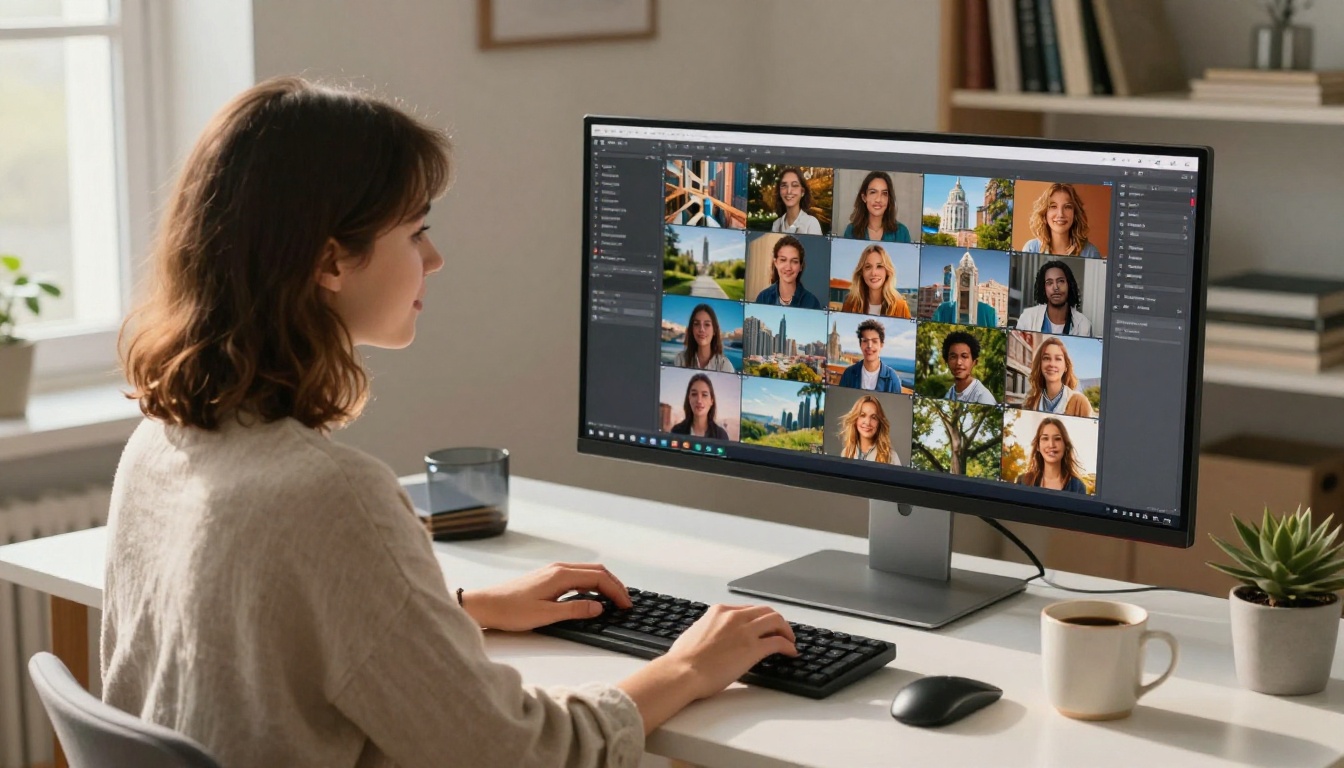
OpenArt launched as a community-driven platform for sharing AI art. Over time it added its own generation tools, but the model selection has always been narrow. If you want to try a specific model you saw somewhere, OpenArt probably does not have it. And if it does, you may find it locked behind a subscription tier.
The Model Cap Problem
The frustration is not just about quantity. It is about access to the right model at the right moment. Different projects call for different tools: a photorealistic portrait needs a different engine than a stylized landscape or a product shot. When a platform only offers 10 to 15 models, you are forced to work within its limitations rather than letting your creative vision set the direction.
What Creators Actually Need
Professional creators, social media managers, and independent artists all share one requirement: flexibility. The ability to switch from Flux 2 Pro for a cinematic shot to Ideogram v3 Quality for a text-heavy graphic, all without switching platforms, is not a luxury. It is table stakes.
💡 The real cost of platform limitations: Every time you switch tools to find the right model, you lose momentum, context, and time. A single platform with broad model access changes that entirely.
Picasso AI currently hosts over 90 text-to-image models spanning everything from ultra-fast generation to high-fidelity photorealism. The lineup covers the biggest names in AI image generation and updates regularly as new models become available.
The Flux 2 Series
Black Forest Labs has become one of the most respected names in open-source AI image generation, and Picasso AI carries the full Flux 2 lineup:
- Flux 2 Pro: The flagship model for professional-grade outputs with exceptional prompt adherence
- Flux 2 Max: Maximum quality for when you need the absolute best output
- Flux 2 Dev: The development variant, balancing quality and speed for iterative work
- Flux 2 Flex: High-fidelity generation with flexible conditioning for precise compositions
- Flux Kontext Pro: Text-based image editing, letting you modify existing images with natural language
- Flux Kontext Max: The premium editing variant for context-aware, precise modifications
- Flux 1.1 Pro Ultra: Ultra-realistic outputs from the previous generation flagship
Having both Flux 2 Pro and Flux Kontext Pro in the same workspace means you can generate and refine images without leaving the platform. That kind of integrated workflow is something OpenArt simply cannot offer.
Google Imagen 4 and Nano Banana
Google's Imagen family represents some of the strongest photorealistic generation available right now. Picasso AI includes:
- Imagen 4: Google's latest flagship with exceptional detail and natural lighting
- Imagen 4 Ultra: The highest precision variant in the Imagen 4 family
- Imagen 4 Fast: Quick generation without sacrificing Google's signature realism
- Imagen 3: The previous generation still delivering excellent results
- Nano Banana: Google's compact, efficient model for rapid iterations
- Nano Banana Pro: The professional tier with improved quality over the base variant
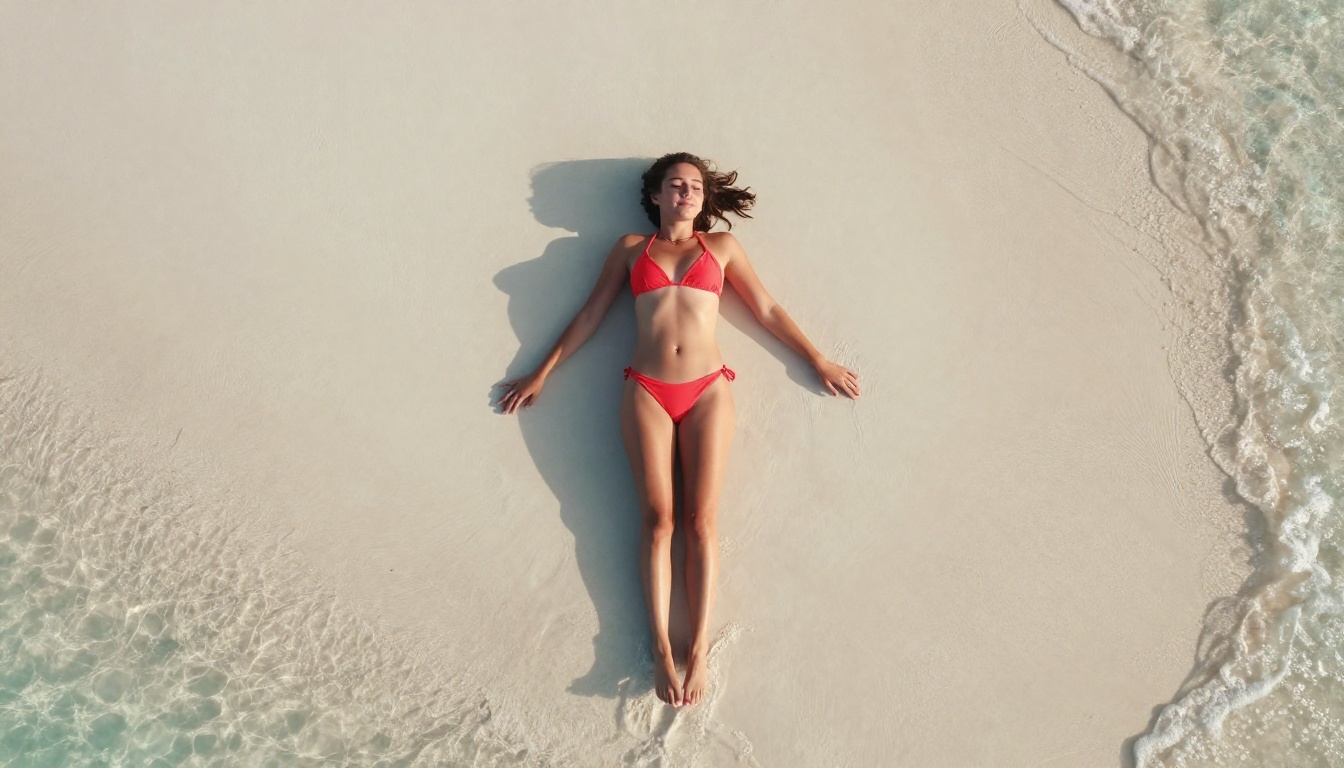
Imagen 4 Ultra in particular has become a preferred choice for lifestyle and fashion photography prompts because of how it handles skin tone, fabric texture, and natural light interaction.
GPT Image 1.5
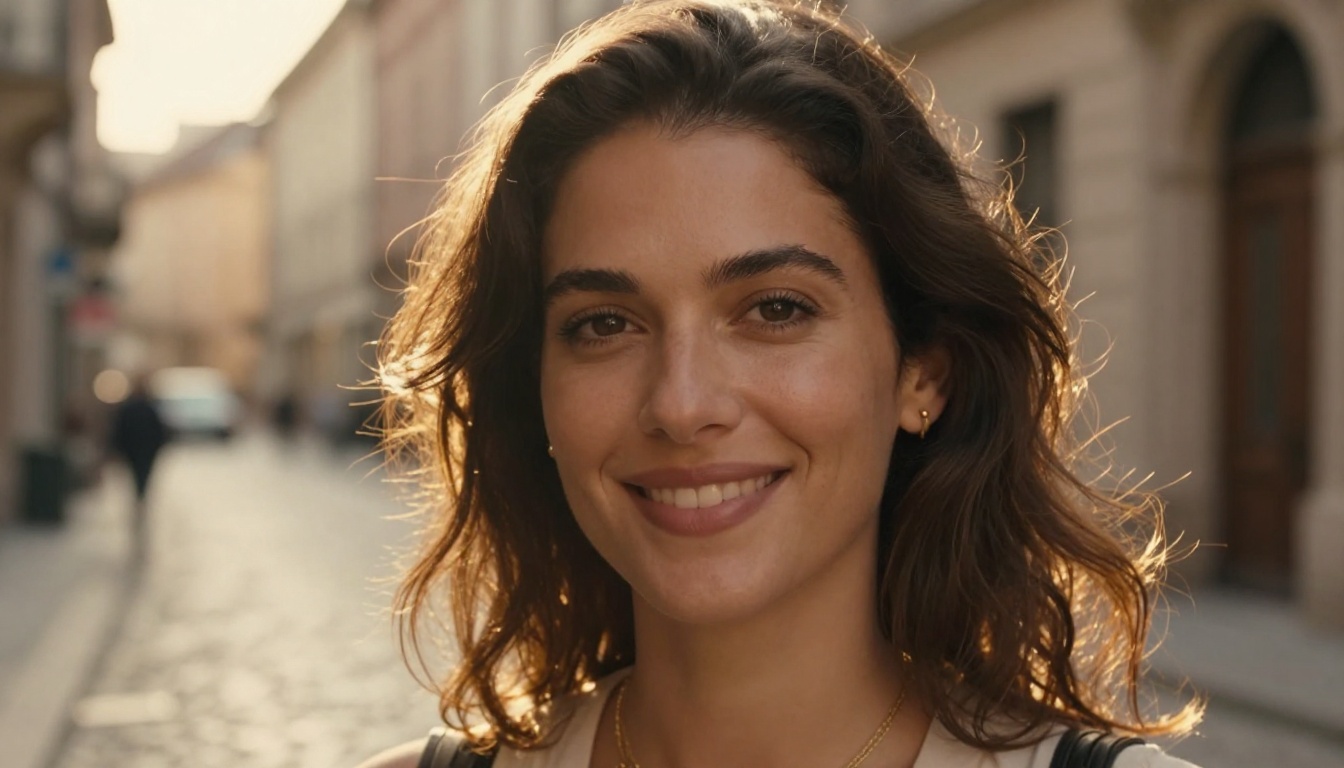
OpenAI's GPT Image 1.5 is one of the most capable instruction-following models available. Where many models struggle with complex multi-element prompts, GPT Image 1.5 parses detailed descriptions accurately and places subjects, objects, and environmental details exactly where you intend them. It is particularly strong for product photography, editorial images, and any scenario where precise composition matters.
💡 Pro tip: GPT Image 1.5 responds especially well to descriptive lighting cues. Specify the light source direction, quality (hard vs. soft), and color temperature in your prompt for noticeably better results.
Picasso AI vs OpenArt: Side by Side
| Feature | Picasso AI | OpenArt |
|---|
| Text-to-Image Models | 90+ | ~15 |
| Flux 2 Series | Full lineup | Partial |
| Google Imagen 4 | Yes | No |
| GPT Image 1.5 | Yes | No |
| Ideogram v3 | Yes | No |
| Stable Diffusion 3.5 | Yes | Yes |
| Video Generation | Yes (87 models) | Limited |
| Background Removal | Yes | Yes |
| Super Resolution | Yes | Yes |
| Face Swap | Yes | No |
| AI Music Generation | Yes | No |
| Speech to Text | Yes | No |
| ControlNet | Yes | Partial |
The model gap is the clearest differentiator. With over 90 text-to-image models, Picasso AI is not just slightly better. It is in a different category.
How to Use Flux 2 Pro
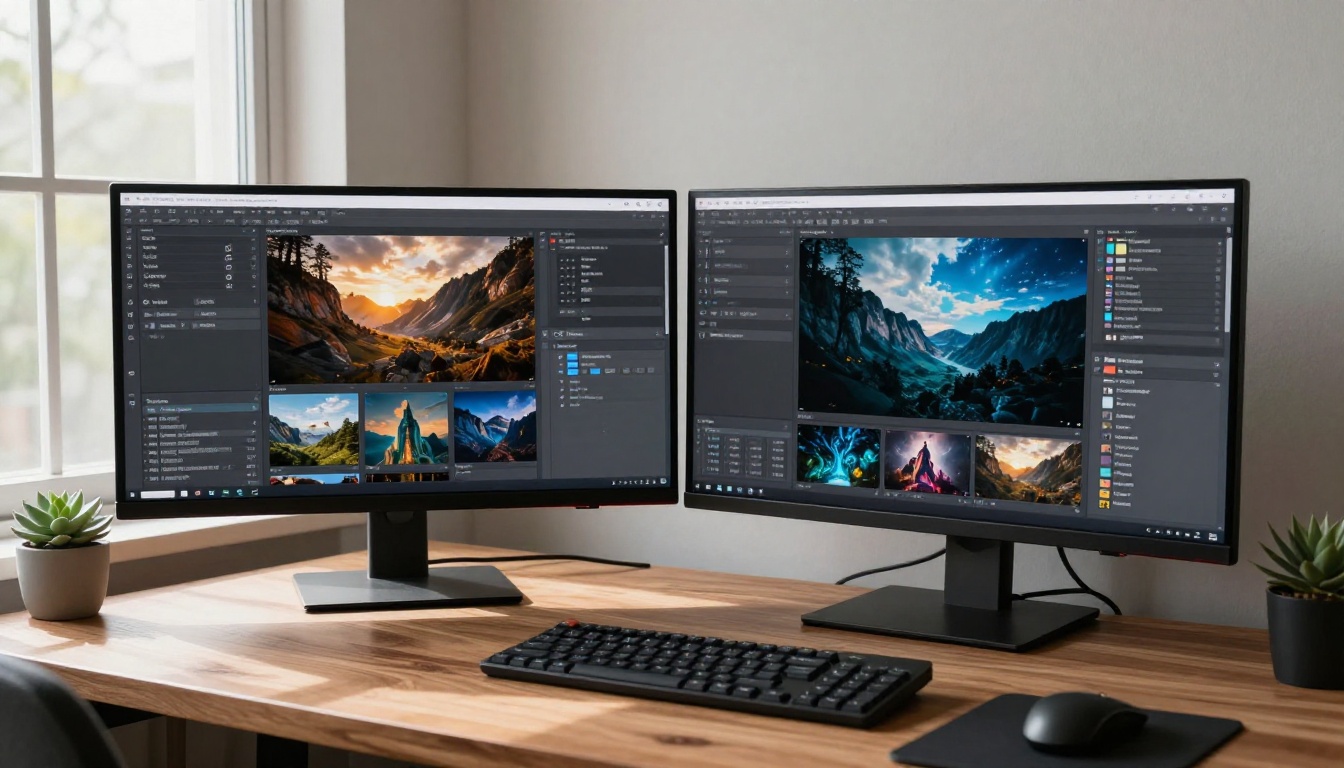
Flux 2 Pro is the most requested model on the platform and for good reason. Here is how to get the best results from it.
Step by Step
- Open Flux 2 Pro on Picasso AI
- Enter your prompt in the text field. Flux 2 Pro handles detailed, descriptive prompts well, so do not hold back on specifics
- Set the aspect ratio to 16:9 for landscape shots or 9:16 for portrait content
- Adjust the inference steps: 25 to 35 steps gives a good balance of quality and speed; push to 40+ for maximum detail
- Set a seed if you want to reproduce a result later
- Click Generate and wait for the output, typically 10 to 25 seconds
- If the result is close but not right, use the seed from that image and refine your prompt slightly for consistent iteration
Tips for Better Results
- Be specific about light: "morning golden hour light from the left, volumetric, warm 3200K" produces far better results than "good lighting"
- Name the lens: Adding "85mm f/1.4" or "24mm wide angle" changes the perspective and depth of field noticeably
- Describe texture: Mentioning "Kodak Portra 400 film grain" or "matte skin texture" adds photographic authenticity
- Use negative prompts sparingly: Flux 2 Pro is strong enough that they are rarely needed, but "CGI, illustration, cartoon" can help steer away from unwanted styles
Beyond Text-to-Image
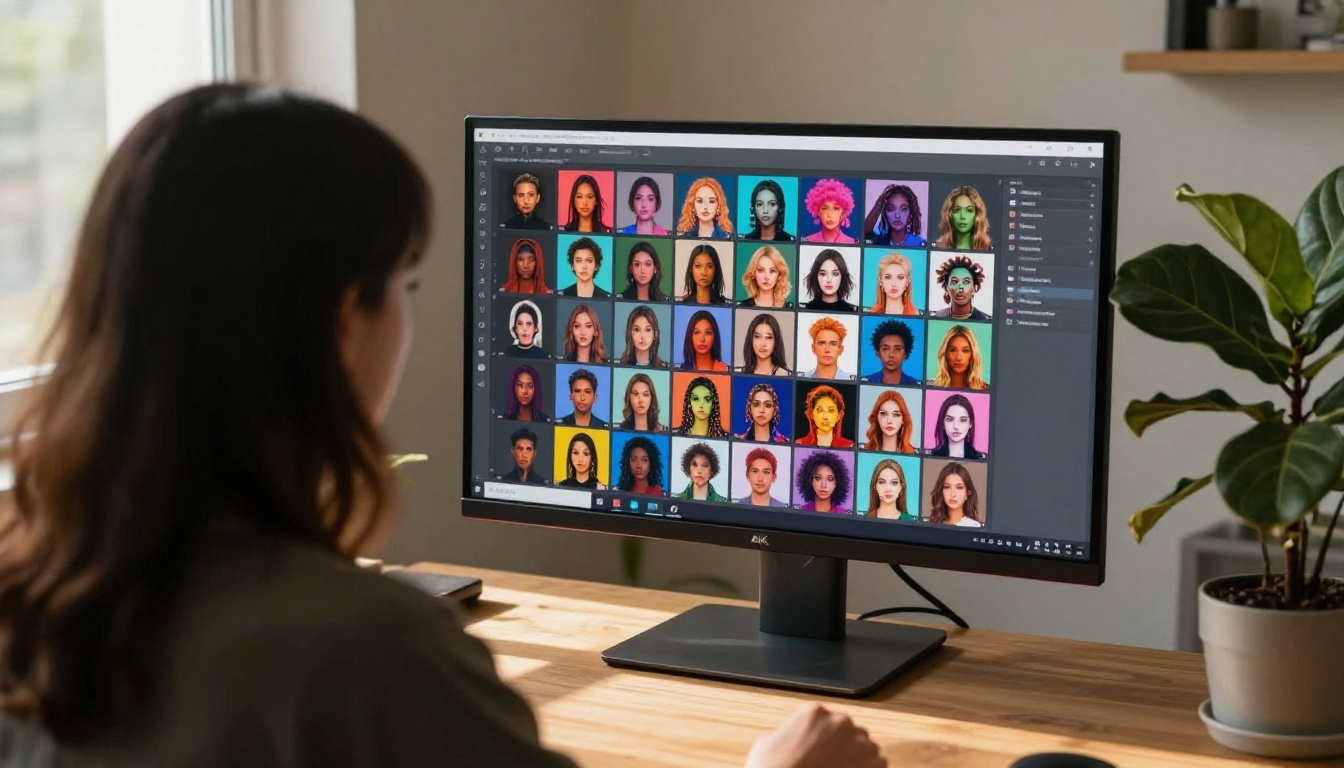
The model breadth on Picasso AI is not limited to still images. The platform spans the full creative workflow from generation to post-production.
Video and Audio Tools
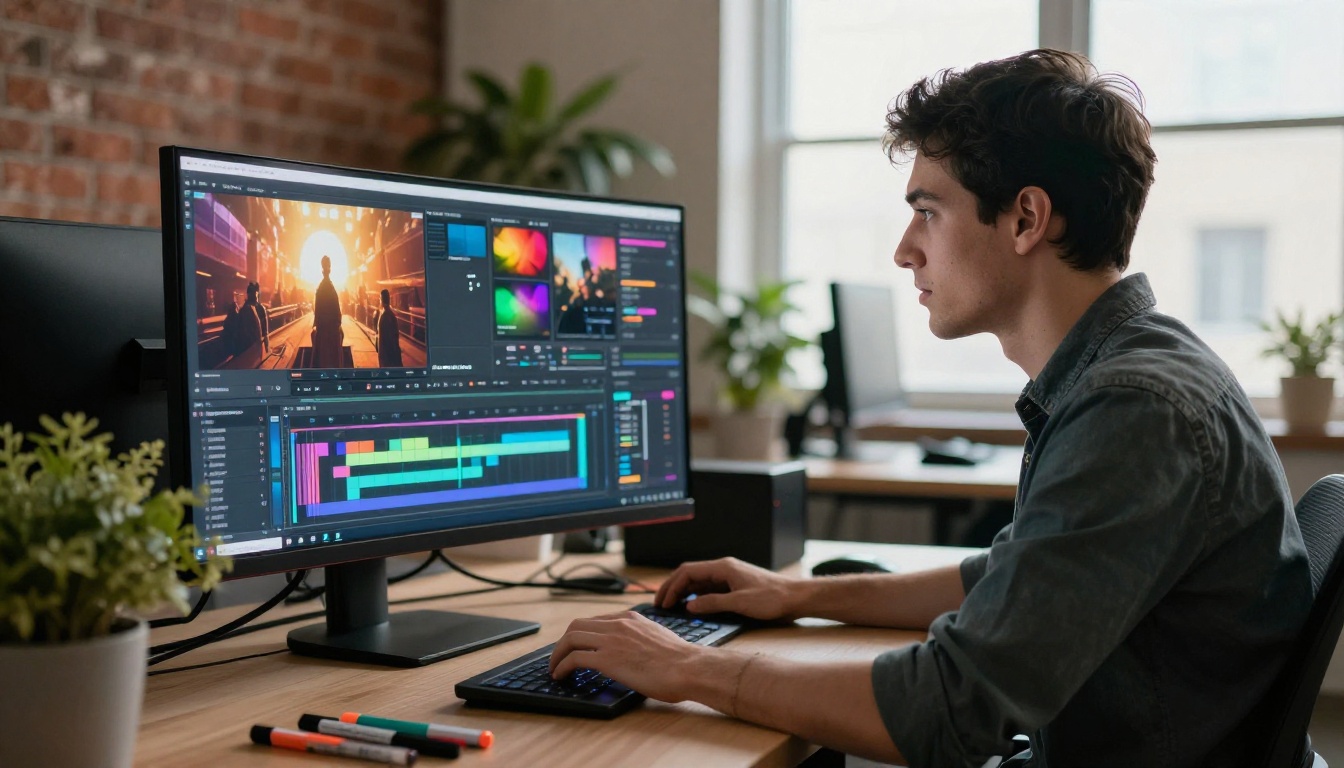
Picasso AI hosts 87 text-to-video models, covering everything from cinematic clip generation to AI video upscaling and restoration. The audio side includes AI music generation, text-to-speech, and speech-to-text transcription, making it a rare platform where you can produce both the visual and audio components of a project without switching tools.
Face Swap and Background Removal
The platform includes a face swap tool for realistic instant swaps and a dedicated background removal service. Combined with super resolution upscaling at 2x to 4x, you have a full post-production toolkit sitting alongside the generation tools.
💡 Workflow tip: Generate your image with Flux 2 Pro, remove the background in one click, upscale 4x with super resolution, then place the subject on a new background with inpainting. That is a full production workflow without leaving the platform.
5 Models Worth Trying Today
If you are switching from OpenArt and do not know where to start, these five models consistently deliver strong results across different use cases.
For Photorealistic Shots
Imagen 4 Ultra: Google's best model excels at portraits, product photography, and lifestyle images. Skin, fabric, and natural lighting all render with a level of authenticity that is hard to beat.
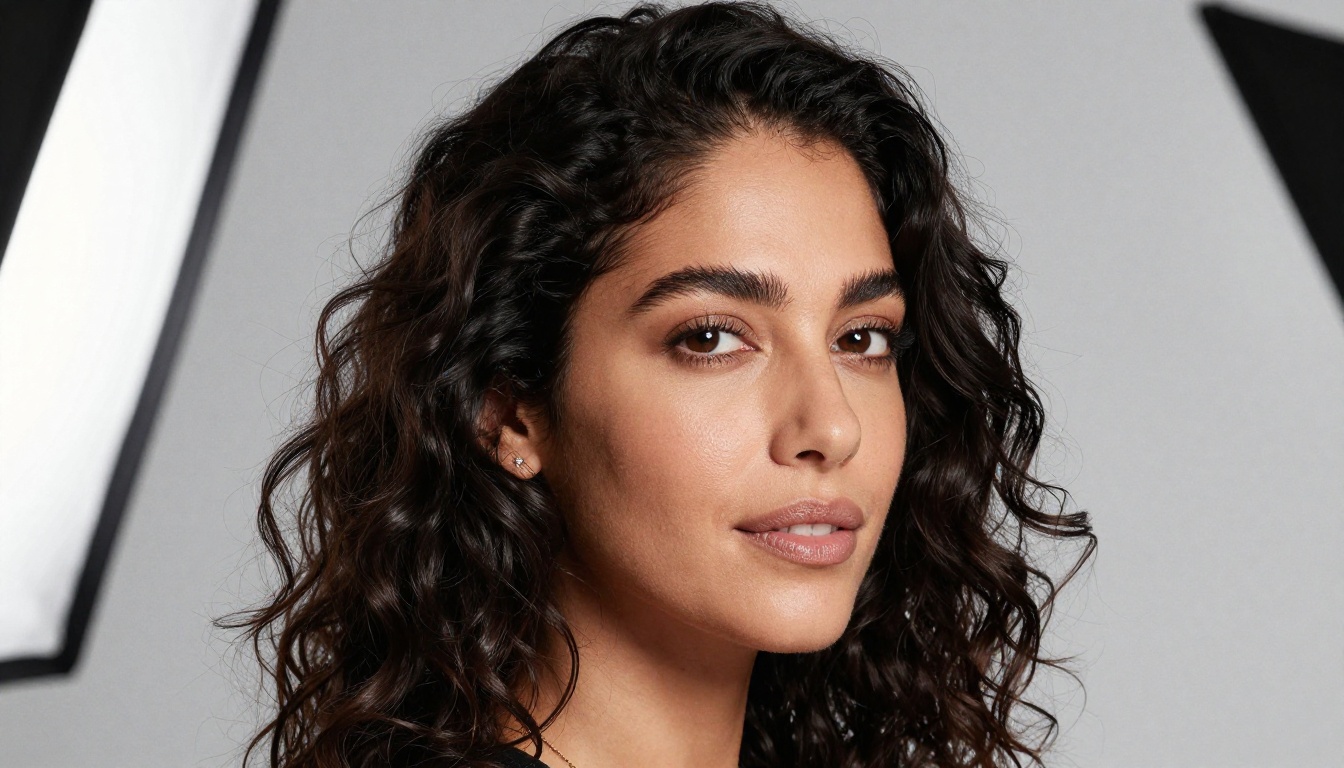
RealVisXL v3.0 Turbo: Built specifically for photorealism, this model makes portrait subjects look like they were shot on a real camera. It processes quickly and delivers consistent quality across generations.
Flux 2 Pro: The all-around champion for photorealistic work. Strong prompt adherence, excellent composition, and natural color science make it the first choice for most professional projects.
For Creative Portraits
Ideogram v3 Quality: If your image needs text overlays, logos, or typography, Ideogram v3 Quality is the best model available. It renders text in images more accurately than any other model on the platform.
Playground v2.5: With its strong aesthetic sensibility, Playground v2.5 produces images with a polished editorial quality. It works especially well for beauty, fashion, and creative portrait prompts.
The roster does not stop at the big names. Several under-the-radar models are worth experimenting with:
Recraft v3 deserves a specific mention for anyone working in branding or design. It is one of the few models that reliably produces clean, vector-friendly outputs, and the Recraft v3 SVG variant takes that further with native SVG output for scalable assets.
Seedream 4 from ByteDance is another strong performer. At ultra-high resolutions, it holds fine detail exceptionally well, making it a solid choice for print-ready outputs or large-format work.
The Model Selection Keeps Growing
Unlike static platforms, Picasso AI adds new models regularly. The current lineup includes models from Google, OpenAI, Black Forest Labs, Stability AI, Ideogram, Recraft, ByteDance, and independent open-source developers. When a new model gains traction in the research community, it typically appears on Picasso AI within weeks.
This matters because AI image generation is still moving fast. The best model in January may not be the best model in June. Being on a platform that tracks and adds new releases means your creative options only expand as the field does.
💡 Bookmark the text-to-image collection: New models appear regularly. Checking the collection page periodically keeps you aware of what has been added without having to search for news about individual model releases.

Start Creating Right Now
If you have been waiting for a reason to step away from OpenArt's restrictions, the model catalog on Picasso AI is it. Over 90 text-to-image models, the full Flux 2 lineup, Google Imagen 4 Ultra, GPT Image 1.5, and a full creative suite covering video, audio, and image editing, all in one platform.
The best way to see the difference is to pick a prompt you have already run on OpenArt and run it on three different models here. Try Flux 2 Pro for photorealism, Ideogram v3 Quality for precision, and Imagen 4 Ultra for natural-light photography. The results will make the case better than any comparison chart.
Pick a model, write a prompt, and see what 90+ options actually feel like.


