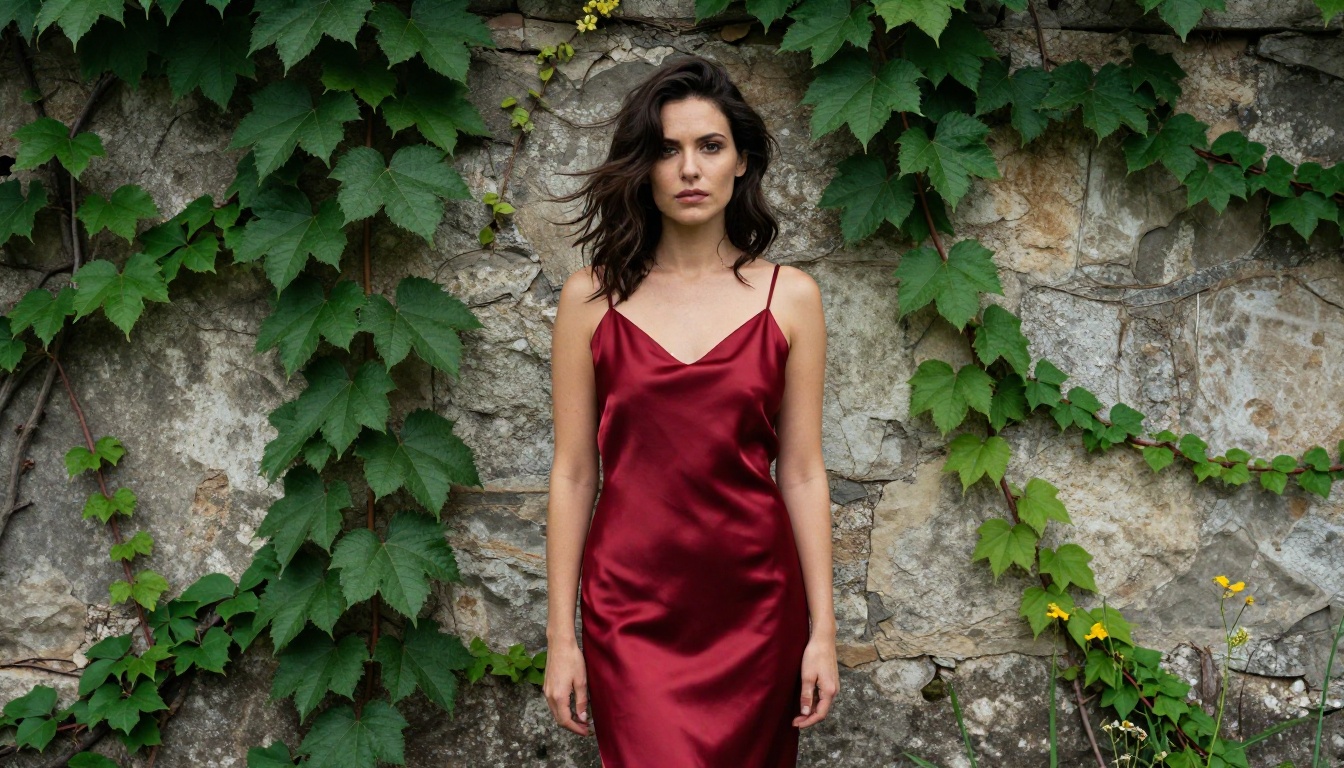
If you've typed a perfectly reasonable creative prompt into Freepik's AI generator and watched it get blocked for "community guideline violations," you are not alone. Thousands of creators, photographers, and designers hit the same wall every day. Freepik's content filters are built for the most conservative possible audience and applied to everyone, regardless of professional context or legitimate creative purpose. Picasso AI was built to fix exactly that problem, and the difference in practice is substantial.
The Problem With Freepik's AI Generator
Freepik launched its AI image generator as part of a broader push to keep everything on-platform. The logic made sense from a corporate standpoint: aggregate tools, reduce user churn, own more of the creative workflow. But the filters they implemented are so restrictive that even legitimate professional projects get blocked on a regular basis.
Restrictions That Block Real Work
Fashion photographers who want to generate reference images for upcoming shoots. Lingerie brands testing concepts before committing to a real photo session. Adult content platforms that operate entirely legally in their jurisdictions. Writers who need book art for mature romance novels. None of these use cases is controversial within its professional field, yet all of them run into Freepik's refusal walls constantly.
The platform makes no distinction between someone generating genuinely harmful content and a professional art director sketching out a bikini shoot concept. It treats both identically, producing a tool that is professionally useless for a significant portion of the creative industry.
The "Safe Content" Trap
Freepik's AI image generator markets itself on creative freedom while simultaneously applying filters that reject imagery common on any magazine rack. A beach photography reference with natural skin exposure gets flagged. A boudoir concept for a completely legal adult photography client gets refused. Certain artistic poses that appear in mainstream fashion editorial work get rejected without explanation.
The result is a platform that promises unrestricted creation and then says no, repeatedly, to work that has been commercially published by legitimate brands for decades.

What Makes Picasso AI Different
Picasso AI approaches content policy from a fundamentally different direction. Instead of applying a one-size-fits-all conservative filter to every user, the platform is built on the principle that adults creating legal content should have access to the full range of creative possibilities that AI image generation technology actually offers.
No Arbitrary Content Filters
The practical difference is immediate. Prompts that get rejected on Freepik within seconds generate high-quality, photorealistic results on Picasso AI without friction. Fashion, glamour, artistic nudity, suggestive photography, boudoir concepts: all of it works the way the underlying AI models were actually designed to work, without an additional censorship layer stripping out creative intent.
For professional creators, this is not a minor quality-of-life improvement. It is the difference between a tool that works for your actual projects and a tool that works only for a sanitized subset of those projects.
183 Models, Total Creative Control
The other major differentiator is scale. Freepik offers a small, curated selection of AI models. Picasso AI gives you access to 183 text-to-image models alone, spanning everything from the fastest generation options to the highest fidelity photorealistic outputs available anywhere.
💡 Worth knowing: Different models behave differently with suggestive prompts. Photorealistic models like Flux Dev and RealVisXL v3.0 Turbo produce the most convincing results for glamour and fashion work.
The Models That Deliver Real Results
Having 183 models available would mean nothing if they all produced mediocre output. What actually matters is the quality of results, and here Picasso AI's selection is genuinely impressive.
Flux Dev and Flux Pro
The Flux family from Black Forest Labs represents the current state of the art for photorealistic image generation. Flux Dev is the research-focused version, generating detailed, nuanced images with strong prompt adherence and excellent skin texture rendering. Flux Pro adds commercial-grade reliability, while Flux 1.1 Pro pushes fidelity further with sharper detail and better handling of complex lighting scenarios.
For the highest resolution output, Flux 1.1 Pro Ultra generates 4-megapixel images with photographic quality that holds up under close inspection. This is the model professional photographers reach for when they need AI-generated reference material that can sit alongside real photography without looking obviously artificial.
Flux Schnell rounds out the family as the speed variant, useful for rapid iteration when working through multiple concepts before committing to a final direction.
SDXL, Stable Diffusion 3, and Imagen 4
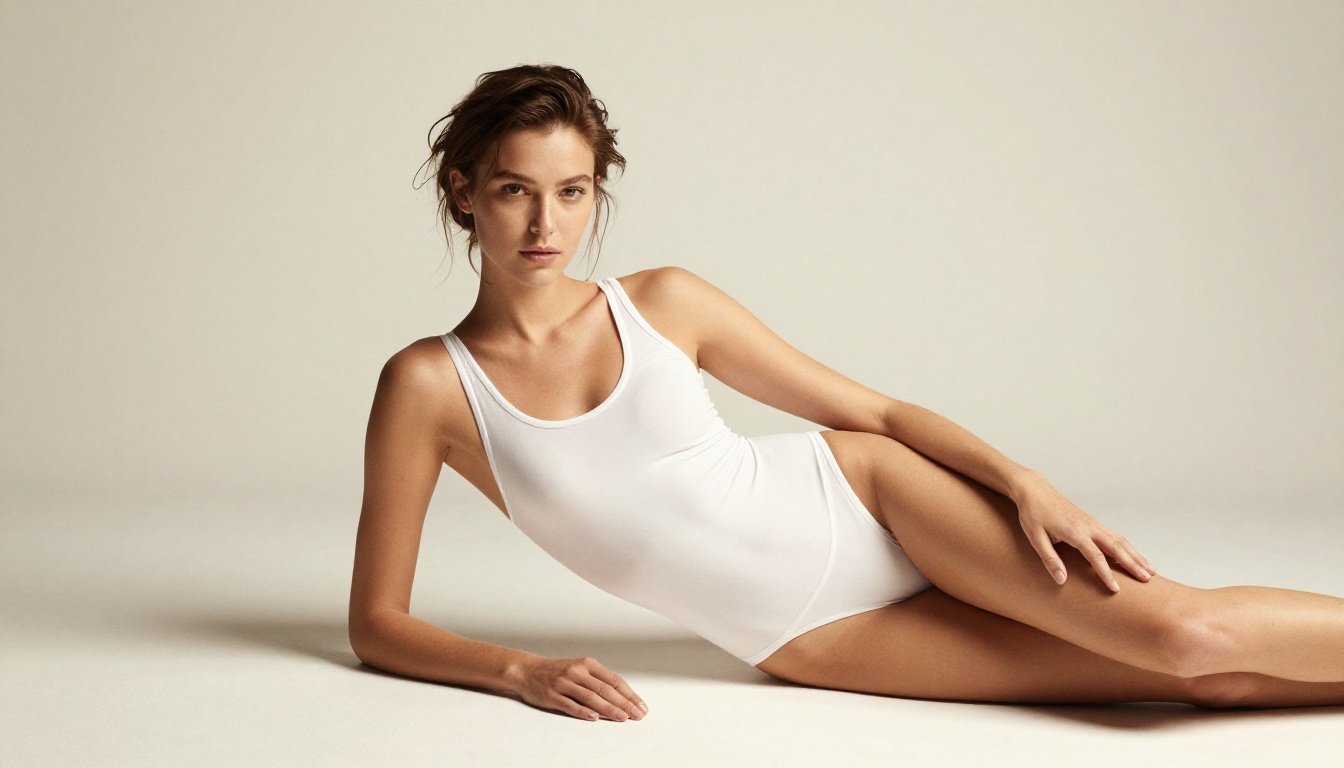
SDXL remains one of the most versatile unrestricted AI image generators available. Its combination of broad training data and flexible architecture makes it particularly strong for fashion and glamour work, with a natural ability to handle complex fabric textures, skin tones, and lighting scenarios that challenge more constrained models.
Stable Diffusion 3 brings Stability AI's latest architecture improvements to the table, with notably better compositional reasoning than earlier versions. For photography-style prompts with specific pose and lighting requirements, SD3 often produces more accurate results than models with similar fidelity scores.
Google's Imagen 4 enters the selection as one of the most photorealistic options available, with training that leans heavily toward natural photography aesthetics. Skin texture, hair, and environmental lighting all benefit from Imagen 4's architecture, making it a strong choice for any work where the final image needs to pass for real photography.
GPT Image 1 and the Cutting-Edge Stack
GPT Image 1 from OpenAI brings a different approach to image generation, with particularly strong handling of compositional requests and the ability to maintain consistent style across variations. For creators who work with character consistency across multiple images, GPT Image 1 paired with Flux Kontext Pro or Flux Kontext Max creates a workflow that no filter-restricted platform can replicate.
The Kontext models deserve special attention because they add editing capability on top of generation. Take an existing image and use text prompts to modify specific elements while keeping everything else consistent. Change the lighting direction. Adjust the background. Alter the clothing. The model maintains consistent elements while applying exactly the changes you specify in plain language.

Glamour, Fashion, and Artistic Photography
The use case that most directly highlights the Freepik problem is glamour and fashion photography. This is a multi-billion dollar industry with well-established aesthetic standards, a massive professional workforce, and completely legal commercial applications. It is also the category most consistently blocked by mainstream AI platforms.
What "Non-Explicit NSFW" Actually Means
There is a meaningful distinction between artistic and suggestive content on one side, and explicit pornographic content on the other. That distinction exists in law, in publishing standards, in advertising regulations, and in professional creative practice. Most AI platforms pretend this distinction does not exist and apply restrictions that treat a tasteful bikini photograph the same way they treat content that is genuinely harmful.
Picasso AI recognizes the distinction. The platform supports artistic nudity, implied nudity, suggestive poses, lingerie, glamour photography, boudoir work, and fashion that would appear without comment in any major fashion publication. What it does not support is explicitly pornographic content. For professional creators, this is exactly the right line. It matches where the actual creative industry operates, rather than where the most restrictive corporate liability departments imagine it should.
The Standard Freepik Can't Touch
The practical result is that a fashion photographer can generate test images for a lingerie campaign concept without hitting rejection walls. A romance novelist can create book art that reflects the actual content of their work. An adult entertainment creator working with legal content can use AI to generate marketing imagery without a platform deciding their legitimate business should not exist.
These are not edge cases. They represent enormous segments of the creative professional market that mainstream AI tools consistently fail to serve.

How to Create Unrestricted AI Images Step by Step
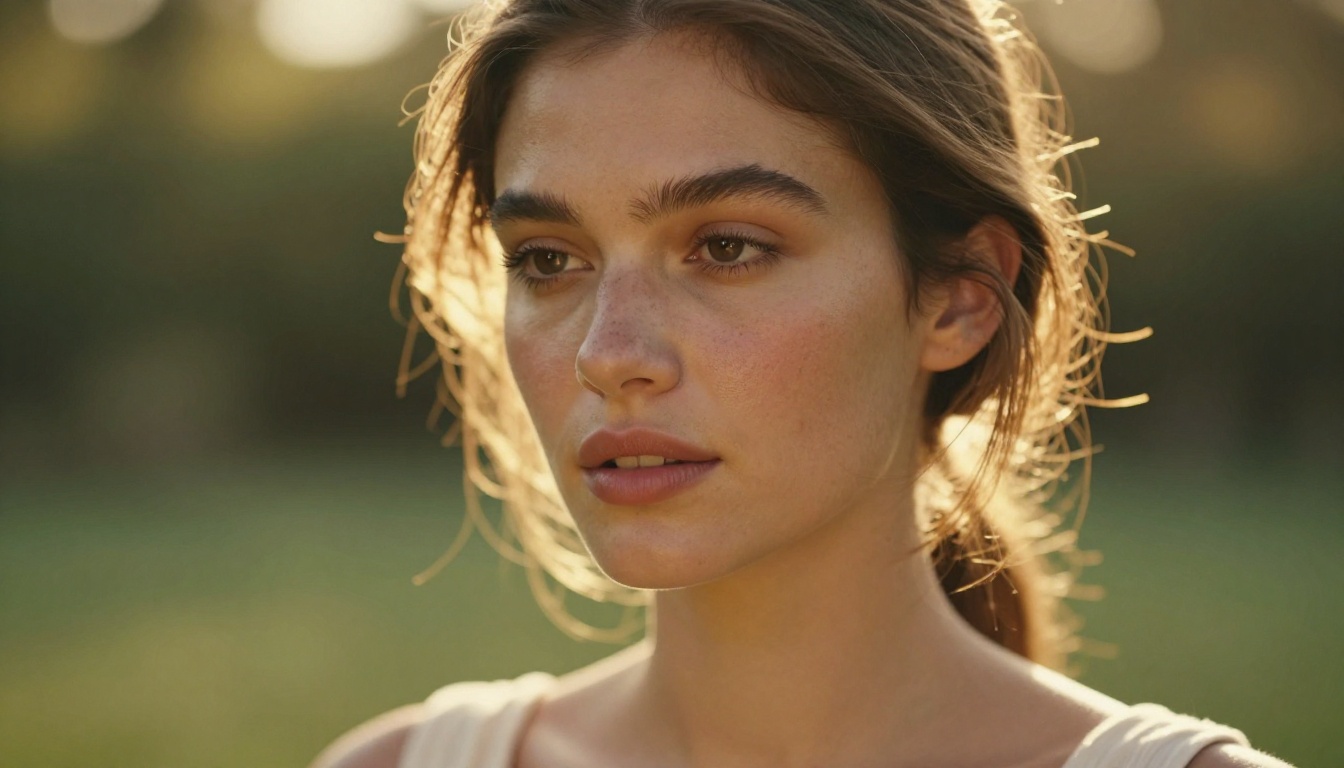
Getting quality results from an unrestricted AI platform requires understanding how to write prompts that direct the model toward exactly what you want. The absence of filters does not make results automatic: you still need to communicate your creative vision clearly and specifically.
Choosing the Right Model
Start by matching the model to your output goal:
Writing Prompts That Work
The biggest mistake new users make is writing prompts that are too short or too vague. "Beautiful woman on a beach" will give you something, but it will not give you what you actually visualized. The models respond to specificity.
A strong prompt for glamour work includes:
- Subject description: pose, expression, clothing, body position, gaze direction
- Environment: location, time of day, background elements, distance from camera
- Lighting: direction, quality, color temperature, main and fill light relationship
- Camera details: lens focal length, aperture, shooting distance
- Film or technical style: Kodak Portra 400, RAW photography, 8K, film grain
💡 Practical tip: Describe the photograph you want to have taken, not the image you want to see. Think like a photographer giving direction rather than someone describing a painting. Lens choice, lighting angle, and film stock all dramatically shape the output.
Refining Your Results
Picasso AI's editing-capable models let you iterate without starting from scratch. Once you have a base image that is close to what you want, use Flux Kontext Pro to modify specific elements while preserving the rest. For skin retouching and polish, Qwen Image Edit Plus LoRA Skin applies targeted improvements without altering unrelated areas of the image.
If you want to extend the scene beyond the original frame, the platform's outpainting capability through Expand Image adds canvas in any direction while maintaining visual consistency with the existing image.
Picasso AI vs Freepik: A Direct Comparison
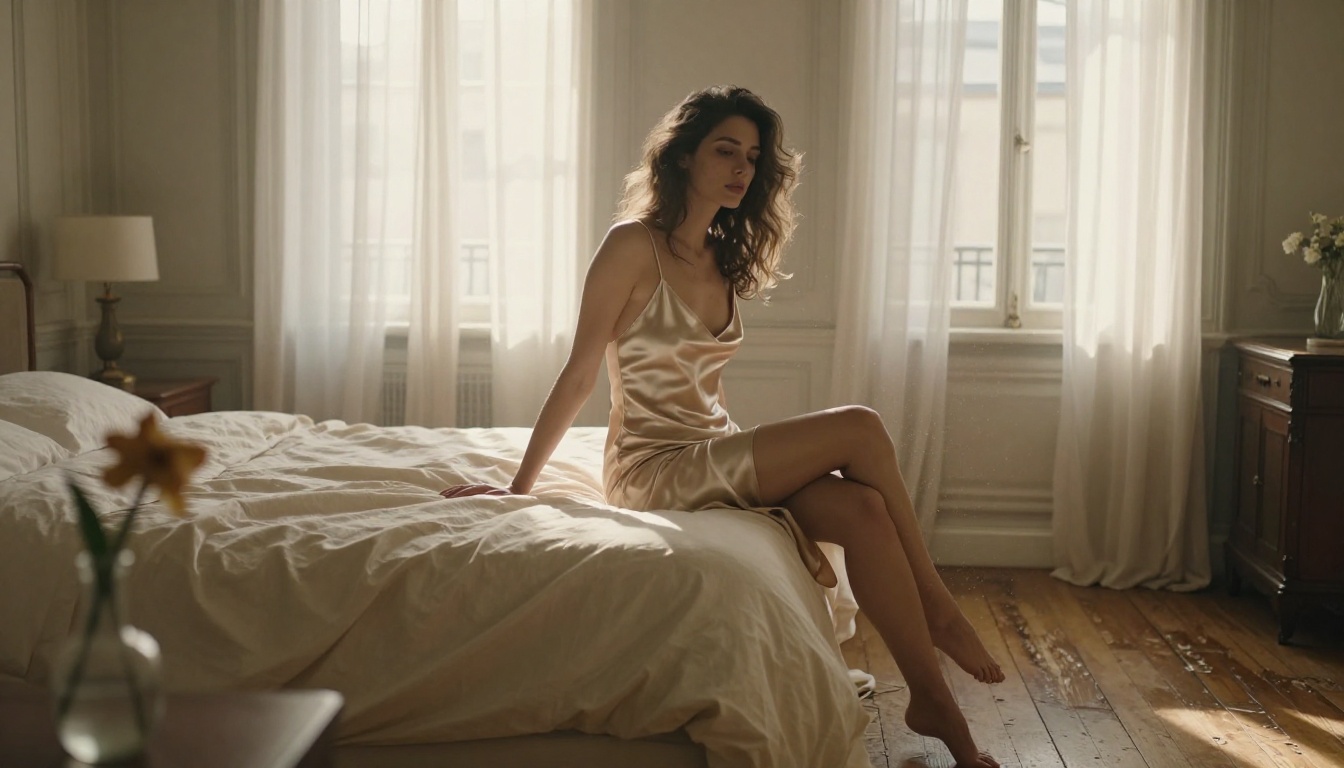
The differences between these two platforms go beyond content policy. Here is how they compare across the factors that matter most for professional creative work:
| Feature | Freepik AI Generator | Picasso AI |
|---|
| Content filters | Strict, blocks glamour and fashion | Artistic freedom, no arbitrary limits |
| Available models | Small curated selection | 183+ text-to-image models |
| NSFW capability | None | Artistic and suggestive content |
| Photorealism quality | Good for standard content | Exceptional across all content types |
| Editing capabilities | Limited | Inpainting, outpainting, Kontext editing |
| Image resolution | Standard | Up to 4K and 4MP options |
| Model variety | One platform model | Flux, SDXL, GPT, Imagen, Stable Diffusion |
| Iteration speed | Moderate | Sub-second with Schnell and P Image |
| Professional use cases | General commercial | Fashion, glamour, editorial, adult content |
| LoRA support | No | Yes, multiple LoRA-compatible models |
The comparison makes the choice straightforward for anyone whose work sits outside the most conservative content categories.
Who Actually Needs This
The people who benefit most from an unrestricted AI image platform are not a fringe group. They represent a substantial portion of the total creative professional market.
Fashion Photographers and Agencies
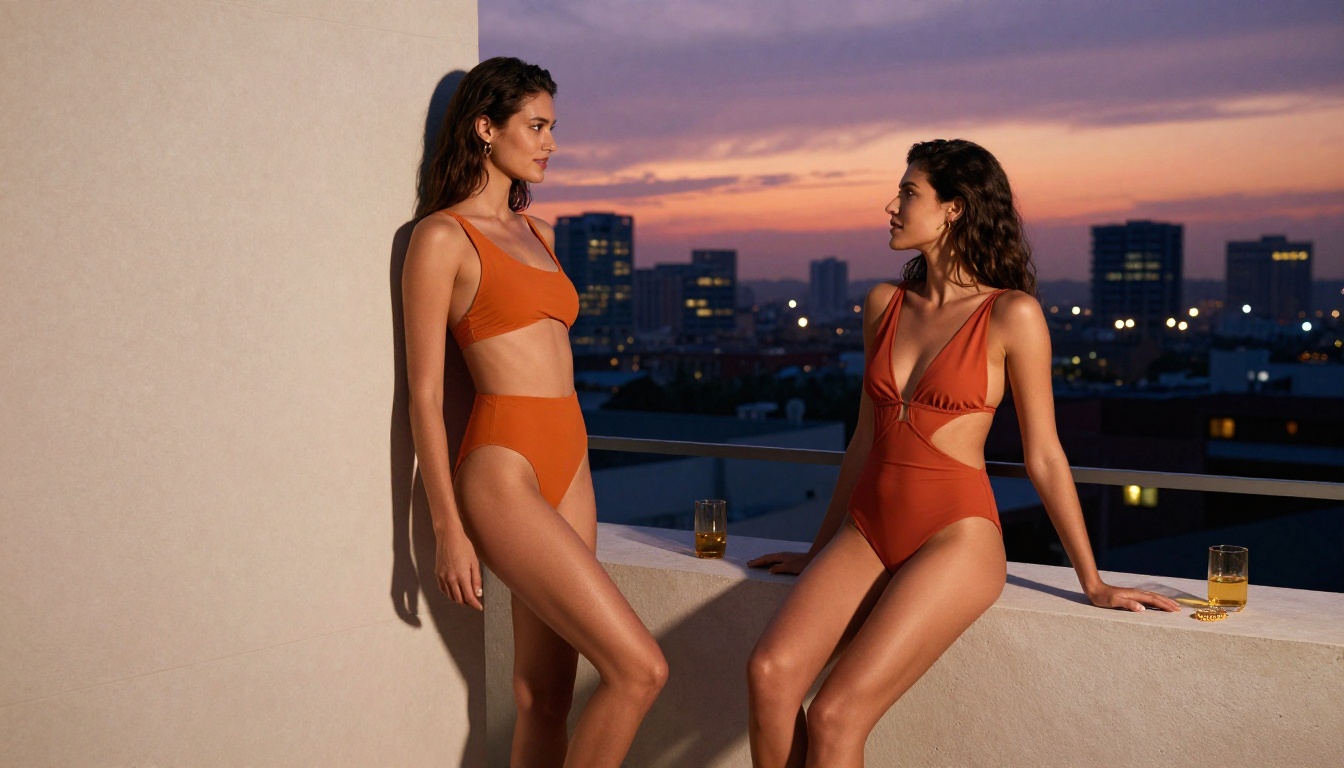
Pre-visualization is a standard part of professional photography production. Before a fashion photographer books a model, rents a studio, or schedules a location shoot, they often want to test lighting setups, costume concepts, and composition ideas. AI generation is a natural fit for this workflow, but only if the AI can actually generate the content the shoot will produce. A fashion photographer who cannot generate bikini references has a tool that does not work for their job.
Flux 1.1 Pro Ultra and Imagen 4 produce reference images with enough photographic fidelity to serve as genuine pre-production tools, not just rough concepts.
Content Creators and Adult Platforms
The legal adult content industry is massive and operates within clear regulatory frameworks in most jurisdictions. Creators on subscription platforms, adult entertainment studios, and legal content producers all have legitimate needs for AI image generation as part of their content development and marketing workflows. The fact that mainstream AI platforms refuse to serve this audience does not make the audience go away. It makes them look for alternatives, and Picasso AI is that alternative.
Artists and Illustrators
Even outside explicitly adult content, artists working in figurative traditions face constant friction on mainstream platforms. Life drawing references, figure studies, artistic nudity in the classical tradition: all of these have been part of serious artistic practice for centuries, and all of them trigger filters on platforms that were not designed for serious artistic use.
Models like Flux Dev LoRA and Stable Diffusion 3 give figurative artists access to tools that match the actual demands of their practice.

Start Creating Without Limits
The best way to understand what a no-filter AI image platform actually feels like is to use it. The difference between reading about creative freedom and experiencing a tool that does not interrupt your workflow is significant.
Start with Flux Dev for your first photorealistic generation. Write a detailed prompt that describes a specific scene: lighting direction, subject pose, lens choice, environment. See what comes back without a filter intercepting your creative intent.
If the result is close but not perfect, use Flux Kontext Pro to iterate on the specific elements you want to change. If you want faster turnaround for concept testing, switch to Flux Schnell or P Image and generate a dozen variations in the time it would take a filter-heavy platform to reject one prompt.
The library of 183 models means there is almost certainly a specific model tuned for exactly the output you are trying to create. Ideogram v3 Quality for work requiring readable text in the image. Seedream 4 for 4K photographic output. GPT Image 1 for consistency across character variations. Each one is a different creative option waiting to be tried without anyone deciding in advance what you should be allowed to make.
💡 Where to start: Picasso AI offers immediate access to all 183 models with no waitlists and no approval processes for different content tiers. Create an account, pick your model, and start generating the images your work actually requires.