If you pay for Artlist and have ever hit a credit wall mid-project, you already know the frustration. You have an idea, you want to generate ten variations to find the right one, and the platform stops you cold because your monthly allowance is gone. That is not a workflow problem. That is a pricing model problem, and it costs you more than just money. It costs you momentum.
This article puts Picasso AI vs Artlist side by side on the three things that matter most to working creators: cost per month, model variety, and what you can actually produce on each platform. The numbers are not close, and neither is the model count.

What Artlist Actually Offers for AI Images
Artlist started as a music licensing platform and it was genuinely good at that. Over the years it expanded into stock footage, stock photos, and eventually AI image generation. The issue is that AI generation was added onto infrastructure originally built for licensed assets, and that architecture shows in how you pay and how much flexibility you actually get.
The Credit Wall Problem
Artlist's AI tools run on a credit system. You receive a fixed number of credits per month depending on your plan tier. Every generation costs credits. When those credits run out, you wait until the next billing cycle or pay for a top-up.
For a creator who iterates visually, this actively works against quality output. Good creative work requires volume. You need to generate 15 or 20 versions of an image before you find the one that works for the project. A credit system punishes exactly the iterative behavior that produces strong results.
💡 The credit wall is not just a budget issue. It is a creative constraint. Every time you hesitate to generate an image because you are watching your credit balance drop, you are choosing cost management over creative output.
Artlist Pricing Breakdown
Artlist does not sell a standalone AI image tool. AI features are bundled into their broader creative suite, which means you pay for music licenses, stock footage, and stock photos whether you need them or not. To access AI generation at any meaningful scale, you need one of their paid tiers:
| Plan | Monthly Cost (annual billing) | AI Image Credits | Stock Asset Access |
|---|
| Free | $0 | Very limited | No |
| Pro | ~$16.60/mo | Limited monthly credits | Photos only |
| Max | ~$29.99/mo | More credits, still capped | Full library |
| Enterprise | Custom pricing | Custom allocation | Full |
Credits reset monthly with no carry-over. You pay for capacity you may not use, or you run short at the worst possible moment in a production cycle.
Picasso AI vs Artlist on Price
The pricing model is where the comparison becomes stark. Picasso AI does not use credits. There is no monthly generation allowance. You access the platform, choose your model, write your prompt, and generate. The platform does not count how many times you do this.
Monthly Cost Side by Side
| Feature | Artlist Max | Picasso AI |
|---|
| Monthly Price | ~$29.99 | Significantly lower |
| AI Image Generations | Credit-limited cap | Unlimited |
| Watermarks on Output | No (paid plans) | No |
| Number of AI Models | Small selection | 90+ models |
| Super Resolution | Not included | Included |
| Background Removal | Not included | Included |
| Music Licensing | Yes | No |
| Stock Footage | Yes | No |
If music licensing and stock footage are central to your workflow, the Artlist bundle has real value. But if AI image generation is your main use case, you are paying a significant premium for infrastructure you do not need.
No Credits. No Caps.
Picasso AI's model is simple: pay for platform access and generate as many images as your project requires. This is not a trial period or a promotional claim. The platform runs Flux Schnell, Flux Dev, SDXL, Stable Diffusion, Realistic Vision v5.1, and dozens more at no per-generation cost.
For a creator running a content production workflow at any real volume, this changes the economics of the entire operation.

90+ Models vs a Handful
This is the area where Artlist simply cannot compete, and it is not a small gap. Artlist's AI image tool uses one model or a tightly controlled set of models under the hood. You do not choose which model runs your prompt. You enter text and receive output. The model selection is invisible and fixed.
Picasso AI gives you direct access to over 90 text-to-image models, each with different strengths, parameter sets, and optimal use cases. You choose based on what you are actually trying to produce.
Flux Schnell and Flux Dev
Flux Schnell is the fastest option on the platform. It generates a 1-megapixel image in under 5 seconds using only 4 denoising steps. For rapid concept iteration, prompt testing, and batch production runs, nothing in Artlist's offering comes close to this generation speed.
Flux Dev is the 12-billion parameter version of the same architecture. It supports image-to-image editing where you start from an existing photo and redirect it with a prompt. It handles 11 aspect ratios from 1:1 square to ultra-wide 21:9 and exports in WebP, JPG, or PNG. For hero images and final deliverables that need maximum fidelity, Flux Dev is the right choice.
💡 The practical workflow: use Flux Schnell to iterate on 20 prompt variations fast, then run the winning concept through Flux Dev for the final high-quality output. Both runs cost you nothing extra on top of your subscription.

SDXL and Realistic Vision
SDXL generates natively at 1024x1024 pixels and supports inpainting, image-to-image, and a refiner pipeline that sharpens outputs on a second pass. It also accepts LoRA weights, which means you can apply a consistent visual style across an entire project. For product photography mockups and branded social content, SDXL is reliable and produces clean, sharp results.
Realistic Vision v5.1 is a model fine-tuned specifically for human portrait photography. It handles skin texture, natural facial structure, and realistic hair in a way that general-purpose models consistently struggle with. If any portion of your content involves people, this model produces results that look like photographs rather than AI outputs.
The difference is not just aesthetic preference. It is about having the right tool for the specific visual task rather than forcing one generic model to serve every possible use case.
Beyond Text to Image
Artlist's AI feature set stops at image generation. Picasso AI extends into a full creative AI stack with no additional cost for switching between tools:
- Super Resolution: Real ESRGAN upscales images up to 4x with optional face restoration, turning a 512x512 AI output into a 2048x2048 print-ready file
- Background Removal: Precise automatic cutouts without manual selection work
- Text to Video: 87 video generation models for short-form and social video content
- AI Music Generation: Original tracks generated from text prompts for content creators who need both visuals and audio
- Lipsync: Realistic audio-to-video sync for talking head content and presentations
- Text to Speech: Multiple voice models for narration, explainers, and content dubbing
Each of these tools operates on the same unlimited generation model as the image tools.

How to Use Flux Schnell on Picasso AI
Since Artlist does not let you choose your model, this section has no Artlist equivalent. Here is exactly how to use Flux Schnell for fast, high-quality image generation:
Step 1: Open the Model Page
Navigate to Flux Schnell on Picasso AI. The interface loads directly with a prompt field and parameter controls. No installation, no API keys, no configuration.
Step 2: Write a Specific Prompt
Flux Schnell responds well to descriptive, structured prompts. Vague inputs produce vague outputs. Be precise about subject, environment, lighting, and style:
"RAW photo, a woman in a white linen shirt sitting at a wooden cafe table, warm morning light streaming from the left, 85mm lens, shallow depth of field, Kodak Portra 400 film grain, photorealistic"
Include what you want to see and be specific about it. Flux Schnell will follow a detailed prompt closely.
Step 3: Configure Your Parameters
- Aspect Ratio: Select from 11 options including 16:9 for video thumbnails, 9:16 for social stories, and 1:1 for square posts
- Go Fast: Leave enabled for iteration runs. Disable only when you need fully deterministic output with a fixed seed
- Megapixels: Use 0.25mp for quick preview generations, 1mp for final output
- Seed: Once you find a composition you like, lock in the seed and continue refining the prompt without changing the visual structure
Step 4: Download and Use
The downloaded file is clean, watermark-free, and immediately ready for publication, client delivery, or further editing in your workflow. Run as many variations as the project demands without watching a credit balance.
Output Quality: The Real Test
Model choice and credit pricing are structural. But output quality is what determines whether the platform actually solves your creative problem.
Photorealism at Scale
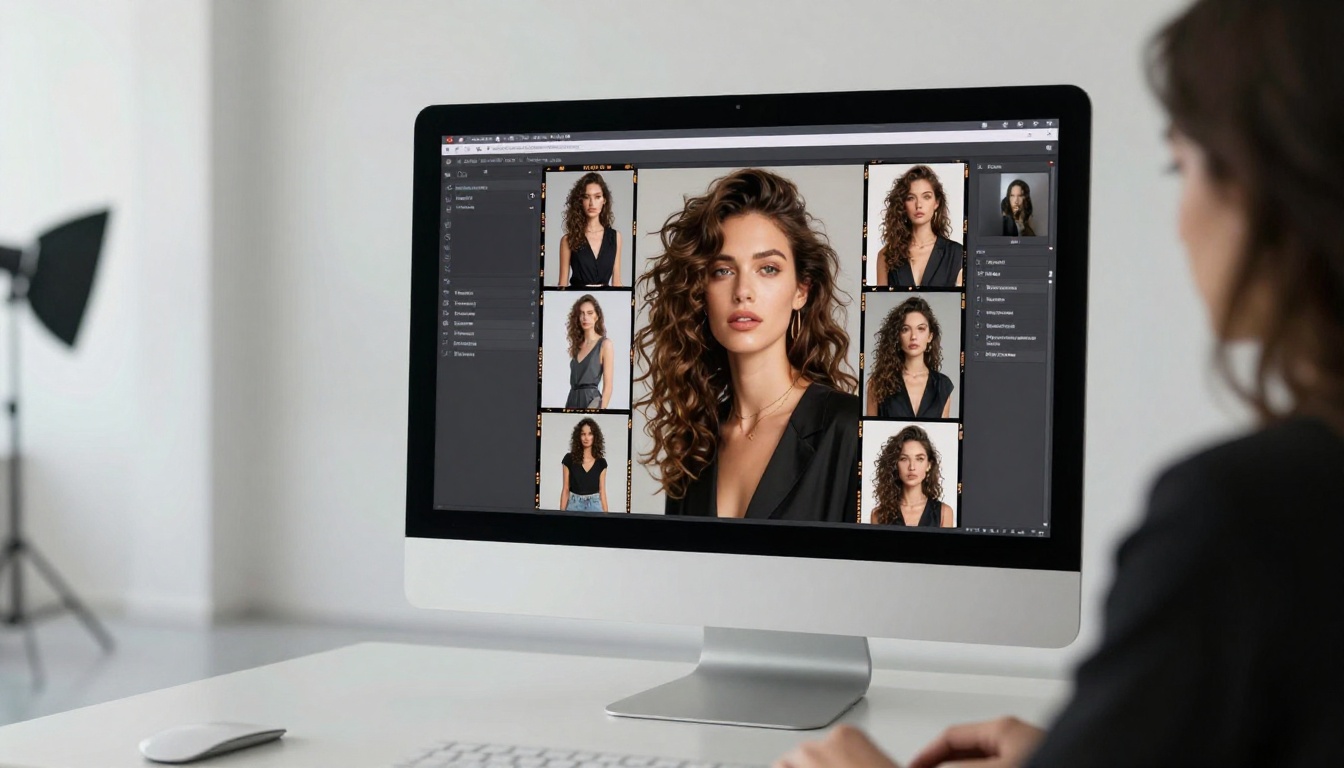
Artlist's AI image tool produces competent, acceptable results for general content. It works for blog thumbnails, generic social posts, and simple visual references. But because the model is fixed and not selected for specific use cases, it produces consistent mediocrity across portrait work, product photography, and fashion content.
Realistic Vision v5.1 was built to address the exact failure points where general models break down: skin that looks too smooth, faces that feel artificial, hair that has no texture or detail. For portrait-centric content, there is no meaningful comparison between a generic bundled model and a fine-tuned portrait specialist.

Super Resolution Built In
When you generate an image at 512x512 and need it at print dimensions, Artlist sends you to a third-party tool. Real ESRGAN on Picasso AI handles this natively. Upload the generated image, set the scale factor to 4x, toggle face restoration on for portrait content, and download a 2048x2048 output ready for print. No extra service. No extra cost.
💡 Make Real ESRGAN the last step before delivering any AI-generated image to a client. A 4x upscale takes under 30 seconds and the quality improvement at large sizes is significant enough to matter.

Neither platform is the wrong choice in every context. The right decision depends on what you actually produce and how often.
Artlist Makes Sense If...
- Licensed music and stock footage are central to your content production and you want one bill for everything
- You are primarily a video creator who needs a multimedia asset library with AI images as a secondary feature
- AI image generation is occasional and low-volume for you, meaning the credit cap never becomes a constraint
- You need commercial licensing on stock assets across multiple media types in a single subscription
Picasso AI Makes Sense If...
- AI image generation is your primary tool and you need to iterate at volume without a credit clock running in the background
- Model selection matters to your output quality: the difference between Flux Schnell for speed, Realistic Vision v5.1 for portraits, and SDXL for product shots is meaningful to your work
- You want a full AI creative stack covering image generation, upscaling, background removal, video, audio, and speech from a single platform at one price
- Budget efficiency matters: paying less per month with no generation cap changes what you can afford to produce at scale
The practical signal: if you have hit a credit wall on Artlist even once during a real project, the platform already showed you its ceiling for your use case.
Start Generating Without the Credit Clock
Every image in this article was produced without a credit counter running. No cap hit. No warning that you have used 80% of your monthly allowance at the moment you are most deep into a creative project.
Open Flux Schnell and run ten variations of the same prompt back to back. Notice how the workflow changes when iteration has no cost attached to it. Then try SDXL for a product image and Realistic Vision v5.1 for a portrait series. After that, run the best outputs through Real ESRGAN for print-ready files.
The comparison between Picasso AI and Artlist stops being abstract the moment you start generating without watching a counter.