If you've spent any time searching for the best AI image generator in 2027, you already know the decision isn't simple. Picasso AI, Ideogram, and Recraft each offer something different: one is a massive model marketplace, another excels at text-in-image design, and the third targets brand consistency and vector outputs. Picking the wrong one wastes both time and money. This breakdown puts all three side by side with real output analysis, pricing reality, and practical workflow advice.
Before going deeper, here's the 30-second view of each tool:
| Platform | Best For | Model Count | Starting Price |
|---|
| Picasso AI | Model variety, photorealism, full creative suite | 90+ text-to-image models | Free tier available |
| Ideogram | Text-heavy designs, typography integration | Single core model | Free tier available |
| Recraft | Brand kits, vector output, UI design assets | Recraft V3 | Free tier available |
Each platform targets a different type of creative. The choice between them depends entirely on your specific output goals, your workflow volume, and how much flexibility you need from session to session.
Picasso AI: The Model Marketplace

Picasso AI works differently from the other two. Instead of betting everything on a single proprietary model, it gives you direct access to over 91 text-to-image models, including heavyweights like Flux Redux Dev by Black Forest Labs, GPT Image 2 by OpenAI, and Qwen Image Edit Plus for AI-powered photo editing. You're not locked into one visual style or one interpretation engine.
This model variety is the biggest differentiator. If Flux Redux Dev isn't delivering the skin texture you need for a portrait shoot, you switch to GPT Image 2 in one click. No re-learning a new interface. No new subscription. No export-import pipeline.
Beyond images, the platform extends into video generation (87+ models), background removal, super-resolution upscaling, face swap, lipsync, text-to-speech, and AI music generation. For content creators who need a full production pipeline, that breadth is hard to match on any single platform.
💡 Ideal for: Photographers, content studios, and marketers who need photorealistic outputs across many styles without platform-switching.
Ideogram: Typography Meets Generation
Ideogram built its reputation on one specific skill: rendering readable, accurate text inside generated images. For designers who need posters, social cards, or marketing banners with legible copy baked into the artwork, Ideogram is genuinely impressive. The platform's typography engine treats letters as design elements rather than afterthoughts.
The trade-off is model choice. Ideogram runs on its own in-house model, which means your output style is locked to that single engine's aesthetic. It handles artistic illustration, typography-heavy graphics, and bold visual concepts well. It struggles more with highly photorealistic human subjects, where diffusion-based and instruction-following models outperform it by a wide margin.
💡 Ideal for: Social media designers, marketing teams, and educators creating visual content with embedded text elements.
Recraft: Designed for Brand Systems
Recraft V3 targets a specific niche: designers building scalable brand assets. Its standout feature is vector output, making it one of the only AI image generators that produces resolution-independent SVG files directly. For UI designers, icon creators, and brand identity teams, that's a significant practical advantage with no real equivalent elsewhere.
Recraft also includes a brand kit feature, letting you lock in color palettes, style guidelines, and reference images. Every generation pulls from your defined brand parameters. The platform's image quality for flat design, icons, and illustrative styles is excellent. Photorealism is where it falls behind, and it falls behind noticeably when compared with photographic-grade models.
💡 Ideal for: UI/UX designers, brand identity agencies, and anyone building scalable design systems that require consistency across dozens of assets.
Image Quality: The Honest Comparison
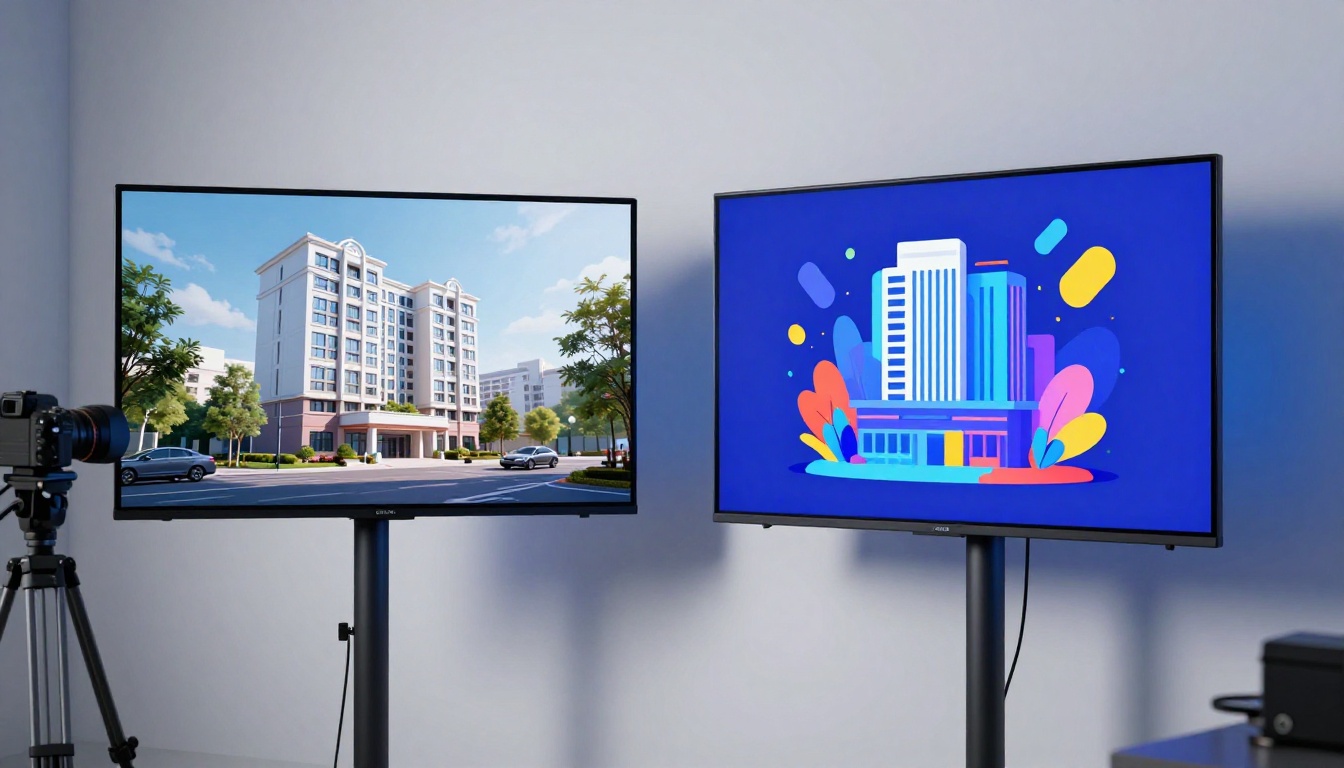
Quality is the question everyone asks first. The honest answer is that it depends entirely on the output category you're targeting.
Photorealism and Human Figures
For photorealistic outputs, Picasso AI's access to models like Flux Redux Dev and GPT Image 2 puts it clearly ahead. These models handle skin texture, natural lighting, hair detail, and environmental realism at a level that Ideogram and Recraft simply don't target in their current training approaches.
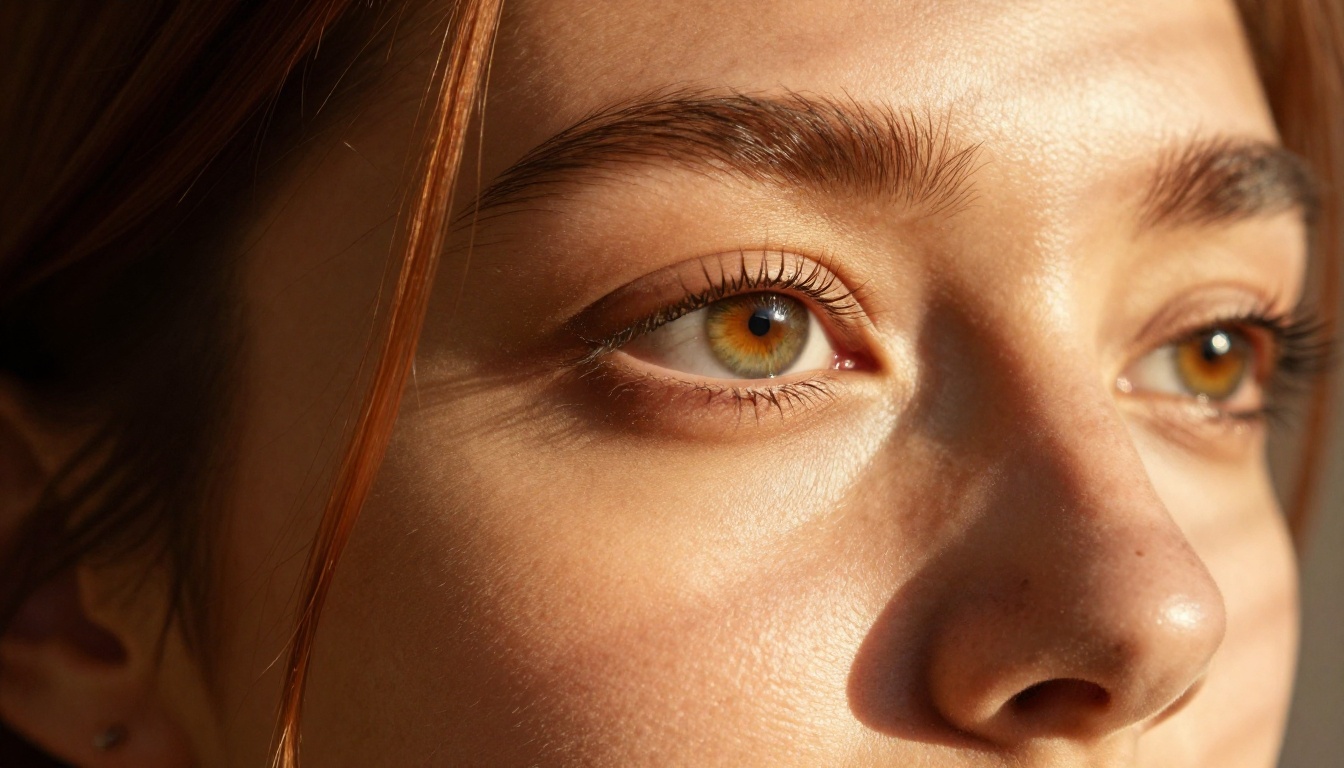
The portrait above represents the output achievable with photorealistic models on Picasso AI. Fine skin pore detail, catchlights in the eyes, and natural sidelight modeling are characteristic of outputs from GPT Image 2 and Flux Redux Dev at their best settings.
Ideogram's human figures are stylized rather than photographic, which works for illustration purposes but breaks down when the output needs to pass as real photography. Recraft doesn't prioritize human subject photography at all in its current feature set.
Typography and Text Rendering
Ideogram wins this category clearly. Picasso AI's text-to-image models were not specifically trained for in-image typography, so text accuracy varies by model. Recraft handles short text strings well in vector output but isn't designed for complex multi-line text in photorealistic scenes.
If your primary use case involves text-integrated design work at scale, Ideogram's advantage here is real, measurable, and consistent across prompt types.
Vector and Scalable Assets
Recraft dominates without competition. No other major AI platform generates true vector SVG output natively from text prompts. For icon design, logo concepts, and scalable brand elements, Recraft's vector capability is a category of one among consumer AI tools at this price point.
91 Models vs 1 Model
The number difference here is significant in practice, not just on paper. Having access to Flux Redux Dev for image variations, GPT Image 2 for photorealistic text-to-image, and Qwen Image Edit Plus for targeted AI photo editing on a single platform eliminates the need for multiple subscriptions and cross-platform asset transfers.
Model categories available on Picasso AI:
- Text to Image: 91+ models across photorealistic, artistic, and specialized styles
- Text to Video: 87+ video generation models
- Image Editing: Inpainting, outpainting, object replacement tools
- Face and Body: Face swap, portrait enhancement capabilities
- Video Effects: 500+ effects, lipsync, video stabilization
- Audio: Text to speech, speech to text, AI music generation
- Utilities: Background removal, super resolution upscaling (2x to 4x)
Ideogram and Recraft are images-only platforms with limited editing capabilities built around their single core generation engine. For teams with varied production needs, that limitation becomes a workflow bottleneck quickly.
Training Your Own Style
Picasso AI includes model training tools like the P Image Trainer and Qwen Image LoRA Trainer, allowing you to fine-tune models on your own reference images for consistent character, style, or product representation across a campaign.
This is a meaningful capability for brand photographers, influencer content creators, or any workflow requiring subject consistency across many generations. Neither Ideogram nor Recraft offers comparable custom training access at the model level to their user base.
Pricing Reality

Pricing structures across all three platforms use credit-based systems. Here's what matters most in practical terms:
| Platform | Free Tier | Credit System | Best Value Tier |
|---|
| Picasso AI | Yes, free credits on signup | Pay-per-generation, varies by model complexity | Mid-tier subscription for power users |
| Ideogram | Yes, limited daily generations | Subscription with monthly generation quota | Standard plan for regular use |
| Recraft | Yes, limited generations | Subscription based | Pro plan for vector exports |
The real cost calculation depends on how you use each platform. Picasso AI's model-based credit system means lightweight models cost less per generation than heavy models like video or high-resolution photorealistic outputs. For high-volume creators, that flexibility saves meaningful money over fixed-tier subscriptions.
Ideogram and Recraft subscription costs are fixed per plan, which is easier to budget but less flexible for variable workloads with mixed complexity.
💡 Practical tip: Run your first 20 to 30 test generations on each platform's free tier using your actual project prompts before committing. Credit consumption in real workflows differs significantly from stated specifications.
How Prompts Work Differently
Understanding each platform's prompt behavior saves hours of frustration and wasted credits across all three tools.
Picasso AI's Prompt Approach
Since each model was trained differently, prompt syntax varies by model. Models like Flux Redux Dev respond well to descriptive natural language with strong visual specificity. GPT Image 2 follows conversational prompting more naturally due to its instruction-following training. Older stable diffusion-based models prefer keyword-dense prompts with quality modifiers at the end.
Photorealism prompt formula that consistently works:
Subject + Action or Pose + Lighting condition + Camera lens and settings + Surface or texture details + Background + Quality modifiers
Example: "A woman standing on a beach, golden hour backlight, 35mm f/2.8, wet sand texture, palm trees softly blurred, photorealistic 8K RAW photography"
Ideogram's Prompt Approach
Ideogram works best with clear visual concept descriptions and explicit text specifications. Placing the text you want rendered in quotes inside your prompt significantly improves letter accuracy. The platform handles abstract concepts and artistic directions well when stated plainly rather than metaphorically.
Recraft's Prompt Approach
Recraft responds to style descriptors and brand parameters more than any other platform in this comparison. Specifying design style (flat, isometric, line art, photorealistic) at the start of your prompt sets the generation direction clearly. When using the brand kit features, the system automatically applies your stored brand constraints to every generation.
Real Workflows: Who Uses What
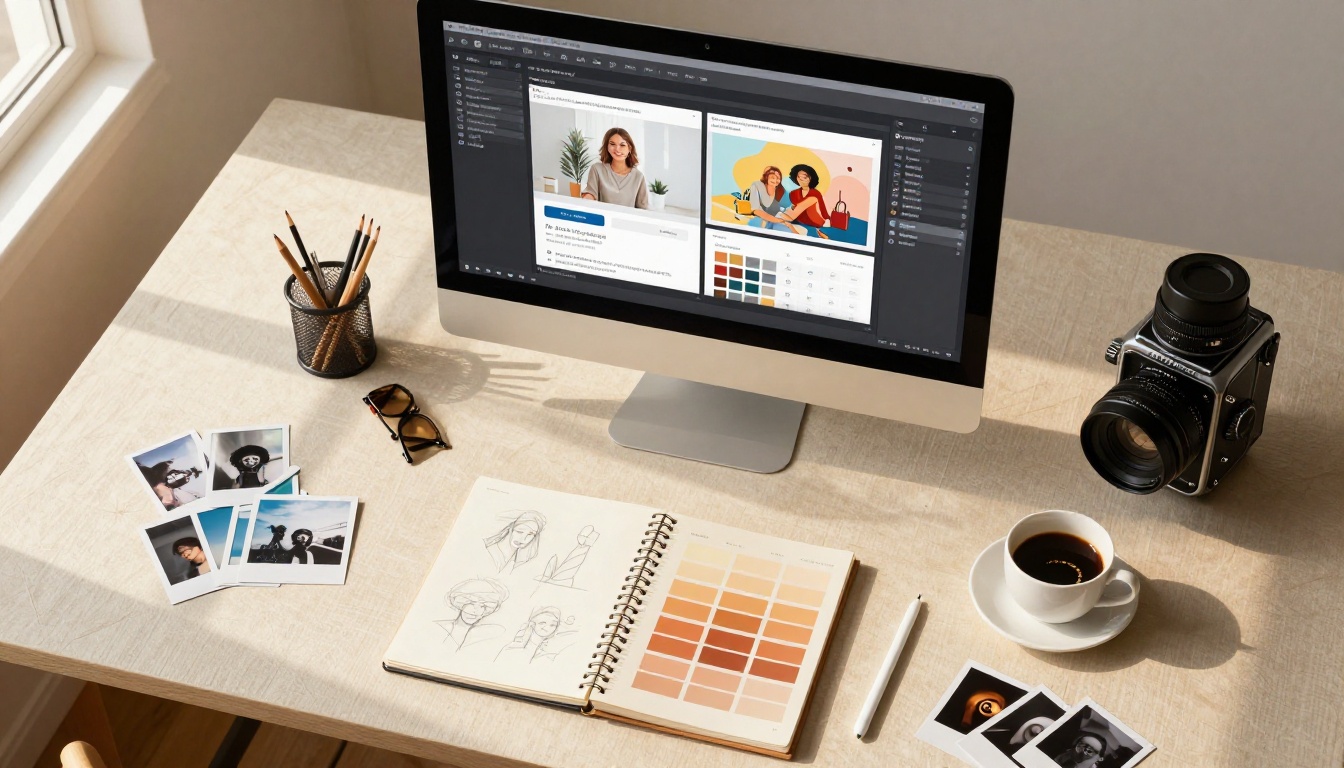
Content Creators and Photographers
For photorealistic lifestyle, portrait, fashion, or travel imagery, Picasso AI's model variety makes it the strongest choice available. The ability to switch between Flux Redux Dev for creative image variations and GPT Image 2 for fresh photorealistic generations within the same platform removes friction from the production process.

Photorealistic lifestyle imagery at this quality level requires models specifically trained on photographic data. Natural sunlight behavior, realistic skin texture, and accurate environmental rendering are characteristics of photorealistic models available on Picasso AI that Ideogram and Recraft don't match in this output category.
Marketing Teams
Marketing teams often need a combination of output types: typography-heavy social graphics and photorealistic product or lifestyle shots. The honest workflow recommendation for marketing teams is platform-specific: Ideogram for text-integrated creatives, Picasso AI for everything photorealistic, and Recraft if scalable vector brand assets are part of the deliverable set.
UI/UX Designers and Brand Teams
Recraft is the clear choice for systematic brand asset creation, icon design, and vector-format outputs. For teams building and maintaining design systems at scale, Recraft's brand kit and SVG export capabilities solve specific problems the other two platforms don't address at all.
How to Use Flux Redux Dev on Picasso AI
Since Flux Redux Dev is one of the most powerful image variation models on the platform, here's how to get meaningful results from it fast.
Step-by-Step with Flux Redux Dev
- Navigate to Flux Redux Dev in the text-to-image collection on Picasso AI.
- Upload a reference image. Flux Redux Dev is an image variation model, so it takes an existing image and generates creative variations while preserving composition, color mood, and subject identity.
- Set your variation strength. Lower values keep the output closer to your reference; higher values introduce more creative deviation from the original.
- Write a guiding prompt to steer the variation direction toward lighting changes, color palette shifts, or background replacements.
- Generate multiple outputs from a single reference to build a variation set for client review or A/B testing.
Parameter tips for Flux Redux Dev:
- Variation strength between 0.4 and 0.7 gives the best balance of similarity and creativity
- Combine with a short descriptive prompt to bias the output in a specific visual direction
- Use Qwen Image Edit Plus for targeted edits on specific regions after variation generation
Getting the Most from GPT Image 2
GPT Image 2 by OpenAI excels at following complex, instruction-heavy prompts with high fidelity. Unlike diffusion models that interpret keywords statistically, GPT Image 2 processes natural language instructions more literally, making it ideal when you have very specific visual requirements that keyword prompting fails to capture.
Write your GPT Image 2 prompts like you're briefing a skilled photographer: "Shoot this from the left side, three-quarter angle, late afternoon window light, the subject looking slightly down toward the camera." The model handles instruction specificity at that level better than most alternatives in the text-to-image category.
Output Consistency Across a Series

Output consistency across a series of generations is underrated in most AI tool comparisons. Here's the honest breakdown:
Consistency across generations:
- Picasso AI varies by model. Models like GPT Image 2 are highly consistent with similar prompts; older diffusion-based models show more natural generation-to-generation variation.
- Ideogram is consistently stylized within its aesthetic range, which makes output predictable if that specific style matches your creative need.
- Recraft is the most consistent for brand asset work due to its brand kit constraint system enforcing style parameters per generation.
Subject consistency across a campaign:
- Picasso AI with Flux Redux Dev or custom LoRA training via P Image Trainer gives you the strongest available tools for maintaining a specific character, face, or product subject across many generations.
- Ideogram: limited subject consistency tooling in its current version.
- Recraft: strong for visual style consistency via brand kits, limited for specific subject identity consistency.
The Verdict by Use Case
| Use Case | Best Tool | Runner-Up |
|---|
| Photorealistic portraits | Picasso AI | Ideogram |
| Text-in-image designs | Ideogram | Recraft |
| Brand identity assets | Recraft | Picasso AI |
| Vector and SVG output | Recraft | N/A |
| High-volume creative production | Picasso AI | Ideogram |
| Image variation workflows | Picasso AI | N/A |
| Custom model training | Picasso AI | N/A |
| Product photography | Picasso AI | Recraft |
No single tool wins every category outright. The most effective workflow for most creative professionals is Picasso AI as the primary production engine, with Ideogram added specifically for typography-heavy design work where text accuracy inside the image is non-negotiable.
Start Creating on Picasso AI
The gap between reading about AI image tools and actually using them is only as wide as a first prompt. Picasso AI's free tier gives you access to 91+ text-to-image models without a credit card commitment.
Start with GPT Image 2 for your first photorealistic generation. Describe exactly what you want with specifics about lighting, camera angle, and subject detail. When you want variations on your best result, switch to Flux Redux Dev and upload that output as the reference image for a fast variation series.
For photographers building a consistent subject across a full campaign, the P Image Trainer lets you train a custom LoRA on your reference images, giving you a model that knows your subject's specific features and reproduces them reliably across unlimited generations.
The creative output available across these three platforms is real, accessible, and improving rapidly. Pick the tool that matches your actual output goals, run the free tier tests with your real project prompts, and let the results speak for themselves rather than the marketing copy.


