You've probably spent more time than you'd like comparing AI image platforms that all claim to be "the best." Picasso AI, ImagineArt, Higgsfield — each one shows up in your search results with big promises and polished demos. This is a straight-up breakdown of what each platform actually delivers, where each falls short, and which one makes sense for serious creators who need more than just one trick.
These three tools are not really competing for the same user. Knowing what each one is actually built for saves a lot of time.
PicassoIA: The Full Creative Suite
PicassoIA is not just an AI image generator. It is a multi-modal creative platform with over 91 text-to-image models, 87+ text-to-video models, audio tools, large language models, super-resolution upscalers, background removal, lipsync, and more — all accessible from a single interface. The platform aggregates top-tier AI models from providers like Google, OpenAI, ByteDance, and Stability AI, letting you switch between them without managing separate accounts or API credentials.
ImagineArt: The Style-First Generator
ImagineArt is primarily focused on AI image generation with an emphasis on stylized outputs and community-driven workflows. It works well for social media content and fantasy art. The platform has a clean interface and beginner-friendly presets, but its model depth is significantly more limited than PicassoIA's catalog. Video generation is either absent or extremely basic, and there is no integrated LLM, audio, or upscaling pipeline.
Higgsfield: Built for One Thing
Higgsfield built its reputation around AI video with realistic character animation. It is genuinely impressive at what it does — specifically turning text or images into cinematic character-driven video clips. But it is not a creative suite. There is no serious image generation, no audio tools, no LLMs, and pricing is structured around video credits that get expensive fast.
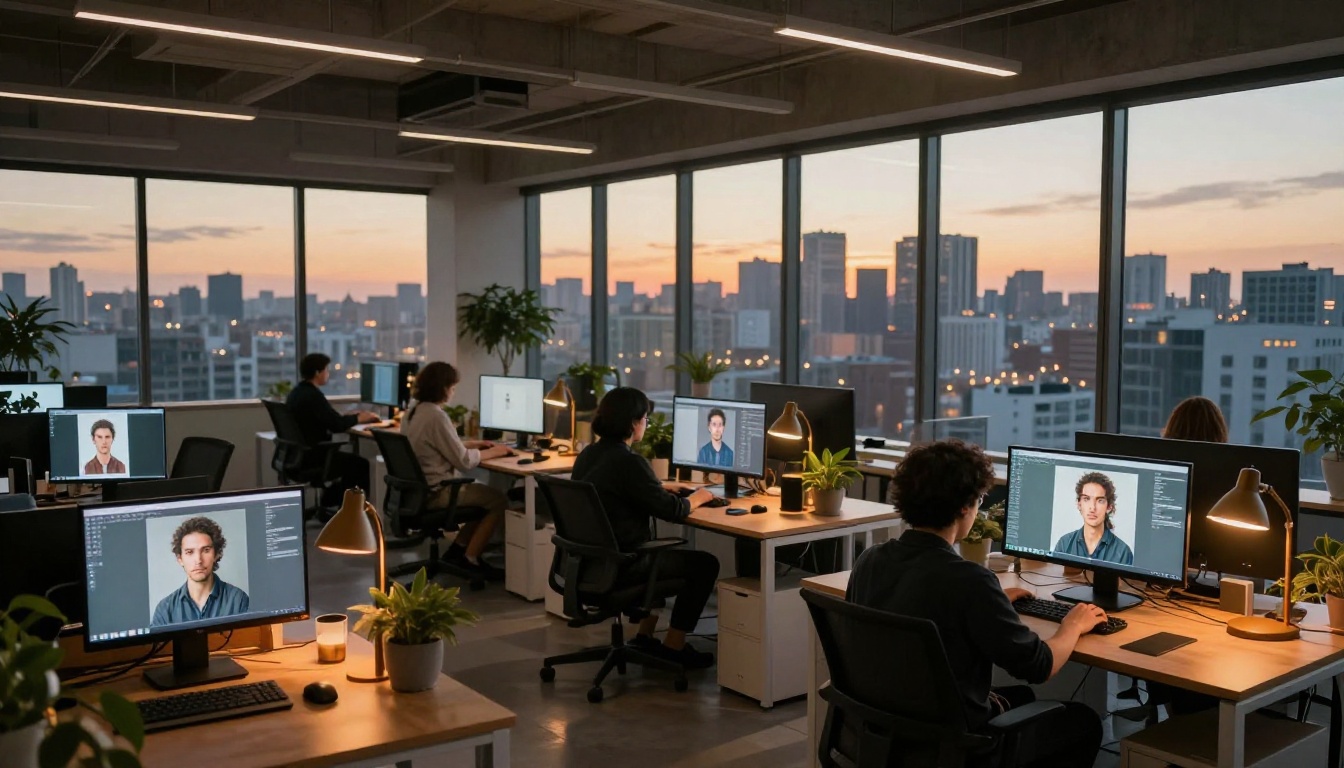
Image Quality: No Filter, No Spin
Image quality is the first thing creators care about and the hardest thing to compare fairly, because it depends heavily on the model you are using and the prompt you are writing.
Realism vs. Stylization
ImagineArt tends toward stylized outputs. The default results often have a painterly or fantasy quality that works great for certain niches but falls short when you need raw photorealism, product shots, or editorial-quality portraits. You can push it toward realism, but the ceiling is lower than what PicassoIA's top models deliver.
Higgsfield's image quality is not really the point. The platform handles stills primarily as inputs for video animation, not as standalone deliverables. Judging it on image quality alone misses its purpose entirely.
PicassoIA's P Image model produces outputs that hold up to professional scrutiny, with accurate skin texture, realistic lighting, and consistent anatomy. When you need photorealistic results, this is the model that delivers without spending hours fighting the generator.
Portrait Accuracy at Scale
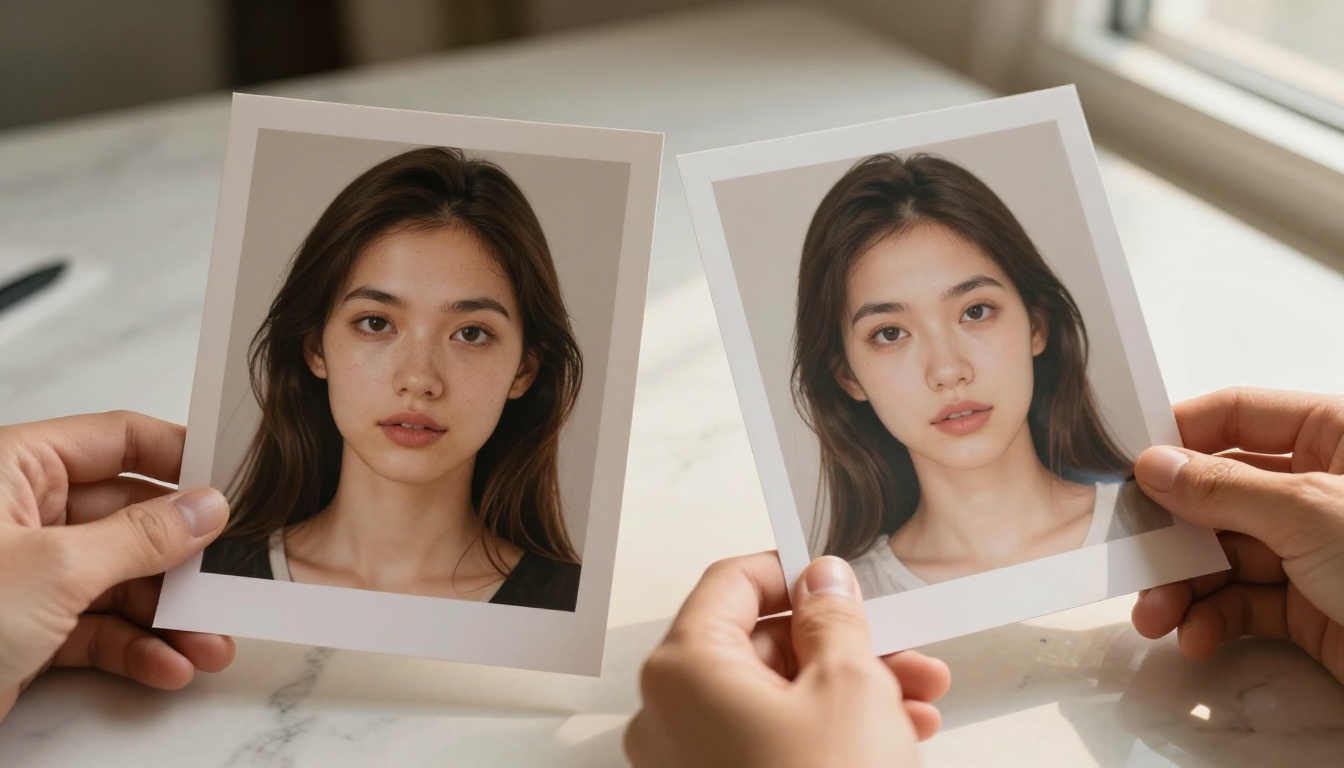
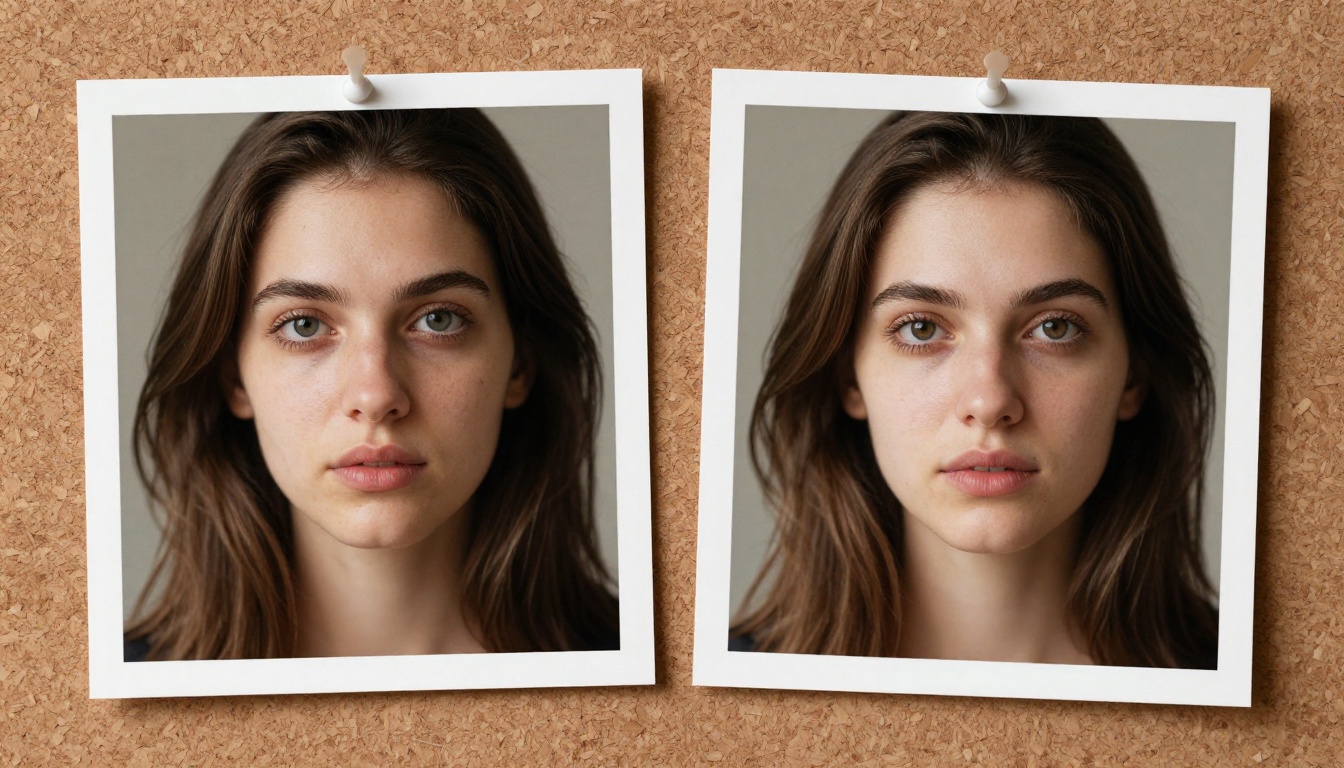
Portrait generation is where the gap between platforms becomes most obvious. Generating a consistent, photorealistic human face with correct eye alignment, natural skin pores, and realistic hair at 8K is not something every platform handles equally.
💡 Tip: When generating portraits, always include specific lighting direction in your prompt ("volumetric morning light from the left") and lens information ("135mm f/1.8"). This forces the model to commit to realistic depth-of-field behavior and stops flat, overlit results.
The Model Catalog Problem
The number of models available on a platform matters more than most comparisons acknowledge. It is not about quantity for its own sake. It is about having the right model for the right job without having to leave the platform.
91 Models vs. a Dozen
PicassoIA offers over 91 text-to-image models spanning photorealistic photography styles, cinematic illustration, fashion imagery, architectural visualization, and more. Each model has different strengths. When you need a specific aesthetic or are working within a particular industry workflow, switching models within the same platform saves significant time and preserves creative momentum.
ImagineArt has a smaller, curated selection. Beginners appreciate the simplicity, but professionals hit the ceiling quickly. There is no equivalent to being able to swap between a model optimized for skin texture versus one optimized for product lighting in the same session.
Higgsfield's image model library is minimal. The platform exists for video output, so this is expected, but it confirms that it is a specialized tool rather than a suite.
Why Variety Matters for Workflow
Imagine needing to generate a photorealistic brand campaign image, then upscale it to print quality, then animate it for social media, then add a voiceover, then use an LLM to write the caption. On PicassoIA, that is one platform. On ImagineArt or Higgsfield, you are stitching together four different subscriptions and four different export workflows.
Where PicassoIA Pulls Ahead
This is not a close race in the creative suite category. PicassoIA's depth of capability is in a different class from either of its competitors.
Video Inside the Same Platform
For video generation, PicassoIA includes industry-leading models like Seedance 2.0 (text-to-video with built-in audio), Veo 3 (Google's cinematic video model with native audio), Kling v3 Video for character-driven video, Sora 2 from OpenAI, and Ray from Luma. You are not limited to one video model or one video style. You pick the model that matches what you are making.
Higgsfield is strong at character animation video. But it does not have Veo 3. It does not have Seedance 2.0. It does not have Sora 2. When you are on PicassoIA, you have all of those in one place without switching accounts.
Audio, LLMs, and the Full Stack
PicassoIA includes text-to-speech, speech-to-text, AI music generation, and access to major large language models including Claude Opus 4.7, GPT-5, and Gemini 3 Pro. That means your entire content production workflow — from concept to caption to image to video to audio — lives in one platform.
Neither ImagineArt nor Higgsfield offer this. They are each solving one problem. PicassoIA is solving the whole production chain.

Platform Capability Breakdown
| Feature | PicassoIA | ImagineArt | Higgsfield |
|---|
| Text-to-Image Models | 91+ | ~12-20 | Minimal |
| Text-to-Video Models | 87+ | None or basic | Core strength |
| Super-Resolution | Yes (6 models) | Limited | No |
| Background Removal | Yes | Limited | No |
| LLMs Built-In | GPT-5, Claude, Gemini | No | No |
| Text-to-Speech | Yes | No | No |
| AI Music Generation | Yes | No | No |
| Lipsync | Yes | No | No |
ImagineArt: What It Does Well
ImagineArt is not a bad platform. It just has a specific user in mind.
The Style-First Crowd
If you are creating fantasy art, anime-inspired content, or heavily stylized social media imagery, ImagineArt's presets and community models work well. The onboarding is smooth, the output looks appealing quickly, and the interface does not overwhelm new users with options.
For hobbyists and casual creators who want fun, shareable imagery without a steep learning curve, ImagineArt delivers a pleasant experience. The community aspect, where users browse and remix shared creations, adds a social dimension that PicassoIA does not prioritize in the same way.
Limitations to Know
The ceiling hits fast for professionals. When you need photorealistic outputs for commercial use, ImagineArt's models start showing their stylization bias. Anatomy can drift on complex poses. Skin textures lean toward smooth and idealized rather than natural and detailed.
There is also no clear path from image to video to audio on ImagineArt. Once you have generated your image, the workflow ends. You export it and move to another tool. That context-switching adds friction that compounds over a full production day.

Higgsfield: The Niche Contender
Higgsfield has earned a reputation in the AI video space for a reason, and it is worth being honest about where it shines.
Character Animation Done Right
What Higgsfield does well is character-driven video animation. Feed it a portrait and a motion prompt, and the resulting video clip often has impressive motion consistency and facial coherence. For content creators focused specifically on AI character videos for platforms like TikTok or Instagram Reels, Higgsfield's core output is genuinely competitive.
The interface is designed around this single workflow. Everything in the platform serves that one output type. It is focused to the point of being limiting.
Not a Full Suite
Higgsfield does not have the image generation depth that PicassoIA offers. It does not have LLMs, audio tools, background removal, or super-resolution. Upscaling your video output means leaving the platform. Writing captions means opening another browser tab. The credits-based pricing model can also escalate quickly for high-volume creators.
PicassoIA covers character animation-style video through models like Kling v3 Video and Wan 2.7 I2V, which animate any photo into video with comparable quality to Higgsfield's core output — but within a platform that also handles everything else in your workflow.
Pricing That Makes Sense
Pricing is one of the most misleading parts of any AI platform comparison because free tiers are designed to show the platform at its best while hiding the real cost of actual usage volume.
The Free Tier Reality
All three platforms offer some form of free access. ImagineArt's free tier limits daily generations and often adds watermarks. Higgsfield's free tier allows very few video generations before credit purchase is required. PicassoIA's free access gives you broad exposure to the model catalog with reasonable usage caps for evaluation purposes.
The real question is: what does it cost to do actual professional work consistently?
Which Plan Fits Which Creator
| Creator Type | Recommended Platform | Why |
|---|
| Hobbyist, social media | ImagineArt (free or basic) | Simple, stylized, social-friendly |
| Video-only creator | PicassoIA | More models, broader capability |
| Professional photographer | PicassoIA | Photorealistic models, upscaling |
| Brand or marketing team | PicassoIA | Full stack: image, video, audio, LLM |
| Content agency | PicassoIA | Model variety, integrated workflow |
💡 Cost Reality: Subscribing to separate platforms for images, video, audio, and LLMs often costs 3-4x more than a single PicassoIA plan that covers all of them. The math becomes obvious once you price it out.
The Photorealistic Standard
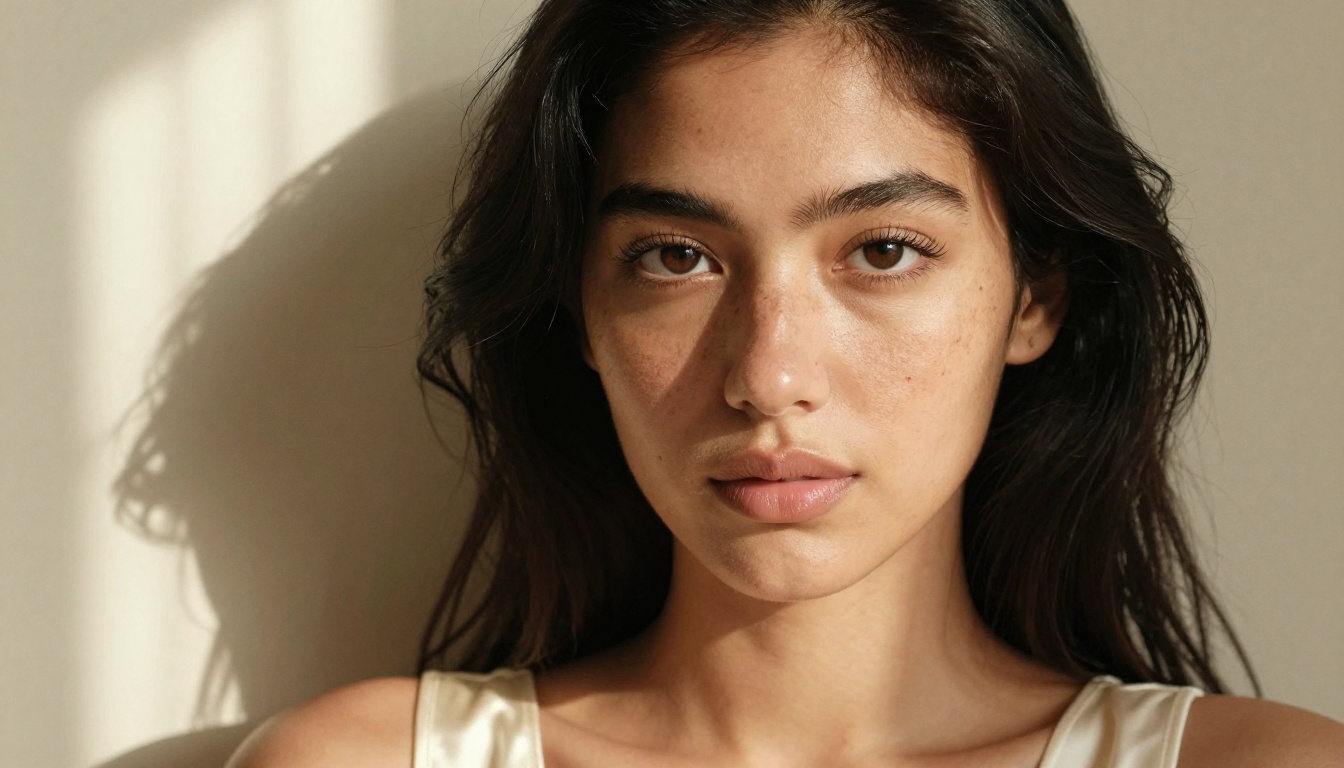
The thing that separates professional AI image work from hobbyist output is how well the platform handles realism. This is not about "AI art" as a stylistic choice. It is about generating content that could pass for a professional photograph.
Film Grain, Natural Light, Real Texture
The best photorealistic outputs include subtle film grain, directional natural lighting, accurate skin pores, and realistic lens behavior like depth-of-field falloff. These are not things you get by default from any platform. They require the right model and precise prompting about lighting direction, lens focal length, and atmospheric conditions.
PicassoIA's catalog includes models fine-tuned specifically for photographic realism. Tools like Clarity Pro Upscaler and Image Upscale by Topaz Labs let you take any generated image and bring it up to print-quality resolution without losing the fine details that make an image feel real.
What the Post-Processing Pipeline Achieves
When you combine a photorealistic text-to-image model with Google's Upscaler for 4x resolution and Background Removal by Bria for clean subject isolation, the output quality reaches professional commercial standard. That is a post-production pipeline inside one platform.
ImagineArt and Higgsfield do not have that pipeline. The gap in output quality is not just about the base model. It is about what you can do after generation.
The Video Generation Gap
Video is the capability that reveals the real distance between these platforms most clearly.
Higgsfield's Strength, Matched and Exceeded
Higgsfield built its niche around AI video, specifically portrait animation and character-driven clips. The output quality is genuinely good. But PicassoIA now includes models that match and, in several categories, exceed what Higgsfield offers. Veo 3.1 generates 1080p video with native audio from text. LTX 2 Pro generates 4K video. Seedance 2.0 delivers text-to-video with built-in audio in one step.
When those models are on the same platform as 91 image models, 6 upscalers, LLMs, and audio tools, the argument for Higgsfield as a standalone subscription becomes harder to justify.
What ImagineArt Leaves Out
ImagineArt has no meaningful video capability. That is a product decision, not a criticism. The platform focuses on image creation and leans into that. But for any creator building video content, ImagineArt is not the answer. It is a complementary tool at best, not a primary platform for anything beyond static images.
Start Creating Now
If you have been testing platforms and still have not settled on one, the simplest benchmark is this: open PicassoIA, type a detailed prompt, and see the result. No account juggling, no waiting for a specialized tool's queue. The image models, video models, and the rest of the stack are all there.

Your First Image in 60 Seconds
Getting a photorealistic result on PicassoIA does not require a long tutorial. Select the P Image model, write a prompt that includes your subject, the lighting direction, the camera lens, and the atmosphere. Set the ratio to 16:9. Generate. If the result is not exactly right, swap models or refine the prompt. The iteration cycle is fast, and the catalog is deep enough that there is almost always a model better suited to your specific need.
For upscaling, run your output through Crystal Upscaler for portrait work or Real ESRGAN for general images. If you need the background removed for product use, Bria Background Removal produces clean cutouts in seconds.
The creators who get the most out of AI image tools treat it as a real production workflow, not a novelty. PicassoIA is the platform built for that level of serious, sustained creative use.
Whether you are building a brand campaign, creating social content, producing AI-generated fashion imagery, or just starting to experiment with what is possible, the difference between platforms becomes obvious within the first serious session. Try PicassoIA today and see how far a single platform can take your creative output.


