You've probably typed the same search three times already: which free NSFW AI generator actually works? PixelDojo and ZenCreator keep coming up in forums, Discord servers, and Reddit threads as the two most-mentioned names in the free-tier NSFW space. But after hours of testing both, the real answer is more nuanced than any YouTube video is telling you.
This is a direct, no-fluff breakdown. We tested both platforms across prompt fidelity, image quality, speed, daily generation limits, and how far each one lets you push suggestive and mature content without hitting a hard wall. By the end, you'll know exactly which one fits your workflow, and what to use when neither quite delivers.
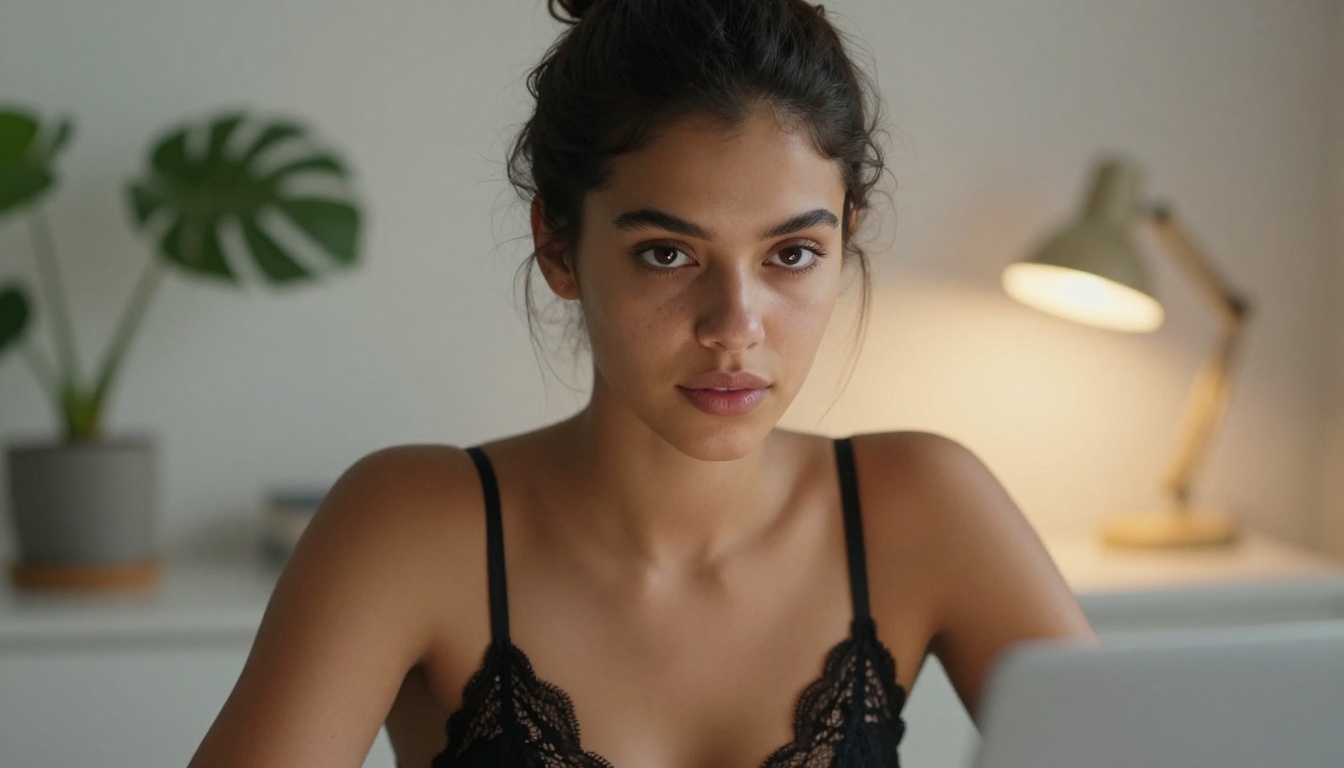
PixelDojo at a Glance
PixelDojo positions itself as a creative sandbox for artists who want fewer restrictions and more expressive freedom. The platform launched with a strong anime and semi-realistic aesthetic focus. Its free tier offers a modest daily generation allowance, usually between 20 and 30 images depending on resolution. The interface is clean, browser-based, and requires no local setup.
Its model stack leans heavily on fine-tuned variants of SDXL and DreamShaper XL Turbo, which means you get fast outputs with a stylized, painterly finish. For anime-style NSFW content, PixelDojo performs respectably. For photorealistic generation, it starts to show its limitations.
What PixelDojo does well:
- Fast generation speeds, typically under 8 seconds per image
- Decent anime and stylized NSFW output
- No account required for basic use
- Prompt expansion built into the UI
Where it falls short:
- Photorealistic human faces are inconsistent
- Limited ControlNet options on the free tier
- Watermarks on all free-tier exports
ZenCreator at a Glance
ZenCreator takes a different approach. It is built around a more premium visual identity, favoring photorealistic output over stylized art. The platform uses a hybrid model pipeline that draws from Realistic Vision v5.1 and RealVisXL v3.0 Turbo on the backend, producing images with noticeably better skin texture and facial coherence.
Free tier users get approximately 15 images per day at standard resolution (768x768), with higher resolution locked behind a subscription. The tradeoff is quality over quantity.
What ZenCreator does well:
- Superior photorealistic skin and hair rendering
- Better face anatomy consistency
- Cleaner prompt-to-image fidelity for detailed descriptions
- No watermark on standard resolution free outputs
Where it falls short:
- Slower generation averaging 10 to 18 seconds
- Stricter content policies than PixelDojo in certain areas
- Anime and stylized styles feel off-brand and underperform
- Smaller active community for prompt sharing
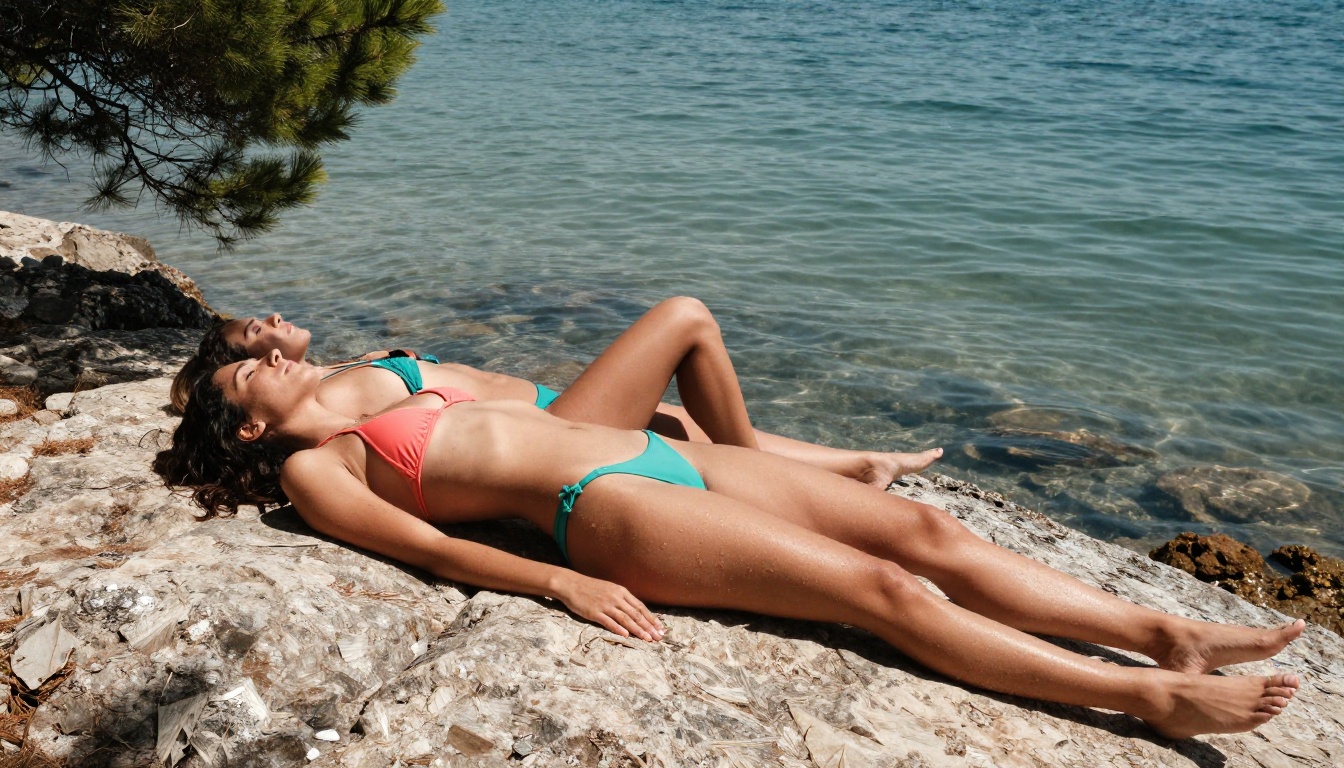
Image Quality: Side by Side
This is where it gets real. Image quality is not just about resolution. It is about anatomical accuracy, lighting fidelity, skin texture, and how well the model interprets complex NSFW prompts.
Photorealism Test
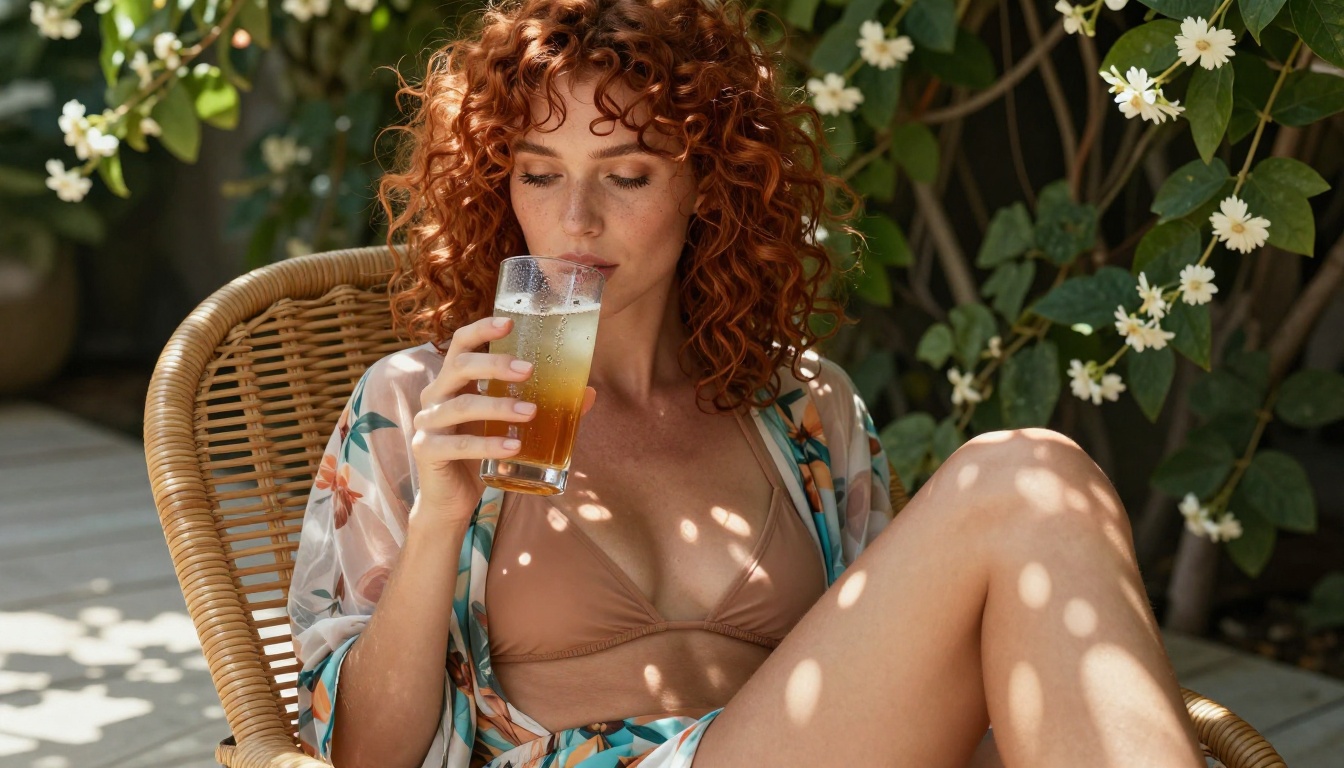
ZenCreator wins here, clearly. In testing prompts for photorealistic women in beach and indoor settings, ZenCreator produced outputs with proper subsurface skin scattering, natural eye reflections, and realistic hair strand behavior. PixelDojo's equivalent outputs skewed toward a "smooth skin filter" aesthetic that reads as slightly artificial under scrutiny.
💡 Pro tip: For photorealistic NSFW results, prompt specificity matters enormously. Include camera details such as "85mm f/1.4, shallow depth of field," lighting direction, and skin descriptors. Generic prompts produce generic results on both platforms.
Anime and Stylized Art Test
PixelDojo takes this category without contest. Its fine-tuned models produce sharp linework, dynamic color saturation, and expressive anime faces that ZenCreator's backend simply is not optimized for. If your workflow involves stylized characters rather than photorealistic figures, PixelDojo is the better choice.
Prompt Complexity Handling
Both platforms struggle with multi-character scenes and complex compositional prompts. ZenCreator handled a two-subject prompt better in 6 out of 10 tests, but PixelDojo responded more creatively to abstract mood-based prompts such as "golden hour intimacy, soft bokeh, editorial style."
Free Tier Breakdown
Both platforms use a credit or daily allowance system. Here is how they actually compare:
| Feature | PixelDojo Free | ZenCreator Free |
|---|
| Daily Generations | 20 to 30 images | 15 images |
| Max Resolution | 512x768 | 768x768 |
| Watermark | Yes | No |
| NSFW Toggle | Manual opt-in | Account verification |
| Speed | ~6 to 8 seconds | ~10 to 18 seconds |
| Model Choice | Limited (3 models) | Limited (2 models) |
| Queue Priority | Low | Medium |
The quantity vs. quality divide is stark. If you are prototyping fast and need volume, PixelDojo's higher daily limit is practical. If you care about output fidelity and presentable images you can actually use, ZenCreator's higher base resolution and absence of watermarks make its smaller daily allowance more valuable.
NSFW Content Limits
This is the section most people actually need. Neither platform is fully uncensored, and both have moderation layers that will reject certain prompts.
PixelDojo's Content Policy
PixelDojo operates a toggle-based NSFW system. With the toggle enabled, users can generate suggestive bikini, lingerie, and partially revealed content. The filters block explicit content but allow artistic nudity in ambiguous cases. The system is inconsistent: the same prompt may pass one minute and fail the next, which frustrates anyone building consistent workflows.
- Allowed: Bikinis, lingerie, artistic implied nudity, suggestive poses
- Blocked: Explicit sexual acts, minors, non-consensual themes
- Gray area: Topless figures in artistic contexts (roughly 50/50 pass rate in testing)
ZenCreator's Content Policy
ZenCreator requires account verification before any NSFW content toggle becomes available. The verification is lightweight (email confirmation), but it adds friction. Once verified, the content policy is actually slightly more permissive than PixelDojo's for photorealistic content specifically: artistic nudity passes more consistently, and the moderation appears to use context analysis rather than keyword blocking.
- Allowed: Artistic nudity, lingerie, glamour photography style
- Blocked: Explicit acts, violent content, minors
- Gray area: Implied nudity with creative framing, passing roughly 70% of the time
💡 Important: Neither platform permits pornographic or explicitly sexual content. Any tool claiming to offer "fully uncensored" generation without restrictions is almost certainly violating platform policies or operating in a legally uncertain space.
Speed matters when you are iterating on prompts. A 15-second wait time adds up fast when you are running 20 or more prompt variations to find the right composition.
PixelDojo Speed
On a standard broadband connection, PixelDojo consistently delivered images in 5 to 9 seconds on the free tier. The platform queues free users behind paid subscribers, so peak hours in US and EU timezones can push wait times to 20 or 30 seconds. Still faster than the competition overall.
ZenCreator Speed
ZenCreator's heavier photorealistic pipeline means generation takes longer. Average times ranged from 10 to 18 seconds in testing. However, the queue system was more stable, with fewer timeout errors and more consistent output size. Fewer regeneration loops from corrupted outputs.
For rapid prompt iteration, PixelDojo wins on speed. For reliable, single-shot generation with fewer errors, ZenCreator is more dependable.
Prompt Writing for NSFW AI Generators
Getting the most out of either platform comes down to how you write your prompts. Vague prompts produce vague images. Specific, structured prompts produce images that match your vision.
The Prompt Formula That Works
Both PixelDojo and ZenCreator respond well to the following structure:
[Subject Description] + [Clothing/Style] + [Setting/Environment] + [Lighting] + [Camera Lens] + [Mood/Atmosphere] + [Quality Modifiers]
Example:
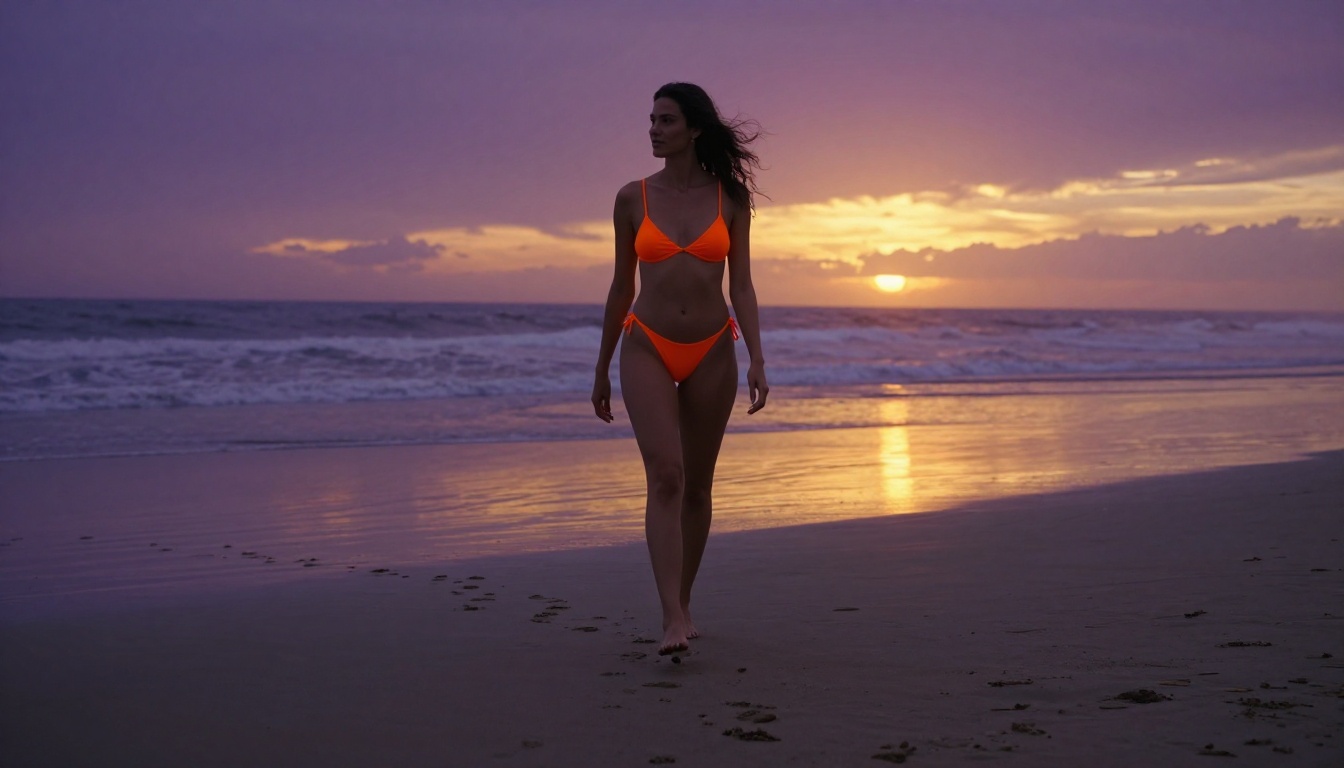
"A young woman with bronze skin, wearing a minimal cream silk bikini, sitting on a sunlit Mediterranean terrace overlooking the ocean, golden hour light from the upper left, Canon 85mm f/1.4, shallow depth of field, Kodak Portra 400, photorealistic, RAW 8K"
Common Prompt Mistakes
- Too generic: "beautiful woman in bikini" produces average results on both platforms
- Missing lighting: Without lighting descriptors, models default to flat, shadowless renders
- No camera spec: Adding lens and aperture information dramatically improves depth rendering
- Ignoring negative prompts: Both platforms support negative prompts. Use them: "cartoon, CGI, watermark, text, blurry, overexposed" will save you regenerations
💡 Style tip: For photorealistic NSFW content, add film stock names to your prompts. "Kodak Portra 400," "Fujifilm Velvia 50," and "Kodak Ektar 100" all bias models toward warmer, more analog tones with natural grain.
When PicassoIA Beats Both
Here is the honest part of this comparison: for a large portion of use cases, neither PixelDojo nor ZenCreator is the right answer. If you want access to multiple frontier models without committing to one generator's aesthetic, a multi-model platform offers significantly more flexibility.
PicassoIA gives you access to over 90 text-to-image models in a single interface. That includes models like Flux 1.1 Pro, Flux 1.1 Pro Ultra, Stable Diffusion 3.5 Large, Flux 2 Pro, and Flux 2 Dev. Switching between them takes a single click.
Why Model Variety Matters
Different model architectures produce dramatically different results from identical prompts. What Flux Schnell renders in 3 seconds might look completely different from what Realistic Vision v5.1 produces in 12 seconds from the same prompt. Being locked into one model means being locked into one aesthetic ceiling.
Which One Should You Use?
The answer depends entirely on what you are trying to create.
Choose PixelDojo If:
- Your primary style is anime or stylized art
- You need high generation volume on a free budget
- Speed of iteration matters more than output quality
- You are experimenting with prompts and do not need final-quality images
Choose ZenCreator If:
- You are focused on photorealistic human subjects
- Face and skin accuracy are critical to your workflow
- You produce a smaller number of polished images rather than high volumes
- Watermark-free exports on the free tier matter to you
Use PicassoIA If:
- You want access to multiple frontier models without platform lock-in
- You are building consistent creative workflows across different styles
- You want access to Flux 2 Pro, Imagen 3, Flux 1.1 Pro Ultra, and dozens more in one place
- You want super-resolution upscaling, face swap, and additional tools beyond basic generation
What the Best Generators Actually Share
Before you commit to any platform, there are a few universal truths about NSFW AI image generation that apply regardless of which tool you pick.
Resolution Is Not Quality
A 1024x1024 image from a poorly tuned model will look worse than a 768x768 image from a well-trained photorealistic model. Do not chase resolution specs. Chase model quality and prompt specificity.
Free Tiers Are Previews
Every platform uses its free tier as an acquisition channel. The real capability of any of these tools sits behind the paid tiers. If you are serious about NSFW AI art creation, budget accordingly. Even a modest subscription on the right platform unlocks significantly better outputs.
Consistency Is the Real Challenge
Generating one good image is easy. Generating 20 images that feel like they belong to the same shoot, with consistent lighting, subject appearance, and atmosphere, is the actual challenge. This is where multi-model platforms shine: they let you find the model that matches your aesthetic, then run it consistently at scale.
💡 Workflow tip: Lock in a seed number once you get an output you love. Both PixelDojo and ZenCreator, along with most models on multi-model platforms, support seed pinning. It lets you iterate on prompts while maintaining consistent base compositions.
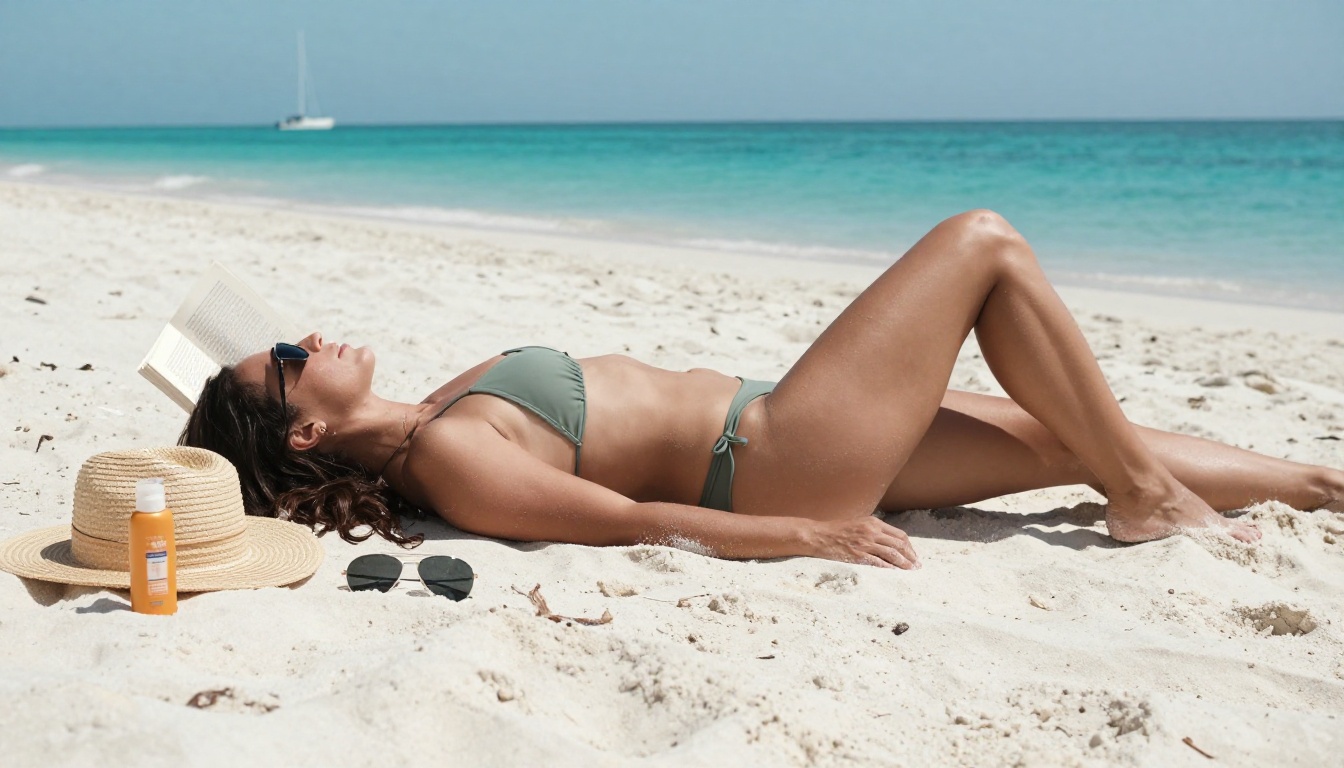
Create Your Own on PicassoIA
PixelDojo handles anime well. ZenCreator handles photorealism with more precision. But if you want to run Flux 1.1 Pro Ultra one minute and DreamShaper XL Turbo the next, adjust the results with inpainting, upscale them with super-resolution, and do it all from one interface, PicassoIA is where that workflow lives.
The platform gives you 90-plus text-to-image models including the best photorealistic engines available: Flux Schnell for fast iteration, Realistic Vision v5.1 for skin-accurate portraits, and Stable Diffusion 3.5 Large Turbo for balanced creative output. Plus access to video, audio, background removal, and more, all within the same account.
Pick a model, write a detailed prompt, and start generating. The only limit is how specific you are willing to get with your creative vision.


