The landscape of AI image generation has shifted dramatically over the past year. While many commercial platforms enforce strict content policies, creators working with adult themes need tools that respect their artistic freedom. Nano Banana Pro stands out as an accessible option that offers adjustable safety controls, opening doors for professional photographers, adult content creators, and digital artists.
Creating tasteful adult imagery isn't about bypassing restrictions randomly. It's about understanding how AI models interpret language, which settings offer the most control, and when alternative models might better serve your needs.
Why Nano Banana Pro for Adult Content
Nano Banana Pro provides three distinct advantages for adult content creators. First, it offers multiple safety filter levels rather than a binary on/off switch. Second, it accepts up to 14 reference images, allowing you to guide compositions more precisely. Third, it supports output resolutions up to 4K, which matters for professional work.
The model's block_only_high safety setting is the most permissive option, though some prompts will still be rejected. This isn't arbitrary censorship. It's a balance between creative freedom and preventing the most extreme content. For creators who need complete freedom, we'll explore open-source alternatives later in this article.
Crafting Effective Prompts
Writing prompts for adult content requires more subtlety than you might expect. Generic terms like "sexy" or "attractive" produce predictable, often bland results. The AI responds better to specific visual language.
Instead of saying "beautiful woman," describe lighting conditions: "soft window light creating gentle shadows across skin." Rather than "provocative pose," specify body language: "arched back, head tilted, eyes looking over shoulder." These concrete details give the model something tangible to work with.
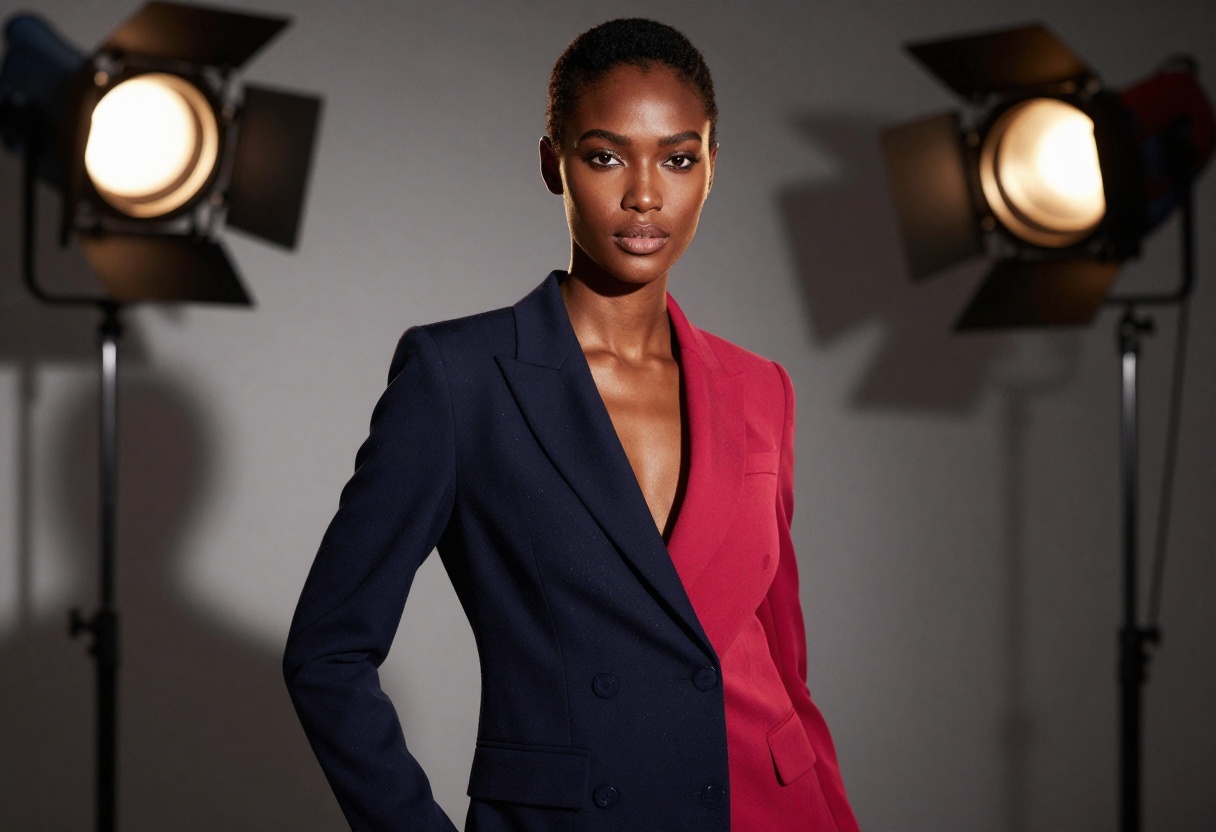
Prompt structure matters too. Front-load your most important elements. The model pays more attention to words at the beginning of your prompt. If skin tone or body type matters to your composition, mention it early.
Example prompt structure:
"Portrait of a confident woman, warm skin tones, dramatic side lighting, black silk fabric draped across shoulders, looking directly at camera, shallow depth of field, fashion photography style, professional studio quality"
This approach works because it describes what you see, not what you feel. Save emotional descriptors for mood and atmosphere, not physical appearance.
Working With Reference Images
Reference images transform vague ideas into concrete visual directions. Nano Banana Pro accepts up to 14 references, but more isn't always better. Three to five well-chosen images typically produce the best results.
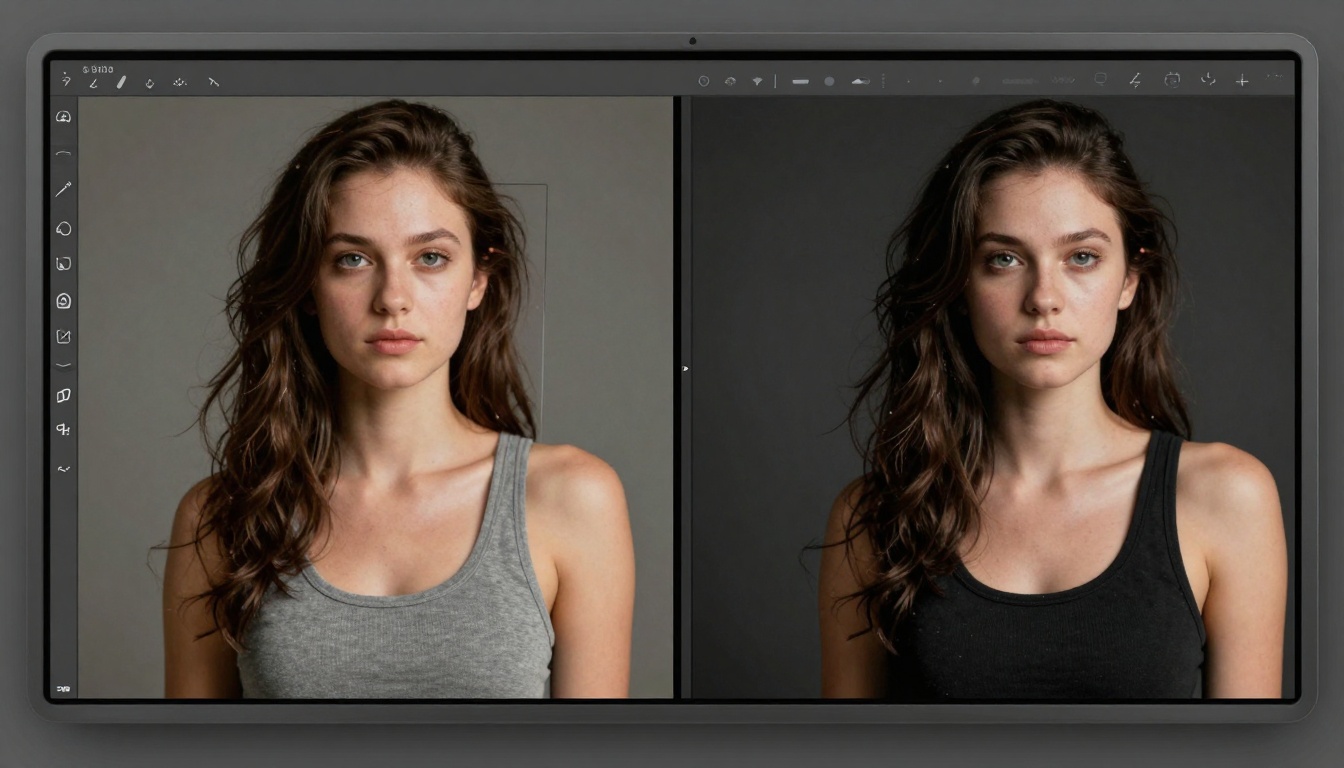
What makes a good reference image? Clarity matters more than artistic merit. A simple, well-lit photograph often guides the AI more effectively than a complex artistic piece. Choose references that show what you want, not what you like.
When combining multiple references, the AI attempts to blend their characteristics. This can produce interesting hybrid styles, but it can also create visual confusion. Test different combinations to see what works. One strong primary reference with one or two supporting images usually beats five competing references.
You can reference images in your prompt by number: "Combine the lighting from image 1 with the composition of image 2 and the color palette of image 3." This explicit direction helps the model understand your intent.
Safety Filter Settings Explained
Nano Banana Pro offers three safety filter levels, each with different tolerance thresholds.
block_low_and_above is the strictest setting. It rejects prompts that could potentially generate mature content, even if your intent is artistic. This setting works for general audiences but limits creative expression.
block_medium_and_above allows more creative freedom while still preventing explicit content. Fashion photography, artistic nudes, and suggestive imagery generally pass through this filter. It's a middle ground for creators who want some flexibility without complete unrestricted access.
block_only_high is the most permissive option. It allows mature themes and adult content while still blocking the most extreme material. For professional adult content creators, this is your starting point.

Keep in mind that even the most permissive setting has limits. If your prompt gets rejected, try rephrasing with more specific visual language and less explicit terminology. "Intimate portrait in bedroom setting" often works where "naked in bed" fails.
Resolution and Aspect Ratio Choices
Resolution directly impacts detail and professional usability. Nano Banana Pro supports three options: 1K, 2K, and 4K. For social media, 1K suffices. For professional printing or large displays, 4K is essential.
Higher resolution costs more computation time. Start with 2K for testing prompts and compositions. Once you've dialed in your settings, generate the final version at 4K. This approach saves time and resources during the creative process.
Aspect ratio affects composition psychology. Square (1:1) works for social media thumbnails and profile images. Portrait orientation (2:3 or 9:16) suits mobile viewing and vertical platforms like Instagram Stories. Landscape (16:9 or 21:9) fits traditional displays and horizontal feeds.
Match your aspect ratio to your distribution platform. A beautiful 21:9 image loses impact when cropped for Instagram's square format. Plan ahead.
Common Mistakes to Avoid
Overloading prompts with modifiers rarely improves results. "Ultra realistic, highly detailed, award-winning, professional, stunning" adds noise without clarity. Pick one or two quality descriptors and move on.
Ignoring the model's training biases leads to frustration. AI models learn from their training data, which includes certain stylistic biases. If your prompt consistently produces results that lean toward a specific aesthetic, adjust your language rather than fighting the model's tendencies.
Requesting impossible combinations wastes time. "Photorealistic anime character" creates a contradiction. The model will attempt a compromise that satisfies neither goal. Choose one visual style and commit to it.
Neglecting negative prompts misses an optimization opportunity. While Nano Banana Pro doesn't have a dedicated negative prompt field, you can still guide the model away from unwanted elements by being specific about what you do want. Instead of hoping it won't add unwanted elements, explicitly describe the desired composition in detail.
Alternative Models for Unrestricted Content
While Nano Banana Pro offers adjustable safety filters, some creators need completely unrestricted access. PicassoIA provides several open-source models that don't impose content restrictions.
p-image-edit
p-image-edit specializes in rapid image editing and transformation. It processes edits in under a second, making it ideal for iterative refinement of adult content. The model accepts multiple reference images and provides explicit control over safety checking through its disable_safety_checker parameter.
The speed advantage matters for professional workflows. When you need to test multiple variations or make quick adjustments, sub-second processing keeps your creative momentum going. The model's turbo mode offers even faster processing, though you may want to disable it for complex editing tasks that require more computational attention.
wan-2.2-image
wan-2.2-image generates cinematic 2-megapixel images in 3-4 seconds. It's optimized for realistic, photographic results rather than stylized or illustrated content. For adult content creators who need natural-looking imagery, this model delivers consistent quality.
The model offers multiple aspect ratios including the ultra-wide 21:9 format, which works beautifully for banner images and panoramic compositions. Its "juiced" mode enables faster inference with optimizations, though standard mode provides slightly better quality for complex scenes.
Why Open-Source Models Matter
Commercial platforms face pressure to implement strict content policies. Open-source models offer an alternative path that respects creator autonomy. By running these models through PicassoIA's interface, you get both unrestricted access and professional tooling.
Privacy is another advantage. Your prompts and generated images aren't fed back into corporate training datasets or subject to third-party review. For professional adult content creators, this privacy matters.
Technical Optimization Tips
Batch processing saves time and money. If you need multiple variations of the same concept, prepare all your prompts in advance. Generate them sequentially rather than returning to the interface repeatedly. This approach helps you maintain consistency across a set.
Use consistent seed values when testing prompt variations. The seed controls random initialization in the generation process. By keeping it constant, you isolate the effect of your prompt changes. Once you find a winning prompt, you can remove the seed to explore natural variation.
Output format affects file size and quality. PNG preserves more detail but creates larger files. JPG compresses aggressively but produces smaller files suitable for web distribution. For archival or further editing, choose PNG. For immediate use, JPG with quality set to 85-90 balances file size and visual quality.
Monitor your usage patterns. Track which prompts consistently produce good results. Over time, you'll develop a personal prompt vocabulary that works well with Nano Banana Pro's interpretation style. This accumulated knowledge speeds up your workflow significantly.
Ethical Considerations for Creators
Creating adult content with AI brings specific ethical responsibilities. Never generate images of real people without explicit consent. Even with safety filters disabled, creating non-consensual imagery crosses clear ethical lines.
Age verification and distribution remain your responsibility. AI models can generate images of adults, but you're accountable for how you use and distribute that content. Follow platform guidelines and legal requirements for your jurisdiction.
Transparency with your audience builds trust. Many content creators now disclose when images are AI-generated rather than photographed. This transparency doesn't diminish your creative contribution. It demonstrates professional integrity.
How to Use Nano Banana Pro on PicassoIA
Let's walk through the actual process of generating adult content with Nano Banana Pro on the PicassoIA platform. This step-by-step tutorial uses the model's features to create professional results.
Step 1: Access the Model
Navigate to the Nano Banana Pro page on PicassoIA. The interface presents all available parameters in a clean, organized layout.
Step 2: Write Your Prompt
Enter your text description in the prompt field. Remember the principles we discussed: specific visual language, front-loaded key elements, and concrete details rather than vague descriptors.
Example: "Portrait photograph, woman with auburn hair in loose waves, natural makeup emphasizing eyes, wearing black lace camisole, soft window light from left creating gentle shadows, sitting on edge of bed with neutral linens, looking directly at camera with subtle smile, shallow depth of field, fashion photography aesthetic"
Step 3: Upload Reference Images (Optional)
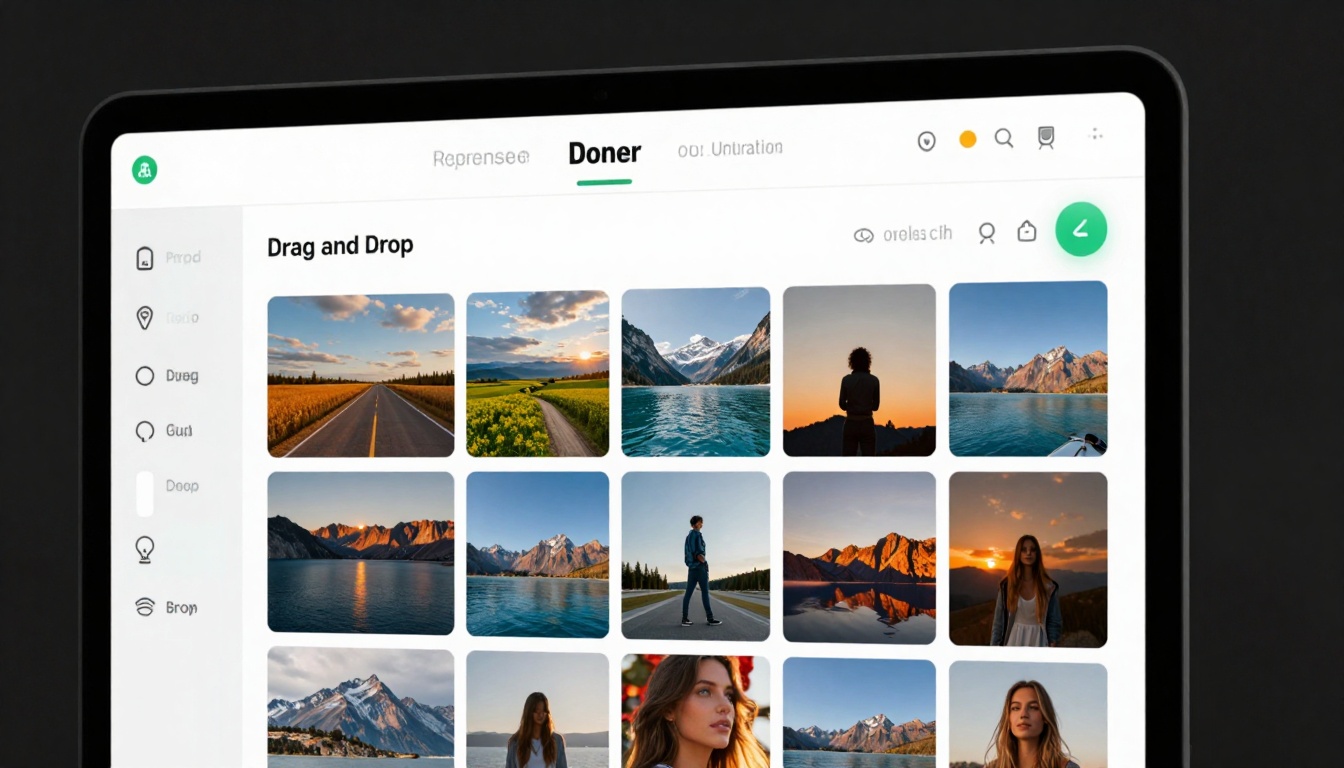
If you're using reference images, click the image input area. You can add up to 14 images. For most projects, 2-3 references provide enough guidance without overwhelming the model.
Arrange your references in order of importance. The first image typically has the strongest influence on the final result.
Step 4: Configure Settings
Aspect Ratio: Choose based on your distribution platform. For desktop viewing or landscape orientation, select 16:9. For mobile-first content, try 2:3 or 9:16.
Resolution: Start with 2K for testing. Once satisfied with composition and style, generate at 4K for final output.
Output Format: JPG works for most uses. Choose PNG if you plan additional editing or need transparent backgrounds.
Safety Filter Level: Set to block_only_high for maximum creative freedom while maintaining some content filtering.

Step 5: Generate and Refine
Click generate and wait for processing. Generation time varies based on resolution and complexity. Higher resolutions take longer.
Review the result critically. If it's not quite right, adjust your prompt rather than regenerating with identical settings. Small wording changes can produce significant visual differences.
Step 6: Download and Use
Once satisfied, download your image in the selected format. The file includes all metadata about generation parameters, which can help you recreate similar results in future sessions.
Final Thoughts on Working with Nano Banana Pro
Nano Banana Pro occupies an interesting middle ground in the AI image generation space. It's not completely unrestricted, but it offers enough flexibility for professional adult content creation. The adjustable safety filters let you find your comfort zone between creative freedom and platform compliance.
For creators who hit the model's limits, the open-source alternatives on PicassoIA provide unrestricted options. This multi-model approach lets you choose the right tool for each project rather than forcing everything through a single platform.
The technical capabilities matter, but so does understanding the model's interpretation style. Nano Banana Pro tends toward photographic realism when given clear visual language. It handles fashion, glamour, and artistic nude photography particularly well. Stylized or heavily artistic approaches may benefit from other models.
Success with adult AI content generation comes down to three factors: understanding your model's capabilities, developing effective prompting techniques, and knowing when to switch to alternative tools. Nano Banana Pro handles many use cases well, but it's not the only option. Build a workflow that draws on multiple models based on their individual strengths.
The field continues evolving rapidly. New models emerge regularly, each with different capabilities and limitations. Stay informed about your options, experiment with different approaches, and refine your techniques based on what produces results. The tools are getting better, but they still require skill and creativity to use effectively.


