Recraft V3 is not trying to be everything at once. Most text-to-image generators optimize for photorealism, push output resolution, and call it done. Recraft V3 does something more specific: it gives creators genuine control over visual style, supports over 18 distinct output modes including vector-friendly illustration formats, and renders readable text inside images at a level most other models simply cannot match. If your work touches brand assets, icon libraries, scalable graphics, or any design project that demands visual consistency, this model deserves your attention.
What Recraft V3 Actually Is
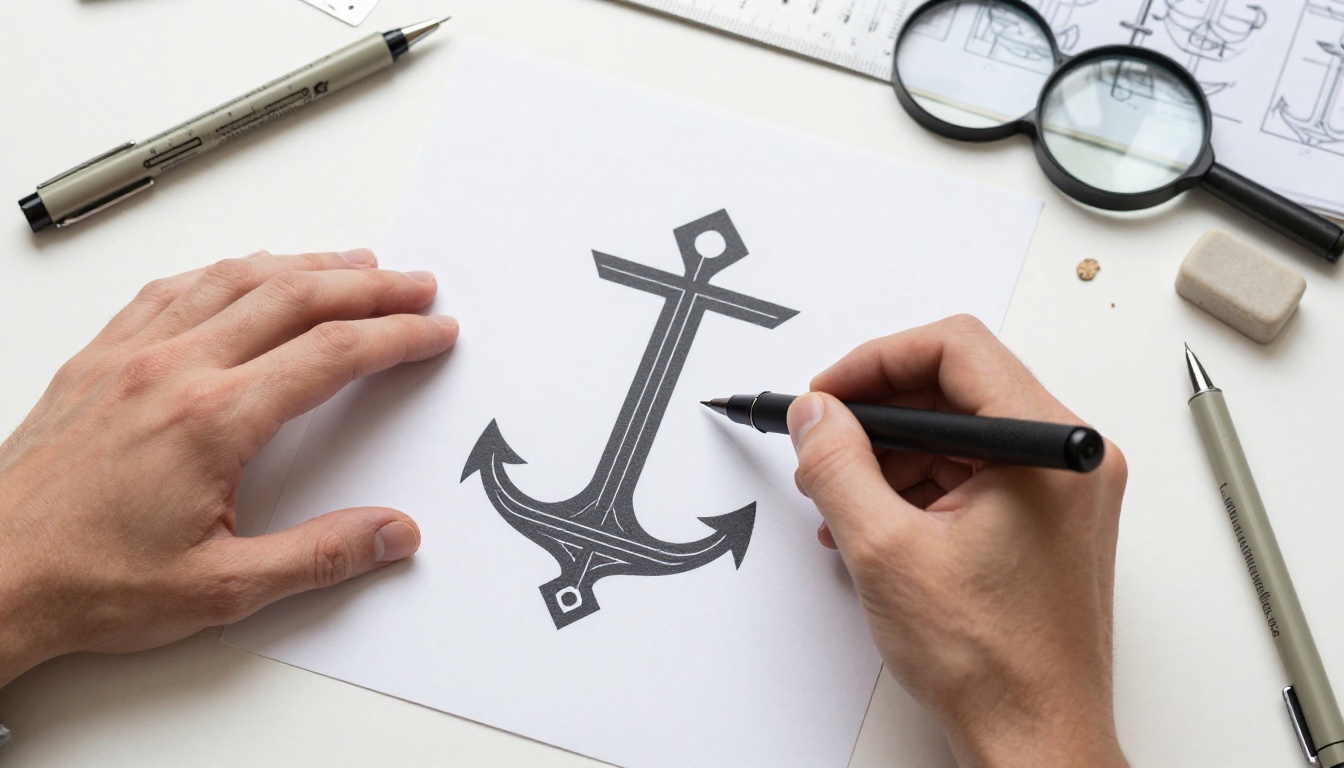
Recraft V3 is a text-to-image model built by Recraft AI with one primary goal: style precision. Its architecture differs fundamentally from models like Flux Dev or Flux Schnell, which prioritize photographic fidelity. Recraft V3 prioritizes production-ready visuals with predictable, repeatable aesthetic consistency.
The model currently ships with 18 named visual styles organized into two parent categories: realistic image and digital illustration. That range is unprecedented for a mainstream AI image tool. Within a single session, you can generate a photographic studio product shot, a pixel art game sprite, and a hand-drawn editorial illustration, all from text prompts, all without changing tools.
Not Just Another Text-to-Image Tool
The distinction that separates Recraft V3 from general-purpose generators is its output philosophy. Most models produce images. Recraft V3 produces assets. When you select a style in Recraft V3, the model applies that style with a consistency that persists across multiple generations. Run 20 icon prompts with digital_illustration/hand_drawn_outline and you receive a cohesive visual set rather than 20 slightly different interpretations of what hand-drawn means.
This matters enormously in practical design work. Inconsistent AI outputs force manual style-matching, cleanup, and iteration cycles that consume more time than they save. Recraft V3 avoids this by treating style as a first-class parameter from the ground up, not as an afterthought.
SVG and Vector-Friendly Output

While Recraft V3 generates raster files (JPEG or PNG), its illustration modes produce output that behaves like vector art in practice. Clean lines, flat color fields, and crisp edges in the digital_illustration style family give outputs that trace cleanly in tools like Adobe Illustrator or Inkscape. The conversion to SVG produces minimal anchor-point noise compared to what raster-heavy models generate when vectorized.
For workflows that require scalable vector graphics as a final deliverable, this is a significant practical advantage. You get an AI-generated base image that converts to clean SVG without the edge artifacts that raster-optimized models produce when run through an auto-tracer.
18 Visual Styles at Your Fingertips
Recraft V3 organizes its styles into two parent categories: realistic image and digital illustration. Within each parent, distinct sub-styles give precise control over the look and feel of every output.
Realistic Styles in Detail
The realistic_image parent includes seven sub-styles, each calibrated for a specific photographic context:
| Style | Best For |
|---|
natural_light | Outdoor scenes, lifestyle photography |
studio_portrait | Product shots, professional headshots |
hdr | Landscapes, architectural photography |
hard_flash | Street photography, fashion editorial |
enterprise | Corporate imagery, clean professional shots |
motion_blur | Sports, action sequences |
b_and_w | Editorial, documentary aesthetics |
Each sub-style controls lighting interpretation, color grade, and compositional tendencies. Choosing studio_portrait for a product shot gives a fundamentally different output than hdr applied to the same prompt, even before you change a single word.
Digital Illustration Modes
The digital_illustration family is where Recraft V3 becomes genuinely distinctive as a design tool:
- pixel_art: Grid-accurate pixel graphics for game sprites and retro interfaces
- hand_drawn: Organic line work with visible sketch qualities
- grain: Film-grain textured illustrations reminiscent of risograph or letterpress printing
- infantile_sketch: Simplified, childlike line drawings for editorial or educational content
- 2d_art_poster: Bold flat-color compositions with strong graphic design energy
- handmade_3d: Soft three-dimensional illustration with an artisanal quality
- hand_drawn_outline: Clean vector-style outlines with minimal fill, ideal for icon work
- engraving_color: Detailed hatching patterns in a historical illustration aesthetic
- 2d_art_poster_2: A second poster variant with different typographic tendencies
💡 When building icon sets or UI asset libraries, use hand_drawn_outline or the base digital_illustration style. These produce the cleanest edges for vectorization and scale best when converted to SVG.
Where Recraft V3 Beats Other Models
Text Inside Images
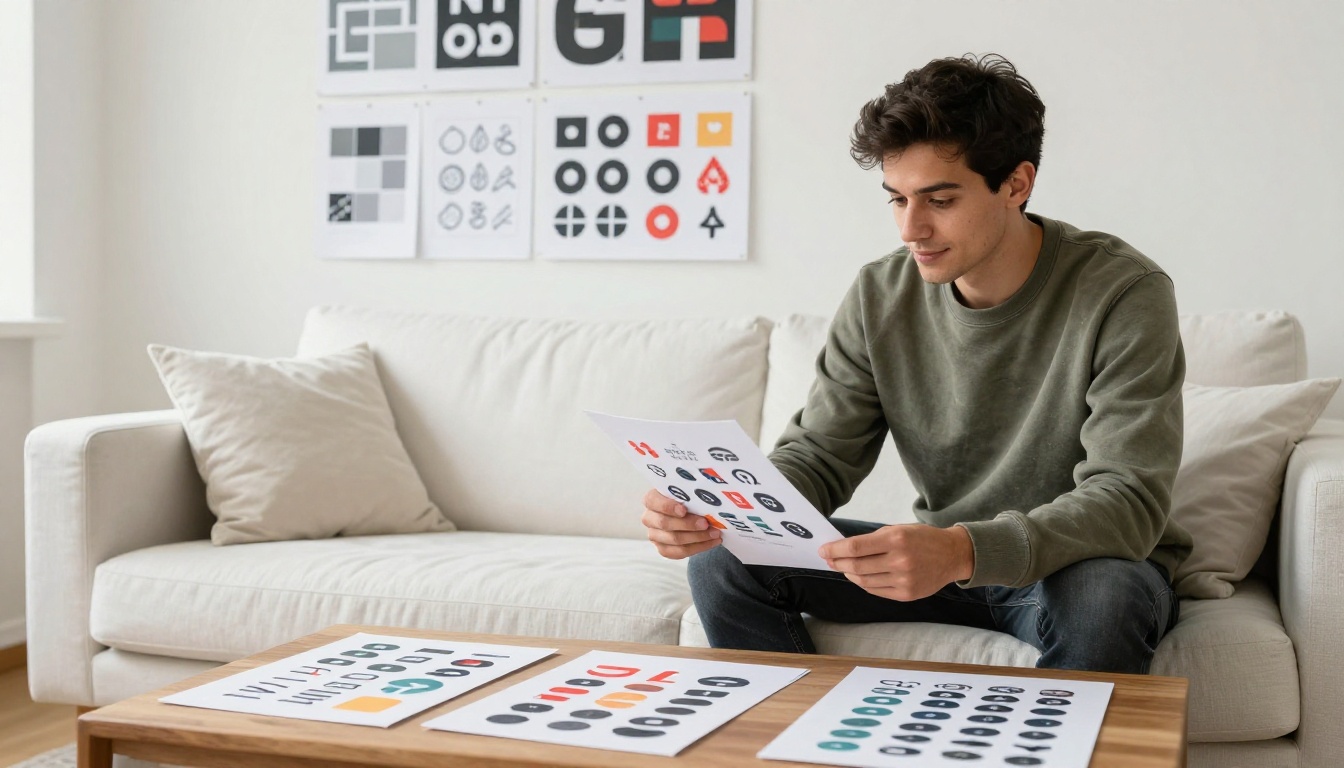
This is the capability that most AI image generators handle poorly. Generate a poster in most models and the text becomes garbled, misspelled, or visually broken. Recraft V3 handles readable text inside generated images with notable accuracy. Not perfectly in every edge case, but consistently enough to use in production for posters, mockup overlays, and marketing visuals where legible type is non-negotiable.
The model achieves this through training specifically targeting typographic accuracy rather than treating text as just another visual texture. For any use case where your output needs readable words baked into the image, this accuracy makes a real difference in production quality and review cycles.
Style Consistency Across a Project
Most text-to-image models treat each generation as an independent event. Recraft V3 supports a different workflow: set a style parameter once, run multiple prompts, and receive outputs that genuinely share a visual language. This is not the same as using the same seed (which only reproduces identical images). Style consistency in Recraft V3 means a batch of 10 diverse prompts in digital_illustration/pixel_art mode outputs with consistent color depth, grid resolution, and shading approach across every single image.
For brand asset creation, this changes the workflow in a meaningful way. You can generate a full icon library where every icon clearly belongs to the same visual system, without manually matching outputs in post-production.
Aspect Ratio Control
Recraft V3 supports 15 preset aspect ratios plus custom resolution settings up to 2048px on either axis. The presets cover the formats designers actually need:
- 1:1 for social media squares and icons
- 16:9 for presentation slides and web banners
- 9:16 for mobile stories and short-form video content
- 3:2 for standard photography proportions
- 4:5 for Instagram portrait posts
- 2:1 for wide-format banners and headers
Real Use Cases That Work Right Now
Brand Identity and Logo Kits
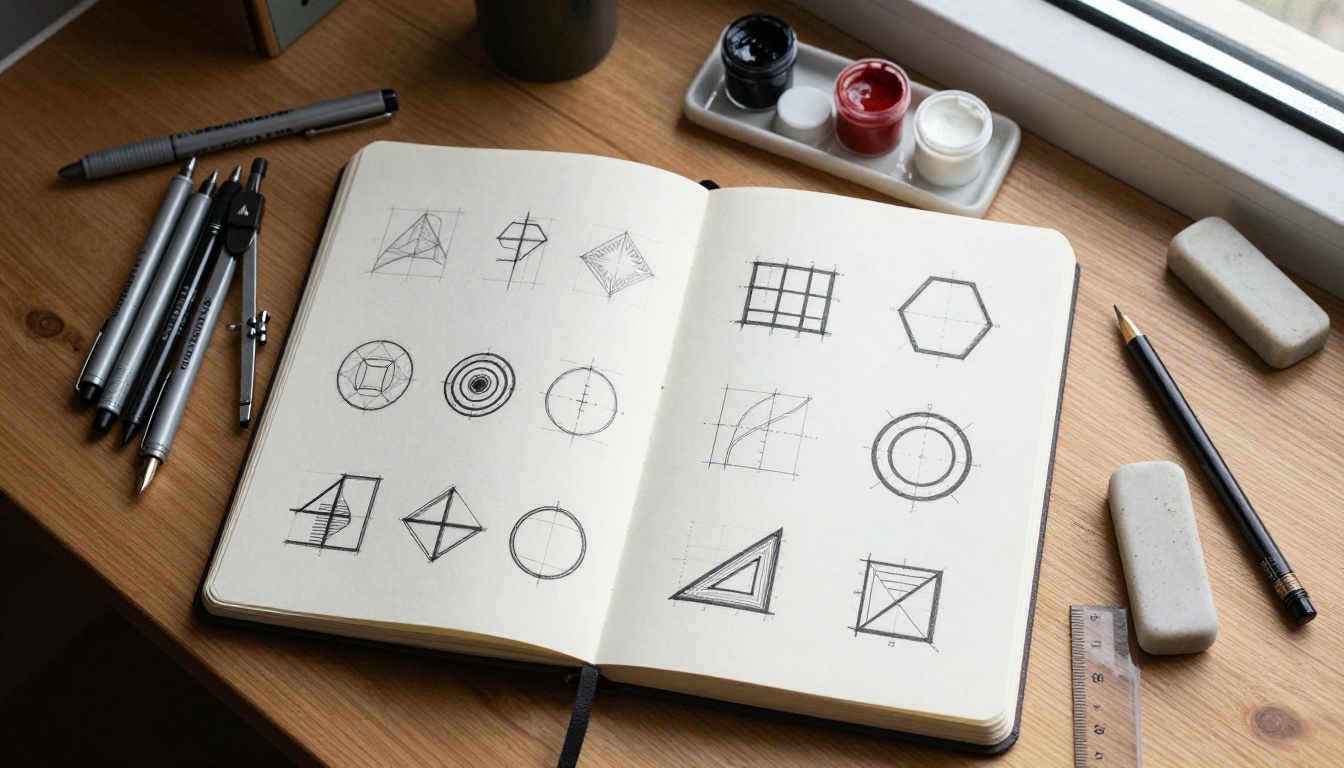
A brand identity project typically requires a primary logo mark, multiple variations, an icon set, and supporting illustrations. Using Recraft V3 with consistent style parameters, designers can generate full visual systems from text descriptions in a single session. The digital_illustration/2d_art_poster style produces bold, flat graphics that translate directly into logomark concepts. The hand_drawn_outline style generates clean line-based icon sets suitable for UI applications and brand collateral.
This does not replace the strategic or conceptual work of brand design. It accelerates the visual iteration phase, allowing more directions to be explored quickly before committing to final execution in a vector program.
Game Assets and Pixel Art
The digital_illustration/pixel_art style is production-grade for 2D game development. Character sprites, environment tiles, item icons, and UI elements all generate with the grid-accurate precision that game engines require. A single session can produce a full tile set or character animation reference sheet from descriptive prompts, giving development teams a faster path from concept to asset.
Marketing and Social Content
Marketers and content teams use Recraft V3 to generate visual assets on demand. Social post graphics, email header images, blog feature images, and ad creative all benefit from the model's style control. The ability to maintain consistent visual language across a campaign, by reusing the same style parameter across dozens of generations, solves the coherence problem that plagues AI-generated marketing assets when style is left up to prompt interpretation alone.
How to Use Recraft V3 on Picasso IA
Recraft V3 is available directly on Picasso IA as part of the text-to-image model collection. No downloads, no local setup, no technical configuration required. Here is a step-by-step walkthrough:
Step 1: Open the Model
Navigate to the Recraft V3 page on Picasso IA. The interface loads the model immediately with a prompt field, style selector, and aspect ratio controls visible on screen.
Step 2: Write Your Prompt
Describe what you want clearly and specifically. Include the subject, context, mood, and any text that should appear in the image. Example: "A minimalist coffee brand icon showing a single coffee bean with steam rising, clean black outlines, flat navy blue and cream color fill." Specific prompts consistently outperform vague ones in Recraft V3. The more clearly you describe the subject and its context, the less interpretation the model needs to do on your behalf.
Step 3: Select a Style
Choose from the style dropdown. For brand and icon work, start with digital_illustration/2d_art_poster or digital_illustration/hand_drawn_outline. For photographic output, use realistic_image/natural_light or realistic_image/studio_portrait. The style parameter has more impact on output character than any other setting in the interface.
Step 4: Set Aspect Ratio
Pick the ratio that matches your intended use. Use 1:1 for icon work, 16:9 for headers and banners, 9:16 for mobile content. The model adjusts its compositional framing based on the ratio you select, so set it before generating rather than cropping afterwards.
Step 5: Generate and Iterate
Click generate and the model returns a full-resolution image within seconds. If the first result misses the mark, adjust one element of your prompt and regenerate. Recraft V3 responds well to targeted edits. Once satisfied, download the clean, watermark-free file ready for use or vectorization.
💡 When creating a batch of icons or illustrations, run all prompts with the same style parameter in a single session. This produces the most visually consistent set and reduces post-production alignment work significantly.
Recraft V3 vs Other AI Image Generators

| Feature | Recraft V3 | Flux Dev | Flux Schnell |
|---|
| Visual style control | 18+ named styles | Prompt-based only | Prompt-based only |
| Text inside images | Accurate | Variable | Variable |
| Generation speed | Seconds | Seconds | Under 5 seconds |
| Style consistency | High (parameter-based) | Seed-based only | Seed-based only |
| Best use | Design assets, brand kits | Photorealistic images | Fast iteration, drafts |
| Aspect ratios | 15 presets + custom | 11 presets | 11 presets |
| Img2img support | No | Yes | No |
| Model parameters | 18B+ | 12B | Distilled |
The three models serve different primary purposes. If you need photorealistic images with img2img editing capability, Flux Dev is the right choice. If you need rapid concept iteration at maximum speed, Flux Schnell delivers. If you need styled design assets, icon sets, brand visuals, or any output where visual consistency and style precision are the primary requirements, Recraft V3 is the better tool.
The key insight: these models are not competing for the same jobs. Each has a clear lane. Knowing which lane you are in before you generate saves time and produces better results.
Prompting Tips That Actually Work
Be Specific About Style Intent
Generic prompts produce generic output. Instead of "a logo for a coffee shop," write "a minimalist geometric icon showing a coffee cup seen from above, bold black outlines, flat color fill, no gradients, 2D poster style." Every additional specific element narrows the output space and produces results closer to actual intent.
When using illustration styles, include explicit visual references: mention the number of colors, line weight (thin, medium, bold), whether shading should be flat or gradated, and the primary mood of the image.
Use Style Parameters, Not Style Words
Recraft V3 has a named style parameter system. Trust it. Rather than writing "in a pixel art style" in your prompt text, set the digital_illustration/pixel_art style parameter and let the model handle the interpretation. Writing "pixel art" in your prompt AND setting the parameter sometimes creates conflicting signals that produce inconsistent output.
Test Aspect Ratios Early
Aspect ratio affects composition, not just dimensions. A 1:1 composition centers the subject differently than a 16:9 one. Test your prompt in the final intended aspect ratio from the start, rather than generating a square image and cropping it later. Recraft V3 adjusts compositional framing based on ratio, so what works in 1:1 may need prompt adjustment to work optimally in 16:9.
Maintain a Style Parameter Log
If you are building a library of assets over multiple sessions, keep a log of which style parameters, prompt patterns, and settings produced your best results. Recraft V3 gives consistent outputs when you give consistent inputs. A documented system beats an intuitive one when you need to regenerate or extend a visual library weeks or months later.
Start Creating on Picasso IA
Every tool discussed in this article, including Recraft V3, Flux Dev, and Flux Schnell, is available on Picasso IA with no installation, no subscription barrier to entry, and no credit caps. The platform puts over 90 text-to-image models in one place, alongside tools for video generation, background removal, super-resolution upscaling, lipsync, and AI music generation.
The fastest way to understand what Recraft V3 can actually do for your workflow is to use it on something real. Open the model, describe something you genuinely need, pick the style that fits your project, and see the result in seconds. Adjust one element, regenerate, and within a short session you will have a clear picture of exactly where this tool fits in your creative process.
Your next brand asset, icon set, or marketing visual could be a prompt away. Try Recraft V3 on Picasso IA and see what it produces for your specific use case today.


