ByteDance dropped two versions of Seedance 2.0 at the same time: the full model and a "Fast" tier that runs at roughly half the cost. For anyone generating video content at volume, that pricing difference is not trivial. It can mean the difference between a sustainable creative workflow and a monthly budget that disappears in two weeks. But the real question most creators have is not about cost. It is about what they are actually giving up.
What Is Seedance 2.0 Fast
The Fast Tier in ByteDance's Lineup
ByteDance built Seedance as a model family, not a single product. Seedance 2.0 Fast is the cost-optimized variant of the full Seedance 2.0, designed to handle the same core tasks at lower compute cost per generation. Both models support text-to-video and image-to-video generation, both include native audio output, and both reach the same maximum resolution.
The trade-off ByteDance made is in the inference pipeline: Seedance 2.0 Fast runs with fewer processing passes per frame, which reduces generation time and cost while preserving most of the visual output quality. The result is a model that produces videos that look nearly identical to its full-tier sibling in most scenarios but shows measurable differences under specific conditions.
ByteDance followed this same architecture with Seedance 1.5 Pro and its faster variants. The Seedance 2.0 Fast is a more refined execution of that tiered approach. The company clearly intends for creators to use Fast as their primary model and reach for the full version selectively, for the outputs that actually demand it.
How Fast Is Actually Fast
In practical terms, Seedance 2.0 Fast generates a 5-second clip in approximately half the wall-clock time of the standard model. For creators who iterate heavily through prompt testing and composition refinement, this speed difference alone justifies adopting the Fast tier before cost even factors in.
What this means in a real workflow: if you are refining a scene through multiple prompt variants before committing to a final render, Fast lets you cycle through iterations in the time you would normally spend waiting on one standard-model generation. The generation speed advantage is most valuable during creative exploration stages, and the cost advantage applies across every single generation you run.
The Price Breakdown

What You Pay Per Video
The pricing ratio between Seedance 2.0 and Seedance 2.0 Fast holds steady at approximately 2:1. Every generation through the Fast model costs roughly half what the full model costs, whether you are running 10 generations or 1,000. On PicassoIA, both models display their per-generation cost directly on the model page before you commit credits, so there are no surprises in the billing.
For a content creator generating 20 videos per week, that cost ratio translates into real savings that compound over a month of active production. A marketing team running 50 to 100 clips per week will feel the difference even more significantly. The question is not whether the savings matter. It is whether the quality trade-off is acceptable at that production scale.
Fast vs Full: Side-by-Side Costs
| Feature | Seedance 2.0 | Seedance 2.0 Fast |
|---|
| Relative Cost | 1x (baseline) | ~0.5x |
| Generation Speed | Standard | ~2x faster |
| Max Resolution | 1080p | 1080p |
| Native Audio | Yes | Yes |
| Text-to-Video | Yes | Yes |
| Image-to-Video | Yes | Yes |
| Motion Complexity | Maximum | Near-maximum |
| Best Suited For | Final renders, client deliverables | Drafts, social content, iteration |
💡 Tip: Build your workflow around Seedance 2.0 Fast for all iterative and social content, then route final client deliverables through the full Seedance 2.0 only when the project demands it. Most viewers will never notice the difference.
Quality: Where They Differ
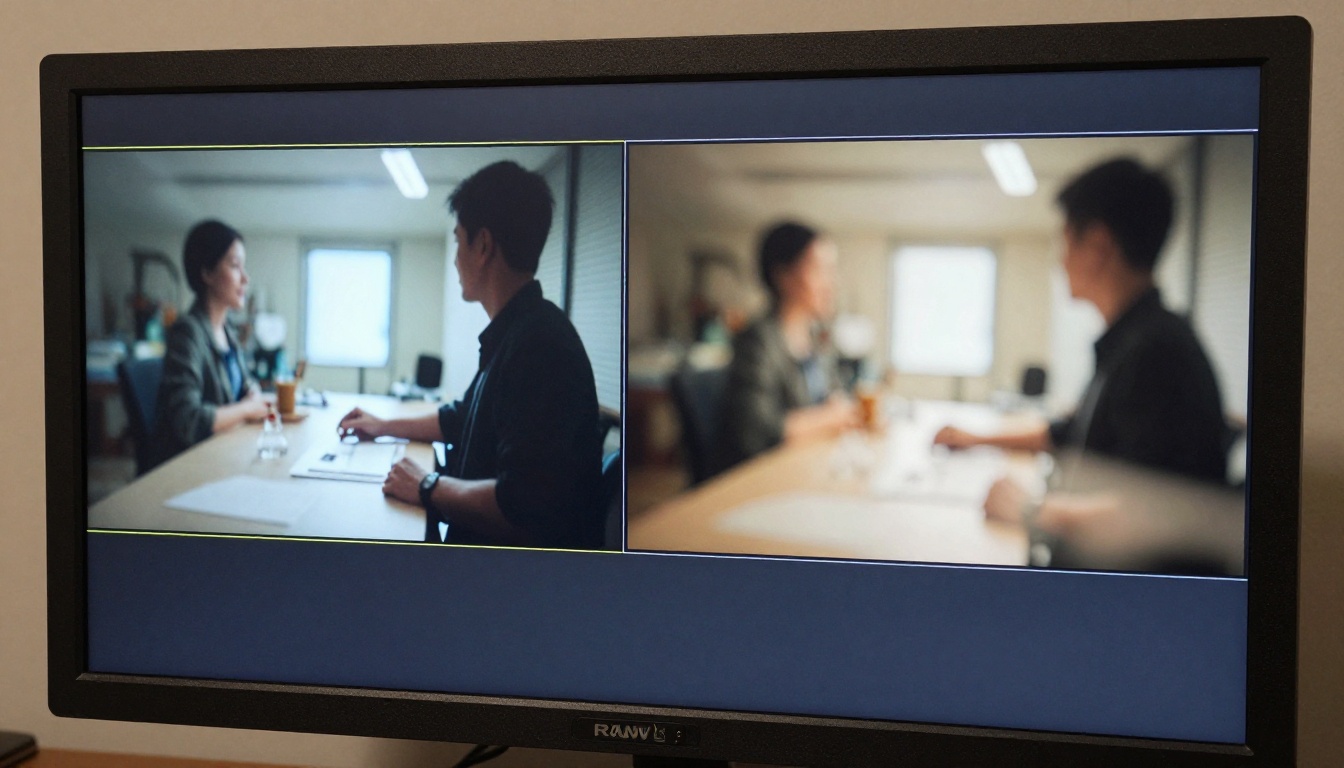
The standard description of Fast vs. full models is "slightly lower quality." That framing is technically correct and practically useless for anyone trying to make a real production decision. Here is where the actual differences show up in real outputs, and more importantly, where they do not.
Motion Smoothness
The full Seedance 2.0 produces noticeably smoother motion on complex trajectories: camera pans across detailed environments, characters moving through layered scenes, physics-driven elements like flowing fabric and water surfaces. Seedance 2.0 Fast handles simple motion with comparable quality but shows subtle degradation when multiple motion elements interact simultaneously.
For a static scene with a single moving subject, the difference is minimal and most viewers will not catch it. For a scene combining a moving camera, an active subject, and environmental motion, the full model holds a visible edge. Whether that edge matters depends entirely on what you are making and where it ends up.
Color and Detail Rendering
Both models share the same foundational training and produce well-lit, vibrant outputs with strong color science. The rendering difference between them is subtle enough that most viewers will not identify it on a first watch. Where it becomes visible is in extreme highlight and shadow zones: the full Seedance 2.0 retains more dynamic range at the edges of the exposure range, while the Fast variant occasionally clips highlights slightly or loses micro-texture in deep shadow regions.
At 1080p on social platforms with standard compression applied, these differences are largely invisible. On a high-caliber reference monitor or in a professional broadcast delivery context, they are present but not dramatic. The vast majority of creators working for digital distribution will not encounter this as a meaningful problem in practice.
Prompt Adherence
This is where the quality gap is actually at its smallest, and arguably where it matters most. Both models handle complex, multi-element text prompts with high fidelity. Seedance 2.0 Fast demonstrates remarkably strong instruction-following for a cost-optimized model. ByteDance appears to have prioritized prompt accuracy over raw visual polish when tuning the Fast variant, which is the right call for creators who depend on precise scene control.
Give Seedance 2.0 Fast a detailed prompt with specific lighting conditions, character descriptions, camera movements, and environmental action, and it will interpret all of them with accuracy that stays very close to the full model. On pure prompt adherence, the Fast tier punches well above its price point.
When Fast Is Good Enough

Social Media and Short Clips
For Instagram Reels, TikTok, YouTube Shorts, and similar short-form content, Seedance 2.0 Fast is more than adequate. Platform compression algorithms and mobile screen sizes define the quality ceiling for social video far below the rendering differences between Fast and full model tiers. A 1080p clip from Seedance 2.0 Fast will look sharp and professional on any mobile device and hold up cleanly in browser playback at normal viewing distances.
If social media is your primary delivery format, you can realistically run 100% of your generations through Seedance 2.0 Fast without visible compromise in the final output your audience actually sees.
Prototyping Before Full Renders
The most cost-efficient approach in AI video production is treating the Fast model as a dedicated draft tier. Write your prompt, generate a draft with Seedance 2.0 Fast to validate composition, motion direction, and overall mood, then route the approved version through Seedance 2.0 for the final deliverable.
This two-pass approach cuts compute costs significantly because the vast majority of your generations are exploratory drafts. You only pay full rate for the clips you actually ship, while every iteration and creative experiment runs at half the cost. The Fast model is fast enough and accurate enough in prompt following that draft approval decisions are reliable, which is all you need from a draft stage.
When to Spend More on Seedance 2.0

Long-Form Content and High-Stakes Projects
Broadcast-quality commercials, product launch videos, and content destined for large-screen presentation should use the full Seedance 2.0. Quality differences that are imperceptible on a smartphone become apparent on a 55-inch display or in a projection setting. Clients reviewing content on calibrated monitors or with strict delivery specifications will notice the difference in motion rendering and shadow detail on complex scenes.
For projects where these stakes apply, the extra cost per generation is a justified line item in the project budget. Price the full model into your estimates from the beginning and avoid letting cost pressure push final deliverables down to the Fast tier when the project context demands full-quality output.
Audio and Native Sound Sync
Both Seedance 2.0 and Seedance 2.0 Fast include native audio generation. However, the full model produces more consistent audio-visual synchronization on complex scenes with multiple active elements. If tight sync between audio and visual action is a priority, as it is in music video generation, product demos with narration, or dialogue-heavy narrative content, the full model has a meaningful advantage in output reliability.
For ambient audio, background soundscapes, or simple sound effects layered over primarily visual content, Seedance 2.0 Fast handles audio generation well and the sync accuracy difference is unlikely to surface as a problem in finished work.
How to Use Seedance 2.0 Fast on PicassoIA

PicassoIA gives you direct access to Seedance 2.0 Fast without API setup, local installation, or technical configuration beyond a standard login.
Step 1: Open the Model Page
Go directly to the Seedance 2.0 Fast model page. The interface shows the prompt input field, aspect ratio selector, and an optional image upload area for image-to-video mode.
Step 2: Write a Specific Prompt
Seedance 2.0 Fast's prompt adherence is its strongest quality trait. Use it fully. Describe your scene with concrete specifics: camera angle, subject action, lighting direction, background environment, and any particular motion you want in the clip. Vague prompts produce vague results. Specific, detailed prompts produce outputs that closely match your creative intent.
Example prompt: A woman in a white summer dress walking slowly through a sunflower field at golden hour, camera tracking alongside her at waist height, gentle breeze moving the petals, warm cinematic color grade, photorealistic, natural film grain.
Step 3: Select Your Aspect Ratio
Seedance 2.0 Fast supports multiple output ratios. Use 9:16 for vertical social media content. Use 16:9 for widescreen or cinematic output. Use 1:1 for square social formats. Choosing the right ratio before generating avoids the quality loss that comes from cropping or letterboxing after the fact.
Step 4: Use Image-to-Video for Tighter Control

For precise visual control over the final output, upload a reference image as the starting frame. The model animates from that image using your text prompt as motion direction. This approach is especially effective when you have existing brand photography, product shots, or concept imagery that needs to come to life without generating the entire scene from scratch.
Step 5: Iterate Fast, Commit Late
Your first generation is rarely the final one, and with Seedance 2.0 Fast, that is a feature rather than a frustration. The speed advantage means you can run through five or six prompt variations in the time a single full-model generation would take. Use that speed to pressure-test your creative direction before committing to a final render.
💡 Tip: Keep a running log of prompts that produced strong results. Seedance 2.0 Fast responds particularly well to specific camera movement language: "slow dolly forward," "aerial pan right," "low-angle tracking shot," and "close-up circular orbit" all improve motion output quality and consistency.
Other Fast Models Worth Comparing

Seedance 2.0 Fast does not operate in isolation. Several other speed-optimized AI video models offer different trade-offs that are worth testing depending on your specific output type and production rhythm.
Hailuo 2.3 Fast by MiniMax
Hailuo 2.3 Fast is MiniMax's speed-optimized model with a strong image-to-video capability. It produces smooth, organic motion with a warmer color palette than Seedance 2.0 Fast. For content that benefits from softer, more natural movement rather than sharp cinematic action, Hailuo 2.3 Fast is a strong alternative. The two models complement each other well if you are running a multi-model workflow.
LTX-2.3 Fast by Lightricks
LTX-2.3 Fast prioritizes raw generation speed above everything else. The quality-to-speed trade-off is more aggressive than Seedance 2.0 Fast, making it better suited for rapid prototyping stages, live demos, or situations where turnaround time is the only variable that matters in a given session. Quality takes a visible step back, but generation times are among the fastest currently available on the platform.
Veo 3 Fast by Google
Veo 3 Fast brings Google's video generation research to the affordable tier. It stands out for cinematic color science and strong prompt-following on complex, multi-element scenes. If your work involves detailed scene construction through text prompts with many simultaneous elements, Veo 3 Fast is worth a direct comparison against Seedance 2.0 Fast, because the two models have different strengths in how they interpret and render layered prompt content.
Try It Yourself

Seedance 2.0 Fast is a genuinely strong model at its price point. The quality gap between it and the full Seedance 2.0 is real but narrow, and for the majority of workflows, social media outputs, and iterative production pipelines, it is not a gap you will ever feel in your finished work.
The decision is clear for most creators: use Seedance 2.0 Fast as your default model, route final client deliverables through the full model when the project specifications demand it, and keep the savings on everything else. That workflow does not require compromise. It requires being deliberate about which model you choose for which job and having both available when the situation calls for them.
PicassoIA gives you instant access to Seedance 2.0 Fast, the full Seedance 2.0, and the complete field of competitors, including Hailuo 2.3 Fast, Veo 3 Fast, Kling v3, and LTX-2.3 Pro, all in one place with no setup required. Pick a prompt you have been sitting on and run it. See what Seedance 2.0 Fast makes of it.


