If you've spent hours trying to get Seedance 2.0 to produce NSFW results, you already know the frustration. The model, while technically impressive for general video and image synthesis, walls off a significant portion of adult creative content behind aggressive content filters. Whether you're an adult content creator, an erotic fiction illustrator, or simply someone who wants full creative control over their AI-generated imagery, Seedance 2.0's restrictions are a real blocker.
The good news: there are five AI image tools right now that actually work for NSFW creative projects. Not theoretically. Not with weird jailbreaks that break half the time. Actually work. This article covers each one, breaks down why it handles mature content better than Seedance 2.0, and shows you exactly how to use them on a platform with 91 text-to-image models ready to go.
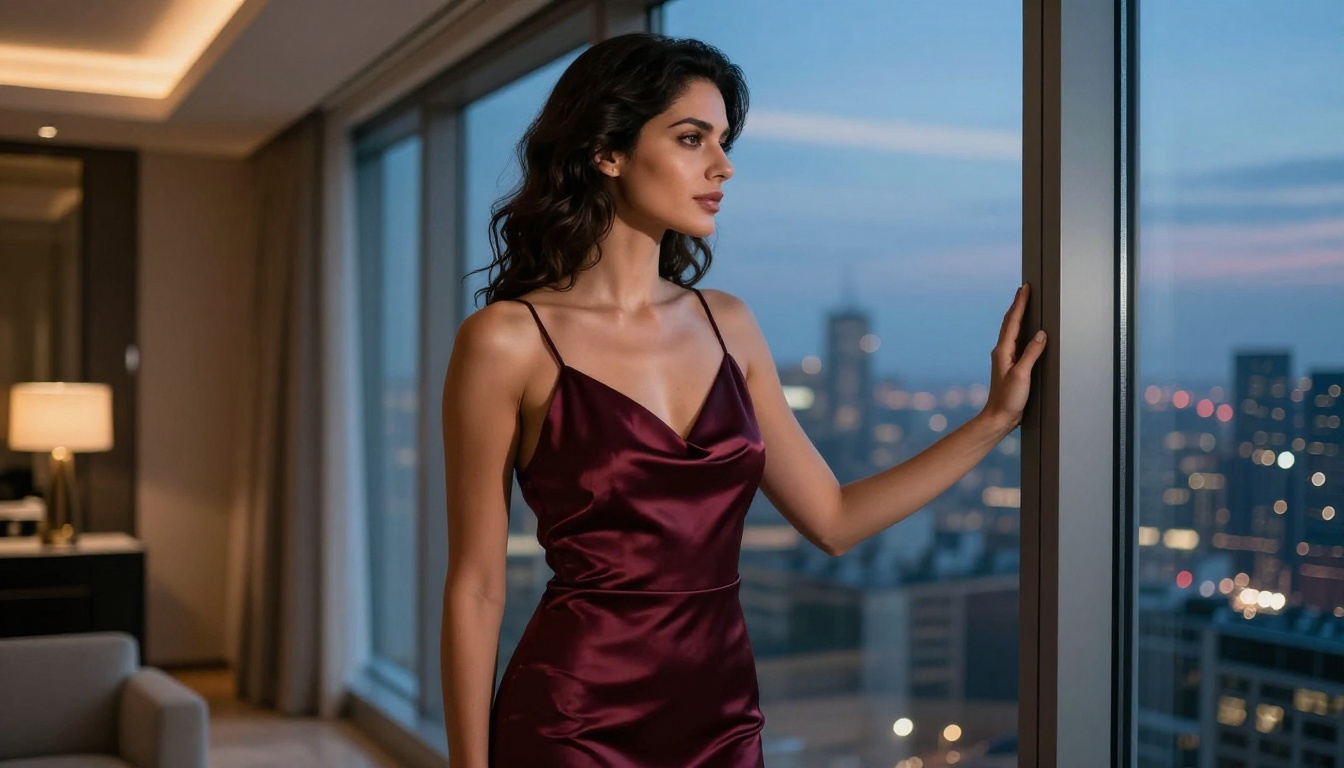
Why Seedance 2.0 Falls Short
Seedance 2.0 is a ByteDance product, and ByteDance operates under regulatory frameworks that require strict content moderation baked directly into the model. That's not speculation, it's the architecture of the system. The safety classifier runs at the inference level, meaning even prompts that produce suggestive but non-explicit imagery get flagged, filtered, or returned as blank outputs.
The Restriction Wall
The problem isn't just explicit content. Seedance 2.0 struggles with:
- Implied nudity: Even artistically framed shots with strategic coverage
- Suggestive posing: Confident, sensual body language in otherwise clothed subjects
- Lingerie and swimwear: Often classified as too mature depending on framing and angle
- Romantic physical contact: Kissing, embracing, or intimate proximity between figures
For adult content creators building subscription portfolios or erotic fiction illustrators working on book covers, these restrictions make Seedance 2.0 nearly useless as a primary tool.
What Creators Actually Need
The NSFW AI art space has two categories of need. First, suggestive and glamour content: swimwear, lingerie, artistic nudity, sensual photography aesthetics. This is legal in most jurisdictions and represents the majority of what adult content creators produce. Second, explicit content, which requires separate platforms with age verification systems and explicit permissions.
This article focuses on the first category: tools that handle suggestive, beautiful, and mature-but-not-explicit content with zero friction. These are the tools where you write a prompt and get a result, not a refusal.

Flux 1.1 Pro Ultra by Black Forest Labs is the current gold standard for photorealistic NSFW-adjacent image generation. It produces 8K-quality outputs with natural skin rendering, accurate proportions, and a remarkable ability to interpret nuanced prompts about clothing, posing, and atmosphere.
Why It Handles Mature Content
Flux 1.1 Pro Ultra's training data includes a broader range of photographic content than most commercial models. Its safety classifier is calibrated toward explicit harm rather than suggestive aesthetics, which means:
- Glamour photography prompts produce exactly what you expect
- Swimwear and lingerie renders with photographic accuracy
- Artistic nude framing (implied, not explicit) works consistently
- Skin texture, lighting, and shadow render at near-photographic quality
💡 Prompting tip: Lead with photography language. "Boudoir editorial photograph" or "fashion magazine portrait" signals the intended aesthetic clearly and produces dramatically better results than vague descriptions.
Output Quality
The image quality from Flux 1.1 Pro Ultra is genuinely difficult to distinguish from professional photography at first glance. Skin pores, fabric weave, hair strand separation, and ambient light interaction all render at a level that places it ahead of every competitor in its category.
| Feature | Flux 1.1 Pro Ultra | Seedance 2.0 |
|---|
| Suggestive content | Passes | Blocked |
| Implied nudity | Passes | Blocked |
| Skin realism | Excellent | Good |
| Prompt adherence | 9/10 | 7/10 |
| Speed | Fast | Fast |
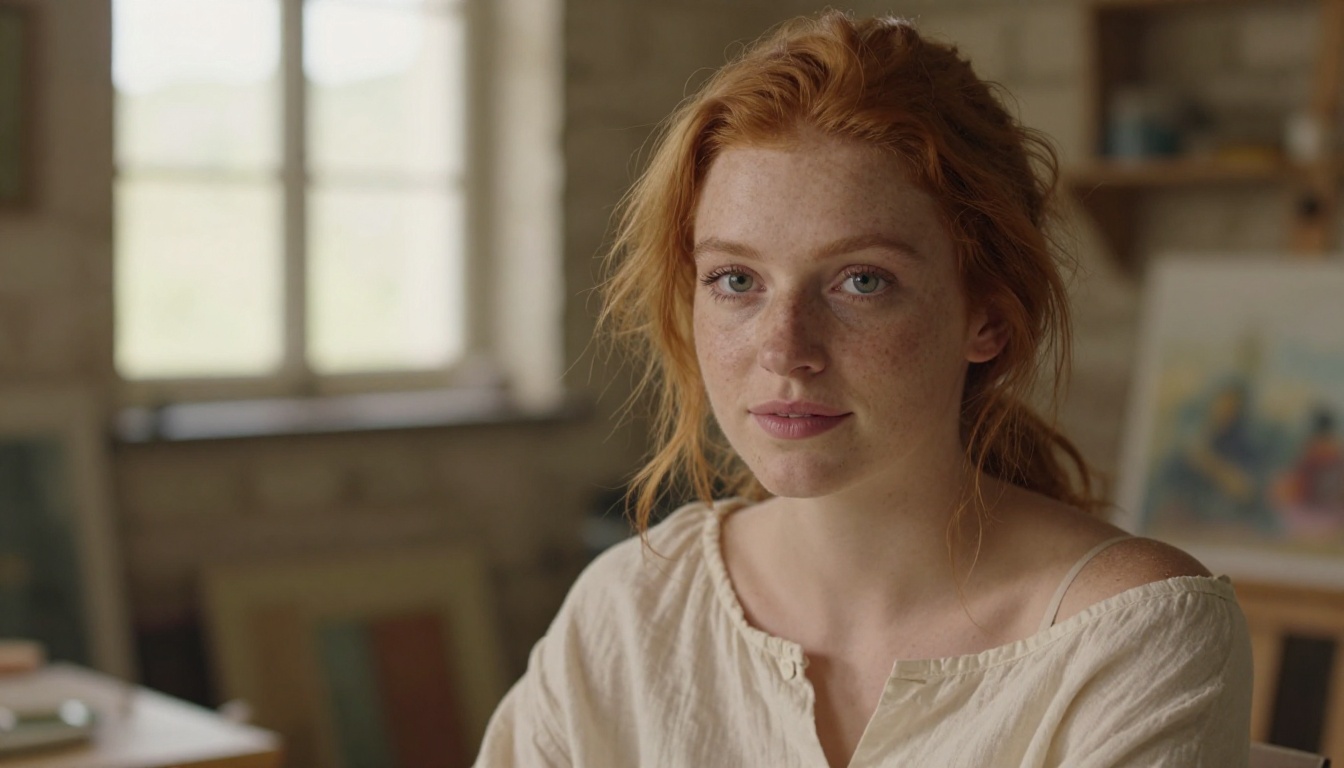
Stable Diffusion 3.5 Large is the open-source backbone of the AI image generation world, and its latest version brings significant improvements in anatomical accuracy, prompt adherence, and output resolution. As an open model, it doesn't carry the corporate content policy overhead of closed systems.
What Makes It Different
The open-source nature of Stable Diffusion means the hosted versions you access through platforms have their own calibration choices. Stable Diffusion 3.5 Large is calibrated for creative freedom while maintaining quality. Compared to Seedance 2.0, it handles:
- Artistic figure studies: Painterly nudes, classical composition, implied forms
- Fashion editorials: High-end clothing photography with confident posing
- Sensual portraiture: Close-up facial and body detail with intimate framing
- Romantic scenes: Couples in close proximity without triggering content blocks
How to Push It Further
The key to getting the best NSFW-adjacent results from Stable Diffusion 3.5 Large is prompt engineering precision. Vague prompts produce average results. Specific, photographic language produces outstanding ones.
Prompt structure that works:
[Subject + clothing/state] + [Environment + time of day] + [Lighting description] + [Camera specs] + [Film stock/aesthetic]
Example: "Young woman in white linen bikini, Mediterranean rooftop at golden hour, volumetric sunset light from left, Canon EOS R5 85mm f/1.4, Kodak Portra 400"

RealVisXL v3.0 Turbo was specifically built for photorealistic human figure generation. It sits on the SDXL backbone but has been fine-tuned on high-quality photography datasets with a specific focus on human anatomy, lighting, and skin rendering. For NSFW-adjacent work, it's one of the most purpose-fit tools available.
Built for Realism
Where most models treat human figure generation as one of many capabilities, RealVisXL v3.0 Turbo is built around it. The fine-tuning shows in:
- Proportional accuracy: Hands, feet, and face details that don't break down at high resolution
- Skin subsurface scattering: The warm translucent quality of natural skin under directional light
- Clothing physics: Fabric drape, tension, and texture that reads as genuinely real
- Hair rendering: Individual strand detail with accurate natural light interaction
NSFW Performance
The practical difference versus Seedance 2.0 is stark. A prompt like "woman in silk slip dress, morning light, boudoir aesthetic" produces exactly that from RealVisXL v3.0 Turbo. From Seedance 2.0, the same prompt either returns an overly clothed, rigidly posed result or a refusal entirely.
💡 Speed advantage: The "Turbo" designation matters. RealVisXL v3.0 Turbo generates outputs in 2-4 seconds versus the 15-20 seconds of base SDXL variants. For rapid iteration through prompt variations, this speed difference is a real workflow advantage.
For the best balance of speed and quality in SDXL-family models, also consider SDXL for stable general-purpose photorealism and SDXL Lightning 4Step for ultra-fast iterations when you want to test compositions before committing to full renders.
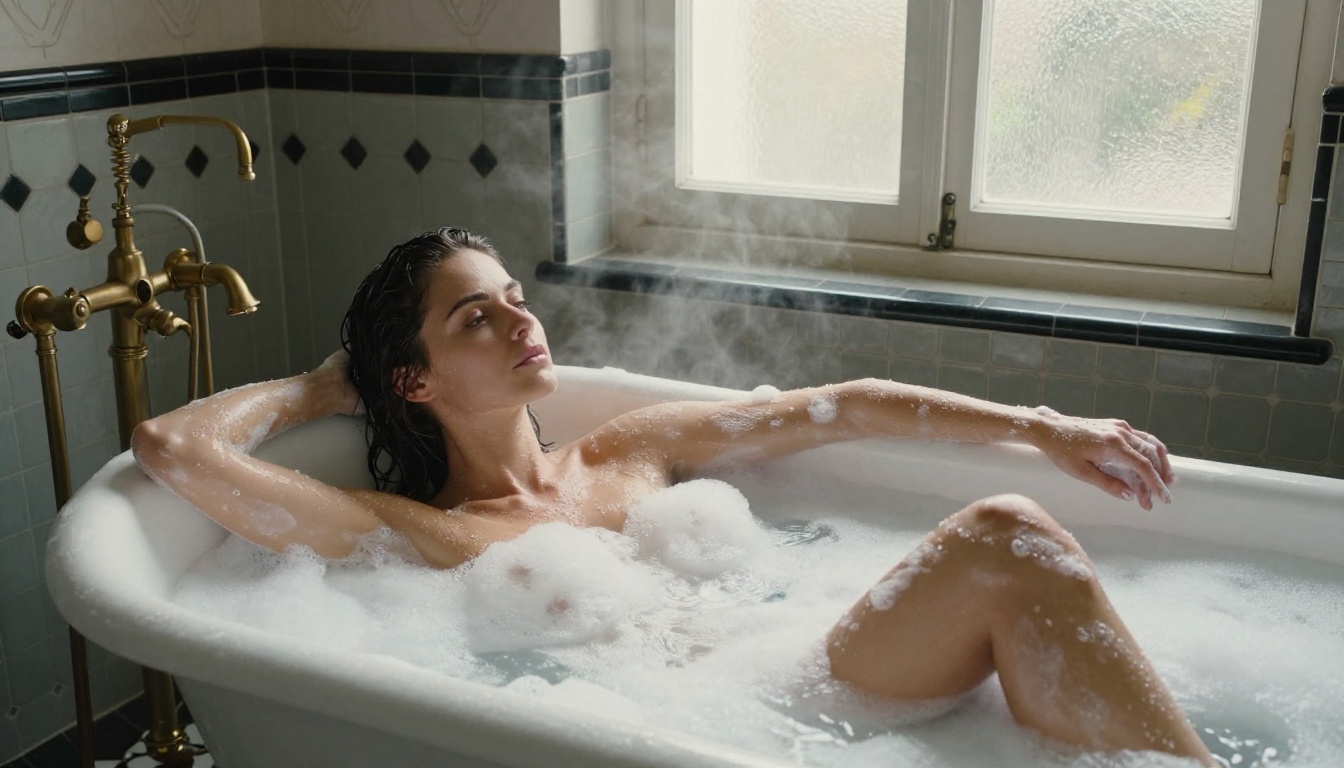
Flux Dev is the development variant of the Flux model family, designed for customization. Combined with LoRA (Low-Rank Adaptation) fine-tuning, it becomes one of the most flexible tools for NSFW content creation. You can apply existing LoRA weights that shift the model's output toward specific aesthetic styles, body types, or content categories.
LoRA Fine-Tuning for Adult Content
LoRA fine-tuning works by adding a small adapter layer on top of the base model that pushes outputs toward a trained direction. For NSFW-adjacent work, this means:
- Style LoRAs: Shift output toward specific photography aesthetics such as boudoir, editorial, or lingerie catalog
- Anatomy LoRAs: Improve accuracy of specific body type representations across diverse subjects
- Clothing LoRAs: Specific garment types, textures, and fit styles rendered with fabric accuracy
- Lighting LoRAs: Moody interiors, golden hour, studio setups with specific shadow behavior
The Flux Dev LoRA variant makes applying these adapters straightforward. You can stack multiple LoRAs with weight sliders to control how strongly each one influences the final output.
Setup Tips
When using Flux Dev with LoRA for mature content:
- Start with a base prompt that describes the core scene without relying on the LoRA
- Add the LoRA and set initial weight to 0.6, not 1.0, to prevent over-saturation of the style
- Iterate the LoRA weight in 0.1 increments until the style blend feels right
- Use negative prompts to push out common failure modes: "overexposed, plastic skin, painted look, illustration"
- Lock the seed once you find a good composition, then vary the prompt to explore that visual space
Also worth exploring: Flux 2 Pro offers the latest generation of Flux's capabilities with improved consistency, and Flux Schnell gives you the fastest Flux outputs for rapid-fire concept testing.
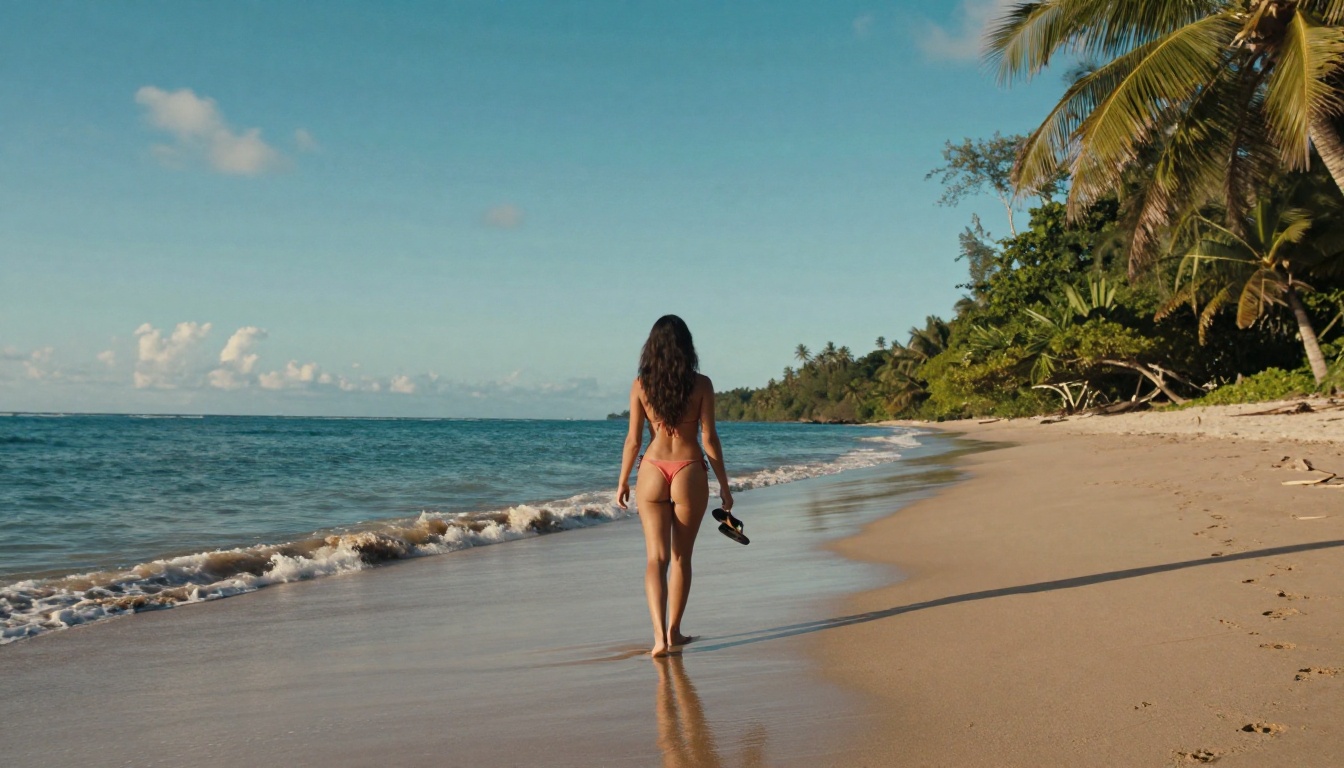
Here's the irony: Seedream 4 is also made by ByteDance, the same company behind Seedance 2.0. But Seedream is a different product team with different training objectives and a notably less aggressive content classifier at the inference level.
Seedance's Own Sibling
Seedream 4 was trained with a focus on high-resolution artistic and photographic output quality. Its content policy, while not absent, is calibrated differently than Seedance 2.0's video generation pipeline. The practical result: prompts that fail on Seedance 2.0 succeed consistently on Seedream 4.
The model handles these content types without friction:
- Glamour photography: Swimwear, lingerie, and confident posing pass consistently
- Artistic figure work: Implied nudity with tasteful framing and strong composition
- Sensual couple photography: Close, intimate scenes without explicit elements
- Fashion editorials: High-end, suggestive styling that would be blocked on Seedance 2.0
The Quality Difference
Seedream 4 operates at ultra-high resolution natively. Its outputs show exceptional detail in fabric texture at macro scale, individual hair strands in natural lighting, facial pore detail and natural skin variations, and environmental detail in backgrounds that create a convincing sense of place.
If you want the ByteDance aesthetic (which has a particular quality of light handling and color science that many creators love) without Seedance 2.0's restrictions, Seedream 4 is the direct answer. Also worth checking: Seedream 5 Lite offers faster generation speeds with a lighter resource footprint for high-volume production workflows.
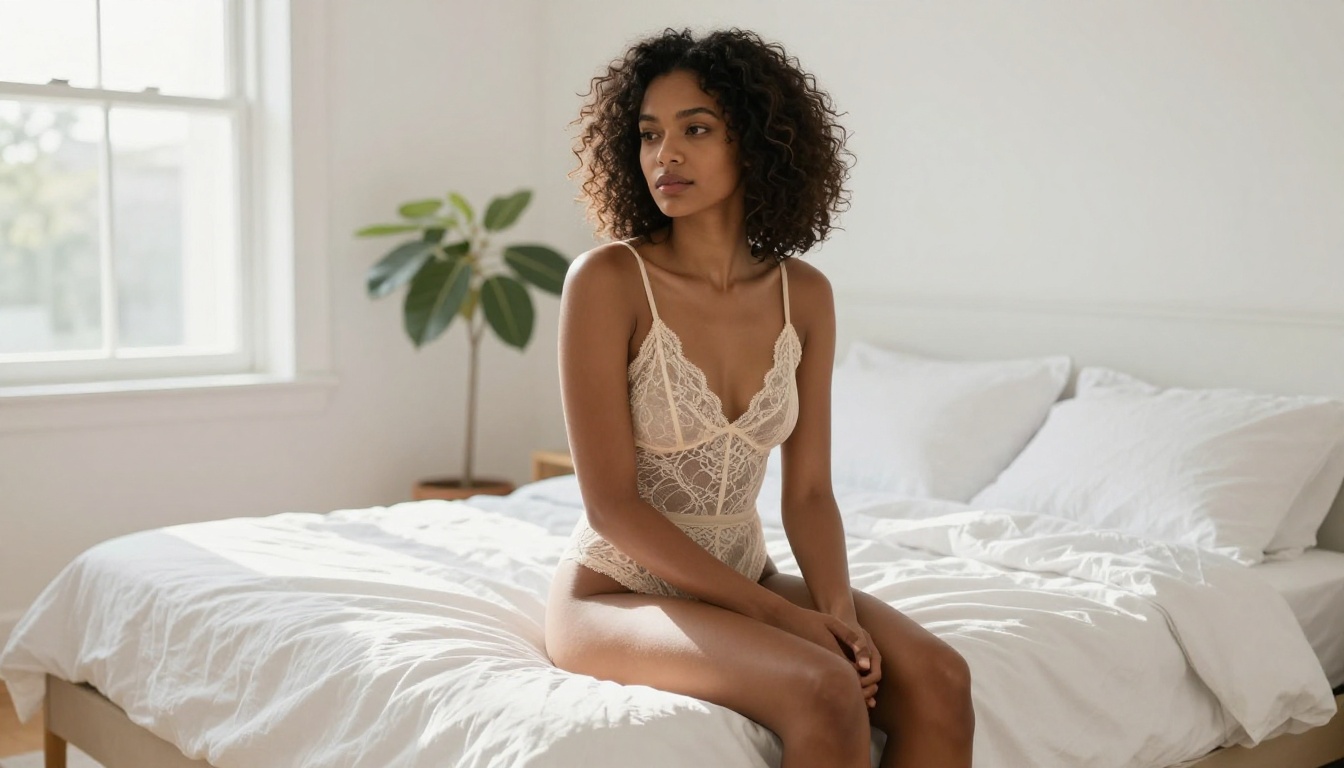
Before choosing your primary tool, here's how they stack up across the criteria that matter most for NSFW-adjacent creative work:
Quick Picks by Use Case
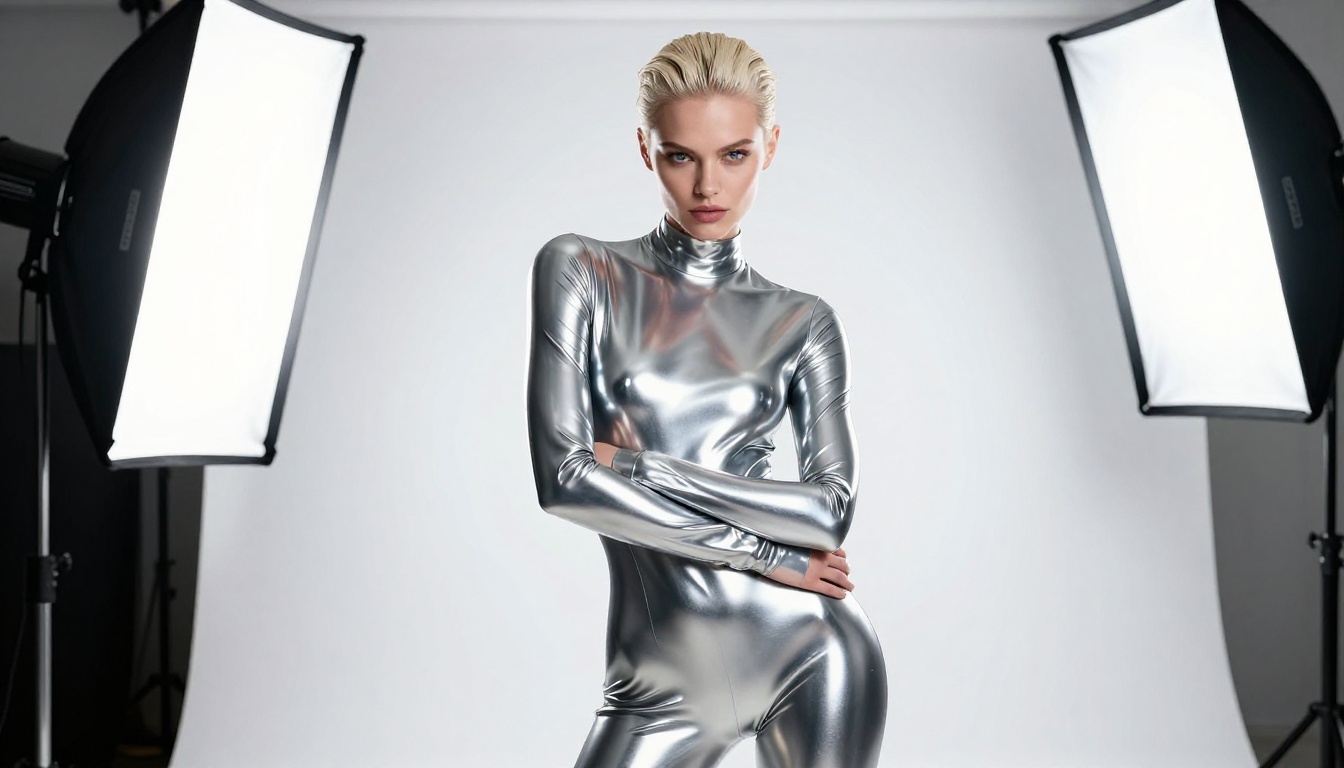
How to Use These Models on PicassoIA
All five tools above are accessible through a platform that currently hosts 91 text-to-image models in a single interface. Here's the practical workflow for getting NSFW-adjacent results without friction.
Step 1: Choose Your Model
Navigate to the text-to-image collection and select your model based on the use case table above. Each model detail page includes example outputs so you can preview the aesthetic before committing to a generation.
Step 2: Build Your Prompt
Use this framework for suggestive and glamour photography results:
[Person description] + [Clothing or state of dress] + [Setting and environment] + [Time of day and light source] + [Camera and lens] + [Film stock and aesthetic quality markers]
Weak prompt: "woman in bikini at beach"
Strong prompt: "Athletic woman with sun-kissed skin in a minimal white string bikini, standing at the shoreline of a deserted Caribbean beach, golden hour light from behind camera, water reaching her ankles, shot with Canon EOS R5 at 85mm f/1.8, Kodak Portra 400 film grain, photorealistic 8K"
Step 3: Iterate Fast
Use Flux Schnell or RealVisXL v3.0 Turbo for your first 5-10 prompt iterations. These generate in under 4 seconds. Once your prompt produces the right composition and aesthetic, switch to Flux 1.1 Pro Ultra for your final high-quality output.
Step 4: Refine with Editing Tools
PicassoIA also offers inpainting and outpainting capabilities that let you fix specific areas of generated images without regenerating the entire scene. If a generated image is 90% right but the hands or fabric drape are off, inpaint just that region with a targeted prompt rather than starting over from scratch.
💡 Pro tip: Use Realistic Vision v5.1 when you need maximum anatomical accuracy at speed. It's specifically calibrated for human figure photography and produces consistent results across different skin tones and body types.

Common Prompt Mistakes That Cause Failures
Even with these more flexible models, poor prompting produces poor results. These are the most frequent errors that make creators think a model "can't do NSFW" when the real issue is the prompt itself.
Mistake 1: Vague Body Language
"Sexy pose" tells the model nothing useful. Instead, describe the physical position precisely: "reclining on left elbow, head tilted toward camera, direct eye contact, slight smile, one knee raised."
Mistake 2: Missing Environment Detail
Without a specific setting, models default to generic, often sterile environments that undercut the sensual quality of the scene. Always specify location, time of day, and at least one specific environmental detail that creates atmosphere.
Mistake 3: No Camera Language
Photographic camera specs (lens focal length, aperture, camera model) dramatically shift output quality toward photorealism. They're not optional when you want professional-grade results. "85mm f/1.4" alone will improve your outputs noticeably.
Mistake 4: Omitting Negative Prompts
At minimum, include: "cartoon, illustration, CGI, plastic skin, overexposed, blurry, low resolution, watermark." These prevent the most common failure modes before they occur.
Mistake 5: Single-Attempt Workflows
No model produces its best output on the first try every time. Professional creators generate 5-10 variations of a prompt, select the best composition, then use that seed as the basis for fine-tuned iterations. Treat generation as iteration, not production.
What's Actually Happening with Seedance 2.0
Seedance 2.0's restrictions aren't a bug. They're deliberate product decisions driven by the platform context in which ByteDance operates globally. The model is primarily positioned as a general creative tool for a broad audience that includes contexts where NSFW content would be inappropriate or legally problematic.
The tools above exist in a different part of the market: platforms built for creative professionals who need access to the full range of human experience in their work. From adult fiction illustrators to glamour photographers testing AI workflows to content creators building subscription businesses, these creators have legitimate, legal needs that Seedance 2.0 was never designed to serve.
That's not a criticism of Seedance 2.0. It's a recognition that tools are built for specific audiences, and if you're not in that audience, you need different tools.
Start Creating Right Now
Every model in this article is accessible on PicassoIA right now, with no waiting list and no specialized setup required. The platform puts Flux 1.1 Pro Ultra, RealVisXL v3.0 Turbo, Seedream 4, Stable Diffusion 3.5 Large, and Flux Dev in a single interface where you can switch between them with one click.
If you've been blocked by Seedance 2.0's content filters, the workaround isn't a jailbreak or a hack. It's simply using tools that were built for your creative needs. Start with a prompt you've been trying to get Seedance to produce. Run it through Flux 1.1 Pro Ultra first. The difference in what comes back will make the answer immediately obvious. Your creative vision deserves tools that say yes.


