ByteDance dropped Seedance 2.0 into the AI video landscape and immediately split creators into two camps: those who went straight for the Pro tier without blinking, and those who looked at the credit cost and reached for Seedance 2.0 Fast instead. The gap between those two decisions is real money. Depending on how many videos you produce each week, the difference adds up to hundreds of dollars annually. So before you commit to either path, here is an honest breakdown of what you actually get, what you lose, and whether the Pro version earns its price tag.
What Seedance 2.0 Pro Actually Does
Seedance 2.0 is ByteDance's flagship text-to-video and image-to-video model, designed to sit at the top of their generation stack. It operates at a higher compute budget per inference, which means more diffusion steps, stronger temporal consistency across frames, and significantly better adherence to complex prompts with multiple subjects or actions in the same shot.
The Pro Tier vs Fast: Core Differences
The most tangible difference between Seedance 2.0 and Seedance 2.0 Fast is not just speed. Fast is not simply a quicker version of Pro. It is a distinct inference configuration that trades rendering depth for turnaround time. That trade-off shows up clearly in three areas:
| Feature | Seedance 2.0 Pro | Seedance 2.0 Fast |
|---|
| Resolution | Up to 1080p | Up to 720p |
| Generation Speed | Slower (2-4 min) | Fast (30-60 sec) |
| Temporal Consistency | High | Moderate |
| Native Audio | Yes | Limited |
| Prompt Complexity | Multi-subject supported | Best for single-subject |
| Credit Cost | Higher | Lower |
The motion stability in Pro is noticeably better. If your video contains a character that moves across the frame over multiple seconds, the Pro model tracks that subject with far fewer visual artifacts. Fast will sometimes introduce jitter or drift on long arcs.
Native Audio: A Real Differentiator
One of the biggest selling points for Seedance 2.0 is native audio generation. This is not a post-processed audio layer dropped on top of existing video. The model generates ambient soundscapes, environmental audio, and even simple character sounds that are synchronized with the on-screen action.
💡 Native audio means: footsteps that hit exactly when a character's foot touches the ground, rain that builds as the shot moves toward the window, crowd noise that fades as the camera pans away. This is a serious production tool.
Seedance 2.0 Fast offers limited audio support. For quick content, it gets the job done. For anything that will be presented to a client or published to a professional channel without heavy post-production, the Pro version's audio output is in a different class.
The Real Price Breakdown
Pricing for AI video models is almost always expressed in credits, which makes direct comparisons frustrating. Here is how the Seedance family stacks up in practical terms.
Credits Per Second of Video
The Pro model costs roughly 3 to 4 times more credits per second of generated video compared to the Fast version. For a 5-second clip at 1080p with audio, you are looking at a substantially larger credit draw than the same prompt on Fast.
For a creator generating 10 clips per day, this difference compounds fast:
- 10 clips/day on Fast: moderate credit spend, suitable for iteration
- 10 clips/day on Pro: significantly higher spend, requires careful prompt planning
The math does not mean Pro is a bad deal. It means you need to know when to use it.
Pro vs Fast vs Seedance 1.5 Pro
It is worth putting Seedance 1.5 Pro into the conversation, because some creators have not moved up yet and are wondering if they should bother with 2.0 at all.
The jump from 1.5 Pro to 2.0 Pro is significant. The motion coherence improvements alone justify the upgrade for anyone doing professional work. The jump from Fast to Pro within 2.0 is about specific use cases, not a blanket upgrade.
Quality You Can Actually See

Quality in AI video is subjective until you put two outputs side by side. At that point, the differences in Seedance 2.0 versus Fast become concrete and measurable.
Prompt Fidelity and Motion Coherence
Prompt fidelity is how closely the output matches your written description. On prompts with:
- Single subject, simple action: both models perform well
- Two subjects interacting: Pro handles relationships and spatial positioning dramatically better
- Environmental detail + character motion simultaneously: Pro wins by a clear margin
- Cinematic camera movement + foreground subject: Pro maintains parallax and depth correctly; Fast often flattens the scene
The biggest visible difference is in motion coherence over time. A character walking across a 5-second clip in Pro will maintain consistent clothing texture, face structure, and body proportions across every frame. In Fast, subtle drift can appear after the second second, especially on hair and clothing edges.
Resolution and Fine Detail
At 1080p output, Seedance 2.0 Pro delivers fine surface detail that holds up under scrutiny. You can see fabric weave, individual hair strands, and material reflections that give the video a cinematic weight.
At 720p, Seedance 2.0 Fast is perfectly acceptable for:
- Social media content intended for mobile viewing
- Draft iterations before committing to Pro renders
- Time-sensitive content with same-day publishing deadlines
- Educational content where the information matters more than the aesthetics
💡 Pro tip: Use Fast for all your iteration and prompt testing. Once you have a prompt that produces the exact motion and composition you want, run the final version on Pro. This cuts your credit spend dramatically while keeping your final output at premium quality.
When Fast Is Good Enough
Do not let the "Pro" label convince you that Fast is somehow a lesser product. Seedance 2.0 Fast is excellent for a large percentage of real-world use cases. The output is clean, motion is smooth for most standard scenarios, and the generation time means you can iterate 10 times in the time it takes Pro to finish once.
If your content lives primarily on platforms that compress video heavily anyway (Instagram Reels, TikTok, YouTube Shorts), the resolution advantage of Pro gets largely erased by platform-side compression. The audience will not see a meaningful difference.
Who Should Pay for Pro

The answer is not "everyone who takes AI video seriously." It is more specific than that.
Professional Video Workflows
If you are delivering AI-generated video to clients, the Pro tier is not optional. The 1080p output, native audio, and temporal consistency are what separate a professional delivery from a demo. Clients who are paying for video production expect resolution that holds up on large screens, sound design that matches the visuals, and motion that does not drift.
Who benefits most from Pro:
- Video production studios using AI for B-roll and supplemental footage
- Marketing agencies creating brand video content at scale
- Filmmakers and directors prototyping scenes before live shooting
- Post-production teams doing AI-assisted shot reconstruction
Brands and Marketing Teams

A brand video that will appear in a TV commercial, a cinema pre-roll, or a flagship website hero section cannot have the subtle artifacts that Fast sometimes introduces. At those display sizes and contexts, every frame gets scrutinized.
For brand teams, the Pro version is the correct tool because the output quality matches the expectations of the media placements it will be used in. The credit cost per clip is irrelevant when each clip is billable or drives measurable ROI.
💡 The question is not "can I afford Pro?" It is "can I afford the reputational cost of delivering Fast-tier output in a Pro-tier context?"
When to Skip the Upgrade
Casual Creators and Hobbyists
If you are creating AI videos for personal projects, social media experimentation, or learning the craft of AI prompt writing, Seedance 2.0 Fast is your best option. The lower credit cost means you can generate dramatically more videos, which is the fastest way to get better at writing effective prompts.
Volume of practice beats output quality at the learning stage. Ten Fast clips will teach you more about how the model interprets motion and scene descriptions than two Pro clips will.
Speed-First Production Pipelines
News organizations, social media newsrooms, and rapid-response content teams often need video within minutes of a story breaking. In those contexts, Seedance 2.0 Fast is the right call because the generation time advantage outweighs the quality ceiling.
A 720p video published 45 minutes before competitors beats a 1080p video published 3 hours later in the attention economy.
How to Use Seedance 2.0 on PicassoIA
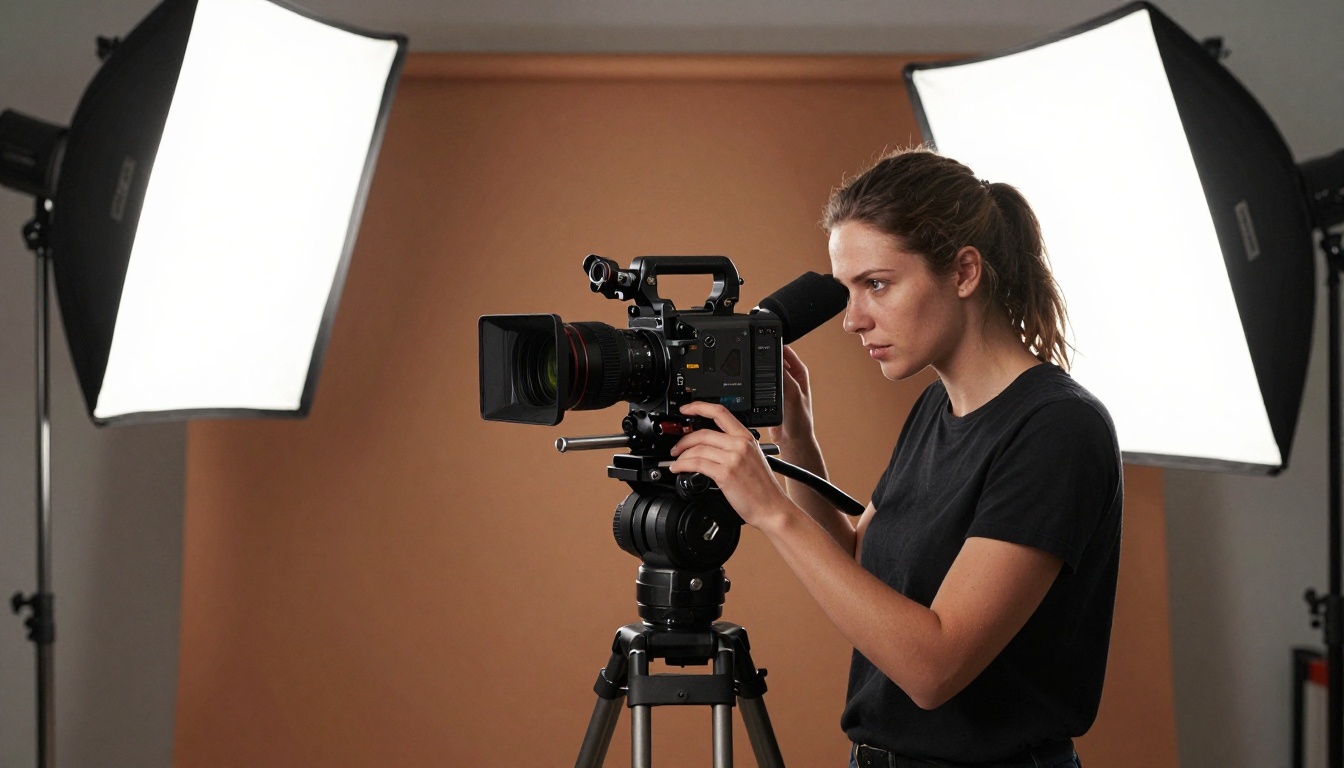
Both Seedance 2.0 and Seedance 2.0 Fast are available directly on PicassoIA, with no setup, no API keys, and no local hardware required. You access the full model capability through the browser.
Step-by-Step Workflow
Step 1. Go to the Seedance 2.0 model page on PicassoIA.
Step 2. Choose your generation mode: Text to Video (generate from a written prompt) or Image to Video (animate a static image you upload). Seedance 2.0 Pro supports both with excellent results.
Step 3. Write your prompt. Be specific about:
- Subject: who or what is in the video, and what they are doing
- Camera: angle, movement, distance (wide shot, close-up, tracking)
- Environment: location, time of day, weather conditions
- Mood: emotional tone, pacing (slow, urgent, contemplative)
Step 4. Select your duration. Seedance 2.0 supports up to 10 seconds per generation. For complex scenes, 5-7 seconds often yields better coherence than pushing to the maximum.
Step 5. Enable audio if your scene benefits from ambient sound. The native audio generation is one of the model's strongest differentiators.
Step 6. Submit and review. Use the video player on-platform to scrub through the output. If motion artifacts appear in the first or last second, these are often trimable in post.
Prompt Tips for Better Results
- Describe motion explicitly: "a woman walks slowly toward the camera from 20 meters away" is far better than "a woman walking"
- Anchor your camera: "shot from a low angle looking up" tells the model how to frame the scene
- Use lighting as a tool: "overcast morning light, soft diffused shadows" produces more consistent renders than leaving lighting unspecified
- Avoid over-loading: more than 3-4 distinct actions in one clip will cause the model to blend or drop elements
- Seed consistency: if you are generating a series of related clips, note the seed number from successful generations and reuse it with slight prompt variations to maintain visual continuity
💡 PicassoIA also gives you access to Seedance 1.5 Pro and Seedance 1 Pro if you want to compare earlier generations head-to-head against 2.0.
How Seedance 2.0 Pro Stacks Up Against Competitors
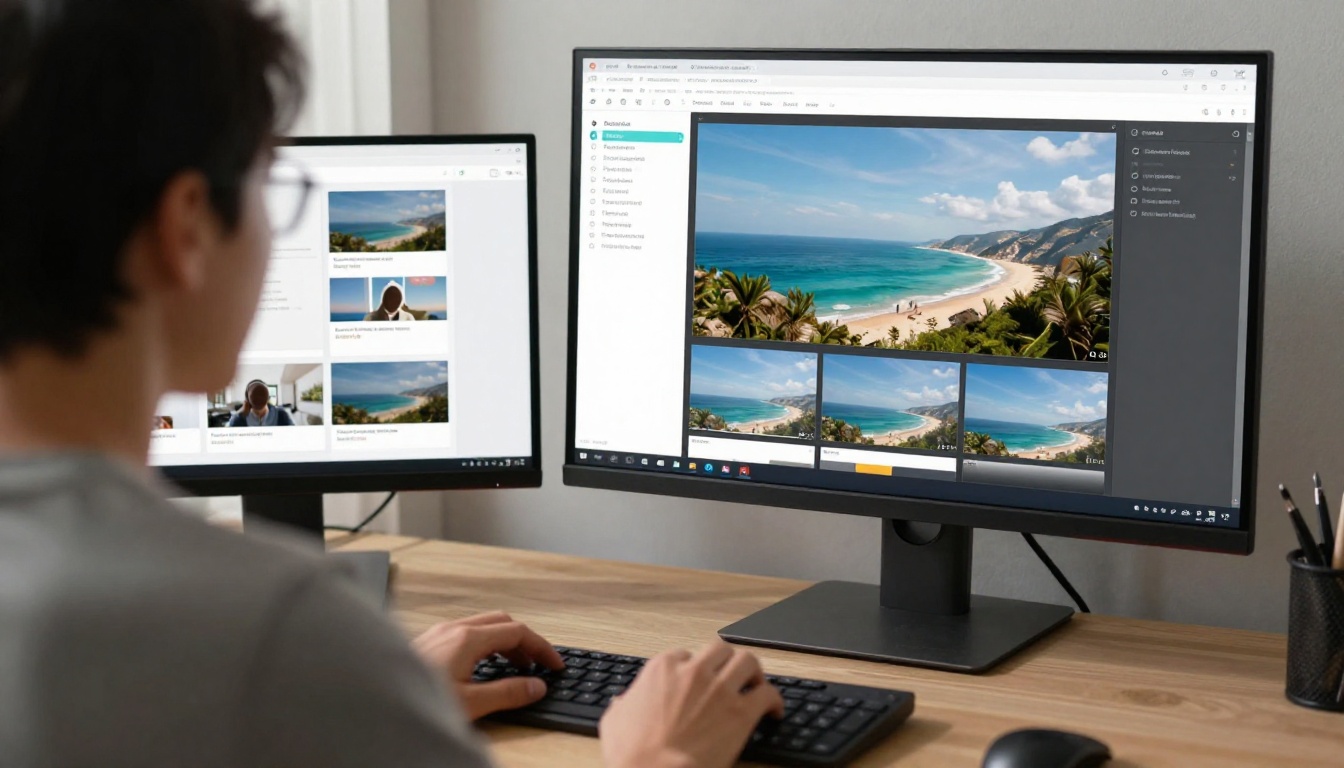
The AI video space in 2027 is extremely competitive. Seedance 2.0 Pro does not exist in isolation. Here is how it compares at a high level to other models available on PicassoIA:
| Model | Strengths | Best Match For |
|---|
| Seedance 2.0 | Native audio, 1080p, multi-subject | Professional delivery |
| Kling v3 Video | Strong motion control, style range | Stylized creative content |
| Veo 3 | Cinematic quality, long clips | High-production film content |
| Hailuo 2.3 | Fast generation, clean output | Social-first rapid content |
| Seedance 2.0 Fast | Speed, low cost, good motion | Iteration, drafts, short-form |
Seedance 2.0 Pro is particularly strong in the space of synchronized audio with realistic motion, which is a combination that Veo 3 also competes in at the higher end. For creators who need audio without post-production overhead, Seedance 2.0 is the most accessible entry point on PicassoIA.
Kling v3 Video has a distinct edge in stylized content with motion control features, but its output tends toward a more cinematic-artificial look that some audiences respond to and others find too polished. Seedance 2.0 sits closer to naturalistic realism.
The honest verdict: if your content requires native audio, 1080p resolution, and multi-subject motion coherence, Seedance 2.0 Pro is the right tool at this price point. If those three things do not apply to your workflow, the Fast version will serve you well and save you significant credit spend over time.
See What Seedance 2.0 Can Do for Your Work
The question of whether Seedance 2.0 Pro is worth the extra cost does not have one universal answer. It has your answer, based on what you are building, who you are building it for, and what the output needs to look like when it lands in front of an audience.
What is worth saying clearly: both Seedance 2.0 and Seedance 2.0 Fast represent a real step forward in AI video quality. The ceiling on Pro is genuinely impressive for the cost, especially when you consider what professional video production services charge for comparable output.
The smartest move is to run your own test. Start on PicassoIA with Seedance 2.0 Fast, dial in your prompts, and then run the same prompt on Seedance 2.0 Pro for comparison. The visual difference will tell you immediately whether the Pro output is worth the credits for your specific use case.
Beyond Seedance, PicassoIA gives you access to over 87 video generation models in one place, including Kling v3, Veo 3, Hailuo 2.3, and Seedance 1.5 Pro. Having all of these available in one interface means you can pick the right model for each job without juggling multiple subscriptions or APIs.
Try Seedance 2.0 on PicassoIA today and see how your prompts translate into production-ready video with native audio, in minutes, without a render farm.


