The debate over the best AI video generator in 2027 has a new center of gravity. ByteDance dropped Seedance 2.0, a model built from the ground up for cinematic motion and native audio integration. Kuaishou answered with Kling v2.6, an iteration of their already battle-tested Kling framework that now delivers sharper prompt accuracy, richer physical detail, and pro-tier visual consistency. Both models are available right now on PicassoIA. Both are genuinely impressive. And both are better at different things. This side by side comparison breaks down every metric that actually matters for creators: motion quality, detail rendering, prompt fidelity, speed, native audio support, and real-world use cases. No hype, just outputs.
What Each Model Actually Does
The moment you start treating these two models as interchangeable, you will run into frustration. They were built with different priorities, and that shows in the results.
Seedance 2.0 in 60 Seconds
Seedance 2.0 is ByteDance's flagship video generation model. It accepts both text and image as input, generates clips up to 10 seconds, and does something that sets it apart from almost every competitor: it generates native synchronized audio alongside the video. Not a post-processing audio layer, but audio produced in the same pass as the video itself.
The model was trained on a massive, diverse dataset of cinematic footage, which gives it a strong intuition for natural camera movement, physically plausible motion, and believable environmental lighting. It runs in two variants: the standard Seedance 2.0 for full-quality output and Seedance 2.0 Fast for quick iterations and preview generation.

Kling 2.6 Pro in 60 Seconds
Kling v2.6 from Kuaishou represents the latest refinement of the Kling architecture that has been steadily improving since Kling 1.0 made waves in 2024. Version 2.6 Pro is focused on three things: tighter prompt adherence, better handling of complex scenes with multiple objects, and improved temporal consistency across the full clip duration.
What this means in practice: when you write a detailed prompt describing a specific scene, Kling 2.6 Pro is more likely to produce exactly what you described. Characters stay on model throughout the clip. Objects behave physically correctly. The Pro tier specifically pushes resolution and quality beyond what the standard version offers.
Kuaishou also offers Kling v2.6 Motion Control for users who need frame-level motion direction, and the newer Kling v3 Video for even higher output fidelity when v2.6 is not enough.
Video Quality Head to Head
This is where the comparison gets genuinely interesting, because both models are excellent but in measurably different ways.
Motion Smoothness and Fluidity
Seedance 2.0 has a noticeable edge in organic, natural motion. Human subjects move with convincing weight and inertia. Hair flows. Clothing reacts. When the camera pans, it does so with the kind of subtle acceleration and deceleration that real cinematographers use. It does not feel like frames stitched together. It feels like footage.
Kling 2.6 Pro is smooth in a different way. Its motion is precise and controlled. Complex mechanical motion, vehicles in traffic, crowds of people, and dynamic action sequences all hold together without the jitter or morphing artifacts that plague less capable models. Where Seedance 2.0 excels at biological and natural motion, Kling 2.6 Pro excels at mechanical and structural motion consistency.

Tip: If your video involves people, animals, or natural environments, Seedance 2.0 will likely feel more alive. If your video involves vehicles, architecture, or precision choreography, Kling 2.6 Pro holds up better.
Texture and Realism
Both models produce high-resolution outputs with strong texture detail. But there are real differences in how they handle specific surface types.
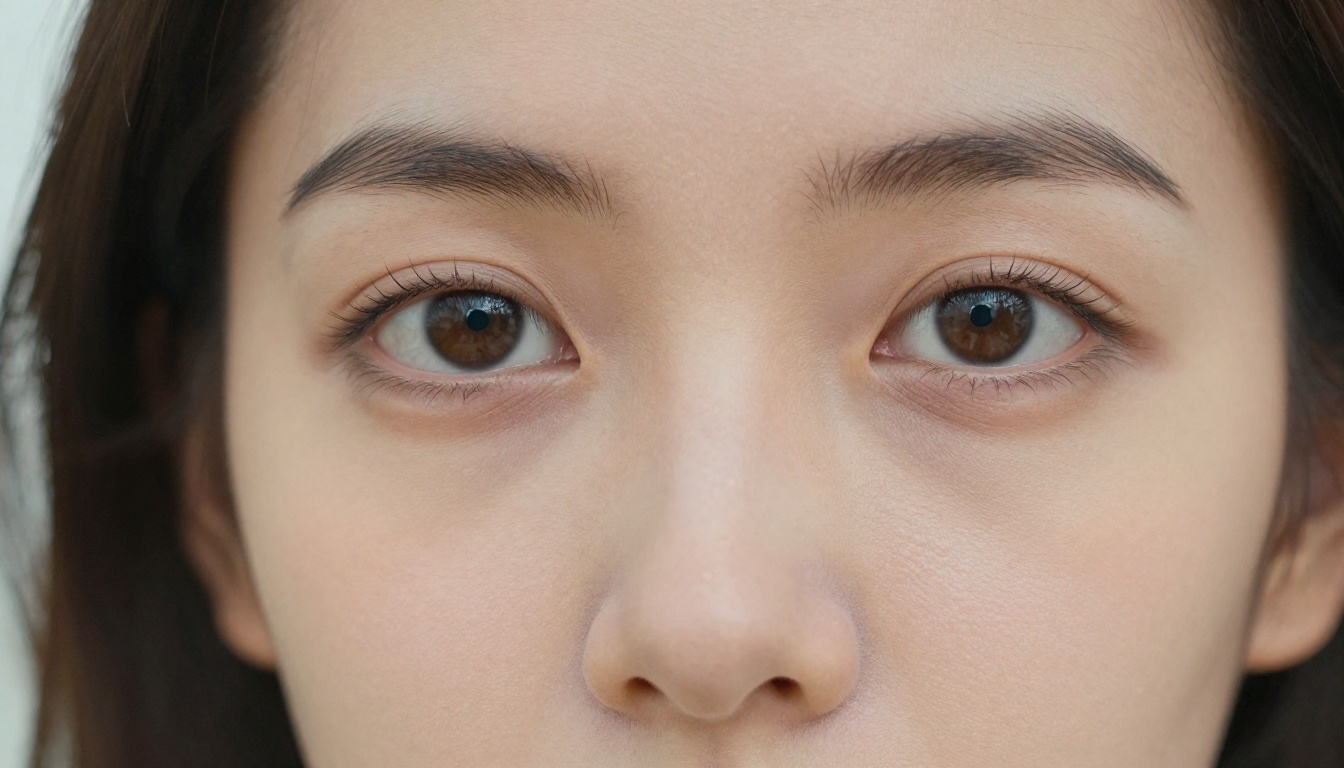
Seedance 2.0 renders organic textures with exceptional accuracy. Skin, fabric, grass, water, and wood all look tactile and three-dimensional. The model has clearly internalized what real surfaces look like under a wide range of lighting conditions.
Kling 2.6 Pro is superior for hard surface textures. Metal, concrete, glass, and manufactured materials render with crisp detail and physically accurate reflections. If your creative work involves product visualization or urban environments, Kling 2.6 Pro's texture work will be more convincing.
Speed, Resolution, and Duration
How Fast Does Each Generate?
Speed is a workflow consideration, not just a nice-to-have. When you are iterating on a concept, generation time directly affects how many versions you can test in a single session.
| Model | Standard Generation | Fast Variant |
|---|
| Seedance 2.0 | ~3-5 minutes per clip | Seedance 2.0 Fast: ~1-2 min |
| Kling 2.6 Pro | ~2-4 minutes per clip | Motion Control adds processing time |
Seedance 2.0 Fast is worth using when you need to prototype a scene quickly before committing to a full-quality render. The quality tradeoff is real, but for layout testing and prompt refinement it is a smart workflow choice.
Max Resolution and Clip Length
Both models support up to 1080p output. Seedance 2.0 generates clips up to 10 seconds. Kling 2.6 Pro supports clip lengths of up to 5 or 10 seconds depending on configuration. For longer narrative sequences, you will need to chain clips from either model, which both handle gracefully when your keyframes are consistent.

Prompt Accuracy and Audio Support
Who Follows Instructions Better?
This is one of the starkest differences between the two models, and it matters enormously for professional workflows.
Kling 2.6 Pro wins this category. When you write a detailed, specific prompt, Kling 2.6 Pro interprets it with more precision. Scene descriptions, character positions, lighting setups, and object relationships all translate more reliably to the output video. This makes it the stronger choice for commercial work where the output needs to match a specific brief.
Seedance 2.0 is more interpretive. It reads your prompt and then applies its cinematic intuition, which often produces results that are more visually impressive than a literal reading of the prompt would suggest. But for clients or projects that require exact adherence to a description, this interpretive quality can work against you.
A good workflow combines both approaches: use Seedance 2.0 for exploratory, open-ended creative sessions and Kling v2.6 when a brief needs to be followed precisely.

Native Audio: Seedance's Big Advantage
This is not a small thing. Seedance 2.0 generates synchronized audio as part of its core output. That means ambient sound, environmental audio, and sound effects are produced alongside the video without any additional steps.
For creators building short-form content, social media videos, or any project where the audio-visual pairing matters, this is a genuinely significant workflow advantage. You are not stitching audio in post. You are getting a complete audiovisual output from a single prompt.
Kling 2.6 Pro does not natively generate audio. You will need to add audio separately, either through AI music generation tools for background tracks or text-to-speech models for voiceover. That adds steps, but it also gives you more precise control over the audio layer.
Tip: For quick, social-ready content, Seedance 2.0's native audio means you spend less time in post-production. For premium branded content where audio needs to meet specific creative standards, Kling 2.6 Pro paired with dedicated audio tools gives you more precision.
Strengths of Each Model
Where Seedance 2.0 Wins
There are specific situations where Seedance 2.0 is clearly the better choice:
- Character-driven scenes: Human and animal motion feels grounded and natural
- Nature and organic environments: Realistic rendering of water, wind, foliage, and weather
- Audio-visual content: Native audio saves significant post-production time
- Cinematic mood: The model's training lends a film-like quality to most outputs
- Creative exploration: Its interpretive approach surfaces unexpected but beautiful results
- Atmospheric effects: Dramatic lighting, fog, rain, and haze all render with depth

Where Kling 2.6 Pro Wins
And the situations where Kling v2.6 is clearly the stronger pick:
- Complex multi-element scenes: Objects, characters, and backgrounds stay coherent throughout the clip
- Prompt fidelity for commercial briefs: What you write is what you get, more often than not
- Urban and architectural subjects: Hard surfaces and cityscapes render with impressive precision
- Motion control workflows: Pair with Kling v2.6 Motion Control for frame-directed output
- Vehicle and mechanical motion: Physics-accurate rendering for cars, machinery, and structures
- Extended narrative consistency: Characters and environments remain stable across the full clip duration

Feature Table: Both Models at a Glance
| Feature | Seedance 2.0 | Kling 2.6 Pro |
|---|
| Input Types | Text, Image | Text, Image |
| Native Audio | Yes | No |
| Max Resolution | 1080p | 1080p |
| Max Clip Length | 10 seconds | 10 seconds |
| Fast Variant Available | Yes | No |
| Motion Control | No | Yes |
| Prompt Accuracy | Interpretive | High fidelity |
| Best For | Cinematic, organic content | Commercial, precise briefs |
| Organic Motion Quality | Excellent | Very Good |
| Hard Surface Textures | Very Good | Excellent |
| Multi-object Coherence | Good | Excellent |
| Available on PicassoIA | Yes | Yes |

Which One Should You Pick?
The honest answer is that you should use both, depending on the project. But if you have to pick one as your primary tool, here is how to think about it.
Pick Seedance 2.0 if:
- You create content featuring people, animals, or natural environments prominently
- You want audio included without extra post-production work
- You prioritize cinematic quality and visual beauty over strict prompt fidelity
- You produce social media content where organic, immersive feel matters most
Pick Kling v2.6 if:
- You work with commercial clients who require precise execution of specific briefs
- Your content features urban environments, vehicles, or complex multi-element scenes
- You want to use motion control for directed character or camera movement
- You prefer tight control over every output element, with audio handled as a separate layer
Both models sit in a tier that surpasses what was possible just 18 months ago. The broader Kling family, including Kling v3 Video and Kling V3 Omni, shows how fast Kuaishou is iterating. ByteDance's Seedance line, from Seedance 1.5 Pro through Seedance 2.0, tells a similar story of rapid improvement. Both companies are pushing the frontier aggressively.
For creators who want to stay at the cutting edge, other strong models in the text-to-video space worth knowing include Veo 3 from Google, Sora 2 Pro from OpenAI, Gen-4.5 from Runway, and Hailuo 2.3 from Minimax.
Make Your Own AI Videos on PicassoIA
Both Seedance 2.0 and Kling v2.6 are available on PicassoIA with no software to install and no local GPU required. Write a prompt, pick your model, and your video generates in the cloud.
The platform gives you access to over 87 text-to-video models in a single interface, including both the Seedance and Kling families, plus tools for AI video upscaling and restoration, lipsync, video effects, and super resolution for your finished clips. Everything you need to take a prompt from concept to polished output is in one place.
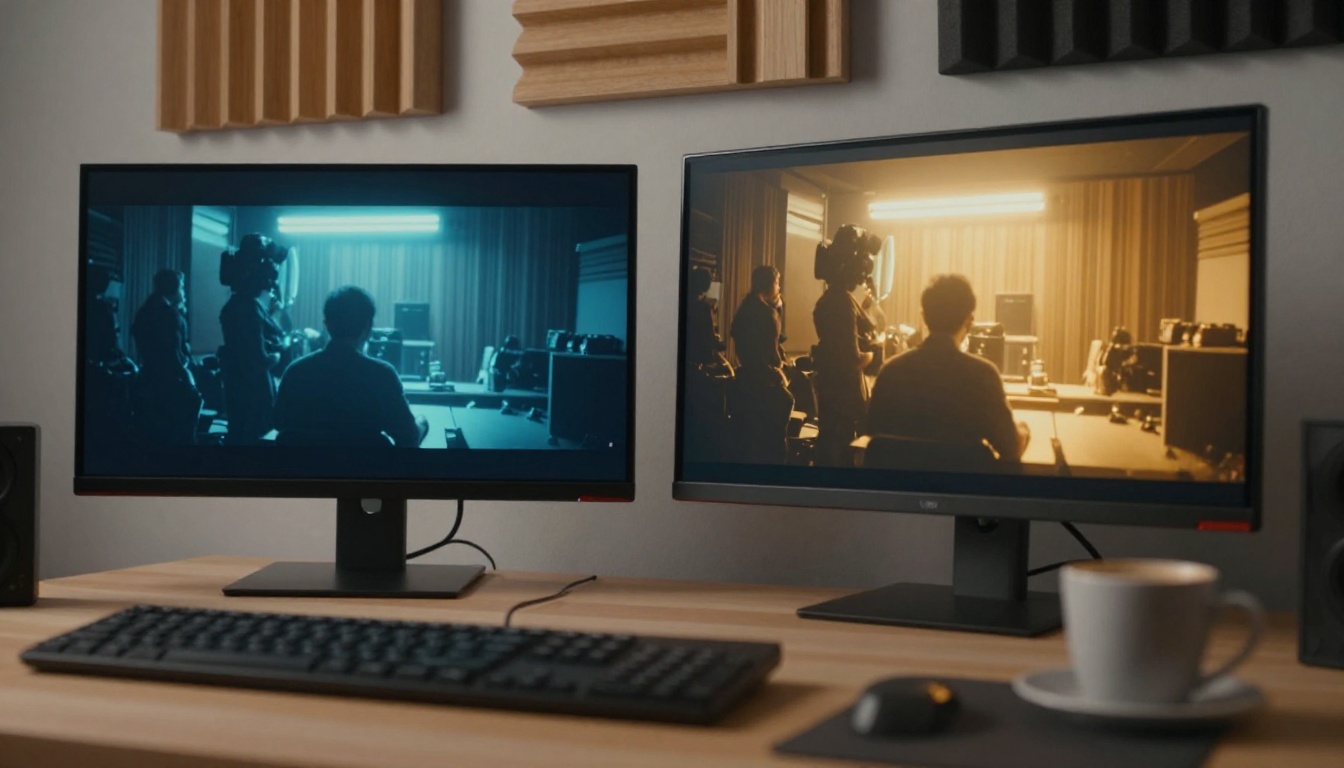
The best way to settle this comparison for your specific use case is to run both models on the same prompt. You will see immediately which output matches your creative vision. Both are remarkably capable. The difference is in the details, and the details are what separate good work from great work.
Try both. See which one fits your workflow. The tools are waiting.


