If you have spent any time with Seedance 2.0, you already know the frustration. You type a prompt, wait, and get a refusal. No explanation beyond a vague "content policy" message, no suggestion for how to rephrase. Just a block. If your work involves anything even remotely suggestive, that wall hits fast and hard. The question is not whether the filter exists. It is why, what it catches, and where you can actually create without those restrictions.
What Seedance 2.0 Actually Is
Seedance 2.0 is ByteDance's flagship AI video generation model. It generates high-quality short-form video clips from both text prompts and reference images, with optional native audio synthesis built in. The model sits alongside Seedance 2.0 Fast for quicker, lighter generations, and the earlier Seedance 1.5 Pro for users who prefer the previous generation's behavior.
Quality-wise, it competes seriously. Motion consistency is excellent. Character coherence across frames is a genuine strength. Prompt adherence for clothing, environments, and poses is precise. For most commercial and creative video use cases, it delivers results that stand alongside Runway Gen-4.5 and Kling v3. The technology is not the problem. The content policy is.
ByteDance and the Corporate Safety Net
The problem starts with who made it. ByteDance operates TikTok, CapCut, and a range of other consumer products that face intense regulatory scrutiny across the US, EU, and Asia. Any AI model under their umbrella carries that baggage. Content filters are not just a safety preference. They are a liability shield, a regulatory compliance tool, and a PR protection mechanism rolled into one system.
ByteDance cannot afford a headline that reads "ByteDance AI generates adult content." So the filters on Seedance 2.0 are not subtle. They are aggressive, intentionally broad, and designed to err so far on the side of caution that they frequently block non-sexual content simply because it involves skin, romance, or a suggestive context. This is not a bug. It is a deliberate product decision.
A Video Model With One Big Catch
The catch extends well beyond explicit nudity. The filter consistently catches:
- Bikinis in certain poses or framing contexts
- Romantic physical contact between characters
- Lingerie or underwear in close-up shots
- Implied intimacy, even when subjects remain fully clothed
- Suggestive vocabulary in prompts, even with neutral visual intent
This is a video model, remember. The filter runs on both your text prompt and on any reference image you upload. So even if you import a published fashion photograph as a starting frame, the model may refuse to animate it if the image contains exposed skin above a threshold it flags internally.
Why Adult Content Gets Blocked
The blocking mechanism is not a single toggle. It operates at multiple levels simultaneously, which is why rephrasing alone rarely solves the problem.
The Filter Under the Hood
Text-level filtering scans your prompt for flagged vocabulary before any generation even begins. Words and phrases associated with adult contexts trigger an immediate rejection. This layer is purely lexical. It does not understand context. "Bikini shoot on a beach for a fashion brand" can fail if the model flags the term "bikini" in combination with any other proximity trigger in your prompt.
Image-level filtering runs a separate classifier on reference images you upload. It scores content against a scale from safe to explicit, then blocks based on internal threshold values. The threshold for Seedance 2.0 sits noticeably lower than most open-source alternatives, meaning editorial and artistic content that would pass freely on other platforms gets rejected here.
Output filtering runs a final pass on generated video frames before delivery. So even if your prompt slips through the first two layers, the model can still block the final output if individual frames trigger the visual classifier. This triple-layer approach means the filter is not a single wall. It is a gauntlet.
Corporate Policy vs. Open Source Reality
💡 This is the core tension in modern AI content generation. Open-source models give you the weights. You can run them locally, adjust parameters, and create without platform-level restrictions. Closed commercial APIs like Seedance 2.0 bake in filtering you cannot modify or disable, regardless of the platform you access them through.
The gap between what closed models allow and what open-source models allow has never been wider. Flux 1.1 Pro via API handles artistic nudity with considerably more flexibility than ByteDance's video offerings. Stable Diffusion 3.5 Large running through a permissive platform has no hard-coded content restrictions. The tradeoff is quality, speed, and convenience on one side, and creative freedom on the other. With Seedance 2.0, ByteDance has clearly and deliberately chosen the commercial safety position.
What You Actually Lose

When Seedance 2.0 blocks your content, the damage is not just inconvenience. For certain categories of creators, the restrictions make the model functionally useless for their primary work.
Artists Paying the Price
| Creator Type | What Gets Blocked | Impact Level |
|---|
| Fashion photographers | Lingerie, swimwear, implied nudity | High |
| Adult content creators | Everything suggestive | Total |
| Romance storytellers | Physical intimacy scenes | High |
| Body-positive artists | Skin-focused compositions | Medium |
| Glamour videographers | Bikini and poolside content | Medium |
| Fine art animators | Figurative and nude compositions | High |
Fashion and glamour content represents a massive legitimate use case that Seedance 2.0 systematically rejects. A fashion brand creating swimwear campaign videos, a photographer generating mood board animations, a creative director testing visual concepts before a shoot. All of these hit the wall constantly and without useful feedback.
Romance fiction creators who want to animate scenes from their novels or generate promotional content face blanket rejections. The filter cannot distinguish between explicit adult content and tasteful romantic storytelling. It reads surface vocabulary, not intent.
The Prompts That Always Fail
Here are prompt patterns that fail in Seedance 2.0 regardless of phrasing refinement:
- "Woman in lingerie sitting on a bed" — blocked at text level
- "Couple kissing passionately on the beach" — blocked at text level
- "Close-up of a woman's bare shoulders" — blocked at image level with reference photo
- "Nude portrait in classical fine art style" — blocked at text level
- "Intimate scene between two characters at night" — blocked at text level
None of these prompts are pornographic. All of them would clear moderation on most competing AI platforms without issue. The problem is not the content itself. It is ByteDance's policy threshold.
5 Alternatives That Actually Work
The good news is that the alternatives are genuinely strong. You are not trading Seedance 2.0's quality for something dramatically inferior. The quality gap has closed considerably over the past year, especially in image generation.
Flux 1.1 Pro for Images
Flux 1.1 Pro from Black Forest Labs is the current gold standard for photorealistic image generation with meaningfully fewer content restrictions. It handles fashion photography, glamour, artistic nudity, and romance scenes with exceptional quality. Skin textures, fabric rendering, and lighting fidelity are all best-in-class. If your pipeline involves generating still images rather than video, this is the first model to reach for.
The closely related Flux 2 Pro pushes quality even further with improved prompt adherence and more nuanced facial rendering. Both are available on PicassoIA and ready to use immediately.
Realistic Vision v5.1 for Photorealism
Realistic Vision v5.1 is a fine-tuned Stable Diffusion model built specifically for photorealistic human subjects. It excels at skin texture, anatomy, and lighting that reads as genuine photography. For glamour, fashion, and mature portrait work, it consistently delivers results that feel like they came from a professional camera rather than a generator. The model handles artistic nudity with more nuance than most alternatives, making it a strong choice for creative work at the tasteful end of the NSFW spectrum.
Stable Diffusion 3.5 Large
Stable Diffusion 3.5 Large brings Stability AI's latest architecture to creative work with maximum flexibility. Its improved text encoding means your prompts are interpreted with greater precision. For artistic and mature content, it gives you the control to generate exactly what you describe through detailed prompting. It is particularly strong for stylized realism: images that feel photographed but with a controlled, intentional aesthetic.
Kling v3 for Video
Kling v3 is the closest direct video competitor to Seedance 2.0 with meaningfully different content policies. From Kuaishou, a ByteDance competitor, Kling v3 handles suggestive content with considerably more flexibility. Motion quality is comparable, and the model's character consistency across frames is excellent. For fashion, glamour, and romance video generation, it is currently the strongest direct alternative.
Wan 2.6 for Open Video Generation
Wan 2.6 T2V takes an open-architecture approach to video generation with strong output quality and fewer hard-coded restrictions than ByteDance products. Resolution and motion coherence improved significantly in the 2.6 release, making it competitive for creative work that requires more subject matter freedom.
💡 Quick Reference: For still images, Flux 1.1 Pro wins on quality and flexibility. For video, Kling v3 is the most direct Seedance replacement with comparable motion quality and broader content tolerance.
How to Use Seedance 2.0 on PicassoIA

Seedance 2.0 is available directly on PicassoIA. While the content restrictions still apply at the model level, knowing how to use it correctly maximizes your results for the content it does accept. The platform gives you clean access to both the standard and fast variants without additional setup.
Step 1: Open the Model
Navigate to the Seedance 2.0 page on PicassoIA. You will see two generation modes: Text to Video and Image to Video. For maximum creative control over your starting frame, use the Image to Video mode, which lets you begin from a specific reference composition you have already validated.
If you want faster iterations at slightly lower fidelity, Seedance 2.0 Fast runs the same underlying model at reduced computational cost. Use it to test prompt phrasing before committing a full quality generation run.
Step 2: Craft Your Prompt
For content that stays within the model's acceptable range, prompt structure matters significantly:
- Lead with environment and setting: "Outdoor poolside terrace in Santorini at sunset"
- Describe motion specifically: "Camera slowly pans right across the scene"
- Keep subject description technically neutral: "A woman in a white summer dress" rather than emotionally loaded adjectives
- Add cinematic language: "Shot on 35mm film, golden hour lighting, shallow depth of field"
The model responds better to technically precise prompts than to emotionally charged ones. "Dimly lit boudoir setting with warm amber light" may pass where more direct phrasing fails.
Step 3: Set Your Parameters
| Parameter | Recommended Setting | Why |
|---|
| Duration | 5 seconds | Shorter clips maintain better coherence |
| Resolution | 720p | Good balance of quality and generation speed |
| Motion Strength | Medium | Prevents unnatural warping on human subjects |
| Seed | Fixed value | Reproducibility for iterative refinement |
For image-to-video generation, create your source frame first using Flux 1.1 Pro or Seedream 4.5, then import it as your starting frame. This gives you precise control over the initial composition before any animation begins, and lets you bypass the image-upload filter by ensuring the reference is already clean.
Prompt Strategies for Restricted Models
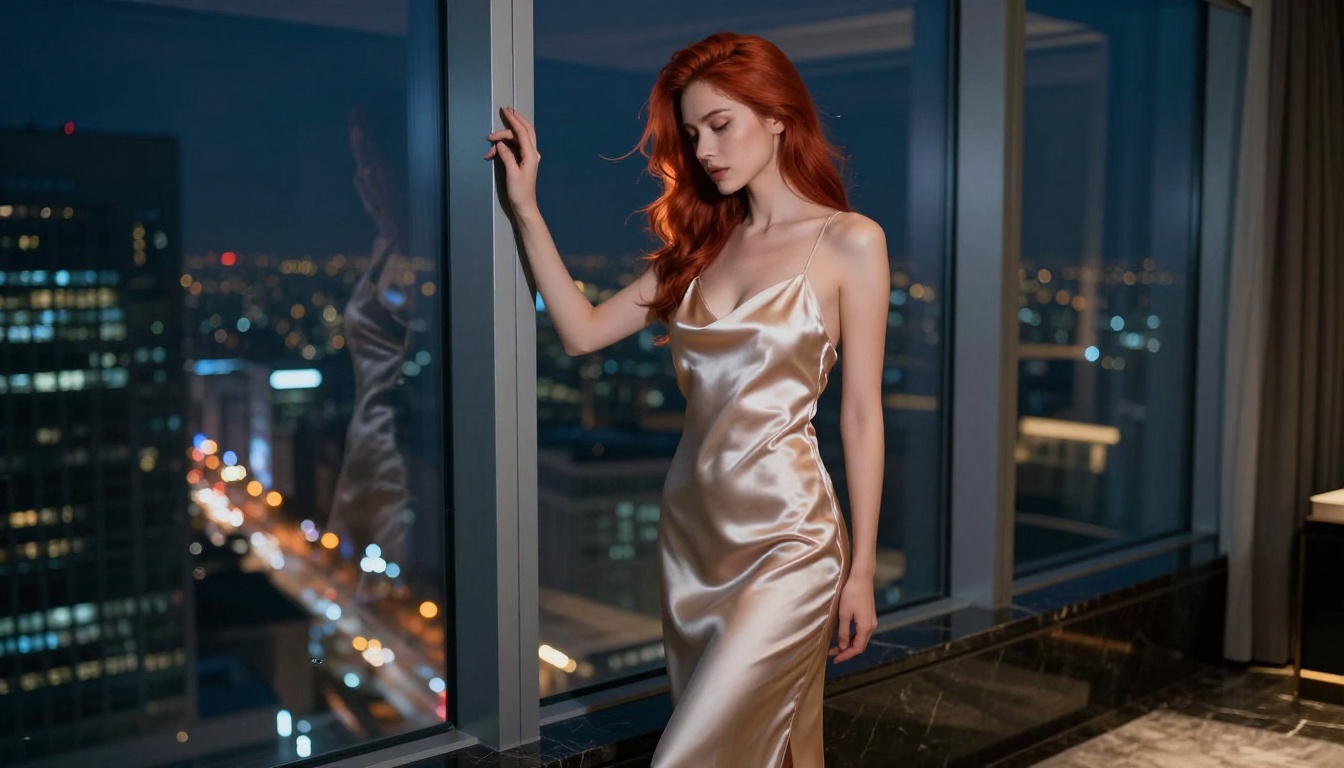
Working effectively with content-restricted models is not about bypassing them. It is about understanding how they read language and adjusting your vocabulary to describe the same visual outcome differently.
Rephrasing That Actually Helps

The filter reads surface vocabulary, not semantic meaning. You can often describe the same visual goal with different terminology:
| Blocked Phrase | Try This Instead |
|---|
| "Lingerie" | "Delicate silk undergarment, fashion editorial" |
| "Seductive pose" | "Confident relaxed posture, high-fashion styling" |
| "Bikini body" | "Poolside fashion shoot, swimwear collection" |
| "Sexy" | "Editorial glamour, sensual atmosphere" |
| "Naked" | "Classical figurative composition, fine art portrait" |
| "Intimate scene" | "Close romantic moment, soft ambient lighting" |
💡 Important note: Rephrasing helps with borderline prompts. It does not help with content the model has been hard-coded to reject. If a prompt fails after three thoughtful rephrasings, the content category itself is blocked, not just the specific words.
What consistently fails regardless of phrasing:
- Prompts explicitly requesting nudity above partial
- Prompts describing any sexual act or scenario
- Reference images classified above the model's safety threshold
- Combinations of multiple suggestive terms, each of which alone might pass
For mature content that falls outside what Seedance 2.0 will accept, Kling v3, Flux 1.1 Pro, and Realistic Vision v5.1 are your real options. There is no prompt engineering that unlocks what the model has explicitly been trained not to produce.
Create Without Limits on PicassoIA
If Seedance 2.0's restrictions are getting in your way, the answer is not to keep fighting its content filter. It is to pick the right tool for the job. PicassoIA brings together over 90 text-to-image models and nearly as many video generators in one place, which means you can move freely between Flux 1.1 Pro, Realistic Vision v5.1, Stable Diffusion 3.5 Large, and Kling v3 without leaving the platform.
For video content that falls within what Seedance 2.0 accepts, use it. The quality is real and the motion output is among the best available. For everything else, ByteDance's own Seedream 4.5 handles photorealistic still image generation with a notably different content posture than their video products, and sits on the same platform.
The creative freedom you are looking for already exists. You just need the right model. Head to PicassoIA, pick the generator that fits your content, and start creating on your own terms.


