Two of the most-discussed AI video generators of 2027 are sitting at opposite ends of the content restriction spectrum. Seedance 2.0 comes from ByteDance with a permissive approach to human-centric content, while Veo 3.1 from Google delivers cinematic quality but with safety filters that frustrate adult content creators at every turn. If you are building a content subscription, producing glamour or artistic work, or simply testing what AI video can do without guardrails constantly interrupting your workflow, this comparison gives you the honest picture you need before spending another credit on the wrong model.
Both models output 1080p video with native synchronized audio. Both are accessible without a waitlist. But the differences in how they respond to suggestive, intimate, or adult-adjacent prompts are significant enough to make or break your workflow depending on what you are creating.

What These Models Are
Seedance 2.0 at a Glance
Seedance 2.0 is ByteDance's flagship video generation model, and its design priorities become obvious quickly. The model was built for dynamic, human-centric video content with native synchronized audio generated alongside the visuals in a single pass. No separate audio model, no post-sync. Everything comes out together.
What defines Seedance 2.0 over its predecessor versions is improved temporal coherence. In earlier Seedance 1.x releases, subjects would morph subtly between frames, skin textures would shift, and fabric would behave with that telltale AI inconsistency. Version 2.0 addresses most of those issues. Skin holds its texture through full clips. Hair flows with simulated wind physics. Fabric drapes and moves like actual fabric at the weight it represents.
For human-subject-focused content, that stability across frames is the single most important technical improvement. Anatomy holds. Proportions stay consistent. The model does not reward you with a beautiful frame one second and punish you with distorted limbs the next.
There is also Seedance 2.0 Fast, which sacrifices a small amount of quality for significantly shorter generation times. For testing prompt variations before committing to a full-quality run, the Fast variant saves considerable time and credits.
Veo 3.1 at a Glance
Veo 3.1 is Google DeepMind's latest text-to-video model, and on the metrics that matter for cinematic work, it is extraordinary. Scene-level photorealism, environmental lighting physics, and compositional intelligence are all best-in-class here. Ask Veo 3.1 to generate a stormy coastline, a crowd moving through a city at night, or a product shot with complex reflective surfaces, and the results are genuinely impressive.
The model generates 1080p video with native audio, the same technical output spec as Seedance 2.0. There is a Veo 3.1 Fast variant for faster iteration and a lighter Veo 3.1 Lite option for lower-cost outputs. For mainstream creative video, Veo 3.1 is exceptional.
The catch comes down to content policy. Google's safety system is aggressive, and it applies to the video model as much as it does to any other Google product.
How They Handle NSFW Prompts
Seedance 2.0 Prompt Flexibility
Seedance 2.0 operates with a notably wider content window than most major AI video platforms, especially Western-built ones. Suggestive content, bikini and lingerie scenes, implied nudity, and romantic scenarios pass through without triggering refusals in the vast majority of cases. The model's content philosophy treats the human body as a legitimate subject for artistic and commercial work.
For creators producing glamour content, artistic nudity in an implied sense, or adult-adjacent aesthetics, Seedance 2.0 is one of the most capable models currently available that does not require navigating around its own guardrails to get usable output. Prompts describing:
- Women in swimwear, lingerie, or partially clothed scenarios
- Intimate scenes with implied rather than explicit physical content
- Romantic situations with physical closeness and touch
- Artistic body-focused compositions with dramatic or fashion lighting
- Sensual atmosphere, sheer fabrics, wet skin in natural settings
All of these generate at full quality without content flags or the degraded, blurry, or cartoon-sanitized outputs you see when other models try to partially comply with an adult prompt while technically not refusing it. Seedance 2.0 either generates your scene with full photorealistic fidelity or it declines clearly. It does not produce a half-censored mess in between.
💡 Tip: For best Seedance 2.0 NSFW results, describe the atmosphere, lighting direction, and setting with as much specificity as your subject. "Warm amber studio light from camera left, dramatic shadows across the collarbone, intimate and close" produces significantly better outputs than descriptions that focus only on the subject's physical appearance.
Veo 3.1 Restrictions in Practice
Veo 3.1 is a different situation. Google's safety layers are applied broadly and without much nuance. Suggestive content, even relatively mild scenarios involving swimwear or intimate atmosphere in a video context, often triggers soft refusals or significantly degrades the output quality in ways that make the video unusable for its intended purpose.
The model's content policy reflects mainstream platform sensibilities. This is not an accident. Veo 3.1 is designed for YouTube creators, advertising agencies, and enterprise production workflows. That audience has different needs than an adult content creator, and the model reflects that.
This does not make Veo 3.1 a bad model. For the use cases it was designed for, it performs at or near the top of the field. But for anyone whose content sits in adult or adult-adjacent territory, the restrictions represent a real workflow problem rather than an occasional inconvenience.
Content policy comparison at a glance:
| Category | Seedance 2.0 | Veo 3.1 |
|---|
| Swimwear, bikini scenes | Full quality output | Sometimes flagged |
| Lingerie, implied nudity | Generally passes | Usually blocked |
| Romantic, intimate scenes | Natural output | Context-dependent |
| Artistic nude, implied | High fidelity | Typically blocked |
| Suggestive atmosphere | Responds well | Often degraded |
| Explicit content | Not supported | Not supported |
Video Quality Side by Side
Resolution and Frame Rate
Both models produce 720p and 1080p output at 24 frames per second with native audio. On paper they are nearly identical. In practice, the quality differences depend heavily on what you are generating.
Veo 3.1 holds a clear advantage in scene-level composition and wide-shot environmental realism. Backgrounds are richer and more detailed. Environmental lighting physically reacts to the subject and scene geometry in ways that feel grounded. Complex backgrounds with architectural detail, natural landscapes, and crowds hold up well under camera movement.
Seedance 2.0 wins on human subject realism. Close-up and medium-shot footage of human figures looks more natural, more anatomically consistent, and more photographically believable in Seedance 2.0 than in Veo 3.1. Skin texture renders with genuine fidelity. Micro-expressions hold their coherence across the full clip duration. Subsurface skin scattering, the soft glow of light passing through thin tissue, renders with a quality that makes close-up human shots look genuinely photographic.
💡 Tip: Use Seedance 2.0 whenever a human subject is the dominant visual focus of the scene. Use Veo 3.1 for wide-shot environmental content, cinematic establishing shots, or footage where people are secondary to a setting or action.
Motion Realism and Anatomy
Anatomical consistency across time is one of the hardest unsolved problems in AI video. Limbs disappear at cut points. Proportions shift. Hands remain the persistent weak point of every model currently available. Here is how the two compare honestly:
Seedance 2.0 handles walking, posing, slow movement, and relaxed idle motion with strong consistency. Hand rendering has improved substantially over Seedance 1.x but is not perfect at high detail magnification. Flowing fabric, loose hair, and sheer clothing materials move with convincing simulated physics when paired with wind or water motion in the prompt. The model responds well to motion direction language in prompts.
Veo 3.1 handles environmental physics exceptionally. Water, fire, atmospheric particle effects, and dynamic weather conditions all render with more physical accuracy than Seedance 2.0. Human motion, however, reads as slightly stylized rather than purely naturalistic. It has a "produced" quality that works well in cinematic contexts but introduces a slight unreality to intimate or close-up human scenes.
Speed, Cost, and Access
Generation Time Compared
Queue times vary based on platform load and whether you are using the standard or fast model variants. On PicassoIA, these are the typical generation windows you can expect:
For prompt-testing workflows, use the Fast variants until you have locked in a prompt that produces the scene you want, then switch to the full-quality model for your final generation. This habit saves significant time and cost across a high-volume project.
Where to Access Both
Both Seedance 2.0 and Veo 3.1 are immediately accessible on PicassoIA with no waitlist or approval process. You can run both on the same prompt in a single session and compare the outputs side by side. For adult content workflows specifically, PicassoIA's more flexible content approach means you are not fighting a second layer of platform-level restrictions on top of whatever the model itself imposes.
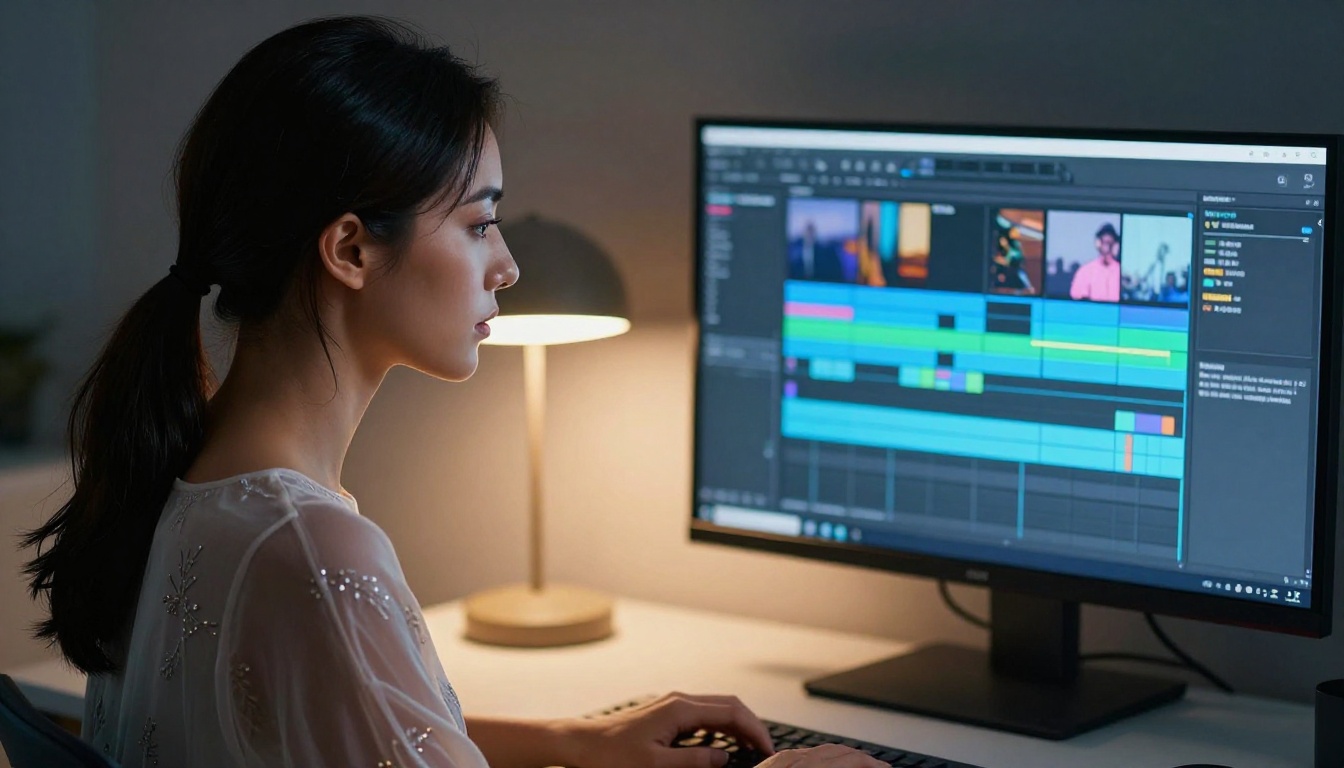
Best Images First: Why Start Here
The single most effective thing you can do to improve your AI video results, especially for adult content, is to stop starting from text alone. The best NSFW AI video output almost always begins with a high-quality reference image. Here is the image generation stack that makes the biggest difference.
Seedream 4.5 for NSFW Images
Seedream 4.5 is the lead model for photorealistic NSFW image generation. Also developed by ByteDance, it shares the same permissive content philosophy as Seedance 2.0. Adult and suggestive prompts generate at full quality rather than being sanitized. The model does not apply a "safe mode" downgrade to the output when it detects adult intent.
What makes Seedream 4.5 specifically strong for this workflow:
- Anatomical accuracy: One of the best-performing models for realistic human body proportions across diverse angles, poses, and distances
- Skin rendering quality: Fine pore texture, realistic skin tone gradation, and natural subsurface scattering render with photographic believability
- Complex lighting response: Studio strobes, sunset rimlight, candlelight, and mixed indoor-outdoor lighting all render with physical accuracy
- Strong prompt adherence: The model follows detailed compositional and atmospheric instructions reliably without substituting a generic result
💡 Workflow tip: Generate your reference frame with Seedream 4.5, then pass that image directly into Seedance 2.0 as the starting frame for your video. Anatomical consistency in the output improves substantially when the model has a grounded image reference rather than constructing everything from a text description alone.
Two older Seedream versions, Seedream 4 and Seedream 3, remain available for cost-conscious workflows where 4.5-level quality is not strictly necessary. One important note: do not use Seedream 5 Lite for adult content. Unlike the numbered-version Seedream models, Seedream 5 Lite applies stricter content filtering and will block or significantly degrade adult-adjacent outputs.
PicassoIA Image Editor Pro: Unlimited Generations
PicassoIA Image Editor Pro changes the economics of iterative adult content creation entirely. Unlimited generation credits mean you can run 30, 40, or 50 variations on a single reference image concept without watching a credit balance drain. For workflows where you need to test lighting setups, refine a pose, or nail a specific expression before committing to a video generation, that unlimited ceiling is not a small convenience. It fundamentally changes how you approach the work.
The editor also supports inpainting and outpainting, which adds powerful refinement capabilities:
- Inpainting: Fix specific problem areas (hands, faces, background artifacts) without regenerating the entire image
- Outpainting: Extend the canvas beyond its original edges to create more compositional room for video framing
- Element replacement: Swap clothing, accessories, or background elements while keeping the subject consistent across variations
Using PicassoIA Image Editor Pro as the refinement layer between initial image generation and video production gives you a level of control over your reference frame that direct text-to-video simply cannot match.
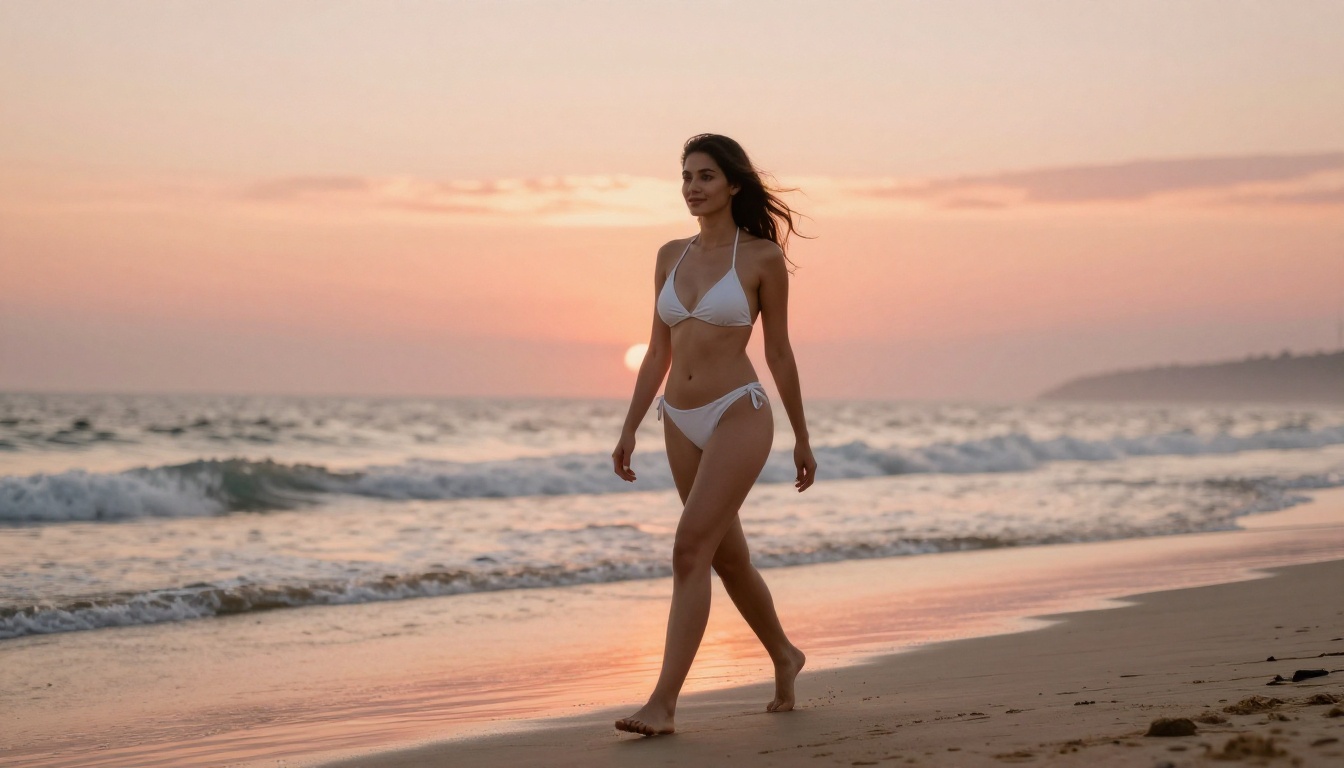
How to Use Seedance 2.0 on PicassoIA
Seedance 2.0 is available directly on PicassoIA with no special access requirements. Here is the practical workflow.
Step 1: Choose Your Input Mode
Navigate to the Seedance 2.0 model page on PicassoIA. The model supports two input modes:
- Text to Video: Describe the entire scene in your prompt, from subject to environment to motion
- Image to Video: Upload a reference image as the starting frame and describe the motion that follows
For NSFW content, Image to Video with a reference frame from Seedream 4.5 produces consistently better results than text-only generation. The model anchors to the reference frame's anatomy, lighting, and composition rather than constructing it all from language, which reduces the anatomical inconsistency that shows up in longer or more complex scenes.
Step 2: Write an Effective Motion Prompt
When using Image to Video mode, your text prompt describes movement, not the subject. This distinction matters. Think about what physically moves in the scene and how the camera responds to it.
Less effective approach: "beautiful woman in bikini on beach"
More effective approach: "She slowly turns her head toward the camera, dark hair catching the warm breeze from the left, the fabric of her swimsuit shifting gently with the movement. Waves roll in softly at mid-distance. Camera performs a slow cinematic dolly-in from medium shot to close-up. Golden afternoon light creates a warm rimlight along her shoulder."
The second version tells Seedance 2.0 specifically what moves, how the camera behaves, and what atmospheric elements are in play. The model responds well to camera direction language (dolly, pan, tilt, rack focus) and to environmental motion cues (breeze, water, fabric, hair).
💡 Tip: If a prompt returns unexpected content restrictions on the first attempt, reframe the subject description around the scene and action rather than physical attributes. "A woman on a sun deck, stretching in warm afternoon light, the fabric of her wrap catching a light breeze" typically generates without issue and produces the same intended output.
Step 3: Set Resolution and Submit
Select 1080p for final deliverable outputs. For testing prompt variations, drop to 720p to cut generation time roughly in half. Native audio generation is active by default and produces ambient environmental sound that matches your scene without any additional input. You do not need to prompt for it separately.
Submit your generation and expect output in 60 to 90 seconds for the standard model. Review the motion consistency across the full clip, check for anatomical drift in the middle frames (the second and third seconds of a five-second clip are where most models show instability), and decide whether to refine the prompt or save the output.
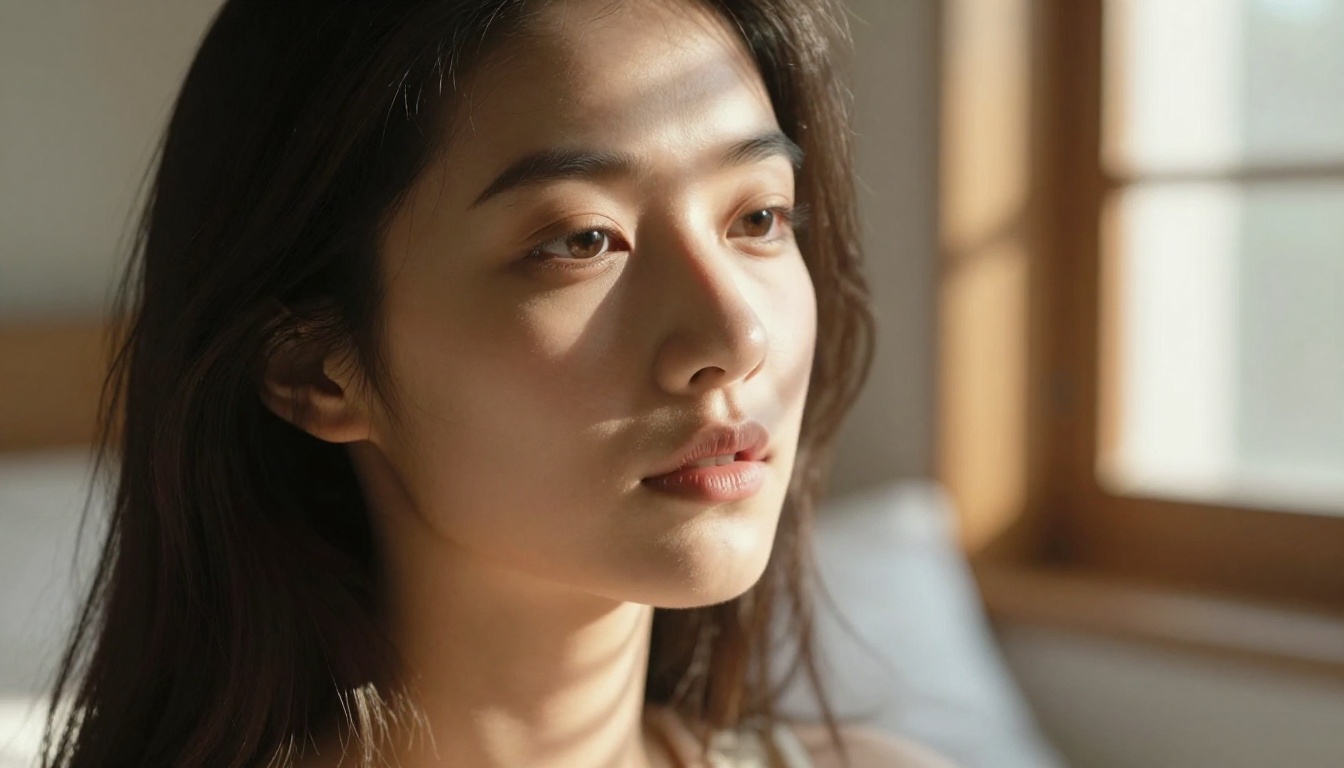
Other Video Models Worth Trying
Kling v3 and Wan 2.7 T2V
Kling v3 Video is the most direct alternative to Seedance 2.0 for human-subject NSFW content. It handles suggestive scenarios with decent permissiveness and has strong anatomy rendering for close-up and medium-shot human footage. When Seedance 2.0 queues run long during peak hours, Kling v3 is a reliable fallback that produces comparable results on most adult-adjacent prompts.
Wan 2.7 T2V is worth adding to your toolkit specifically for atmospheric and wide-shot content where the environment plays as important a role as the subject. Romantic outdoor scenes, nature-forward intimate compositions, and any content where dramatic landscapes frame the subject look exceptionally natural in Wan 2.7. Its 1080p output and strong scene physics give this type of content a cinematic production value that is hard to achieve with subject-focused models alone.
There are also strong options from the Wan 2.7 I2V variant for image-to-video workflows and from Pixverse v5 for content requiring a slightly more stylized aesthetic rather than strict photorealism.
When to Use Veo 3.1 Instead
Veo 3.1 is genuinely the better model in specific scenarios, and writing it off entirely because of NSFW restrictions would mean missing its strengths in the places where they actually apply to adult content workflows.
There are legitimate use cases where Veo 3.1 is the right call:
- Cinematic establishing shots: Wide environmental footage, dramatic weather, location footage as visual context
- Fantasy and conceptual content: Abstract or surreal scenes where the subject is not explicitly intimate or human-focused
- High-production mainstream content: Cover-quality fashion editorial without adult elements, product placement with talent, brand video with human subjects in non-intimate contexts
- Atmospheric b-roll: Luxury settings, cityscapes, nature, textures, and mood-setting footage that flanks your main subject content
The Veo 3.1 Fast variant is also worth running for quick cinematic b-roll generation where the speed matters more than extracting maximum quality from the model.

The Honest Verdict
For NSFW and adult-adjacent AI video generation in 2027, Seedance 2.0 is the clearer choice. It handles adult content with higher output fidelity, fewer content refusals, and stronger human subject realism. It integrates naturally into an image-first workflow where Seedream 4.5 handles the reference frame and Seedance 2.0 brings it into motion.
Veo 3.1 is a superior model for mainstream cinematic work, but its content policy makes it a frustrating tool for adult content creators. Spending credits on Veo 3.1 for NSFW prompts means spending time on refusals, degraded outputs, and prompt workarounds that eat into both time and budget. Those same credits produce better results on Seedance 2.0.
The recommended production stack:
- Seedream 4.5: Reference image generation with full NSFW fidelity
- PicassoIA Image Editor Pro: Unlimited iterations and inpainting refinement
- Seedance 2.0: Final video output from your refined reference frame
- Seedance 2.0 Fast: Prompt testing and rapid iteration before committing to full quality
If your workflow includes mainstream cinematic footage alongside adult content, add Veo 3.1 Fast for b-roll and establishing shots. Use each model for what it actually does well.
Create Your Own Now
Every model in this article is live and accessible right now at picassoia.com/en/all-models. No application, no waitlist. You can open Seedance 2.0 and Veo 3.1 side by side and run the same prompt through both models to see the difference in under three minutes.
Start with Seedream 4.5 to generate your reference image, refine it with PicassoIA Image Editor Pro until it is exactly what you need, then drop it into Seedance 2.0 and write your motion description. The output quality of that workflow versus raw text-to-video is a difference you will see immediately on the first generation.
The models are there. The workflow is straightforward. The only thing left is to try it.