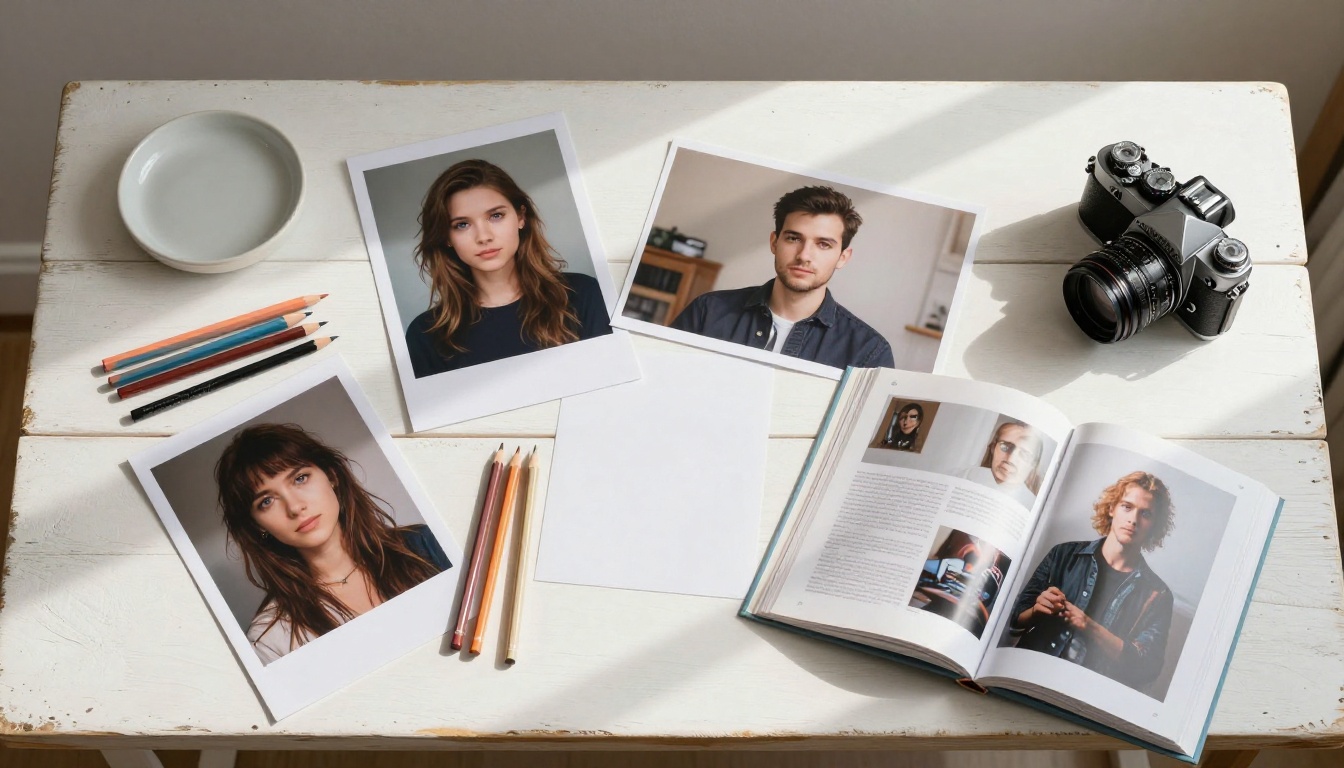
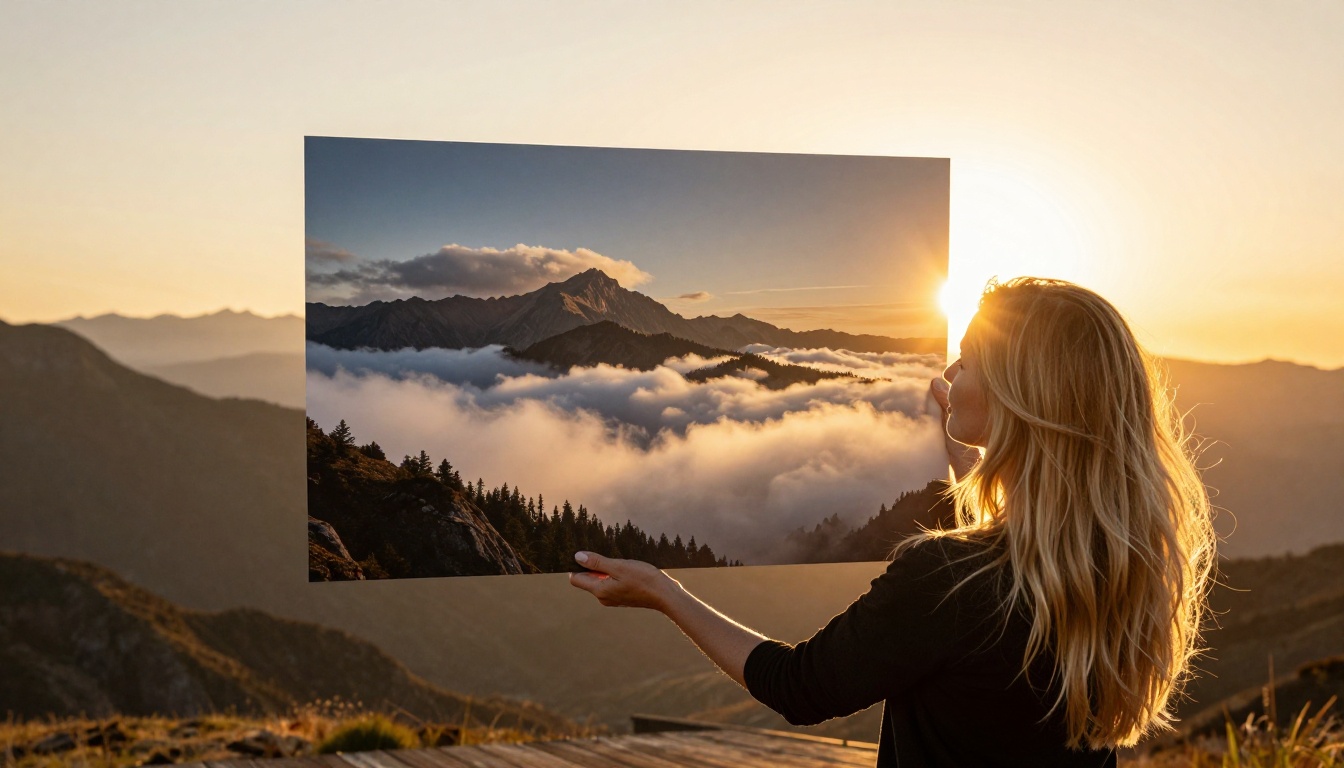
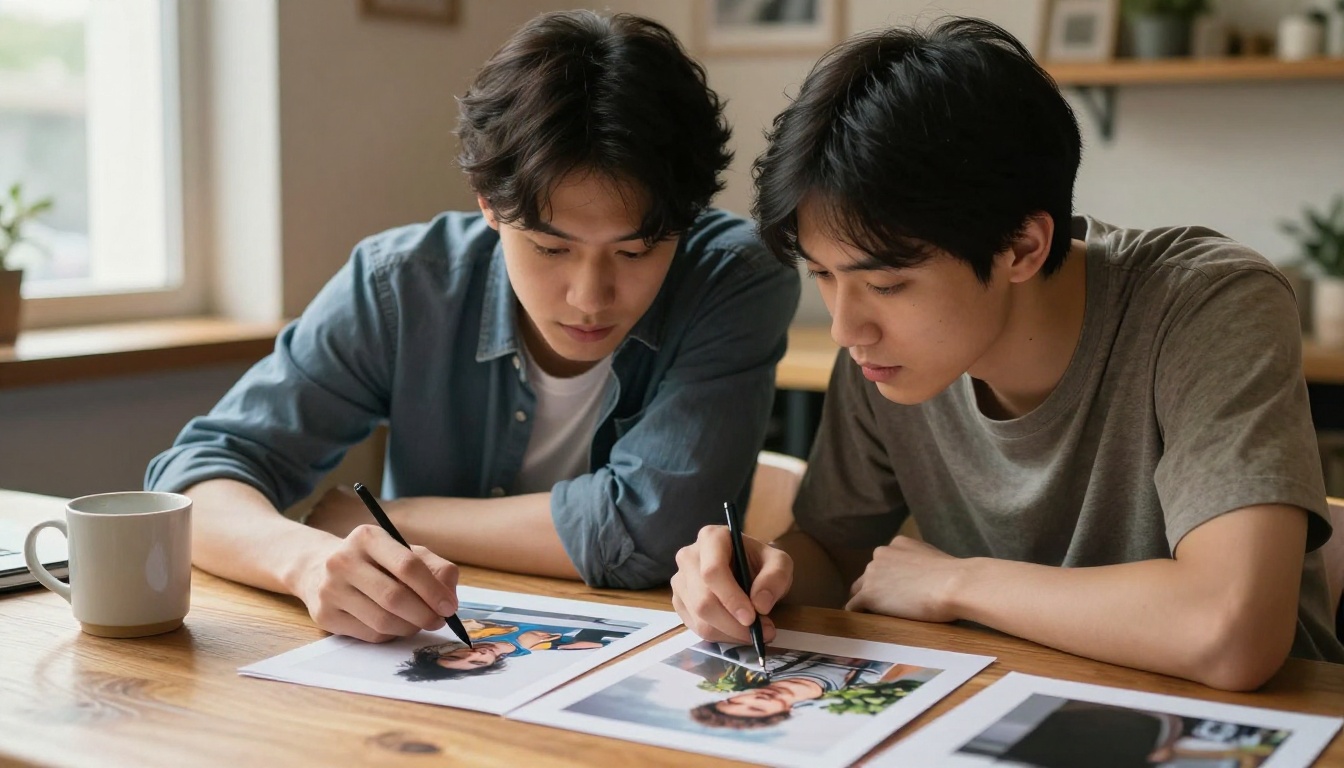
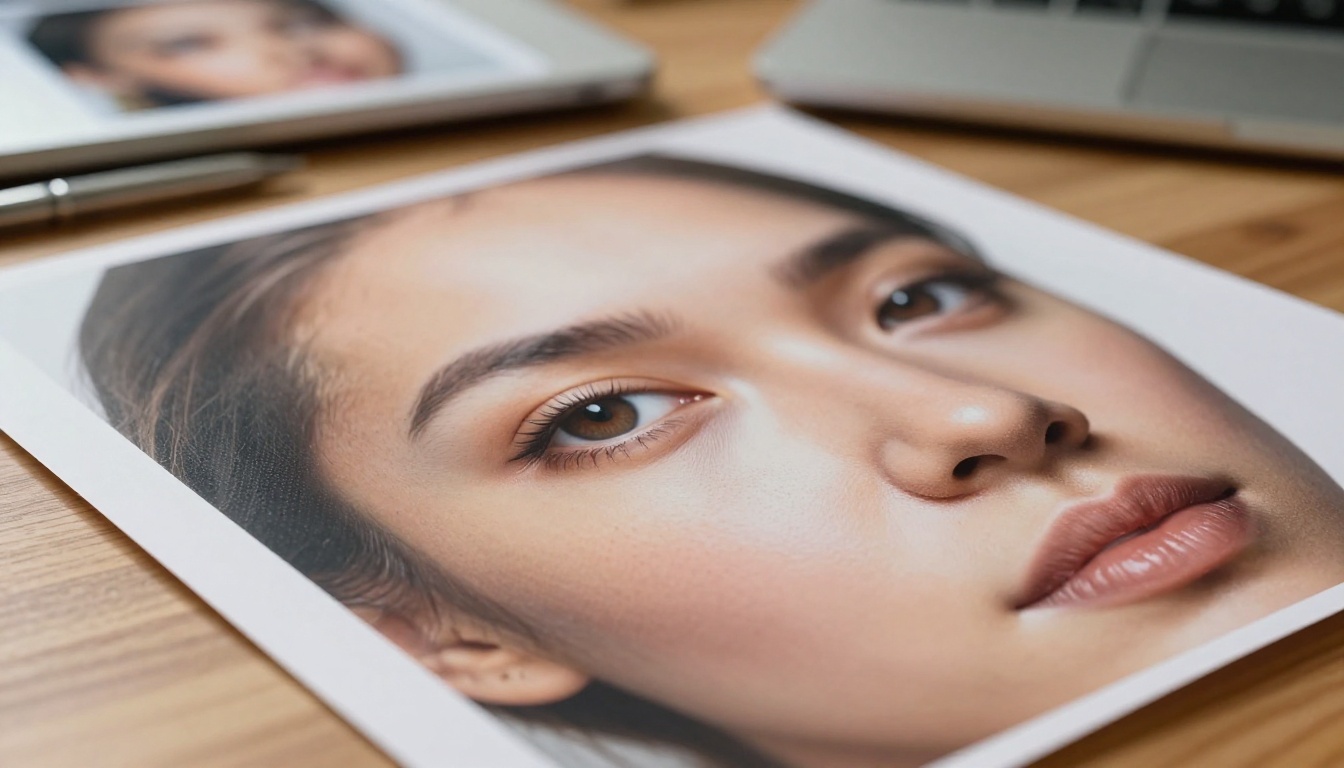
ByteDance's Seedream 4.5 brings native bilingual architecture, exceptional prompt fidelity, and photorealistic human anatomy to text-to-image generation. This piece walks through every major feature, real use cases, and step-by-step instructions for using Seedream 4.5 on PicassoIA today.
ByteDance did not come quietly into the text-to-image space. With Seedream 4.5, they shipped a model that now sits comfortably alongside the best photorealistic AI image generators available, and in several categories, it outperforms them. If you have been following AI image generation closely, you already know how fast the field moves. Seedream 4.5 brings something genuinely different: a native bilingual architecture, remarkable prompt fidelity, and output quality that photographers and designers are deploying in real production environments.
This article breaks down every major capability in Seedream 4.5, explains what makes it technically distinct from competing models, and walks you step-by-step through how to start generating with it today on PicassoIA.
What Seedream 4.5 Actually Does
Seedream 4.5 is a text-to-image diffusion model developed by ByteDance Research. It generates high-resolution images from natural language descriptions, supporting both English and Chinese natively without any translation layer between your words and the output.
Where most models were trained predominantly on English-language data and then fine-tuned for other languages, Seedream was built with multilingual understanding from the foundation up. That structural difference changes how the model interprets nuanced prompts, idiomatic expressions, and culturally specific visual requests. The gap between what you write and what you get is smaller than with almost any other model at this quality level.
The model operates at native 1024x1024 resolution and can produce images up to 2048 pixels on the long edge. It uses a flow-matching training approach, which gives it sharper compositional control and more consistent anatomy, particularly in human subjects. The flow-matching architecture is the same category that made the Flux family such a significant step forward, and Seedream 4.5 applies it with the added benefit of ByteDance's extensive training data and multilingual corpus.
💡 Tip: Seedream 4.5 performs best when you treat it like a cinematographer, not a search engine. Describe lighting, atmosphere, lens choice, and emotional tone. The model rewards specificity at every level of detail.
The 5 Features That Set It Apart
Not every model update actually changes what you can create. Seedream 4.5 brings five capabilities that meaningfully expand the scope of production work possible.
Native Bilingual Architecture
Most AI image models translate non-English prompts before processing, and that translation step strips nuance and cultural specificity. Seedream 4.5 processes both English and Chinese natively at the semantic level, making it one of the only top-tier models that can authentically interpret Chinese aesthetic concepts, traditional visual language, and culturally specific references without distortion.
For creators working in Chinese or targeting East Asian visual markets, this is not a minor convenience. It is a structural advantage that no amount of prompt engineering in other models can replicate. The cultural and aesthetic vocabulary is baked directly into the model weights at training time.
Exceptional Prompt Fidelity
Prompt adherence has always been one of the hardest problems in text-to-image generation. Seedream 4.5 consistently produces images that match complex, multi-element descriptions. That includes:
Specific color palettes and material textures described in natural language
Correct spatial relationships between subjects and environmental elements
Accurate facial expressions and body language nuance
Precise lighting direction, shadow behavior, and ambient color temperature
Compositional framing that respects described camera distances and angles
Where other models might nail the subject but misread the background, or get the lighting right but lose the spatial layout, Seedream 4.5 treats every element of your prompt as equally important. That holistic reading translates into fewer "almost right" results and more usable outputs per generation session.
High-Fidelity Human Anatomy
One of the clearest markers of a model's technical quality is how it handles human hands, faces, and body proportions. Seedream 4.5 was trained with enhanced human anatomy datasets. The result: hands with correct finger counts and realistic joint rendering, facial symmetry that holds up under close inspection, and natural body proportions that do not require corrective inpainting after generation.
This matters enormously in commercial applications including fashion, portraiture, advertising, and character design, where a slightly wrong hand or asymmetrical face ruins an otherwise perfect shot. Seedream 4.5 makes anatomy-related corrections the exception rather than the rule.
Resolution Scaling Without Drift
Seedream 4.5 maintains compositional and textural coherence at high resolutions. Many models that look sharp at 512px develop artifacts, texture inconsistencies, and spatial drift when pushed to 1024px or beyond. Seedream 4.5 holds quality through the full resolution range, making it viable for print-ready output without additional upscaling processing.
Resolution
Quality Level
Recommended For
512 x 512
Draft
Quick ideation, thumbnails
1024 x 1024
Production
Web, social, presentations
1024 x 1792
Print portrait
Editorial, posters
1792 x 1024
Print landscape
Banners, headers
Wide Aesthetic Range
Seedream 4.5 does not specialize in a single visual register. It handles the full spectrum from hyper-photorealistic photography through soft painterly illustration to precise architectural visualization.
What it executes well across styles:
Photorealistic photography: Output that passes a casual authenticity check, with accurate skin tone rendering, natural lighting behavior, and believable environmental detail
Painterly illustration: Soft organic brushwork character without requiring extensive style prompting
Architectural visualization: Accurate material rendering, perspective, and lighting for interior and exterior spaces
Product photography: Clean, professional-grade product shots with controlled lighting and surface material interaction
Editorial fashion: Natural fabric drape, skin texture, and clothing detail at a production-ready level
That range makes Seedream 4.5 a genuine all-around production model rather than a specialist tool you reach for only in one type of project.
Navigate to the Seedream 4.5 model page on PicassoIA. The model is listed in the standard text-to-image collection alongside over 180 other models. You will see the prompt input field, parameter controls, and the generation button on a single clean interface.
Step 2: Write Your Prompt
Structure your prompt with these elements in sequence, each building context for the next:
Subject: Who or what is in the image and their primary action or state
Environment: Where the scene takes place, including surface and spatial context
Lighting: The type, quality, direction, and color temperature of the light source
Camera: Focal length, aperture, shooting distance, and angle of view
Style: Film stock reference, aesthetic register, or emotional mood
Example prompt for a portrait result:
"Portrait of a woman in her late 30s with silver-streaked dark hair, sitting at a wooden cafe table reading a book, afternoon light from a large window on her left creating soft Rembrandt-style shadows, 85mm f/1.8 lens at eye level, warm interior ambient light, Kodak Portra 400 film grain, photorealistic, 8K"
Step 3: Configure Your Parameters
PicassoIA gives you direct access to Seedream 4.5's core generation parameters:
Aspect Ratio: Seedream 4.5 supports 1:1, 16:9, 9:16, 4:3, 3:2, and custom dimensions. For portraits, use 9:16 for the most natural composition. For landscapes and widescreen scenes, 16:9 or 4:3 gives the best result. Square 1:1 works well for product shots and social content.
Inference Steps: The number of denoising steps the model runs per generation. Higher values (35 to 50) produce more refined details at the cost of generation time. For quick idea testing, 20 steps is sufficient. For final output intended for commercial use, run 40 steps or above.
Guidance Scale (CFG): Controls how strictly the model follows your text prompt. Values between 5.5 and 8.0 produce the best balance of adherence and visual quality. Going above 10 typically introduces over-saturation and harsh tonal contrasts. Below 4.0 and the model starts ignoring specific prompt elements in favor of autonomous generation.
Seed: A number that controls the initial noise pattern. Setting a specific seed allows you to reproduce a result exactly or to iterate on a composition while changing only the prompt. Copy the seed from any result you want to build on before running a new generation.
Step 4: Iterate With Purpose
Good results from Seedream 4.5 rarely require starting over from scratch. If your first generation is close but not quite right:
Add more specific texture details for areas that look generic or underspecified
Clarify the lighting description if the atmosphere does not match your intent
Adjust spatial language if subjects are placed in unexpected positions
Lock your seed before making prompt changes to isolate the impact of each edit
💡 Tip: Work from coarse to fine. Get the composition and lighting right first across the first few iterations, then refine textures, expression details, and material specifics. Trying to chase everything at once leads to over-complicated prompts that pull the model in conflicting directions.
Writing Prompts That Get Results
Prompt writing for Seedream 4.5 follows a different logic than models like Flux Kontext Fast or older diffusion variants. Here are the practical differences that matter most.
Cinematic Language Works Directly
Terms borrowed from cinematography and photography translate directly into Seedream 4.5's output behavior. "Volumetric light" creates visible god rays. "Anamorphic lens flare" adds realistic horizontal streaks. "Film grain" applies organic noise that matches the referenced film stock. These are understood as technical specifications, not decorative adjectives.
Use them with precision: "Kodak Portra 400" produces warmer, more saturated results with lifted shadows compared to "Fuji 400H" or generic "film grain." The model has absorbed enough photography reference data to distinguish between film stocks and apply their characteristic color science accurately.
Specificity Compounds Into Quality
Adding one more precise detail almost always improves the result. The difference between "a red dress" and "a deep burgundy silk slip dress with thin spaghetti straps catching afternoon side light" is not subtle. It is the difference between a stock photo result and an editorial fashion image.
Every layer of specificity you add gives the model a clearer construction target. Subjects, materials, surface textures, light sources, and spatial atmospheres all benefit from this level of treatment. Think of your prompt as a detailed scene brief, not a search query.
Emotional Atmosphere as a Visual Parameter
Seedream 4.5 responds to tonal and emotional descriptions in ways that affect the entire image simultaneously. Words like "melancholic," "contemplative," "tense," or "warm and intimate" feed into color grading choices, lighting quality, subject expression, and compositional tightness all at once. They function as holistic mood presets rather than isolated instructions applied to a single element.
Negative Prompts That Work
Keep negative prompts focused rather than exhaustive:
blurry, low resolution, bad anatomy, extra fingers, watermark, text overlay, cartoon, illustration, oversaturated, artificial lighting
Five to eight targeted negatives outperform a list of twenty generic ones. The model uses negative prompts as directional signals. Overloading the negative prompt can actually degrade results by pulling the generation in too many opposing directions simultaneously.
Seedream 4.5 vs Other Top Models
Where does Seedream 4.5 fit practically against the current roster of top text-to-image models? Here is a head-to-head comparison based on real output quality across key dimensions:
Seedream 4.5 occupies the strongest position for photorealistic portrait and commercial work where anatomy accuracy is non-negotiable. It matches Flux Redux Dev in most head-to-head photorealism tests while adding the bilingual architecture advantage.
For quick concept work where iteration speed matters more than fine detail, Flux Schnell LoRA remains the faster choice. For projects requiring precision creative direction with reference imagery, Flux Krea Dev offers a strong alternative. But for photorealistic human subjects and complex multi-element scenes, Seedream 4.5 is the most consistent performer.
Real Use Cases Worth Trying
Here are production scenarios where Seedream 4.5 delivers results you can put directly to use.
Editorial Fashion Photography
Seedream 4.5 handles fabric texture, skin tone, and natural lighting with the accuracy fashion work demands. Prompt it with specific garment descriptions, real lighting setups like Rembrandt, butterfly, or golden hour backlight, and a film stock reference. The outputs are print-ready quality for editorial and brand applications.
Product Photography Mockups
Describe your product against a specific surface with material context such as Carrara marble, aged pine, or brushed concrete, and directional lighting like a softbox from upper left with silver reflector fill from the right. Seedream 4.5 renders material interactions authentically, including reflections, cast shadows, and ambient color bounce across surfaces.
Architectural Visualization
The model handles interior and exterior architecture with accurate perspective and material detail. Specify time of day, glazing type, flooring material, and the primary ambient light source. Results work as early-stage presentation visuals and client mood boards without requiring a full 3D rendering pipeline.
Portrait Series with Consistent Composition
Lock a seed from a strong result, then vary only the lighting or atmosphere descriptions across generations. This builds cohesive portrait series where composition stays consistent but mood shifts across frames. The approach works well for character development, moodboarding, and client visual pitching.
Building a Production Pipeline on PicassoIA
Seedream 4.5 fits naturally into a larger production workflow on PicassoIA. After generating a strong base image, you can extend it with other platform tools:
Super Resolution: Upscale your output 2x to 4x for print-ready dimensions while preserving fine detail
Flux Fill Pro: Use inpainting to refine specific areas while preserving the rest of the composition
Flux Redux Dev: Generate image variations from a Seedream result you want to iterate on
Flux Kontext Fast: Apply targeted edits to your Seedream output using text instructions
Background Removal: Isolate subjects from Seedream 4.5 portraits for compositing into new scenes
The PicassoIA platform handles the entire pipeline from generation through refinement to final export. No third-party tools or additional subscriptions required.
Start Creating With Seedream 4.5 Today
Seedream 4.5 is not a marginal iteration on what came before. ByteDance built something that belongs in the same conversation as the very best text-to-image models available right now, and the native bilingual architecture means it serves a broader global audience than any Western-trained model can authentically reach.
The practical path forward is straightforward: open Seedream 4.5 on PicassoIA and run your first generation. Start with a scene you know visually. Describe it the way a director would brief a photographer: subject, lighting, lens, atmosphere, and emotional register. Then iterate from there.
PicassoIA puts Seedream 4.5 alongside over 180 other text-to-image models, plus the full range of video generation, audio tools, background removal, super resolution, and image editing capabilities. Whether you build your entire workflow around Seedream or use it as your photorealism specialist within a broader toolkit, every tool you need is in one place.
Your next great image starts with a precise sentence. Write it carefully, and Seedream 4.5 will do the rest.