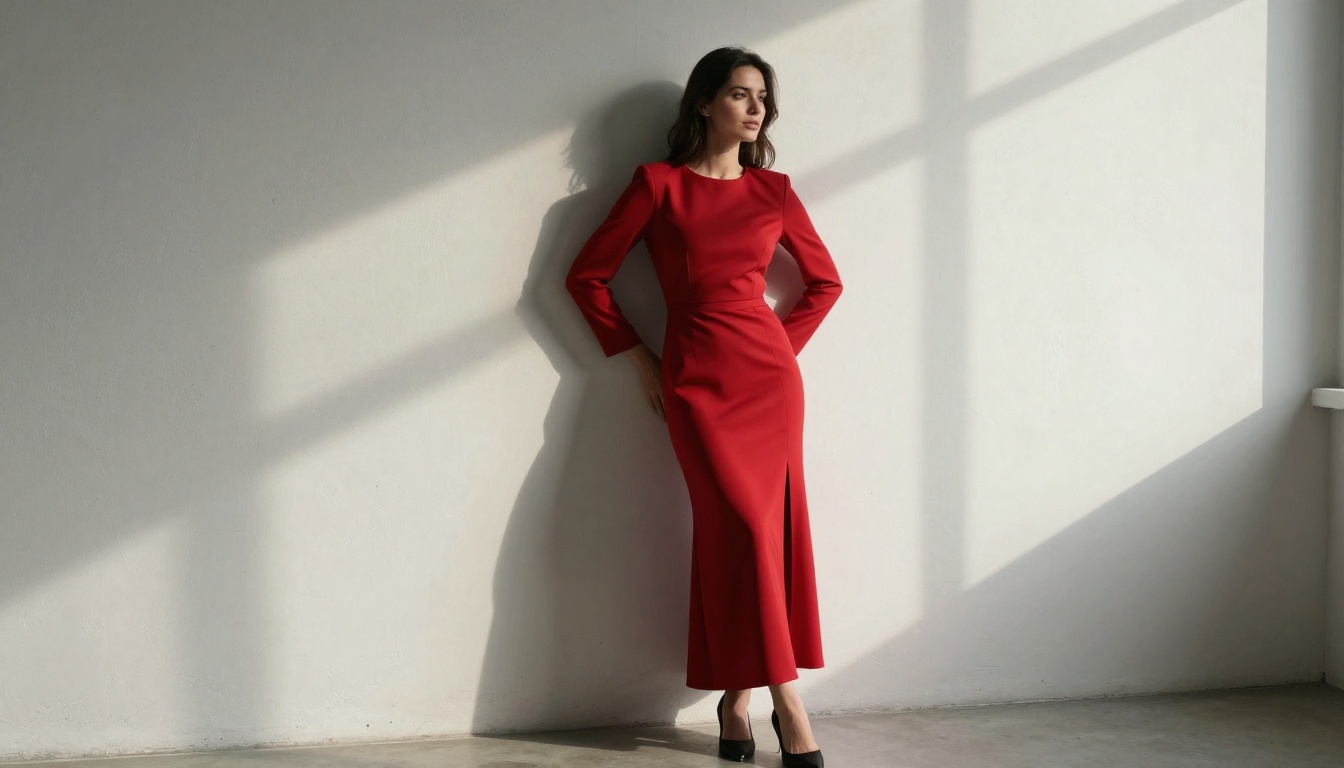
Seedream 5.0 NSFW Mode: How to Use It Step by Step
Seedream 5.0 changed what AI image generation looks like for creators pushing beyond safe-mode limits. This article breaks down exactly how to activate NSFW mode, write prompts that actually work, and get photorealistic results that feel intentional, not accidental. Full step-by-step walkthrough included.
Seedream 5.0 is not the AI image generator most people talk about when they want safe, polished content. It is the one they reach for when they want something more. ByteDance built this model with a NSFW mode that is genuinely different from the halfhearted toggles found in other tools. It does not just remove a filter. It shifts the model's creative understanding of what "realistic" means, what beauty looks like in a photographic context, and how much latitude the prompt system has when interpreting concepts like intimacy, glamour, and the human body. This article walks through exactly how that mode works, how to activate it, how to write prompts that generate the results you are after, and how to access Seedream models right now on PicassoIA.
What Seedream 5.0 Actually Does
Seedream 5.0 is a text-to-image model developed by ByteDance, the company behind TikTok. It was released as a significant upgrade over the 4.x series with dramatically better prompt adherence, more nuanced lighting understanding, and what ByteDance describes as enhanced "aesthetic sensitivity." In practice, that last phrase matters most for anyone interested in NSFW content.
The NSFW Setting Nobody Explains
Most AI image platforms describe their NSFW controls as a binary: on or off. Seedream 5.0 is more layered than that. When NSFW mode is activated, the model does not simply stop rejecting certain prompts. It recalibrates its understanding of human anatomy in images, allowing it to generate poses, clothing choices, and compositions that it would normally soften or redirect toward more conservative outputs.
The result is a model that can produce editorial-quality glamour photography, tasteful artistic nudity, suggestive boudoir aesthetics, and intimate portraiture that feels photographic rather than synthetic.
💡 Important: Seedream 5.0 NSFW mode is designed for suggestive and artistically mature content. It does not produce explicit pornographic material. Think glamour campaigns, boudoir photography, and high-fashion editorial, not explicit adult content.
How It Differs from Previous Versions
Compare the Seedream generations side by side and the improvement is not subtle:
The jump from 4.5 to 5.0 is particularly significant in terms of skin texture rendering, lighting realism, and how the model interprets ambiguous body language or clothing descriptions in a prompt.
Activating NSFW Mode
Activation steps vary depending on which platform you are using to access Seedream 5.0. The model itself supports NSFW generation natively, but the interface around it differs.
Where to Find the Toggle
On most platforms that give direct API access to Seedream 5.0, you will find an nsfw parameter in the generation settings. This is typically a boolean: set it to true and the model's content filtering is lifted for that generation session.
Some platforms wrap this in a UI toggle labeled "Safe Mode," "Content Filter," or simply "NSFW Mode." The underlying mechanism is the same.
Platform-Specific Steps
Via API (Direct Access):
Include "nsfw": true in your request payload
Set your prompt as usual, no special syntax required
The model interprets your prompt with relaxed content guidelines
Outputs are generated with full photorealistic fidelity
Via Web Platform:
Navigate to the model settings panel
Locate the Content or Safety settings section
Toggle "NSFW Mode" or disable "Safe Mode"
Confirm age verification if prompted
Proceed with your prompt normally
💡 Tip: Some platforms cache your safety settings per session. If you switch NSFW mode on mid-session and notice inconsistent results, refresh the page and re-enter your settings before generating.
Writing Prompts That Work
Activating NSFW mode is only half the equation. The prompt you write determines everything about whether the output is a compelling, photorealistic image or a muddy failure.
Anatomy of a Strong NSFW Prompt
A well-structured NSFW prompt for Seedream 5.0 follows this layered architecture:
Subject: Who or what is in the image, gender presentation, hair, specific features
Clothing/State: What they are wearing, described with texture and material specifics
Pose/Action: What they are doing, with precise body language cues
Environment: Where the scene takes place, with surface materials and spatial context
Lighting: Direction, quality, color temperature, and intensity
Camera Details: Lens focal length, aperture, shooting angle
Film Stock: Kodak Portra 400, Fujifilm Pro 400H for analog realism
Style Qualifier: RAW photography, editorial, boudoir, fashion
This structure tells the model exactly what you want at every visual layer.
Words That Get Results
Certain phrase clusters consistently improve Seedream 5.0 NSFW outputs:
Several common prompt mistakes consistently degrade results with Seedream 5.0 NSFW mode:
Vague anatomy descriptions: "nice body" tells the model nothing. Describe specific anatomical areas with texture and lighting context instead.
Explicit graphic language: The model is calibrated for suggestive aesthetics, not explicit clinical descriptions. Prompts that go too explicit often produce distorted or rejected outputs.
Style conflicts: Mixing "hyper-realistic photography" with "cinematic CGI rendering" confuses the model's aesthetic reference system.
Overloaded prompts: More than 120 to 150 words often causes the model to de-prioritize certain elements. Keep it focused.
How to Use Seedream 5 Lite on PicassoIA
PicassoIA gives you direct access to Seedream 5 Lite, the optimized version of Seedream 5.0 built for speed without sacrificing the core aesthetic capabilities that make the model worth using. Here is how to use it step by step.
Step-by-Step on PicassoIA
Step 1: Access the Model
Navigate to Seedream 5 Lite on PicassoIA. You will see the prompt field and generation panel on the right side.
Step 2: Write Your Prompt
Use the layered prompt structure described above. Start with the subject, add clothing or state description, specify lighting, then add camera and film stock details. Keep it between 80 and 120 words for best results.
Step 3: Set Your Parameters
Aspect Ratio: 16:9 for landscape and editorial, 9:16 for portrait and fashion, 1:1 for social
Guidance Scale: Higher values (7 to 12) produce more prompt-literal results; lower values (4 to 6) give the model more creative freedom
Steps: 30 to 50 for maximum quality; 20 to 25 for fast iteration
Step 4: Generate and Iterate
Click generate. If the result does not match your intent, adjust one element of your prompt at a time rather than rewriting everything. Targeted iteration is faster than wholesale changes.
Step 5: Refine the Output
If you want to upscale the output or sharpen facial detail, PicassoIA's super-resolution tools can take a Seedream 5 Lite generation and bring it to print-ready quality.
Parameter Settings That Matter
Parameter
Recommended Value
Effect
Guidance Scale
8 to 10
Balances creativity with prompt fidelity
Inference Steps
35 to 50
Higher values produce more refined details
Seed
Fixed (any number)
Reproducible results for iteration
Negative Prompt
"cartoon, CGI, 3D render, illustration, anime"
Enforces photorealism
Combining with Other Models
Seedream 5 Lite is excellent as a starting point. For specific creative needs, combine it with other PicassoIA models:
Flux 1.1 Pro Ultra: For even higher photorealism in faces and skin, use Flux 1.1 Pro Ultra for refined portrait work alongside Seedream for full-body compositions.
Flux 2 Pro: For high-fidelity editorial results with excellent prompt adherence across a creative series.
Realistic Vision v5.1: A strong choice for consistent photorealistic human figure generation, particularly in lifestyle contexts.
SDXL: Useful for ControlNet-based workflows where you want to guide pose or composition before passing to Seedream for finishing.
Image Quality and Realism
The NSFW capability in Seedream 5.0 is only as good as the photorealism underneath it. Getting that realism right requires specific prompt techniques.
Getting Photorealistic Skin
Skin is the most difficult surface for any AI model to render correctly. Seedream 5.0 handles it better than most, but the prompt needs to guide it:
Describe skin texture explicitly: "visible pores on the nose bridge, natural skin texture on the cheek, subtle subcutaneous warmth on the cheekbone"
Reference specific lighting angles: "volumetric soft morning light from the upper left catching the natural sheen of moisturized skin"
Include imperfections: "slight natural color variation across the décolletage, a faint tan line at the shoulder, natural hairline at the forehead"
AI models trained on NSFW content tend to over-smooth skin by default. These phrase patterns push back against that tendency and produce images that read as genuinely photographic.
Lighting Prompts That Change Everything
Lighting is the single variable with the most impact on perceived realism in Seedream NSFW outputs:
Golden hour backlight: Creates rim lighting on hair and bare skin that reads as authentically photographic
Window diffuse light: Produces the soft, even illumination of natural lifestyle photography
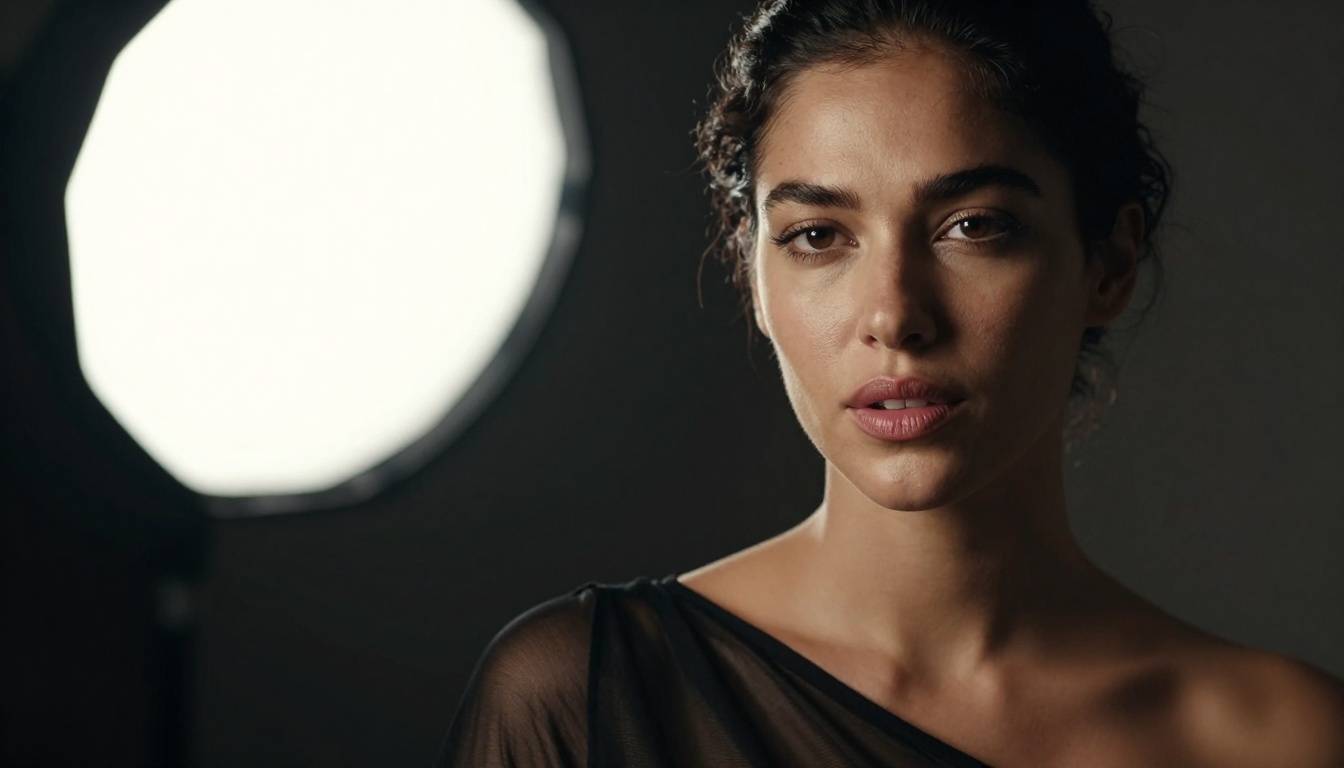
Single softbox from above: Carves dramatic shadows for editorial and portrait work
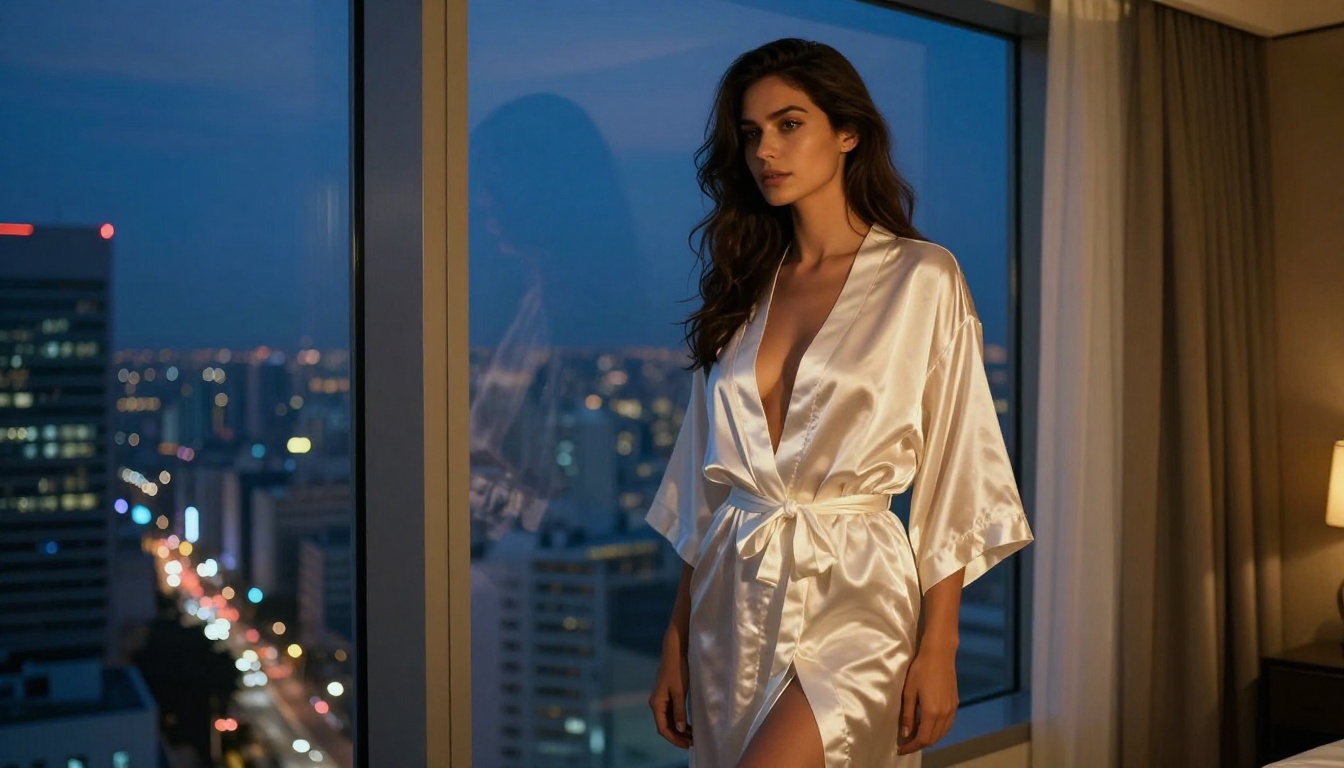
Night scene with warm practical lights: Adds intimacy and depth to boudoir-style content
The specific direction matters enormously. "From the left" versus "from the upper right" changes the entire shadow map of the image. Be specific every time.
3 Mistakes That Ruin Results
Most failed Seedream NSFW generations trace back to three consistent errors.
Mistake 1: Generic Subjects
"A beautiful woman" gives the model no useful information. The model defaults to its statistical average, which is often blandly composed and lacks photographic specificity. Instead: "A 28-year-old woman with olive skin, shoulder-length dark hair, high cheekbones, and an athletic build" gives the model anchored reference points that produce a coherent, specific result.
Mistake 2: Ignoring the Camera Specification
The camera specification is not decorative text. Seedream 5.0 uses focal length and aperture descriptions as actual guidance signals. An 85mm f/1.4 description produces a shallower depth of field with more subject compression than a 24mm f/8.0 description. Use it with intention and you get exactly the visual structure you want.
Mistake 3: No Negative Prompt
Without a negative prompt, the model can drift toward CGI aesthetics, over-processed skin, or unintended art styles. A reliable negative prompt for photorealism in NSFW contexts:
cartoon, CGI, 3D render, illustration, digital art, anime, painting, drawing, artificial lighting, plastic skin, over-saturated, over-processed
What You Can Actually Create
With Seedream 5.0 NSFW mode properly configured and solid prompt technique in place, the range of content you can generate is genuinely broad.
Glamour and Fashion Photography
Seedream 5.0 excels at editorial-style glamour: models in high-fashion clothing, dramatic lighting setups, commercial beauty photography aesthetics. The NSFW mode adds an extra layer of expressiveness to poses and clothing choices without pushing into explicit territory. Think Vogue, Harper's Bazaar, or Elle editorial spreads shot on film.
Pair Seedream 5 Lite with Flux 2 Pro for iterative fashion shoots where prompt consistency across a series matters.
Boudoir and Artistic Imagery
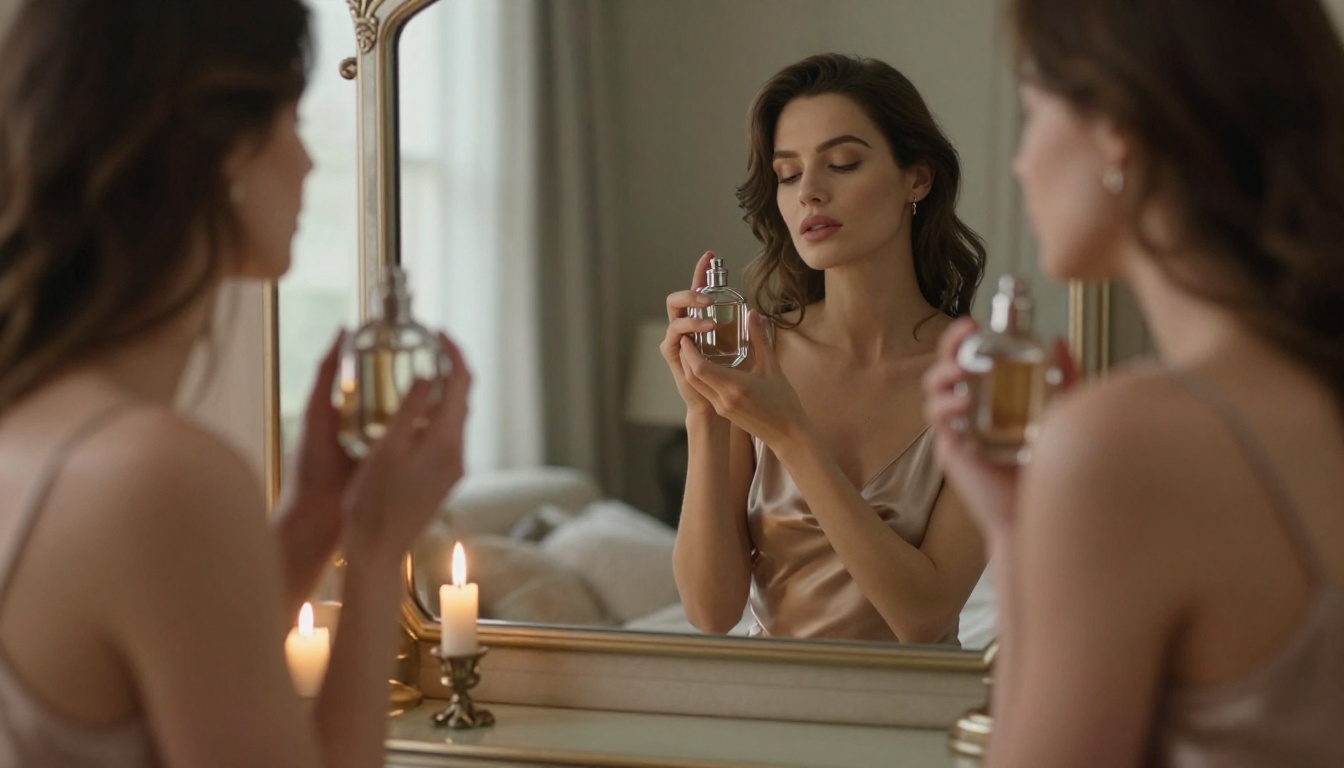
Boudoir photography occupies the middle ground between glamour and intimacy. Seedream 5.0 handles it with more sophistication than most NSFW models. The key is the environment: a well-described bedroom, studio, or hotel suite with specific surface materials and lighting conditions grounds the subject and elevates the composition from generic to purposeful.
Beach and Lifestyle Content
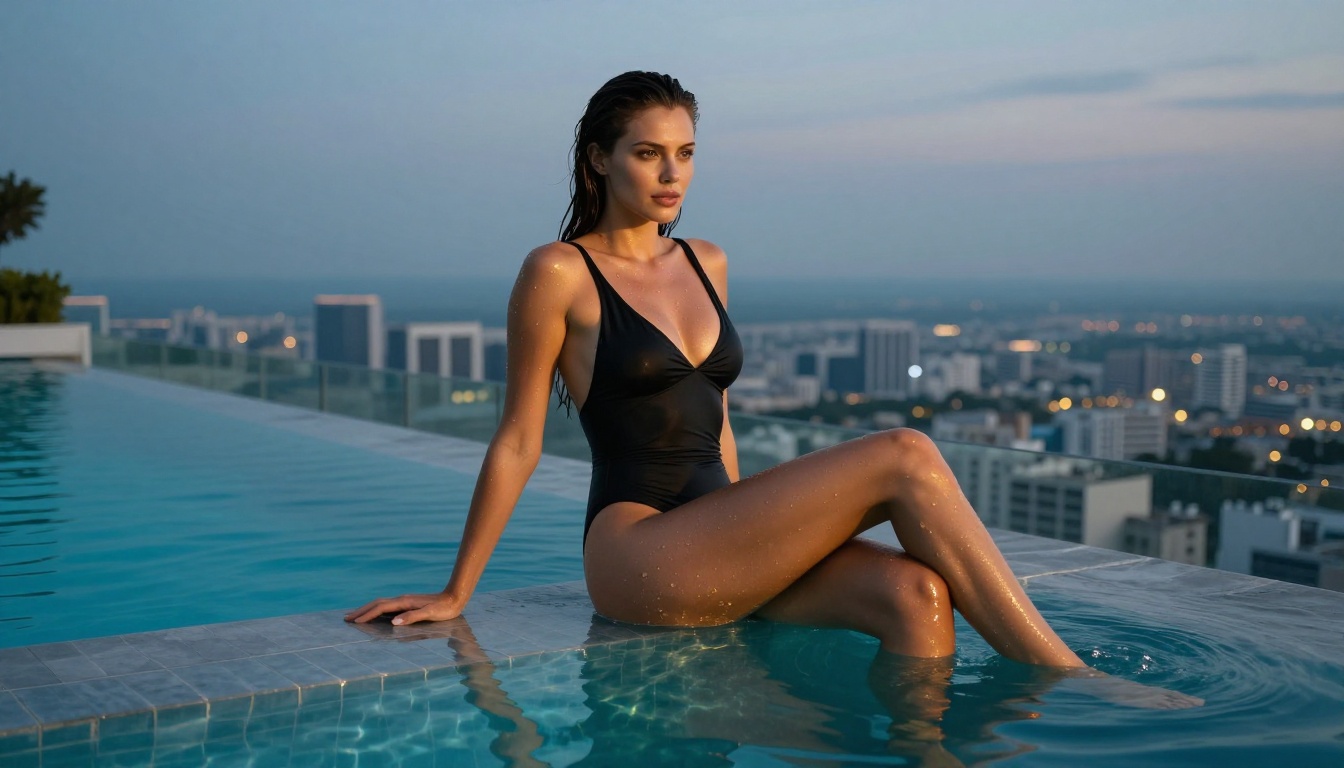
Some of the strongest Seedream 5.0 NSFW outputs are lifestyle-oriented rather than studio-based. Beach scenes, outdoor environments, and natural light contexts where the NSFW element is incidental to a broader scene produce images that look the most natural and photographic. A woman in a minimal swimsuit walking through shallow water at the golden hour, for example, reads as authentic editorial photography rather than AI-generated content.
Create Your Own Images Now
The models are available, the approach is documented, and the platform is ready. Seedream 5 Lite on PicassoIA gives you access to the full generation capability described in this article, with no local setup or API configuration required.
Start with a specific subject, describe the lighting in one sentence, add a camera specification, and include a tight negative prompt. That four-part structure generates better results on the first attempt than most users achieve after a dozen iterations with vague prompts.
PicassoIA also has Seedream 4.5 available if you want to compare generation styles across versions, alongside the full catalog of text-to-image models for when a specific aesthetic calls for a different approach entirely.
The NSFW capability in Seedream 5.0 is a precision instrument when used with the right technique. Put in a specific, well-structured prompt and you get a specific, photorealistic result. That is exactly how it should work.