Seedream 5 Lite arrived quietly, but it has been making noise in the AI image generation community for one reason: it delivers surprisingly strong visual output at a fraction of the computational cost of its bigger siblings. If you have been working with ByteDance's model family or simply want a fast, capable text-to-image option that does not require a GPU farm to run, this overview breaks down exactly what the model does well, where it stumbles, and how it fits into a practical creative workflow.
What Seedream 5 Lite Actually Is
The ByteDance Model Family
ByteDance, the company behind TikTok, has quietly built one of the most competitive AI image model lineups in the industry. The Seedream series started gaining traction with Seedream 3, which impressed users with its photorealistic output and bilingual text-in-image capabilities. Seedream 4.5 pushed quality further and is currently available for generation on PicassoIA.
Seedream 5 Lite sits at the intersection of speed and quality. It is a distilled, optimized variant of the full Seedream 5 model, designed for:
- Rapid prototyping at scale
- High-volume batch generation workflows
- Deployment on lower-spec hardware
- Use cases where sub-second inference matters
"Lite" Doesn't Mean Weak
The word "lite" in AI model names often signals compromise, and understandably so. But Seedream 5 Lite bucks that expectation in several areas:
| Capability | Seedream 5 Lite | Typical Lite Models |
|---|
| Portrait realism | Strong | Reduced |
| Text rendering | Good bilingual support | Often poor |
| Prompt adherence | 85-90% fidelity | 60-70% fidelity |
| Speed vs full model | 3-4x faster | 2-3x faster |
| Resolution support | Up to 2K | Usually 512-1024px |
The model retains the core strengths of the Seedream lineage: natural skin tones, coherent facial geometry, and surprisingly accurate bilingual text rendering in images.

Speed That Changes Your Workflow
Numbers That Matter
Speed in AI image generation is not just a nice-to-have. When you are iterating on prompts, testing variations for a campaign, or generating assets at scale, inference time compounds into real production hours. Seedream 5 Lite's speed profile changes the economics of that equation.
On standard hardware, you can expect:
- Single image generation: 2-4 seconds at 1024x576
- Batch of 10 images: Under 30 seconds on a modern GPU
- 768p output: Roughly 60% faster than Seedream 5 full
For comparison, Flux Fast achieves similar speed benchmarks but with different stylistic defaults. The choice between them comes down to your output aesthetic preferences.
When Speed Is the Feature
There are specific workflows where raw generation speed matters more than peak quality:
- Storyboarding and concepting: You need 20+ rough visual options quickly
- A/B testing creative: Validating multiple prompt directions before committing to production
- Thumbnail generation: Social and editorial thumbnails where output is small
- Dataset creation: Generating synthetic training data in volume
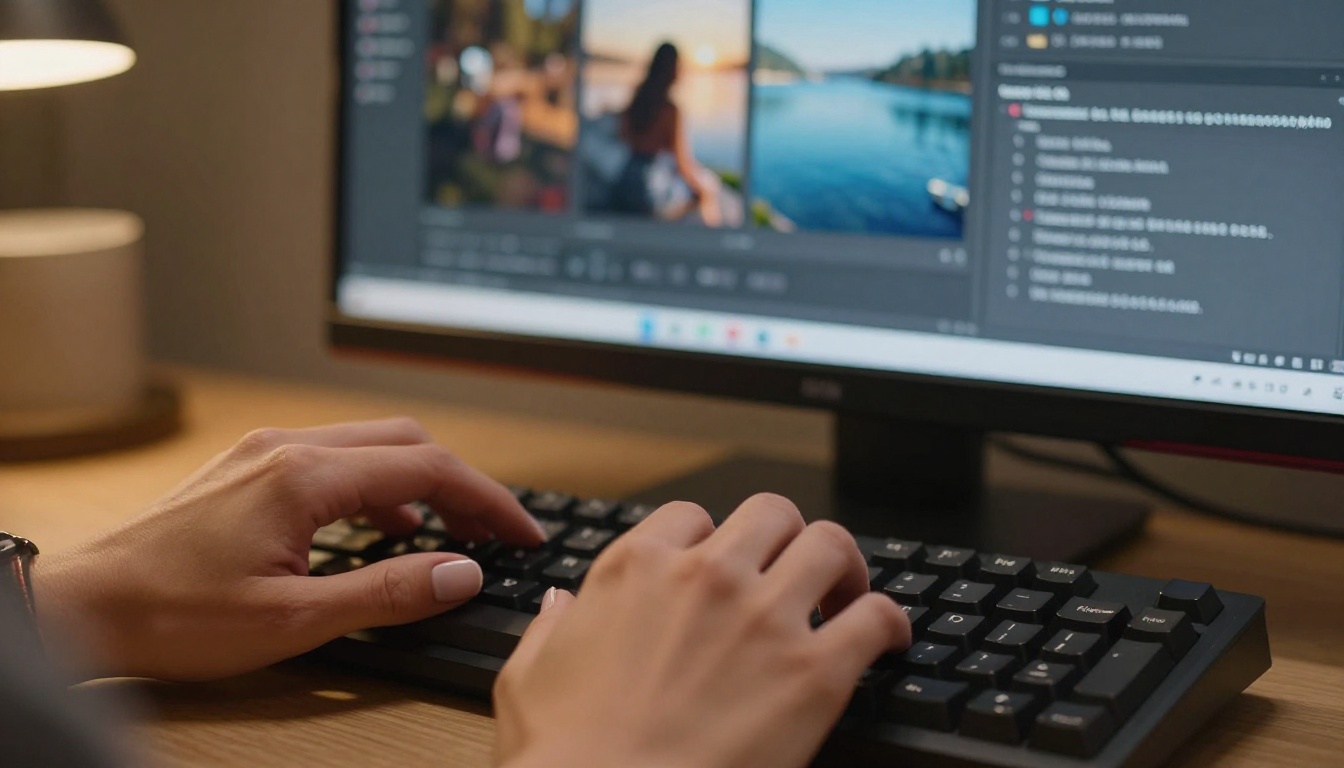
For any of these, Seedream 5 Lite's speed profile is a genuine production advantage.
Prompt Handling: What Works
Descriptive Prompts Shine
Seedream 5 Lite responds well to richly descriptive prompts that specify:
- Subject, pose, and expression
- Lighting direction and quality (e.g., "soft volumetric morning light from left")
- Camera and lens parameters
- Atmosphere and color grading
The model handles cinematic and photorealistic styles naturally. Abstract or surrealist prompts tend to produce less coherent results than with larger models, but for grounded, realistic subjects, prompt adherence is strong.
💡 Tip: Specify lighting source direction explicitly. "Backlit by warm golden hour sun" will produce consistently better results than simply writing "golden hour."
Text in Images: A Real Differentiator
One area where Seedream 5 Lite stands out is its text rendering capability. Most lightweight diffusion models produce garbled, illegible text when prompted to include words or labels in an image. Seedream 5 Lite handles:
- Short Latin-script text (1-3 words) reliably
- Simple bilingual text (English and Chinese) with reasonable accuracy
- Stylized text on signs, labels, and banners
This makes it particularly useful for creating social media assets, product mockups, and branded imagery at speed.

Quality Assessment: What You Actually Get
Portrait and Human Figure Output
Portraits are where AI image models live or die in practice. Seedream 5 Lite performs well in this area:
Strengths:
- Natural skin tone reproduction across diverse subjects
- Coherent facial anatomy in standard poses
- Good hair texture and strand detail
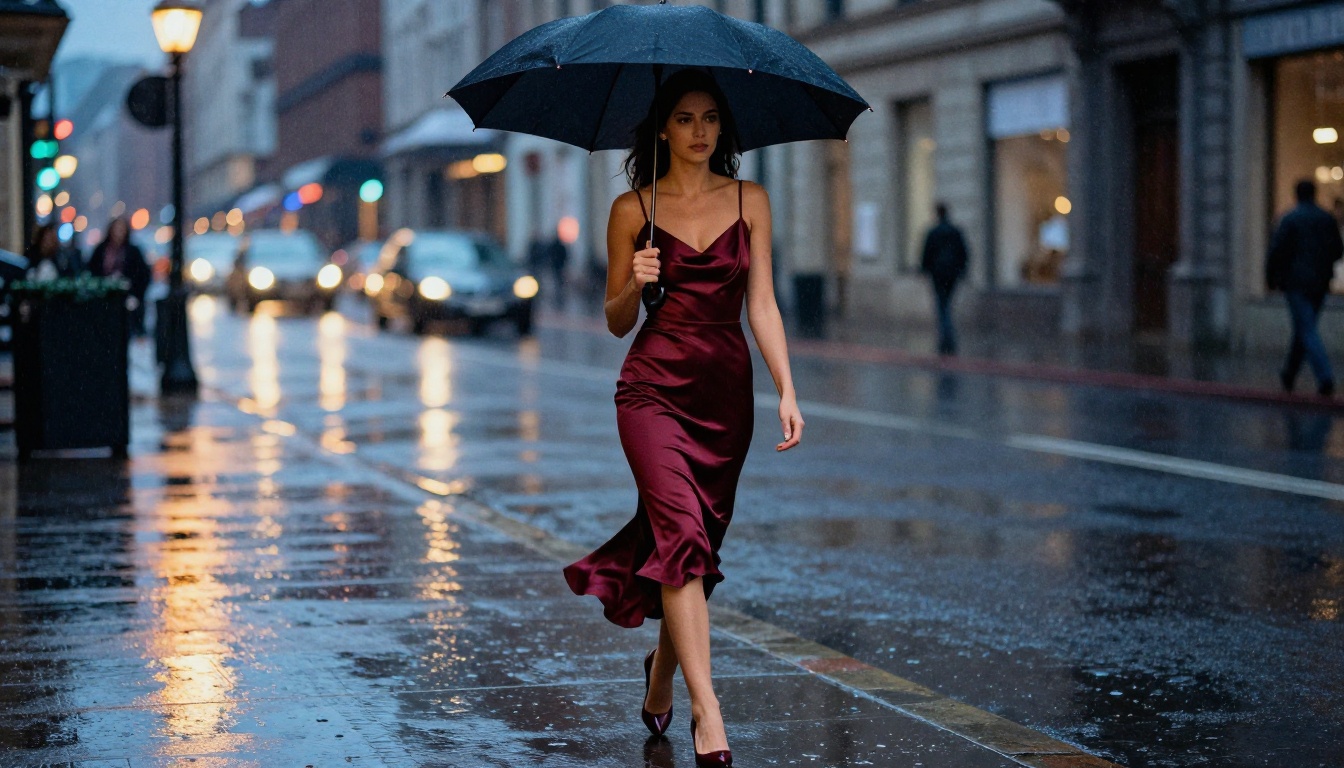
- Realistic clothing material rendering (fabric fold, sheen, weave)
Where It Falls Short:
- Hands remain inconsistent, a persistent challenge across most models
- Extreme facial expressions can produce minor anatomical drift
- Complex multi-person compositions lose fidelity faster than single-subject shots
The quality ceiling is below what you would get from Flux Dev or Flux Pro, but for mid-tier output at high speed, the tradeoff is favorable.

Landscape and Environmental Output
Seedream 5 Lite is notably good at natural environments:
- Atmospheric depth in landscape shots
- Convincing sky and cloud rendering
- Water surfaces with natural specular highlights
- Forest and vegetation with realistic density
Architectural and urban scenes are competent but occasionally show perspective inconsistencies in complex street-level compositions. Aerial and wide shots perform better than tight architectural detail work.
Seedream 5 Lite vs. The Competition
Where It Sits in the Market
The "fast, lite" model segment is crowded. Here is how Seedream 5 Lite compares to the models you are most likely already using:
The main differentiator for Seedream 5 Lite is the combination of speed AND bilingual text support, which no other fast model in this tier matches consistently.
If you are weighing Seedream 5 Lite against Flux 2 Pro, the answer is straightforward: they serve different needs. Flux 2 Pro is a premium quality model with slower throughput and higher operational cost. Seedream 5 Lite wins on speed and volume. Flux 2 Pro wins on peak output quality and photographic detail ceiling.
For production workflows, many teams use both: Seedream 5 Lite for iteration and Flux 2 Pro for final hero assets.
Real Use Cases That Work
Social Media Content Production
Social media teams that need to produce multiple visual options daily benefit most from Seedream 5 Lite's speed. Generating 50+ variations in under 10 minutes to test click rates across different creative directions is a genuine workflow advantage.
The model's reliable portrait output also means fewer manual corrections for headshots, lifestyle shots, and product-in-use photography.
E-Commerce and Product Imagery
For product-adjacent creative (lifestyle backgrounds, mood boards, product-context shots), Seedream 5 Lite produces clean, commercial-quality output at a pace that matches production timelines. Combine it with a super-resolution upscaler for final deliverables.
💡 Workflow tip: Generate multiple background variations quickly with Seedream 5 Lite, then use a super-resolution model on PicassoIA to upscale your final selected shot to print quality.
Editorial and Blog Imagery
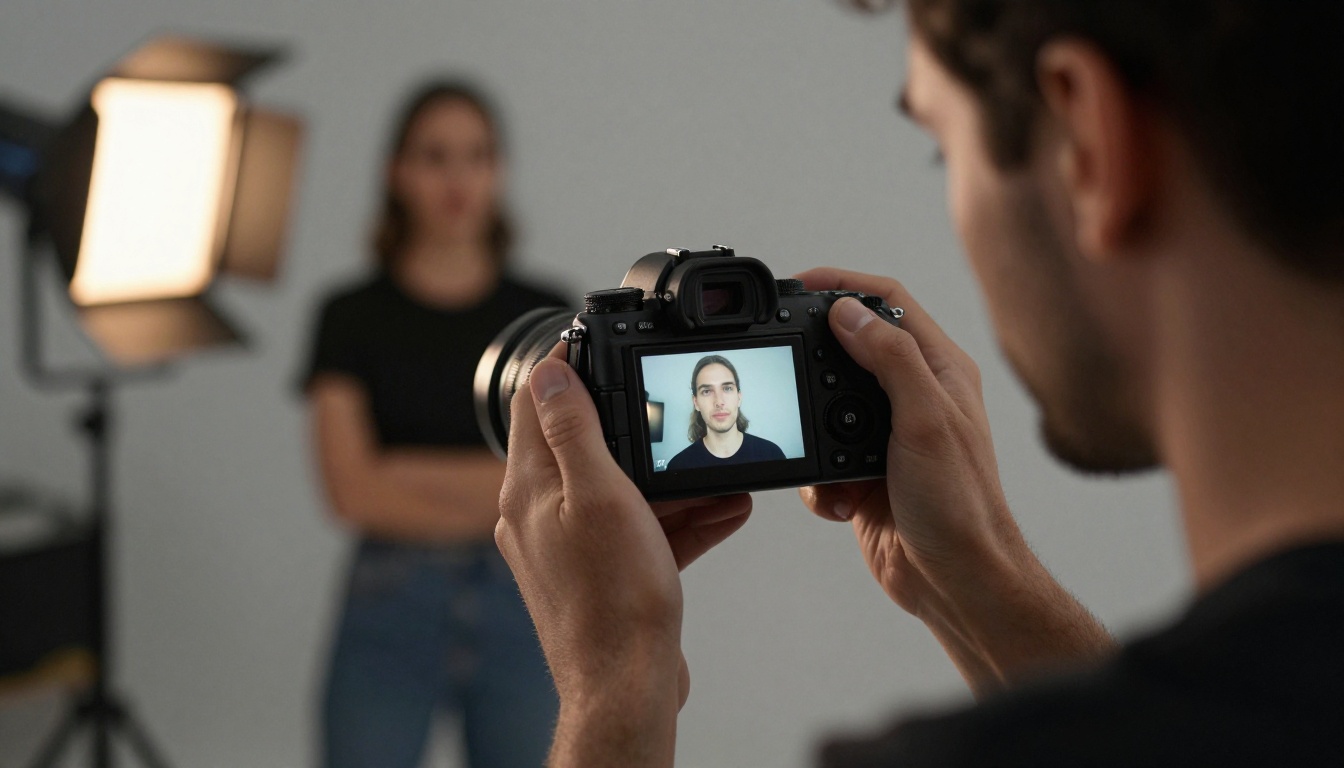
This article itself demonstrates the use case: generating 10 photorealistic editorial images in parallel, covering a variety of scenarios, all in a single generation session. The output quality is publication-ready for web and medium-resolution print.
Limitations Worth Knowing
What to Watch Out For
No model is without its friction points. Seedream 5 Lite has a few consistent limitations to factor into your workflow:
Consistency Across Seeds: Generating multiple variations of the same character or subject will produce different looks each time. The model does not maintain strong character consistency across generations without additional control mechanisms like ControlNet or reference images.
Complex Compositions: Scenes with three or more distinct interacting subjects become increasingly unreliable. The model handles single-subject and simple two-subject compositions well.
Extreme Lighting Conditions: Very dark low-key scenes and extreme high-key overexposed aesthetics both produce less predictable output than mid-range lighting scenarios.
Fine Detail at Distance: Background detail in wide shots can be impressionistic rather than photorealistic, particularly for architectural fine detail or small text on distant objects.
When to Use a Bigger Model
Use Seedream 5 Lite for:
- Speed-priority workflows
- Iteration and concepting
- Volume generation
Switch to Flux Kontext Fast or Flux Dev when you need:
- Maximum output fidelity
- Complex scene compositions
- Precise prompt-to-pixel control

Seedream 4.5 on PicassoIA
What's Available Right Now
While Seedream 5 Lite is gaining traction in research and professional circles, PicassoIA currently offers Seedream 4.5 for direct image generation. This model shares the core lineage strengths: photorealistic output, natural color science, and strong portrait fidelity.
If you want to put ByteDance's Seedream architecture to work today, Seedream 4.5 on PicassoIA is the fastest path to that output quality without any local setup.
What Seedream 4.5 does well:
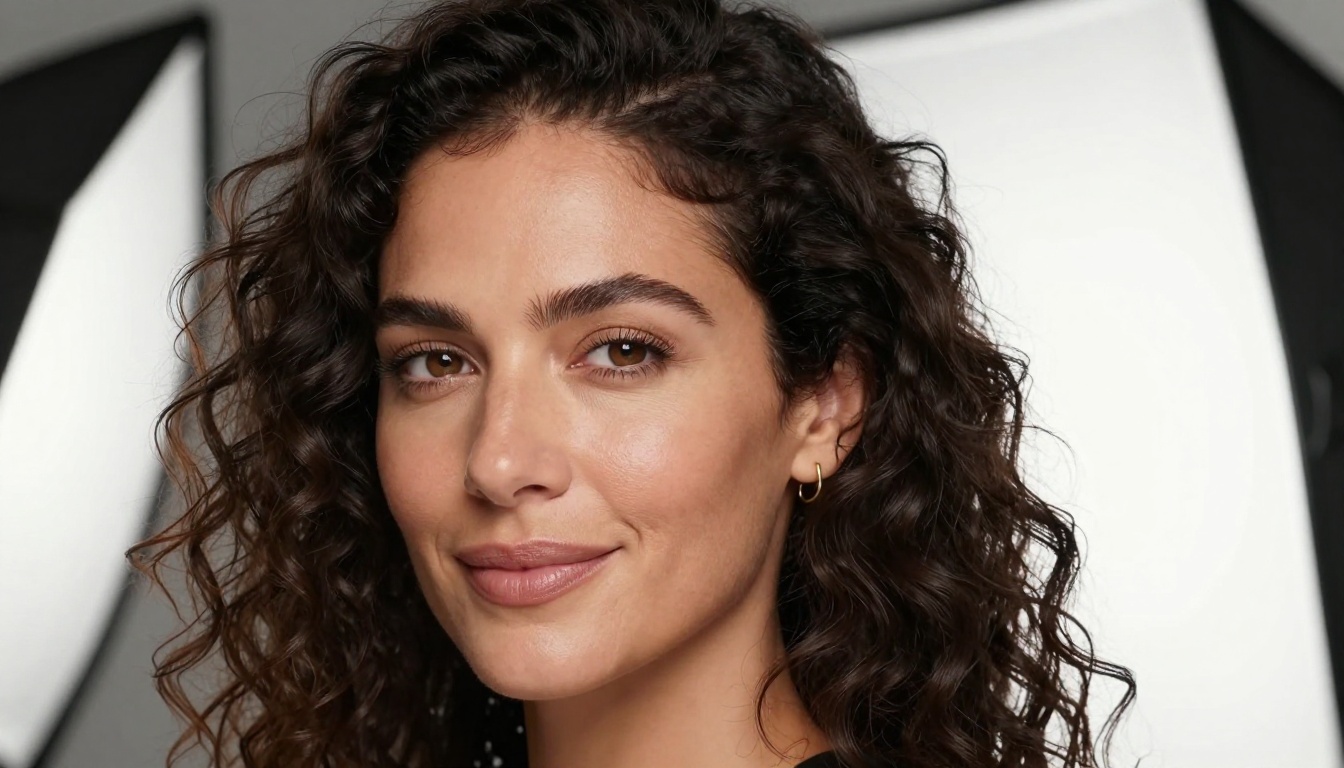
- Photorealistic portraits with natural skin tones across diverse subjects
- 4K-compatible output for print and premium digital deliverables
- Prompt-rich descriptive inputs: The more scene detail you give, the better the results align
- Creative and editorial photography styles with strong compositional coherence
💡 Try this prompt structure: "35mm film photograph, [subject], [lighting description], natural grain, Kodak Portra 400, photorealistic" produces consistently high-quality results with Seedream 4.5.
Workflow for Maximum Results
To get the best output from Seedream 4.5 on PicassoIA:
- Start with subject specifics: Age, appearance, expression, pose
- Add environment context: Location, time of day, background elements
- Specify lighting explicitly: Direction, quality, color temperature
- Include a camera or lens reference: 85mm portrait, wide-angle establishing shot, etc.
- Add a film stock or color grade: Kodak Portra, Fuji Velvia, cinematic LUT reference
This five-layer prompt structure consistently produces results that align closely with what Seedream 5 Lite is optimized for: photographic realism with strong compositional grounding.
Generate Your First Image Now
The best way to form a real opinion on any AI image model is to generate with it, not read about it. PicassoIA puts Seedream 4.5 directly in your browser with no local install, no API configuration, and no GPU required on your end.
Beyond the Seedream model, the platform's text-to-image catalog spans over 90 models, including the full Flux Dev lineup, Stable Diffusion 3, and Imagen 4 Ultra. That breadth means you can test Seedream 4.5 output against alternatives in real-time, within the same session, using the same prompt.
The pattern most experienced users adopt: start with a fast model for iteration, validate the creative direction, then route the winning concept through a premium model for final output. That is a workflow PicassoIA's model catalog is built to support.

If you are working in AI image generation at any volume, Seedream 5 Lite represents the direction the field is moving: smaller footprint, faster output, no meaningful quality sacrifice for most production use cases. Start generating with Seedream 4.5 on PicassoIA and see what the Seedream architecture can do for your workflow today.


