Producing product images used to mean booking a studio, coordinating a photographer, and waiting days for edited files. Today, a single text prompt in Seedream 5 Lite can output a polished 2K image in seconds. That shift is not theoretical. It is happening right now in e-commerce teams, marketing agencies, and solo brand builders across every product category.
What Seedream 5 Lite Actually Is
Seedream 5 Lite is a text-to-image model developed by ByteDance, the company behind TikTok. It sits inside the Seedream family, which also includes Seedream 3, Seedream 4, and Seedream 4.5. The "Lite" variant prioritizes speed and accessibility without dropping the resolution floor below commercial viability.
What sets it apart from many lighter models is the 2K output ceiling. Most fast, budget-oriented generators cap out at 512px or 1024px. Seedream 5 Lite pushes past that, which matters the moment images need to work on product listing pages, print collateral, or large-format social ads.
Speed vs. Quality Tradeoff
Every AI image model makes a tradeoff between inference speed and visual fidelity. Seedream 5 Lite sits firmly on the speed side without completely sacrificing detail. For marketing workflows where volume matters, that is the correct position. A team producing 50 product variants for a seasonal campaign does not need perfection on every single output. They need consistency, speed, and enough quality that images survive compression on Instagram and Amazon listings.
For single hero shots where absolute fidelity is the priority, the full Seedream 4.5 model is the better pick. For bulk visual production, Seedream 5 Lite is the right tool.
2K Output for Commercial Use
The 2K resolution specification is not just a spec sheet number. It determines whether an image can be used in real commercial contexts. A 2K image at 300 DPI covers roughly 6.8 x 3.8 inches in print, which is more than enough for product packaging inserts, small print ads, and most digital ad sizes without any upscaling.
For digital-only workflows, 2K is sufficient for:
- Instagram and Facebook ad formats up to 1080x1080px
- Amazon main product images (minimum 1000px on longest side)
- Google Shopping feed thumbnails
- Email header images and landing page banners
- Blog and editorial feature images
Why Marketers Are Switching to AI Images
The economics are obvious. A professional product photography session with a photographer, stylist, and post-processing typically runs between $500 and $3,000 per day depending on the market and complexity. For a small brand launching a new product, that is a real budget constraint that determines whether a campaign launches at all.
But cost is only part of the story. The bigger shift is speed and iteration. Traditional photography locks you into the decisions you make before the shoot. AI image generation lets you try 20 different backgrounds, lighting setups, and angles in an afternoon at no additional cost.
The Cost of Traditional Product Photography
Real numbers on a typical product photography shoot for an e-commerce brand:
| Item | Estimated Cost |
|---|
| Photographer (half day) | $400 - $800 |
| Studio rental | $150 - $400 |
| Stylist or art director | $200 - $500 |
| Post-processing per image | $100 - $300 |
| Total for 10 edited images | $850 - $2,000+ |
A full year of AI image generation on a platform like PicassoIA costs a fraction of a single shoot. And you can generate images on demand, at 2am on a Sunday, whenever a campaign needs new visuals.
AI Images That Pass as Real
The skepticism around AI product images usually sounds like: "Can you really use these on product pages? Will customers notice?"
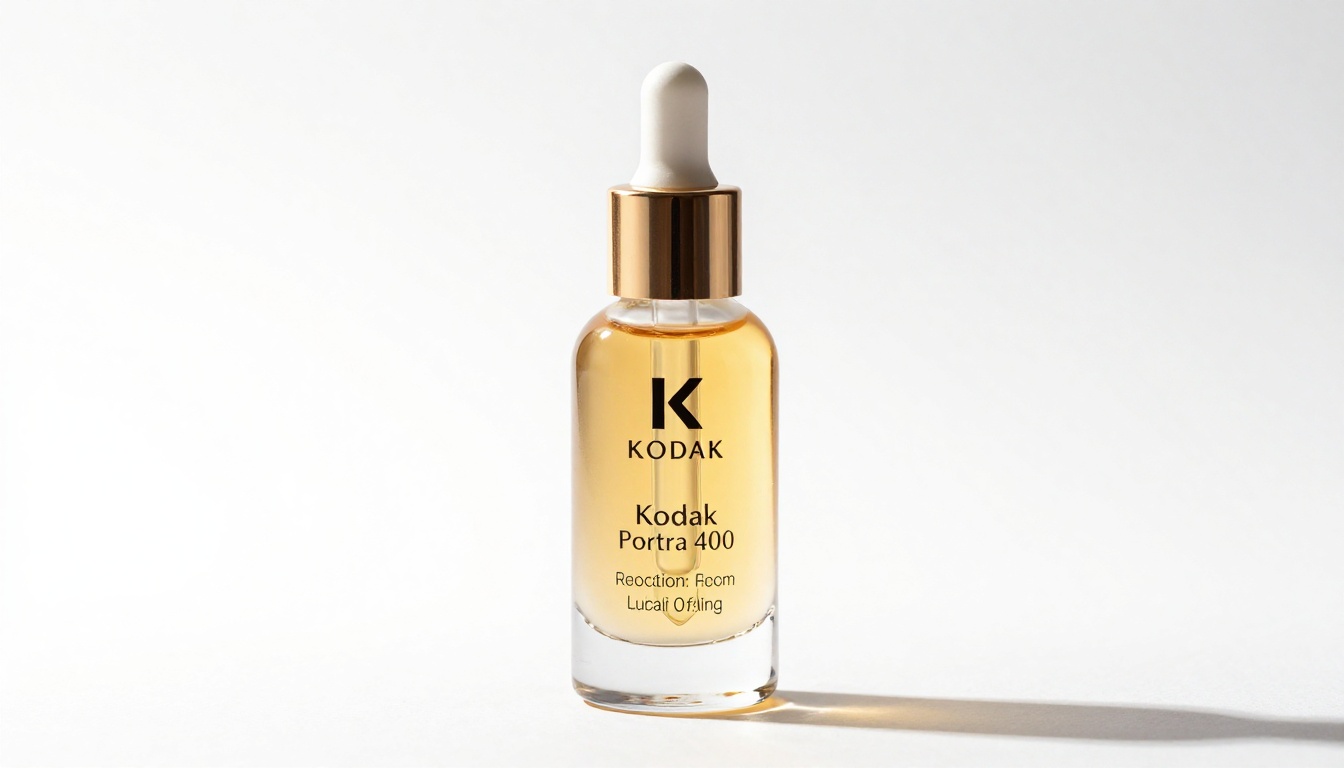
The honest answer in 2027 is: for most product categories, no. Skincare, supplements, apparel flatlays, food products, and tech accessories all produce convincing results with the right prompts. The areas where AI still struggles are complex multi-item arrangements, precise logo reproduction, and products where authentic lifestyle context matters more than product detail.
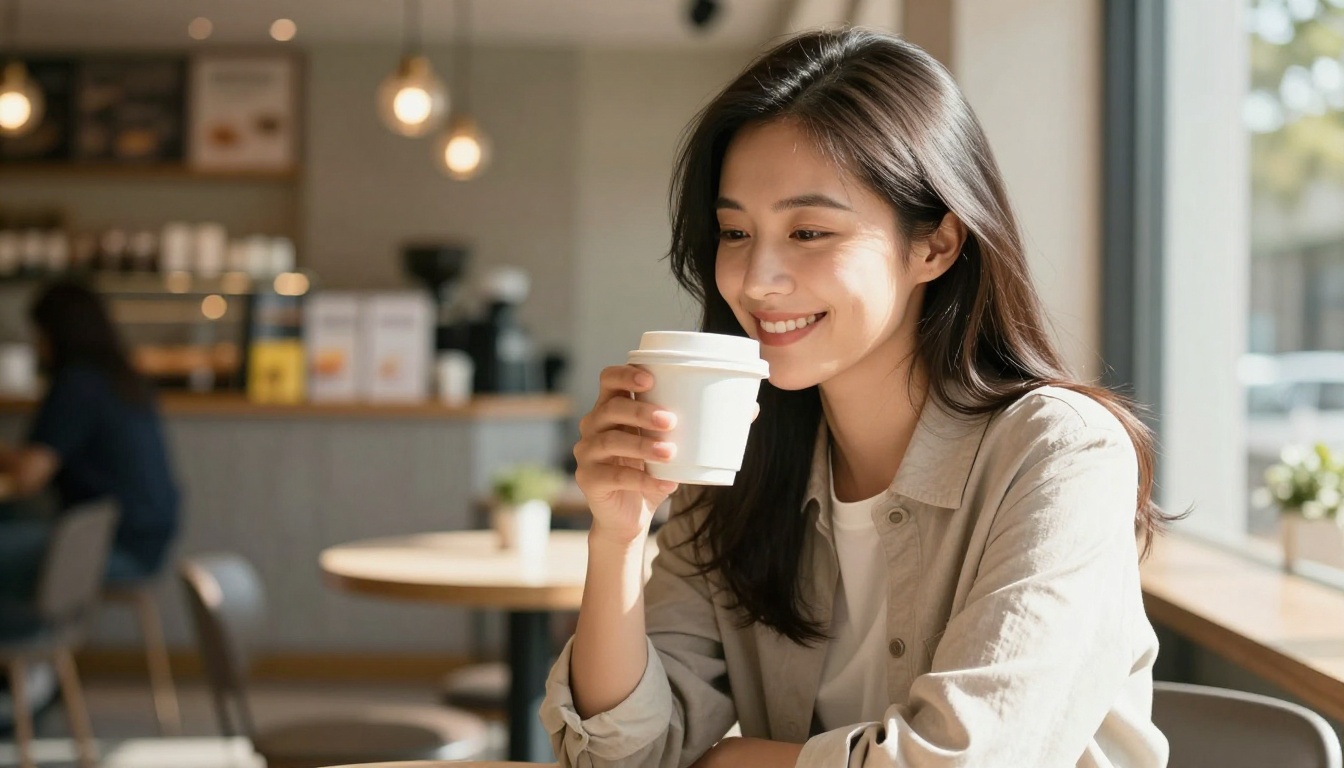
Seedream 5 Lite handles clean product-on-background shots exceptionally well. Lifestyle shots with people require more careful prompting but are absolutely achievable at production quality.
Product Image Use Cases That Work
Not every type of product image is equally suited to AI generation. Here is where Seedream 5 Lite performs best in real marketing workflows.
E-Commerce Listings
The most straightforward use case is main listing images: product on a clean background, well-lit, showing the packaging clearly. This is where AI excels because there are no complex composition requirements. Platforms like Amazon, Etsy, and Shopify all benefit from this type of image.
💡 For e-commerce listing shots, always specify "white background, studio lighting, product centered, no shadows" in your prompt. This matches the visual expectations of most marketplaces and passes automated image quality checks.
The workflow is fast. Write a prompt, generate the image, check resolution against platform requirements, upload. For many product categories you can produce an entire listing gallery in under an hour. Secondary lifestyle shots that show the product in context can be layered in later without needing a full reshoot.
Social Media Ads
Paid social is a volume game. Running Facebook and Instagram ads effectively means constantly rotating creative to avoid ad fatigue. Marketing teams that used to cycle through three to four creatives per month can now produce 20 to 30 variations, test them, and double down on winners within the same budget window.
Seedream 5 Lite handles the rapid iteration that paid social demands. Lifestyle images, product close-ups, seasonal variations, and demographic-specific scenes can all be generated quickly and cheaply. The 2K output means no quality degradation when Facebook compresses your creative.
Brand Campaigns
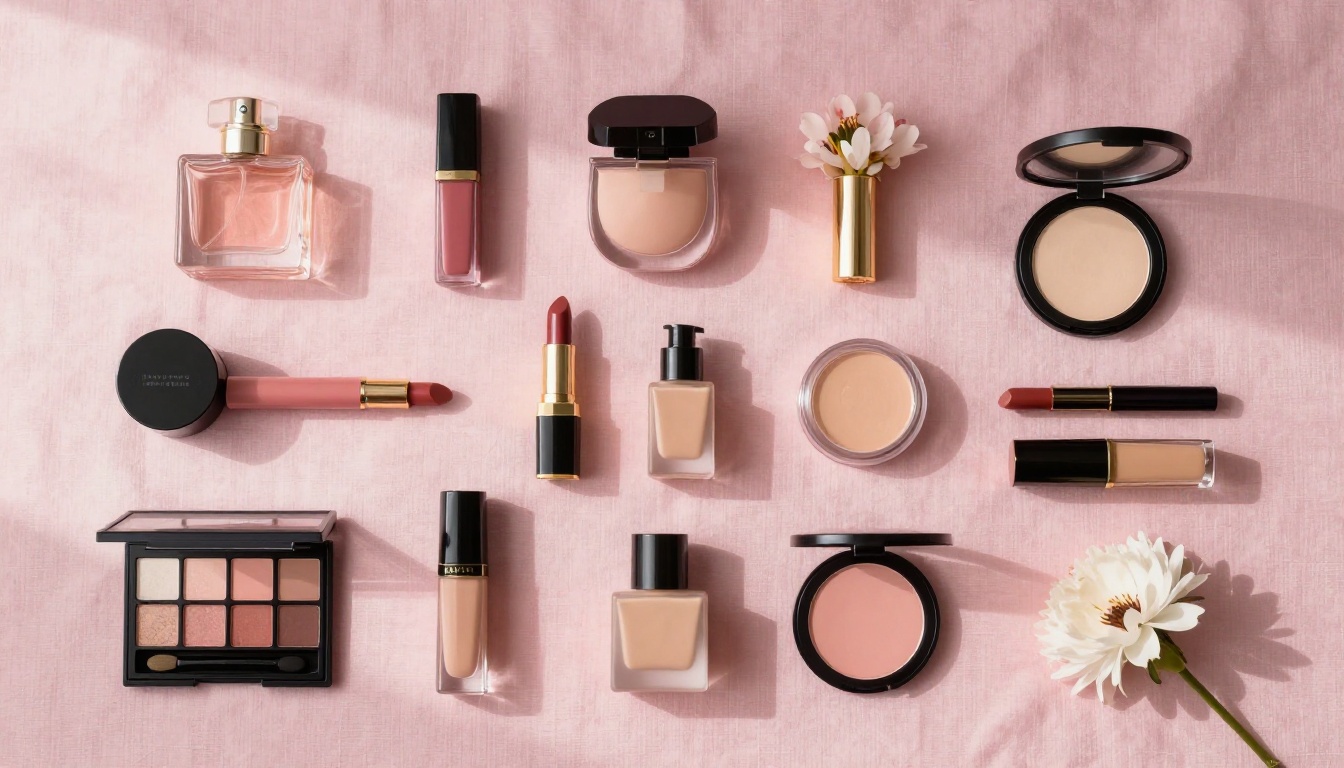
Bigger-budget campaigns need a different approach. When the goal is brand storytelling rather than direct response, visual consistency and a distinct aesthetic matter more than raw output speed. Here, Seedream 5 Lite works best when combined with a clear visual brief and systematic prompt templates that ensure consistent output across all images in the campaign.
💡 Establish a "house prompt" with fixed elements (lighting style, color palette, mood descriptors) and only vary the specific product or scene. This creates visual coherence across a campaign without requiring a brand guidelines document or a dedicated photographer on retainer.
How to Use Seedream 5 Lite on PicassoIA
Seedream 5 Lite is available directly on PicassoIA with no setup or API credentials required. Here is the step-by-step process.
Step 1: Write a Product Prompt
Go to Seedream 5 Lite on PicassoIA and open the generation panel. The prompt field accepts natural language descriptions. For product images, structure your prompt with five components:
- Subject: What is the product? Be specific. "Glass skincare serum bottle with gold dropper cap"
- Environment: Where is it placed? "On a white marble surface"
- Lighting: How is it lit? "Soft diffused studio lighting from both sides"
- Camera details: Angle and lens. "Low angle, 85mm lens, shallow depth of field"
- Style modifiers: "Photorealistic, 8K, commercial photography, Kodak Portra 400"
A fully constructed prompt looks like: "Glass skincare serum bottle with gold dropper cap on a white marble surface, soft diffused studio lighting from both sides, low angle shot, 85mm lens, shallow depth of field with blurred background, photorealistic 8K commercial photography, Kodak Portra 400 film tone"
The more specific you are about lighting direction and camera angle, the more consistent and professional the output will be. These two elements do more work than any other variable in the prompt.
Step 2: Set Parameters
Seedream 5 Lite on PicassoIA supports aspect ratio selection. For product images:
- 1:1 for Instagram feed and marketplace square thumbnails
- 4:3 for product detail pages and banner ads
- 16:9 for hero images, email headers, and landing pages
- 9:16 for Stories and TikTok-style vertical formats
Adjust the number of generations if you want multiple variants in one run. For initial testing, generating four variations lets you compare outputs without excessive credit usage. Pick the strongest result and refine from there.
Step 3: Download and Use
Once generated, images are immediately available for download at full 2K resolution. No watermarks on the output. From there they go directly into your design workflow, ad manager, or product listing CMS. If the resolution needs to go higher for print use, run the output through PicassoIA's super resolution tool to upscale 2x or 4x before exporting.
Prompt Writing for Product Images
The quality gap between a weak prompt and a strong one in Seedream 5 Lite is significant. This section covers what consistently produces strong commercial results.
What to Include in Every Prompt
Five elements that should appear in every product image prompt:
- Specific product description: Include material, color, shape, and distinctive features
- Surface and setting: What is the product resting on or in front of
- Lighting direction and quality: Direction (left, right, overhead), quality (soft, hard, diffused), and color temperature (warm, cool, neutral)
- Camera angle: Eye level, low angle, aerial/overhead, three-quarter view
- Post-processing style: Film emulation, color grade, sharpness level
What beginners leave out most often: lighting specification and camera angle. These two elements have more impact on the final image than almost anything else in the prompt. A product shot with "dramatic side lighting from the left" looks categorically different from the same product with "soft overhead diffused light," even if every other variable is identical.
5 Prompt Templates That Work
Template 1: Clean E-Commerce Shot
"[Product name and description] on a pure white background, professional studio lighting from above, direct front-facing view, 50mm lens, ultra-sharp focus, commercial catalog photography, no shadows"
Template 2: Lifestyle Context
"[Product] held or used by [person description] in [environment], [lighting type] from [direction], [lens] with [depth of field], authentic and candid feel, photorealistic 8K"
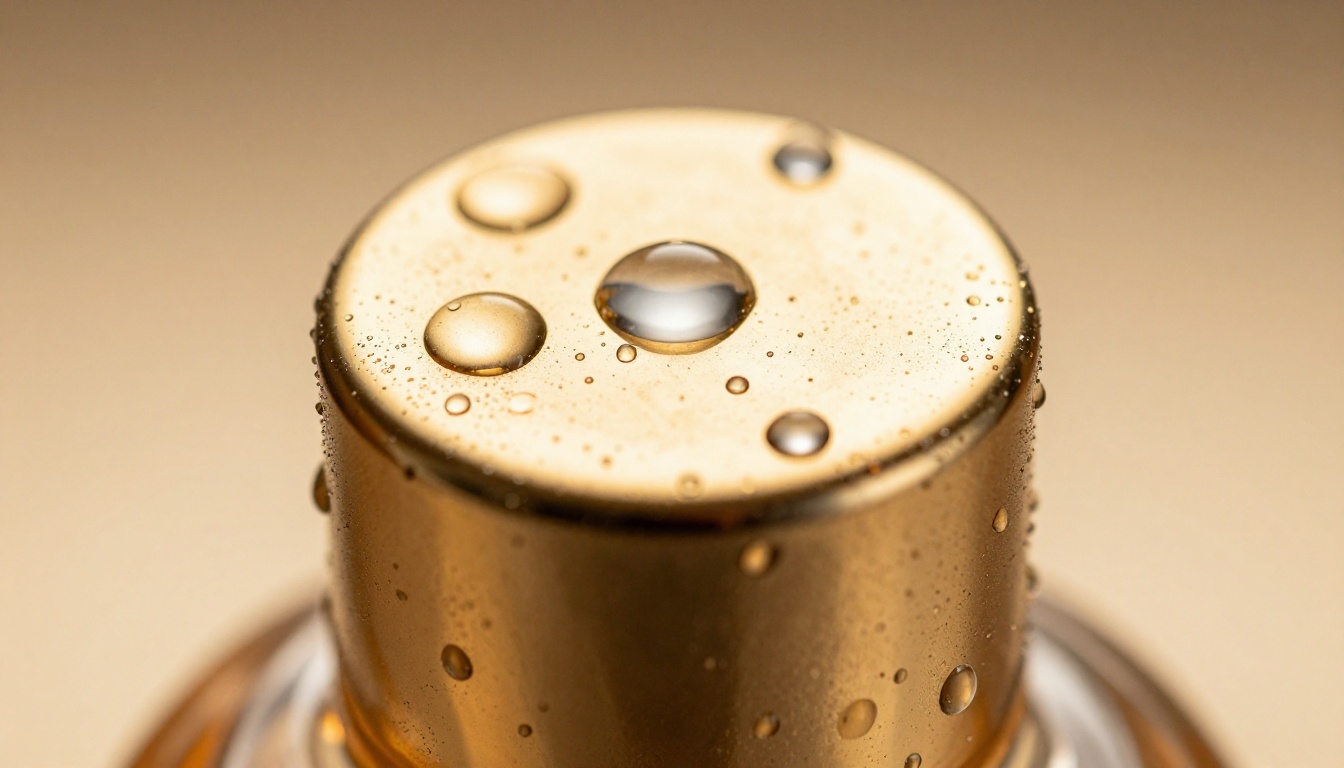
Template 3: Luxury Macro
"Extreme close-up of [product detail] showing [specific texture or material], [macro lens specification], [lighting], film grain Kodak Portra 400, luxury brand editorial quality"
Template 4: Flatlay/Overhead
"Bird's eye view flatlay of [product] with [complementary props] on [surface material], overhead 90-degree angle, [lighting], styled arrangement, [color palette], photorealistic"
Template 5: Seasonal Campaign
"[Product] in a [season] setting with [relevant seasonal props], [lighting that matches season], [lens], authentic holiday/summer/spring atmosphere, lifestyle brand photography"
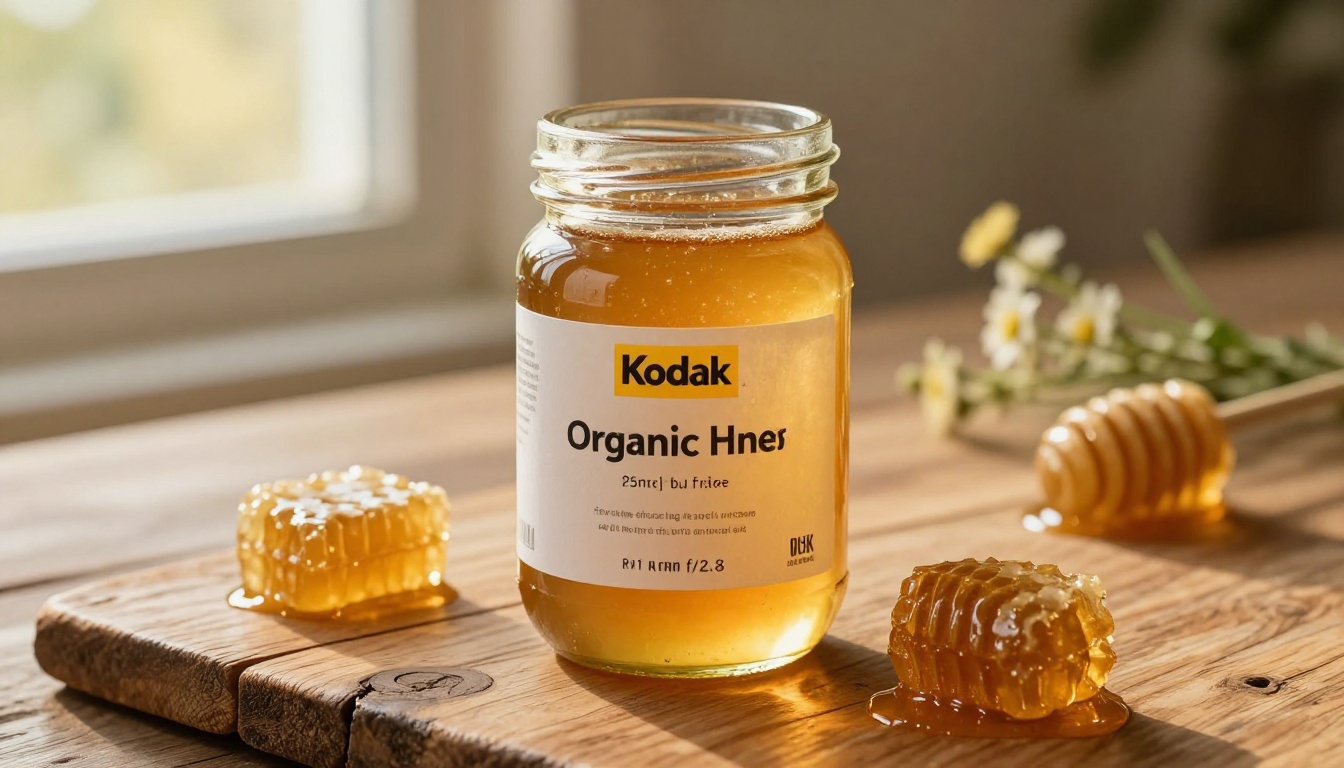
Seedream 5 Lite vs. Other Models
The Seedream family has four public models available on PicassoIA. Choosing between them depends on what you are making and how fast you need it.
Seedream 3, 4, and 4.5 Compared
| Model | Resolution | Speed | Best For |
|---|
| Seedream 3 | Up to 2K | Fast | Drafts, high-volume batch output |
| Seedream 4 | Up to 2K | Moderate | Balanced quality and speed |
| Seedream 4.5 | Up to 4K | Slower | Hero shots, print, final assets |
| Seedream 5 Lite | Up to 2K | Very Fast | Marketing iteration, batch production |
When to Use Each Version
Use Seedream 5 Lite when you need volume and speed: generating 20 ad variations, producing thumbnail options for A/B testing, or filling a content calendar with new product visuals each week.
Use Seedream 4.5 when the final output needs to be perfect: a hero shot for a campaign landing page, a product image for a premium print catalog, or a brand asset that will be used across all channels for months.
Use Seedream 3 or Seedream 4 when you are in between: decent quality at reasonable speed, well-suited for secondary product images and supporting content.
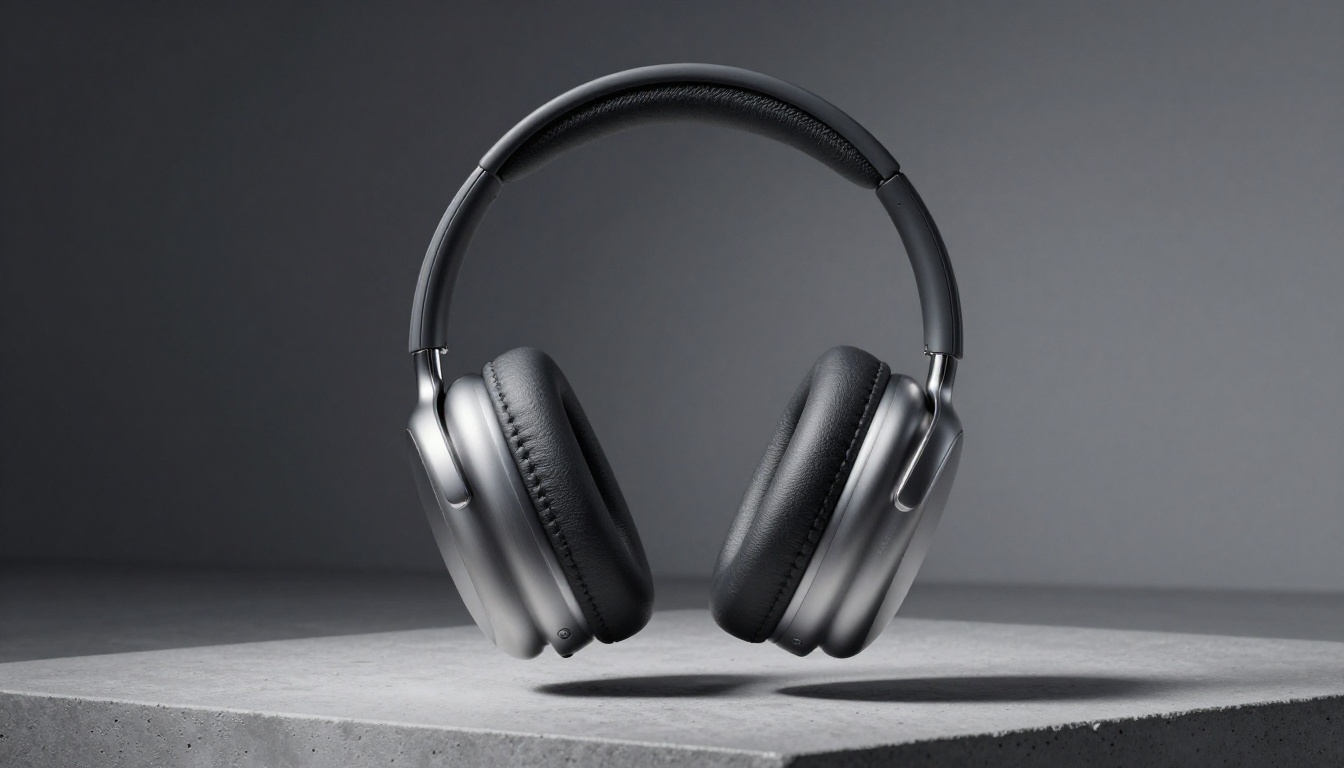
Real Marketing Scenarios
Theoretical use cases are easy to list. Here is how Seedream 5 Lite actually fits into real brand workflows.
Product Launches
A typical product launch requires dozens of visual assets: hero images, social thumbnails, email headers, ad creatives in multiple formats, press kit images, and website banners. That is often 30 to 50 distinct images before the first paid impression runs.
With a traditional photography workflow, that means two or three studio sessions, weeks of turnaround, and a significant budget commitment before you know if the product will even sell. With Seedream 5 Lite, you can produce the full launch visual package in two to three days, keep costs minimal, and iterate on creative after seeing initial performance data.
💡 Generate your full launch visual package before the product arrives in hand. Use the generated images for pre-launch marketing, collect data on which visual styles resonate, and use that data to direct any actual photography session you choose to do afterward.
Seasonal Campaigns
Holiday, summer, back-to-school, and Valentine's Day campaigns all need dedicated visual treatment. Most brands create seasonal assets once and run them until the next cycle. The smarter approach is to create seasonal visual systems: a set of prompt templates tied to the season that generate fresh creative every few days throughout the campaign window.

This keeps ad creative fresh without requiring new photography sessions every week. Seedream 5 Lite handles the volume required to do this economically. A campaign running for six weeks can have new visuals every Monday without anyone picking up a camera.
Content for Every Platform
Different platforms have different visual norms. What works on LinkedIn looks nothing like what performs on TikTok. What converts on Amazon is different from what stops the scroll on Pinterest.
A multi-platform brand needs platform-specific visual content, which multiplies the number of images required significantly. Seedream 5 Lite makes this tractable. The same product can be rendered in:
- LinkedIn: Clean, professional, business context
- Instagram: Lifestyle, aspirational, warm tones
- Amazon: Pure product on white, technical accuracy
- Pinterest: Styled flatlay, high saturation, vertical format
- TikTok: More casual, in-hand product shots, lifestyle context
Each of those variants requires a different prompt, a different aspect ratio, and a different compositional style. With traditional photography, that is five separate shoots. With Seedream 5 Lite, it is five prompts and maybe 20 minutes.
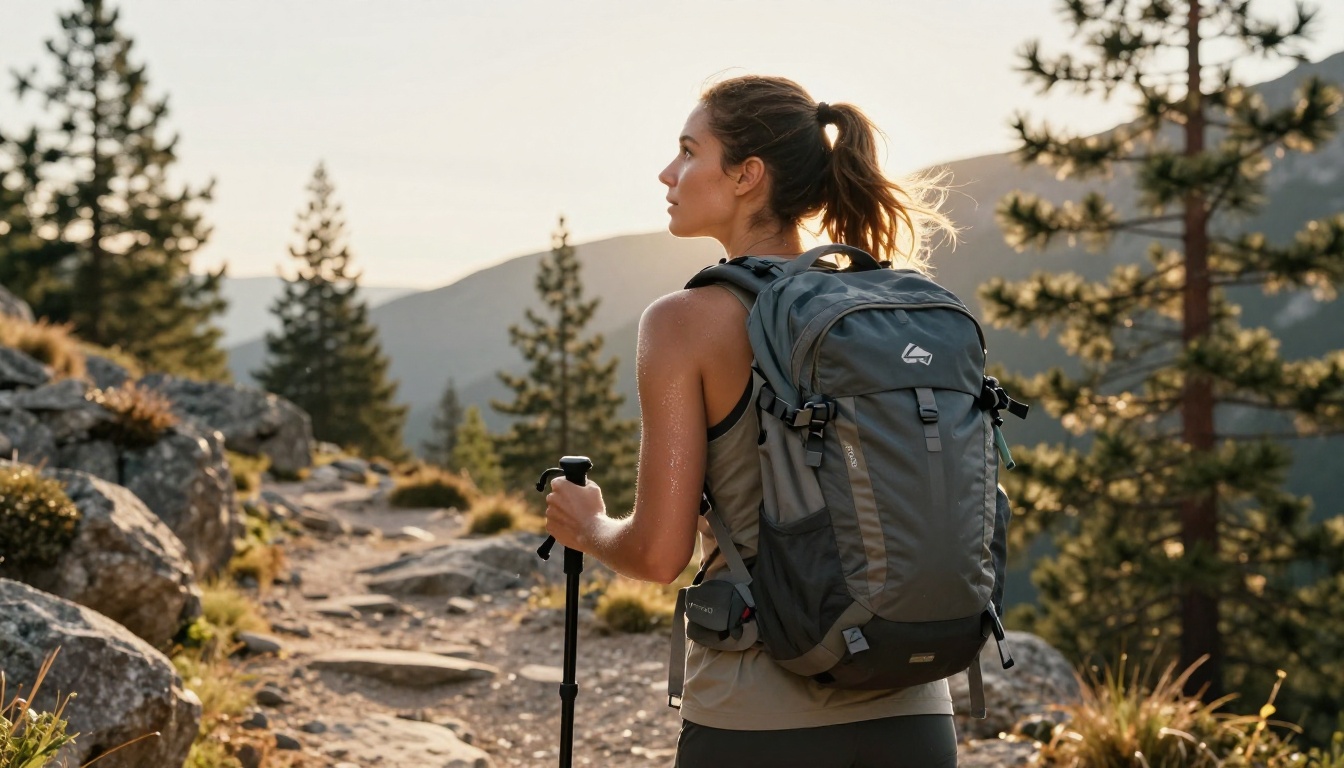
Seedream 5 Lite does not have to work in isolation. PicassoIA provides a broader ecosystem of tools that extend what you can do with generated images throughout the production workflow.
Background Removal: Strip the background from a generated product shot and composite it into a new environment without regenerating from scratch. This is useful when you want a product on white for Amazon and the same product in a lifestyle setting for Instagram, without running two separate generation jobs.
Super Resolution: Take a Seedream 5 Lite output and upscale it 2x or 4x when print or large-format use requires higher DPI. The super resolution models on PicassoIA add detail rather than just scaling pixels, so the result holds up under close inspection.
Image to Text: Generate detailed captions and alt text from your product images automatically. For SEO-optimized product listings, this saves significant time when processing large catalogs.
Face Swap AI: For lifestyle images where the model's appearance needs to match a brand persona or specific demographic target, face swap tools let you customize without reshooting the entire scene.
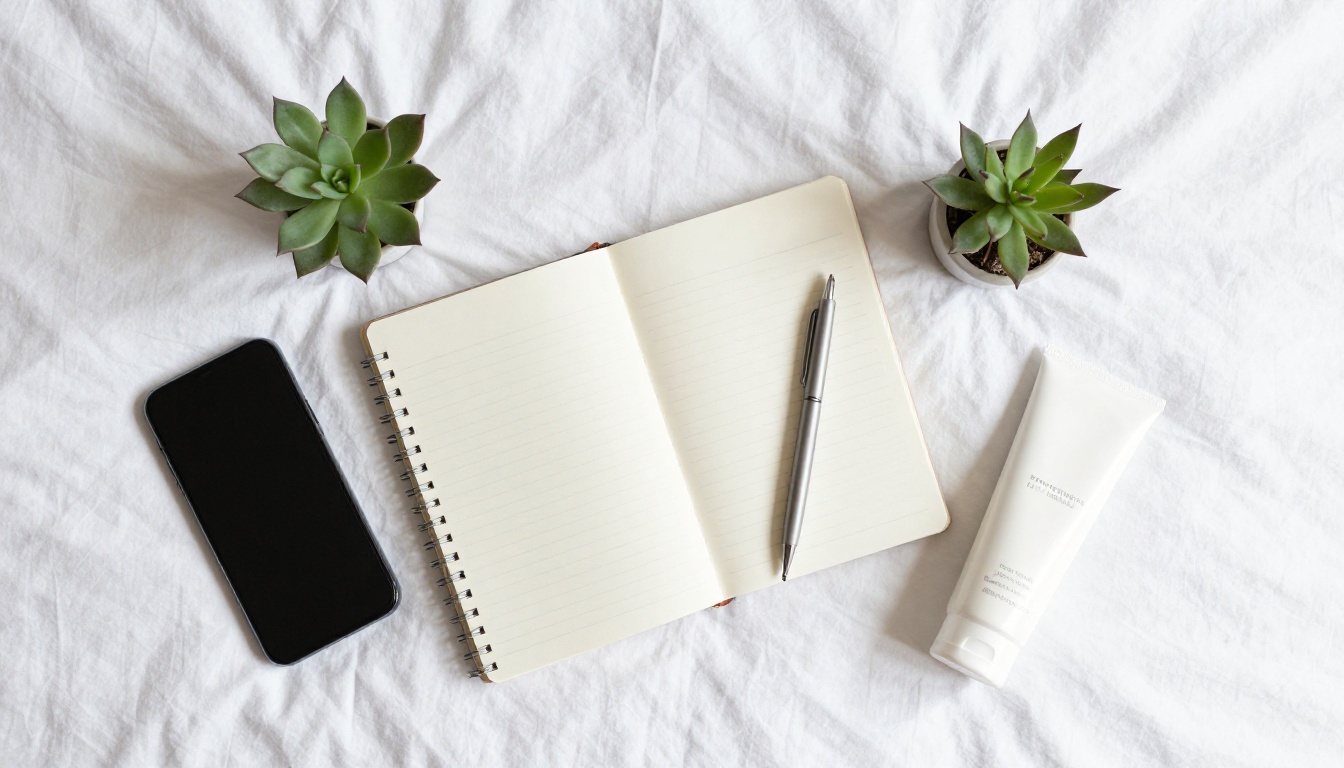
Start Generating Your Own Product Visuals
The barrier to producing commercial-quality product images dropped significantly with models like Seedream 5 Lite. What used to require a studio, a photographer, and a week of post-processing now takes a well-written prompt and a few minutes.
Whether you are a solo brand owner needing product images for a new Shopify store, a marketing team that needs to produce 40 ad creatives for next month's campaign, or an agency cutting production costs without cutting output quality, Seedream 5 Lite on PicassoIA is worth putting into your workflow today.
Head over to PicassoIA and try it with your own product descriptions. Start with a simple prompt using one of the templates above, then iterate by adding more specific lighting, camera, and texture details until you get exactly what your brand needs.


