Seedream 5 Lite showed up quietly in the lineup of text-to-image models, but it has earned serious attention from creators who care about both speed and output quality. Developed by ByteDance, this lightweight variant of the Seedream 5 architecture strips out the slower processing overhead without gutting the parts that matter: facial fidelity, skin texture, and the ability to render legible text inside images. If you have been bouncing between models trying to find one that handles portraits without turning faces into abstract impressionism, Seedream 5 Lite is worth a real look.
This is not a model that tries to do everything. It is built for specific tasks, and within those tasks, it performs at a level that surprises even experienced AI image creators. Below is a breakdown of where it excels, where it does not, and how to set up your workflow for the best results.
What Makes Seedream 5 Lite Different

Most lightweight models cut corners on the details that make an image feel real: skin pores, hair strands, fabric weave, the way light wraps around a jawline. Seedream 5 Lite takes a different approach. ByteDance trained this model with a heavy emphasis on human-centric imagery, which means its compression targets the parts of image generation that matter less for portraits and preserves the parts that matter most.
The result is a model that generates portraits and lifestyle scenes with a level of detail that typically requires a full-size model. You get:
- Sharp facial geometry with accurate proportions across a wide range of ethnicities
- Realistic skin rendering including pores, fine lines, and natural color variation
- Consistent lighting behavior where light sources produce physically plausible shadows
- Clean edge definition without the soft-blur artifacts common in smaller models
💡 The "Lite" label refers to computational weight, not output quality. In the areas this model was designed for, it competes with models twice its size.
How the Architecture Differs
Seedream 5 Lite uses a streamlined diffusion architecture that focuses its denoising steps on high-frequency detail in faces and text. Where a standard model might spend equal processing on background foliage and human skin, this model allocates more refinement passes to the regions that draw the human eye first.
This is why the model is fast: it does less work on areas where imperfection goes unnoticed, and more work on areas where it does not. For creators who generate dozens of variations before settling on a final image, that speed difference adds up to real time savings across a session.
Portrait Quality: Where It Really Shines

Portrait generation is the clearest strength of Seedream 5 Lite. The model produces faces that hold up at high zoom levels, with consistent eye symmetry, natural lip definition, and hair that behaves like hair instead of a painted texture.
What specifically works well:
| Feature | Seedream 5 Lite Performance |
|---|
| Eye detail and symmetry | Excellent |
| Skin texture realism | Very good |
| Hair strand definition | Good |
| Facial proportions | Excellent |
| Expression accuracy | Very good |
| Aging and ethnicity range | Good |
The model handles both studio-style portraits and environmental portraits well. A prompt asking for a woman in a sunlit coffee shop produces a result that looks like a real photograph, not a rendering. The ambient light interaction with skin is particularly convincing, which is often the detail that breaks the illusion in lesser models.
The Face Problem Other Models Have
Smaller models tend to produce what users call "uncanny valley" faces: everything looks approximately right but something is off. The eyes sit at a slightly wrong angle. The nose lacks volume. The teeth blend into a single flat surface. Seedream 5 Lite largely avoids these failure modes. The training emphasis on human anatomy shows in the output, and the model rarely produces the glassy, over-smoothed skin texture that makes AI portraits look artificial.
💡 For best portrait results, specify the lighting in your prompt. "Soft window light from the left" produces far better results than a generic "portrait" prompt with no lighting context.
Full-Body Shots
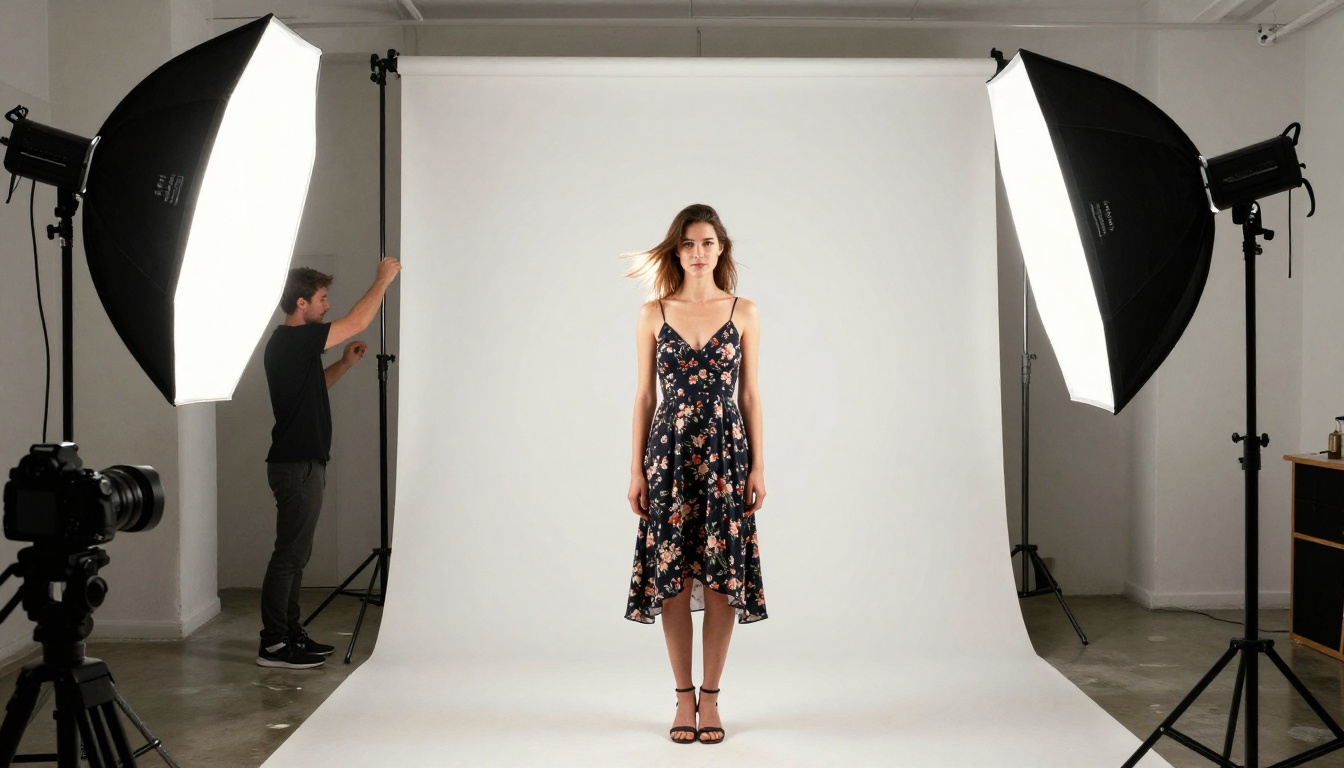
Full-body portraits are traditionally harder than headshots for AI models. Joint anatomy, fabric draping, and shoe geometry are common failure points. Seedream 5 Lite handles full-body shots with better-than-average consistency, particularly when you specify the camera angle and distance in your prompt. Aerial shots, low-angle shots, and eye-level shots all produce plausible body proportions.
The model does best with prompts that include:
- A clear subject description (age, build, style, clothing detail)
- A specific pose or action ("standing with arms crossed", "seated at a desk")
- A lighting reference ("late afternoon sunlight from the right")
- A camera specification ("85mm f/1.8 lens, full-body shot")
Text in Images Done Right
One of the most underrated capabilities of Seedream 5 Lite is its handling of text inside generated images. Most diffusion models produce text that is illegible at best and nonsensical at worst. Seedream 5 Lite belongs to a newer generation of models trained with explicit text rendering supervision, which means the words you put in your prompt actually appear in your image.
What this means practically:
- Short words and phrases (1-4 words) render legibly in most cases
- Signage, labels, and product text in lifestyle images look realistic
- Numbers and dates are usually correct when specified clearly in the prompt
- Text on printed materials like books, menus, and billboards holds up under scrutiny
💡 For best text rendering: wrap the exact text you want in quotes inside your prompt, keep it short, and specify the physical location ("a neon sign reading 'OPEN'" or "a chalkboard with 'FRESH COFFEE' written in chalk").
Where Text Still Struggles
Long sentences and complex typography remain difficult for any model at this size. Seedream 5 Lite handles "SALE" on a store window far better than a paragraph of body text on a book page. For detailed typographic work, pairing the model with a text overlay tool after generation produces the cleanest results. But for environmental text, street signage, and product labels, this model is among the strongest options currently available.
Speed vs. Quality Tradeoff

Seedream 5 Lite generates images significantly faster than full-scale models like Seedream 4.5 or Seedream 4. On standard hardware, generation time is roughly 30-50% shorter, which matters when you are iterating on a prompt and need to see results quickly.
Speed comparison across the Seedream family:
For workflows where you need to generate 20-30 variations before settling on a final image, Seedream 5 Lite's speed makes the iteration process far less painful. Once you have identified the right composition and prompt structure, you can switch to a heavier model for the final high-detail render. This two-stage workflow, draft fast then render slow, is one of the most efficient ways to use the PicassoIA platform.
How to Use Seedream 5 Lite on PicassoIA
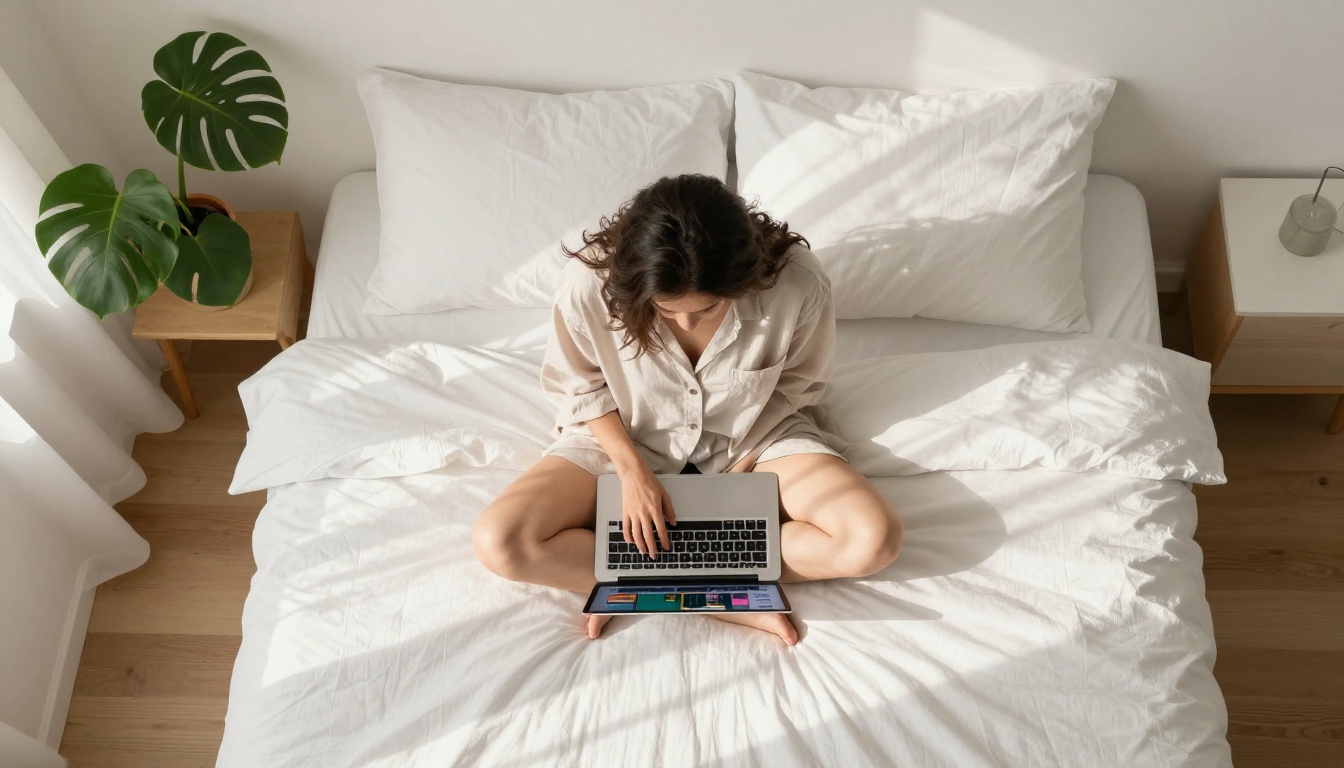
Accessing Seedream 5 Lite on PicassoIA takes about thirty seconds. Here is the step-by-step process:
Step 1: Open the model page
Go to the Seedream 5 Lite page on PicassoIA and open the generation interface from your browser.
Step 2: Write a structured prompt
The model responds well to prompts with four components:
- Subject: who or what is in the image
- Environment: where the scene takes place
- Lighting: how the scene is lit
- Camera: the perspective and lens type
Step 3: Set your aspect ratio
For portraits: 3:4 or 2:3. For lifestyle and environmental shots: 16:9. For social media square crops: 1:1.
Step 4: Adjust inference steps
Higher step counts produce cleaner details at the cost of generation time. For portraits, 30-40 steps is the right range. For quick drafts where you are testing a prompt structure, 20 steps is sufficient.
Step 5: Iterate on the result
Use the seed from a result you like to make controlled variations. Changing small parts of your prompt while keeping the seed constant produces variations of the same scene without completely randomizing the composition.
💡 The negative prompt field is powerful with this model. Adding "blurry, low resolution, overexposed, flat lighting, plastic skin" pushes the model toward sharper, better-lit results with more realistic skin texture.
Recommended Parameter Settings
| Parameter | Recommended Value | Why |
|---|
| Inference steps | 30-40 | Balances speed and fine detail |
| CFG Scale | 7-8 | Follows prompt without over-saturation |
| Sampler | DPM++ 2M | Smooth, consistent portraits |
| Negative prompt | blurry, watermark, flat lighting, oversmoothed | Cleaner output |
Best Prompts for Seedream 5 Lite

The way you write your prompt has more impact on output quality than almost any other setting. Here are prompt structures that consistently produce strong results with Seedream 5 Lite.
Portrait in natural light:
"A 28-year-old woman with dark curly hair, sitting by a window in a cafe, morning sunlight from the left, shallow depth of field, 85mm f/1.8 lens, visible skin texture, Kodak Portra 400 color grading, photorealistic"
Lifestyle scene with text:
"A minimalist coffee shop interior, a chalkboard sign on the wall reading 'ESPRESSO', warm tungsten lighting, close-up from below eye level, 35mm lens, wood grain texture on counter, film grain"
Fashion and beauty portrait:
"A woman in a cream linen blazer standing in a white studio, professional softbox lighting from two sides, full-body shot, 70mm lens, sharp fabric texture, neutral seamless background, photorealistic 8K"
Street photography style:
"A man walking through a busy urban street at dusk, background pedestrians in motion blur, face sharp in focus, neon reflections on wet pavement, 50mm f/2.0 lens, pushed film grain, Fujifilm Pro 400H"
💡 Avoid overloading your prompt with style descriptors. Pick two or three strong visual references ("Kodak Portra 400, shallow depth of field, morning light") and let the model resolve the rest. More is not always better with this model.
How It Compares to Other Seedream Versions
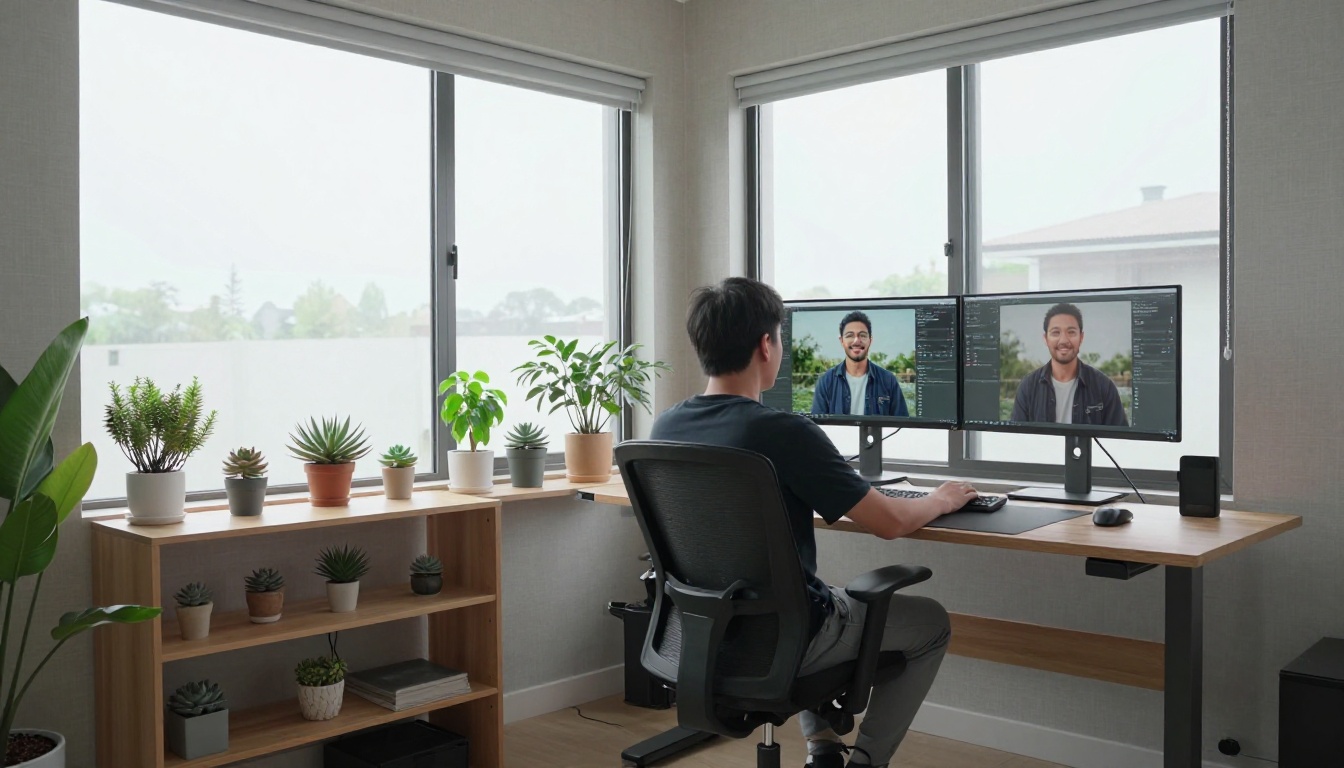
The Seedream family has grown significantly since its first release. Here is how Seedream 5 Lite sits within that family, and when to choose it over the alternatives.
Against Seedream 3:
Seedream 5 Lite produces noticeably sharper faces and handles text significantly better. Unless you are generating simple background textures or abstract compositions where portrait quality is irrelevant, Seedream 5 Lite is the better choice at comparable generation speeds.
Against Seedream 4:
Seedream 4 has stronger scene composition and more nuanced background rendering for complex environments. But for portrait-heavy work, Seedream 5 Lite's face processing often matches Seedream 4's output at faster speeds. It is a genuine trade-off worth testing based on your specific use case.
Against Seedream 4.5:
Seedream 4.5 produces the most detailed and consistent output in the family. For final production renders destined for print or large display formats, it is the stronger choice. But for rapid iteration, mood board creation, or work where time is a real constraint, Seedream 5 Lite's speed advantage is tangible.
The short version: use Seedream 5 Lite when you need fast, high-quality portrait and lifestyle images. Use the heavier models when you need maximum detail in complex scenes with rich backgrounds.
When to Pick Seedream 5 Lite
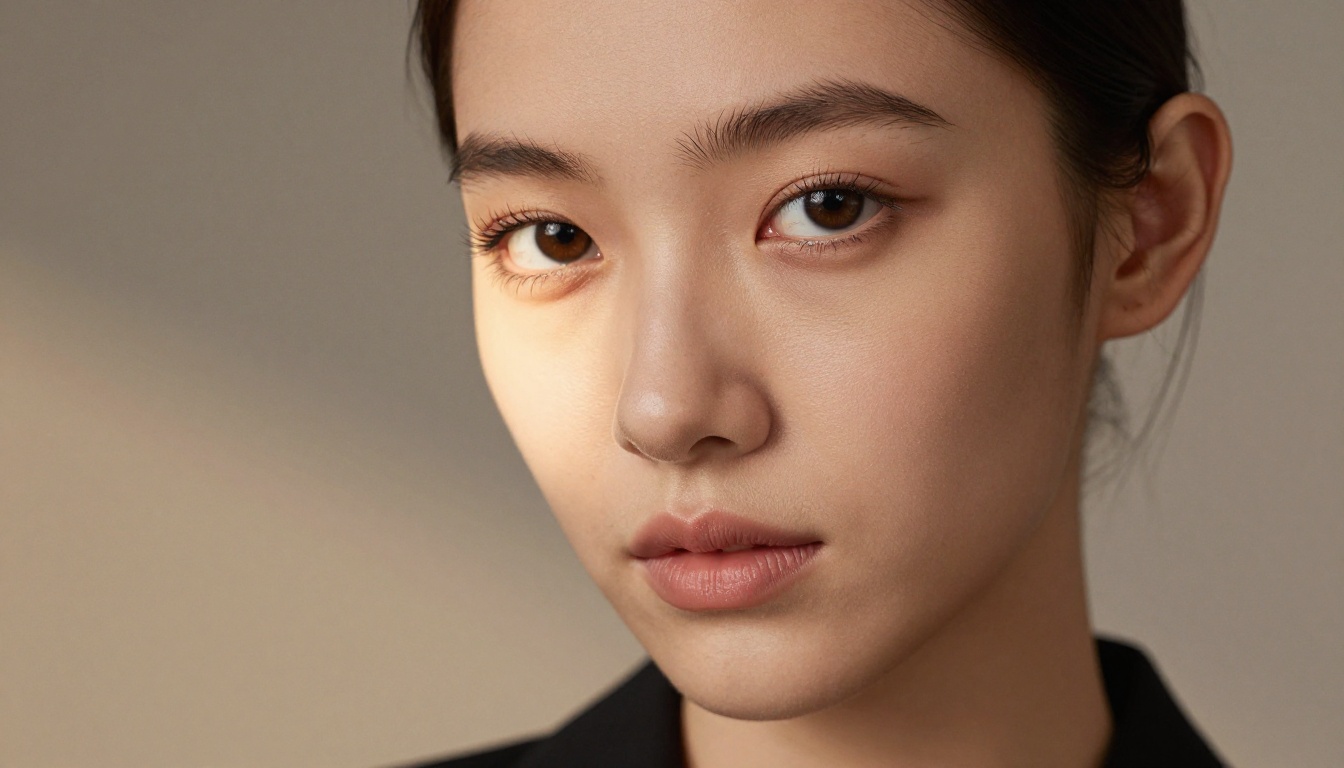
There are specific workflows where Seedream 5 Lite is the right tool, and others where a different model serves better.
Pick Seedream 5 Lite for:
- Portrait photography simulations (headshots, lifestyle, editorial)
- Social media content featuring real-looking people
- E-commerce product photography with human models
- Brand and fashion imagery with detailed clothing texture
- Images requiring legible short text in the frame
- Rapid iteration workflows where you generate 20 or more variations per session
Consider a different model for:
- Hyper-detailed architectural visualization
- Fantasy and sci-fi world-building scenes
- Abstract art or strongly painterly styles
- Complex multi-character scenes with specific spatial relationships
- Extreme close-up texture work on non-human subjects
The Honest Limitation
No model in this weight class handles complex multi-character compositions perfectly. If your prompt involves more than two people interacting in a specific way, anatomy issues appear more frequently with Seedream 5 Lite. For those situations, using PicassoIA's inpainting tools to fix specific regions after generation is a more efficient approach than chasing a perfect result from the base generation alone.
💡 PicassoIA's platform lets you combine models in a single workflow. Generate with Seedream 5 Lite for speed, then apply Super Resolution upscaling to push your best result to print-ready quality without regenerating from scratch.
Try It for Yourself
Every model description reads differently once you have actually run prompts through it. The fastest way to understand what Seedream 5 Lite actually does is to pick a portrait or lifestyle image you wish you could photograph, write it as a structured prompt using the four-part format above, and generate it.
PicassoIA gives you access to the full Seedream family alongside 91 other text-to-image models, so you can run the same prompt through multiple models back to back and see the differences firsthand. The platform also includes super resolution upscaling to take your best results to print-ready quality, and face-enhancement tools to sharpen any remaining softness in portrait outputs.
The model is ready when you are. Head to Seedream 5 Lite on PicassoIA and start generating your first image.


