If you're still paying Freepik every single month for stock images, there's a real chance you're wasting money. Not because Freepik is terrible. It's not. But the economics of creative assets have shifted in a way that makes traditional stock subscriptions look like a bad deal, and AI image generation is the reason why. The switch is not complicated. The savings are not marginal. And the creative output you get in return is strictly better.
The Real Cost of a Freepik Subscription
What You're Actually Paying Each Month
Freepik's pricing tiers in 2025 range from around $9.99 to $29.99 per month depending on the plan. The Essential plan gives you a fixed number of AI credits per month. The Premium plan increases that ceiling but still puts hard limits on how much you can generate and download. If you're a solo designer, content creator, or a small marketing team producing assets week after week, those limits hit faster than you expect.
What you're actually buying with that monthly fee:
- Access to existing stock photos (not always what you need for your specific brief)
- Limited AI generation credits (often exhausted mid-project)
- Watermarked previews on lower tiers requiring upgrade to download clean files
- Attribution requirements on free-tier downloads that restrict commercial use
- Resolution restrictions on many image categories
Add it up over a year and a Freepik Premium subscription costs between $120 and $360. That's a real budget line item for any freelancer or small team.
The Hidden Limits Nobody Talks About
Beyond the monthly price, there's a subtler problem: you're choosing from what already exists. Stock libraries are curated by other people's creative decisions. When you need a specific scene, a specific mood, or a very specific type of person in a very specific setting, you spend 20 minutes searching and often end up with something close enough but not quite right.
That compromised "close enough" image then shows up on thousands of other websites. Everyone else with a Freepik subscription is pulling from the same pool. Your competitor's blog and your blog share the same stock photo for the same type of article.
Why AI Image Generation Changes Everything
Unlimited Custom Visuals on Demand
Text-to-image AI does something stock photography fundamentally cannot: it creates exactly what you describe. You type a prompt and get an image that has never existed before, built precisely around your creative brief.
This matters for several reasons:
- No duplication risk — Your visuals are unique. No competitor is using the same image.
- Pixel-perfect relevance — The scene, lighting, subject, and mood match your brief exactly.
- Faster workflow — Generation takes seconds. No more browsing through irrelevant thumbnails for 20 minutes.
- No licensing complexity — AI-generated images on platforms like PicassoIA come without the attribution and commercial-use restrictions that govern stock photography.
The Quality Gap Is Closing Fast
A common objection two years ago was fair: AI images looked strange. Hands were wrong. Faces had an uncanny quality. Backgrounds dissolved into visual noise.
That objection is no longer valid in 2027. Models like GPT Image 2 and Seedream 4.5 now produce photorealistic outputs indistinguishable from professional photography in many use cases. The resolution is there. The coherence is there. The physically accurate light behavior on surfaces is there.
Freepik vs AI: A Straight-Up Comparison
Pricing Side by Side
| Feature | Freepik Premium | PicassoIA |
|---|
| Monthly cost | $19.99/month | Pay-per-generation |
| Images per month | Limited downloads | Hundreds per credit pack |
| Image uniqueness | Shared stock library | 100% custom-generated |
| Resolution | Up to 8K (varies by image) | Up to 8K |
| Commercial license | Yes, with restrictions | Yes |
| Style control | Browse filters only | Full prompt control |
| AI model access | Proprietary only | 90+ models |
| Attribution required | Sometimes | No |
Creative Freedom Comparison
Stock photography constrains you to what photographers have already shot. AI generation means you specify:
- Exact lighting conditions — golden hour from the left, overcast diffused, studio softbox at 45 degrees
- Camera specifications — 85mm portrait lens, 35mm wide angle, 60mm macro close-up
- Subject demographics and styling down to hair color, clothing texture, and expression
- Scene composition exactly as you envision it, not approximately
- Mood and color grading baked directly into the prompt itself
💡 A single well-written prompt on PicassoIA produces an image that would cost hundreds of dollars to commission from a professional photographer. No scheduling, no location scouting, no post-production invoice.
What PicassoIA Offers Instead
90+ Text-to-Image Models in One Place
PicassoIA gives you access to more than 90 text-to-image models from a single platform. You are not locked into one model's particular aesthetic or capability set. You pick the tool that fits the brief.
Need photorealistic portraits? Seedream 4.5 delivers 4K outputs with exceptional human figure detail. Need image variations from a reference photo? Flux Redux Dev handles that with strong style consistency. Need precise editorial control with a distinctive aesthetic? Recraft 20B is built for it.
Other standout models available right now:
- Stable Diffusion 3 — robust general-purpose generation with strong prompt adherence across diverse subjects
- Wan 2.7 Image Pro — 4K image outputs with commercial-grade sharpness and color accuracy
- Hunyuan Image 2.1 — 2K images with particularly strong human figure and clothing rendering
Generate Any Style, Any Subject
The range of what you can produce goes far beyond portraits and landscapes. PicassoIA models cover product photography and packshots, fashion and lifestyle imagery, architectural visualization, abstract conceptual art, and social media content at any aspect ratio you need.
The Savings Math That Hits Hard
Annual Subscription vs Pay-Per-Use
Let's be direct about the numbers.
A Freepik Premium annual plan runs approximately $180 to $360 per year. That gets you access to a shared library and a monthly credit ceiling that resets whether you used it or not.
With AI generation, a creator producing 10 to 20 custom images per week typically spends $30 to $80 per month, with zero limits on style, subject, or originality. That's a custom, unique visual every single time rather than a download from a shared pool.
For high-volume users, the math shifts even further in AI's favor. Content teams that need 50 or more images per week find stock subscriptions completely inadequate. AI platforms scale with demand in a way stock subscriptions structurally cannot.
What $20/Month Buys You in AI Credits
Twenty dollars in AI generation credits goes significantly further than a $20 stock subscription tier. At that price point, stock gives you a limited number of downloads with watermarks, attribution clauses, and restriction footnotes. AI credits give you:
- Dozens of custom high-resolution images per month
- Full commercial rights to every output
- Multiple model choices depending on the brief
- No attribution requirements of any kind
- Unlimited retries and prompt variations at no extra charge

How to Use GPT Image 2 on PicassoIA
GPT Image 2 is one of the most versatile and photorealistic models on the platform. Here's the exact process for creating your first image with it.
Step-by-Step: Your First Image in 2 Minutes
Step 1: Open GPT Image 2 on PicassoIA in your browser.
Step 2: In the prompt field, describe your image in plain language. Be specific about the subject, environment, lighting, and style. The more detail you give, the more control you have over the output.
Step 3: Set your aspect ratio. For blog headers and social banners, 16:9 works best. For Instagram posts, use 1:1 or 4:5. For Pinterest and portrait-oriented content, try 9:16.
Step 4: Click Generate. GPT Image 2 processes your request and returns a high-resolution image within seconds.
Step 5: If the result needs refinement, adjust the prompt. Specificity is your primary control. Vague prompts produce generic results. Detailed prompts produce exactly what you had in mind.
Prompt Tips That Actually Work
- Lead with subject and action: "A woman in her 30s sitting at a cafe table reviewing printed documents"
- Add lighting immediately after: "...bathed in warm afternoon sunlight streaming from the left window"
- Specify the camera angle and lens: "...shot from eye level with an 85mm portrait lens, shallow depth of field"
- End with texture and style tags: "...skin pores visible, linen blouse fabric crisp, Kodak Portra 400, photorealistic 8K RAW"
- Avoid abstract adjectives: "beautiful" tells the model nothing useful. "Warm golden backlight, soft bokeh background, high-key natural tones" tells it everything.

Content Types You Can Replace With AI
Social Media Visuals
Every content calendar needs fresh visuals on a tight cadence. Stock libraries recycle fast, and audiences recognize overused stock photos on sight. AI-generated images stand apart because they are genuinely different. Every generation is a new creation with no shared-library baggage.
For social media specifically:
- Instagram feed posts: Portrait-orientation lifestyle shots, product-in-use imagery, candid aesthetic scenes
- LinkedIn headers: Professional settings, editorial portraits, corporate environments that match your brand tone
- Pinterest pins: Styled flat lays, recipe and food content, fashion mood boards at the right aspect ratio
Blog Featured Images
Blog posts need header images that match the article topic precisely. Stock photography almost never has exactly what you need for a specific niche angle. AI generation solves this completely. Write the prompt around your article's specific subject, setting, and tone, and get an image built exactly for it.
Portfolio and Client Mockups
Designers use stock photos as placeholders in client presentations constantly. AI generation lets you build mockups with imagery that actually matches the client's industry, target demographic, and brand aesthetic, rather than generic stock that the client has to mentally substitute with imagination.
The Models Worth Knowing About
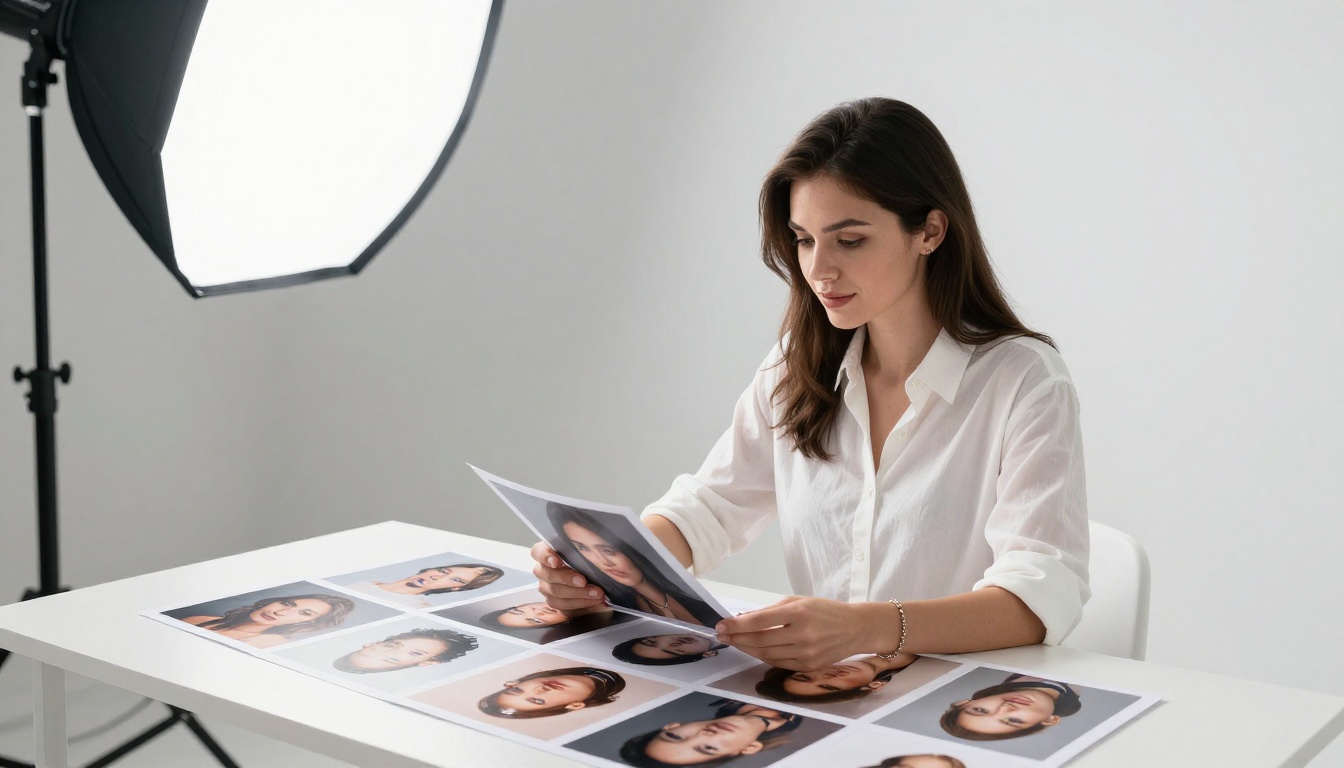
Beyond GPT Image 2, three models stand out for distinct use cases that come up repeatedly in creative work.
For product photography: Wan 2.7 Image Pro produces studio-quality packshot imagery with precise product rendering and clean, distraction-free backgrounds. No photographer, no studio rental, no post-production invoice attached to the project.
For creative variations: Flux Redux Dev takes a reference image and generates new variations in the same visual style. Ideal for brand consistency across a content library where you need multiple images that feel like part of the same campaign.
For 4K portrait work: Seedream 4.5 is specifically strong on human subjects at 4K resolution. Face coherence, skin texture rendering, and hair detail on this model are in a different category from earlier-generation tools.
💡 Use Hunyuan Image 2.1 for fashion and lifestyle content where you need natural human body proportions and clothing textures rendered with high physical accuracy.
Real Results: What AI Images Look Like Right Now
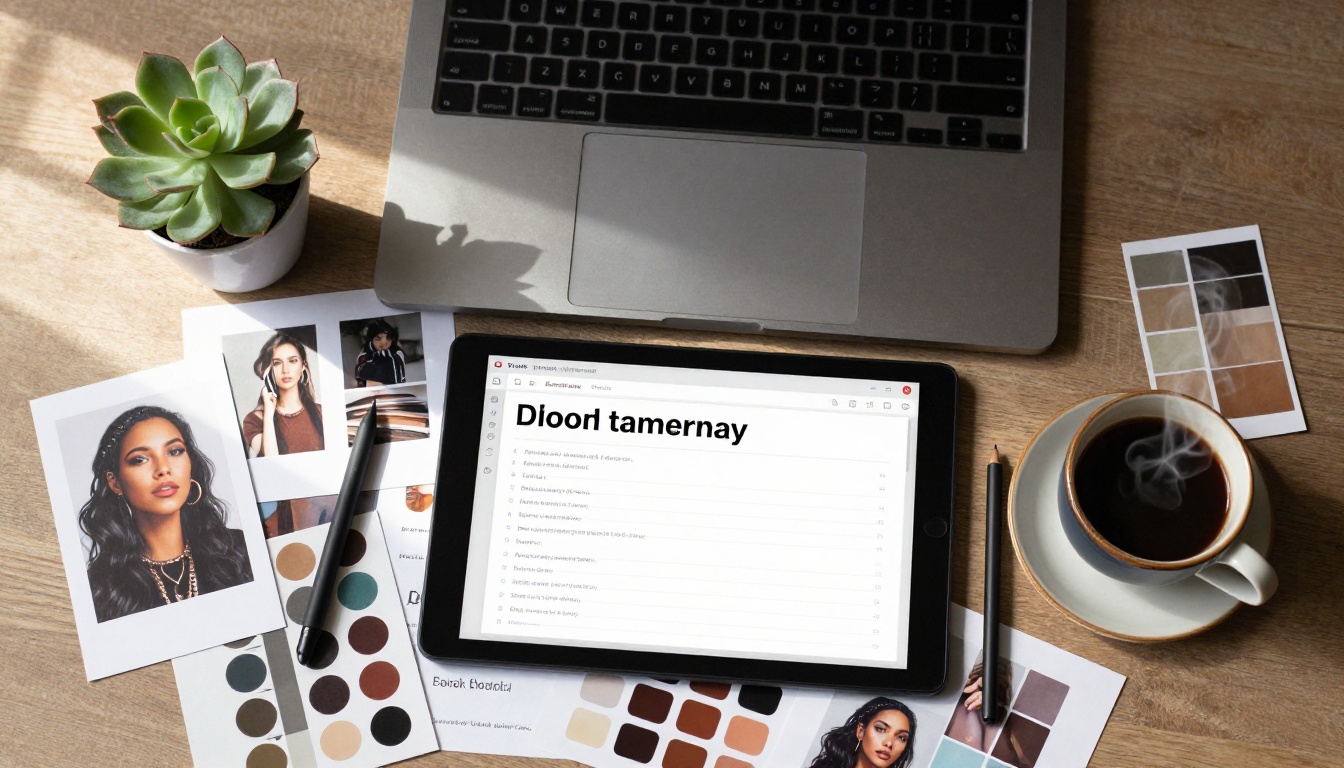
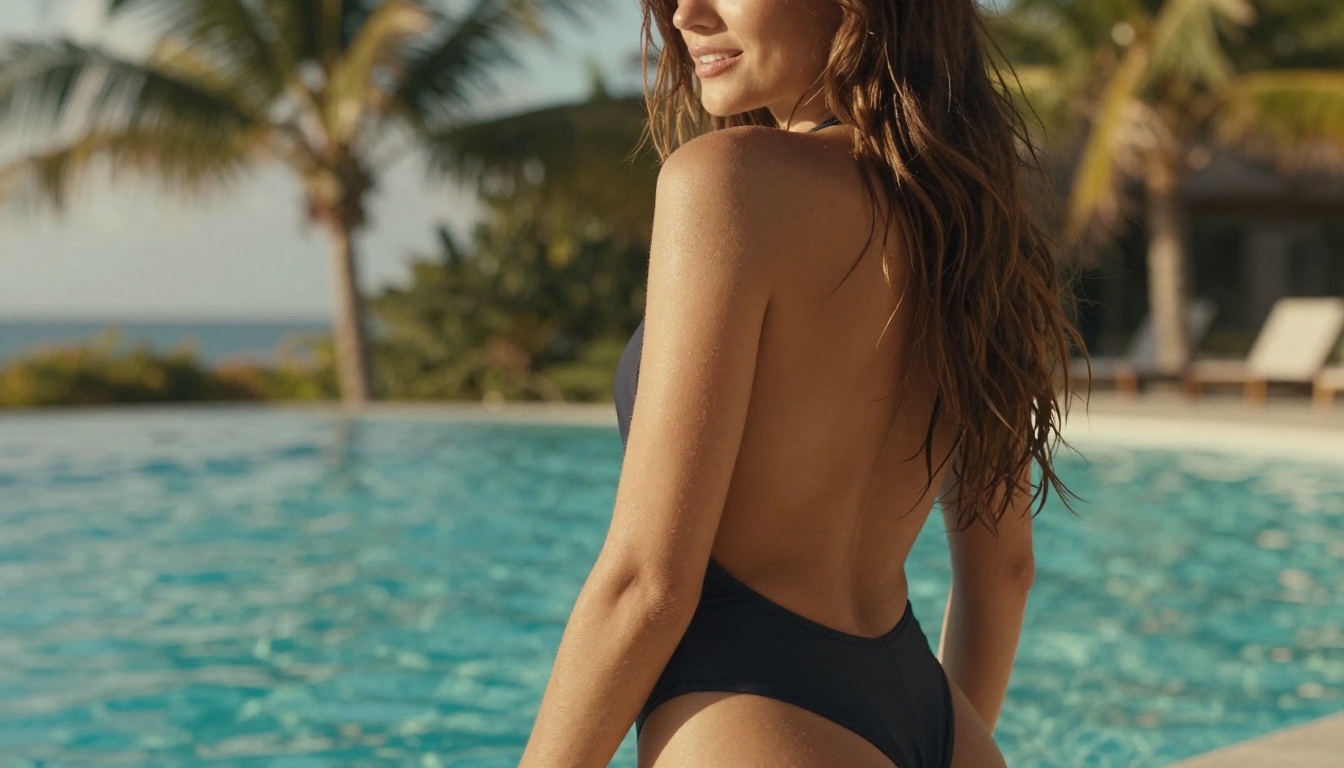
The most convincing argument for switching is simply looking at what current AI models produce. The outputs from GPT Image 2 and Seedream 4.5 in 2027 routinely pass for professional photography in editorial contexts. Skin texture at the pore level. Fabric weave detail on clothing. Physically accurate light behavior on glass, water, and reflective surfaces. Natural depth of field matching specific lens specifications. These are not approximations anymore.
The images throughout this article were generated by AI. The lighting on faces, the surface texture on objects, the natural composition and spatial depth. This is the standard you get when you stop relying on stock photography.
Specific scenarios where AI generation now outperforms stock:
- Niche professional settings — specific industries or occupations where stock libraries are thin or dated
- Specific demographics without stereotyping — generate exactly who you need without relying on who happens to be in a library
- Branded lifestyle imagery with a consistent look and feel across an entire campaign
- Seasonal and trend-responsive content without waiting weeks for a photographer to schedule and shoot it
Make the Switch Right Now
The math is there. The quality is there. The creative freedom is there. The only thing keeping most people paying Freepik every month is habit.
Here's what the actual switch looks like in practice:
- Cancel or downgrade your Freepik subscription before the next billing date.
- Open a PicassoIA account and deposit what you would normally spend on stock in a single month.
- Generate your first image using GPT Image 2 with a detailed, specific prompt built around your exact creative need.
- Compare the result to anything you would have found searching a stock library for the same brief.
- Repeat for every visual need in your content calendar, social feed, or client project.
The images you generate belong entirely to you. They are unique to your work. They are built around exactly what you needed, not close enough, not almost right. Exactly right.
💡 Start with Seedream 4.5 for lifestyle and portrait work, GPT Image 2 for versatile general-purpose generation, and Recraft 20B when you want a distinctive editorial look. With 90+ models available, the right tool for every brief is already there waiting for your prompt.
Every dollar you were sending to Freepik for images that already existed, that thousands of other people had already downloaded, is now a dollar you can spend on visuals that exist only for you.