If you're paying $35 or more every month just to generate a handful of images with Krea AI, you already know that quiet dread when the billing date rolls around. Subscription fatigue in the AI space is real, and for the average creator, designer, or content marketer, those monthly charges pile up fast, whether you actually use the platform heavily that month or not. There's a better way.
What Krea AI Actually Costs You
Krea AI starts at $35/month on its Standard plan. That's $420 a year. If you want higher resolution outputs, faster generation, or priority access to new features, you're looking at the Pro tier at $89/month, which lands at $1,068 annually.
Those numbers look manageable at first glance. But here's the problem: most individual creators, freelancers, and small marketing teams don't generate images at volume every single day. If you're using it three to five days a week for specific projects, you're paying a flat fee for uneven usage, and that's where the math stops making sense.
| Plan | Monthly Cost | Annual Cost |
|---|
| Krea Standard | $35 | $420 |
| Krea Pro | $89 | $1,068 |
| Krea Team (per seat) | $65 | $780/seat |
💡 The real question: Are you actually maxing out those credits every month? Most users aren't.
The Real Math Nobody Talks About
Let's be honest about how most people use AI image tools. You open the platform when you have a project. Some months that's 200 generations, other months it's 15. With a flat subscription, you pay the same amount regardless.
Compare that to a credit-based model. If you generate 200 images in a heavy month, you pay for 200. If you only need 20 the next month, you pay for 20. Over twelve months, the savings for variable usage are substantial, often 40% to 60% less than a flat subscription.
This is exactly where PicassoIA operates differently. Instead of locking you into a fixed monthly drain, you buy credits and use them when you actually need them. Unused credits don't vanish at the end of the month.
91 Models vs. a Handful
This is the part that changes the conversation entirely. Krea AI offers a curated set of models. For many users that's fine, but the ceiling is lower than you'd expect for a $35 monthly charge.
PicassoIA gives you access to 91 text-to-image models from a single interface. Not cherry-picked variations of one model. Ninety-one genuinely distinct models from different labs, with different strengths, styles, and output characteristics.
Top Text-to-Image Models Available:
- Flux Schnell by Black Forest Labs: The fastest Flux variant, ideal for rapid iteration and prototyping
- Flux Dev by Black Forest Labs: Development-focused model with stronger prompt adherence and detail
- Flux Pro by Black Forest Labs: Production-quality output with commercial-grade photorealism
- GPT Image 1 by OpenAI: OpenAI's flagship image model with exceptional scene understanding
- Ideogram V2 Turbo by Ideogram AI: Outstanding for typography and stylized brand compositions
- Recraft 20B by Recraft AI: Vector-friendly output with strong creative design capabilities
- Stable Diffusion 3.5 Large by Stability AI: The heavy-duty SD model for maximum creative control
- Imagen 4 by Google: Google's photorealistic image generation with strong scene fidelity
- DALL-E 3 by OpenAI: The widely recognized standard for creative, prompt-following generation
That's nine flagship models from the world's top AI labs, all in one place, without switching accounts or paying separate subscriptions for each.
Why Flux Changes Everything
If you haven't used Flux Pro or Flux Dev, you're working with one hand tied behind your back. Flux from Black Forest Labs has fundamentally shifted what photorealistic AI image generation looks like in practice.
The architecture handles:
- Human anatomy with far fewer distortions than earlier diffusion models
- Complex prompt adherence, following multi-clause instructions without losing details
- Text rendering within images, which was historically a weakness for nearly all diffusion models
- Consistent lighting physics, particularly volumetric and directional light sources
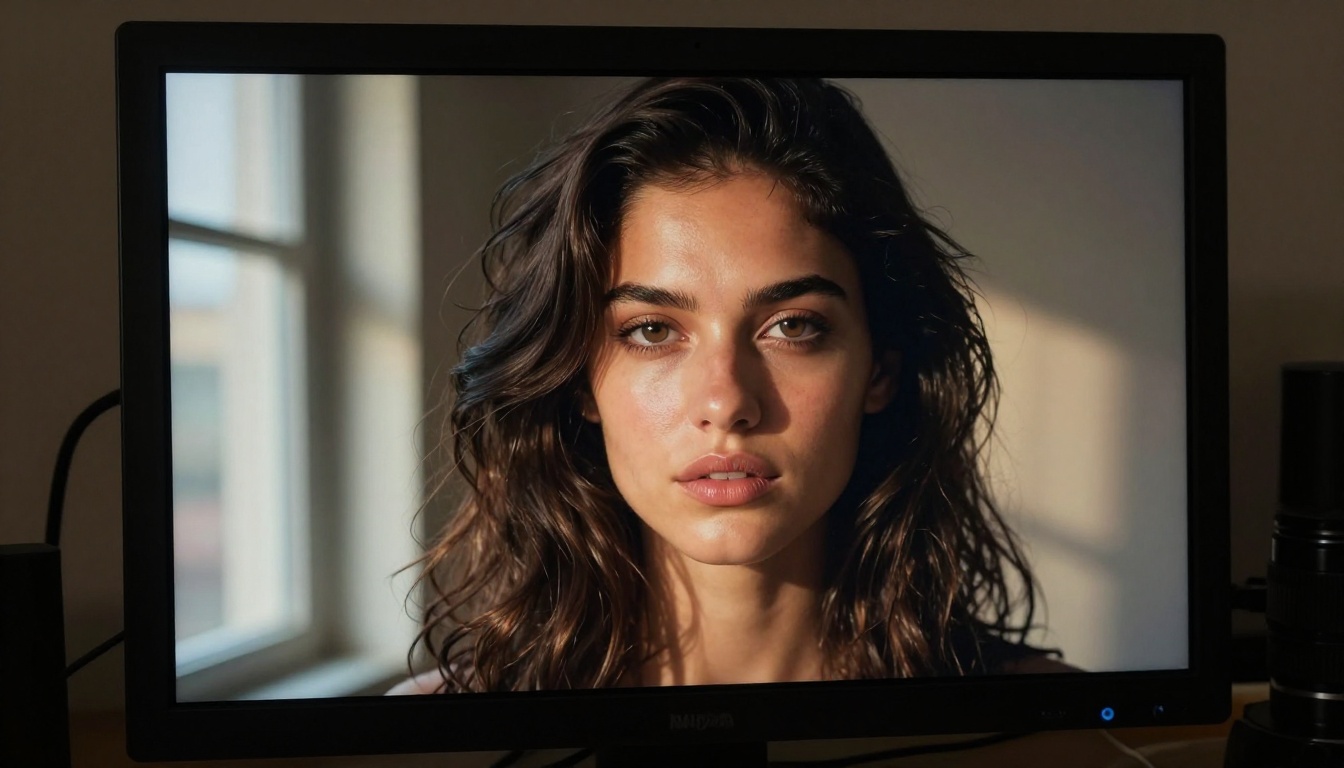
For portrait work, product photography, fashion imagery, and editorial content, Flux Pro produces output that a non-technical viewer often cannot distinguish from real photography.
Krea AI does have its own image tools, including real-time generation features that are genuinely useful for designers who need rapid live feedback. But for sheer output quality across diverse prompts, the breadth of Flux variants available on PicassoIA is hard to match from a single subscription.
Here's what many Krea users don't realize until they start looking at alternatives: image generation is only one slice of a complete AI creative workflow.
PicassoIA covers the full spectrum:
| Category | What's Available | Notes |
|---|
| Text to Image | 91 models from Black Forest, OpenAI, Google, Stability | Widest selection |
| Super Resolution | Upscale images 2x to 6x | 9 dedicated models |
| Background Removal | Clean cutouts for product and compositing | One-click precision |
| Text to Video | AI video from text prompts | 87 models |
| Lipsync | Realistic audio-to-video sync | Multiple providers |
| Text to Speech | Voice generation for content | Production-ready |
| AI Music Generation | Full tracks from text prompts | Original compositions |
💡 Think about this: You're not just replacing Krea AI. You're potentially replacing 4 to 5 separate tool subscriptions that each charge you monthly.
If you're currently paying for a separate upscaling tool, a background remover, and a speech generator on top of Krea AI, consolidating into one platform immediately multiplies your savings.
Clarity Pro Upscaler alone handles most professional upscaling needs without touching a Photoshop subscription. Real ESRGAN delivers a 4x free upscale that most standalone tools charge separately for. Google's Upscaler handles everything up to 4x with Google's image fidelity standards.

The 12-Month Comparison
Let's put actual numbers on this. A creator who uses AI image tools moderately, say 150 to 300 generations per month, might look like this over a full year:
| Platform | Monthly Cost | Annual Cost | Models Available |
|---|
| Krea Standard | $35 | $420 | Limited curated set |
| Krea Pro | $89 | $1,068 | Limited curated set |
| PicassoIA (variable usage) | ~$12 to $18 | ~$144 to $216 | 91 text-to-image alone |
That's a difference of $204 to $276 per year at moderate usage, purely from the pricing model shift. Heavy users paying for Krea Pro see even larger gaps.
And for months when you take a break, travel, or simply have fewer projects, your PicassoIA credits sit waiting. Krea charges you regardless of whether you generated a single image.
💡 Annual savings estimate for Krea Standard users who switch: $200 to $300 or more depending on usage patterns.
Where Krea Still Has Its Place
Honesty matters here. Krea AI isn't bad software. If you heavily use its real-time generation canvas, specifically the live sketching-to-image and video processing tools, those are genuinely differentiated features that PicassoIA doesn't replicate exactly.
Krea is worth the subscription if:
- You work inside the real-time canvas daily for rapid ideation and iteration
- You specifically need Krea's video upscaling and stabilization pipeline
- Your team has a workflow built around Krea's interface and faces real switching costs
For everyone else, particularly solo creators, freelancers, content teams, and anyone generating images as part of a broader workflow rather than as the entire workflow, the case for switching is clear. You get more models, more tools, and you stop paying during quiet months.
5 Reasons Users Are Canceling Krea Today
- No rollover: Krea's monthly credits reset. PicassoIA credits carry forward.
- Model variety: 91 models beats a curated handful when you need specific aesthetics for different projects.
- Tool consolidation: Upscaling, background removal, and audio tools available on one platform.
- Variable cost: Pay for what you actually generate, not a flat fee for potential usage.
- Access to flagship models: Imagen 4, GPT Image 1, and Flux Pro are all accessible from a single account.

How to Use Flux Pro on PicassoIA
Since Flux Pro is consistently one of the highest-performing models on the platform, here's how to get professional results immediately:
Step 1: Open Flux Pro from the Text to Image collection on PicassoIA.
Step 2: Write a detailed prompt. Flux Pro responds well to specificity. Instead of "a woman in a cafe," try: "a 30-year-old woman with curly dark hair, wearing a rust-colored linen shirt, reading a book at a corner cafe table in soft afternoon light, natural window light from the left, shallow depth of field."
Step 3: Set the aspect ratio. For social content, 9:16 vertical works cleanly. For editorial or website headers, 16:9 gives you room to breathe.
Step 4: Adjust the guidance scale. Higher guidance (7 to 9) gives tighter prompt adherence. Lower (3 to 5) gives more creative interpretation from the model.
Step 5: If the output needs sharpening for print or large-screen use, take the result directly into Clarity Pro Upscaler for a 2x or 4x pass that adds genuine detail rather than just resizing.
Step 6: For variations, run Recraft 20B on the same prompt to see a stylistically different interpretation, then compare both outputs before choosing.
The whole process, from prompt to final upscaled image, takes under two minutes and costs a fraction of what Krea's monthly minimum accumulates to over a year.
What You Can Create Right Now
The fastest way to understand the quality difference isn't reading a comparison article. It's generating something yourself.
In the next ten minutes you could:
- Generate a photorealistic product shot with Flux Pro
- Create a stylized brand visual with Recraft 20B
- Run a portrait through Clarity Pro Upscaler for print-ready resolution
- Test how GPT Image 1 handles complex scene descriptions versus what you're used to
- Generate background-removed product photos ready for e-commerce without opening another app
Every one of those tasks happens in the same platform, without switching tabs, without managing separate accounts, and without a $35 monthly commitment before you've created a single image.
The creators who've already switched aren't looking back. The monthly savings add up to real money: a proper camera lens, a new course, a month of extra runway on a side project. Small monthly subscriptions that you half-use are some of the most consistent quiet drains on a creative business budget.
Try Flux Pro on PicassoIA with your next project. The quality is there. The savings follow automatically.