Kling 3.0 is the fastest NSFW video model available right now. This article breaks down exactly how fast it generates clips, what makes its photorealism so strong, and how to run it on PicassoIA without content restrictions, watermarks, or censorship blocking your workflow.
The NSFW AI video space has a new front-runner, and it is not close. Kling 3.0, the latest generation from Kuaishou's AI lab, is generating adult content at speeds and quality levels that competitors have not matched. Creators who work in this niche have been waiting for a model that combines raw generation speed with the kind of photorealism that makes output actually usable, and Kling 3.0 delivers both. This is not about hype. It is about what the model actually does when you feed it a prompt or an image.
Why Speed Is the Real Problem
In adult AI video creation, speed is not just a convenience metric. It is the difference between a production workflow and a waiting game. Most creators working with NSFW AI video have experienced the same frustration: submit a job, wait 3 to 8 minutes, get a result that does not quite work, submit again, wait again. At scale, that cycle destroys productivity.
The Old Bottleneck
Previous generations of AI video models suffered from a fundamental tradeoff. Models that produced genuinely cinematic, photorealistic output were slow. Models that were fast produced blocky motion, artifact-heavy skin, and the kind of uncanny valley footage that immediately reads as artificial. There was no middle ground.
Kling v2.6 and Kling v2.1 Master represented genuine progress. They could produce 1080p video with believable motion, but generation times were still pushing 90 to 180 seconds for even a 5-second clip. For adult content creators managing dozens of assets, that is a real operational cost.
What Changed in v3
Kling v3 Video rewrote the inference pipeline. The architectural changes reduced generation time to under 40 seconds for standard prompts while simultaneously upgrading output resolution and motion fidelity. That is not an incremental improvement. That is a category shift.
The main breakthroughs:
Temporal consistency: Skin texture, lighting, and fine detail stay coherent across all frames instead of flickering or morphing
Motion naturalness: Body movement physics are far more realistic, no more rubber-limb artifacts
Prompt adherence: The model follows detailed NSFW prompts with higher accuracy than any predecessor
Resolution ceiling: Native 1080p output that actually holds up at full quality
Kling 3.0 vs. Every Major Competitor
Right now, the realistic competition for fast NSFW video generation is a short list. Here is how the field stacks up:
Pixverse v6 is fast but censored on most platforms. Seedance 2.0 has excellent audio sync but its NSFW filtering is aggressive unless you are using a permissive platform. Wan 2.7 I2V produces beautiful results but the inference time still lags behind Kling v3.
💡 The core advantage of Kling 3.0 is not just speed or quality in isolation. It is that both improved simultaneously, which almost never happens in model development.
What the Output Actually Looks Like
Before you run any generator, the natural question is: does this produce content worth using? With Kling 3.0, the answer is yes, with caveats depending on your prompt quality and the source image you start with.
Photorealism in Motion
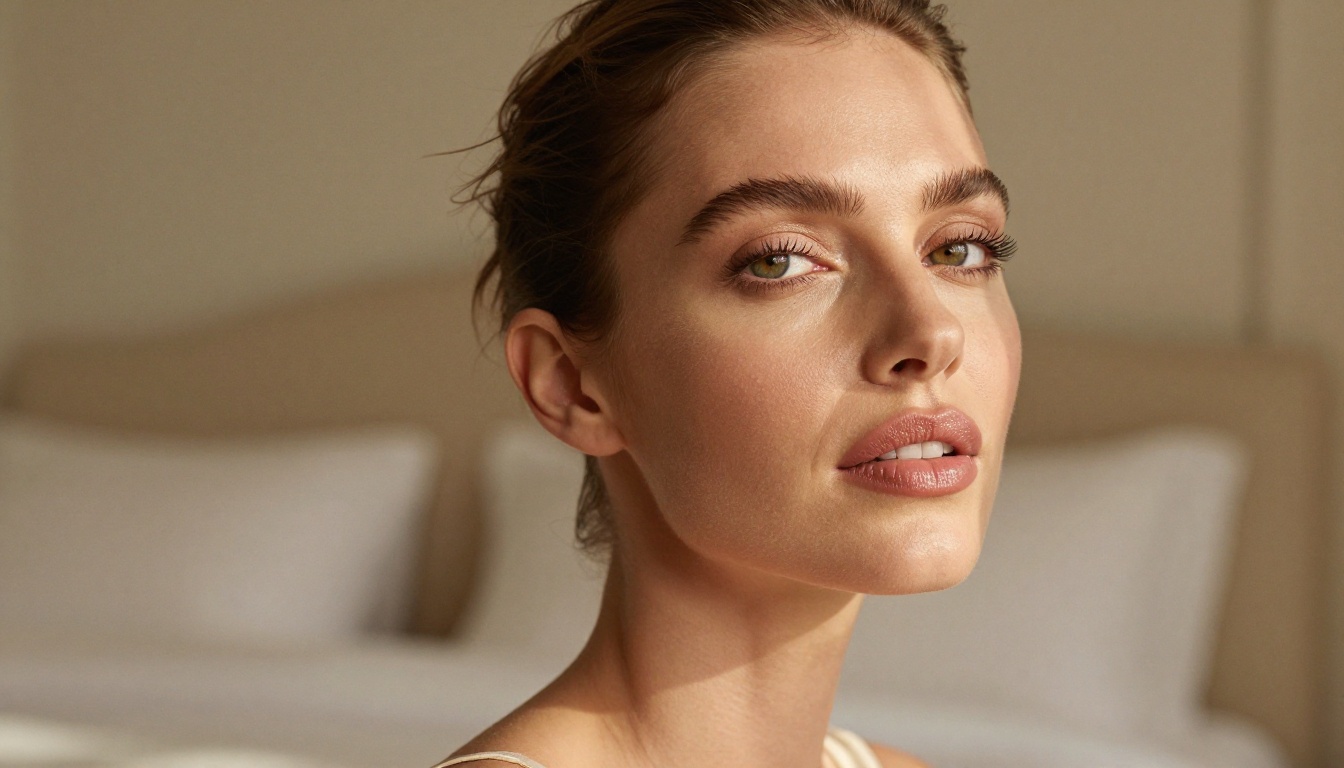
Where previous models struggled with faces, Kling v3 shows a genuine leap. Facial features maintain shape across frames. Eyes do not drift. Lip movement, when prompted, looks close to natural. For adult content where the human body is the primary subject, this matters enormously.
Skin rendering in particular is where Kling v3 pulled ahead of the field. The model captures:
Subsurface scattering on skin, giving it depth instead of plastic flatness
Micromovement in hair, which previously was the single most obvious tell that footage was AI-generated
Lighting consistency, where a moving body maintains correct shadow and highlight behavior across all frames
Fabric dynamics that respond to movement in physically plausible ways
Motion Control Options
The Kling v3 Motion Control variant adds another layer of precision. You can specify camera movements, subject motion trajectories, and cinematic techniques (dolly-in, pan, slow-zoom) directly in the prompt or via control parameters. For creators building scenes with intentional cinematography, this is a significant upgrade.
How to Use Kling 3.0 for NSFW Video on PicassoIA
PicassoIA runs Kling v3 Video and Kling v3 Omni Video without content filters that block adult prompts, which makes it the practical access point for this model for most creators.
Step 1: Start With a Strong Source Image
Kling v3 operates as image-to-video. The quality of your source image directly determines the ceiling for your video output. A compressed, low-detail image produces a compressed, low-detail video. A sharp, high-resolution, photorealistic image gives the model something to work with.
What makes a great source image for NSFW video:
1080p or higher resolution
Correct lighting and natural skin tones
Clear subject against a defined background
No existing motion blur or soft focus
For generating source images, two models stand out.
Step 2: Generate Your Source Images First
Seedream 4.5 is the top choice for NSFW image generation right now. It produces 4K-quality images with photorealistic skin, natural lighting, and accurate anatomy. On PicassoIA, it runs without censorship filtering, so adult prompts generate without blocking or stripping.
What Seedream 4.5 does well:
Photorealistic portrait photography in any lighting style
Accurate clothing and fabric rendering
Natural skin tone variety across all demographics
Strong prompt adherence for specific poses and compositions
💡 Do NOT use Seedream 5 Lite for NSFW content. That model has content restrictions that block adult prompts. Seedream 4.5 is the correct version for this use case.
PicassoIA Image Editor Pro is the second critical tool in this workflow. It provides unlimited generations with no per-image credit cost, which makes iterating on source images for video input practically free. When you need to produce 20 variations of a source image to find the right one, unlimited access matters enormously.
Step 3: Craft Your Video Prompt
The video prompt for Kling v3 should describe motion, not appearance. Appearance comes from the source image. Your prompt needs to tell the model what moves, how it moves, and what the camera does.
Example prompt:"Woman slowly tilts her head back, hair cascading over her shoulder. Gentle dolly-in camera movement toward her face. Soft morning light holds steady. 5 seconds, slow and sensual pacing."
What to avoid:
Describing physical appearance (the source image handles that)
Static prompts with no motion instruction
Conflicting instructions that fight each other
Step 4: Set Parameters and Generate
On PicassoIA, select Kling v3 Video from the model library. Upload your source image, enter your motion prompt, and set resolution to 1080p. The 5-second clip length is fixed. Duration feel and pacing are controlled via prompt language, not a separate parameter.
The Models Around Kling 3.0
Kling v3 is the headline, but the supporting cast matters depending on your workflow.
For Faster Turnaround
Kling v2.5 Turbo Pro exists for situations where you need volume over peak quality. The turbo variant cuts generation time further with a modest quality trade-off that is invisible at web resolution. If you are producing content at high volume and rendering for social-sized outputs, this is a strong option.
For Avatar and Character Work
Kling Avatar v2 focuses specifically on face and head animation, making it the right choice when your subject is primarily the face and upper body. The motion specialization produces cleaner facial animation than the general model for these use cases.
When You Want Audio
Kling v3 Omni Video includes native audio generation alongside video. For content where ambient sound adds to the experience, the Omni variant handles both in a single generation pass instead of requiring separate audio synthesis.
Kling v3 vs. Earlier Versions
The Kling lineage is long enough now that the version you pick matters significantly.
How v3 Compares to v2.6
Kling v2.6 was the previous quality leader in this family. Against v3:
Speed: v3 is roughly 50% faster on identical prompts
Skin quality: v3 shows meaningful improvement, particularly in close-up shots
Temporal stability: v3 has noticeably fewer frame-to-frame inconsistencies
Prompt handling: v3 follows longer, more detailed prompts without quality degradation
Kling v1.6 Pro is still relevant for low-cost batch generation, but the output gap versus v3 is wide enough that it is hard to recommend for anything intended for publication.
Where v2.1 Master Still Works
Kling v2.1 Master has a dedicated user base for a specific reason: it is consistent, well-understood, and the prompt language is predictable. For creators who have tuned their workflows around v2.1 Master's specific behavior, the switching cost to v3 is real. The output gap between them is genuine, but v2.1 Master still produces professional-quality video for many use cases.
Where to Access Kling 3.0 Without Restrictions
Not every platform that hosts Kling v3 allows NSFW prompts. Most mainstream services apply content policies that filter or reject adult content at the input or output stage. For creators working in this space, platform selection matters as much as model selection.
What to look for in an NSFW-capable platform:
No content filtering on text prompts
No output watermarks on generated video
Unlimited or high-volume generation credits
Direct access to model parameters
Support for high-resolution output
PicassoIA provides all of these. The platform hosts the full Kling v3 suite (including Kling v3 Video, Kling v3 Omni Video, and Kling v3 Motion Control) alongside the image models needed to build a full NSFW production pipeline from still image to final video.
💡 The full catalog of available models, including every Kling variant and NSFW-capable image generators, is at picassoia.com/en/all-models.
What the Workflow Looks Like in Practice
A realistic end-to-end NSFW video production workflow using PicassoIA:
Generate source images with Seedream 4.5. Iterate until you have a sharp, well-composed base image with correct lighting
The total time from source image to final video using this stack is under 3 minutes. For complex shots requiring multiple iterations, budget 10 to 15 minutes. That is a fraction of what equivalent workflows required 12 months ago.
Common Mistakes With Kling 3.0
Mistake 1: Using a weak source image. If your base image has soft focus, poor lighting, or low resolution, no amount of prompt engineering fixes the video output. Start with the best image you can generate.
Mistake 2: Putting appearance description in the video prompt. The source image establishes what your subject looks like. Repeating physical descriptors in the video prompt often confuses the model rather than reinforcing it. Save your prompt space for motion description.
Mistake 3: Requesting too much motion. Five seconds is short. A prompt that asks for walking, turning, and looking over a shoulder across 5 seconds produces rushed, choppy results. Pick one fluid motion and describe it well.
Mistake 4: Ignoring Seedream 4.5 for the source. Creators who skip straight to video generation with low-quality source images consistently report disappointing results. The image layer is not optional if you want professional output.
Your Turn
The fastest NSFW video model right now is Kling v3 Video, and the best place to run it without content restrictions is PicassoIA. The full model library, including every Kling variant, the Seedream image models, and over 200 specialized AI generators, is available at picassoia.com/en/all-models.
If you have not tested Kling v3 yet, the starting point is to generate a few source images with Seedream 4.5 and feed the best one into Kling v3 Video with a motion-focused prompt. The results will tell you everything you need to know about whether this belongs in your workflow. For most adult content creators who test it, the answer becomes clear within the first generation.