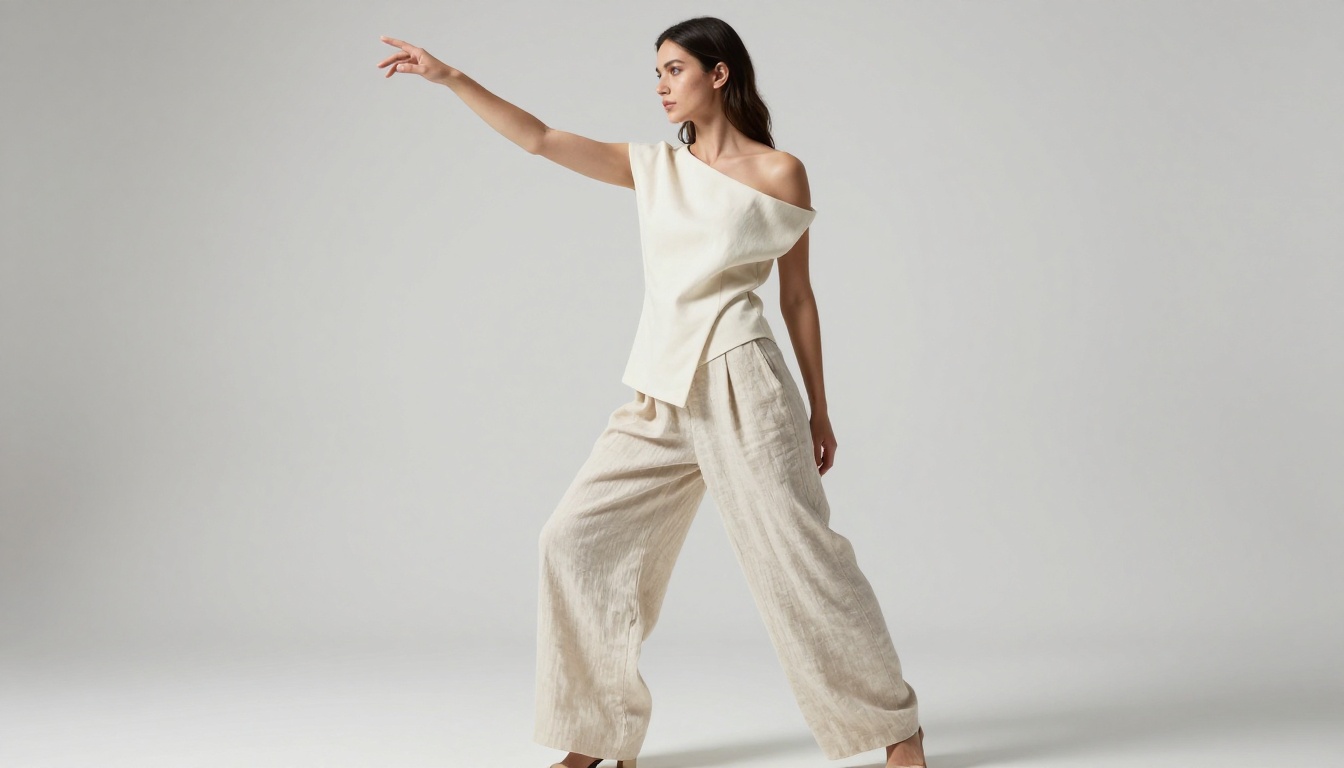
The Reality of Unrestricted AI Generators: What You're Actually Getting
Most people searching for unrestricted AI image generators have no idea what they're actually walking into. This article strips away the marketing hype, breaks down what uncensored AI models truly produce, which platforms operate without content filters, what the quality difference looks like in practice, and where to create right now with no restrictions holding you back.
Most people searching for "unrestricted AI generators" hit a predictable wall. They find platforms that claim to be open and permissive, write a perfectly reasonable prompt, and still get blocked. Or they find tools that technically work but produce output so poor it is unusable. The reality of unrestricted AI image generation is more nuanced than the forums suggest, and once you work out the actual landscape, getting photorealistic results without content filters becomes straightforward.
What "Unrestricted" Actually Means
The word unrestricted covers a wide range of different things in AI communities. Some use it to mean no watermarks. Others mean no usage limits. A more specific group means something precise: the ability to generate adult, NSFW, or sexually suggestive content without automated moderation blocking the generation mid-process.
These are distinct situations, and conflating them leads to wasted time and frustration. Identifying which type of "unrestricted" you need determines which tools will actually serve you.
The Filter Problem
Most commercial AI image generators ship with safety classifiers integrated directly into their inference pipeline. These classifiers scan the input prompt and the output image at multiple stages. When a keyword pattern or pixel signature triggers the classifier, the generation halts or returns a blank result.
The frustrating truth is that these filters are imprecise. They block swimwear fashion shoots. They block medical imagery. They block classical figure drawing references. They block artistic portraits that any stock photo agency would sell without hesitation. The bluntness of automated filtering affects legitimate creative professionals constantly.
Two Types of AI Platforms
The AI image generation landscape divides clearly into two groups:
Restricted Platforms run proprietary content classifiers. Midjourney, Adobe Firefly, DALL-E, and similar tools sit here. They produce excellent results for professional work but refuse adult content at any level, often blocking content well short of what most people would consider explicit.
Open or Platform-Managed Systems operate on open-source model architecture (Stable Diffusion, Flux, Seedream) with operator-controlled moderation settings. PicassoIA falls into this category, providing access to models with adjustable content policies across more than 90 text-to-image models.
Why Most AI Blocks Adult Content
Content restrictions in commercial AI are not primarily a moral stance. They are a liability and business decision. Companies building consumer-facing AI products face real exposure if their tools generate content involving minors, non-consensual depictions, or material that creates legal risk in regulated markets.
The safest corporate path is to restrict everything that sits in a broad "adult-adjacent" category. Midjourney runs in corporate design workflows. Firefly is embedded in Photoshop used by Fortune 500 companies. The reputational and legal downside of a content controversy is enormous. The upside of supporting adult content creation, from those companies' perspectives, does not justify the risk.
Terms of Service vs. Open Source
At the model level, the picture looks very different. Most foundation models used in image generation are open-source with permissive licenses. Flux, Seedream, Stable Diffusion, and related architectures do not inherently block any content category. The restrictions are applied by the platform layer sitting on top of the model.
This explains why identical models produce different results depending on the access point. On a restricted platform, Flux Fast might refuse an editorial swimwear prompt. On PicassoIA, where the content policy is configured for adult-capable use cases, the same base architecture produces clean photorealistic fashion results without interruption.
The Real Cost of Censorship
The filtering problem has measurable consequences for creative professionals. Fashion photographers using AI for reference image generation lose significant productivity when standard editorial prompts fail repeatedly. Adult content creators who operate in legally licensed industries have no viable AI tool available through mainstream channels. Fine art photographers working with the figure as a subject are blocked from content that has appeared in galleries for centuries.
💡 Worth knowing: Most AI content filters operate on keyword lists and statistical pattern matching, not on actual image-level scrutiny of what the output shows. A prompt containing entirely benign words in certain combinations can still trigger a block, even when the intended output would be acceptable in any commercial photography context.
Does Going Uncensored Hurt Quality?
This concern is legitimate, and the answer depends heavily on which era of unrestricted AI you are thinking about.
The Photorealism Question
Early NSFW AI had a well-documented quality problem. Older Stable Diffusion checkpoints fine-tuned specifically for adult content often sacrificed coherence, accurate anatomy, and detail for permissiveness. Skin textures looked synthetic. Lighting was flat. Proportions were inconsistent.
That era is over.
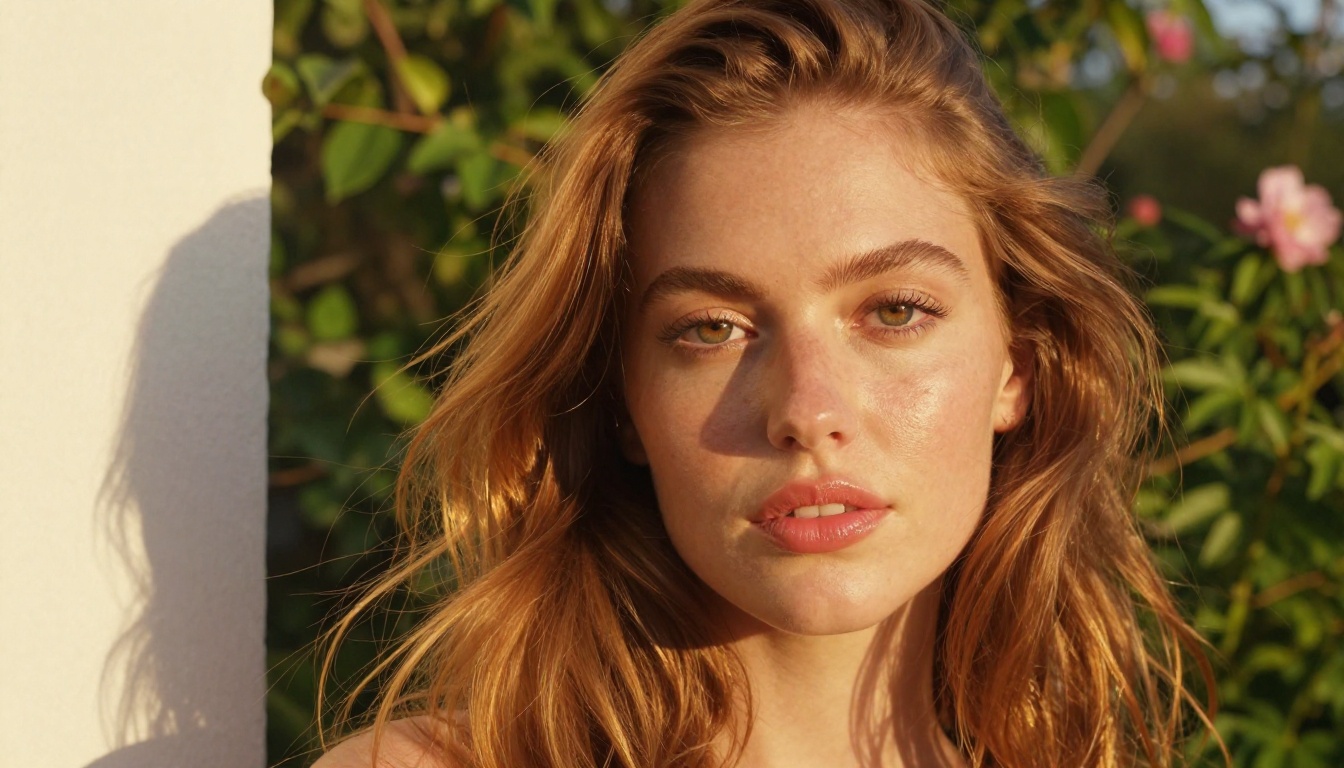
Models like Seedream 4.5 from ByteDance now produce 4K photorealistic output that competes directly with commercial photography. The quality gap between restricted and unrestricted AI has effectively closed. The limiting factor in your output is the prompt and model selection, not the absence of content filters.
3 Things That Actually Affect Output
The quality of your AI-generated image depends on three real factors:
Base model architecture: Newer diffusion architectures like Flux and Seedream produce dramatically better anatomy, lighting, and texture fidelity than older SDXL-era models. Choosing the right model matters more than almost anything else.
Prompt specificity: Vague prompts produce statistically average results. Structured prompts describing lighting, camera, environment, and texture produce photorealistic output. The same model produces radically different results based on how you write the prompt.
Platform infrastructure: GPU configuration, model fine-tuning, and server quality all affect the output you receive. A well-run platform consistently outperforms a poorly configured self-hosted setup running identical base weights.
The Best Models for Unrestricted AI in 2027
Not every model performs equally well for photorealistic adult and glamour content. These are the ones that consistently deliver on PicassoIA.
Seedream 4.5
Seedream 4.5 is the top choice for photorealistic portraits and glamour content. Developed by ByteDance, it produces 4K images with exceptional skin texture, natural lighting response, and accurate proportions.
What sets Seedream 4.5 apart is its training on a diverse photographic dataset that includes fashion, editorial, and glamour photography. The model has a deep grasp of concepts like bokeh, lens characteristics, film emulsion grain, and studio lighting setups without requiring explicit technical explanation in every prompt. Reference an 85mm f/1.4 lens in your prompt and the model produces accurate shallow depth-of-field results accordingly.
Best for: Portraits, glamour, fashion, fine art, editorial photography
PicassoIA Image Editor Pro
PicassoIA Image Editor Pro is the platform's proprietary unlimited generator. It allows unlimited image generations without per-image billing, making it ideal for iterating on prompts until you achieve precisely the result you want.
Unlimited generation is particularly valuable for adult content creation because getting the right output consistently requires multiple attempts with adjusted prompts, seeds, and parameters. When each generation costs credits, iterative refinement becomes expensive quickly. With the unlimited model, you can run 50 variations of the same prompt to nail the exact output you need.
Best for: High-volume content creation, prompt iteration, commercial workflows
Wan 2.7 Image Pro
Wan 2.7 Image Pro delivers 4K output with a rendering approach particularly suited to outdoor and natural light scenes. It handles beach, travel, and lifestyle-adjacent content with strong color accuracy and coherent environmental lighting.
Best for: Outdoor scenes, natural lighting, travel and resort photography
Hunyuan Image 2.1
Hunyuan Image 2.1 from Tencent produces 2K images with strong composition instincts and precise color science. It handles complex multi-element scenes and renders fabric textures with notable detail.
Best for: Complex scenes, fabric and material detail, multi-subject compositions
How to Use Seedream 4.5 on PicassoIA
Seedream 4.5 runs directly in the browser on PicassoIA with no installation required. Here is a practical workflow for producing high-quality photorealistic results.
Step 1: Access the model
Open Seedream 4.5 on PicassoIA. Everything runs in the browser on PicassoIA's GPU infrastructure. No local hardware requirements or account installations needed.
Step 2: Choose the right aspect ratio
For vertical portraits and editorial shots, use 2:3 or 3:4. For widescreen environmental and lifestyle scenes, use 16:9. Seedream 4.5 handles both ratios without quality degradation.
Step 3: Build a structured prompt
The most productive Seedream 4.5 prompts follow this structure:
[Subject + state/clothing] + [Environment] + [Lighting direction and quality] + [Camera and lens] + [Film stock or color grade]
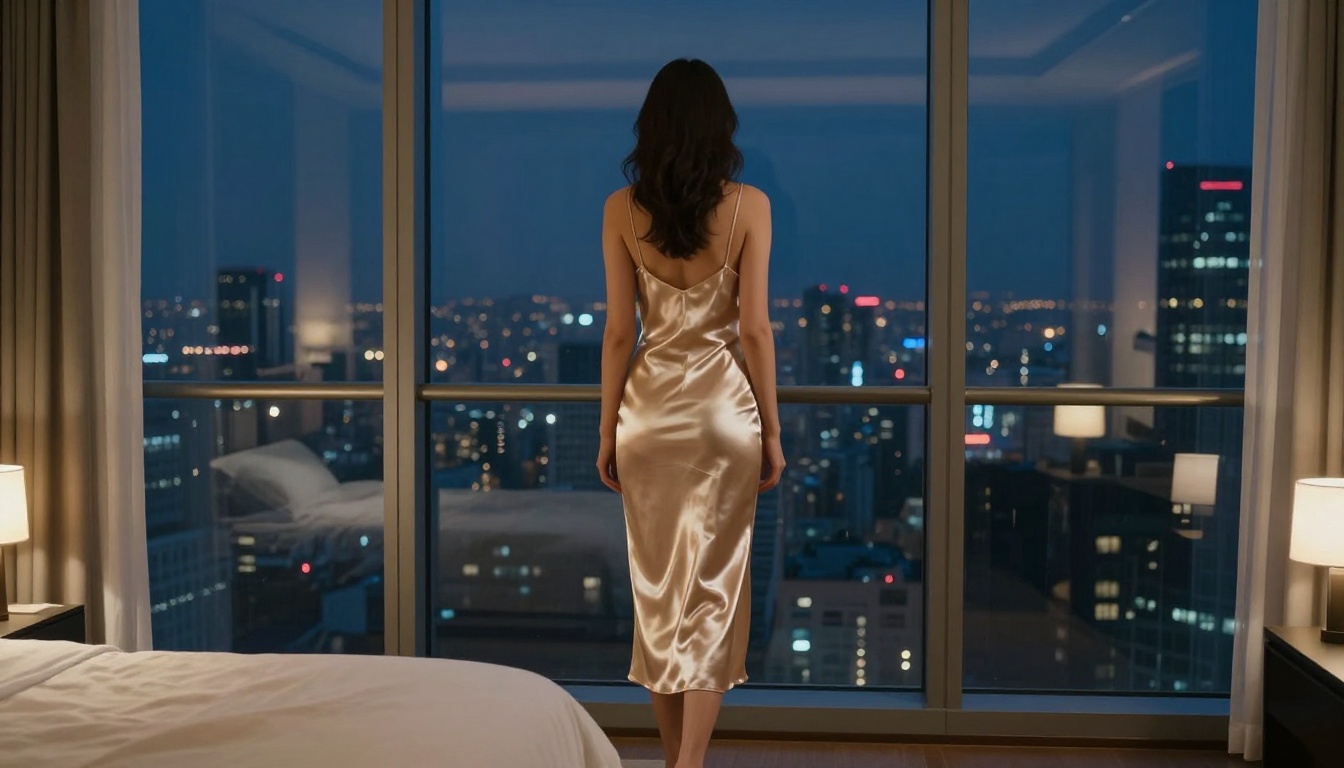
Example prompt: "A woman in her late 20s wearing a white silk slip dress, standing in a penthouse bedroom at night, warm amber bedside lamp light from the left, city lights through floor-to-ceiling windows creating cool blue rim light, 35mm f/2.0, Kodak Portra 400 film grain, photorealistic RAW 8K"
Step 4: Set the guidance scale
Seedream 4.5 performs best with a guidance scale between 7.5 and 9. Above 9 can introduce artifacts in fine details like skin texture and hair. Below 6 produces softer, less precise results. Start at 7.5 and adjust based on what the output shows.
Step 5: Use seed control for iteration
When a generation produces a composition you like but needs refinement, save the seed value and modify the prompt rather than starting from scratch. Seed locking preserves overall composition and pose while targeted prompt adjustments refine lighting, detail, or clothing.
💡 Pro tip: End portrait prompts with "natural skin texture, visible pores, fine hair strands, film grain, photorealistic" to anchor the output toward photography aesthetics and prevent the plastic look associated with lower-quality models.
Prompts That Get Real Results
The difference between average AI output and a stunning photorealistic image comes down almost entirely to how the prompt is written. Most people write prompts that are too vague or structured in ways that confuse the model's attention mechanism.
What Actually Works
Prompts that consistently produce strong photorealistic output borrow their structure from professional photography briefs:
Lighting like a cinematographer: "Volumetric golden hour light from the left window, soft bounced fill from a white wall on the right, 5600K natural daylight" tells the model exactly how to render the scene.
Specific optics: "85mm f/1.4 portrait lens with shallow depth of field, background dissolved into warm bokeh" produces demonstrably different output than "blurry background."
Surface and material description: "Visible skin pores, individual hair strands, fabric weave texture, natural skin oil highlight" pushes the model toward photographic micro-detail.
Color science reference: "Kodak Portra 400 emulsion, warm analog tones, subtle film grain in shadows" signals a photographic color grade that the model has been trained on across millions of images.
These elements work because the models were trained on photographs tagged with exactly this kind of technical metadata. When you use this language, you are speaking directly to the statistical patterns the model was built on.
3 Mistakes Almost Everyone Makes
Mistake 1: Only describing the subject
"A beautiful woman in a bikini on a beach" will produce a mediocre result every time. You have described the subject but given zero direction on lighting, camera position, environment quality, or mood. The model fills in the gaps using statistical averages, which produces average images.
Mistake 2: Conflicting style instructions
"Photorealistic cinematic oil painting" contradicts itself. Photorealistic and oil painting are opposing visual languages. Conflicting style words cause the model to interpolate between them, producing neither convincingly. Pick one style axis and commit to it fully.
Mistake 3: Skipping the negative prompt
Most platforms accept negative prompts, and they dramatically improve output consistency. Adding "blurry, watermark, text overlay, low quality, CGI skin, overexposed, plastic texture, cartoon" to the negative field removes the most common output failure modes before they appear.
Censored vs. Uncensored at a Glance
Feature
Midjourney
Stable Diffusion (self-hosted)
PicassoIA with Seedream 4.5
Adult content allowed
No
Yes (self-managed)
Yes
Setup required
None
High (local GPU)
None
Output resolution
Up to 4K
Up to 4K
Up to 4K
Photorealism quality
Excellent
Variable
Excellent
Unlimited generations
No (credits)
Yes
Yes (Pro model)
Browser-based
Yes
No
Yes
Available models
Limited
Extensive (DIY)
90+ curated
Generation speed
Fast
Hardware-dependent
Fast
The self-hosted Stable Diffusion route provides maximum control but requires a compatible GPU, a working Python environment, and ongoing maintenance as new model versions release. PicassoIA removes that friction, delivering the same open-source model quality through a browser interface with no installation required.
What You Can Legally and Safely Create
It is worth being explicit here. An unrestricted platform does not mean anything goes. Legal lines exist regardless of what the technology can produce, and legitimate platforms enforce them.
🚫 Non-negotiable limits: Content depicting minors in any sexual or suggestive context, non-consensual scenario depictions, and material that violates laws in your jurisdiction are off-limits on every legitimate platform, including PicassoIA, regardless of how the platform describes its content policy.
Within those limits, the legitimate creative space is substantial:
Glamour and bikini photography: Resort campaigns, swimwear lookbooks, fitness and lifestyle content
Artistic nudity: Fine art figure studies, classical composition references, boudoir photography
Suggestive and adult content: Lingerie campaigns, romantic scene generation, adult platform asset creation
Mature creative projects: Romance novel art, adult game assets, character design for mature-rated productions
These categories represent legitimate professional and creative markets that commercial AI platforms currently underserve. Adult content creators operating in licensed industries, professional photographers using AI for reference generation, and artists working with mature themes all have real creative needs that mainstream tools refuse to address.
Start Creating on PicassoIA
If mainstream platforms have refused your prompts for content that any commercial photographer would shoot without hesitation, PicassoIA provides the practical path forward.
The platform runs entirely in the browser. No GPU, no installation, no Python environment. Open the model, write the prompt, generate. The model library spans over 90 text-to-image models across photorealistic, artistic, and stylized categories, each accessible within seconds.
Start with Seedream 4.5 when photorealism is the priority. Move to PicassoIA Image Editor Pro when you need unlimited generations for iterative refinement. Use Wan 2.7 Image Pro for outdoor and natural light scenes. Browse the full collection at picassoia.com/en/all-models to find the right model for your specific creative need.
💡 Where to start: The text-to-image section on PicassoIA has over 90 active models. Filter by category to find tools built specifically for photorealism, portraits, or editorial photography.
The reality of unrestricted AI generators is simpler than the forum debates make it seem. The technology produces genuinely photorealistic output. The platforms that work are easy to access. The limiting factor is no longer the tool. It is knowing how to write a prompt that tells the model exactly what you want.
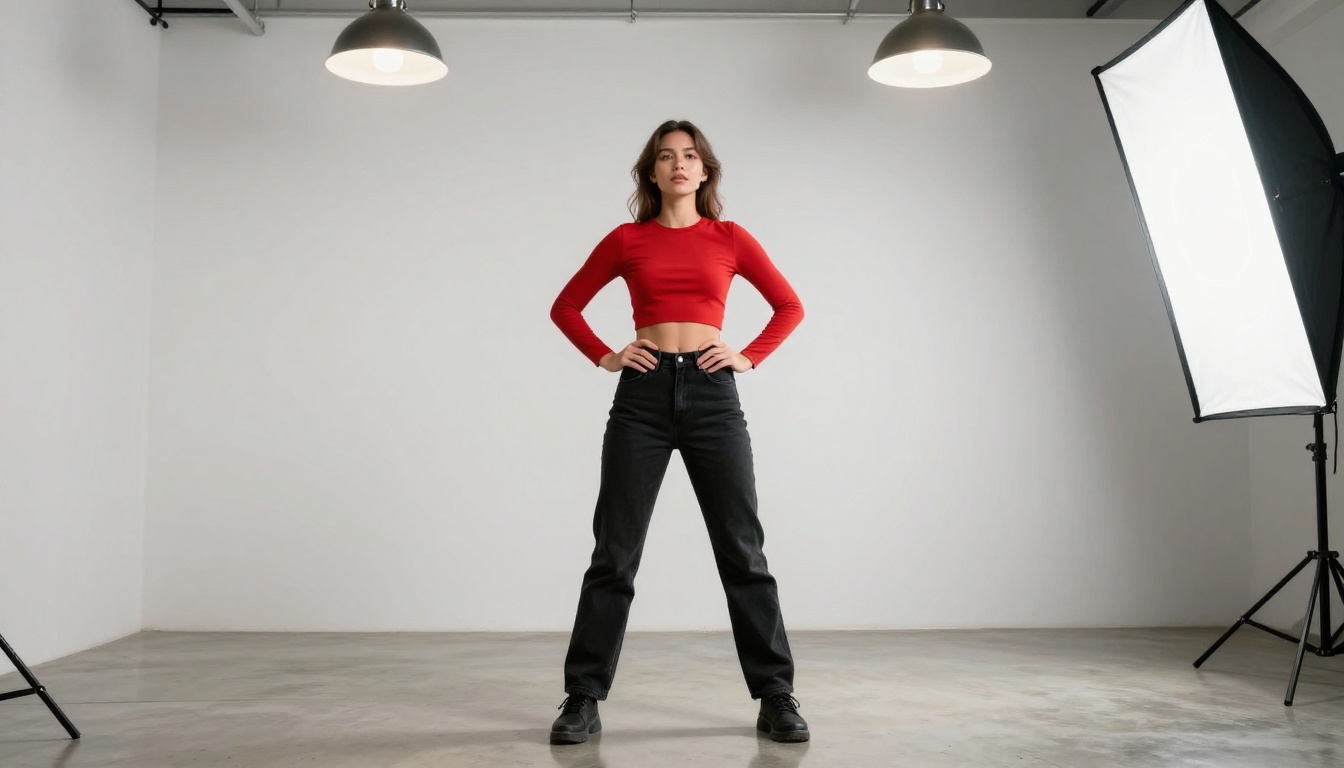
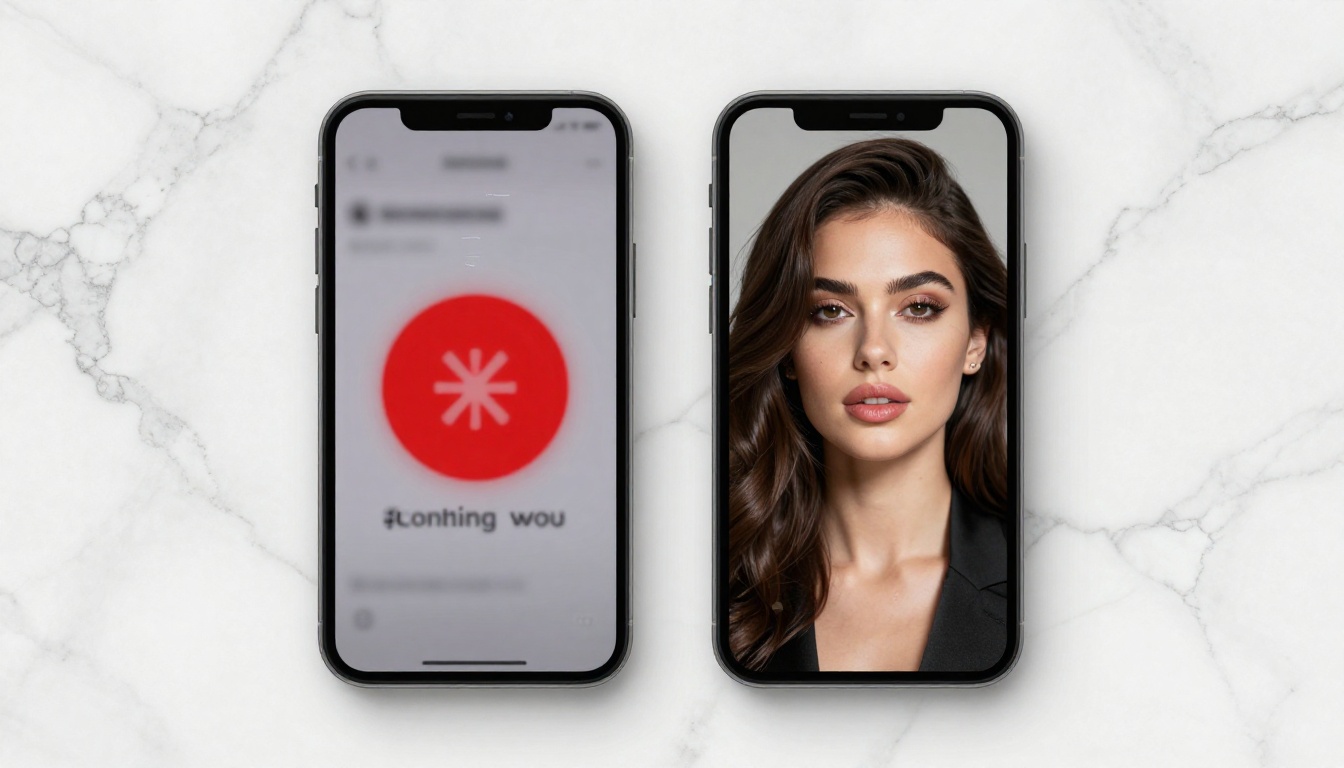
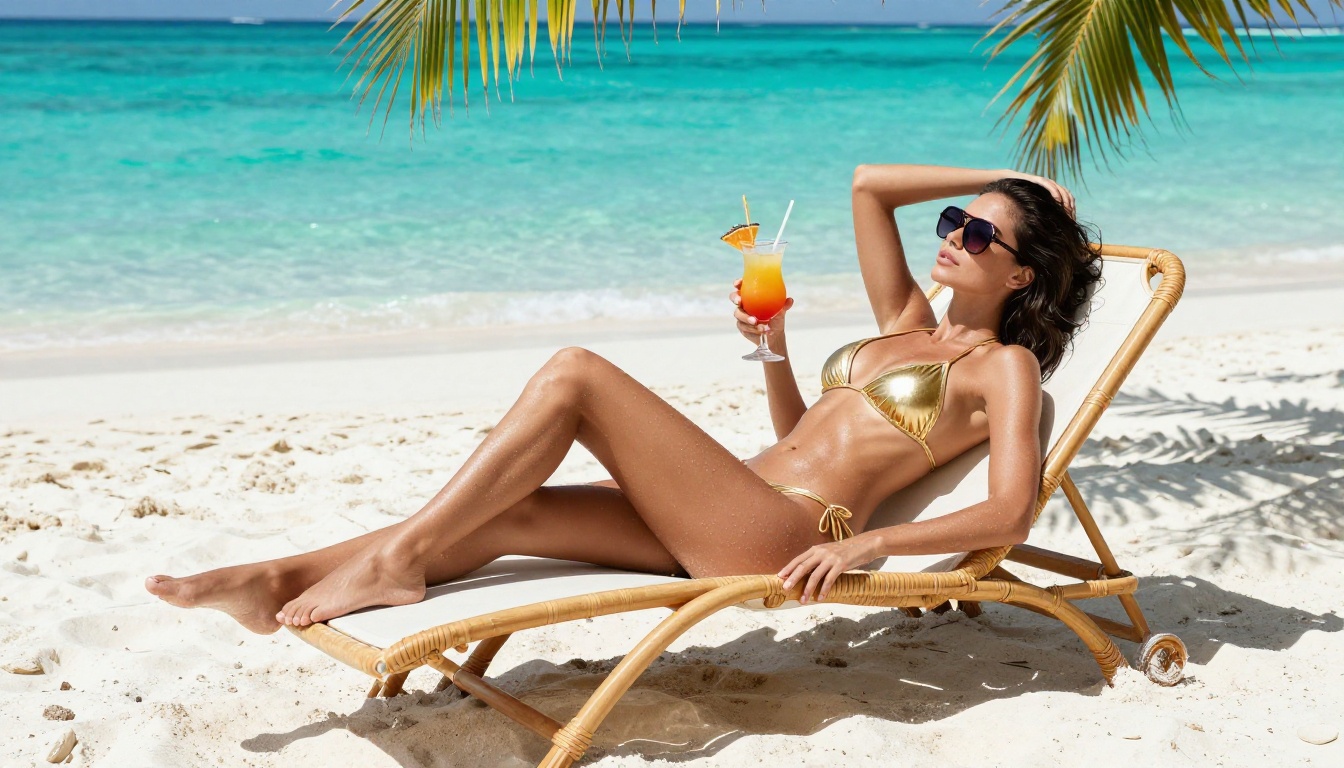
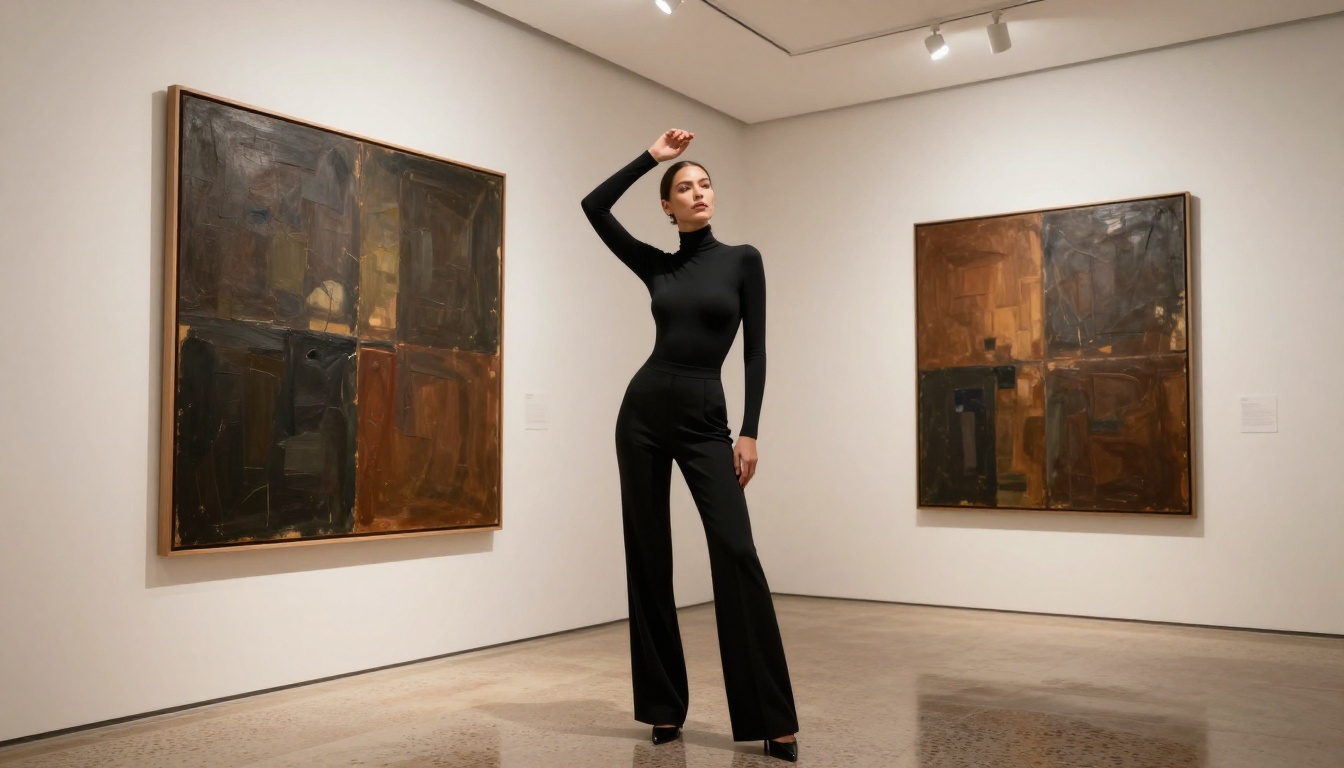
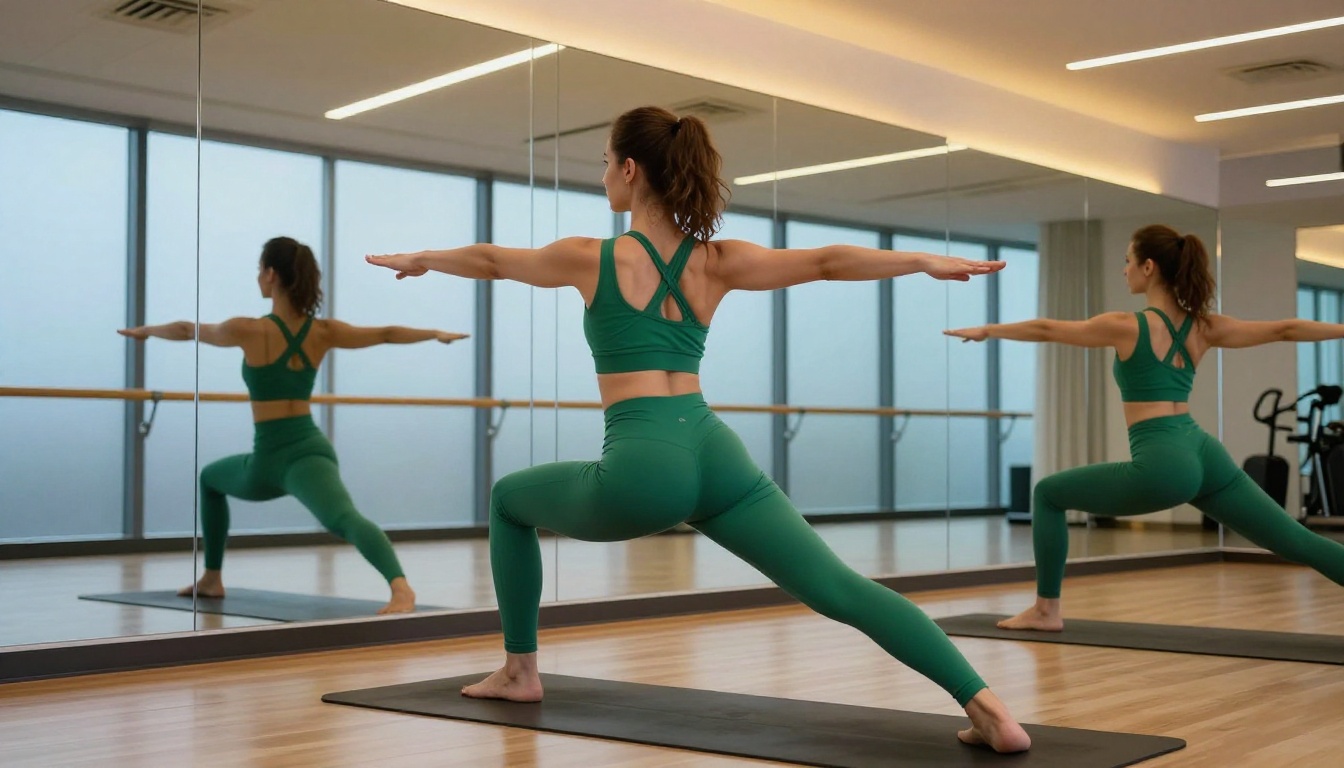
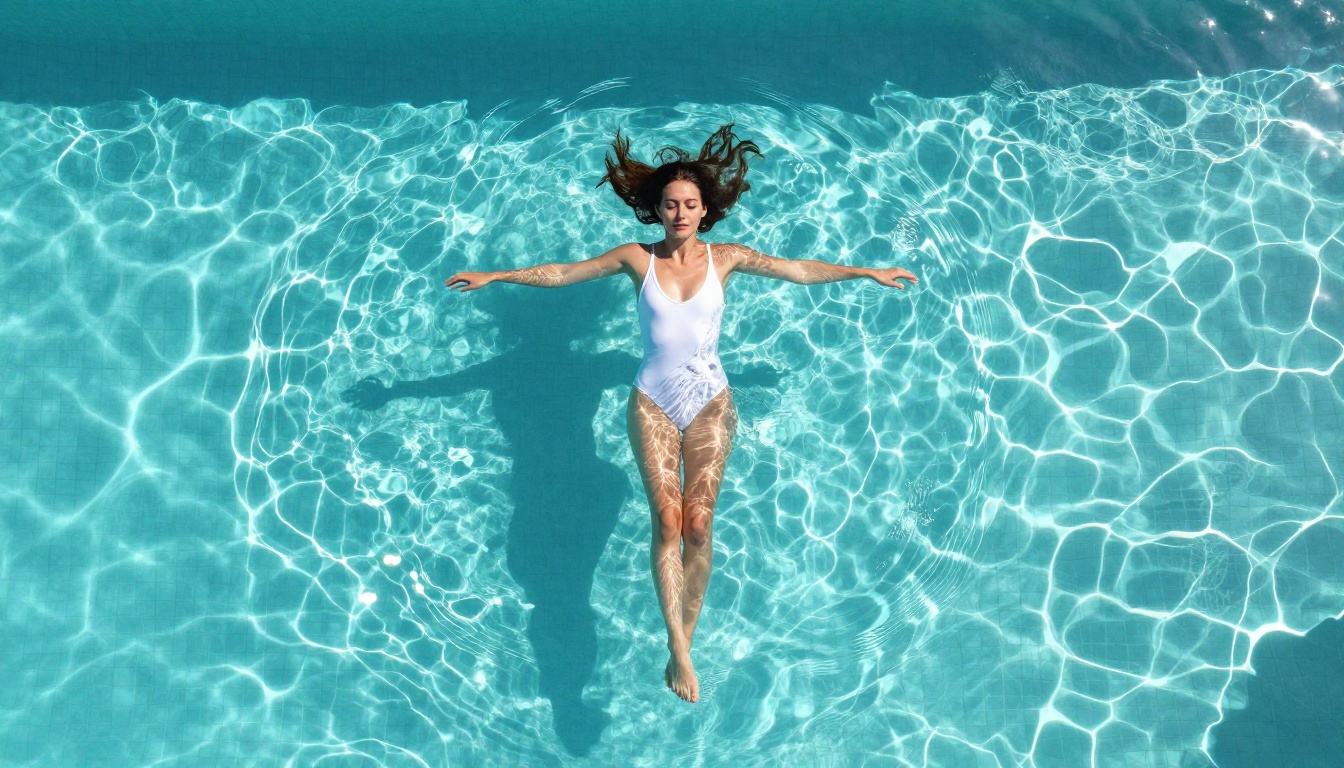
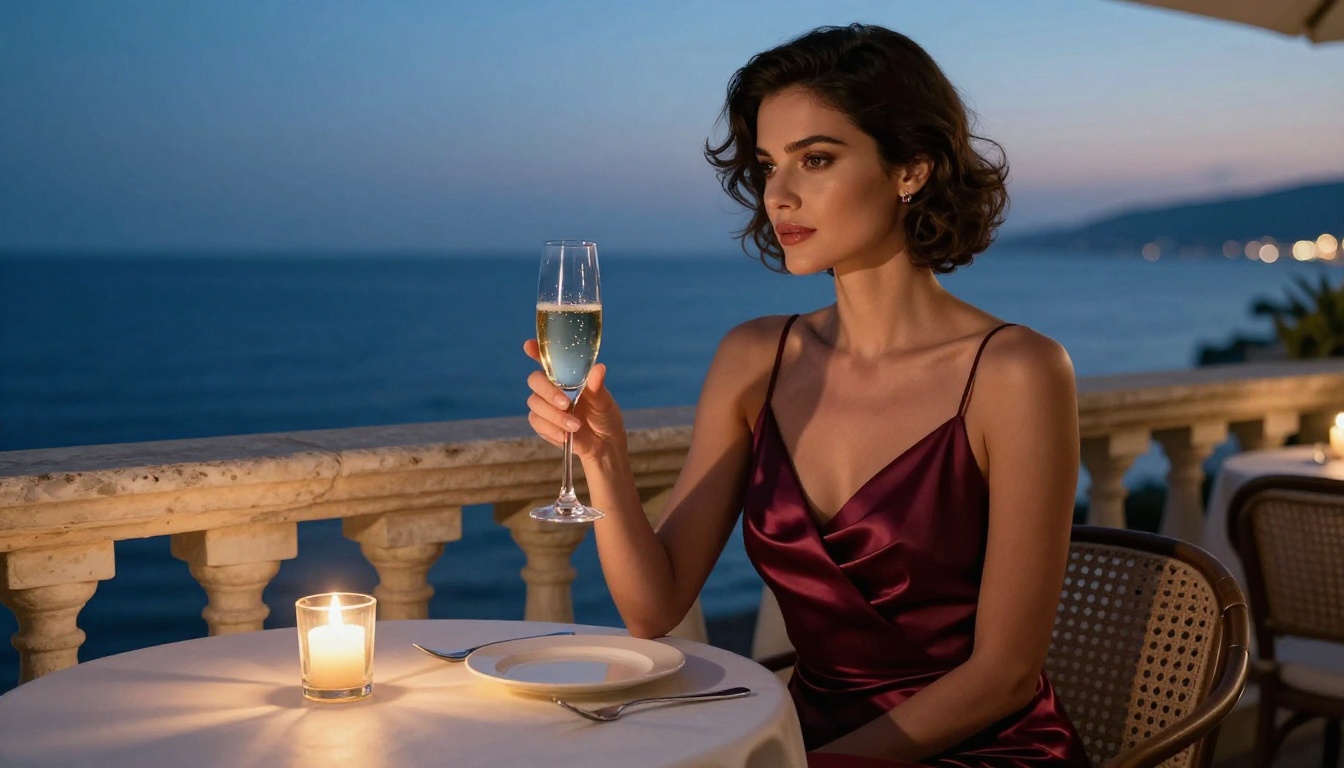
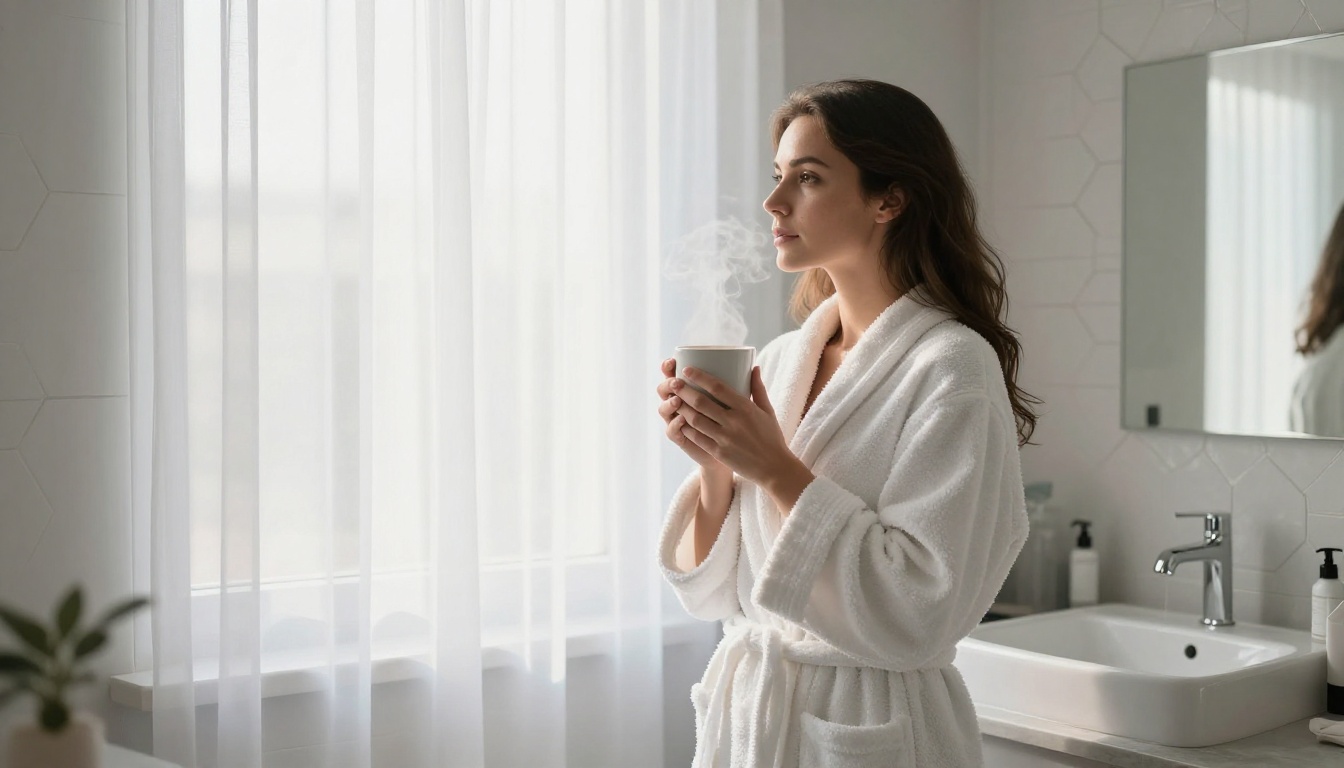
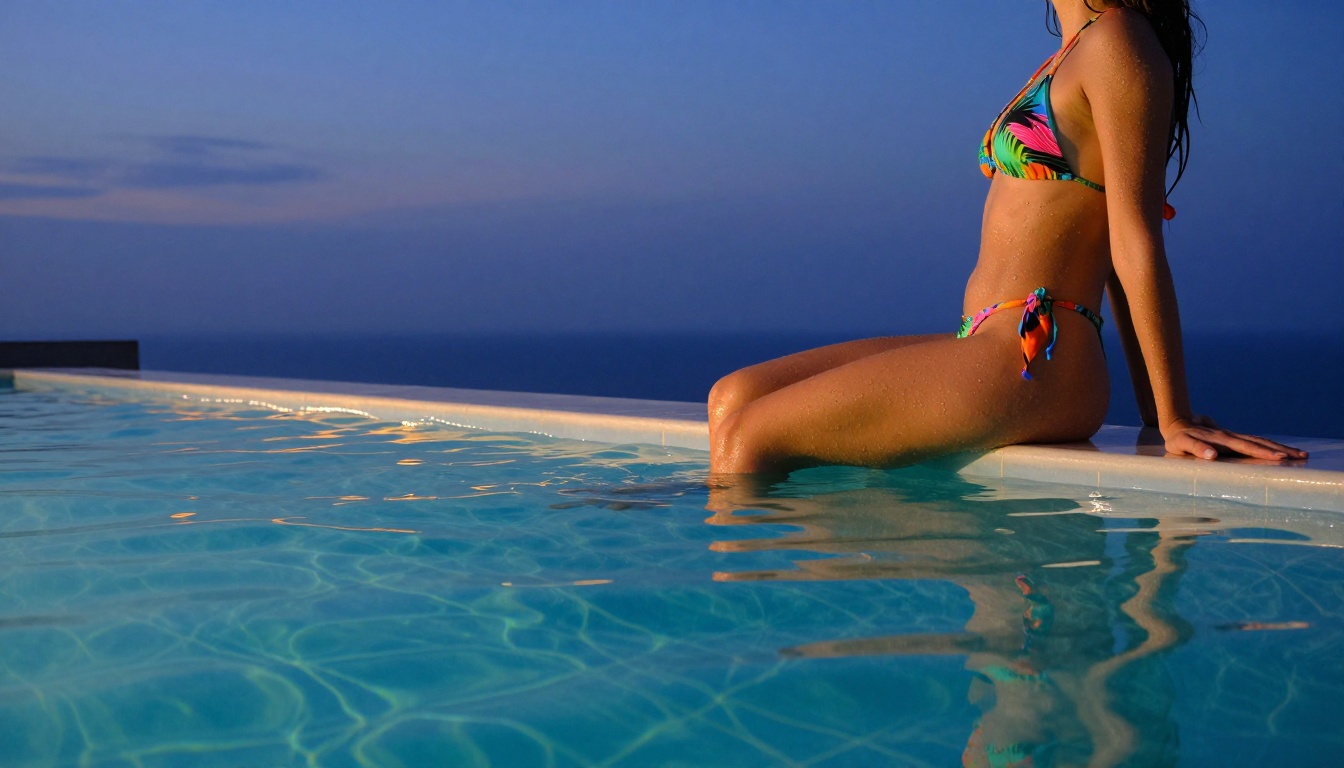
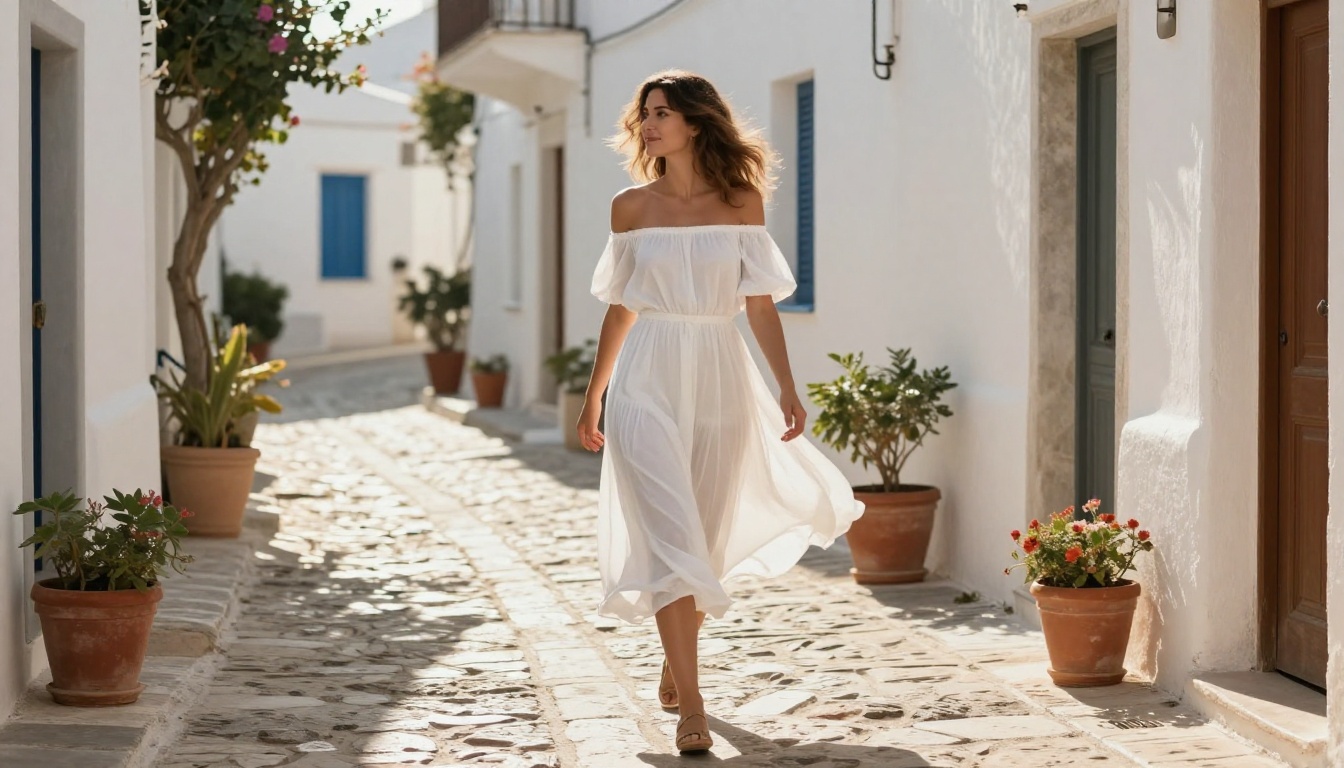
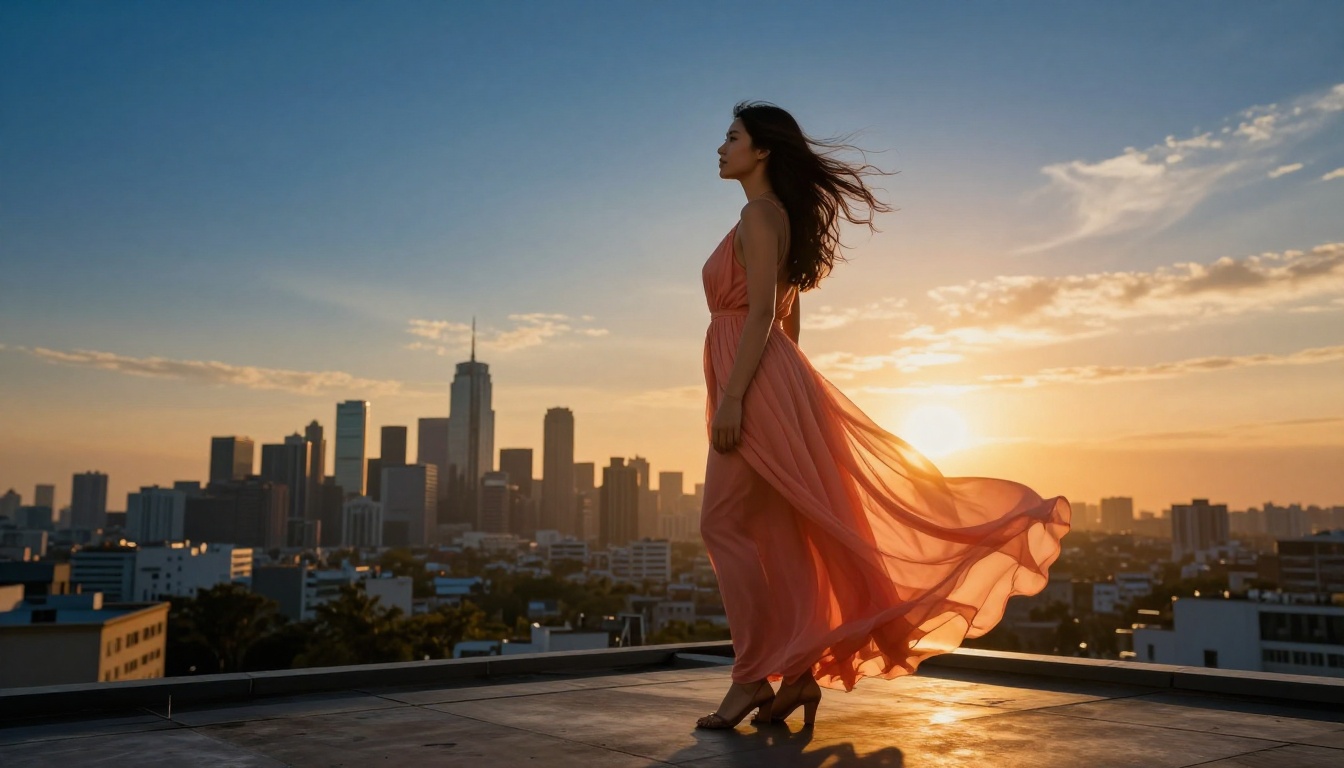
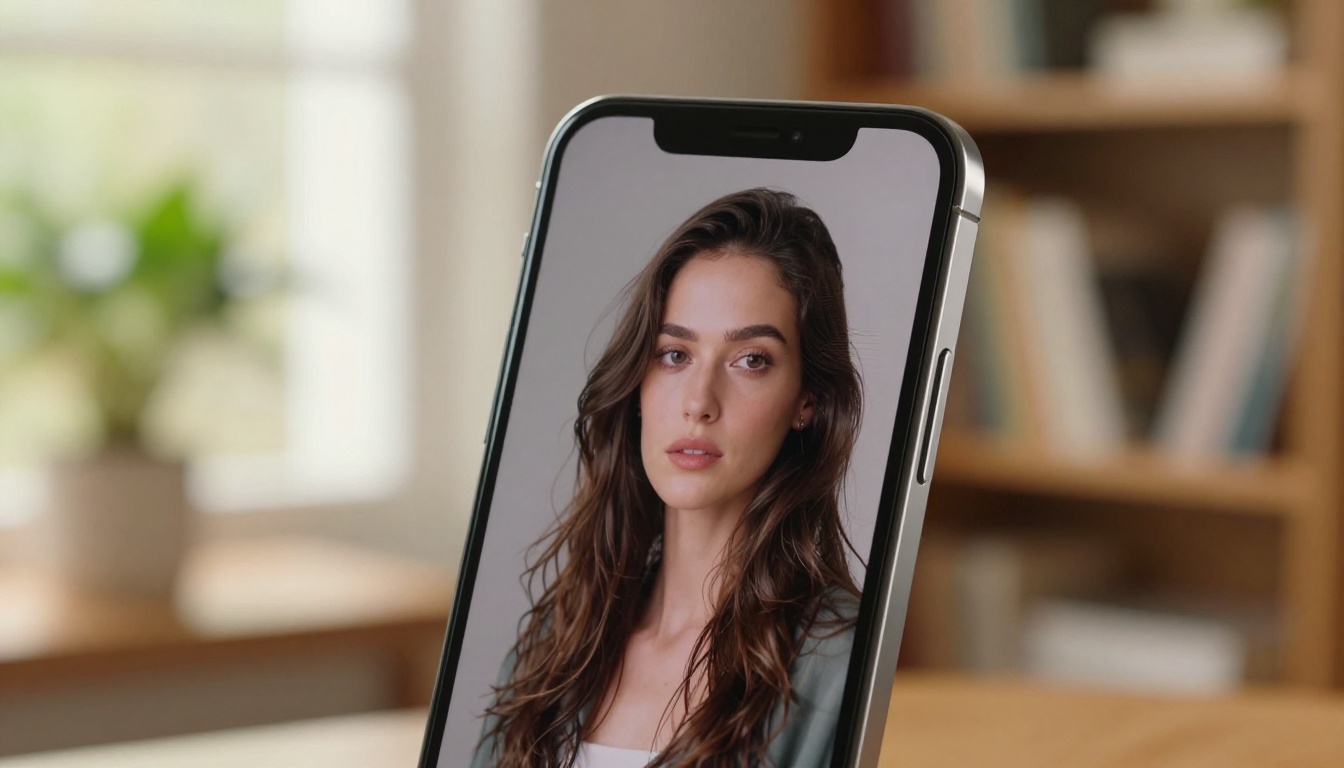
Every image in this article was generated using PicassoIA's infrastructure, from beach glamour to editorial portraits to gym lifestyle photography. Pick a model, write a structured prompt, and see what photorealistic AI can produce when the filters are not in the way.