Picking the wrong AI image generator costs you time, money, and output quality you can never get back. I spent 100 hours running identical prompts through every major tool, comparing photorealism, prompt fidelity, speed, and how well each one handles difficult subjects. This is what the data actually shows.
What We Actually Tested
Before you trust any ranking, you should know how it was built. Each tool was evaluated across five criteria: photorealism, prompt adherence, generation speed, style flexibility, and text rendering accuracy. Every generator received the same 20 prompts, from simple portraits to complex multi-subject scenes with specific lighting conditions.
The tools included in this test were selected based on real-world availability. Some are API-only. Some require subscriptions. A notable number are freely accessible through platforms like PicassoIA, which gives you access to over 90 text-to-image models without per-image credit limits.
💡 Testing note: All results reflect outputs at default settings unless otherwise noted. Prompt engineering can shift quality significantly on any of these tools, so each was also tested with optimized prompts to establish a quality ceiling.
How We Scored Each Generator
| Criterion | Weight |
|---|
| Output quality and photorealism | 30% |
| Prompt adherence | 25% |
| Generation speed | 20% |
| Style flexibility | 15% |
| Text rendering in images | 10% |
No single tool won across every category. That is actually the most useful finding here. It means the "best" generator depends entirely on what you are making, and choosing one based on overall reputation rather than your specific use case is how people end up disappointed.
The Top 10 AI Image Generators, Ranked
1. Flux 1.1 Pro: Best Overall Quality
Flux 1.1 Pro earned the top spot by a meaningful margin in photorealism and prompt adherence. Feed it a detailed scene description and it returns an image that reflects your actual words rather than a loose interpretation of them.
What stands out:
- Produces sharp, high-resolution results from single-pass prompts
- 10 aspect ratio options including custom dimensions
- Optional prompt expansion for creative variation
- Seed control for consistent, reproducible iteration
In testing, Flux 1.1 Pro consistently produced the most detailed skin textures, accurate lighting conditions, and realistic material surfaces across portrait and product photography prompts. It handles complex multi-subject scenes without merging or losing individual elements, which is where most other generators break down.
Best for: Content creators, product designers, and photographers who need images that match a brief without multiple revision cycles.
2. Recraft v3: Best Style Variety
Recraft v3 is the only tool in this list that gives you 18 distinct visual styles within a single interface. From photorealistic natural light portraits to pixel art, hand-drawn sketches, and HDR landscapes, it covers the full range of visual content needs without requiring you to switch platforms.
What makes it different:
- 18+ style presets including
realistic_image/natural_light, realistic_image/studio_portrait, and digital_illustration/pixel_art
- Accurate text rendering inside images, a rarity in this category
- Resolutions up to 2048px on either side
- Clean, watermark-free downloads
If you produce content across multiple formats or for multiple clients, Recraft v3 lets you stay inside one workflow rather than maintaining separate accounts across different generators.
Best for: Designers and marketers who need one tool to cover multiple visual styles and content types.

3. Ideogram v2: Best for Text in Images
If your creative work involves posters, ad creatives, or any image where readable text must appear inside the scene, Ideogram v2 is the only generator that handles it reliably. Other tools smear, distort, or hallucinate words. Ideogram v2 renders them cleanly.
Standout features:
- Accurate legible text inside generated images
- Inpainting with black-and-white mask support
- Style presets: Realistic, Anime, Render 3D, Design, and General
- Magic Prompt for automatic prompt expansion
- Over 60 resolution presets for exact sizing
The inpainting capability is also stronger than most competitors. Upload a photo, mark the area you want changed with a mask, and Ideogram v2 replaces only that region while preserving the rest of the image intact.
Best for: Marketers, designers, and social media managers who need images with embedded readable text or targeted photo retouching.
4. Flux Dev: Best for Image Editing
Flux Dev is a 12-billion parameter model that excels at two things: generating high-quality images from text prompts and editing existing images through its img2img mode.
Core strengths:
- 12B parameter architecture for sharp, detailed outputs
- Img2img editing: upload a photo and redirect it with a prompt
- 11 aspect ratios from 1:1 to ultra-wide 21:9
- Adjustable inference steps (28 to 50) for quality versus speed balance
- Fast generation mode for rapid iteration
In the img2img tests, Flux Dev preserved original image structure better than any competing tool at equivalent prompt strength settings. It is the most practical choice for editing workflows where you are starting from an existing photo and want to modify specific elements while keeping the rest intact.
Best for: Photographers and visual editors who need to modify existing images using text descriptions.
5. Flux Pro: Best Prompt Adherence
Flux Pro is built specifically for users who want the output to match the prompt precisely. Its guidance control system lets you dial up how literally the model interprets your words, giving you direct control over the relationship between your description and the result.
Key parameters:
- Guidance value controls prompt-to-image fidelity (range 1 to 10)
- Interval setting increases compositional variation across runs
- Reference image input to steer visual direction beyond words
- 25-step default with adjustable denoising
- WebP, JPG, or PNG output at any quality level
In testing, raising the guidance value to 4 or 5 produced outputs that matched specific lighting descriptions with precision. For briefs with tight visual specifications, this level of control separates Flux Pro from more loosely interpreted generators.
Best for: Creative directors and brand teams working from detailed visual briefs with specific requirements.
6. Flux Schnell: Fastest Generator Available
Flux Schnell runs 4-step denoising and produces a 1-megapixel image in under 5 seconds. No other tool in this comparison comes close to that speed at equivalent output quality.
Speed-focused specs:
- 4 denoising steps vs. 28 or more for comparable models
- 1-megapixel output in under 5 seconds on speed-optimized mode
- 11 aspect ratios including 21:9 ultra-wide
- Unlimited generations with no credit caps on PicassoIA
- WebP, JPG, or PNG with adjustable quality from 0 to 100
The tradeoff is that outputs are slightly less detailed than Flux Dev or Flux 1.1 Pro at maximum quality settings. But for rapid prototyping, concept iteration, or any workflow where you need 50 variations quickly, Flux Schnell is the most efficient option available.
Best for: Rapid prototyping, batch concept testing, and high-volume creative workflows.

7. Stable Diffusion 3: Best for Complex Prompts
Stable Diffusion 3 was designed to solve a specific failure mode of older generators: accurately rendering complex, multi-part descriptions without losing or mixing elements. It also handles readable text inside images better than every previous version of the model.
Technical capabilities:
- 9 aspect ratio options including 21:9 cinematic widescreen
- Guidance scale (CFG) adjustable from 1 to 10 for strict or loose interpretation
- Image-to-image mode with prompt strength control (0 to 1)
- PNG, JPG, WebP output at up to 100% quality
- 28-step default sampler with adjustable step count
Where older Stable Diffusion versions would drop elements from a 4-subject prompt or merge faces together, Stable Diffusion 3 keeps each component separate and correctly positioned. In multi-subject tests, it outperformed every previous version of the model significantly.
Best for: Anyone working with detailed, specific prompts that include multiple subjects, scenes, or precise compositional requirements.
8. Stable Diffusion: The Configurable Classic
The original Stable Diffusion still holds up as a reliable, highly configurable image generator. It may not have the output polish of newer models, but its parameter depth, six-scheduler system, and negative prompt controls make it one of the most user-adjustable generators available.
What it offers:
- 6 schedulers: DDIM, K_EULER, DPMSolverMultistep, K_EULER_ANCESTRAL, PNDM, and KLMS
- Negative prompts to actively exclude unwanted visual elements
- Guidance scale for prompt strictness control
- Resolution control from 64px to 1024px in 64px increments
- Unlimited generations without usage caps on PicassoIA
For users who want to control how an image is constructed rather than just what appears in it, Stable Diffusion gives you more levers than any other tool in this list.
Best for: Power users, developers, and anyone who wants granular control over the generation process and output construction.

9. Midjourney: Best Aesthetic Output
Midjourney continues to produce images with a distinctive visual quality and strong aesthetic appeal, particularly for illustration-style and artistic content. It is the only tool in this list that is Discord-only, which adds real workflow friction, but the output quality in artistic categories justifies it for many creators.
Note: Midjourney is a subscription-only external platform, not available through PicassoIA.
What makes it notable:
- Strong default aesthetic quality with painterly, polished outputs
- Well-suited for editorial work, concept art, and artistic illustration
- Active style evolution with regular model improvements
The core limitation is control. You cannot steer prompt adherence the way you can with Flux Pro, and the Discord interface adds friction to any professional workflow that demands speed or repeatability.
Best for: Artists and illustrators who prioritize visual style over precise prompt control and parameter adjustment.
10. DALL-E 3: Best for Conversational Iteration
DALL-E 3 earns its position for a specific use case: conversational image refinement. Integrated into ChatGPT, you can describe an image, request adjustments in plain language, and iterate through a conversation rather than rewriting prompts from scratch each time.
Note: DALL-E 3 is an OpenAI product accessible through ChatGPT Plus, and is not available on PicassoIA.
Practical strengths:
- Natural language iteration through ChatGPT conversation interface
- Strong text rendering within generated images
- Solid content control and safety filters
The limitation is parameter access. You cannot adjust guidance, denoising steps, or schedulers the way dedicated tools allow. For users who want visual output without learning technical settings, it works well within those boundaries.
Best for: Non-technical users who prefer iterating through conversation rather than adjusting generation parameters manually.
Side-by-Side Comparison
How to Use Flux 1.1 Pro on PicassoIA
Flux 1.1 Pro is available directly on PicassoIA with no registration walls or per-image costs. Here is how to get your first high-quality image in under two minutes.
Step 1: Open the model
Go to Flux 1.1 Pro on PicassoIA. No account setup is required to start generating.
Step 2: Write a specific prompt
Be precise. Instead of "a woman in a garden," write: "A woman in her early thirties with dark curly hair standing in a sunlit botanical garden, golden hour light from behind, wearing a cream linen dress, shot on Canon 85mm f/1.4 with shallow depth of field." The more specific your description, the closer the output matches your intent.
Step 3: Set your aspect ratio
Choose from 10 presets. For social media posts: 4:5. For website banners: 16:9. For vertical stories: 9:16. For thumbnails: 1:1.
Step 4: Toggle prompt upsampling (optional)
Enabling this adds creative variety to your prompt automatically. Leave it off when your prompt is already detailed and you want tight adherence. Turn it on when you want the model to interpret more freely and generate more varied results.
Step 5: Download and iterate
Download your result as WebP, JPG, or PNG. If the output needs adjustment, change one element at a time: the subject description, the lighting condition, or the aspect ratio. Changing everything at once makes it impossible to know what actually improved the result.
💡 Pro tip: Set a specific seed number to lock your composition, then tweak individual prompt elements to iterate from a stable baseline. This is the fastest way to move from "close" to "exactly right" without starting over each time.
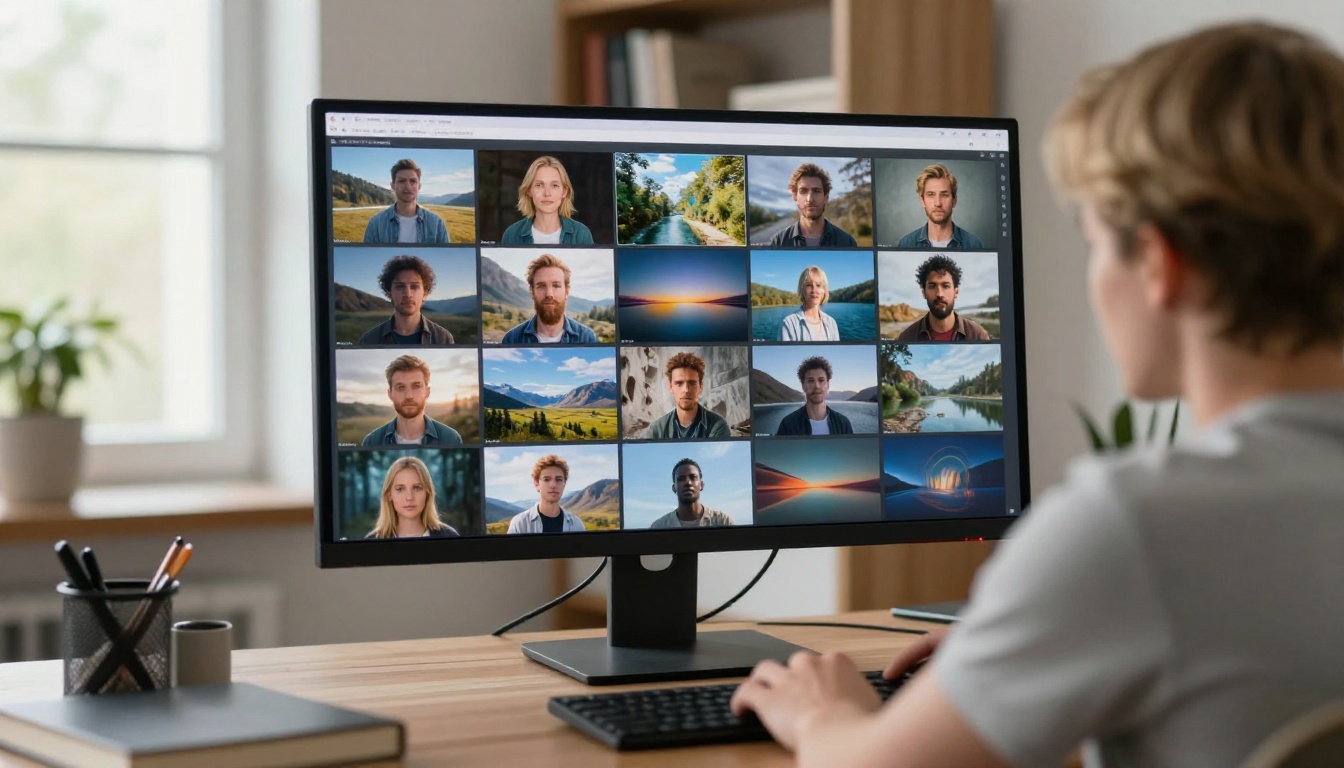
The right choice depends on what you are actually making:
Eight of the ten generators ranked here are available on PicassoIA with no credit limits. That means you can test all of them in a single session, run identical prompts across each one, and see the real differences yourself rather than relying on anyone else's benchmarks.
Start Creating Right Now
The 100 hours of testing produced one consistent finding: the tools that work best are the ones you actually run your prompts through. Reading rankings only gets you so far. The real difference shows up when you test your specific use case against each model and compare the outputs directly.
All eight PicassoIA models in this list, including Flux 1.1 Pro, Flux Schnell, Recraft v3, and Ideogram v2, are available to try without paying per image. Write a detailed prompt, pick a model, and see what it produces. Then run the same prompt on a different model and see what changes.
The best AI image generator for your workflow is the one that consistently delivers what you need with the least friction. Go find out which one that is for you.