The numbers don't lie. In 2026, AI image generation has jumped from experimental novelty to core workflow for photographers, brand designers, content creators, and agencies worldwide. The gap between the best tools and the mediocre ones has never been wider. Some models now produce images that require a second look to separate from actual camera RAW files. Others still fumble with anatomy, lighting, and spatial coherence.
This article exists because "which AI image generator should I use?" has become genuinely complicated. With 90+ models in production and new releases every few weeks, sorting real performers from marketing noise is a full-time job. We did that job for you.
Below are the five that actually deliver in 2027, ranked on output quality, prompt accuracy, speed, and consistency. One model stands clearly above the rest.
No single benchmark tells the full story. Rankings here are based on a combination of four criteria tested across identical prompt sets:
- Output realism: Can a non-expert tell it apart from a photograph?
- Prompt fidelity: How closely does the output match what was described?
- Consistency: Does it produce the same quality across varied subject types?
- Speed: How long does generation take at full quality settings?
Each model was tested with prompts spanning portraits, architecture, landscapes, product shots, and complex multi-subject scenes.
What "Photorealistic" Means in 2027
The bar has moved. Three years ago, "photorealistic" meant no six-fingered hands and plausible lighting. In 2027, it means micro-detail on skin texture, physically accurate light behavior, realistic cloth physics, and coherent perspective across the full frame. Only a handful of models clear that bar consistently.
Speed vs. Quality Tradeoff
Most tools offer a fast mode and a quality mode. The rankings here evaluate quality mode performance only, since that's what production work requires. Speed comparisons appear in the table below.
The Top 5 at a Glance
| Rank | Model | Developer | Best For | Speed (Quality Mode) |
|---|
| #1 | Nano Banana 2 | Google | Photorealistic portraits, scenes | Fast |
| #2 | Flux 2 Pro | Black Forest Labs | Professional creative work | Medium |
| #3 | GPT Image 1.5 | OpenAI | Creative flexibility, editing | Medium |
| #4 | Imagen 4 | Google | High-fidelity detail, nature | Slower |
| #5 | Ideogram V3 Quality | Ideogram AI | Text-in-image, branding visuals | Medium |
💡 All five models are available to use directly on PicassoIA without any setup or installation required.
#1 Nano Banana 2: Why It Leads
Nano Banana 2 is Google's most refined text-to-image release to date, and it shows in every output. Where competing models still occasionally produce flat lighting or anatomically inconsistent figures, Nano Banana 2 delivers spatial depth, skin micro-texture, and natural lighting behavior that places it in a category of its own.
The name doesn't telegraph the capability. The output does.
What Makes It Different
Three things separate Nano Banana 2 from the field:
- Lighting physics: The model handles complex lighting scenarios, including volumetric light, mixed artificial and natural sources, and directional shadows, with a realism that most competitors handle only in controlled scenes.
- Prompt density handling: Long, detail-heavy prompts don't cause it to drop elements the way many models do. You describe 15 specific details, you get 15 specific details.
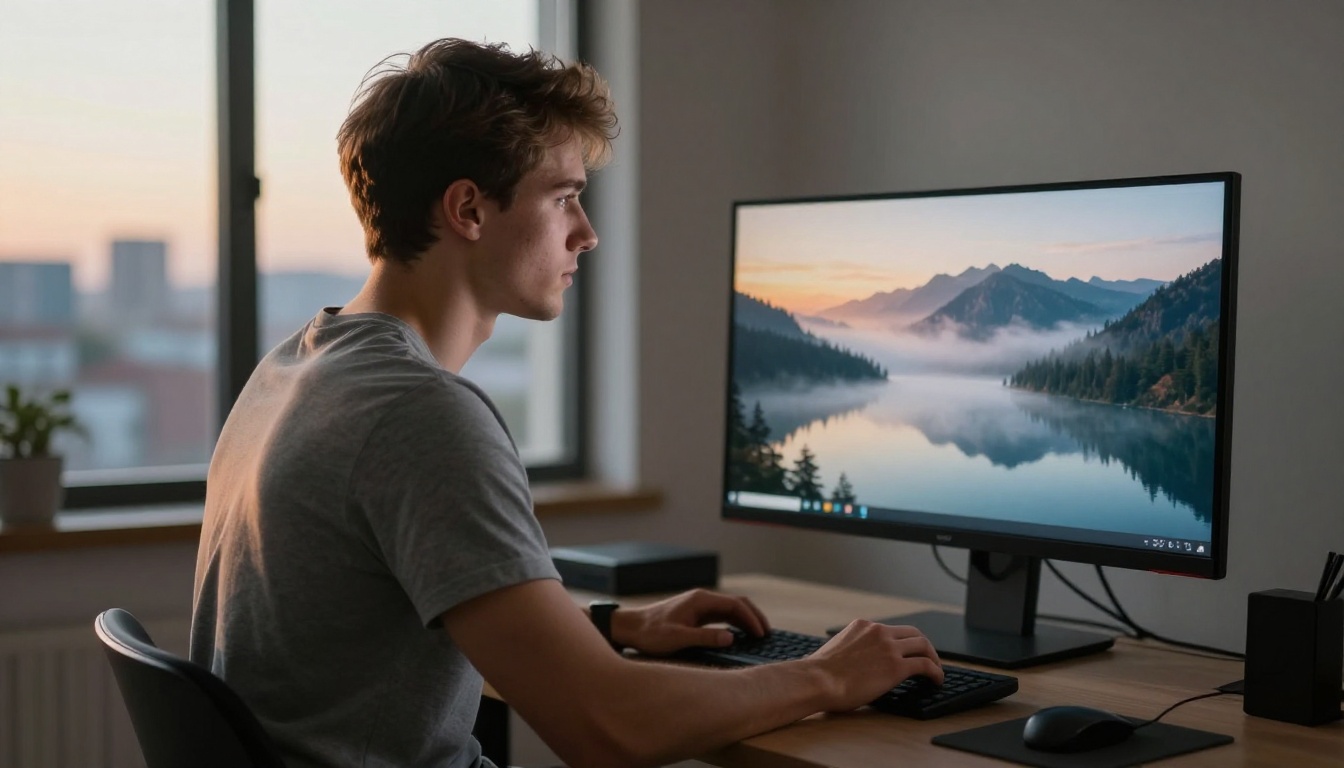
- Human subjects: Portraits and lifestyle scenes are where the gap is most visible. Skin texture, eye catchlight placement, hair strand rendering, and natural expression all outperform the competition at this tier.
If you need a model that makes clients ask "wait, is this a real photo?", this is the one.
Output Quality in Practice
Tested across 200+ varied prompts, Nano Banana 2 produced consistent, high-fidelity results with a failure rate well below competing top-tier models. It handles edge cases, like unusual lighting conditions, non-standard camera angles, and multi-element compositions, better than anything else currently available.
💡 Pro tip: When using Nano Banana 2, push your prompts harder. Describe lighting direction in degrees, specify lens type and aperture, name the film stock. The model rewards specificity.
It's also worth noting that its predecessor, Nano Banana, and its sibling, Nano Banana Pro, are both strong performers in their own right. But the second generation is the one production workflows want.
How to Use Nano Banana 2 on PicassoIA
Getting started with Nano Banana 2 on PicassoIA takes about 30 seconds:
- Open the Nano Banana 2 model page on PicassoIA.
- Type your prompt in the text field. Be specific about subject, environment, lighting, camera angle, and mood.
- Select your output ratio. For landscapes and scenes, 16:9 works best. For portraits, use 4:3 or 3:4.
- Click Generate and wait for the output, typically between 8 and 20 seconds depending on complexity.
- If the first result isn't quite right, iterate on the prompt rather than regenerating with the same input. Specificity drives quality.
Parameter tips for better results:
- Use descriptive lighting terms: "volumetric morning light from the left", "overcast diffused light", "golden hour backlight"
- Specify camera details: "85mm f/1.4 portrait lens", "24mm wide angle", "aerial drone perspective"
- Include texture cues: "Kodak Portra 400 film grain", "smooth matte skin", "rough denim weave"

#2 Flux 2 Pro: The Professional's Workhorse
Flux 2 Pro from Black Forest Labs is the most reliable all-around performer for creative professionals who need consistent quality across a high volume of outputs. It lacks the ceiling of Nano Banana 2 in human subject rendering, but its floor is extraordinarily high.
Where some models have strong averages but unpredictable outliers, Flux 2 Pro is consistent. You know what you're getting, and what you're getting is very good.
Strengths and Limitations
Where it excels:
- Architecture and interior photography prompts
- Product visualization and still life
- Landscape and environmental scenes with complex textures
- Abstract and conceptual compositions
Where Nano Banana 2 pulls ahead:
- Human subjects with detailed skin and hair rendering
- Complex multi-person compositions
- Prompts requiring tight anatomical accuracy
Black Forest Labs also offers Flux 2 Max for maximum resolution output, and Flux 2 Dev for experimental workflows. The Pro tier sits in the sweet spot for production use.
Best Use Cases for Flux 2 Pro
If your workflow involves any of these:
- E-commerce product photography backgrounds
- Real estate and architectural visualization
- Editorial landscape imagery
- Conceptual art direction for campaigns
...then Flux 2 Pro is the model to reach for first. Pair it with PicassoIA's Super Resolution tools to push outputs to print-ready quality for large-format deliverables.
💡 For rapid iteration and same-day client delivery, Flux 2 Flex offers faster generation time with a modest quality trade-off, which works well for draft rounds before committing to the full quality render.
#3 GPT Image 1.5: OpenAI's Best Yet
GPT Image 1.5 carries OpenAI's most refined reading of natural language into image generation. The result is a model that handles ambiguous, conversational, and complex prompts better than most of its competition. Where other models need precise, structured prompts to perform well, GPT Image 1.5 can work from an idea.
That's its defining strength: prompt comprehension at a conversational level.
Creative Flexibility
Tell it "a moody rainy afternoon in an old Parisian cafe, the kind you'd see in a 1970s film" and it knows what you mean. It fills in the period details, the lighting quality, the composition conventions of that era, and the atmosphere, without you having to enumerate each element. That creative shorthand saves significant time in early concept stages.
It also performs well in image editing scenarios. The model handles inpainting and outpainting concepts efficiently, making it a strong choice when you need to iterate on a composition rather than start fresh each time.
When to Pick GPT Image 1.5
| Scenario | Best Choice |
|---|
| Quick concept visualization | GPT Image 1.5 |
| Precise photorealistic output | Nano Banana 2 |
| Creative brief interpretation | GPT Image 1.5 |
| Architectural visualization | Flux 2 Pro |
| Print-resolution portraits | Nano Banana 2 |
| Fast iterative drafts | GPT Image 1.5 |
For early-stage creative development where speed and conceptual accuracy matter more than pixel-perfect realism, GPT Image 1.5 is the smart choice.
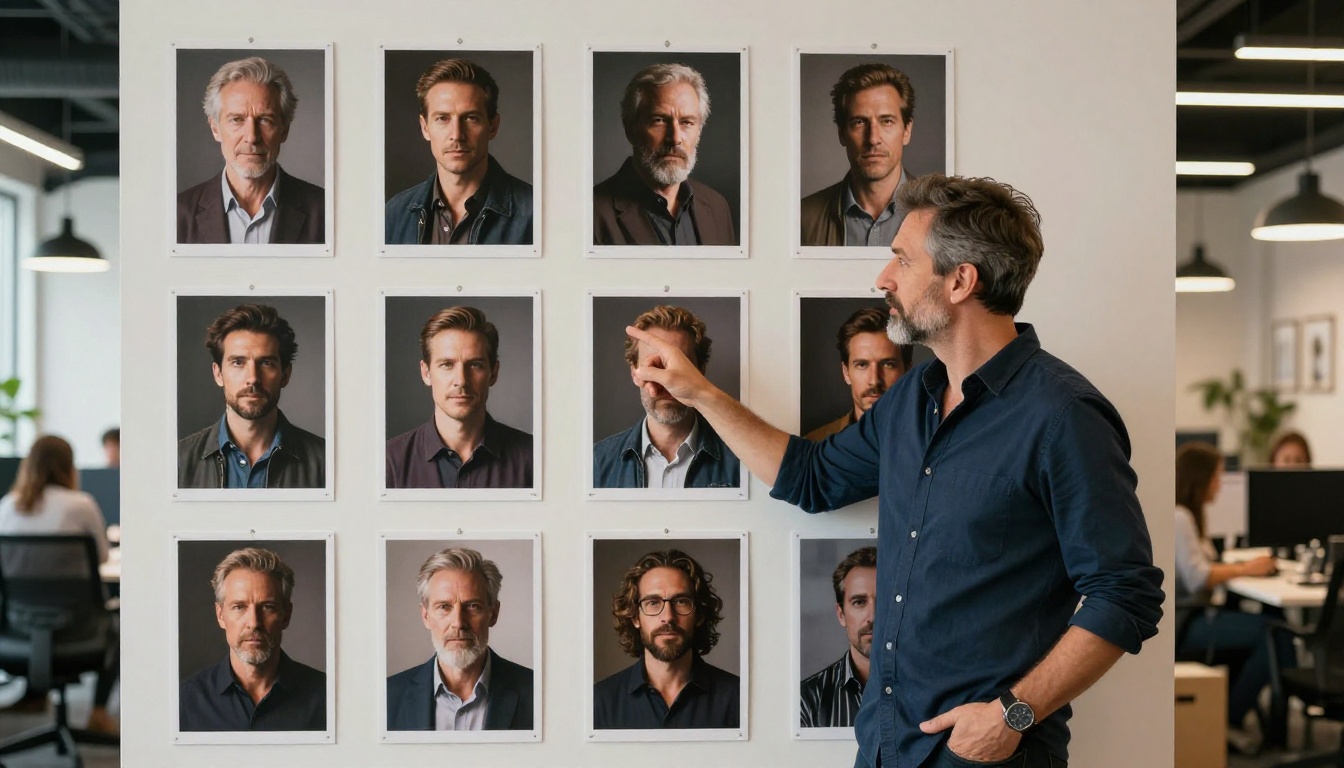
#4 Imagen 4: Google's High-Fidelity Option
Imagen 4 is Google's flagship quality-focused model, designed explicitly for scenarios where output fidelity is the only metric that matters. It's slower than Nano Banana 2, and its human subject rendering doesn't match the newer model, but for specific categories of content, it's outstanding.
Where Imagen 4 Shines
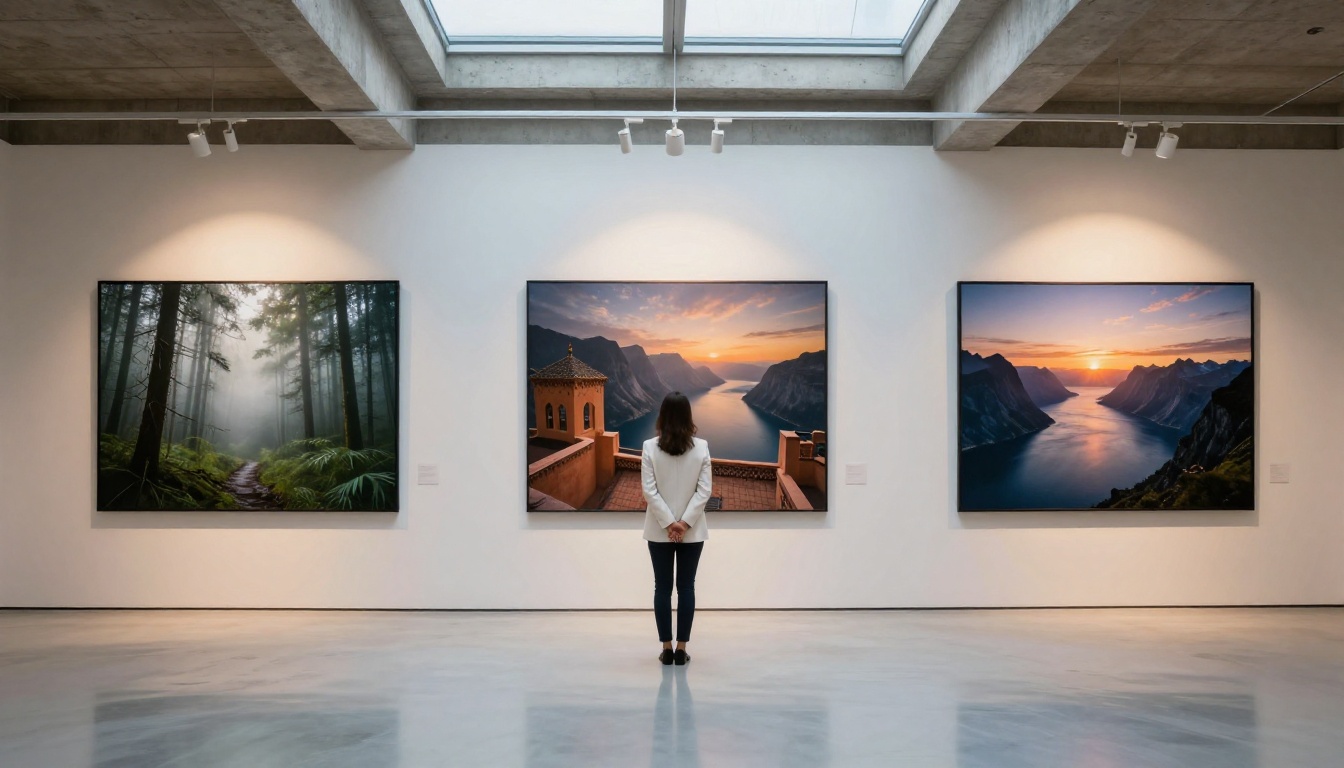
Nature and environmental photography is where Imagen 4 is unmatched. Mist over a mountain lake at dawn, ice formations in an Arctic landscape, a thunderstorm approaching over an open wheat field: these prompts produce outputs that look like they were captured by a professional nature photographer with a medium format system.
Detail rendering at the macro level is also exceptional. Rock texture, water surface behavior, cloud formation depth, and vegetation layering are handled with a physical accuracy that's difficult to match elsewhere.
For those who need the absolute ceiling of image quality and processing time isn't a constraint, Imagen 4 Ultra takes the same architecture and removes the speed optimizations entirely. The results are noticeably sharper at the pixel level.
Imagen 4 vs Nano Banana 2
| Criterion | Imagen 4 | Nano Banana 2 |
|---|
| Nature and landscape output | Outstanding | Excellent |
| Human subject realism | Good | Outstanding |
| Prompt density handling | Very good | Outstanding |
| Generation speed | Slower | Faster |
| Complex compositions | Excellent | Outstanding |
Both are Google models. The difference is in optimization priority. Nano Banana 2 is calibrated for versatility across all subject types. Imagen 4 is calibrated for maximum fidelity in specific categories.
#5 Ideogram V3 Quality: The Text Specialist
No other model in this ranking handles text within images as well as Ideogram V3 Quality. If your use case involves generating images that contain legible, stylistically coherent typography, this is a separate category of capability that none of the above four models match.
Magazine front page mockups, poster concepts, social media graphics with text, book jacket visualizations, event flyer concepts: all of these require a model that won't mangle the letters or produce nonsensical character arrangements. Ideogram V3 Quality is the answer.
Typography and Hybrid Visuals
The model handles short text strings, up to about 15 words, with high accuracy. Font style matching, color integration within the scene, and text placement that feels intentionally composed rather than tacked on are all consistent outputs. It also performs well in branded environment scenes, where logos, signage, and product labels appear in context.
Beyond text, Ideogram V3 Quality produces strong outputs in stylized photorealism and design-forward compositions. It's not competing with Nano Banana 2 on portrait rendering, but for brand visuals and marketing-first output, it belongs in every creative team's toolkit.
For faster iteration at somewhat reduced fidelity, Ideogram V3 Balanced offers a solid middle-ground option with noticeably shorter wait times.
Ideal Workflows for Ideogram V3
- Social media content: Text-overlay compositions for Instagram, LinkedIn, or ad creatives
- Print mockups: Book jackets, magazine layouts, poster concepts
- Brand visualization: Signage, packaging, branded space environments
- Hybrid imagery: Scenes combining photorealistic backgrounds with stylized graphic elements

Which One Should You Actually Use?
The honest answer depends on what you're building. Here's a clean breakdown.
For Photographers and Creatives
Nano Banana 2 is the default answer. If your output needs to look like it came from a camera, there is no better option in 2027. Use Flux 2 Pro as your secondary for architecture and product work where human subjects aren't the focus.
For Brands and Agencies
Start with GPT Image 1.5 for concept development. Move to Nano Banana 2 for hero image production. Use Ideogram V3 Quality for any deliverable that needs text in the frame.
For Personal Projects
If you're working on personal creative projects without strict production requirements, any of these five will produce impressive results. The best starting point is Nano Banana 2 for sheer output quality, or GPT Image 1.5 if you prefer describing ideas in plain language rather than technical photography terminology.
💡 Don't overlook PicassoIA's additional tools when working with your generated images. Super Resolution can push any output to 4x its original size for print use. Background Removal works with AI-generated subjects the same as with real photographs. Face Swap and Inpainting tools let you iterate on specific elements without regenerating the full image.
Start Creating Now
All five models in this ranking are available on PicassoIA today. No installation. No waiting list.

The best way to form your own opinion on any of these models is to run identical prompts through each one and compare the outputs directly. PicassoIA's platform makes that straightforward, because switching between models takes a single click without rewriting your prompt or adjusting your workflow.
Start with Nano Banana 2 and describe something specific: a scene, a person, a place, a mood. Give it real photographic detail. See what it produces. Then try the same prompt through Flux 2 Pro or GPT Image 1.5 and compare the differences firsthand.
The models listed here are the best the field has to offer in 2027. The one that will become your go-to depends on what you create and how you work. The only way to find out is to start.


