The way content gets made has shifted permanently. Not gradually, not theoretically. Right now, in 2027, a solo creator with the right AI stack can produce more polished content in a single afternoon than a team of five could manage in a week just three years ago. That is not hyperbole. That is the current baseline.
But "AI tools" has become a catch-all phrase that covers everything from $5 caption spinners to infrastructure powering major media brands. The list below does not chase hype. It covers the five specific categories of AI tools that are producing measurable results for social media creators today, with concrete examples of what each one actually does.

What Makes a Creator's Workflow Click
Before getting into the tools, it helps to understand where creators lose time. The average creator spends roughly 60% of their production time on tasks that are not the actual creative work: researching topics, writing captions, sourcing images, editing clips, formatting for different platforms. AI tools attack that 60% directly.
The result is a workflow where the human brings taste, direction, and audience knowledge, while AI handles the repetitive execution. That shift does not replace creativity. It makes space for more of it.
Here is a breakdown of the five categories that have the highest impact on a creator's output and quality.
Nothing in social media performs better than original, high-quality visual content. Stock photos are recognizable at a glance. Your audience has developed a finely tuned radar for generic imagery, and when they spot it, they scroll past. AI image generation solves this with speed and scale.
Why Original Visuals Win the Feed
The platforms themselves reward originality. Instagram's algorithm gives priority to posts that hold attention, and a distinctive image holds attention longer than a stock photo seen on seventeen other accounts that week. AI image generation gives you genuinely unique visuals every time, because the image has never existed before you generated it.
For social media specifically, the most useful image models are those that run fast, support multiple aspect ratios, and produce realistic results without requiring a prompt engineering degree.

The Best Models for Social Media Images
Flux Schnell is the fastest option available for social content. It runs in as few as four denoising steps, which means you can generate and iterate on a concept in the time it used to take to download a stock photo. Eleven aspect ratios are supported out of the box, from 1:1 square posts to 9:16 vertical stories and 16:9 wide thumbnails. It runs without credit caps on PicassoIA, so a session where you test 40 prompt variations costs nothing extra.
Seedream 3 is the choice when resolution matters. It renders natively at up to 2048 pixels on the longest side, which means your output is print-ready from the first generation. For Pinterest, high-resolution YouTube thumbnails, or branded content that gets saved, Seedream 3 produces results that look professional without a resize step.
Stable Diffusion is the foundational model that started the category. It supports negative prompts to push specific elements out of the result, six different schedulers, and a guidance scale that controls how literally the model follows your text. For creators who want fine-grained control over composition and style, Stable Diffusion remains one of the most flexible tools available.
| Model | Speed | Best For | Max Resolution |
|---|
| Flux Schnell | Under 5 seconds | Rapid iteration, feed posts | 1 megapixel |
| Seedream 3 | 5-35 seconds | Print-quality, thumbnails | 2048px |
| Stable Diffusion | 3-12 seconds | Controlled compositions | 1024x1024 |
💡 Tip: When generating images for social media, always set your aspect ratio in the tool settings before writing your prompt. A 9:16 vertical subject generated at 16:9 will always be cropped awkwardly. Match the ratio to the placement first.
How to Use Flux Schnell on PicassoIA
- Open Flux Schnell on PicassoIA
- Set your aspect ratio first: 1:1 for feed posts, 9:16 for Stories and Reels covers, 16:9 for YouTube thumbnails
- Write a prompt that describes the subject, setting, lighting direction, and mood
- Enable Go Fast mode for rapid iteration across multiple variations
- Set a seed number once you find a composition you like, so you can test small prompt variations from the same starting point
- Download as PNG for maximum quality or WEBP for faster platform load times

PicassoIA runs over 90 text-to-image models in total, which means Flux Schnell and Seedream 3 are entry points into a much larger library. Once you know what you want visually, you can test models with different aesthetics without leaving the platform.
The written side of social media — captions, hooks, scripts, bios, CTAs, ad copy — is where creators lose the most time relative to the output produced. Writing is slow. Writing well is even slower. Writing at the volume a consistent posting schedule demands is exhausting without assistance.
This is where Large Language Models (LLMs) become one of the most practical tools in a creator's stack.

Captions That Stop the Scroll
A strong caption has three jobs: it opens with a hook that interrupts the scroll, it delivers a specific value or idea in the body, and it closes with an action. Most creators know this structure but still stare at a blank field for ten minutes per post. An LLM can draft that caption in under three seconds based on a one-sentence brief.
The difference between good and mediocre LLM output comes down to the brief. "Write me a caption about my new product" produces generic output. "Write a 5-line Instagram caption for a handmade candle brand targeting women 28-40 who prioritize wellness, opening with a sensory hook about scent, closing with a soft CTA" produces something usable from the first response.
The Best LLMs for Content Creators
All of these models are accessible on PicassoIA without switching between platforms. If you generate an image and then need copy to accompany it, you can stay in the same workflow rather than jumping to a separate chat tool.
💡 Tip: Use an LLM to produce five caption variations for every post, not one. Pick the best one. The time cost per caption drops to about 30 seconds once you have a working brief template. Save that template and reuse it every session.
Scripting Short-Form Video
For creators doing talking-head videos or voiceovers on Reels and Shorts, an LLM is now the fastest path from topic idea to teleprompter-ready script. Claude Opus 4.7 in particular is strong at matching your existing tone and removing filler language from drafts, which reduces editing time significantly.
A practical workflow: brief the model with your topic and target audience, ask for a 60-second script with a hook in the first five words, a structured middle, and a specific CTA. Export it to your teleprompter app and record.

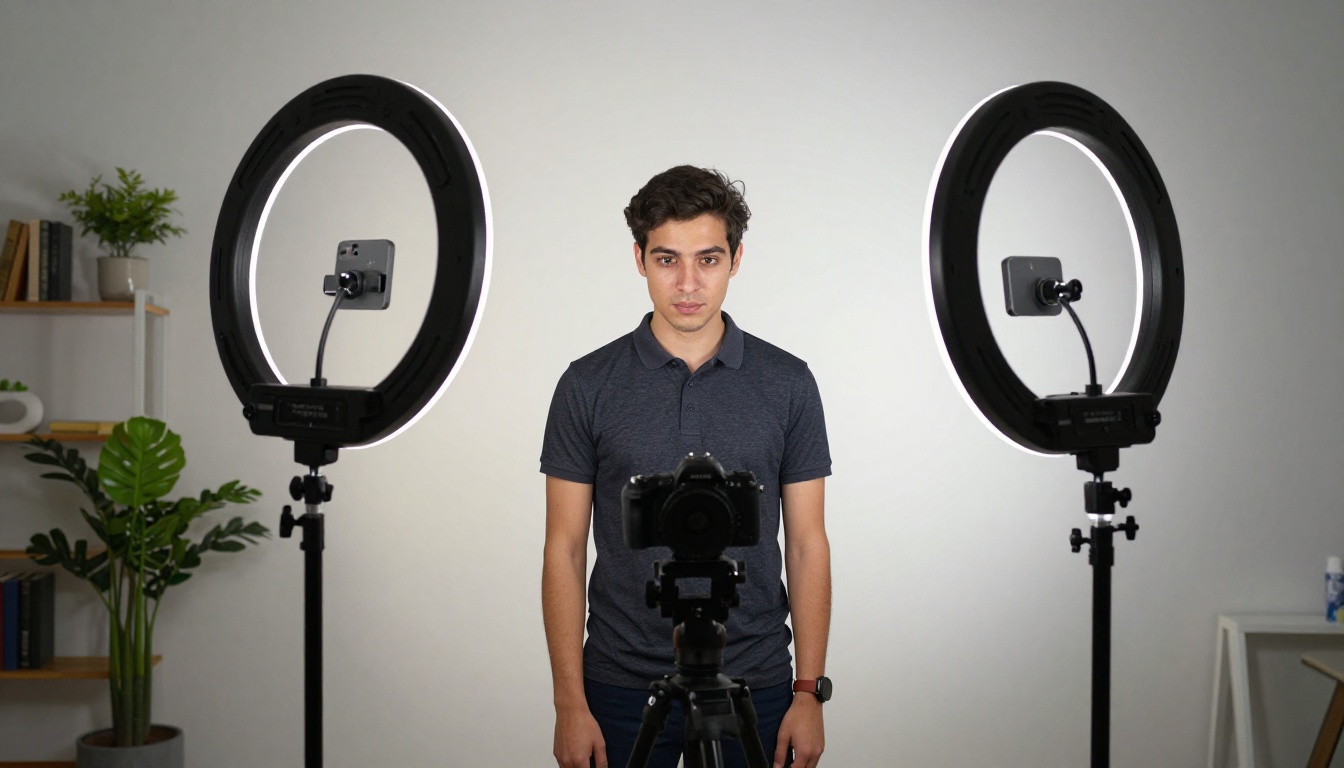
Short-form video is the highest-reach content format on every major platform right now. Instagram Reels, TikTok, YouTube Shorts, and LinkedIn Video are all prioritizing it algorithmically. For creators who are not comfortable on camera, or who want to produce more video than they can feasibly film, AI video generation closes the gap.
From Still Image to Motion Content
The most practical entry point for AI video is image-to-video: you provide a still image and a description of the motion you want, and the model generates a short clip. This is significantly more controllable than text-to-video from scratch, because you are starting from a visual reference you already like.
Wan 2.1 I2V outputs 720p video from a still image and a text prompt. It supports both 16:9 landscape and 9:16 vertical formats, which means you can produce content sized correctly for any platform without cropping. The negative prompt feature lets you exclude camera shakes, blurs, or artifacts that lower perceived quality. LoRA support means you can apply a custom visual style consistently across a series of clips.
For social media use, the most effective clips are subtle: a product rotating gently, hair moving in wind, steam rising from a coffee cup, water catching light. These add motion to content that would otherwise be static, without the full production overhead of a filmed video.
What PicassoIA's Video Ecosystem Offers
PicassoIA runs 87 text-to-video and image-to-video models, covering a significant range in style, speed, and output quality. For realistic motion in brand content, Wan 2.1 I2V is the practical starting point. The platform also includes dedicated video editing tools, AI video upscaling, stabilization, and restoration, so you can take existing footage and improve it without separate software.
💡 Tip: For product-focused creators, generating a static image with Flux Schnell and then animating it with Wan 2.1 I2V produces higher-quality motion than text-to-video from scratch, because you control the original composition exactly before adding movement.
Generating an image is step one. But the images that perform best on social media are often the ones that have been refined: backgrounds removed, resolutions sharpened, compositions tightened. AI editing tools have made this workflow fast enough that the editing step no longer adds meaningful time to production.

Background Removal at Scale
Background removal used to require careful masking in Photoshop. With AI background removal, you upload the image and the subject is isolated in seconds. For product photography, portrait posts, or creating composite images, this changes what is possible without a professional photo studio.
On PicassoIA, background removal is available as a standalone tool. The result is a transparent PNG you can drop onto any background you generate separately with your image model. This is particularly useful for product creators who want consistent, clean subject isolation across a product line.
Super Resolution for High-Quality Posts
Not every image you have is high enough resolution for every platform. A photo that looks fine on your phone screen often appears soft when displayed at larger sizes. AI super resolution can upscale an image 2x to 4x while sharpening detail and reducing noise, without the pixelation of a standard resize.
For LinkedIn banners, YouTube channel art, Pinterest pins, and any content that gets viewed at a larger size than a phone screen, running your images through super resolution before posting makes a visible difference in perceived quality.
AI Image Restoration
For creators working with older brand assets, photos from earlier in their content history, or any image that has compression artifacts from platform reprocessing, AI image restoration removes noise, fixes blur, and improves sharpness. The result is usable where the original was not. Batching a library of older images through this process takes a fraction of the time it would take to reshoot or manually retouch.
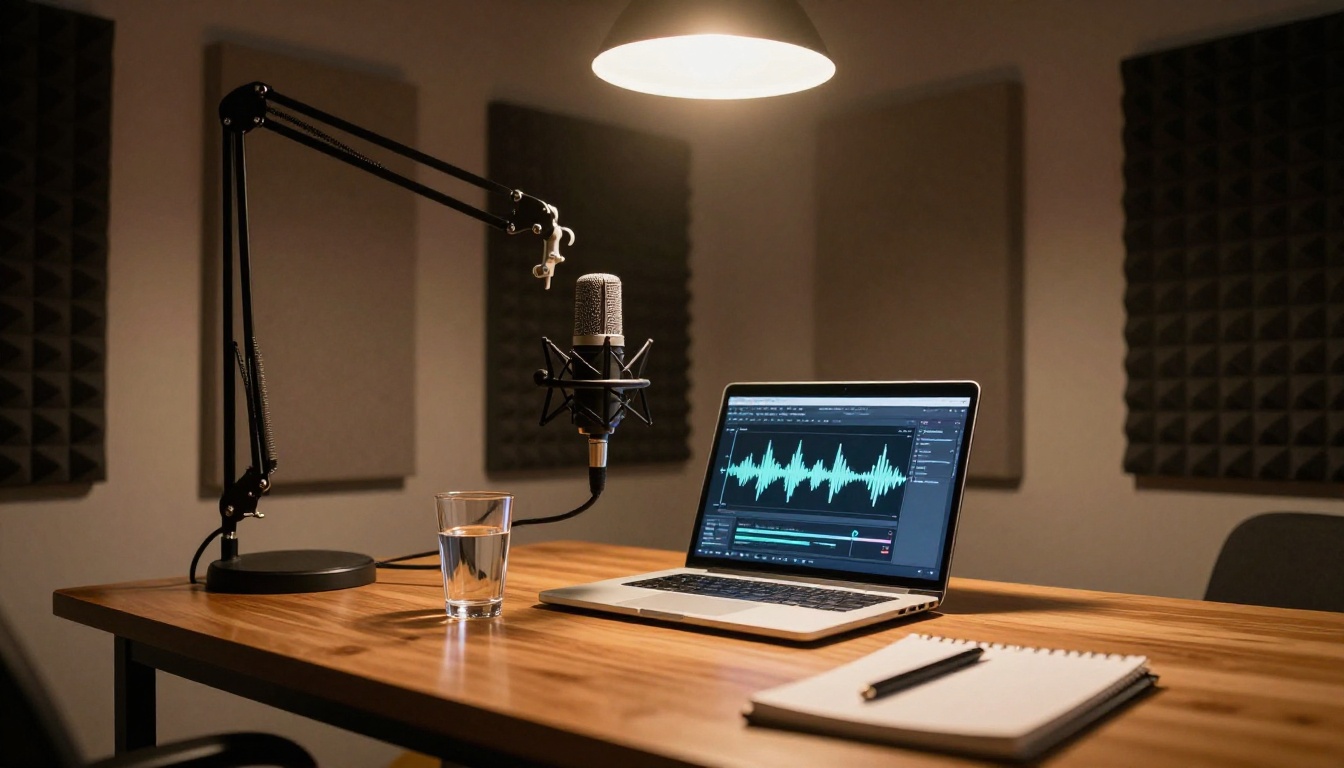
Audio is often the most overlooked dimension of social media content, even though it is one of the most attention-holding. A strong voiceover can triple watch time on a Reel. Background music that fits the mood makes editing feel more professional. AI has made both of these assets accessible without a recording setup or a music licensing budget.
Voiceovers Without a Microphone
Text-to-speech has reached a quality level where the output is convincingly human at normal listening speed. For creators who are not comfortable recording their own voice, or who produce large volumes of content where recording every script is impractical, AI voice generation produces narration that works in vertical video, tutorials, and explainer content.
PicassoIA's text-to-speech tools support multiple voice characters, language options, and pacing controls. You paste your script, choose a voice that matches your brand tone, and download the audio ready to drop into your editing timeline. No recording setup, no noise floor, no takes.
AI Music for Reels and Shorts
AI music generation creates original background tracks from a text description of the mood, genre, tempo, and instruments you want. The resulting audio is original to your generation, which removes the copyright risk that comes with using popular songs on monetized content.
For creators running sponsored posts or publishing at commercial volume, original AI-generated music removes the risk of automated copyright claims that can suppress or demonetize a post. You describe the vibe, the model produces the track, and you own it.
How to Build Your AI Content Stack
The most effective creators are not using all five categories simultaneously from day one. They identify the single biggest bottleneck in their workflow and solve that first.

If your biggest problem is visual content, start with Flux Schnell or Seedream 3. Once that workflow is solid, add image editing tools for refinement.
If your biggest problem is written output, start with Claude Sonnet 4.6 or GPT-5. Build one brief template that works for your niche and use it consistently across every session.
If your biggest problem is video production volume, start with Wan 2.1 I2V to generate motion clips from your existing image library before building out a full video production workflow.
| Biggest Bottleneck | Starting Tool | Platform |
|---|
| Visual content | Flux Schnell | PicassoIA |
| Written copy | Claude Sonnet 4.6 | PicassoIA |
| Video output | Wan 2.1 I2V | PicassoIA |
| Audio and voice | Text-to-Speech | PicassoIA |
| Image quality | Super Resolution | PicassoIA |
What Actually Separates Productive Creators in 2027
The creators pulling ahead are not the ones who have tested the most tools. They are the ones who have built a tight, repeatable workflow with a small number of tools they know well. Speed of output matters. Consistency matters more. AI helps with both when you stop treating it as a novelty and start treating it as infrastructure.
The five categories above cover every layer of what makes social content work: the visual, the written, the motion, the audio, and the finishing. You do not need all five at once. You need to know which one to start with, run it until the workflow is automatic, and then add the next one.
Start Creating on PicassoIA
PicassoIA puts over 90 image generation models, 87 video models, and dozens of LLMs, audio tools, and image editing capabilities in one platform. No account-hopping, no managing separate subscriptions, no juggling API keys across different dashboards.
If you want to see what Flux Schnell does with your first prompt, or how fast Seedream 3 returns a 2K image from a single sentence, you can do it right now. Most models run without credit caps, which means you can iterate until you get what you actually want rather than rationing generations.
The full library is at picassoia.com/en/all-models. Pick the category that matches your biggest production bottleneck, run it for a week, and see what changes in your workflow.


