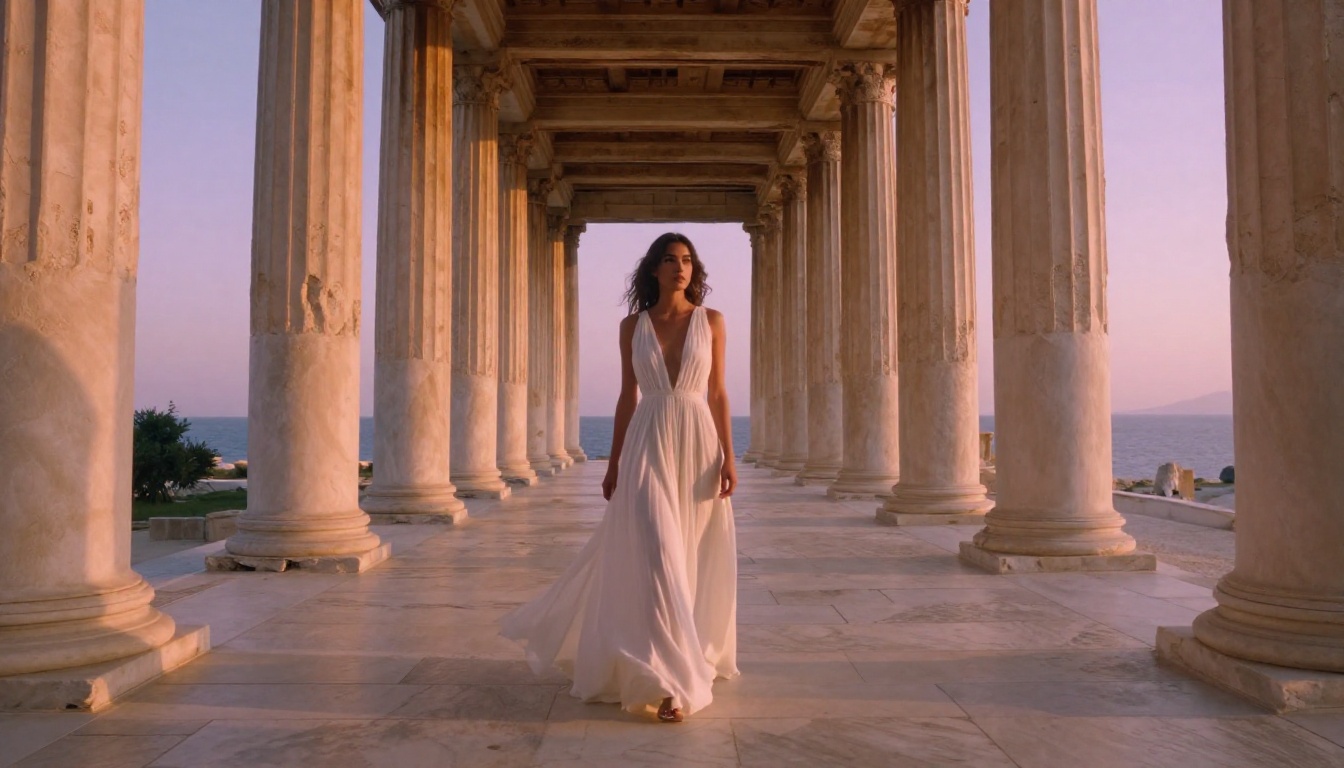
Top 5 Free NSFW AI Tools That Actually Work in 2027
A ranked breakdown of the 5 free NSFW AI image generators that actually produce results in 2027, from open-source heavyweights to lightning-fast new models. Real comparisons, prompt tips, and zero fluff to waste your time.
The free NSFW AI space in 2027 is crowded, noisy, and full of tools that promise the world and deliver watermarked garbage at 512px. This article cuts through that. Below are the 5 tools that actually work, evaluated against real outputs with zero paid upgrades involved, based on what they produce on their free tier right now.
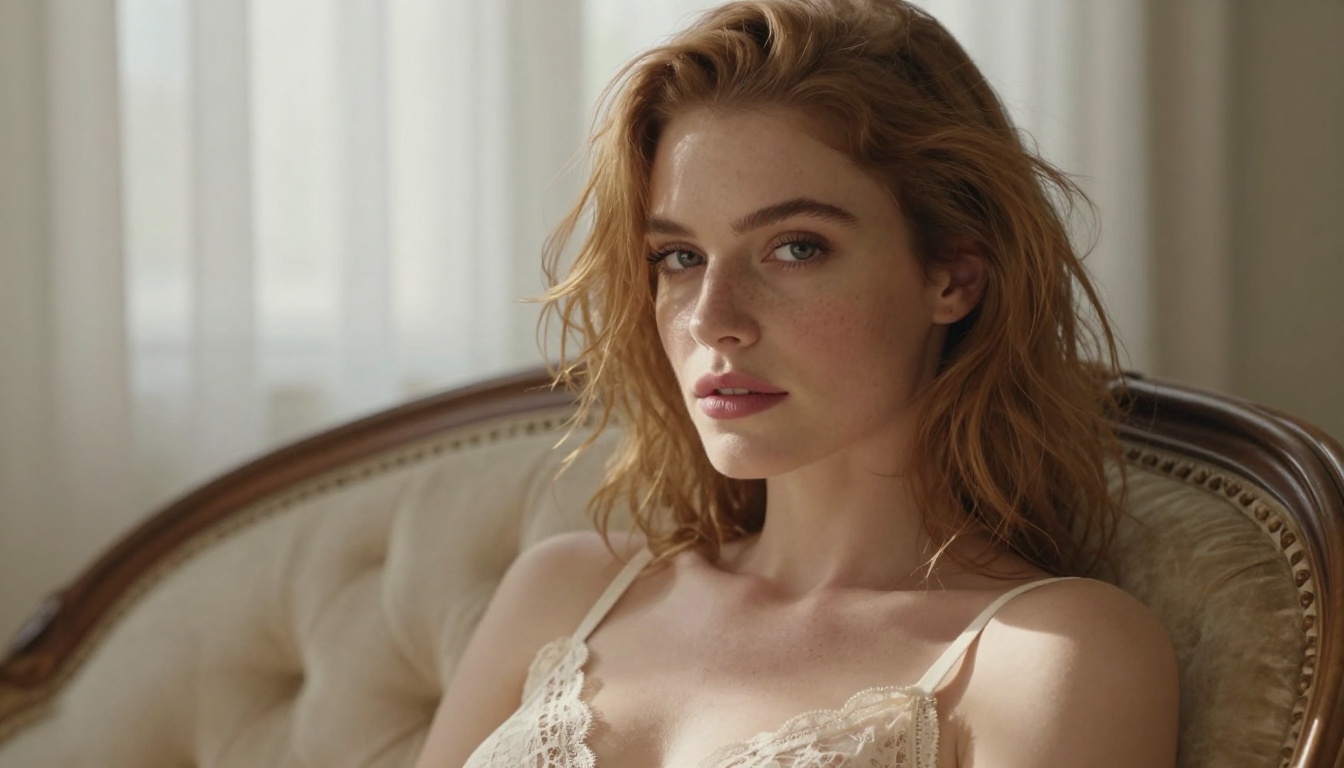
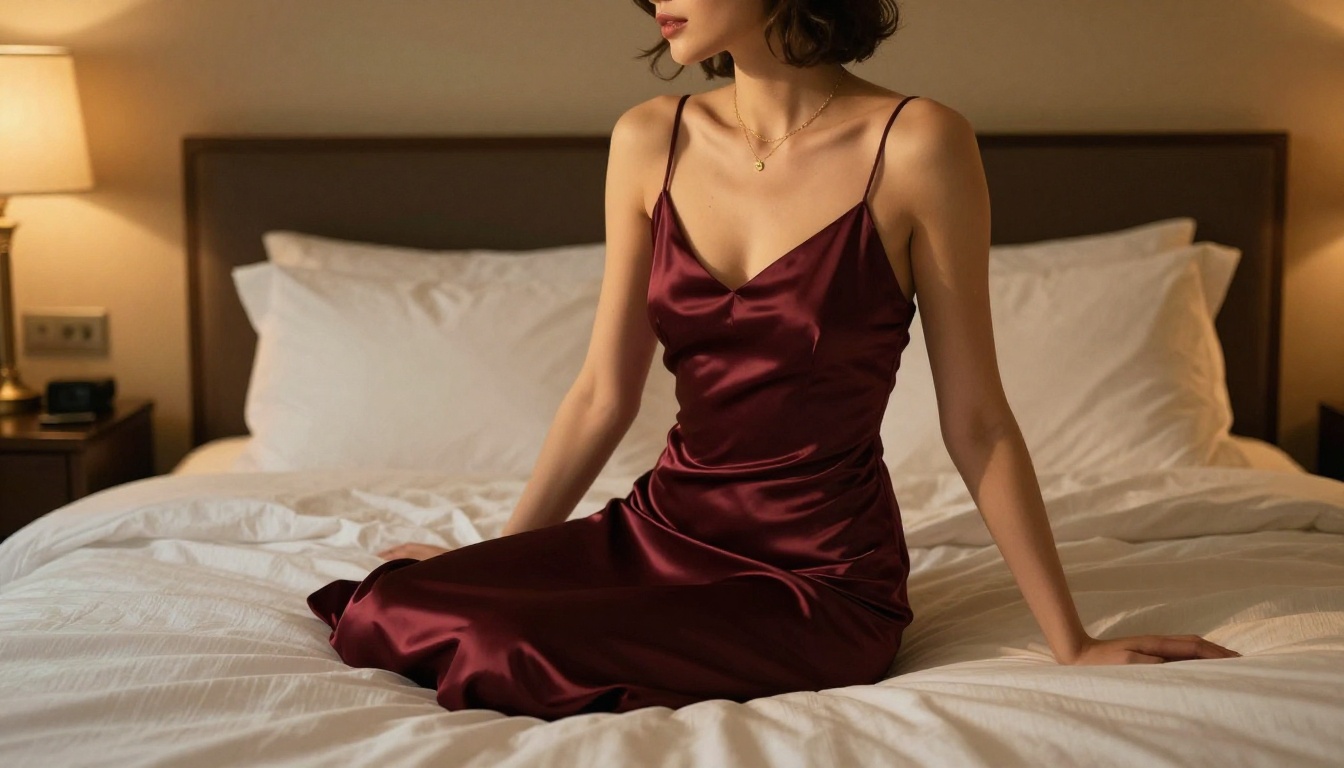
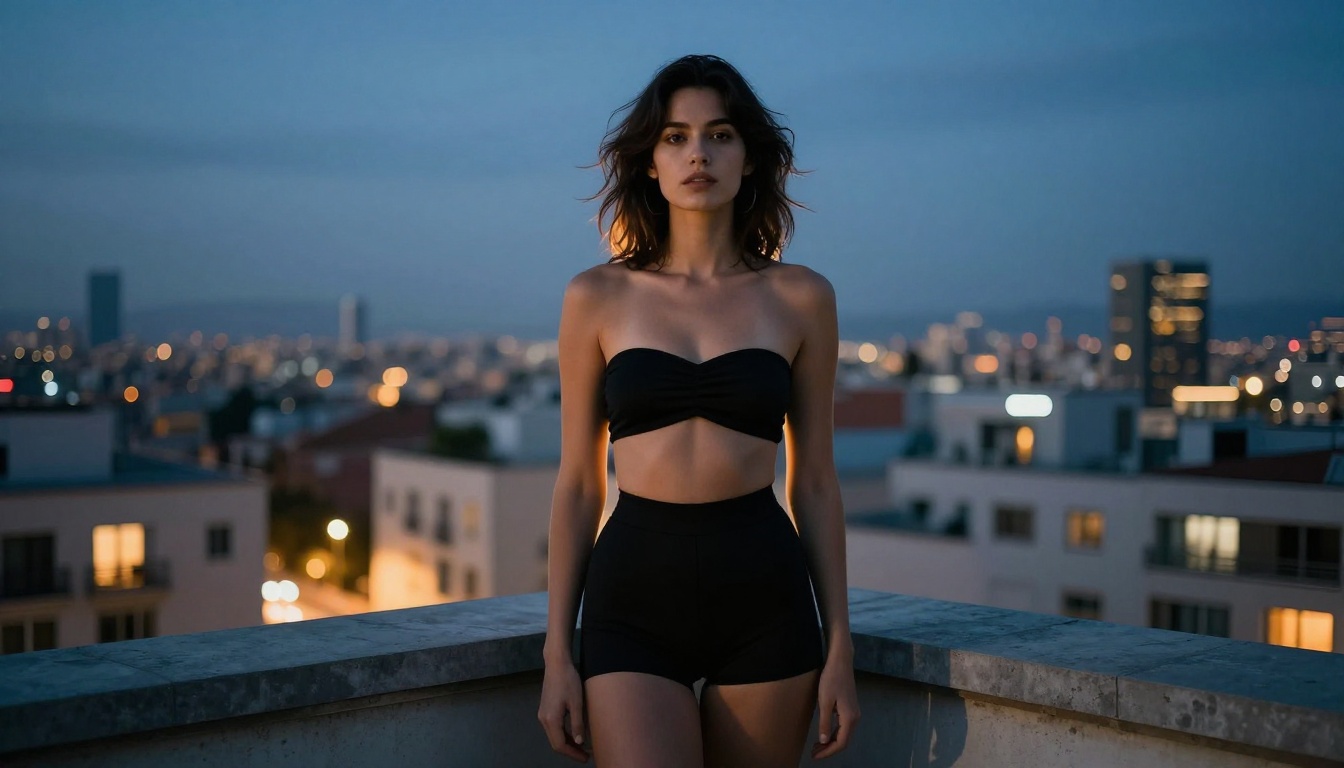
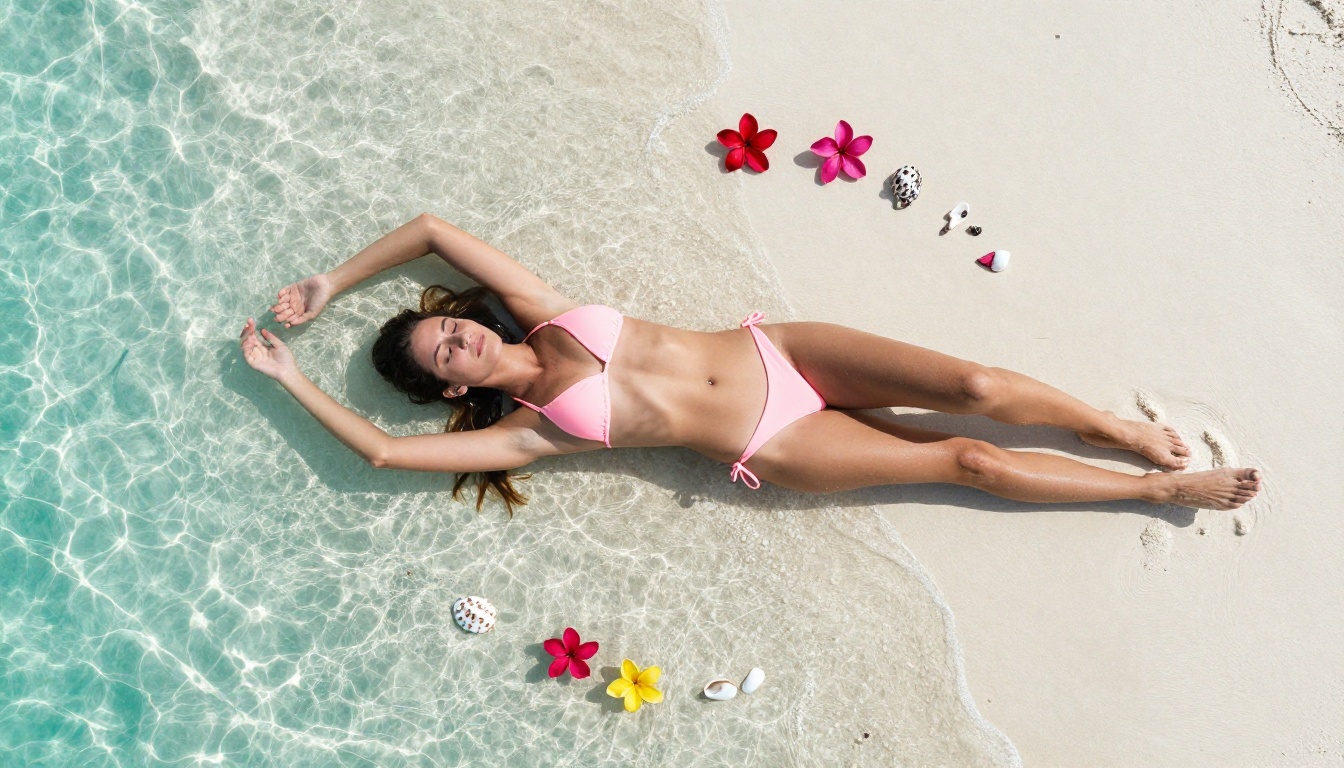
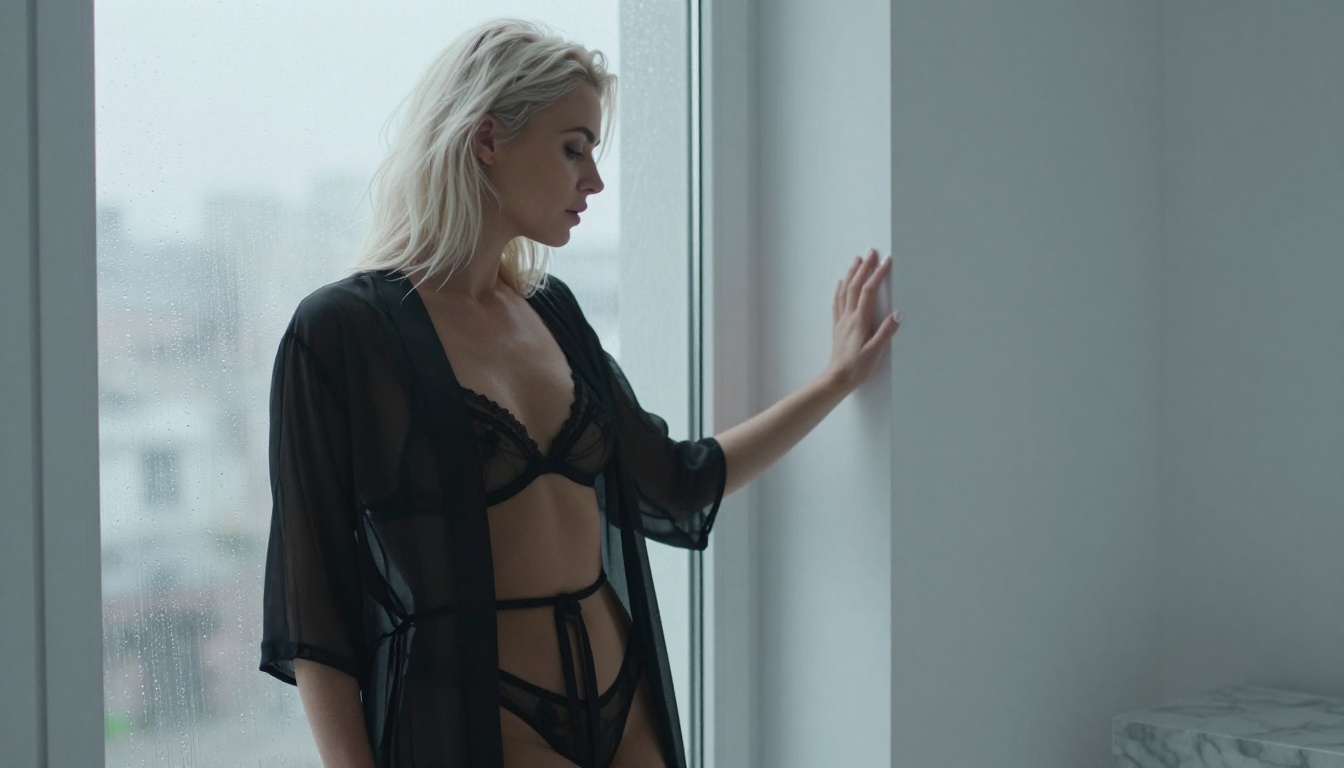
Whether you want photorealistic glamour, editorial fashion aesthetics, or suggestive boudoir content, the right model matters more than the platform. Here's the full ranked breakdown.
What Separates Good Tools From Bad Ones
Output quality at free tier
Most NSFW AI tools funnel you toward a paid plan the second you try anything remotely interesting. The tools in this list are different. They either offer a genuinely useful free tier with no degraded quality, or they are open-weight models you can run via platforms like PicassoIA without paying per-generation fees for basic use.
💡 Quality check: A good free NSFW AI tool should produce 1024px or higher output with no visible compression artifacts or aggressive default censorship filters at the free tier. If the free version watermarks output or halves the resolution, it does not make this list.
No hidden paywalls or daily limits
Daily limits are fine. Invisible quality caps are not. Every tool below was evaluated based on whether the free version produces the same core model output as the paid one, with usage limits being the only meaningful restriction. These are the criteria that shaped the ranking:
Output resolution at free tier (minimum 768x768)
Prompt adherence for suggestive and sensual content
Generation speed (under 45 seconds for standard outputs)
No forced watermarks or brand overlays on output
Accessibility without requiring a local GPU setup
The tools that cleared all five bars are the ones worth your time. Here they are.
#1 Stable Diffusion 3.5 Large
Stability AI's flagship open-weight model continues to set the bar. Stable Diffusion 3.5 Large produces some of the most accurate prompt-following results of any free model in 2027, and the full weights are publicly available for anyone to fine-tune or extend with custom LoRA layers.
Why it still dominates
The architecture improvements in the 3.5 series fixed the single biggest problem of previous Stable Diffusion versions: anatomy. Bodies look correct. Proportions are human. Hands have the right number of fingers. For NSFW use cases, this matters enormously because nothing breaks immersion faster than a six-fingered hand or a torso with misaligned geometry.
The multi-modal diffusion transformer at the core of SD 3.5 processes image tokens alongside text tokens during generation, which is why prompt adherence is so strong compared to earlier diffusion-only architectures. When you say "warm amber sidelight from the upper left," SD 3.5 Large actually produces that, not a generic overhead studio light.
The free access through open-weight hosting removes the subscription barrier entirely. You can run SD 3.5 Large locally on a mid-range consumer GPU, or access it through platforms that host the model without charging per generation.
Free access on PicassoIA
PicassoIA hosts Stable Diffusion 3.5 Large alongside more than 91 text-to-image models in a single browser-based interface. No local setup. No GPU requirement. The model runs on-demand and outputs at full quality.
💡 Prompt tip: Add "photorealistic, RAW 8K, sharp focus, natural skin texture, Kodak Portra 400" to your prompt. SD 3.5 Large responds strongly to photography-specific quality modifiers and film stock references, which anchor the output in a realistic aesthetic.
Best for: Users who want maximum control over output, the ability to fine-tune with custom LoRAs, and the most versatile base model available in 2027 at zero cost.
#2 Flux Dev
Flux Dev from Black Forest Labs has become the community favorite for photorealistic NSFW outputs in 2027. The reason is straightforward: it handles complex scene compositions better than any comparable free model, particularly when subjects and environments need to interact naturally.
The new standard for realism
Flux's transformer-based architecture processes spatial relationships differently from older diffusion models. The result is images where the environment, lighting, and subject interact in ways that feel physically plausible. A woman on a limestone terrace at sunset looks like a photograph from a professional editorial shoot, not a render from a game engine.
The dev variant is Black Forest Labs' free-tier offering. It's slower than the commercial Flux Pro and Flux 1.1 Pro Ultra versions, but produces the same core image quality with identical weights. Generation takes 20-45 seconds depending on resolution, which is completely acceptable for the quality of output.
How to get the best results
Flux Dev requires more descriptive prompts than SD 3.5. Vague prompts produce vague results. Specific prompts, including lighting direction, camera angle, and fabric texture details, produce extraordinary ones. The model rewards effort in prompt writing more than any other model on this list.
Prompt Element
Weak Version
Strong Version
Subject
"beautiful woman"
"28-year-old brunette with natural freckles, tousled hair"
Setting
"beach"
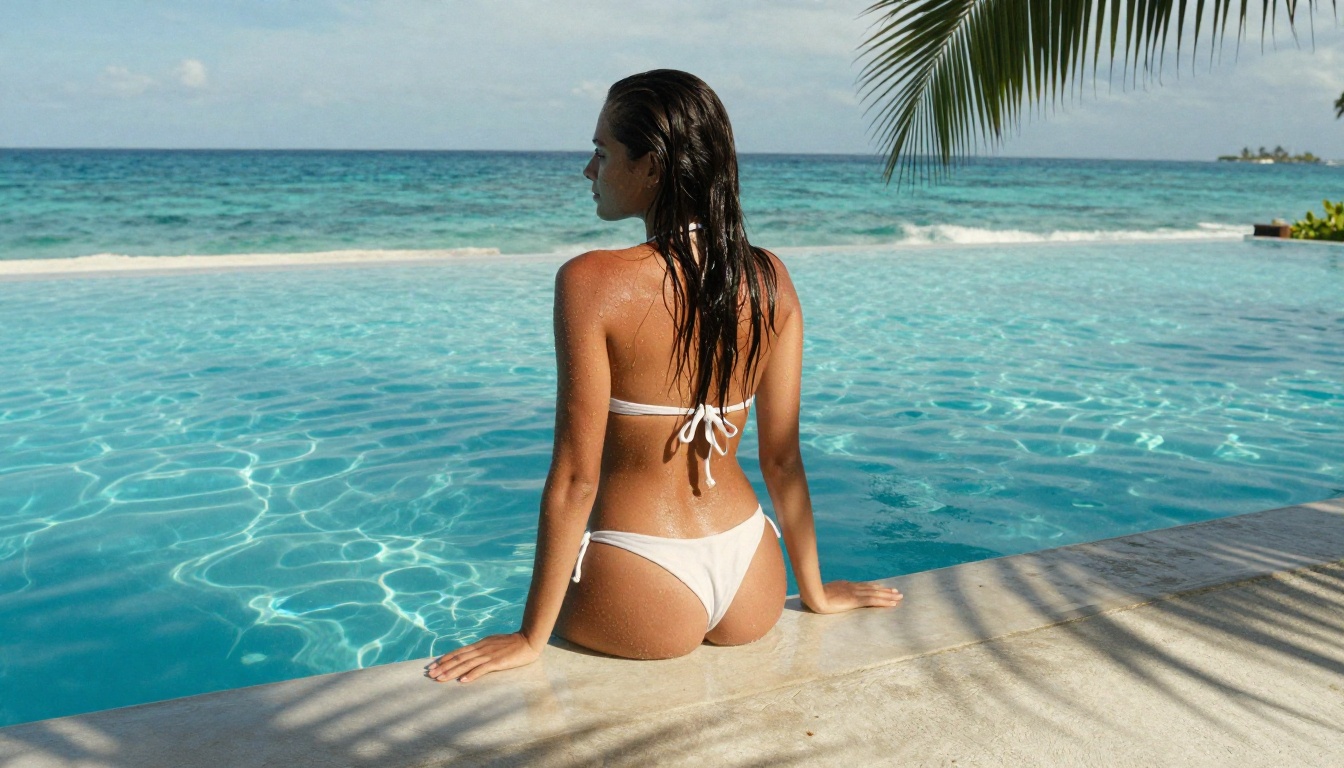
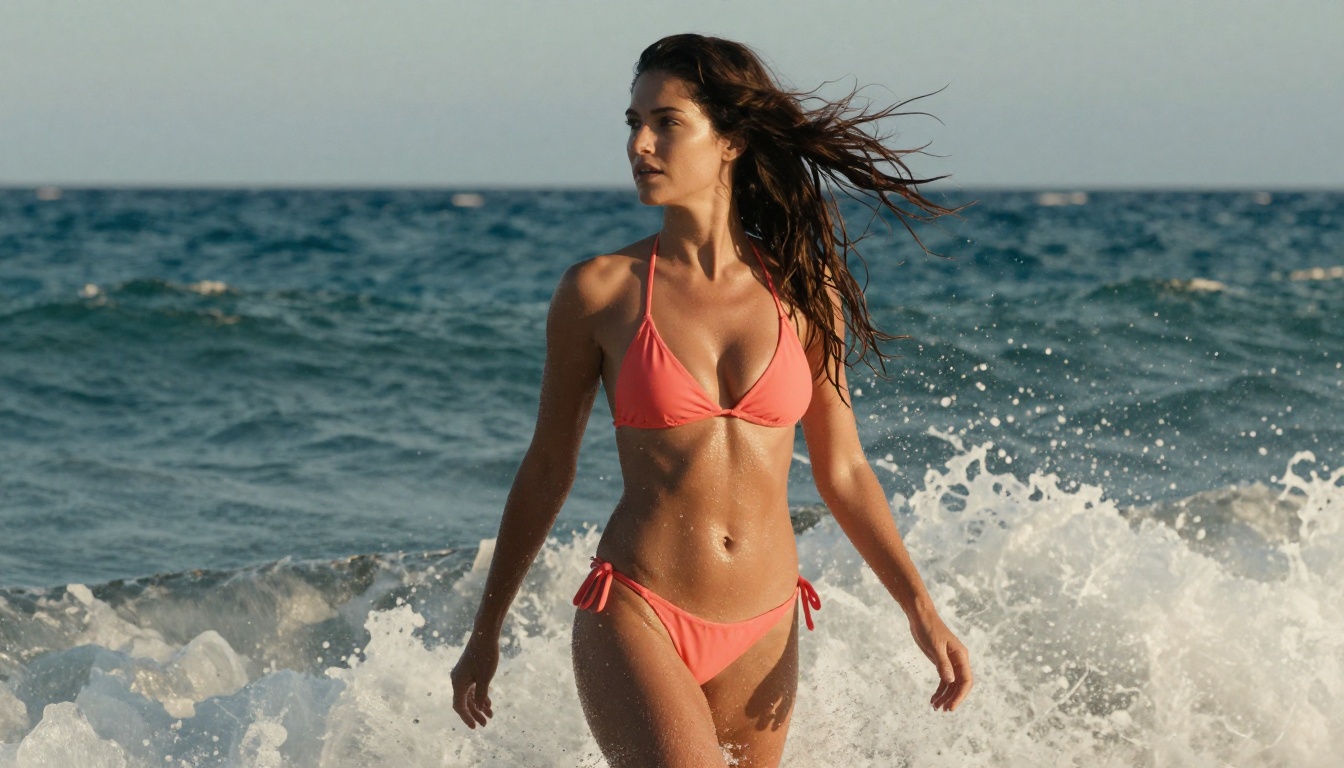
"Mediterranean beach at golden hour, warm wet sand"
Lighting
"good light"
"volumetric sidelight from upper left at 20 degrees, 5600K warm"
Camera
"portrait"
"85mm f/1.4, shallow DOF, Kodak Portra 400 film grain"
💡 Flux Dev tip: Always include a specific camera lens specification. "Shot on 85mm f/1.4" alone increases perceived photorealism significantly on Flux outputs. The model was trained on photography data and responds to technical camera language in a way that earlier models do not.
Best for: Photorealistic single-character scenes where lighting accuracy and environment interaction are critical.
#3 DreamShaper XL Turbo
DreamShaper XL Turbo is the community-built alternative to the big labs' offerings, and for NSFW content specifically it holds its own exceptionally well. The model was built by the community for the community, with explicit focus on aesthetic and sensual imagery from the start.
Built for this type of content
DreamShaper was fine-tuned extensively on beauty, glamour, and suggestive imagery, which means it needs significantly less prompt engineering to produce attractive, well-composed results than baseline SDXL models. The XL Turbo variant generates in 4-8 steps instead of the standard 20-30, so outputs arrive in under 12 seconds without the quality trade-offs common in other turbo-distilled models.
The community maintains active LoRA extensions for DreamShaper XL targeting specific aesthetics, from editorial fashion and lingerie photography to implied nudity and boudoir, all freely available and compatible with the base weights.
Speed without sacrificing quality
Turbo models usually compromise detail in backgrounds and fabric textures. DreamShaper XL Turbo sidesteps this by being trained specifically for fast, high-quality output rather than applying distillation as an afterthought to an existing model. The difference in output quality at 8 steps versus standard SDXL at 25 steps is smaller than any other turbo model in this category.
DreamShaper XL Turbo at free tier:
Average generation time: 8-12 seconds
Output resolution: up to 1024x1024
Prompt adherence: High, especially for female subjects and fashion contexts
NSFW content handling: No default filter applied
Best for: High-volume users who need fast, aesthetically strong results without per-generation quality drops.
#4 SDXL Lightning
ByteDance's SDXL Lightning 4-Step is one of the fastest free NSFW generators available in 2027. The name tells you what it does: full SDXL-quality images in 4 diffusion steps instead of 20 or more.
4-Step generation that looks good
The catch with most fast diffusion models is that speed comes at the cost of fine detail, particularly in hair, fabric weave, and skin texture. SDXL Lightning avoids this through progressive adversarial training, which teaches the model to produce perceptually complete outputs at each step rather than progressively refining noise. At 4 steps, the output quality sits remarkably close to full-step SDXL.
This makes it the ideal tool for rapid iteration. If you're testing multiple prompt variations to find what works before committing to a higher-quality model, SDXL Lightning lets you cycle through 10 variations in the time most models take to produce one single output.
When to use it
SDXL Lightning shines for speed-first workflows. It's not the right choice for a final hero image where maximum detail matters, but it's excellent for:
Prompt testing and rapid iteration before switching to a slower model
Batch generation when you need volume and variety
Quick concept visualization to confirm an art direction works
Situations where generation speed matters more than absolute quality
💡 SDXL Lightning tip: Due to the compressed step count, negative prompts matter more here than with standard models. Always include "blurry, deformed, watermark, low quality, overexposed, bad anatomy" in your negative prompt. The model benefits more from explicit negative guidance than full-step models do.
You can run SDXL Lightning 4-Step via PicassoIA directly in the browser. Compare it against the standard SDXL if you want to see the speed-quality trade-off side by side.
Best for: Rapid prompt prototyping and testing before committing to a slower, higher-fidelity model.
#5 Realistic Vision v5.1
Realistic Vision v5.1 is a hyper-specialized model. It does one thing with exceptional precision: photorealistic human subjects. For NSFW content specifically, the level of skin texture and natural lighting accuracy it achieves on free tier is genuinely remarkable relative to any model of its generation.
Hyper-photorealistic output
Realistic Vision was trained with an explicit focus on making AI-generated humans indistinguishable from real photographs. Version 5.1 improved handling of natural skin imperfections, subsurface scattering in skin tones, and the micro-detail of hair that makes outputs look dramatically more authentic than models that produce technically correct but obviously AI-generated subjects.
The model excels at rendering the details that make or break photorealism:
Skin texture: Pores, fine surface variations, subtle differences in tone across body regions
Hair rendering: Individual strands with natural color variation and directional catchlights
Fabric behavior: Cloth draping and wrinkle formation that follows fabric weight and physics
Eye realism: Iris patterns with natural micro-detail and authentic catchlight placement
Best prompts for realistic results
Realistic Vision v5.1 is built on the SDXL architecture, so standard SDXL prompt syntax applies. The important difference is that this model responds exceptionally well to photography-specific language and film stock references, more so than any other SDXL-based fine-tune.
High-performing prompt elements for Realistic Vision v5.1:
"RAW photo, photorealistic, 8k resolution, analog film grain"
💡 Workflow tip: Use SDXL Lightning to test and iterate on your prompt until the composition, lighting, and subject placement are right. Then switch to Flux Dev or Realistic Vision v5.1 for the final high-quality output. This approach cuts wasted generation time by over 50%.
How to Use These Models on PicassoIA
PicassoIA gives you browser-based access to all five models above without local installation, GPU requirements, or per-image paywalls for standard use. Here is the exact workflow to get started from zero.
Step-by-step on PicassoIA
Step 1: Open the Text-to-Image collection on PicassoIA. All five models covered in this article are listed there.
Step 2: Select your target model. For first-time users, start with DreamShaper XL Turbo for the easiest path to attractive outputs, or jump straight to Flux Dev if you want maximum photorealism and are willing to write detailed prompts.
Step 3: Write a structured prompt. Use this format consistently:
Step 4: Set your aspect ratio. Use 16:9 for widescreen editorial compositions, 1:1 for portraits, or 9:16 for vertical social content.
Step 5: Generate, evaluate, adjust. Change one prompt variable at a time so you understand what each element contributes. Lighting direction alone can transform an average output into an exceptional one.
Additional models worth checking on PicassoIA:
Flux 1.1 Pro Ultra: The premium version of Flux, with significantly better fine detail and prompt adherence for complex scenes
Flux Schnell: Flux architecture at turbo speed, a strong alternative to SDXL Lightning if you prefer the Flux aesthetic
Flux 2 Pro: The latest generation of the Flux family, with improved handling of multi-element compositions
Stable Diffusion 3.5 Medium: Faster version of SD 3.5 if you want the same architecture at lower compute cost
Ready to Create Your Own
These 5 tools are the real answer to which free NSFW AI generators actually work in 2027. No paywalled previews, no degraded free tiers, no watermarks across your output.
The quality gap between free and paid has narrowed to a point where the decision is mostly about speed and volume, not output quality. With the right prompt structure and model selection, free-tier outputs from Flux Dev or Realistic Vision v5.1 are genuinely difficult to separate from commercial results.
Pick the model that matches your use case from the comparison table, build your first prompt using the structure above, and start iterating. PicassoIA gives you instant browser access to all five models in one place, with no downloads, no GPU, and no local setup required. The best way to get good outputs is to generate, adjust, and generate again.