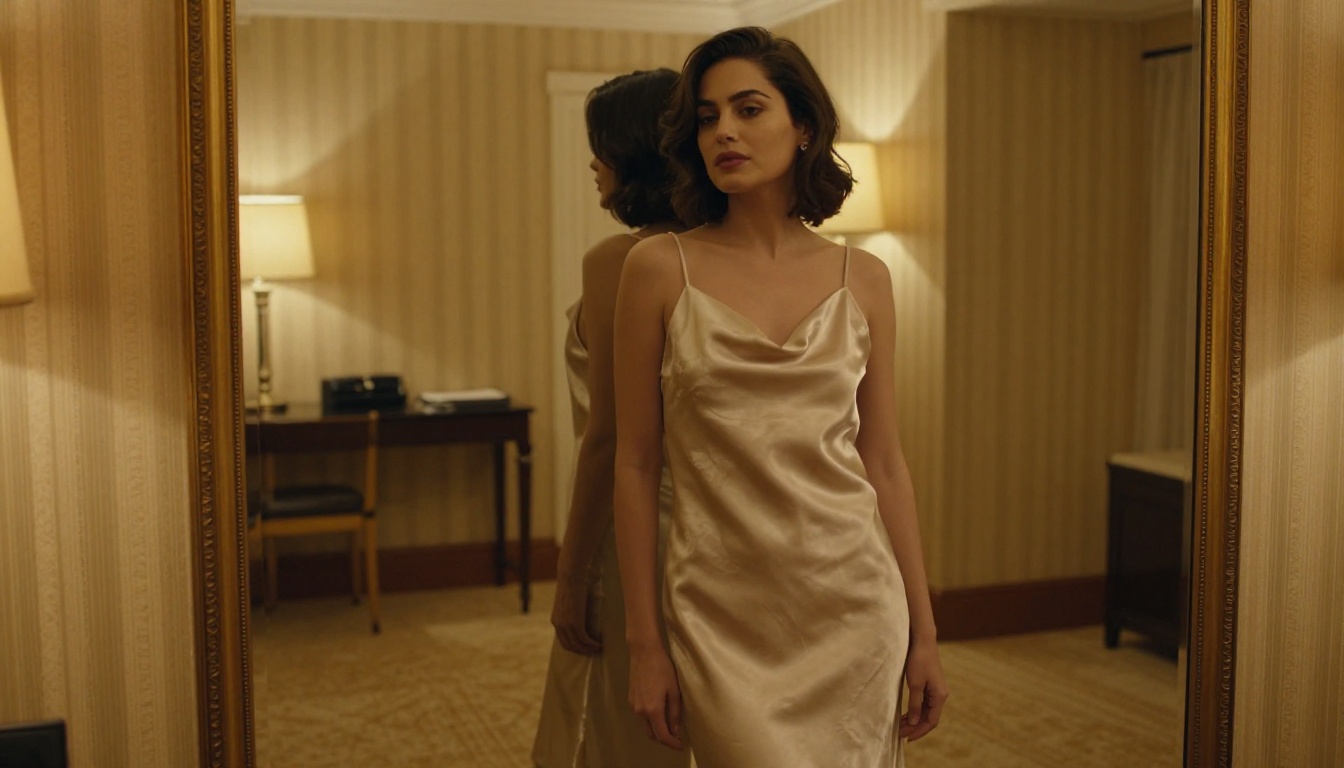
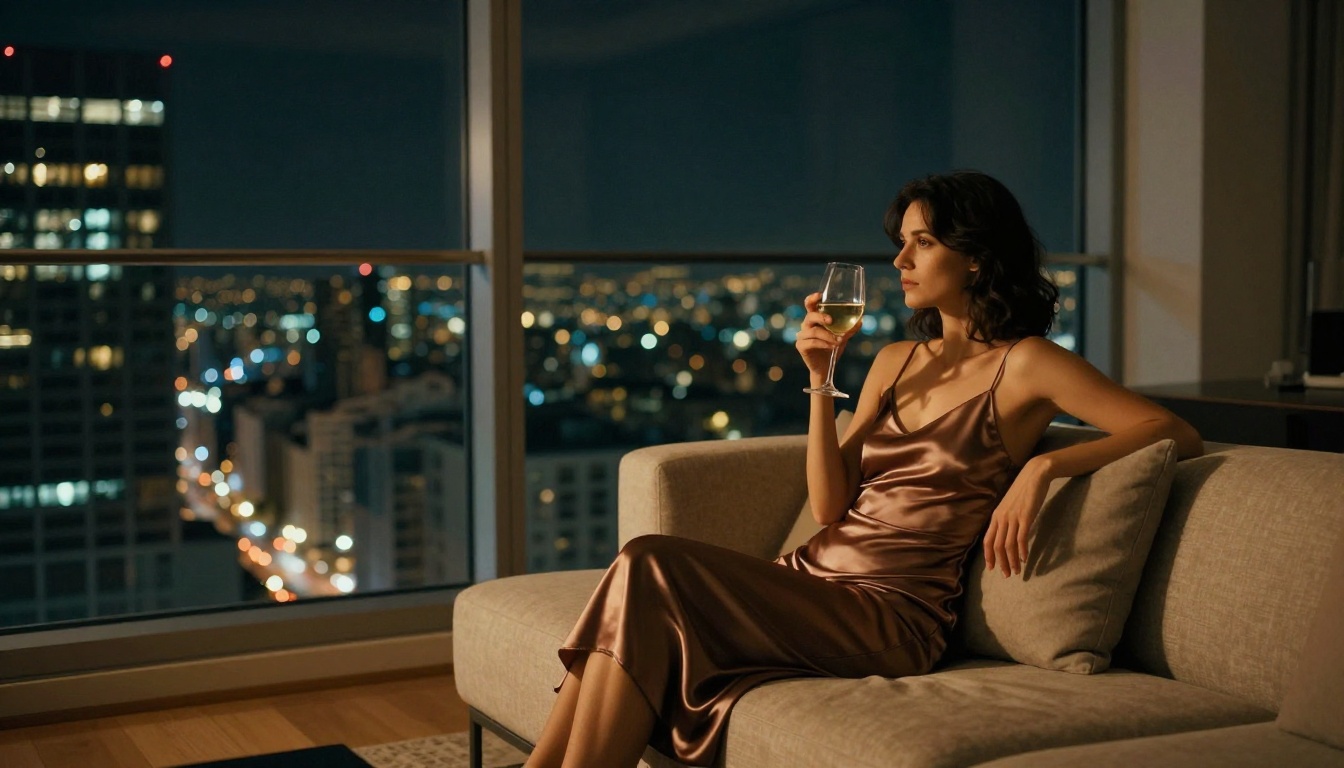
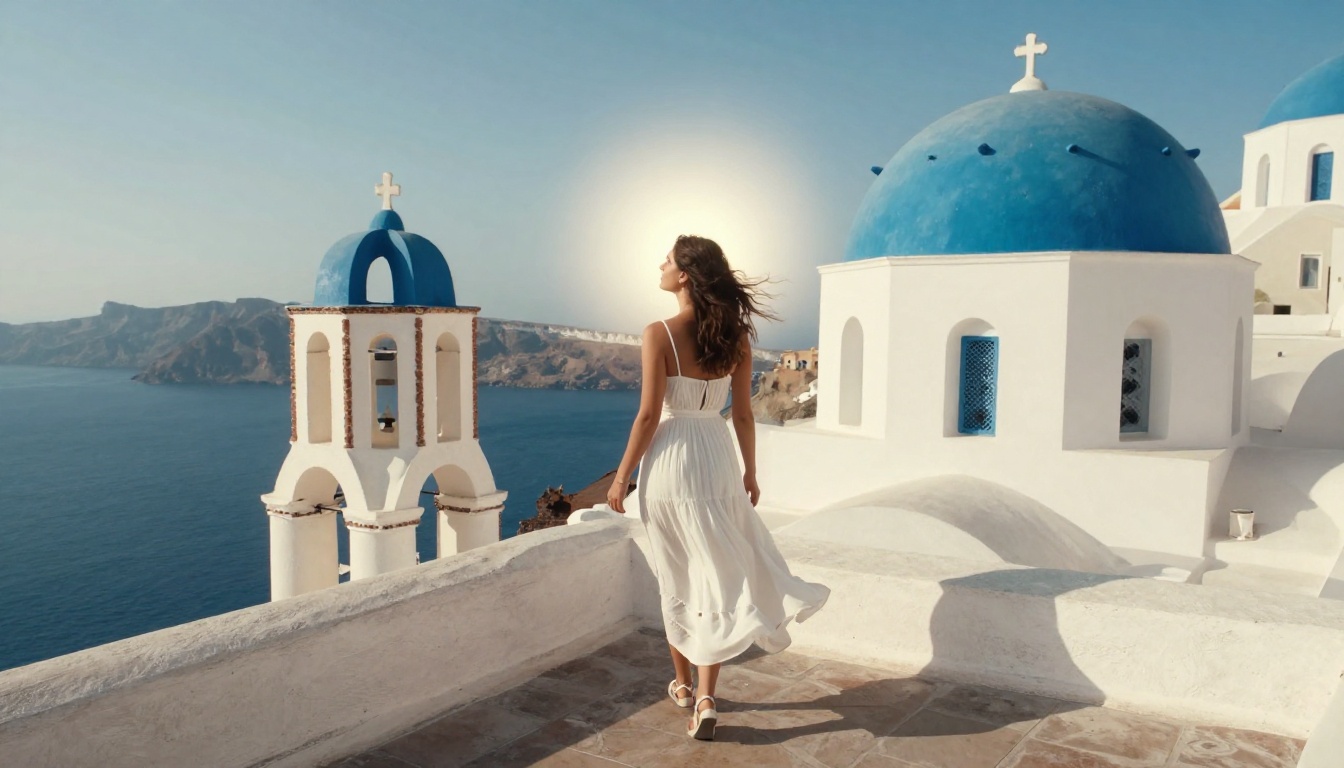
If you have spent any time searching for an AI image generator that actually respects your creative vision without throwing up a wall of content warnings, you already know the frustration. Most mainstream tools block anything remotely suggestive, leaving creators who want glamour photography, artistic nudity, or bold fashion imagery stuck with sanitized, lifeless outputs. A handful of platforms have built around open-weight models and flexible policies that genuinely let you create what you imagine. These are the five no-filter AI generators worth your time in 2027, ranked by output quality, speed, and real creative freedom.
What "No-Filter" Actually Means
Not every platform uses that term the same way. For some, it means no Instagram-style color grading. For the creators reading this, it means something else entirely: no automated content moderation that flags bikini lines, artistic nudity, or sensual poses before the image even renders.
The generators in this list operate on open-weight models or custom fine-tunes where the safety layer is either absent by design or set to a permissive threshold. That does not mean anything goes. The distinction is between Non-Explicit NSFW (glamour, bikini, artistic implied nudity, fashion editorial) and explicit content, which none of these platforms produce or allow.
What you can create freely:
- Bikini and swimwear photography with natural skin rendering
- Glamour and boudoir aesthetics with implied nudity
- High-fashion editorial with bold, sensual styling
- Artistic figure studies with painterly or cinematic quality
💡 Context matters: A no-filter generator still follows community standards. These tools reward precise, descriptive prompting over vague phrasing. The more specific your scene, lighting, and subject description, the better the result.
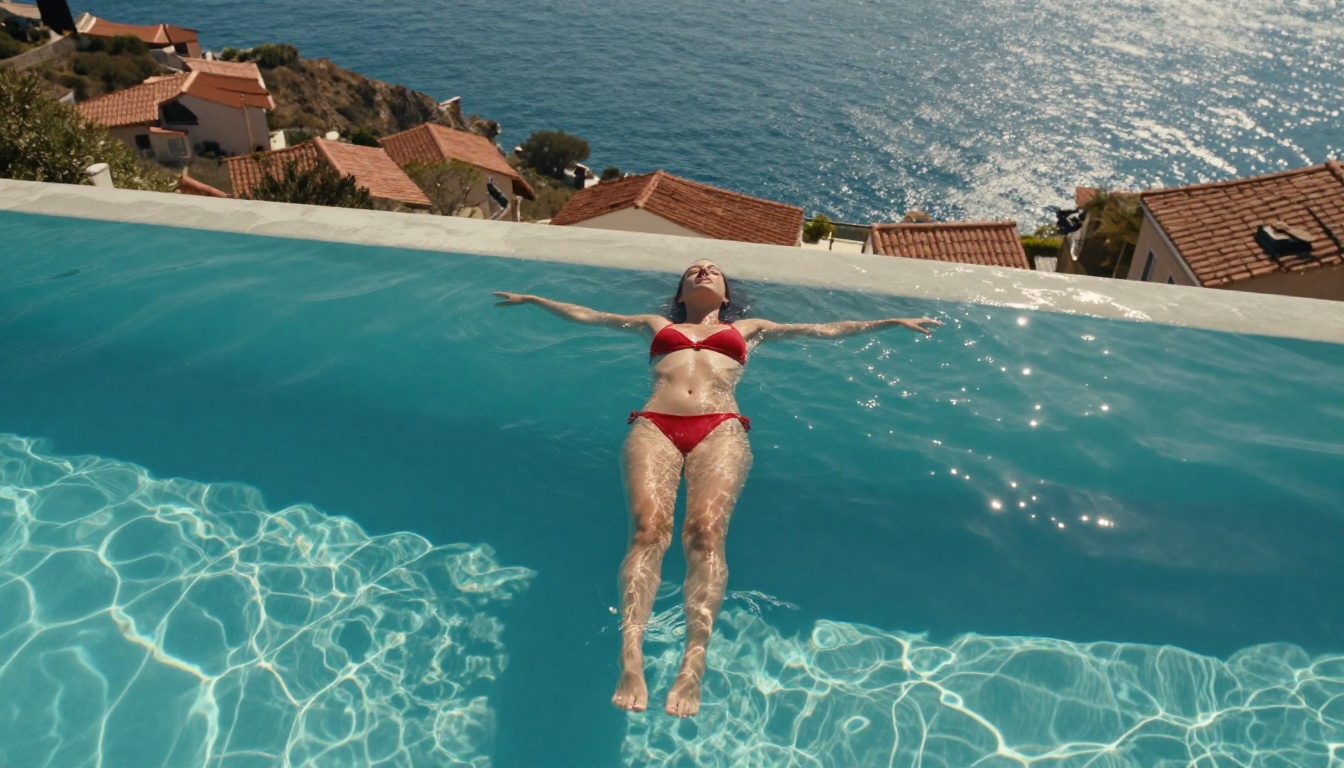
#1 Seedream 4.5: The Best All-Around
Seedream 4.5 by ByteDance sits at the top of this list for one simple reason: it produces the most photorealistic, naturally lit skin renders of any freely accessible AI image model right now. At 4K resolution, you get genuine subsurface scattering, authentic shadow gradients, and pore-level skin detail that most other models still approximate rather than deliver.
Why It Leads the Pack
The model was trained on an exceptionally large dataset of professional photography. That heritage shows in every output: the ratio of real photographic reference to synthetic training data skews toward actual cameras, actual lighting setups, and actual human subjects. The result is an absence of that uncanny-valley "AI look" that plagues even high-end competitors.
For no-filter content specifically, Seedream 4.5 handles:
- Wet skin and water physics with accurate light refraction
- Thin and translucent fabrics without over-sharpening or artifacting
- Shadows on skin that follow real anatomy rather than pattern-matched approximations
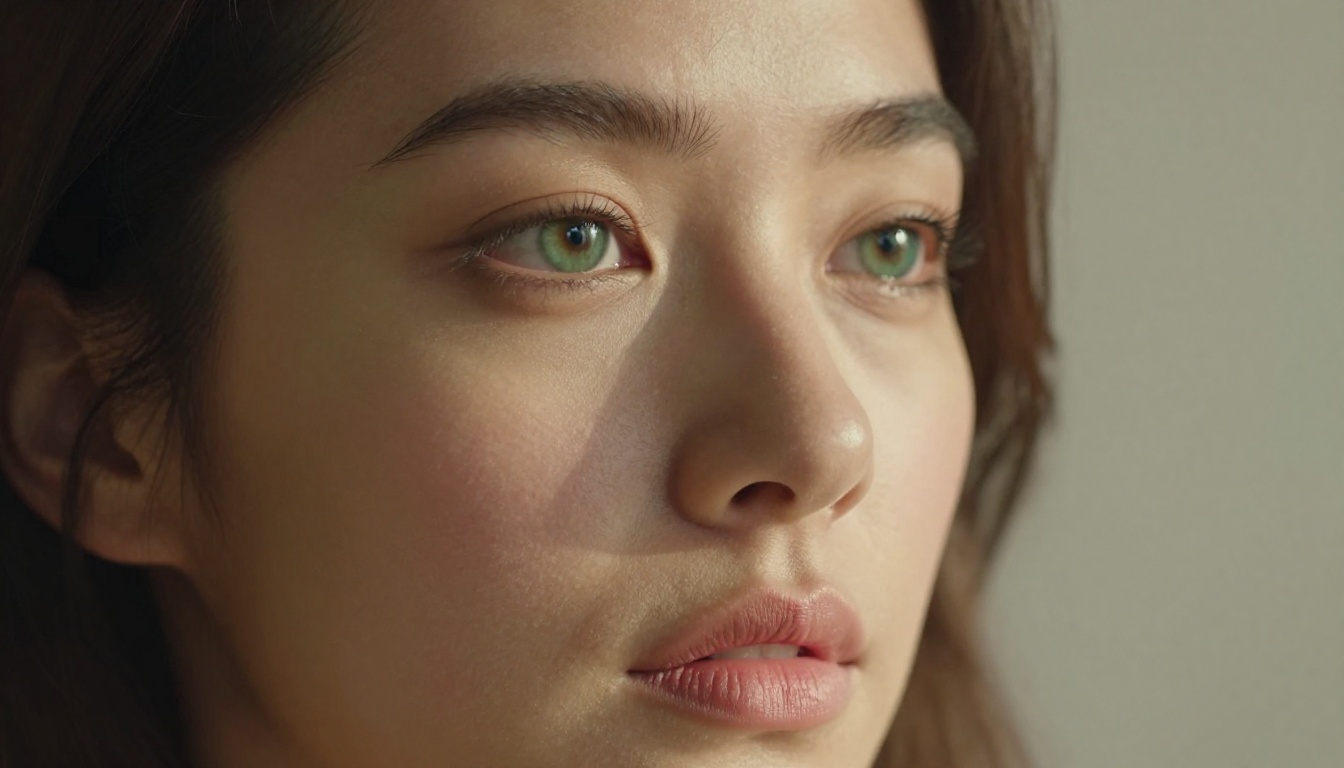
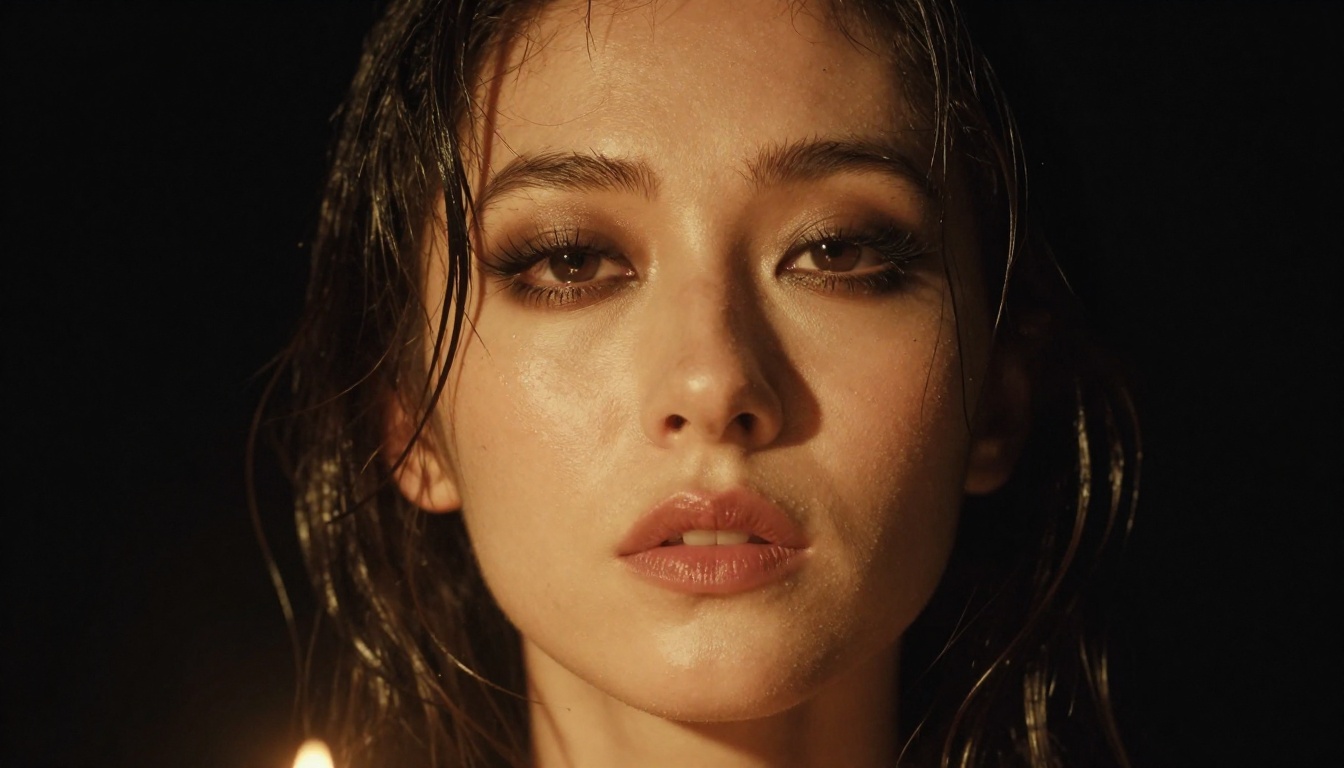
- Close-up face renders with authentic microexpressions
Speed is another win. Generation time on PicassoIA runs under 20 seconds for a 4K output, which means iteration is fast enough to work creatively rather than transactionally.
How to Use Seedream 4.5 on PicassoIA
- Go to Seedream 4.5 on PicassoIA
- Set your aspect ratio to 16:9 for landscape editorial work or 9:16 for portrait and fashion
- Lead your prompt with the subject and pose, then describe the lighting source ("volumetric golden-hour light from the left"), then the environment, then camera specifics (lens, f-stop, depth of field)
- Add quality modifiers at the end:
cinematic lighting, photorealistic, 8K, film grain, Kodak Portra 400
- Hit generate. If the first result does not hit your target, adjust the lighting description first; that single variable shifts the aesthetic more than any other prompt change
💡 Pro tip: Include specific skin tone descriptors ("honey-toned", "porcelain", "sun-kissed") and your output will match your reference far more closely than leaving it generic.
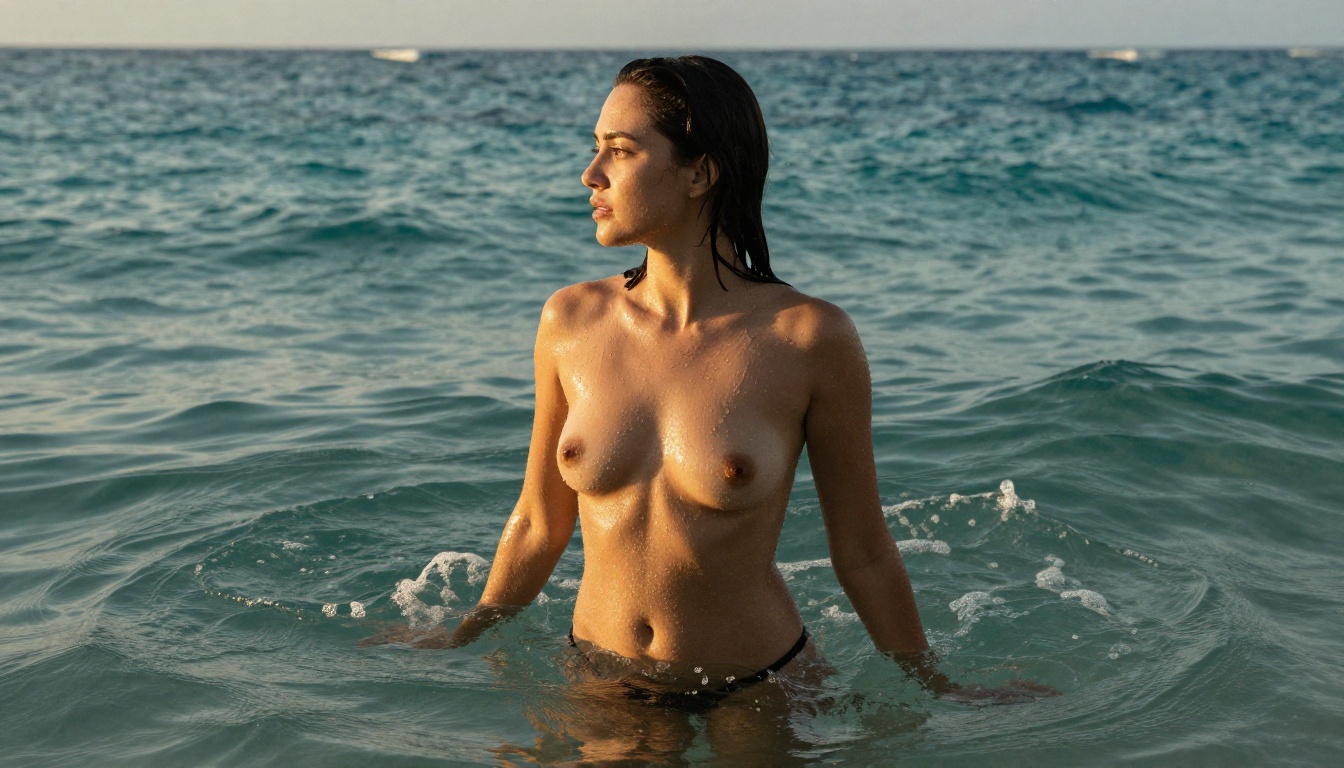

#2 PicassoIA Image Editor Pro: Unlimited
If Seedream 4.5 is the quality leader, PicassoIA Image Editor Pro is the workhorse. This is a proprietary model built specifically for creators who need volume without a token counter hanging over every generation.
Truly Unlimited Generations
Most AI platforms either cap your monthly outputs or charge per image above a certain tier. PicassoIA Image Editor Pro removes that ceiling entirely. For creative professionals who iterate heavily, that matters: you can run 50 variations of a single concept without watching a usage meter.
The model is tuned for:
- Inpainting and outpainting: Add detail to specific areas or expand the canvas without rerendering the full image
- Object replacement: Swap wardrobe, environment, or props mid-workflow
- Skin quality at generation time: Describe the skin quality you want in the prompt and it delivers, rather than requiring post-processing
What Sets It Apart
The main advantage over standalone open-weight models is the integrated editing pipeline. You are not just generating a static image; you are working in a loop where each output can become the input for the next refinement. For no-filter content, that means you can:
- Generate an initial glamour shot
- Inpaint specific areas for better lighting or wardrobe detail
- Upscale to 4K using the built-in super-resolution workflow
- Export without watermarks
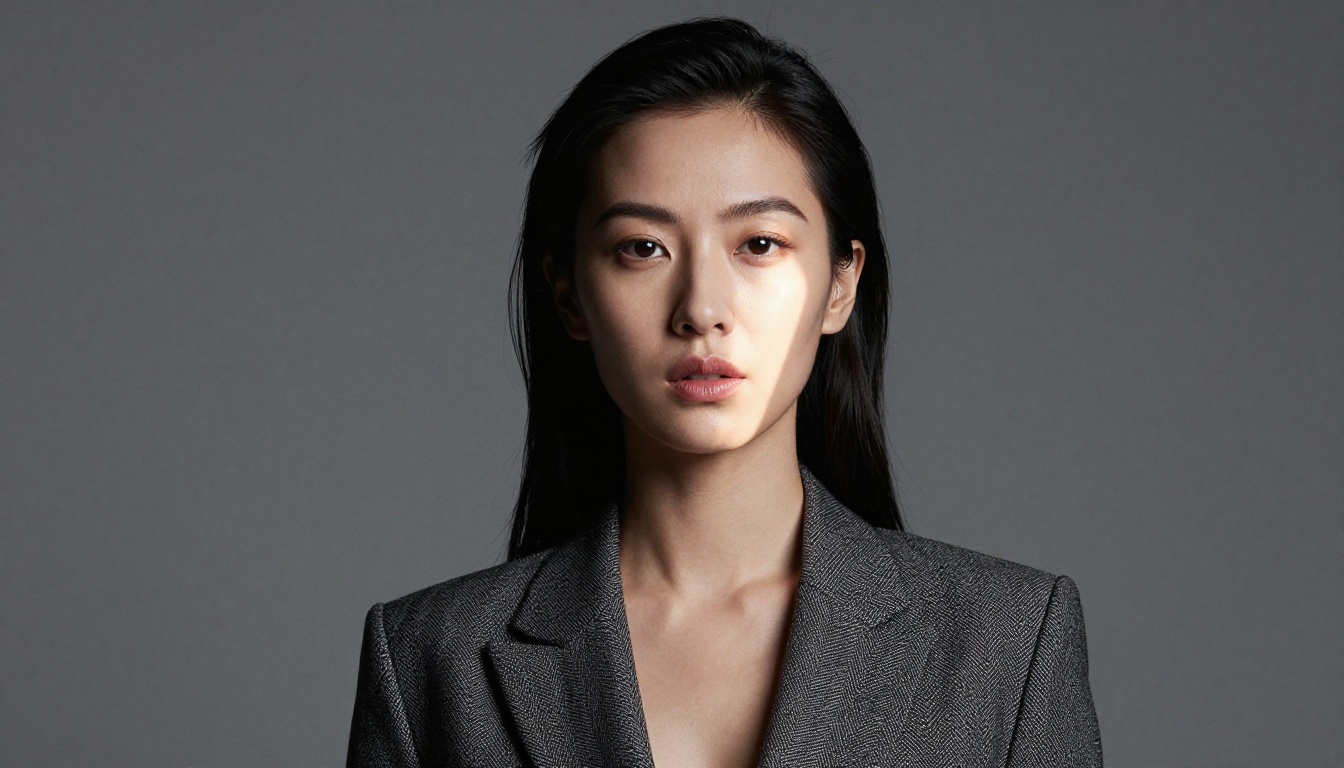

#3 Flux Dev: Open Architecture, Open Results
Flux Dev from Black Forest Labs changed the conversation about what open-weight AI art tools can do. Released under a permissive license and fine-tunable by the community, it represents a different philosophy from closed commercial models: full transparency about what the model is and what it can produce.
The Freedom Factor
Flux Dev's architecture, a 12-billion parameter flow-matching diffusion transformer, gives it a distinct advantage in prompt adherence. When you write a detailed prompt, Flux Dev follows it with a fidelity that more constrained models struggle to match. The absence of heavy content filtering at the base model level means your descriptive prompts about lighting, wardrobe, pose, and skin are processed without being silently modified or refused mid-render.
What Flux Dev does better than most:
| Capability | Quality |
|---|
| Prompt adherence | Excellent |
| Fine fabric detail | Very good |
| Natural skin tone | Good |
| Facial accuracy | Very good |
| Generation speed | Moderate |
What You Can Create
Because Flux Dev supports LoRA fine-tuning through PicassoIA, you can layer additional styles or subject-specific training on top of the base model. Flux Dev LoRA extends this further, letting you inject a specific aesthetic or person-likeness into the generation without rebuilding from scratch.
Use cases where Flux Dev specifically shines:
- Fashion editorial requiring specific wardrobe instructions followed exactly
- Artistic figure work where pose description accuracy is critical
- LoRA-styled content where a custom-trained aesthetic is layered on top
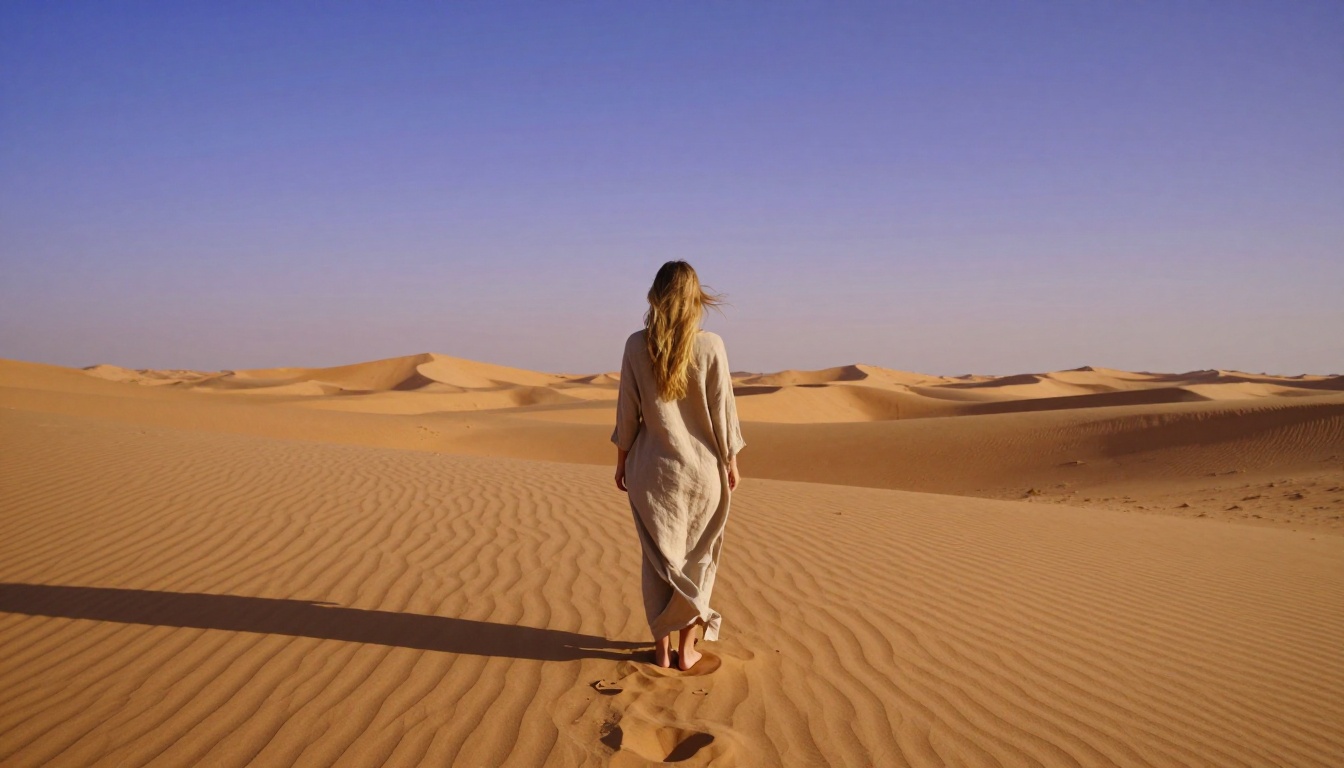
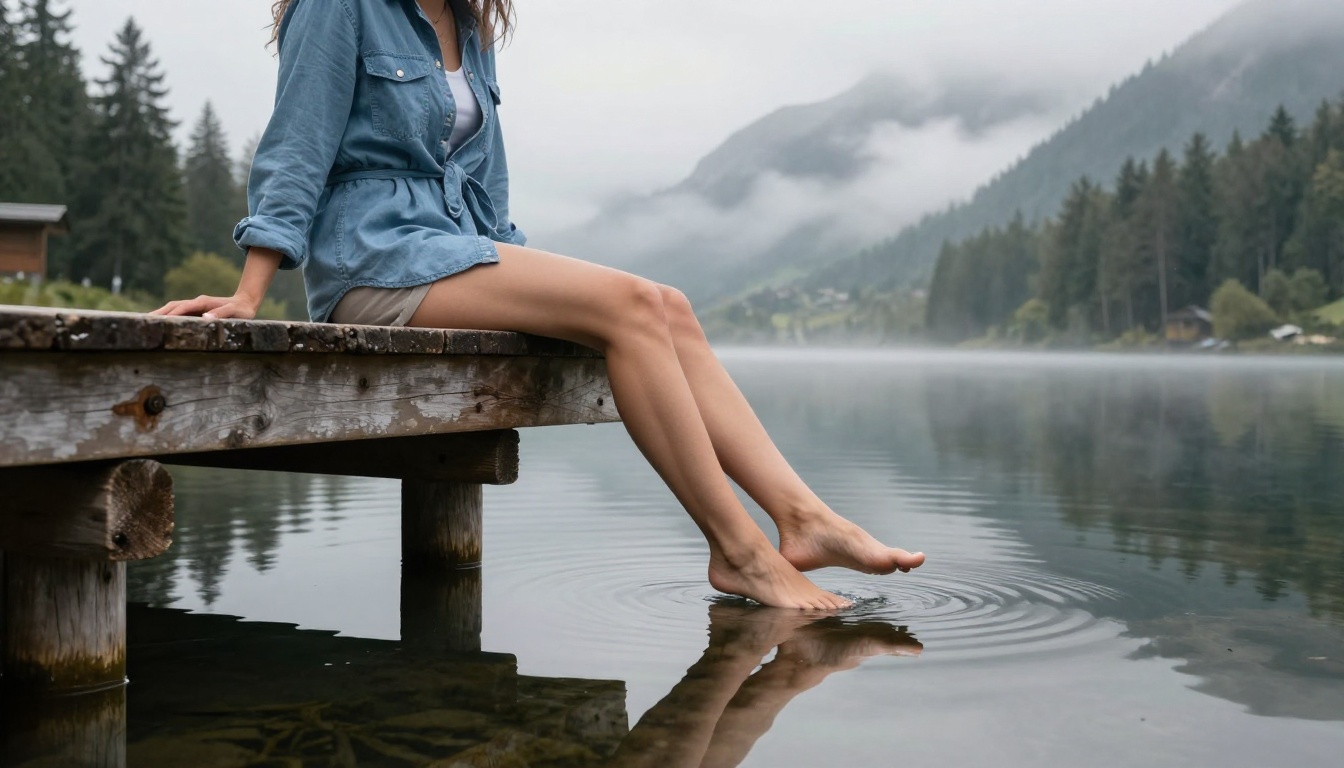
#4 Realistic Vision v5.1: Photorealism Without Guardrails
Realistic Vision v5.1 has been a community favorite since before the current wave of frontier model releases, and for good reason: it was built specifically to produce photographic outputs in the style of real camera systems, not the polished-but-sterile look of many corporate AI tools.
When Real Matters
The model is optimized around SDXL base with a custom fine-tune for photographic realism. In practice, the model gravitates toward natural, slightly imperfect human anatomy: real skin with visible texture, eyes with realistic iris depth, hair that behaves with gravitational logic rather than flowing in stylized waves.
For no-filter work, this imperfection bias is actually an advantage. The outputs look like they were taken by a professional photographer rather than generated by an algorithm, which is exactly what glamour and boudoir creators need.
💡 Prompting strategy: Open with RAW photo, as the very first token. The model responds to this by immediately shifting its internal weighting toward photographic outputs. Then specify your camera: Canon EOS R5, 85mm lens, f/1.8. Then describe the subject.
Best results from Realistic Vision v5.1:
- Portrait photography with editorial color grading
- Boudoir and glamour with authentic room and environmental lighting
- Outdoor lifestyle shots with natural environmental texture
- Wet-look and water scenes with convincing physics
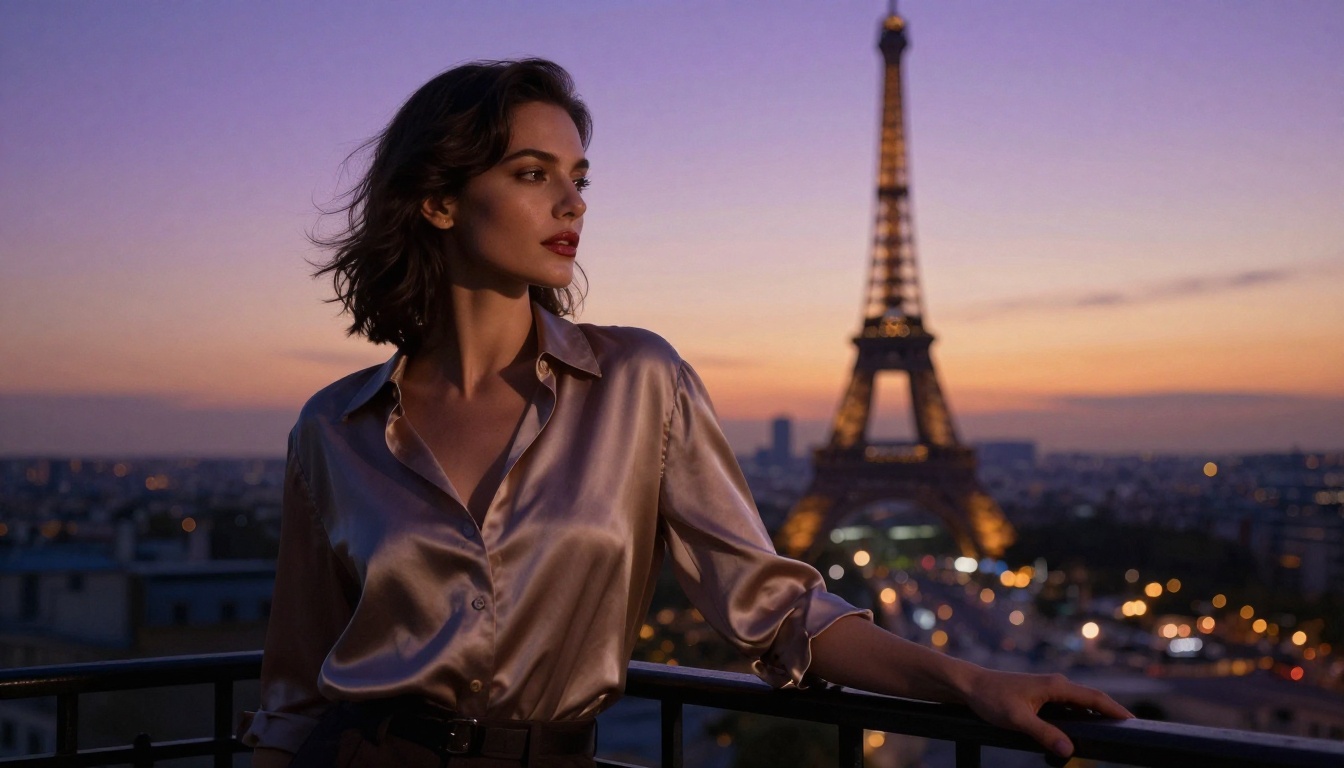

#5 Dreamshaper XL Turbo: Speed Plus Range
Dreamshaper XL Turbo takes a different position in this ranking: it is not the highest-fidelity model on the list, but it is the fastest, and for creative workflows where iteration volume matters more than per-image perfection, that speed is the differentiator.
Instant Results, No Restrictions
Turbo distillation compresses the sampling process from the typical 20-40 steps down to 4-8 steps. The output quality holds up remarkably well for an acceleration technique at this level, though you will notice slightly softer fine detail than Seedream 4.5 or Realistic Vision v5.1 in close-up comparisons.
What you gain is a feedback loop that runs at near-real-time speed. You can test prompt variations, composition changes, and wardrobe adjustments in quick succession, then run the winner through a higher-quality model for your final output.
Who It's For
Dreamshaper XL Turbo is ideal for:
- Commercial creators who need rapid mood board generation before committing to a final render
- Social media content pipelines where output volume is the priority
- Concept work before moving to Seedream 4.5 or Flux Dev for polished finals
The model handles no-filter content with the same permissive architecture as the rest of this list, meaning you can iterate on glamour, lifestyle, and sensual content without hitting automated refusals on every third prompt.
How They Stack Up
Here is the full picture side by side:
The honest answer is that these five are not in competition with each other; they serve different stages of a creative workflow. Start with Dreamshaper XL Turbo to find your composition, move to Flux Dev to lock in prompt precision, then finish in Seedream 4.5 for your final 4K output. PicassoIA Image Editor Pro ties the pipeline together with its editing and upscaling tools.
Beyond the Top 5
The models above are the headliners, but the PicassoIA catalog runs deeper. A few worth noting for specific niches:
Flux 1.1 Pro Ultra produces 4-megapixel outputs with exceptional detail retention. If your workflow involves large-format prints or high-resolution social media content, the added resolution ceiling matters.
Flux Dev LoRA combines fast generation with community-trained adapters. If you have a specific aesthetic in mind that someone has already trained, you can pull it in without building from scratch.
Seedream 4 is the slightly older version of our top pick and still produces excellent results at a marginally lower computational cost, useful when server load is high.
💡 Important: Do not use Seedream 5 Lite for no-filter content. That specific version includes tighter content filters and will reject adult-adjacent prompts that the other models handle without issue.
Start Creating Right Now
The five generators above give you a strong starting point, but the full range of what is available for unrestricted image creation is much wider. PicassoIA hosts over 90 text-to-image models spanning everything from photorealistic portraiture to fine-art aesthetics, with the same permissive creation environment across the board.
For video work, the platform also offers 87 text-to-video models for animating your generations, Face Swap AI for applying a specific likeness to generated content, and Super Resolution for upscaling outputs to print quality.
The best way to find your preferred no-filter generator is to run the same prompt through three or four of these models and compare outputs side by side. Start at picassoia.com/en/all-models where the full catalog is organized by category, and pick the one that matches your creative vision without asking you to water it down.