You found an AI tool that looks amazing. You click the button. Then a sign-up wall appears asking for your email, phone number, and credit card. Most people close the tab. This article is for everyone who is tired of that.
The good news: there are dozens of powerful AI generators you can use right now, with zero accounts, no email, no subscription. Just open the page, type your prompt, and get results in seconds. Below are the ones worth your time, along with a practical breakdown of which one to use for what.
Why No-Sign-Up Matters More Than You Think

Friction kills creativity. When you need to verify an email before you can test whether a tool is even worth using, most people move on. Every extra step in an onboarding flow reduces engagement, and the same applies to creative tools: if the first thing you see is a form, you already lost interest before you even saw what the tool can do.
No-sign-up AI generators solve this completely. You arrive, you create, you download. That is the entire experience.
Beyond convenience, there is a privacy angle. Not every user wants their email address added to a marketing list just to test a tool. Anonymous AI access gives you the creative freedom without the commercial relationship you did not ask for. For freelancers, students, content creators, and casual experimenters, this is not a minor detail. It is the difference between actually using a tool and forgetting it exists.
💡 Tip: Bookmark a no-login AI tool once you find one you like. One click away every time inspiration strikes, with no dashboard to load, no password to reset, and no upsell popup standing between you and your result.
The Best Free AI Image Generators Right Now
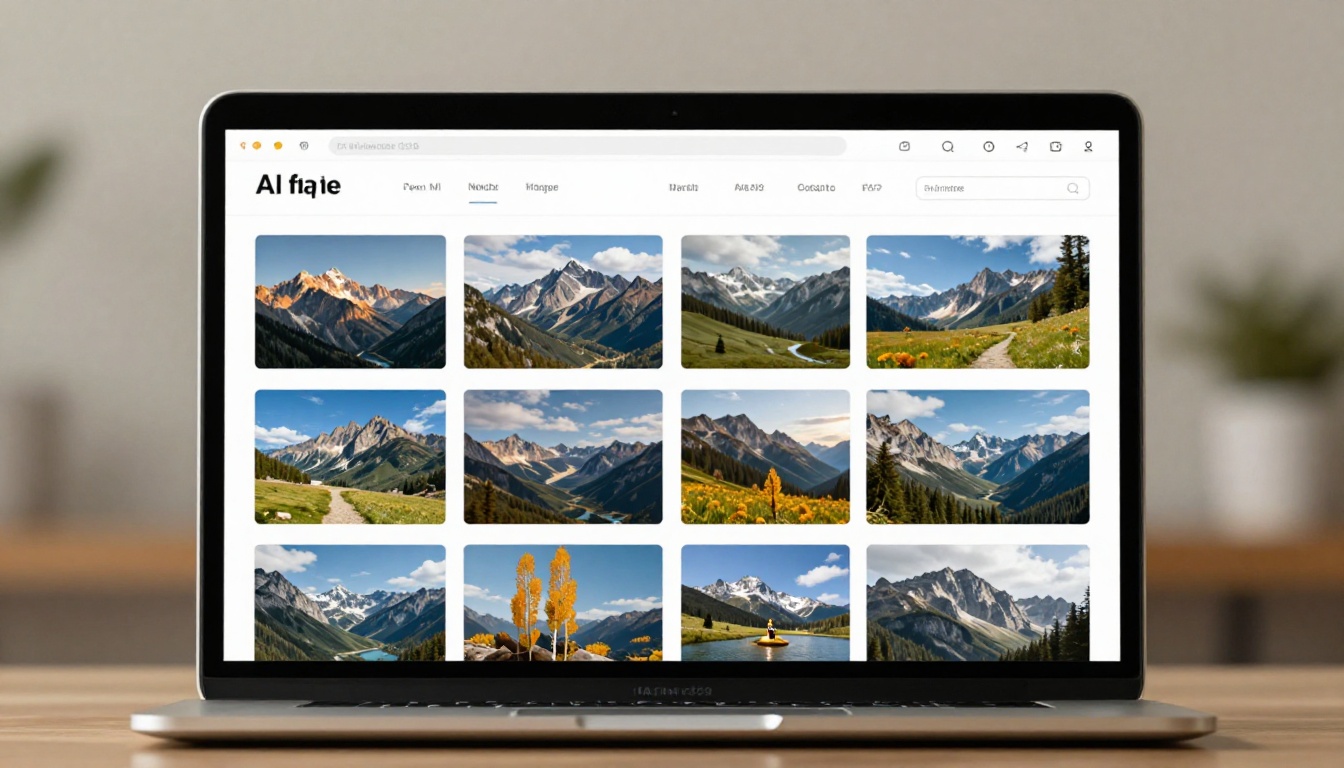
The table below covers the top options available today, with a quick breakdown of what each one excels at. All of these are accessible on PicassoIA without creating an account.
Flux Schnell: Fastest Free Option
Flux Schnell is Black Forest Labs' distilled model built for speed. Where the full Flux pipeline takes time to iterate, Flux Schnell runs in four inference steps, cutting generation time dramatically without sacrificing the core quality that made Flux famous.
What it does well:
- Rapid iteration when you are still defining your concept
- Clean, sharp outputs even at higher resolutions
- Accurate prompt following for straightforward subjects
- Consistent results that hold up across variations
When to use it: Draft mode. Any time you have an idea and need to see it quickly to know if it is worth pursuing. Once you land on the right direction, switch to Flux Pro or Flux 1.1 Pro for the polished final render.
Flux Pro: When Quality Counts
Flux Pro is the production model from the same team. It handles complex scene compositions, accurate anatomy, and rich lighting scenarios better than almost any other open-access model currently available.
If you are creating content for social media, marketing material, or anything that needs to actually look professional, this is where you start and finish. The prompt adherence is strong enough that describing a specific lighting setup (morning light from the left, rim lighting, overcast sky) will produce results that match your description with surprising accuracy.
💡 Tip: Add camera-specific details to your Flux Pro prompts. "Shot on Canon EOS R5, 85mm lens, f/1.8 aperture" will push the output toward photographic realism far more effectively than generic terms like "realistic" or "high quality."
SDXL: Reliable and Battle-Tested
SDXL from Stability AI is the workhorse of the free AI image generation world. It has been around long enough for the community to document every quirk, making it one of the most predictable models available. If you have used Stable Diffusion-based tools before, SDXL will feel immediately familiar.
It handles a wide range of styles, from realistic photography to illustrated art, and the vast amount of documentation online means that fixing a bad result is usually a one-search-away solution.
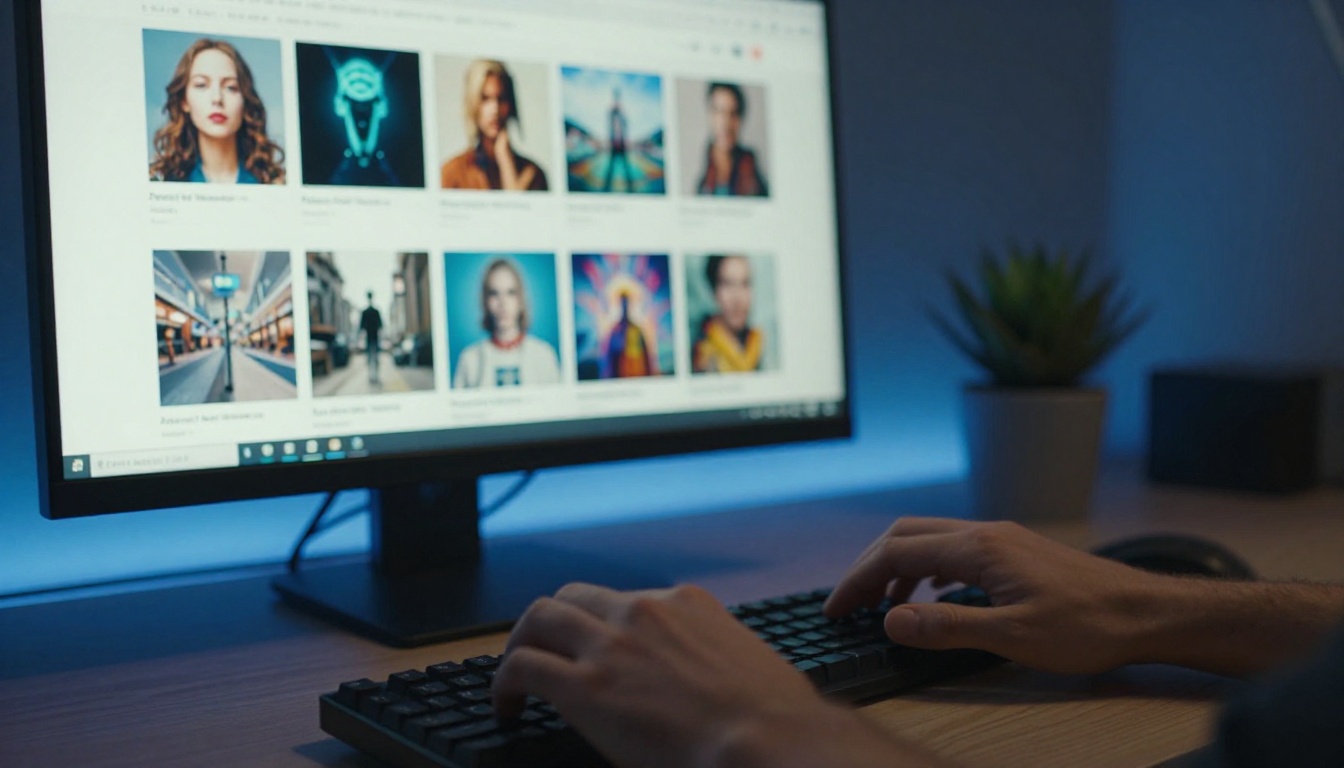
Ideogram v3 Turbo: Text That Actually Reads
Most AI image generators struggle with text. Signs, labels, quotes inside images all come out garbled and unreadable. Ideogram v3 Turbo was built specifically to solve that problem.
If your project involves generating product mockups, social media graphics with readable captions, or any image where words need to be clear, this is the model to use. The typography quality is notably better than what you get from general-purpose models.
Strong use cases:
- Social media posts with overlaid readable text
- Product label and packaging concepts
- Thumbnail and cover art with title text
- Poster and banner concepts for events or campaigns
Imagen 4 Fast: Google's Speed Champion
Imagen 4 Fast brings Google's research-grade image synthesis into a fast, accessible format. The model excels at photorealistic scenes with natural lighting, and the Fast variant sacrifices minimal quality for a dramatically shorter generation time.
For anyone who needs photorealistic AI images with no account required, Imagen 4 Fast delivers results that feel grounded and natural rather than over-processed. Skin tones, outdoor environments, and architectural subjects all look convincingly real.
Sana Sprint 1.6B: One-Step Wonder
Sana Sprint 1.6B by NVIDIA does something most models cannot: it generates images in a single inference step. That means near-instant output at a speed nothing else can match. The tradeoff is that prompts need to be more specific to compensate for the reduced processing time, but for simple concepts and rapid testing, nothing beats it on raw speed.

How to Use Flux Schnell on PicassoIA
Flux Schnell is one of the most popular no-sign-up AI image generators available, and it lives directly on PicassoIA. Here is exactly how to get your first image in under two minutes.
Step 1: Open the Model Page
Navigate to the Flux Schnell page on PicassoIA. No account creation. No email confirmation. The interface loads immediately and you are ready to generate.
Step 2: Write a Specific Prompt
The most common mistake beginners make is writing vague prompts. Instead of "a woman in a park," try:
"A young woman with red hair sitting on a wooden bench in a sunlit botanical garden, morning light filtering through oak trees, Canon EOS shot, 85mm lens, f/2.0, Kodak Portra 400 film grain, photorealistic"
Prompt structure that works every time:
- Subject: Who or what, with specific physical details
- Setting: Where, with environmental context
- Lighting: Direction, quality, and time of day
- Camera: Lens, aperture, film stock
- Mood: One or two atmospheric words at the end
Step 3: Set Your Parameters
Flux Schnell on PicassoIA lets you adjust several settings before generating:
- Aspect ratio: 16:9 for landscape, 9:16 for vertical content, 1:1 for square
- Number of outputs: Generate 1 to 4 variations at once to see different interpretations
- Seed: Enter a specific seed number to reproduce a result you liked or to produce consistent variations
Step 4: Generate and Download
Hit generate. In most cases you will have your image in under 10 seconds. Download directly from the browser. No watermark on standard outputs, no credits required, no subscription gate blocking your download.
💡 Tip: Generate 4 outputs at once on your first run. This gives you variations to choose from and helps you immediately see which parts of your prompt are working and which need refinement.
Step 5: Iterate Fast
Did the lighting come out wrong? Add "side lighting from the left" to your next prompt. Did the composition feel flat? Add "low angle shot" or "aerial perspective" to shift things. Flux Schnell's speed means you can run five iterations in the time other tools would give you one result, making it the perfect tool for free AI image generation without registration.

Speed vs. Quality: Which Model to Pick
Not every project has the same requirements. Here is a practical decision framework.
| Use Case | Recommended Model | Why |
|---|
| Quick concept testing | Flux Schnell | Fastest iteration cycle |
| Final client deliverable | Flux 1.1 Pro | Maximum detail and accuracy |
| Social graphics with text | Ideogram v3 Turbo | Best text rendering available |
| Photorealistic portraits | Imagen 4 Fast | Natural skin tones, grounded scenes |
| 4K content | Seedream 4 | Highest resolution output |
| Absolute speed test | Sana Sprint 1.6B | Single-step generation |
| General versatility | SDXL | Well-documented, predictable results |
| Image editing from reference | Flux 2 Pro | Accepts image and text input |
The real answer is: use Flux Schnell to find your direction, then switch to a higher-quality model for your final output. That two-step workflow removes most of the frustration people experience when they try to get a perfect image on the very first generation.
Image generation is the obvious starting point, but AI tools without registration extend much further. PicassoIA provides access to a broad set of capabilities beyond text-to-image generation, all following the same zero-friction pattern.
Super Resolution: Already have an image but it is too small or low quality? Super Resolution upscales it 2x or 4x without losing sharpness. No account, no upload limit for standard use cases.
Background Removal: Clean product images or portraits in a single click. Faster and more accurate than any manual masking workflow, and the result downloads instantly.
Large Language Models: Need to write a caption, product description, social media copy, or script? Several LLMs are available on the platform without sign-in. Type your request, get your text.
Text to Speech: Convert written content to natural-sounding audio. Useful for video voiceovers, podcast scripts, and accessibility purposes.
Face Swap AI: Swap faces in images with realistic results. Useful for creative projects, character mockups, and visual storytelling without complex editing software.
AI Music Generation: Generate background music from a text prompt. Describe the mood, tempo, and instruments, and get a track ready for your content.
Each of these capabilities follows the same pattern: open the tool, provide input, get the output. No accounts, no waiting for approval emails, no paid tier required for standard outputs.

3 Mistakes That Kill Results
Most people who get bad outputs from AI generators with no sign-up are making the same three errors. Fixing these will improve your results immediately, regardless of which model you use.
Vague Prompts
"Make a beautiful photo" is not a prompt. It is a wish. AI models respond to specificity. Describe the subject, the environment, the lighting, and the camera settings. The more concrete your language, the more predictable and usable your result.
Instead of: "a woman smiling"
Write: "a 28-year-old woman with freckles and auburn hair, smiling warmly in a sunlit Italian cafe, morning light from the window to her left, Canon R6 85mm f/1.8, photorealistic, Kodak Portra 400 grain"
Ignoring Aspect Ratio
Generating a portrait image in landscape ratio wastes most of the frame. Set your aspect ratio before you generate. For social media vertical content: 9:16. For headers and banners: 16:9. For profile photos and square thumbnails: 1:1. This single adjustment makes your outputs immediately more usable without any other change to your prompt.
Not Iterating
A first generation is a starting point, not a final result. The best AI users treat generation like drafting: produce something, analyze what is off, adjust one variable in the prompt, generate again. Flux Schnell's speed specifically removes the cost of iteration. Three generations in 30 seconds beats one perfect mental image you are trying to describe from scratch.
💡 Tip: Keep a plain text file of your best-performing prompts. Once you find a formula that works for a certain style or subject, reuse and adapt it instead of starting from scratch every time. Your second prompt is always better than your first.
More Models Worth Trying
The list of no-sign-up models on PicassoIA goes well beyond what fits in a single overview. Here are a few more worth bookmarking once you are comfortable with the basics.
Flux 2 Pro: The updated Flux pipeline that accepts both text and image inputs. Useful when you want to use a reference photo as a starting point and push it in a new direction while keeping elements consistent.
Photon: Luma's high-fidelity model that produces crisp, detailed images with strong prompt adherence. Particularly strong for architectural photography, product photography, and interior design concepts.
Qwen Image 2 Pro: Strong for accurate text rendering within images and realistic portrait generation. A solid secondary choice when Ideogram is not producing the exact style you need.
Hidream L1 Fast: Designed for fast, sharp outputs with good prompt adherence. If Sana Sprint feels too rough and Flux Schnell feels too slow for your workflow, Hidream L1 Fast sits right in the middle.
Recraft v4: Excellent for graphic design contexts where text rendering and clean geometric shapes matter. Works well for poster art, print concepts, and brand imagery that needs to hold up at large sizes.
Grok Imagine Image: xAI's image model is a strong contender for photorealistic portrait generation with natural color grading and accurate human anatomy.
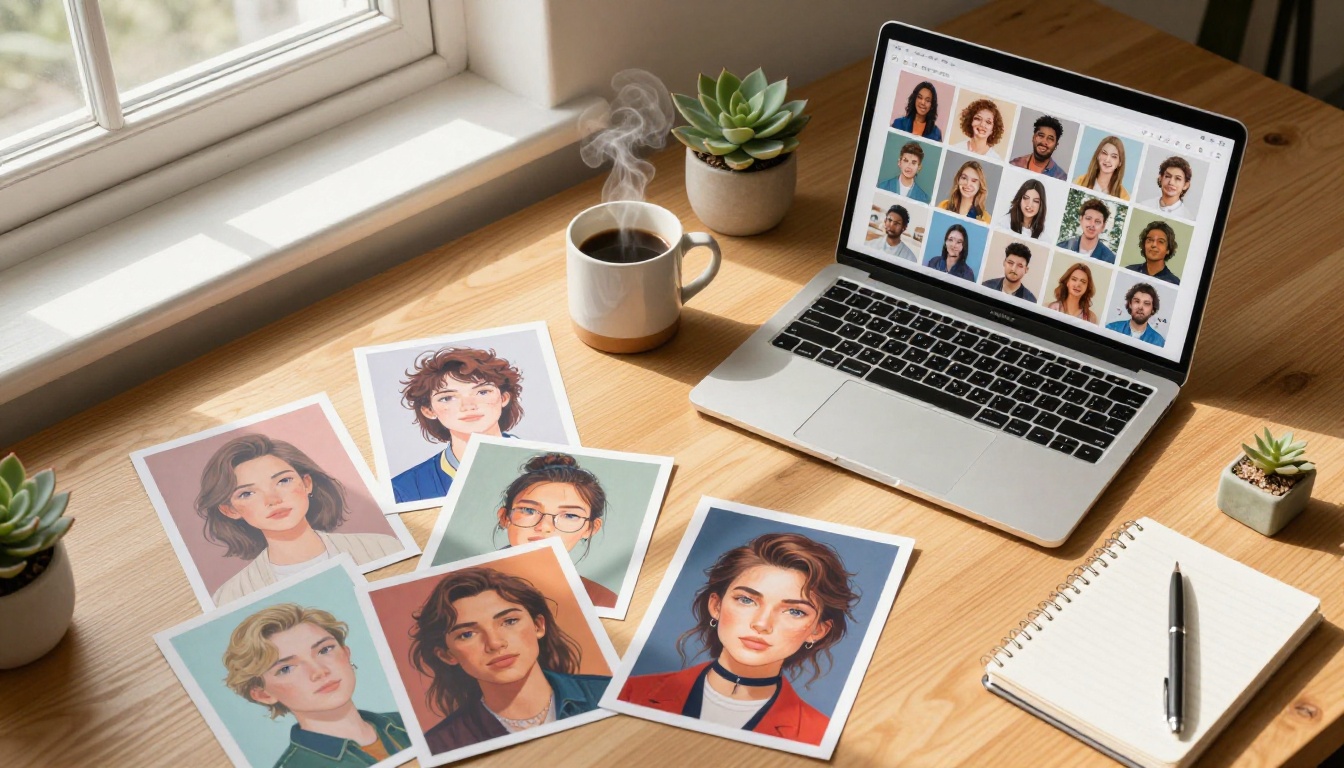
Create Your First Image Right Now
You have everything you need. No excuses left, no sign-up walls in your way, and no credit card required to get started.
Pick one model from the table above. Write a specific prompt: name your subject, describe the lighting, include camera details, and add a mood word at the end. Hit generate. If the first output is not what you wanted, adjust one detail and run it again.
PicassoIA gives you direct access to over 91 text-to-image models, all available without creating an account. Whether you need a quick draft for a concept or a production-ready image for a campaign, the tool is there the moment you open the page.
Start with Flux Schnell for speed and iteration. Move to Flux Pro or Imagen 4 Fast when quality is the priority. Reach for Ideogram v3 Turbo whenever your image needs readable text. And when you want to push results to 4K resolution, Seedream 4 is waiting.
The best prompt you will ever write is the next one you type. Open the page and write it.


