The landscape of free AI image generation shifted dramatically in 2026. What used to require expensive subscriptions or serious technical skills now sits behind a single text box anyone can reach from a browser tab. Millions of creators, marketers, developers, and curious experimenters generate photorealistic images daily without spending a dollar.
But not all free tools are equal. Some cap your daily generations at five. Others deliver blurry results that look like they came from 2021. A few are genuinely outstanding, and knowing which ones to pick saves you hours of frustration.
This breakdown covers the top free image generators in 2027: what they do well, where they fall short, and how platforms like PicassoIA put the best models in one place without the paywall maze.
Why Free AI Image Generation Exploded
The Cost Barrier Finally Dropped
Three things converged in 2025 and 2026 to make high-quality free generation possible. First, inference costs plummeted as chip manufacturers pushed more capable hardware at scale. Second, open-weight models like Flux and Stable Diffusion matured to the point where community-optimized versions matched proprietary systems. Third, platforms found sustainable business models through premium upsells rather than basic access fees.
The result: tools that would have cost $50/month in 2023 now operate on generous free tiers. You get real output, not watermarked demonstrations.
Who Actually Uses These Tools
The user base split into two distinct camps. Content creators and marketers use free generators for social posts, blog visuals, and rapid concept mockups. Speed matters more than perfection in this camp. Designers and photographers use them for reference images, client presentations, and background assets that would otherwise require expensive stock licenses.
Both groups share one frustration: toggling between five different websites to find the model that handles their specific request well. That fragmentation is exactly why aggregator platforms have become so valuable in 2027. One login, 90-plus models, zero accounts to manage across providers.
7 Top Free Image Generators Worth Your Time
These are the tools consistently delivering results in 2027, all accessible through PicassoIA with no separate account setup per generator.
GPT Image 2 - Accuracy You Can Trust
GPT Image 2 from OpenAI stands apart for one reason: it actually follows complex prompts. Ask for "a red bicycle leaning against a stone wall in Lisbon with a cat on the seat" and you get exactly that, not a bicycle somewhere near a wall with no cat anywhere in sight.
The model handles text rendering in images better than any other free option available today. Logos, signs, labels: they come out legible rather than the usual AI word salad. For marketers creating social content with readable headlines, this matters enormously.
Free access: Available through PicassoIA with daily free credits. No separate OpenAI account required.
Best for: Precise prompt adherence, text in images, product visualization
Seedream 4.5 - Speed Without Sacrifice
ByteDance's Seedream 4.5 generates 4K images from text in under 10 seconds at free tier speeds. The quality-to-speed ratio makes it the default choice for anyone iterating quickly through concepts.
Portraits come out with natural skin tones that avoid the telltale AI "plastic" look. Landscapes render with convincing atmospheric depth. Architecture is clean and geometrically accurate. When you need a usable result fast and don't want to spend 20 minutes engineering a perfect prompt, Seedream 4.5 is where you start.
💡 Tip: Seedream 4.5 responds especially well to lighting direction cues. Adding "golden hour light from the left" or "overcast diffused lighting" shifts the mood dramatically without increasing generation time.
Best for: Fast iteration, portraits, editorial content
Flux Schnell LoRA - Built for Customization
Flux Schnell LoRA by Black Forest Labs brings the speed of Flux Schnell with the adaptability of LoRA fine-tuning. If you have trained a custom LoRA on your brand's visual style or a specific subject, this model applies it without the 3-to-5 minute wait times of heavier Flux variants.
The base model without LoRA still produces sharp, detailed results in around 4 to 8 seconds. It handles architectural photography prompts particularly well, with accurate perspective and realistic material rendering on surfaces like concrete, glass, and steel.
Best for: Custom style applications, fast architectural renders, branded visual content
Stable Diffusion 3 - Still the Community Pick
Stable Diffusion 3 from Stability AI remains a staple in 2027. The community around this model is larger than any other, which means more prompt documentation, community fine-tunes, and troubleshooting resources available online.
The model's photorealism has improved substantially from earlier versions. Human anatomy is more coherent, fabric textures drape naturally, and color grading options through prompt modifiers give experienced users precise control over output mood and tone.
What separates SD3 from faster competitors is its ceiling. When you put the effort into a detailed, well-structured prompt, the output quality can rival paid generators costing $0.10 per image.
Best for: High-effort creative prompting, community-supported workflows, photorealistic scenes
Gemini 2.5 Flash Image - Google's Free Contender
Gemini 2.5 Flash Image surprised the image generation community when it landed. Google's vision-language backbone gives this model strong contextual reasoning: it understands the relationships between objects in a scene better than most dedicated image generators.
Ask it for "a breakfast table with coffee, toast, and an open newspaper showing sports scores" and it renders the scene with correct spatial relationships. The model even includes plausible column layouts and readable section headers in the newspaper details.
The limitation is style range. Gemini 2.5 Flash Image skews toward clean, commercial aesthetics. If you need gritty documentary photography or raw film grain, other models serve better.
Best for: Scene compositions with multiple objects, commercial product mockups, editorial layouts
Recraft 20B - Best for Designers
Recraft 20B fills a specific gap: design-adjacent assets. Brand mockups, typography-integrated images, and vector-friendly compositions come out cleaner from Recraft than from models trained primarily on natural photography.
The free tier access through PicassoIA covers daily generation limits adequate for professional workflows. Recraft also has the best style consistency within a session: when you establish a visual language in your first image, subsequent generations stay coherent without requiring seed management.
Best for: Branding work, design mockups, style-consistent campaigns
Hunyuan Image 2.1 - High-Res on a Budget
Tencent's Hunyuan Image 2.1 produces 2K output at free tier with detail density that holds up even at 200% zoom. The model was trained on a massive dataset weighted toward real photography, which shows in the natural composition instincts it applies to prompts.
Faces are particularly strong. The model avoids the symmetry issues and uncanny valley effects that still affect some competitors. Skin texture, eye catchlights, and hair strand separation are noticeably more realistic than what most free models produce.
Best for: High-resolution single-subject shots, portrait photography replacements, stock photo alternatives
How to Use PicassoIA for Free Image Creation
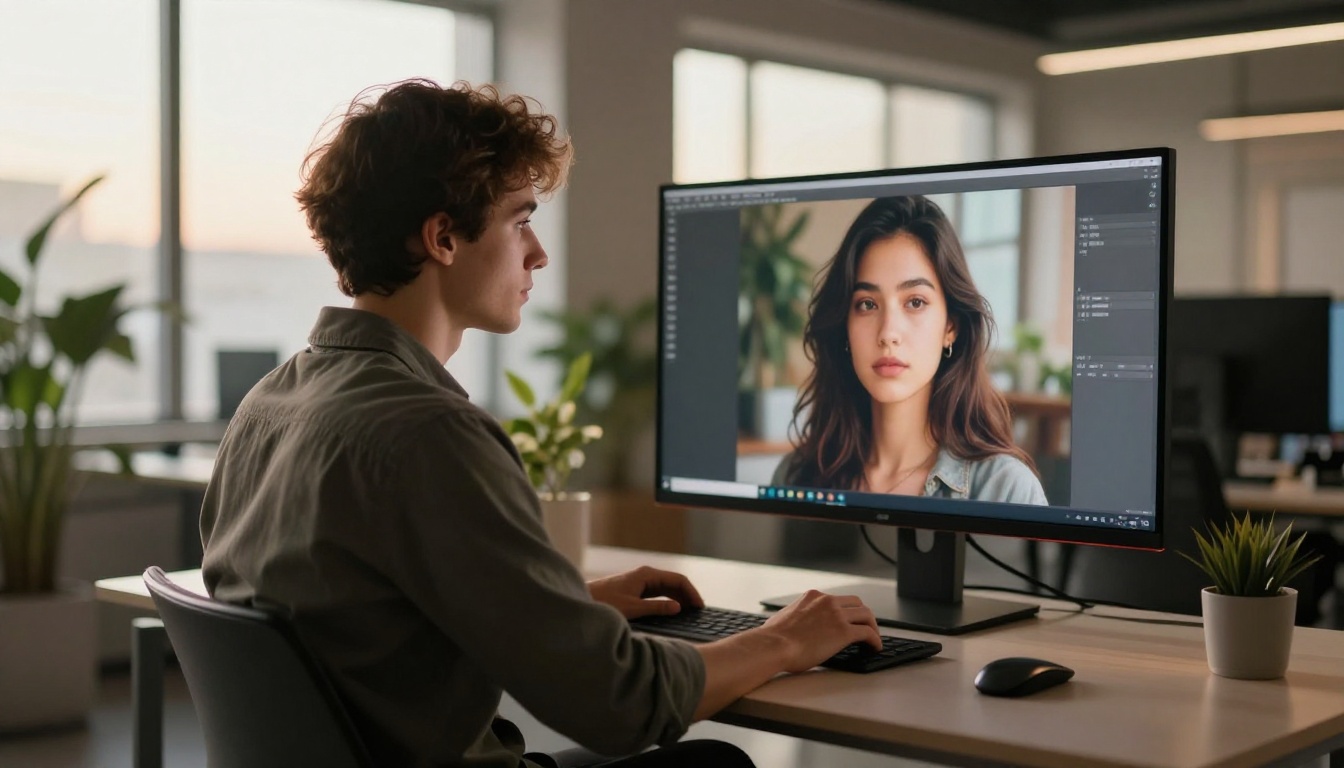
PicassoIA hosts all the above models on a single platform. Instead of managing accounts across seven different websites, you access everything through one dashboard. The free tier is generous enough for regular creative work without paying.
Your First Generation, Step by Step
- Visit picassoia.com and create a free account. Takes under a minute.
- Open the text-to-image collection from the sidebar.
- Select the model that fits your use case from the options listed.
- Type your prompt in the input field and click generate.
- Download your result or send it directly to the upscaler.
No API keys, no CLI setup, no local GPU required. The generation runs on PicassoIA's infrastructure and delivers results in your browser within seconds.
Choosing the Right Model
Tips for Better Results
Be specific about lighting. "Soft natural window light from the left" produces dramatically different results than "good lighting." The model uses lighting cues as compositional anchors.
State the negative. Many generators support negative prompts. Adding "no watermark, no text overlay, no cartoon, no illustration" filters out unwanted stylistic drift.
Set aspect ratio before generating. Cropping afterward degrades quality. Setting 16:9 upfront gives the model compositional room to work with the full canvas.
💡 Pro tip: For PicassoIA Image, the platform's own unlimited text-to-image model, prompt upsampling is available. This automatically expands your short prompt into a detailed generation instruction, improving results significantly without manual prompt engineering.
Also worth noting: PicassoIA Image Editor Pro is the go-to for users who want unlimited generations with editing capabilities built in. It combines generation with inpainting, outpainting, and style transfer in a single interface.
Upscaling: Making Free Images Print-Ready
Free generation tiers often cap at standard resolution. That is fine for screen use. For print, merchandise, or large-format display, the raw output needs upscaling.
Super Resolution on Generated Images
PicassoIA's super-resolution tools can take a 1024x1024 output and push it to 4096x4096 without visible AI upscaling artifacts. The difference matters when you are printing on a 24-inch canvas or producing product packaging that needs to hold up under close inspection.
The most effective workflow: generate at the highest resolution your chosen model supports, then run through super resolution once. Running super resolution twice introduces softness rather than additional detail.
For images that need both upscaling and detail restoration, the Qwen Image Edit Plus LoRA Upscale model on PicassoIA sharpens fine details like hair strands, fabric weave, and edge definition that standard upscalers miss entirely.
When 4x Upscale Actually Matters
- Print-on-demand products: T-shirts, posters, phone cases all need 300dpi source files
- Billboard and signage: Any display larger than 24 inches benefits from 4x upscaling
- Client deliverables: Handing over a 4K file reads as professional; handing over 512px does not
- Cropping flexibility: A 4K source gives you freedom to crop for multiple aspect ratios without losing quality
Comparing Output Quality
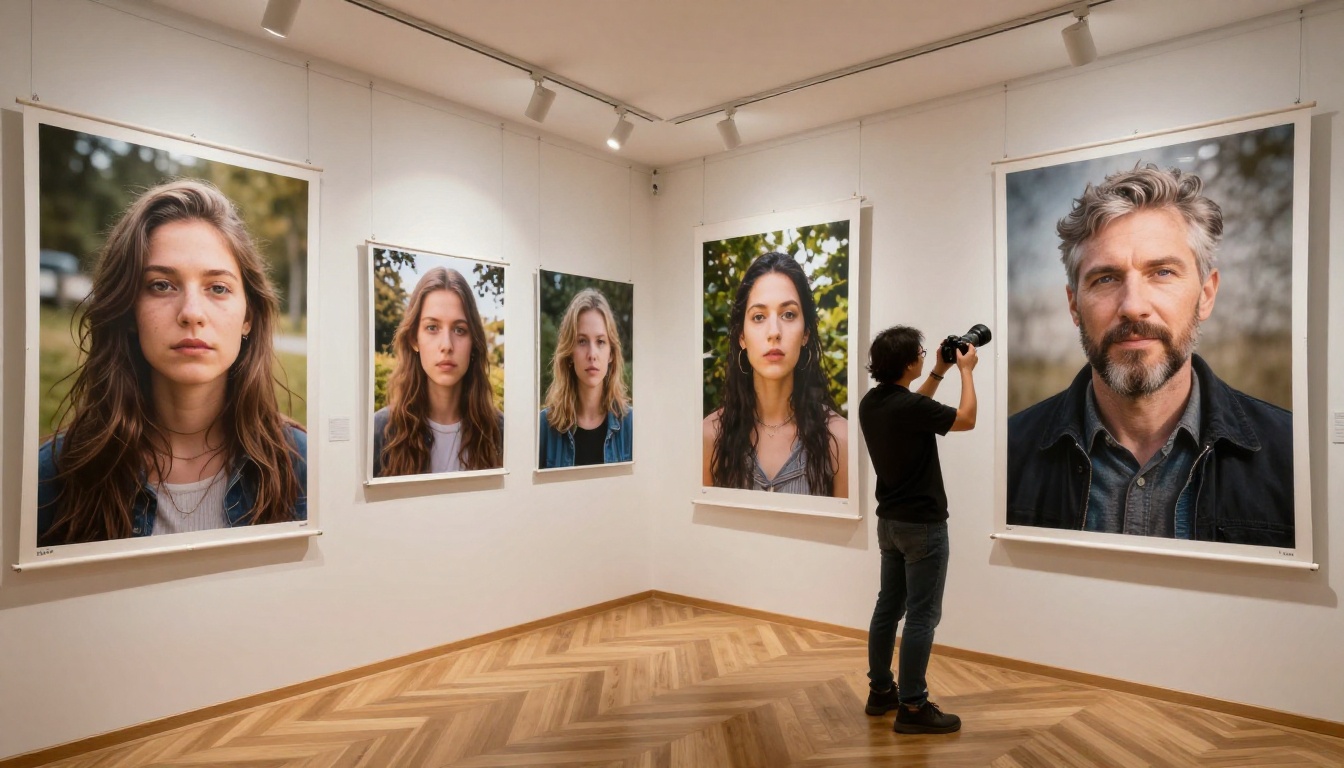
Quality is subjective, but consistency is measurable. These ratings reflect how reliably each model hits acceptable output on a single generation attempt without needing multiple retries.
| Generator | Prompt Adherence | Photo Realism | Speed | Best Output Type |
|---|
| GPT Image 2 | Excellent | High | Medium | All-purpose |
| Seedream 4.5 | Very Good | Very High | Very Fast | Portraits, landscapes |
| Flux Schnell LoRA | Good | High | Fast | Custom styles |
| Stable Diffusion 3 | Good | High | Medium | Complex scenes |
| Gemini 2.5 Flash | Very Good | High | Fast | Multi-object scenes |
| Recraft 20B | Very Good | Medium-High | Fast | Design assets |
| Hunyuan Image 2.1 | Good | Very High | Medium | Portraits |
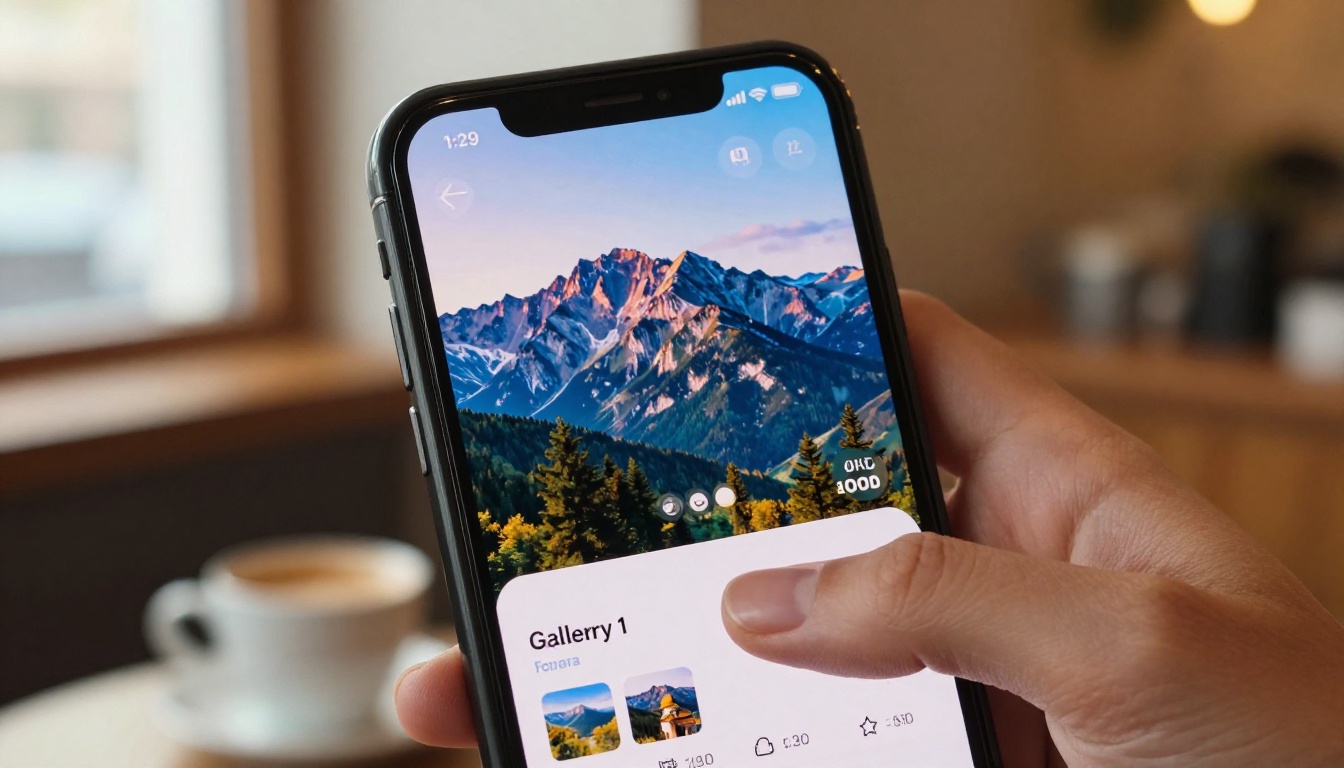
Visual Effects Worth Adding
Inpainting and Outpainting
After generating a base image, inpainting lets you fix specific areas without regenerating the whole scene. You paint a mask over the problem area, write a new prompt for that zone, and the model fills it while preserving the surrounding image intact.
Flux Fill Pro and Flux Fill Dev are the current standard for inpainting quality. Edges blend seamlessly and the fill process reads context from surrounding pixels rather than ignoring them.
Outpainting works the opposite direction: extending the canvas beyond the original image boundaries. A portrait becomes a full-body shot. A landscape gains foreground or additional sky. Fibo Edit from Bria handles outpainting with impressive lighting consistency across the extended areas.
Structure Control and Variations
Flux Redux Dev creates image variations that maintain the structural composition of a reference image while shifting the visual style. This is not a filter applied on top. It regenerates the image with new stylistic interpretation while preserving what made the original work: the lighting, the composition, the subject positioning.
For structure-controlled generation, Flux Canny Pro extracts the edge structure from any reference image and uses it as a generation scaffold. Product photographers use this to maintain exact object silhouettes while changing backgrounds, lighting, and seasonal context.
💡 Tip: Combine structure control with a high-realism model like Hunyuan Image 2.1 or Seedream 4.5 for outputs that maintain your compositional intent while maximizing photorealism.
How to Get Consistent Results
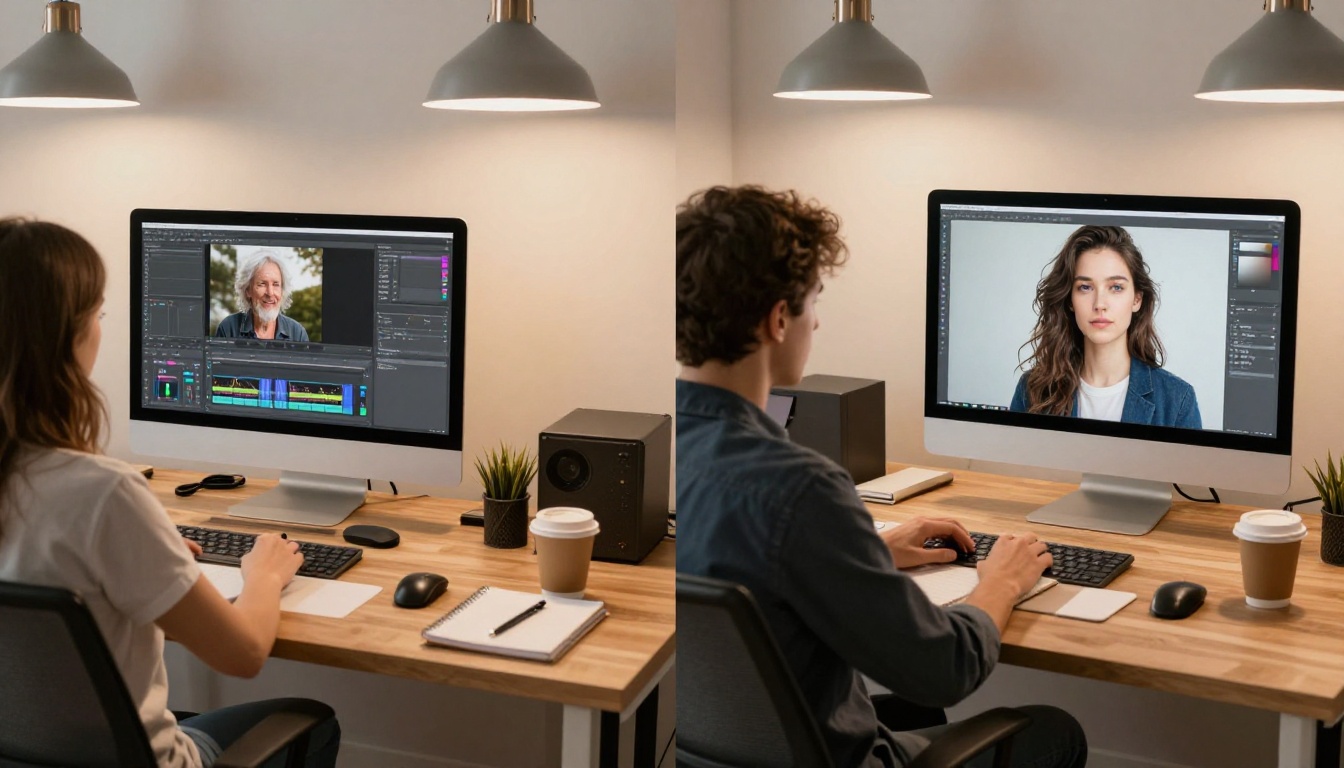
Inconsistency is the most common complaint with free AI image generators. You get one excellent output, try to replicate the style, and the next five generations look completely different.
Use seed numbers. Every PicassoIA generation has a seed value visible in the output metadata. Save that seed. Re-running the same prompt with the same seed produces a nearly identical result. From there, vary one element at a time.
Build a prompt template. Once you find phrasing that reliably produces your desired style, save it as a reusable block. Something like "RAW photograph, Kodak Portra 400, 85mm f/1.8, natural window light from left, photorealistic skin texture, no artificial effects" becomes your style anchor. Append the subject description and the overall look stays consistent across every generation.
Stick to one model per project. Different generators have different aesthetic biases. Mixing GPT Image 2 with Stable Diffusion 3 in the same article or campaign produces noticeable stylistic inconsistency. Pick one model and run the whole project through it.
Limit prompt length. Counter-intuitively, very long prompts can confuse some models. Around 60 to 80 words tends to outperform 200-word prompts for most generators. Be specific but not exhaustive.
Use negative prompts consistently. The same negative prompt block across all your generations acts as a style filter, removing the unwanted stylistic drift that comes from subtle variations in how the model interprets different subjects.
What You Can Build Right Now
The combination of free generation, upscaling, inpainting, and visual effects available through PicassoIA covers most professional use cases without requiring a paid subscription.
A content team can build a month's worth of blog visuals in a few hours. A small e-commerce brand can create lifestyle photography for product pages at zero cost. A freelance designer can generate 20 concept variations for a client presentation in an afternoon. A developer building an app can populate their UI with photorealistic placeholder images that look like real photography.
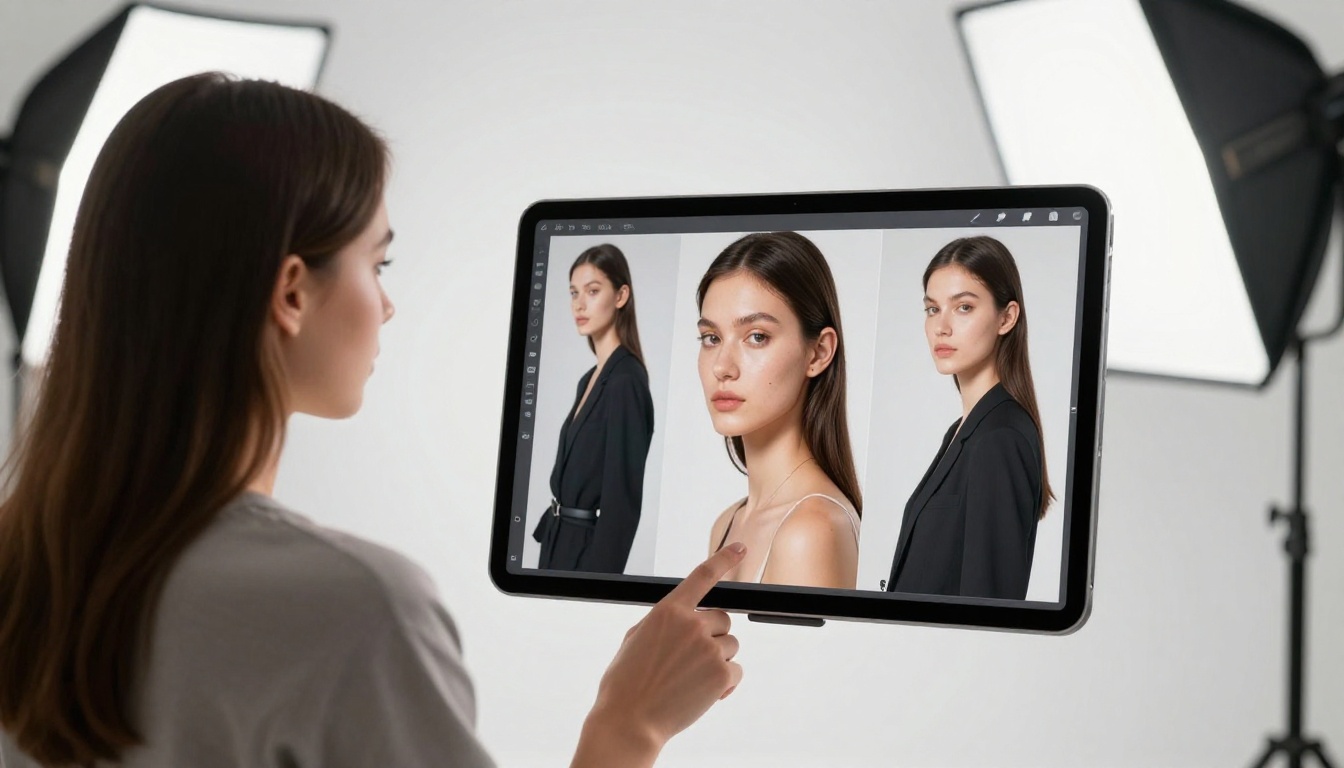
The free tier is real. The models are good. The only remaining step is trying them.
Pick any of the generators listed in this article, open PicassoIA, and type your first prompt. If the first result isn't what you wanted, adjust the lighting description and model choice based on the tips above. Most users find their preferred setup within three to five test generations.
Every model linked in this article is accessible at picassoia.com/en/all-models. Browse the full catalog, read the model descriptions, and start with the one that matches what you are trying to create. No payment required to begin.


