The best AI image generators no longer produce results that look AI-generated. That shift has happened in the last two years, and the tools driving it are free, fast, and available in a browser. If you have tried a generator and found the output obviously artificial, the problem was almost certainly the tool, not the prompt. This article covers the top image generators that produce genuinely photorealistic output, what differentiates them, how they perform across different subject types, and the exact steps to use them today.
Why Photorealism Is Hard to Fake
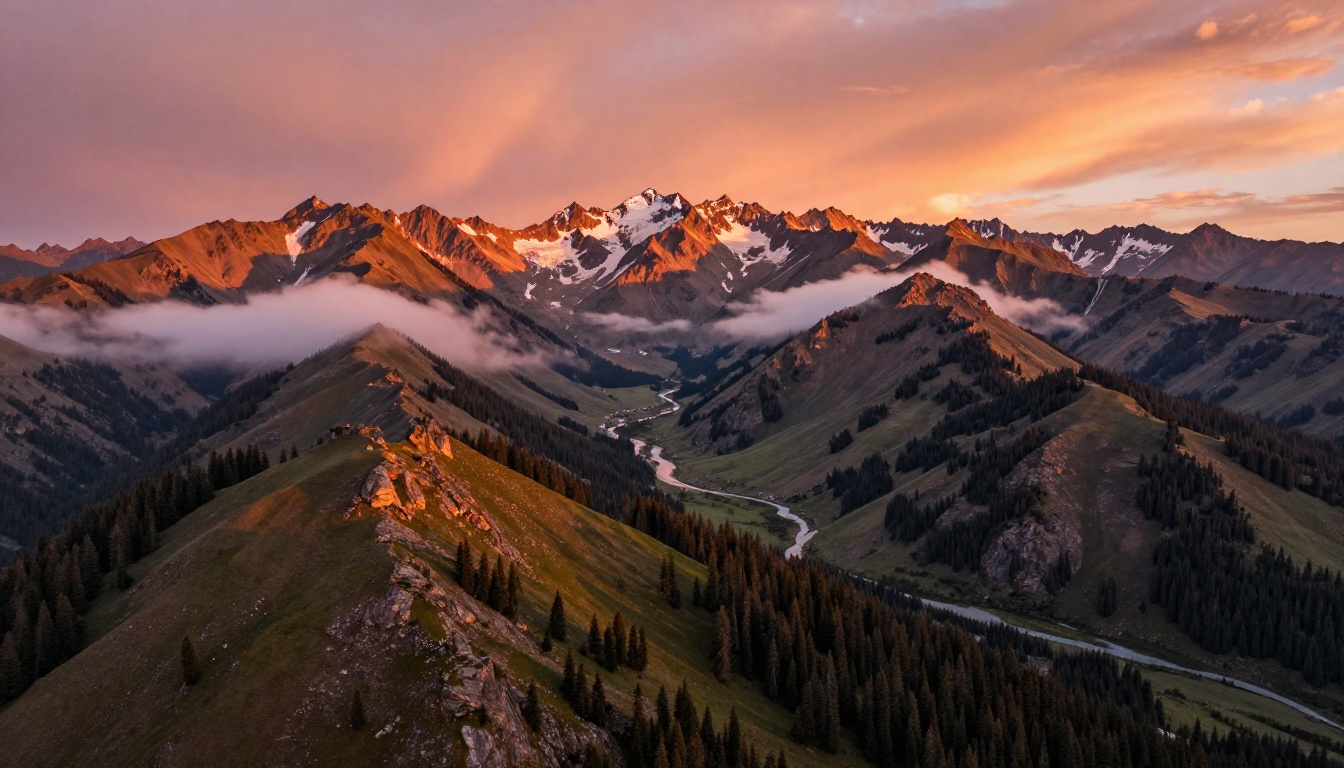
Photorealism is not a single property. It is dozens of small visual signals that accumulate to create the impression of a real photograph: the way light wraps around a curved surface, the micro-texture of skin, the specific grain pattern of a film stock, the lens compression from a telephoto focal length, the slightly uneven focus falloff of a wide aperture. Remove any one of those signals and the image reads as artificial.
Earlier AI generators solved for the obvious problems first. They eliminated obvious anatomy errors and basic compositional failures. What remained were the subtler cues: too-perfect symmetry, plastic-smooth skin, lighting from no identifiable source, impossible geometry in reflections. The models that currently produce truly photorealistic output have addressed most of these second-order issues.
What Makes a Photo Look Real
Real photographs capture imperfection. A hair out of place. A slightly irregular shadow. A reflection distorted by an uneven surface. The earliest AI images were too clean, too perfectly lit, too compositionally balanced to pass as photographs. Current top models have learned that imperfection is itself a photographic signal, and they introduce it naturally without user prompting.
The Parameter Jump That Changed Results
The clearest technical driver of improved photorealism is parameter count combined with curated training data. A model trained at 12 billion parameters on carefully selected photographic data handles spatial relationships, lighting physics, and surface textures at a level that was simply not possible at smaller scale. It renders scenes that hold up at 100% zoom, not just at thumbnail size where compression hides most artifacts.
Flux 1.1 Pro - Speed Meets Sharpness
Flux 1.1 Pro is the model that made fast photorealistic generation a realistic expectation rather than a premium feature. Previous generators either delivered quality slowly or speed at the cost of sharpness. Flux 1.1 Pro produces detailed, high-resolution images in seconds, and the detail does not come at the expense of accuracy.
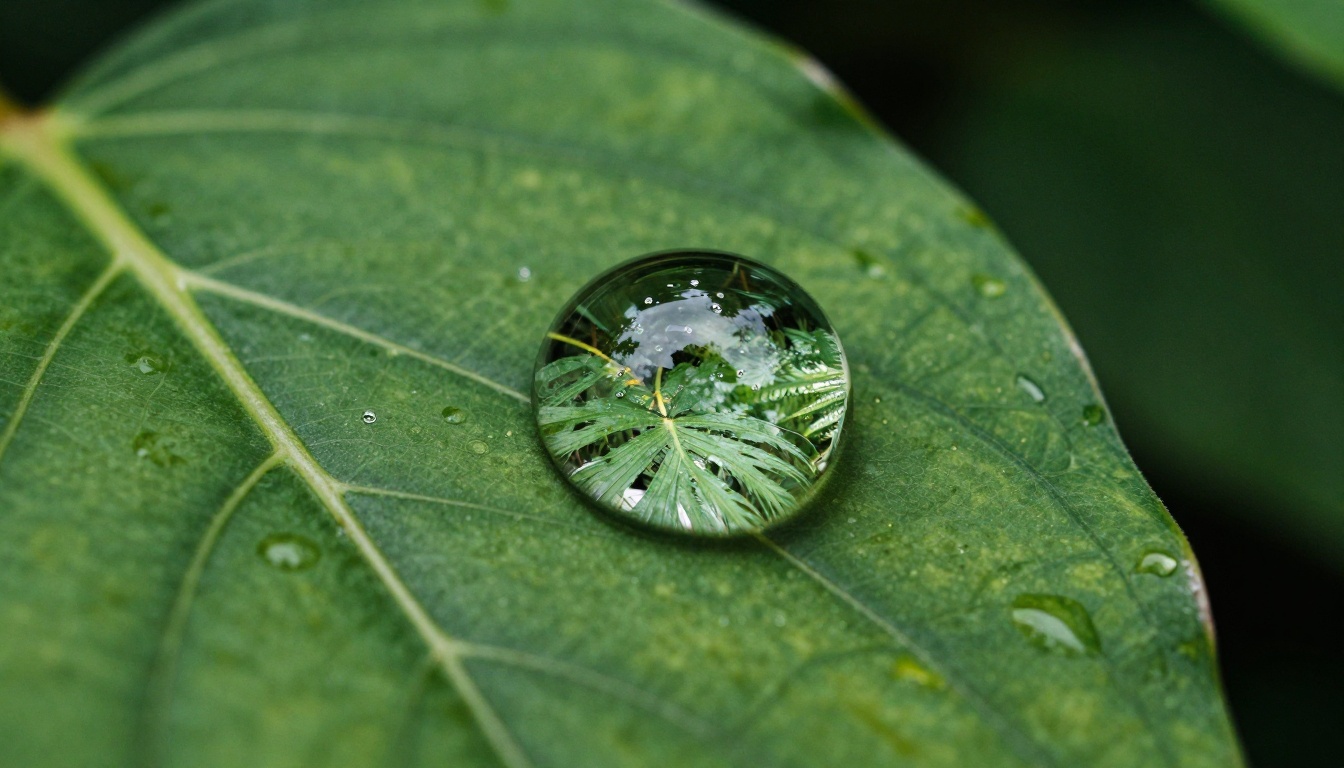
The model reads prompts with precision. Specify "volumetric morning light from the left at 15 degrees" and the model renders that lighting condition rather than approximating "warm." Specify "Kodak Portra 400 film grain" and the noise pattern matches that specific emulsion. These are not cosmetic differences: they are the gap between an image that looks like a photograph and one that looks like a rendering.
What Flux 1.1 Pro Does That Others Do Not
Flux 1.1 Pro treats prompt specificity as an advantage rather than a liability. Most generators interpret your prompt and produce a plausible result. Flux 1.1 Pro renders it. When you include a camera specification like "85mm f/1.4," the output reflects the field of view, background compression, and depth of field characteristics of that lens. When you include a film stock name, the color science matches.
The model supports ten aspect ratios including widescreen options for cinematic work, and the optional prompt expansion setting adds creative variation for users who want the model to interpret beyond their exact wording. For precise work, the seed parameter locks in any composition for iteration.
Where Flux 1.1 Pro Performs Best
- Portrait photography with specified lighting setups and lens parameters
- Commercial product photography on neutral or contextual backgrounds
- Interior and architectural scenes with complex natural light
- Food and still life where texture and depth require fine rendering
- Landscape and environment work with atmospheric detail
Seedream 4 - Native 4K Without Upscaling
Seedream 4 solves a problem that affects every other generator in this list: the resolution ceiling. Most text-to-image models produce output at around 1 megapixel. Getting to print-ready resolution requires a separate upscaling step, which interpolates missing detail rather than generating it. Seedream 4 generates at 1K, 2K, or 4K natively. The detail in a 4K Seedream 4 output is rendered at that resolution from the start.
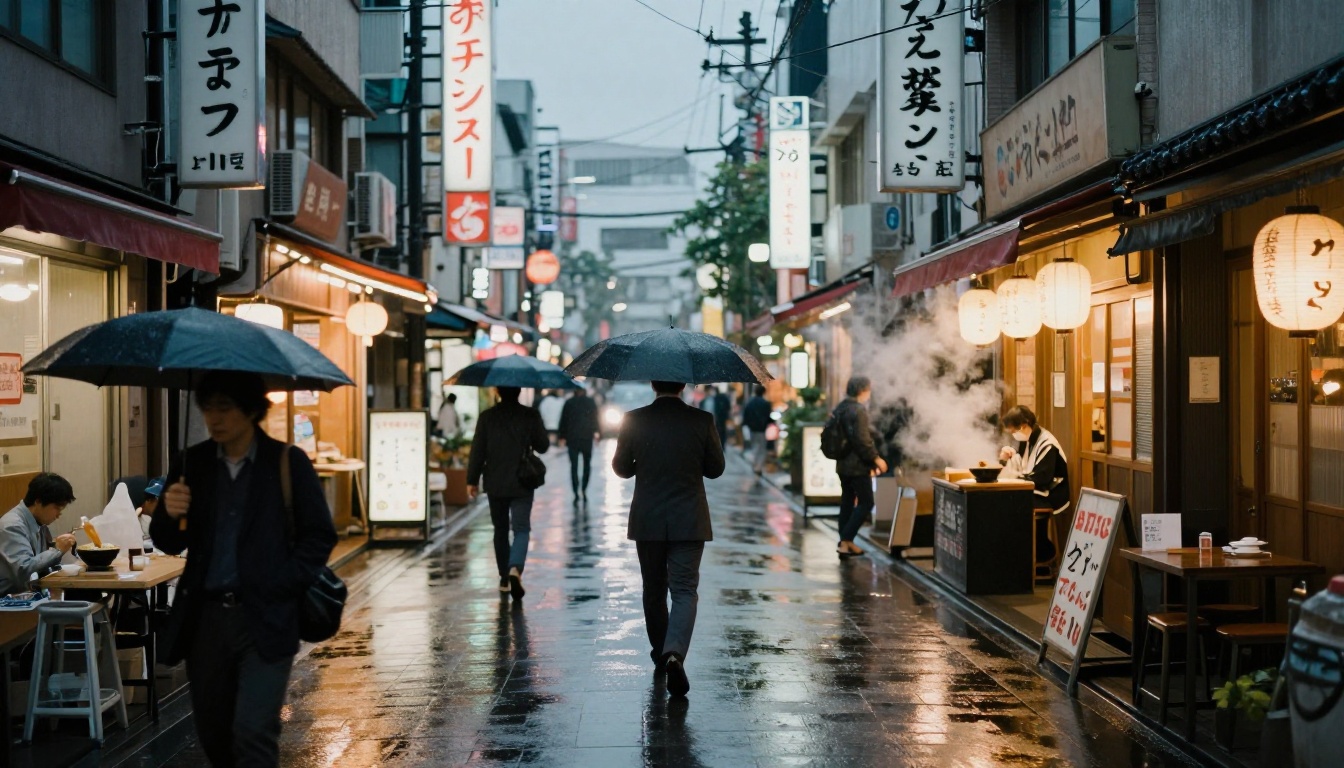
The practical difference shows in fine details: individual fabric threads, hair strands, the grain pattern in a wooden surface. When Seedream 4 renders a close-up portrait at 4K, the skin texture is generated at that resolution. When a 1K image from another model is upscaled to 4K, the equivalent detail is an algorithm's interpretation of what might be there.
Seedream 3 vs Seedream 4
Seedream 3 generates at up to 2K and runs faster, making it the right choice for prompt development and iteration. Once the composition and style are confirmed, Seedream 4 provides the highest-quality final output. The single-sentence editing feature in Seedream 4 also allows image refinement with a short instruction rather than a full prompt rebuild.
| Feature | Seedream 3 | Seedream 4 |
|---|
| Max Resolution | 2K (2048px) | 4K (4096px) |
| Speed | Faster | Moderate |
| Single-Sentence Edit | No | Yes |
| Multi-Reference Input | No | Yes |
| Best For | Iteration | Final output |
💡 Use Seedream 3 to confirm your prompt and composition, then switch to Seedream 4 for the final render. You save generation time without sacrificing output quality.
Recraft v3 - Style Control Across Realistic Modes
Most text-to-image generators provide a single photorealistic mode and several illustration options. Recraft v3 provides multiple distinct photorealistic modes, each calibrated to a different photography style. That specificity matters when you need a result that matches a particular aesthetic rather than just "realistic."
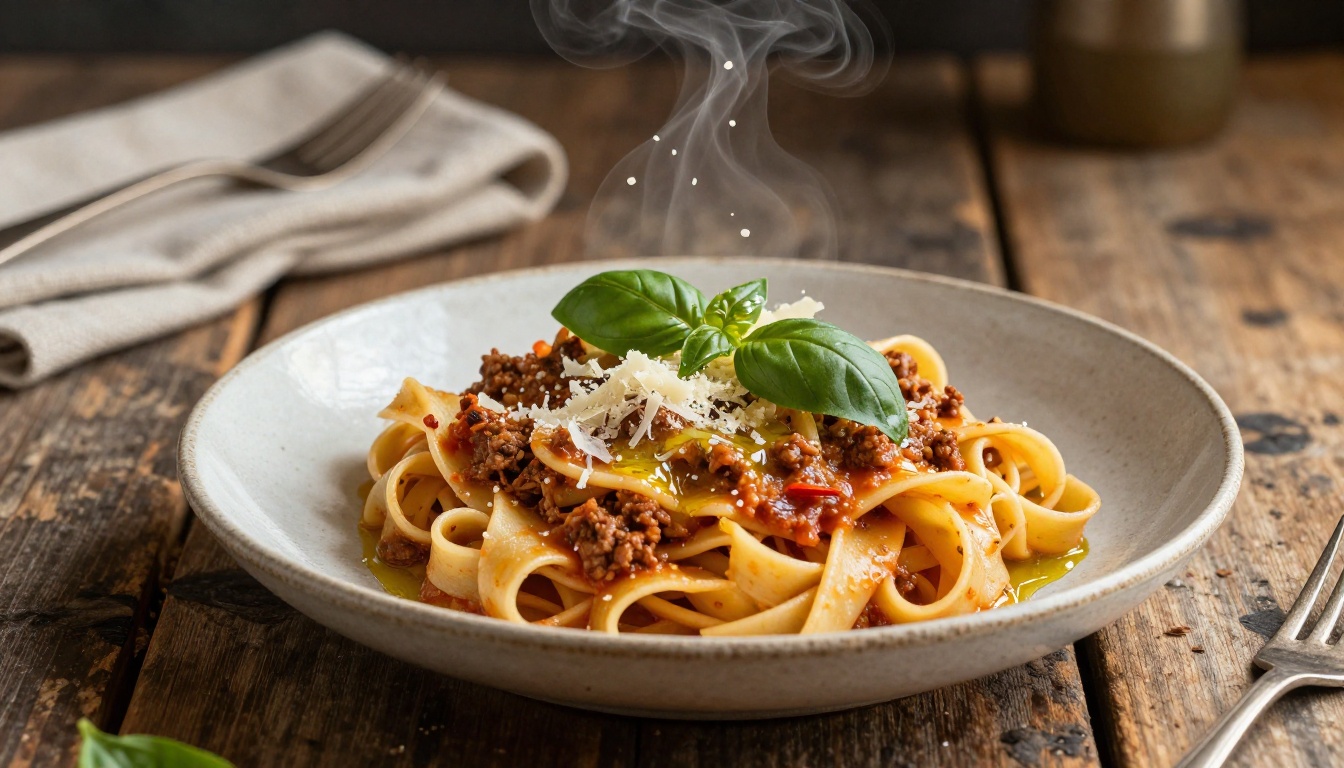
The realistic_image/natural_light mode is built for environmental and portrait work with soft, directional light. The realistic_image/hard_flash mode produces the high-contrast freeze-frame quality of documentary photography. The realistic_image/hdr mode handles high-dynamic-range outdoor scenes. The realistic_image/studio_portrait mode is optimized for commercial headshots and product work with controlled lighting.
When to Choose Recraft v3
Recraft v3 is the right tool when you need to match a specific photographic aesthetic rather than produce a generically realistic image. No amount of prompt engineering in a single-mode generator will reliably produce hard-flash street photography aesthetics. Recraft v3's dedicated mode does it with a standard prompt.
Its text rendering inside images is also notably more accurate than most models, which matters for marketing materials, posters, or any visual that includes readable labels or headlines.
| Style Mode | Best For |
|---|
natural_light | Portraits, editorial, outdoor |
hard_flash | Street photography, documentary |
hdr | Landscapes, architecture, wide exteriors |
studio_portrait | Headshots, product photography |
motion_blur | Sports, action, dynamic subjects |
💡 For product images on a clean background, combine Recraft v3 studio_portrait mode with a negative prompt that specifies unwanted artifacts: soft edges, uneven shadows, lens flare, overexposure.
Flux Dev - The Iteration Workhorse
Flux Dev is a 12-billion parameter text-to-image model with image-to-image editing capability. Upload a reference photograph and redirect it with a prompt while preserving its spatial structure. This makes it the core tool for iterative photorealistic workflows where the goal is refinement rather than generation from scratch.
The prompt_strength parameter controls how much of the original image survives the generation process. At lower values, the output closely follows the reference. At higher values, the model departs further, using the reference primarily for composition. This precise control over image transformation is not available in most generators and makes Flux Dev particularly useful for adapting existing photography rather than building from a blank canvas.
Why 12 Billion Parameters Makes a Visible Difference
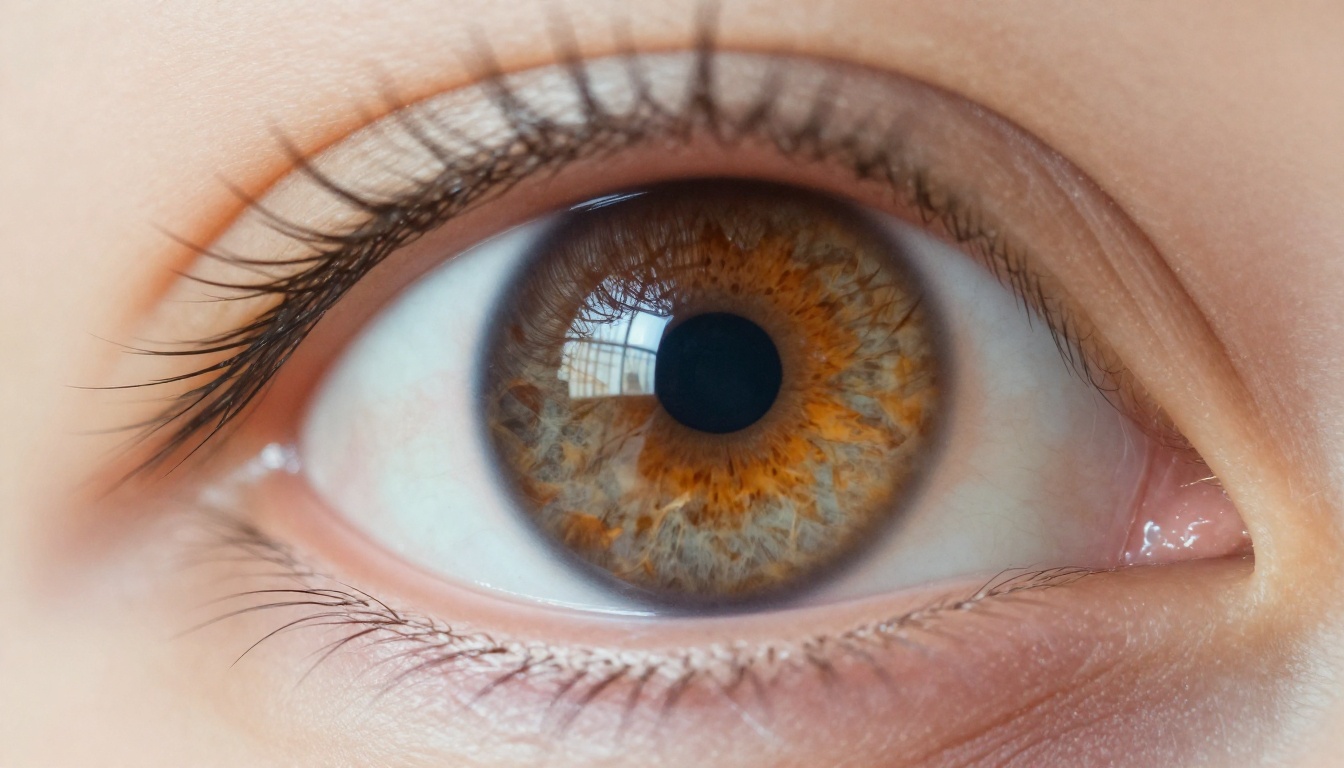
At 12 billion parameters, Flux Dev handles scenes that smaller models simplify: the caustic patterns of light through water, the way a leather jacket folds at the elbow and catches specular highlights, the accurate rendering of a face at a three-quarter angle with multiple light sources. These are the scenes that reveal a model's limits most clearly, and Flux Dev passes most of them.
The fast generation mode runs a speed-optimized version that trades a small amount of determinism for significantly faster output. For exploratory sessions with many prompt variations, this tradeoff is worth it.
Playground v2.5 - Aesthetic Quality for Fast Iteration
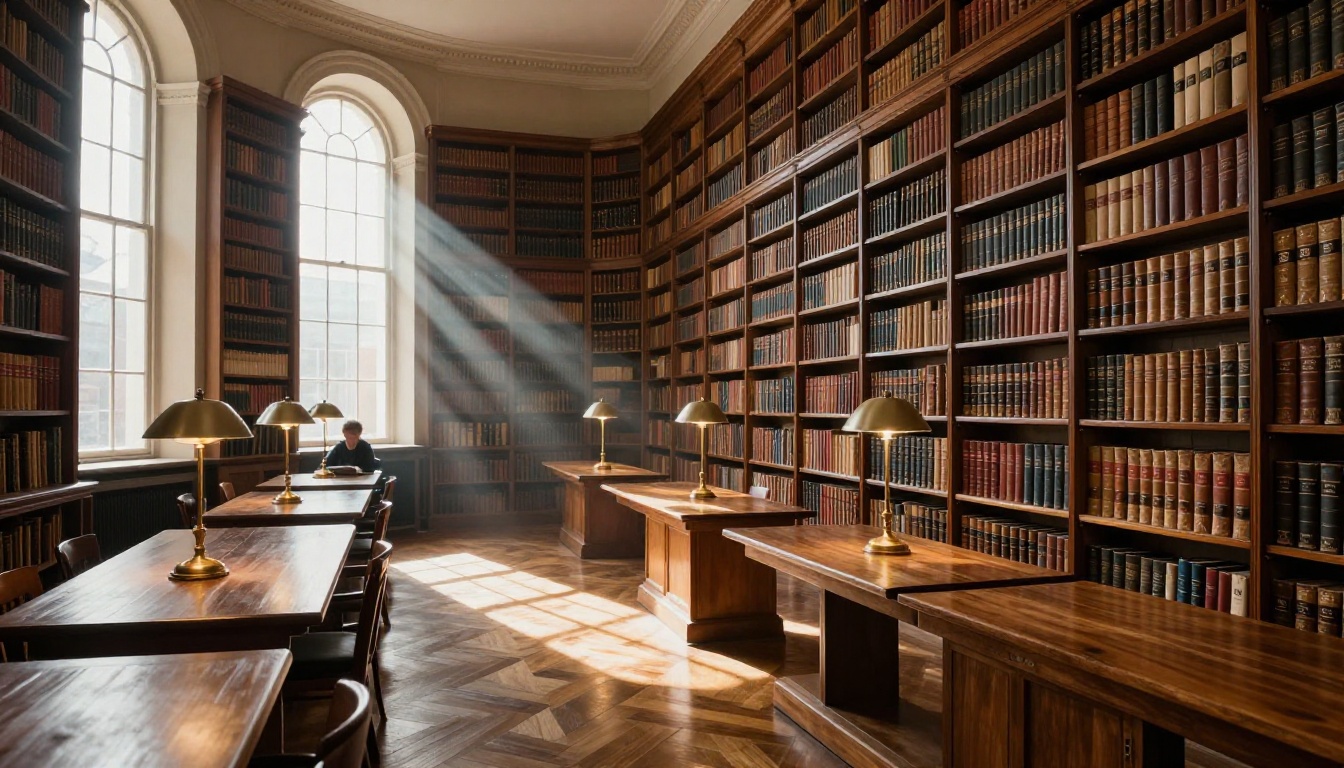
Playground v2.5 was designed to solve one specific problem: outputs that are technically correct but visually flat. The model prioritizes color harmony and fine detail in a way that makes results feel intentional rather than generated. It operates at 1024px, making it one of the fastest options in this list for high-quality iterative work.
The inpainting capability stands out. Paint a mask over any section of a generated or uploaded image and describe what should appear there instead. Combined with the negative prompt feature, which excludes specific artifacts from the output, this is the most surgical free image editing workflow available online.
When Playground v2.5 Is the Right Tool
- Speed is a priority and you need high visual quality per generation
- You are iterating on composition and cannot afford to wait for Seedream-level generation times
- You need inpainting to replace or fix specific areas of an image
- You want image-to-image editing with control over how much the original changes
- You need clean, watermark-free output at no cost
The eight scheduler options give experienced users direct control over the diffusion process. DPMSolver++ and DPM++2MKarras consistently produce the clearest photorealistic results across portrait and scene work.
How to Use Flux 1.1 Pro on PicassoIA
Flux 1.1 Pro is available on PicassoIA at no cost, with no installation or account setup required. These steps walk through getting the most realistic output from your first session.
Step 1. Open Flux 1.1 Pro and select your aspect ratio. For portrait work, use 4:5 or 3:2. For wide scenes, use 16:9.
Step 2. Build your prompt using this structure:
[Subject with specific physical detail] + [Environment] + [Lighting direction and quality] + [Camera and lens specs] + [Film emulation]
Example for a realistic portrait:
"A man in his forties with close-cropped grey hair seated at an outdoor cafe table, soft overcast light from directly above diffusing evenly across his face, Canon EOS R5 85mm f/1.2 lens, Kodak Portra 400 film emulation, natural skin pores and authentic catchlights"
Step 3. Enable Prompt Upsampling for creative variation. Disable it when you need exact adherence to your wording.
Step 4. Record the seed number from any output you want to reproduce. Reuse it with a modified prompt to iterate from the same composition without rebuilding from scratch.
Step 5. Download as JPG for web use, PNG for maximum file fidelity.

Prompt Words That Change the Result
| Add to Your Prompt | Effect |
|---|
| "Kodak Portra 400" | Natural warm film grain and color science |
| "85mm f/1.4" | Shallow depth of field, portrait compression |
| "Volumetric light" | Atmosphere and visible light direction |
| "Natural skin pores" | Removes the plastic smooth skin artifact |
| "Catchlights in eyes" | Makes eyes look photographically real |
| "Film grain" | Breaks the over-clean AI look |
| "Authentic imperfection" | Introduces natural asymmetry |
| "RAW photography" | Signals photorealistic, unprocessed intent |
💡 The fastest way to break photorealism in a prompt is to describe physically impossible lighting: "sunlight from all sides" or "no shadows." Real photographs have a single primary light source. Keep yours anchored to physics.
Upscaling AI Images for Print
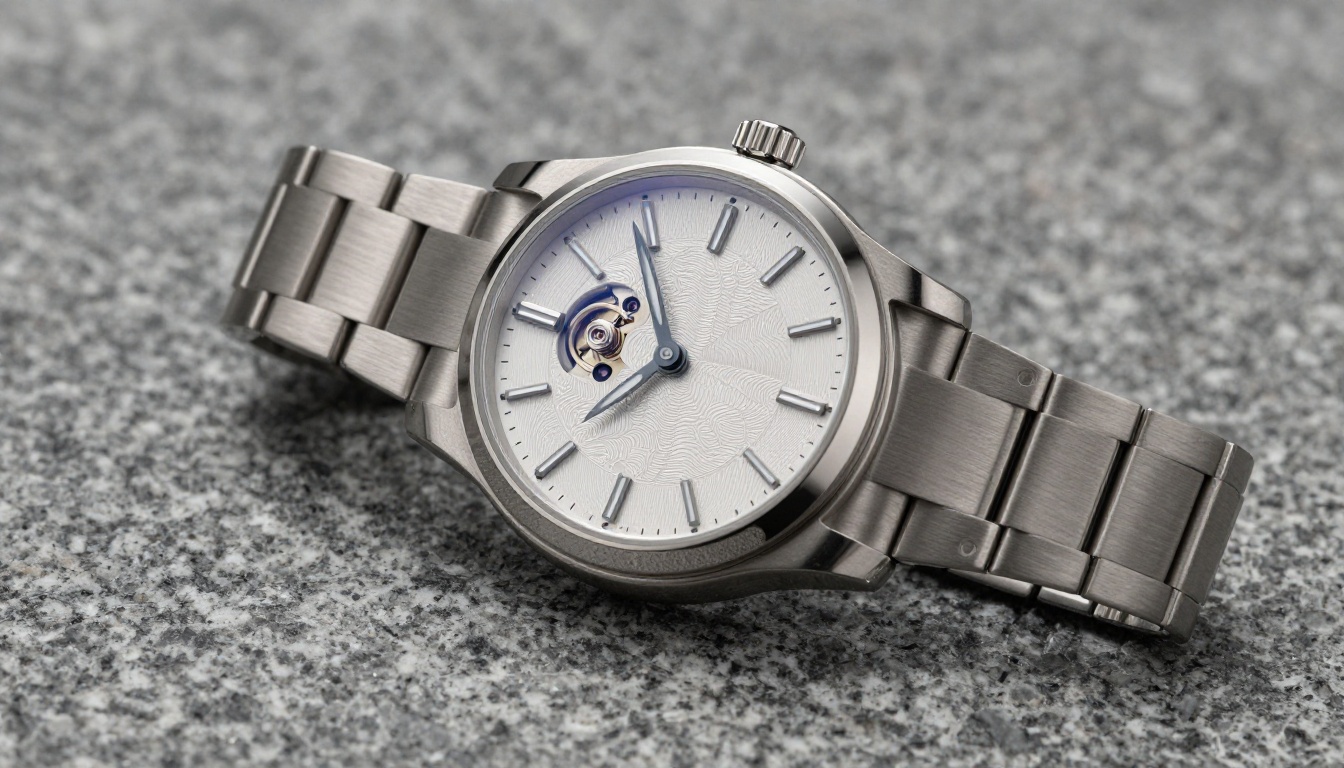
Generating at 1 megapixel is sufficient for most web and social use. For print, large-format display, or any context where the image will be examined at close range, the super-resolution models on PicassoIA add detail rather than interpolating it.

Choosing the Right Upscaler
For portraits, Crystal Upscaler adds fine skin texture without introducing artifacts. For landscapes and scenes with complex surface textures, Clarity Pro Upscaler is the stronger choice. For the highest magnification without quality loss, Topaz Image Upscale reaches 6x and retains more detail at extreme sizes than any other option in the list.
Start Creating Photorealistic Images Now
All five generators in this article are available on PicassoIA at no cost. If you are starting out, open Flux 1.1 Pro and run a portrait prompt with one lighting specification and one camera parameter. The result will tell you more about what produces photorealistic output than any amount of reading.
When the first image is close but not right, switch to Flux Dev for img2img refinement. For native 4K output without upscaling, use Seedream 4 from the start. For a specific photographic mode like hard flash or HDR landscape, Recraft v3 has the right dedicated setting. And when any output needs to go to print or large-format use, Topaz Image Upscale or Clarity Pro Upscaler handles the final resolution step.
The barrier to photorealistic AI imagery is no longer the technology. It is knowing which tool to apply to which task, and how to describe what you want precisely enough for the model to render it. Both are things you can figure out in a single afternoon of testing on PicassoIA.


