The search for the best NSFW models for Stable Diffusion is one of the most active conversations in AI art generation today. Whether you want photorealistic glamour portraits, artistic boudoir compositions, or elegantly suggestive fashion imagery, the checkpoint you load is the single biggest factor in your output quality. This breakdown covers the top free models available right now, what sets each one apart from the competition, and exactly how to run them without downloading or installing a single file on your local machine.
Why Your Model Choice Matters More Than Your Prompt
Most beginners spend hours crafting elaborate prompts while loading an average checkpoint. The result is always the same: flat skin textures, inconsistent anatomy, and faces that feel slightly uncanny. Experienced AI artists know the real truth: a strong checkpoint with a simple prompt beats a weak checkpoint with a paragraph-length prompt every time.
The models ranked here were selected based on three non-negotiable criteria:
- Skin realism: Can it render individual pores, subsurface scattering, and natural imperfections that read as photographic?
- Anatomical consistency: Does it handle complex poses without warping limbs, merging fingers, or misaligning joints?
- Negative prompt sensitivity: Does it actually respond to what you tell it to avoid, or does it ignore your guidance entirely?
Once you understand what separates a top-tier checkpoint from a mediocre one, the model selection process becomes straightforward. Every model listed in this article is available to run instantly, no local hardware required.
Best Classic Stable Diffusion NSFW Models
The original Stable Diffusion ecosystem, built on SD 1.5 and SD 2.x architecture, still hosts some of the most refined NSFW checkpoints available. These models carry years of community fine-tuning behind them and benefit from massive LoRA libraries that extend their capabilities in virtually every stylistic direction.
Realistic Vision v5.1
Realistic Vision v5.1 remains one of the most downloaded photorealistic checkpoints ever released in the Stable Diffusion ecosystem. Built on SD 1.5 architecture with extensive fine-tuning on curated high-quality photography datasets, it produces skin tones and facial features that consistently outperform models twice its parameter count.
What makes it exceptional for NSFW content:
- Natural skin gradients: Warm undertones render with realistic subsurface scattering across cheeks, shoulders, and collarbone areas
- Hair detail: Individual strands, flyaways, and natural sheen patterns appear without the plastic sheen common in cheaper models
- Low VRAM requirements: Runs well on 6GB graphics cards, making it the most accessible high-quality option for hobbyists
- LoRA compatibility: Almost every popular NSFW LoRA in existence was built with this model as the base target
Recommended CFG Scale: 5.5 to 7. Higher values push toward oversaturation and artificial sharpness. Lower values produce soft, natural tones.
💡 Tip: Pair Realistic Vision v5.1 with a high-res fix pass at 0.5 denoising strength. It adds skin texture and sharpens detail in areas like eyelashes, hair strands, and fabric weave without drifting from your original composition.
DreamShaper XL Turbo
DreamShaper XL Turbo is arguably the fastest high-quality checkpoint in the entire SDXL family. The DreamShaper lineage has always prioritized aesthetic quality, but the Turbo variant rebuilds the architecture for SDXL while distilling the sampling process to produce results in 4 to 8 steps that previously required 25 to 30.
For NSFW use cases, its biggest strength is stylistic range. Where Realistic Vision v5.1 is strictly photographic, DreamShaper XL Turbo covers the full spectrum from hyperrealistic photography to soft painterly glamour with equal technical competence. If your creative direction involves editorial fashion, artistic boudoir, or moody atmospheric portraits, this model handles all three without requiring a model switch.
Key performance traits:
- Fast generation without quality sacrifice at the output level
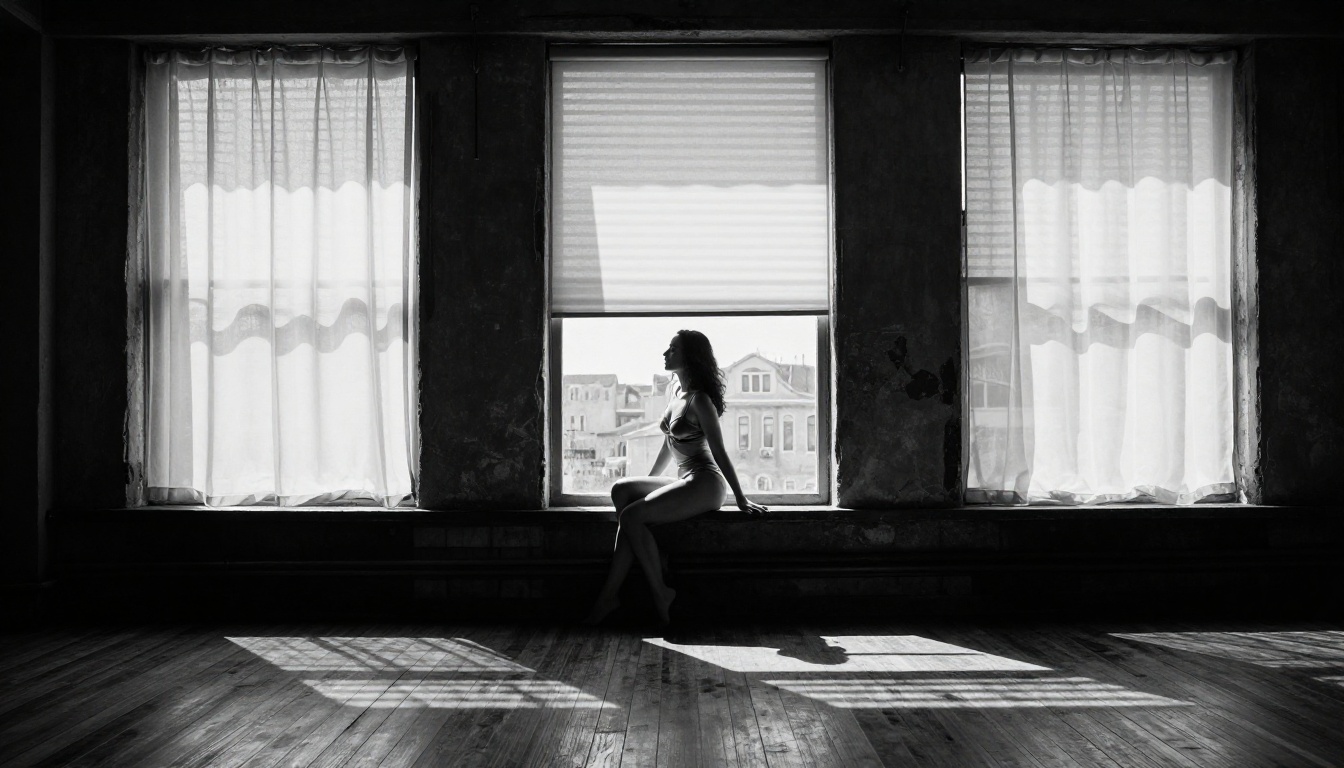
- Exceptional handling of dramatic lighting: low-key, silhouette, contre-jour, and rim-lit setups all render with precision
- Strong response to LoRA stacking for added style specificity without destabilizing anatomy
RealVisXL v3.0 Turbo
RealVisXL v3.0 Turbo is the SDXL evolution of the Realistic Vision lineage, and the architectural leap is immediately visible in outputs. Moving from SD 1.5 to SDXL gives it dramatically better facial detail at higher resolutions, significantly more coherent body anatomy in complex poses, and improved handling of challenging mixed lighting conditions.
Where it specifically excels in NSFW content generation:
- High-resolution faces: At 1024x1024 and above, facial features maintain proportion and symmetry consistently, with fine details like skin texture and eyelash clarity that SD 1.5 models cannot match at native resolution
- Natural pose variety: Complex sitting, reclining, and dynamic standing poses render with minimal distortion across the full figure
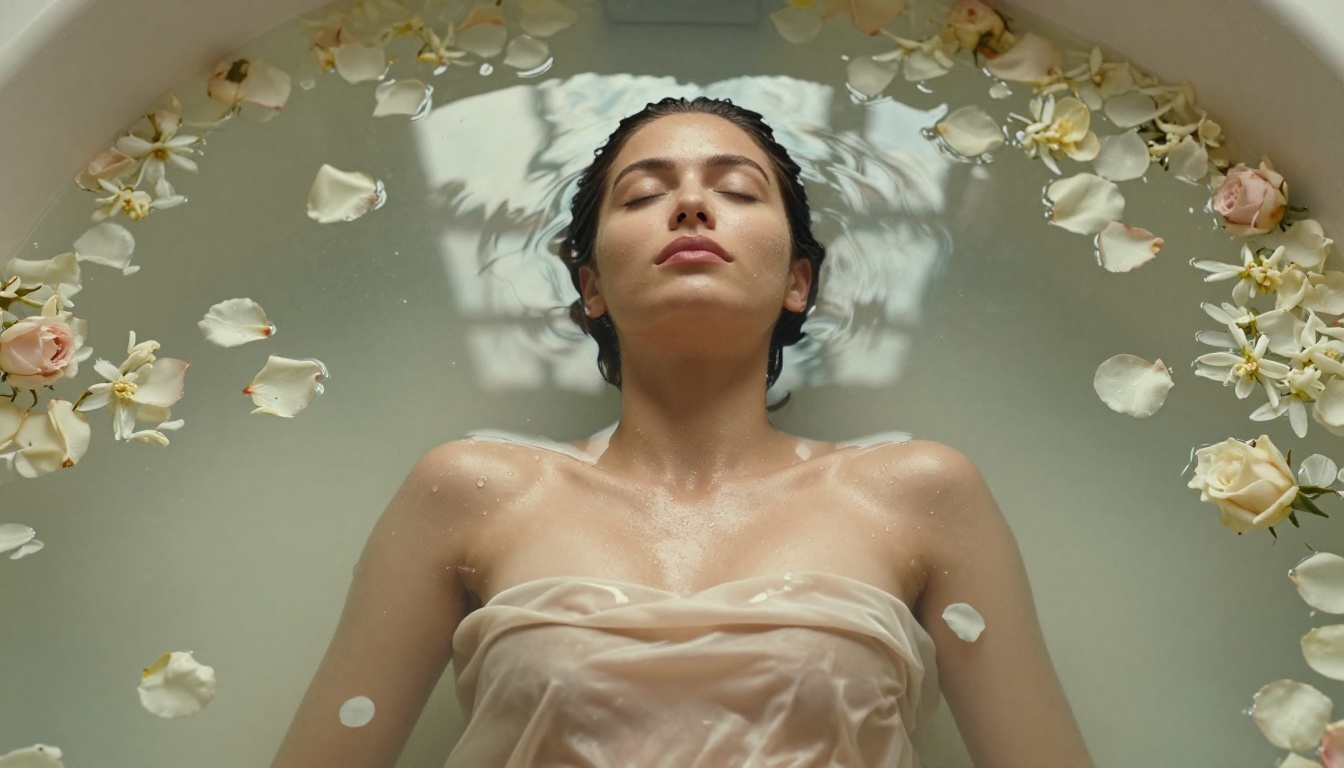
- Texture accuracy: Fabric folds, skin contact shadows, specular highlights on wet or oiled skin, and subsurface translucency all render with photographic fidelity
💡 Tip: Enable Multi-ControlNet with RealVisXL for consistent body proportions in challenging poses. The SDXL Multi ControlNet LoRA model on PicassoIA makes pose-controlled generation straightforward without needing local ComfyUI setup.
SDXL Models Worth Running
The SDXL architecture represented a significant technical leap for the Stable Diffusion ecosystem. Running natively at 1024x1024, SDXL models produce base-resolution detail that older SD 1.5 models can only approach with aggressive upscaling pipelines. For NSFW content specifically, this matters because detail degradation at the face and body level is where cheap AI-generated images expose themselves immediately.
SDXL Base
SDXL from Stability AI is the foundation that most high-quality fine-tuned checkpoints in this category were built on. Running the base model gives you a neutral, capable starting point with broad community LoRA support and predictable behavior for building consistent workflows.
SDXL Lightning 4Step
SDXL Lightning 4Step from ByteDance deserves its own focused entry. By distilling the full SDXL sampling process into just 4 steps using progressive adversarial distillation, it generates images 6-8x faster than standard SDXL without the quality collapse that other fast samplers suffer from at low step counts.
For NSFW workflows where you are iterating through prompt variations, pose adjustments, and lighting experiments, this speed advantage is substantial:
Playground v2.5 Aesthetic
Playground v2.5 1024px Aesthetic takes a different philosophy than the strictly photorealistic models. Its training emphasized aesthetic quality over documentary accuracy, consistently producing images with stronger compositional instincts, more intentional color palette relationships, and a quality that reads as deliberately art-directed rather than randomly generated.
For NSFW content that leans toward the artistic end of the spectrum, this distinction matters considerably. Softcore glamour and editorial boudoir work often benefits from an aestheticized treatment rather than raw photographic simulation. Playground v2.5 is the model for creators who want their output to look like a fashion editorial rather than a photograph.
Proteus v0.2 and v0.3
Proteus v0.2 and its successor Proteus v0.3 occupy an interesting niche between photorealism and stylization. Built on SDXL architecture with training that emphasizes vibrant color accuracy and strong compositional structure, Proteus models handle close-up beauty photography and dramatic full-body shots with equal capability.
The v0.3 iteration shifts further toward anime-influenced aesthetics while maintaining photorealistic skin rendering, making it suitable for NSFW content that blends the two styles, a popular category with a large dedicated audience.
FLUX: The Architecture That Changed Everything
The release of FLUX.1 models from Black Forest Labs fundamentally shifted expectations for what AI image generation can produce. Built on a completely new diffusion transformer architecture rather than the U-Net backbone of Stable Diffusion, FLUX models generate text-accurate, anatomically consistent images that consistently outperform SDXL on difficult prompt specifications.
For NSFW generation specifically, FLUX's most important contribution is direct prompt adherence. Older Stable Diffusion models interpret prompts loosely, frequently ignoring specific compositional details or character attributes in favor of training distribution averages. FLUX executes prompts with near-literal accuracy, which means you can describe precisely the lighting direction, body position, fabric behavior, and background composition you want, and actually receive it.
FLUX Dev
FLUX Dev is the open-weights FLUX model intended for research and non-commercial use. It produces output quality extremely close to the commercial Pro model at no generation cost. For NSFW users exploring the model's capabilities, FLUX Dev is the correct starting point before committing to Pro tier usage.
Core strengths for NSFW content creation:
- Exceptional facial coherence: Eyes, mouth, teeth, and overall facial structure maintain anatomical accuracy even at extreme crop sizes
- Natural body proportions: Limb ratios stay correct through complex poses, including challenging angles that defeat older diffusion architectures
- Precise lighting execution: Describe your lighting setup using photography vocabulary and FLUX renders it accurately, something older models cannot reliably do
FLUX 1.1 Pro
FLUX 1.1 Pro is the most capable commercially available FLUX variant. It improves on the original Pro release with better color accuracy across the full tonal range, higher retention of fine-scale detail in skin and fabric, and meaningfully better performance on complex multi-element prompts where older versions occasionally lost compositional coherence.
FLUX 1.1 Pro Ultra
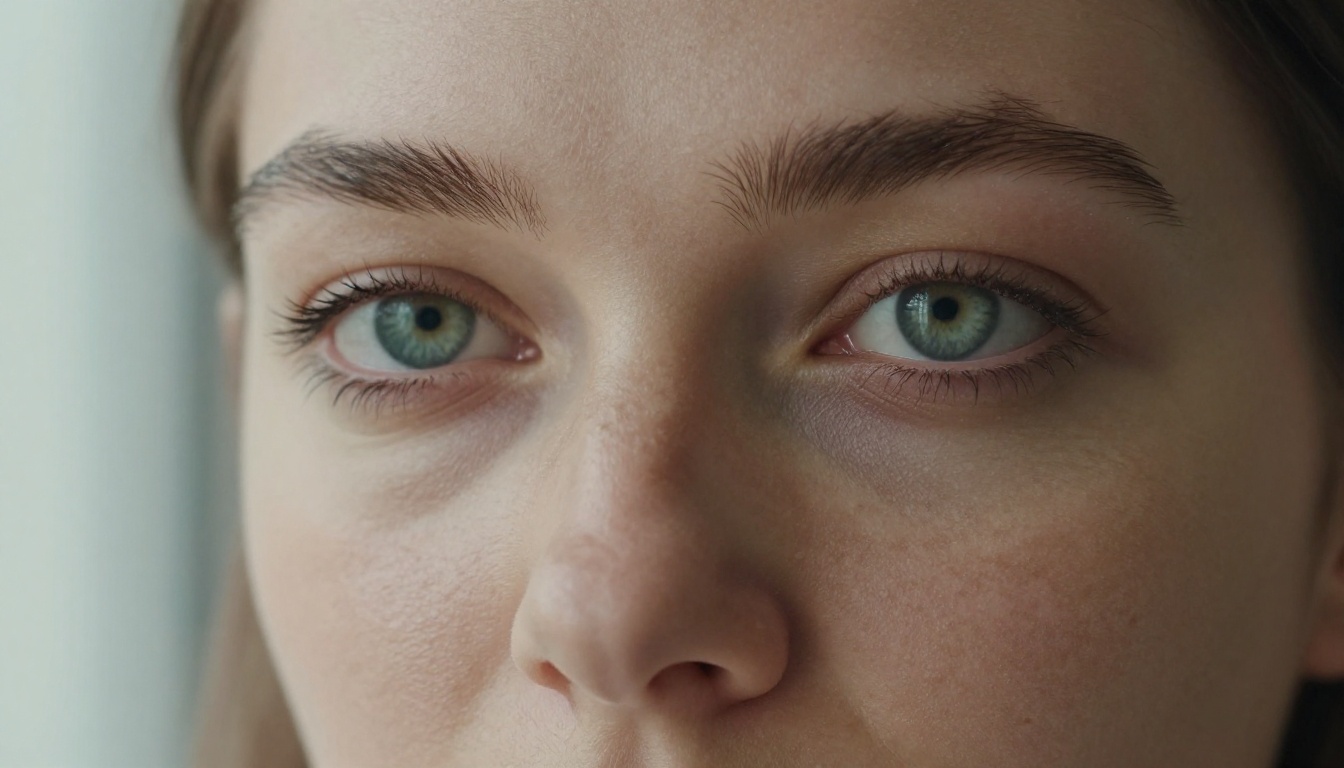
FLUX 1.1 Pro Ultra adds native 4-megapixel output to the Pro model's core capabilities. For NSFW content specifically, this resolution jump enables detail density in skin texture, fabric weave, and environmental elements that approaches medium-format photography standards. At full resolution, individual follicles, pore structures, and the micro-texture of various fabrics render as distinct, credible elements rather than smooth interpolated approximations.
💡 Tip: When prompting FLUX models, write lighting conditions using photography vocabulary: "Rembrandt lighting", "backlit with rim light from camera left", "golden hour side lighting at 30 degrees". FLUX processes these references with precision that general descriptions cannot match.
LoRA Add-ons That Change Output Quality
LoRA (Low-Rank Adaptation) files are lightweight supplemental training packages that modify a base model's outputs in highly specific directions without full retraining. For NSFW work, the right LoRA applied at the right weight is often the difference between generic results and highly targeted stylistic output.
p-image-lora
p-image-lora from prunaai applies LoRA conditioning directly to the p-image base model architecture. It is particularly effective for photography-adjacent styles where you need to push realism further in specific directions, from film photography grain and color grading to editorial fashion lighting setups that the base model handles with less precision.
FLUX Dev LoRA
FLUX Dev LoRA extends FLUX Dev with fully supported LoRA fine-tuning capabilities. The practical benefit for NSFW users is the ability to apply or train character-specific LoRAs while retaining FLUX's superior anatomical accuracy as the structural foundation. Fine-tuned character consistency remains the single most requested workflow feature in adult AI art communities, and FLUX Dev LoRA addresses it directly.
Recommended LoRA stacking weights for NSFW photorealistic results:
- Style LoRA: 0.6 to 0.8 strength
- Detail enhancement LoRA: 0.4 to 0.5 strength
- Character consistency LoRA: 0.7 to 0.9 strength
Stack no more than three LoRAs simultaneously. Beyond three, weight interference begins degrading output consistency rather than improving it.
How to Use These Models on PicassoIA
Every model in this article runs on PicassoIA's cloud infrastructure. Zero local installation, no VRAM ceiling from your own hardware, no ComfyUI or Automatic1111 configuration to manage. The full generation pipeline runs entirely in the browser.
Step-by-Step Workflow
Step 1: Navigate to the model page. For the strongest starting point, Realistic Vision v5.1 is the best entry point for SD 1.5 realism, and FLUX Dev is the strongest free option in the new architecture generation.
Step 2: Structure your positive prompt as: [Subject description and pose] + [Environment and background detail] + [Lighting conditions] + [Camera angle and lens]. Example: "Beautiful woman in white silk chemise, sunlit bedroom window, warm morning side light, 85mm portrait lens, shallow depth of field, skin texture visible, Kodak Portra 400"
Step 3: Build a strong negative prompt. For photorealistic NSFW results, include at minimum: deformed, bad anatomy, extra limbs, fused fingers, watermark, text, signature, low quality, blurry, plastic skin, oversaturated, cartoon, illustration, 3d render
Step 4: Set your aspect ratio. 16:9 for landscape editorial and environmental shots, 9:16 for vertical beauty and portrait work.
Step 5: Run the generation. With SDXL Lightning 4Step or FLUX Schnell, results return in under 10 seconds.
Settings That Matter Most
CFG Scale (Guidance Scale)
| Model Family | Recommended CFG | Effect of Exceeding Range |
|---|
| SD 1.5 (Realistic Vision) | 5-7 | Oversaturation, skin artifacts |
| SDXL models | 5-8 | Harsh contrast, unnatural color shift |
| FLUX models | 3.5-4.5 | Over-literal output, compositional rigidity |
Sampling Steps
High step counts do not automatically produce better results. Realistic Vision v5.1 peaks around 25-30 steps. SDXL Lightning and FLUX Schnell are specifically engineered for 4-8 steps. Increasing steps beyond the model's sweet spot adds generation time with diminishing or zero quality return.
Seed Control
Found a composition and body position you want to refine? Fix the seed and make incremental prompt adjustments. Unfix the seed to explore entirely different compositional arrangements. This is the most underused iteration technique in NSFW AI generation workflows.
ControlNet for Precise Anatomy
For NSFW content where body anatomy must be exact, ControlNet is the most powerful corrective tool available. The SDXL Multi ControlNet LoRA on PicassoIA lets you supply a pose reference image and the model matches that skeleton structure while applying your prompt's style, lighting, and subject description.
Useful ControlNet modes for NSFW work:
- OpenPose: Controls full body skeleton joint positions
- Depth: Maintains spatial relationships between the subject and environment
- Canny: Preserves edge structure for outfit silhouette and environmental consistency
3 Mistakes That Produce Bad NSFW Images
1. Describing Negatives in the Positive Prompt
Writing "no visible straps" or "without stockings" in your positive prompt reliably produces the opposite effect. Diffusion models read positive prompts as targets, not as filters. Anything you mention, the model moves toward. Place all unwanted elements exclusively inside your negative prompt, never the positive.
2. Using the Wrong Sampler for Your Model
For SDXL-based models, DPM++ 2M Karras and Euler a consistently outperform other samplers. For FLUX, the model handles its own internal sampling regardless of the UI setting. For SD 1.5 models like Realistic Vision, DPM++ SDE Karras at 20-25 steps is the community standard with good reason: it produces the cleanest skin gradients of any available sampler for that architecture.
3. Ignoring the High-Res Fix
Generating at 512x512 or 768x768 and treating it as a final output leaves most of your model's capability unused. The high-res fix generates at base resolution, then upscales with a low-denoising-strength pass that adds texture and sharpens detail in ways impossible at base resolution alone. Set denoising strength between 0.4 and 0.6 for the best balance between added detail and compositional preservation.
Full Model Comparison
Start Generating Right Now
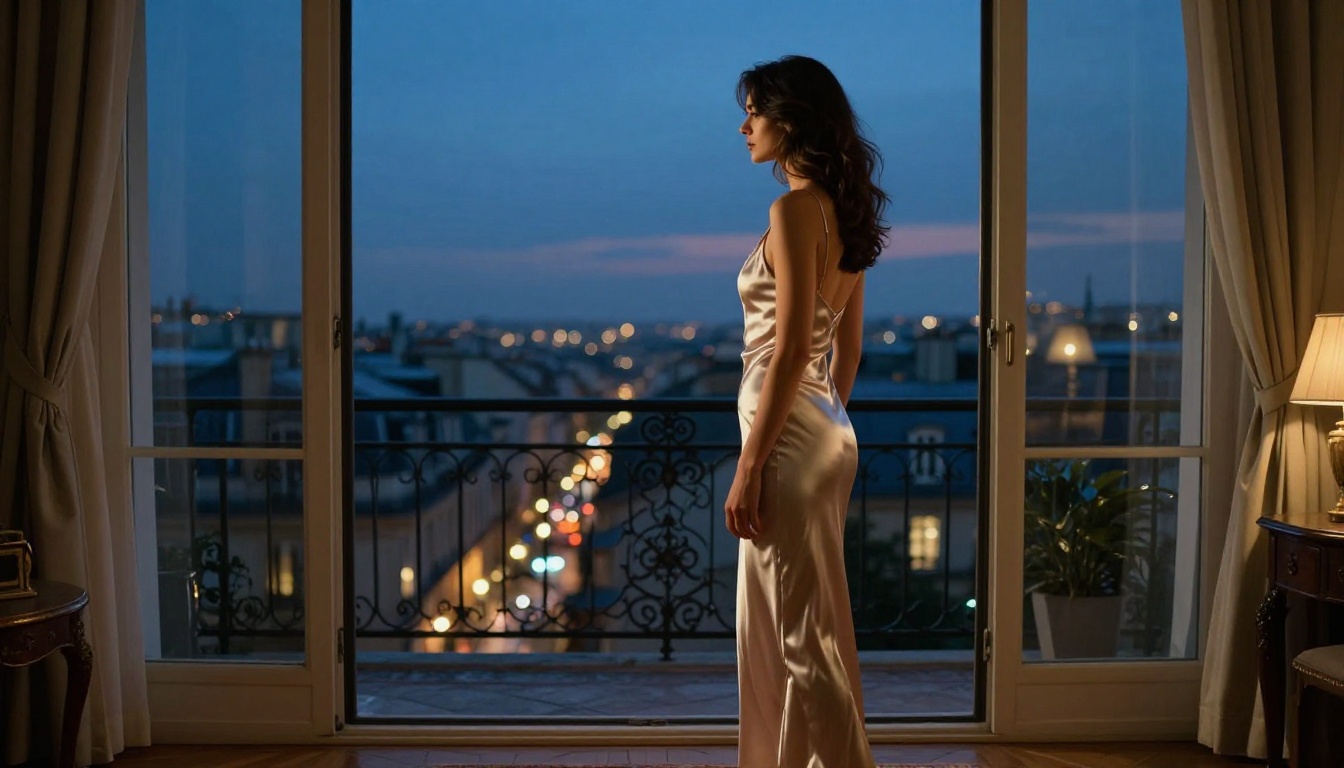
Every model in this article is running on PicassoIA's infrastructure at this moment. No downloads, no hardware requirements, no installation overhead. Open any model page, write your prompt, and receive photorealistic output within seconds.
The photorealistic models like Realistic Vision v5.1 and RealVisXL v3.0 Turbo are the strongest entry points for anyone new to NSFW stable diffusion generation. Once you have a solid prompt structure and workflow in place, moving to FLUX 1.1 Pro delivers a substantial quality jump. Adding LoRA layers through FLUX Dev LoRA or p-image-lora then lets you build highly specific aesthetics and character consistency on top of that foundation.
The models are loaded. The infrastructure is ready. What you create from here depends entirely on what you describe.


