The search for uncensored AI image generators is one of the most active in the AI art space right now. People want tools that produce what they actually asked for, without a content filter stepping in at the last second to sanitize their creative vision. Whether you are a digital artist, a photographer building mood boards, or someone who wants to generate glamorous or suggestive portraits, the tools you use matter enormously.
This breakdown runs through the top uncensored AI image generators that are worth using today. No filler. Just what they do, how they compare, and where to access them.
Why Filters Get in the Way
The frustration is real. You write a detailed, thoughtful prompt for a portrait of a model in beachwear, and the AI returns a blurred output or flat-out refuses. Most mainstream generators have content policies tuned so conservatively that even artistic nudity or sensual photography falls in the reject pile.
The result: people turn to less filtered models.
This does not mean going fully explicit. The sweet spot most creators actually want is suggestive, glamorous, and aesthetically charged imagery that would not look out of place in a high-end fashion editorial or a luxury resort advertisement. That is a completely legitimate creative need, and the models below handle it well.
The Spectrum of "Uncensored"
Not all uncensored tools are the same. There is a wide range:
- Lightly filtered — allows bikinis, lingerie-adjacent content, artistic partial nudity
- Moderately open — handles mature themes, sensual poses, suggestive scenarios
- Fully unrestricted — explicit adult content, typically for dedicated adult platforms
This article focuses on the first two tiers: models that produce beautiful, sensual, and creatively free results without crossing into explicit territory. All of them are accessible through PicassoIA.
Flux Models: The Current Gold Standard
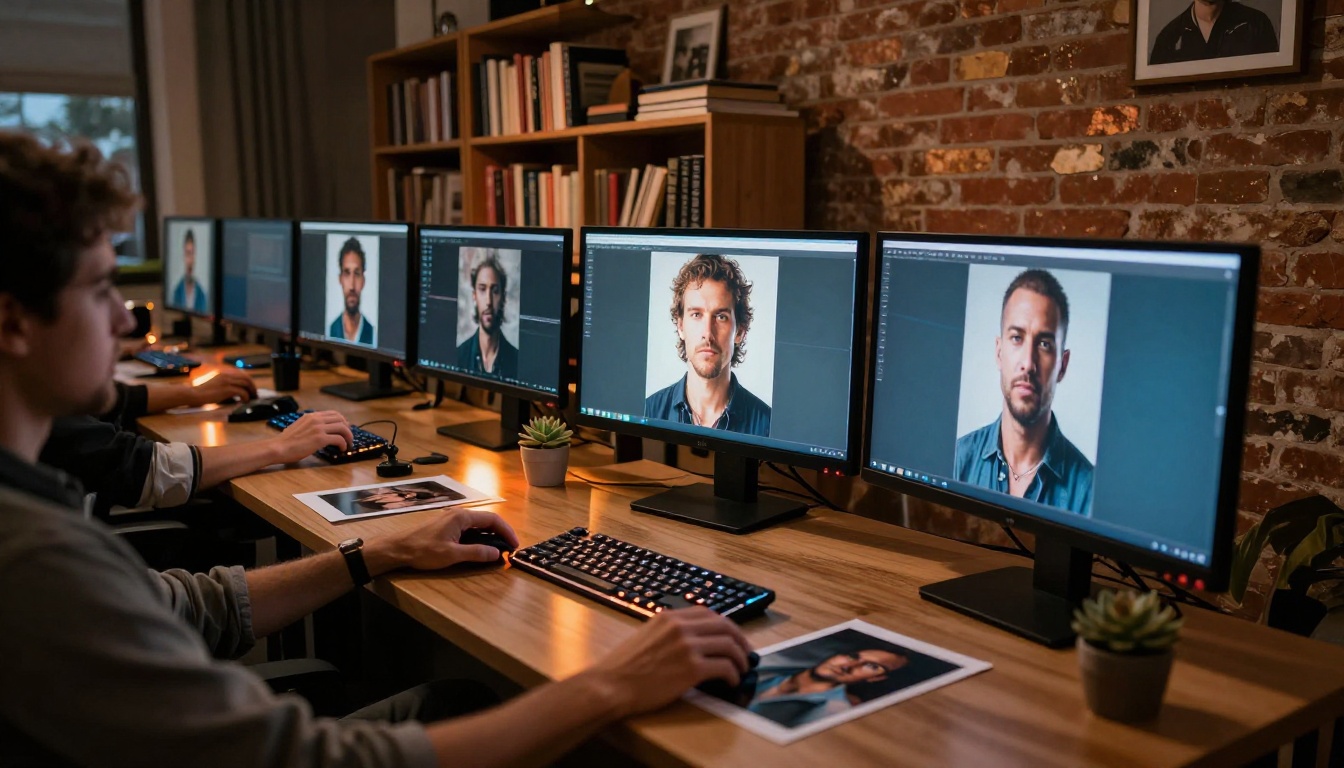
Black Forest Labs changed the game when they released the Flux family. These models have better anatomy, more accurate prompt following, and higher photorealism than most competitors. For uncensored creative work, they consistently sit at the top.
Flux Pro: Precision at Scale
Flux Pro is the workhorse. It handles complex compositions, accurate skin rendering, and fine fabric details with impressive consistency. When you describe a specific pose, lighting setup, or outfit detail, Flux Pro delivers it far more reliably than older models like SDXL.
What it excels at:
- Portrait photography with specific lighting setups
- Fashion editorials and glamour shots
- Detailed environmental compositions
- Consistent skin tone across multiple generations
Flux 1.1 Pro Ultra: The 4MP Option
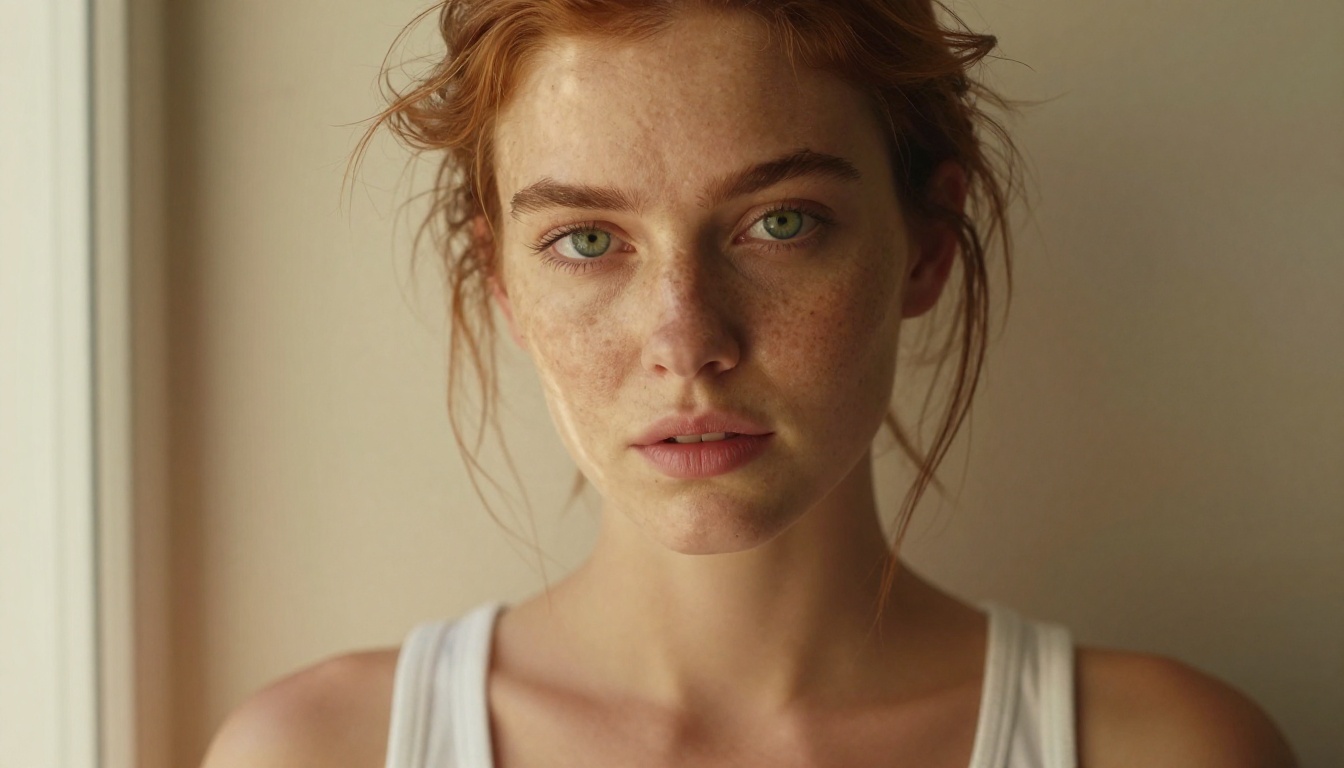
Flux 1.1 Pro Ultra steps up the resolution to 4 megapixels, which matters when you are printing or working with images that need to hold up at large sizes. The visual quality is noticeably sharper than standard Flux Pro, particularly on fine details like individual hair strands, fabric weave, and skin pores.
💡 Tip: Use Flux 1.1 Pro Ultra when the final image needs to be used for professional output, prints, merchandise, or editorial publication. The extra resolution is worth it.
Flux 2 Pro and Flux 2 Max
The second generation brought significant improvements. Flux 2 Pro handles image-to-image workflows in addition to text-to-image, which opens up editing possibilities. Feed it a reference photo and push the result toward your vision without losing the subject's identity.
Flux 2 Max goes further with 4MP output and the best prompt adherence in the entire Flux lineup. If you write a 150-word prompt with specific details about angle, lighting, texture, and atmosphere, Flux 2 Max will capture more of those elements than any other version in the family.
Flux Schnell: Speed Without Sacrifice
Flux Schnell is the fast variant. It generates images in seconds rather than the 15-30 seconds typical of larger models. Quality sits slightly below Flux Pro, but for rapid iteration, testing compositions, or producing multiple variations quickly, it is the right tool for the job.
Stable Diffusion: The Open-Source Backbone
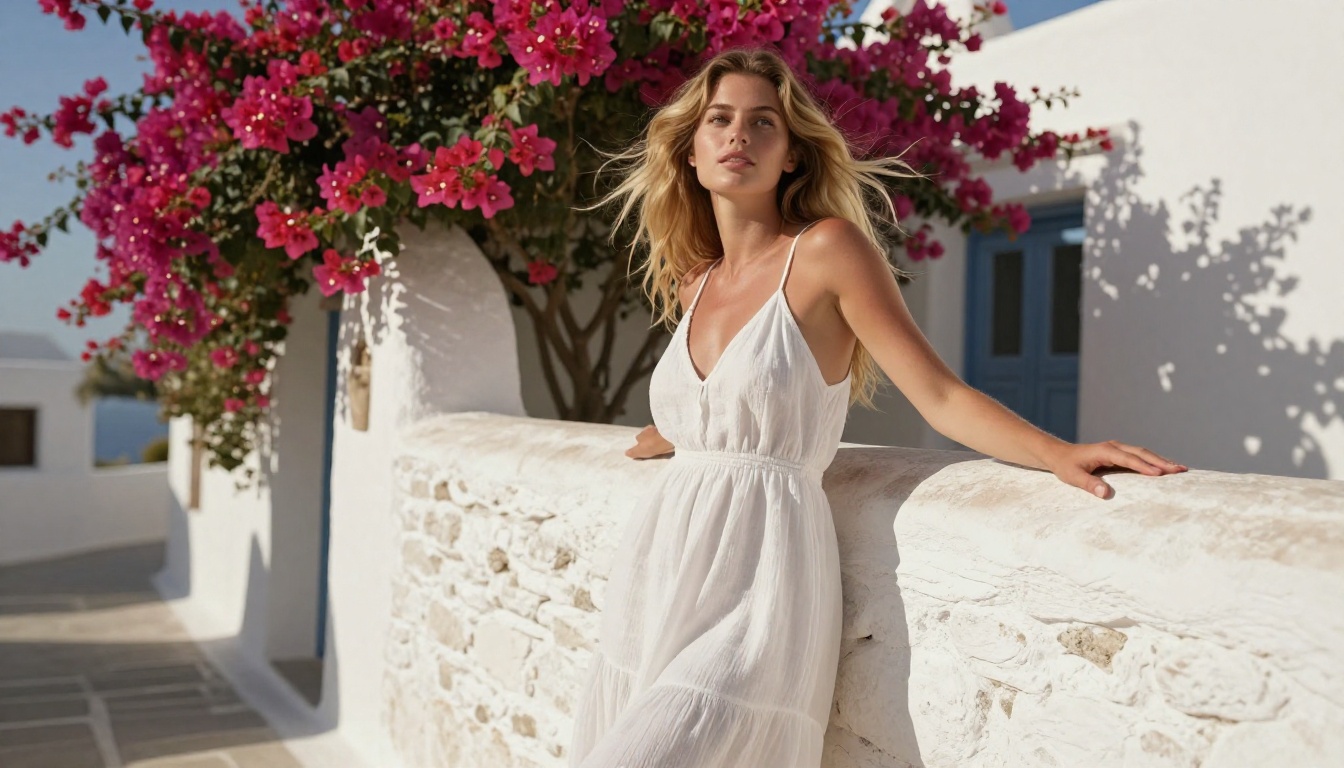
Stable Diffusion has been the foundation of uncensored AI art since 2022. The open-source nature means the community has built countless fine-tuned versions focused on realism, fashion, and creative freedom.
SDXL: Still Relevant
SDXL remains one of the most widely used models for good reason. Its native 1024x1024 resolution produces detailed outputs, and its architecture supports LoRA fine-tuning, meaning you can stack style modifiers on top for highly specific aesthetics. The community has built LoRAs for virtually every visual style imaginable.
For glamour photography and fashion-adjacent work, SDXL with the right LoRA combination still competes with newer models on specific aesthetics.
Stable Diffusion 3.5 Large
Stable Diffusion 3.5 Large is a major step up from the original SD in terms of compositional accuracy and prompt following. The multi-modal diffusion transformer architecture handles complex, multi-element prompts much better than SD 1.x or SD 2.x.
For scenes with multiple subjects, specific background details, and precise lighting descriptions, SD 3.5 Large executes far better than its predecessors.
💡 Tip: Pair Stable Diffusion 3.5 Medium with Super Resolution upscaling for a cost-effective path to high-detail outputs without using the full Large model every time.
The Realism Specialists
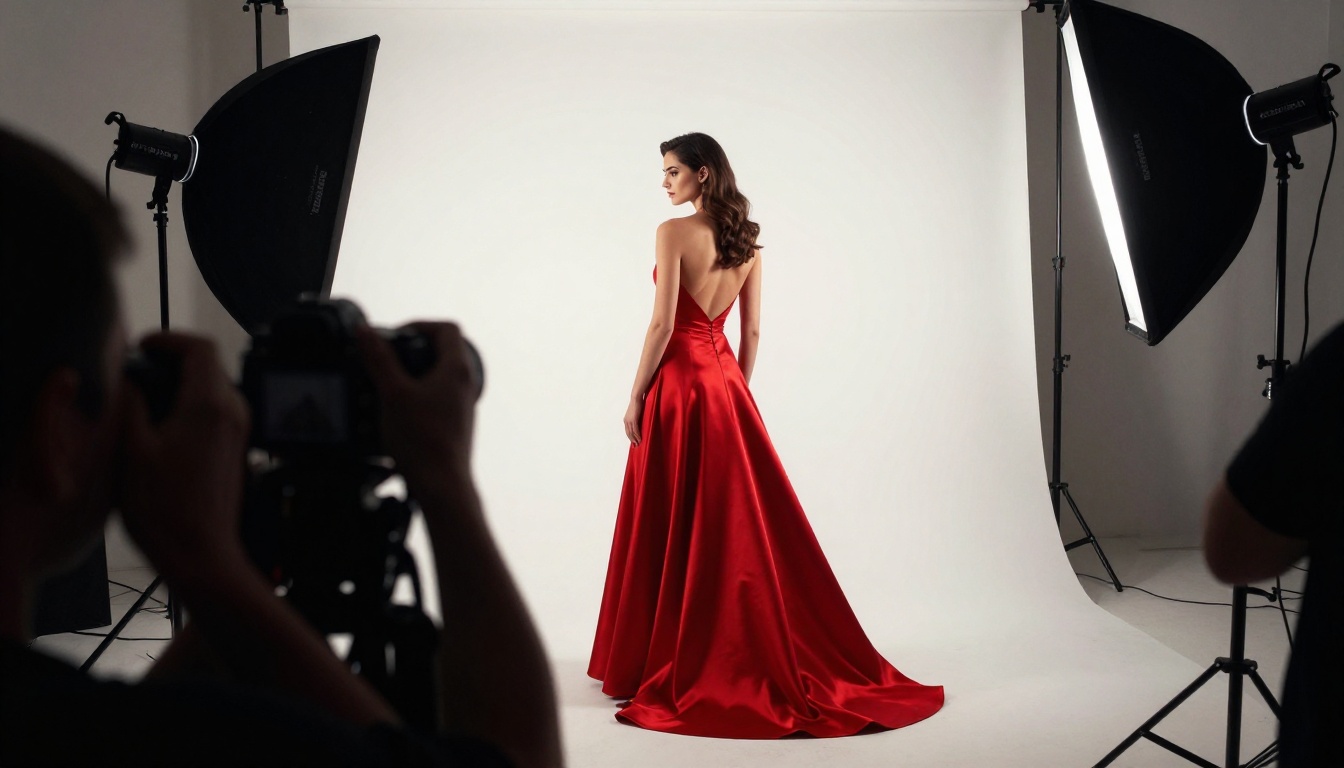
Some models are specifically trained to produce photorealistic outputs that look like actual photographs rather than AI-generated art. These are the go-to options for portrait and glamour work.
Realistic Vision v5.1
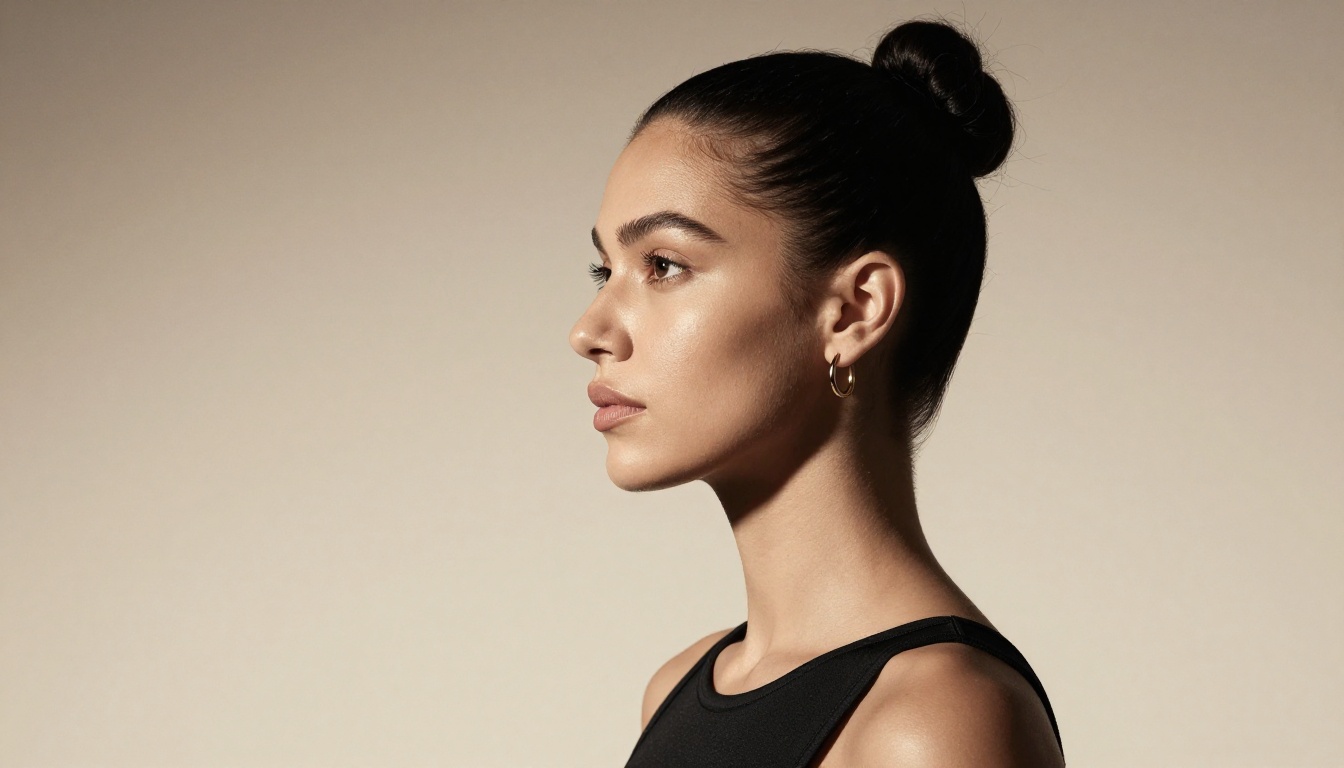
Realistic Vision v5.1 was trained specifically on photographic data to produce outputs that closely resemble real photographs. Skin texture, natural lighting, and believable anatomy are its core strengths. The model handles skin tones across the full spectrum more accurately than most general-purpose models.
Where it excels:
- Solo portrait photography
- Natural lighting scenarios: golden hour, window light, overcast diffuse
- Fashion and beauty editorial
- Skin texture and hair detail fidelity
RealVisXL v3.0 Turbo
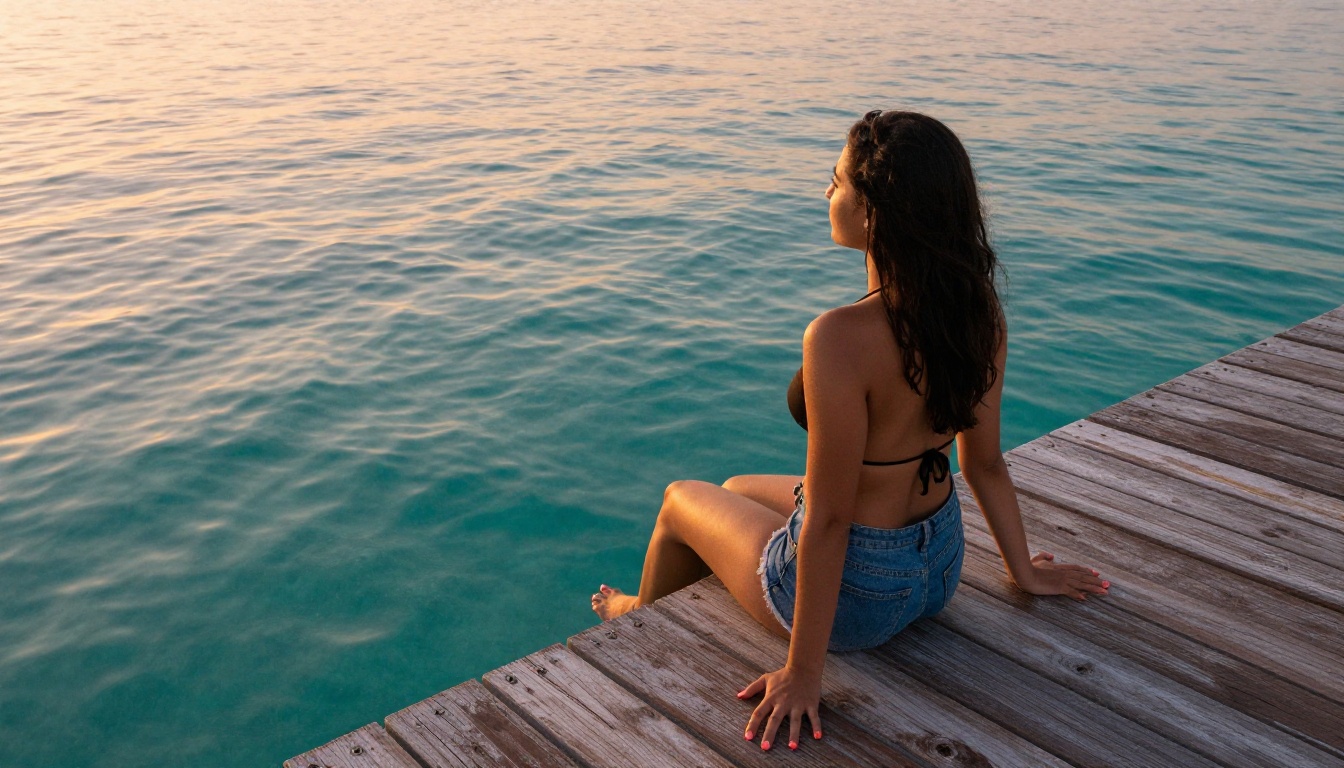
RealVisXL v3.0 Turbo builds on the SDXL base but fine-tunes it for hyper-realistic photographic outputs. The Turbo variant adds speed without a significant quality drop. For portrait work, it handles micro-details that most models miss: individual eyelashes, fine hair strands, the subtle sheen on lips, and the translucency of thin fabrics caught in strong light.
Other Strong Options
The Flux and SD families dominate, but several other models deserve attention depending on your specific use case.
GPT Image 1.5
GPT Image 1.5 from OpenAI brings a different aesthetic, cleaner and more polished, with better text rendering than most diffusion models. It handles complex compositions and specific style requests well. Content policies are more conservative than Flux, but for fashion-forward, non-explicit creative work it is highly capable with consistent outputs.
Ideogram v3 Quality
Ideogram v3 Quality delivers some of the best prompt adherence available. Write a detailed scene description and Ideogram will often capture elements that other models miss or simplify. Particularly useful for concept work where the specific visual narrative matters more than raw photorealism.
Seedream 4.5
Seedream 4.5 from ByteDance hits 4K output with strong photorealism. It handles fashion and lifestyle imagery with a distinct warmth to the color science that makes skin tones particularly appealing. Worth testing if you find Flux's aesthetic slightly too clinical for certain warmer-toned projects.
HiDream L1 Full
HiDream L1 Full is one of the newer entries with strong HD output and solid handling of complex lighting scenarios. It is particularly effective for indoor scenes with mixed light sources, a common scenario in glamour and boudoir-adjacent portrait work.
Side-by-Side Comparison
How to Use Flux Pro on PicassoIA
Since Flux Pro is the most versatile starting point for uncensored creative work, here is exactly how to use it.
Step-by-Step
- Go to the Flux Pro model page on PicassoIA
- Write your prompt in the text field. Be specific about:
- Subject description (age, build, hair, clothing, skin tone)
- Setting and background details
- Lighting direction and quality (e.g. "volumetric morning light from the left")
- Camera angle (low angle, eye level, aerial drone)
- Lens and technical specs (e.g. "85mm f/1.4, shallow depth of field")
- Select aspect ratio — 16:9 for landscape compositions, 9:16 for portrait orientation
- Click Generate and wait 15-25 seconds for the output
Prompt Tips That Actually Work
- Be explicit about exclusions — describe what you do not want in the scene to avoid unwanted elements
- Describe lighting as a direction — "soft diffused light from the left" beats "good lighting" every time
- Name the camera and lens — writing "Canon R5, 85mm f/1.4" signals photorealistic intent to the model
- Describe texture explicitly — "visible skin pores, fine hair strands, fabric weave texture" consistently pushes outputs toward hyperrealism
- Close with quality modifiers — "8K, RAW photography, photorealistic, Kodak Portra 400 film grain" reliably improves output sharpness and aesthetic quality
💡 Power move: Use Flux 2 Pro for image-to-image refinement. Generate a base image with Flux Schnell, then feed it into Flux 2 Pro with a refined prompt to add detail and polish the final result.
What Makes PicassoIA Worth Using
Running these models locally requires a high-end GPU, complex setup, and ongoing maintenance. Using them through PicassoIA removes all of that friction. You get access to 91 text-to-image models, including every Flux variant, the full Stable Diffusion family, and specialized realism models, all from a single interface.
The model library updates when new versions release. You do not have to track community forums or manually download model weights. When a new model outperforms the current standard, it shows up in the collection.
Beyond image generation, PicassoIA connects into a full creative pipeline:
- Super Resolution — upscale generated images 2x to 4x without quality loss
- Face Swap AI — realistic identity swapping for composite and concept work
- Background Removal — isolate subjects cleanly from any scene
- Inpainting and Outpainting — extend or selectively modify generated images
- Image to Text — generate captions and tags automatically from your outputs
- AI Video Enhancement — upscale, stabilize, and restore video content
Pick Your Model and Start Creating
The honest answer: start with Flux Pro. It handles the widest range of creative requests with strong consistency and forgiving prompt interpretation. If you need maximum resolution, move to Flux 2 Max or Flux 1.1 Pro Ultra. For pure photographic realism in portrait work, test Realistic Vision v5.1 and RealVisXL v3.0 Turbo side by side on the same prompt and compare the outputs.
The tools are available. The models are accessible. The only thing between your idea and the image is a well-written prompt.
Every model in this article is live on PicassoIA right now. Run the same prompt through three different models and compare the results directly. That hands-on comparison, done in minutes on PicassoIA, will teach you more about which model fits your creative style than any written breakdown ever could.
Start with Flux Pro on PicassoIA and build from there.


