Most AI image generators have a long list of things they will not do. Block lists, content policies, automatic refusals, and safety filters sit between your idea and the image you actually want. The result is a watered-down creative experience where you spend more time working around restrictions than actually creating.
Uncensored AI art generators change that equation entirely. They put the creative control back in your hands, whether you are working on fine art nudes, provocative fashion photography, edgy conceptual projects, or simply detailed human figures that typical tools flag as problematic without reason.
This article covers exactly how these tools work, which models deliver real results, and how to use them on a platform that gives you genuine no-filter image generation without the endless refusals.
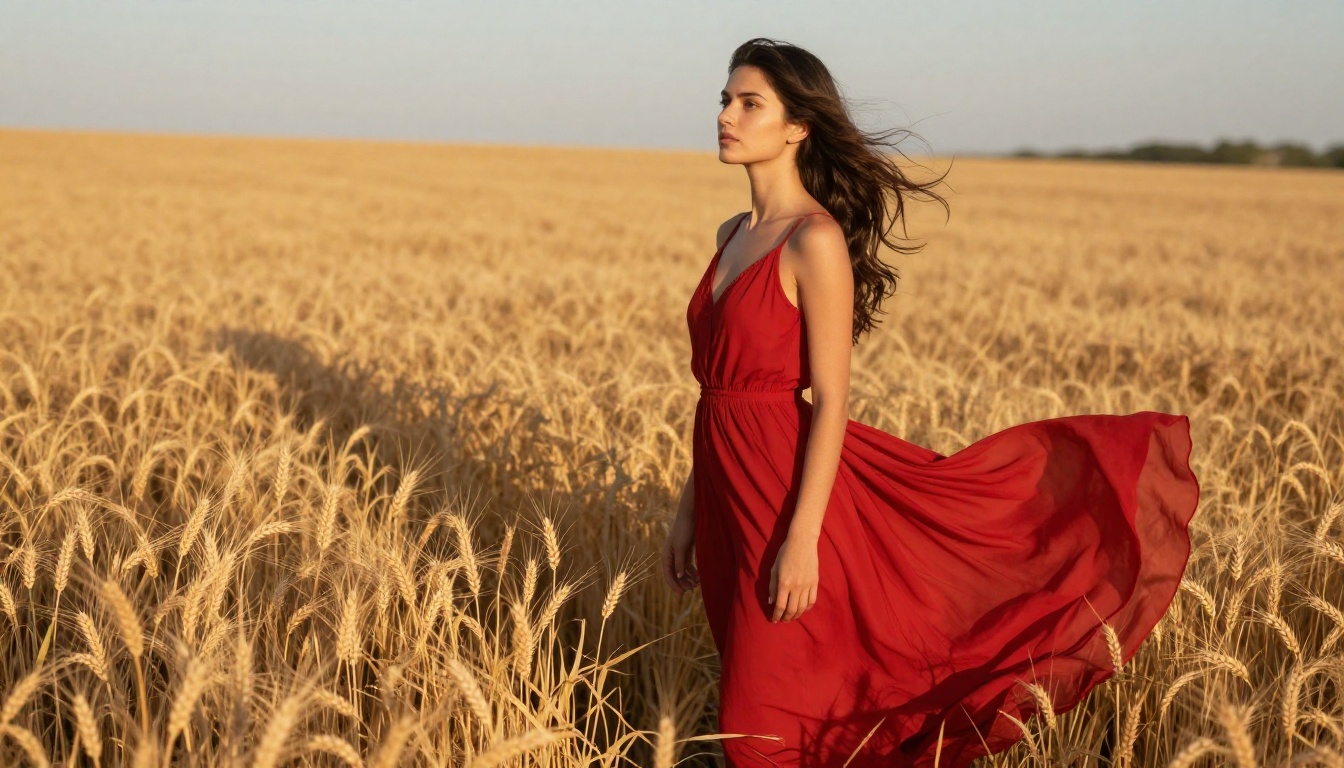
What "Uncensored" Actually Means
The word gets thrown around loosely, so let's be specific about what it means in practice.
The Filter Problem with Most AI Tools
Popular consumer AI art generators, including many of the big-name platforms, run every prompt through a safety classifier before generating anything. That classifier does not understand context or intent. It sees certain keywords, body parts, or stylistic references and immediately blocks the request.
The frustrating part is how broad these blocks are. Fashion photography prompts get flagged. Classical art references get refused. Requests for realistic human figures in everyday scenes get rejected because a keyword in your prompt touched something on a blocklist.
For photographers, digital artists, and creatives, this is a productivity killer. You are not trying to generate anything harmful. You just want to create exactly what you envision.
💡 The real cost of over-filtered tools is not just frustration. It is creative opportunity lost. Every blocked prompt is an image that will never exist.
Where No-Filter Generation Draws the Line
"Uncensored" does not mean everything without consequence. Responsible platforms still prohibit genuinely illegal content, content involving minors, and material that crosses clear legal and moral boundaries.
What no-filter actually refers to is the removal of overly broad restrictions that block legitimate artistic, glamour, fashion, and adult-oriented creative work. That includes:
- Tasteful nudity and artistic figure work following fine art photography standards
- Suggestive glamour and fashion imagery including bikini photography, lingerie, and editorial
- Mature conceptual content covering dark themes, violence in storytelling contexts, and horror aesthetics
- Detailed human anatomy without automatic blocking
The distinction matters. A no-filter AI art generator is not a loophole. It is a professional-grade tool that respects the difference between art and abuse.
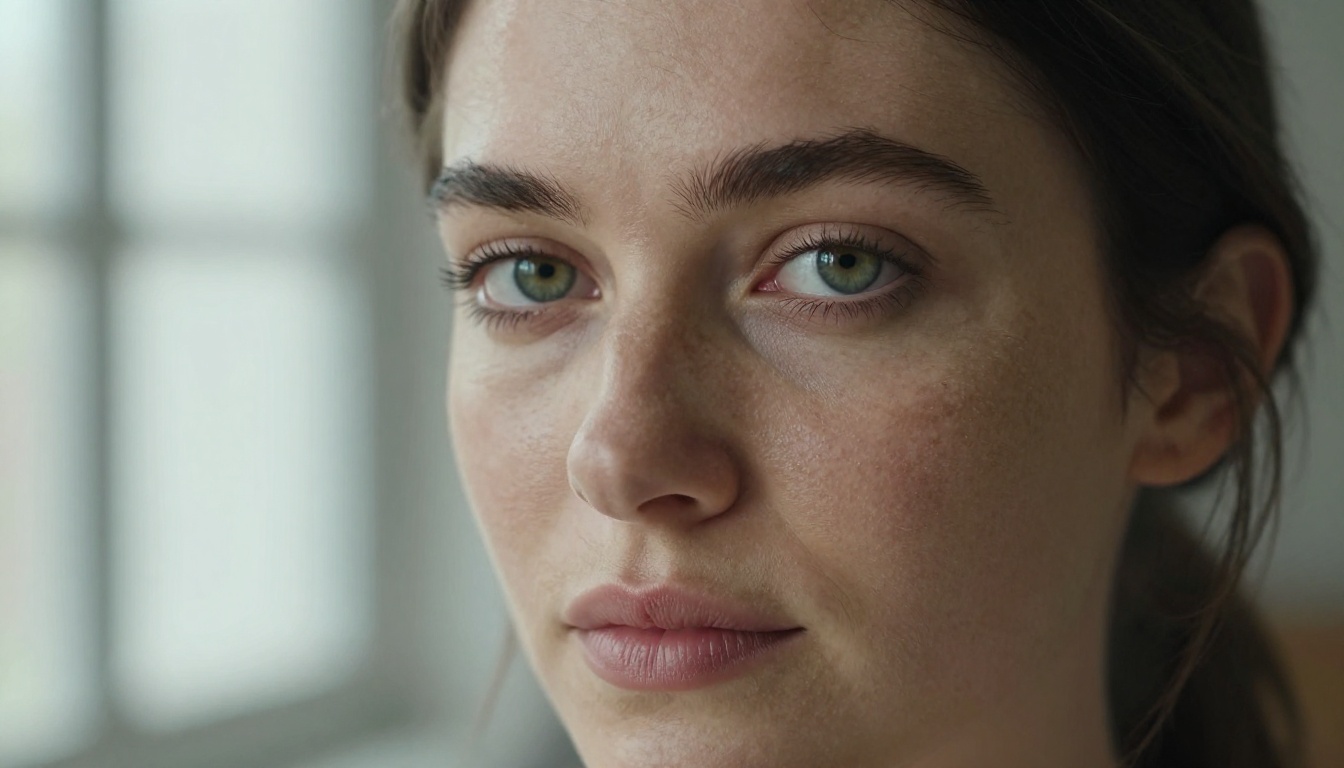
The Best Models for No-Restriction Art
Not all models perform the same when restrictions are lifted. Some excel at photorealistic output. Others shine in stylized or painterly work. Here is what to know about the top performers.
Flux Dev and Flux Pro
Flux Dev from Black Forest Labs is one of the most capable open models available. Its training data and architecture produce images with exceptional prompt adherence, meaning it actually executes complex descriptions with fidelity.
Flux 1.1 Pro takes things further with higher resolution output and stronger detail retention. For photorealistic portraits, fashion work, and scenes where you need the model to precisely follow your instructions, Flux is the benchmark.
Flux 1.1 Pro Ultra pushes the ceiling even higher. Ultra-realistic output with raw mode support gives you images that hold up at maximum zoom, making it the go-to for production-quality no-filter work.
Realistic Vision v5.1
Realistic Vision v5.1 was built specifically for photorealistic human generation. Where many models produce a slightly artificial quality in skin tones, hair, and eyes, Realistic Vision was tuned to overcome exactly those failure modes.
For glamour photography, portraits, and any work where human subjects need to look indistinguishable from real photographs, this model consistently delivers results that other tools refuse to attempt.
SDXL and Its Variants
SDXL remains a workhorse for unrestricted generation. Its higher native resolution output means less upscaling needed after generation. SDXL Lightning 4Step accelerates generation speed significantly without sacrificing too much quality, making it ideal for rapid iteration.
For users who want fast no-filter creation without long wait times, the SDXL ecosystem offers flexibility that is hard to match.
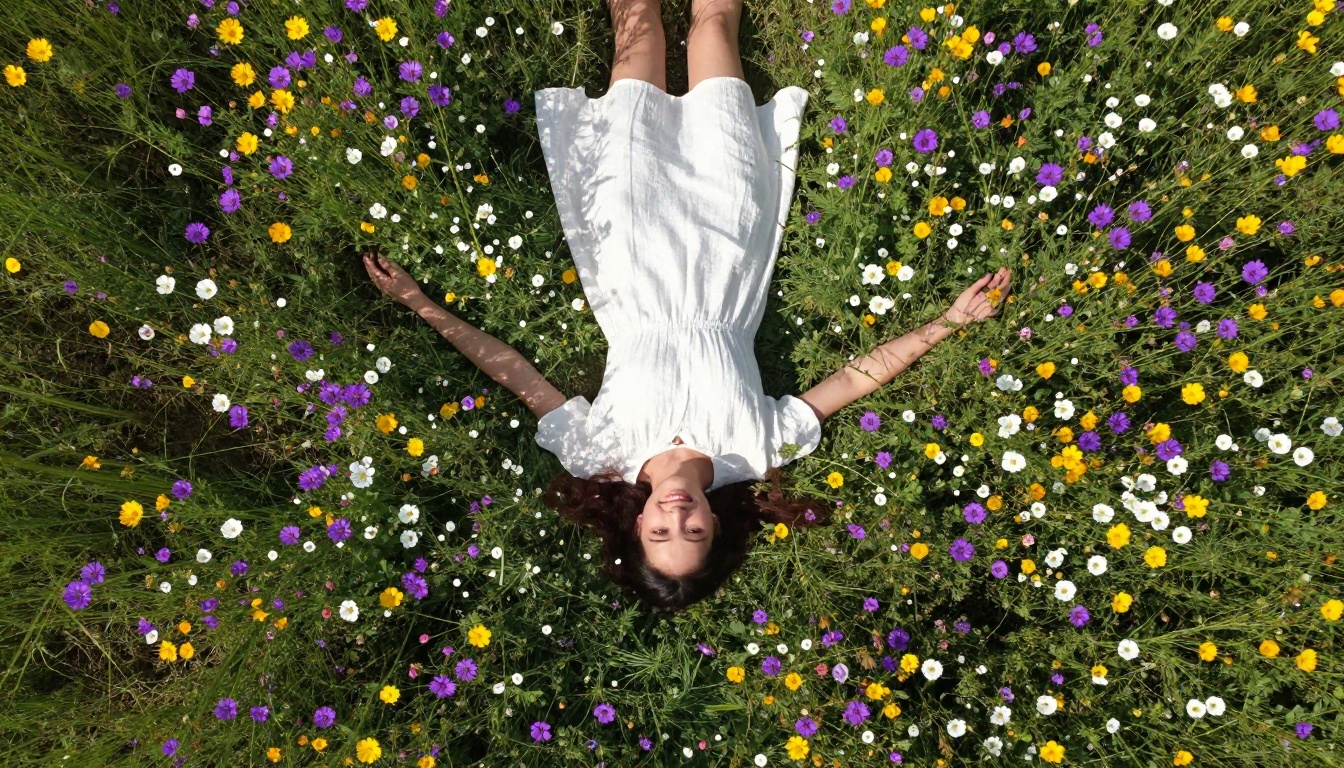
How to Pick the Right Model
The model you choose should match your output goal. Here is a practical breakdown:
For Photorealistic Portraits
When realism is the primary goal, your prompt needs to speak the language of photography, not vague art direction. Instead of "beautiful woman with nice lighting," write:
"Close-up portrait, natural window light from the left, 85mm f/1.8, Kodak Portra 400, shallow depth of field, pore-level skin texture visible, catchlight in eyes"
The more specific your technical photography references, the closer the model will get to genuine photographic output. Models like Realistic Vision and Flux respond strongly to lens specifications, lighting descriptions, and film stock references.
For Artistic and Stylized Results
When realism is not the goal, the rules change. Stylized models respond well to:
- Specific painting movements (Baroque, Impressionist, Surrealist)
- Art medium descriptions (oil on canvas, charcoal sketch, watercolor wash)
- Color palette specifications (desaturated warm tones, muted pastels)
- Compositional rules (rule of thirds, Dutch angle, symmetrical framing)
💡 Mixing photographic and painterly references often produces the most interesting uncensored art output. Try "photorealistic oil painting texture with natural film grain" as a base descriptor.
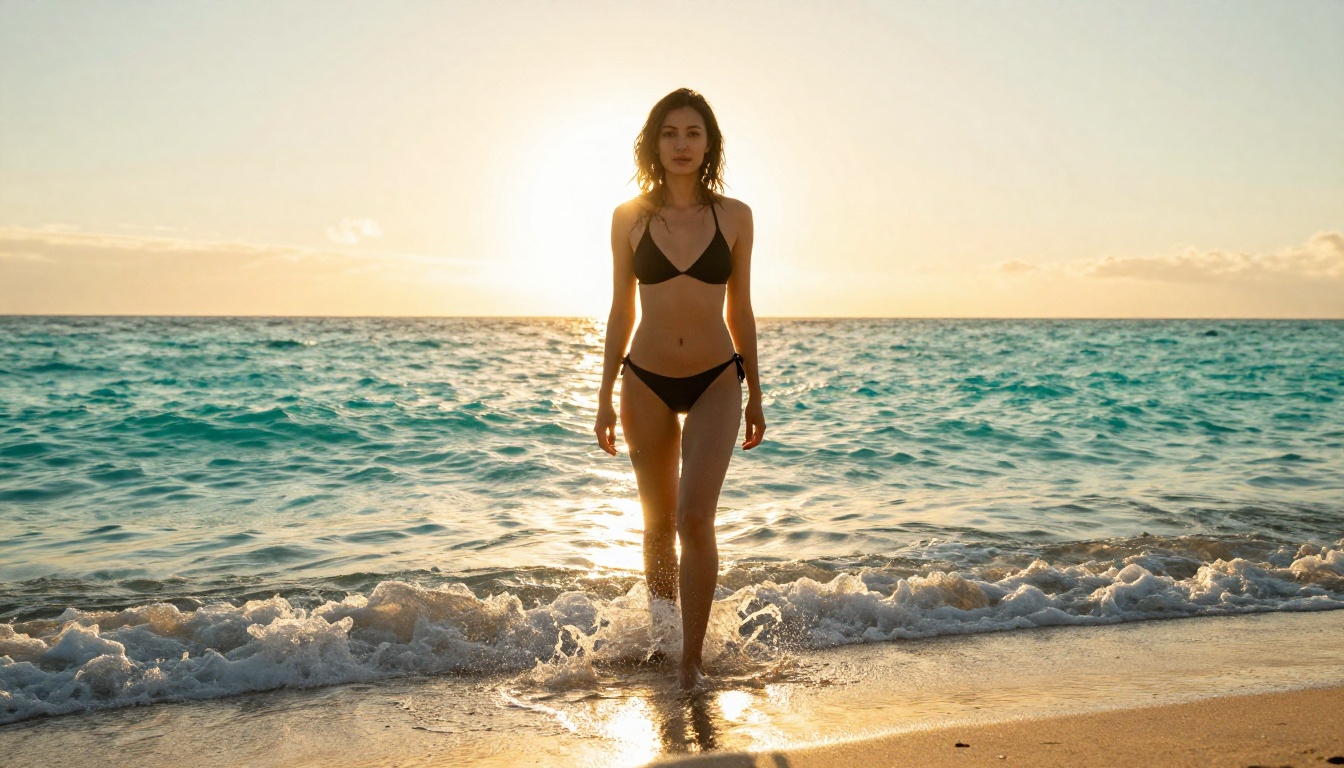
Real Creative Freedom: What You Can Actually Do
When you are working with a no-filter AI art generator that provides proper model access, the range of what you can create expands dramatically. Here is where that freedom has the most impact.
Glamour and Fashion Photography
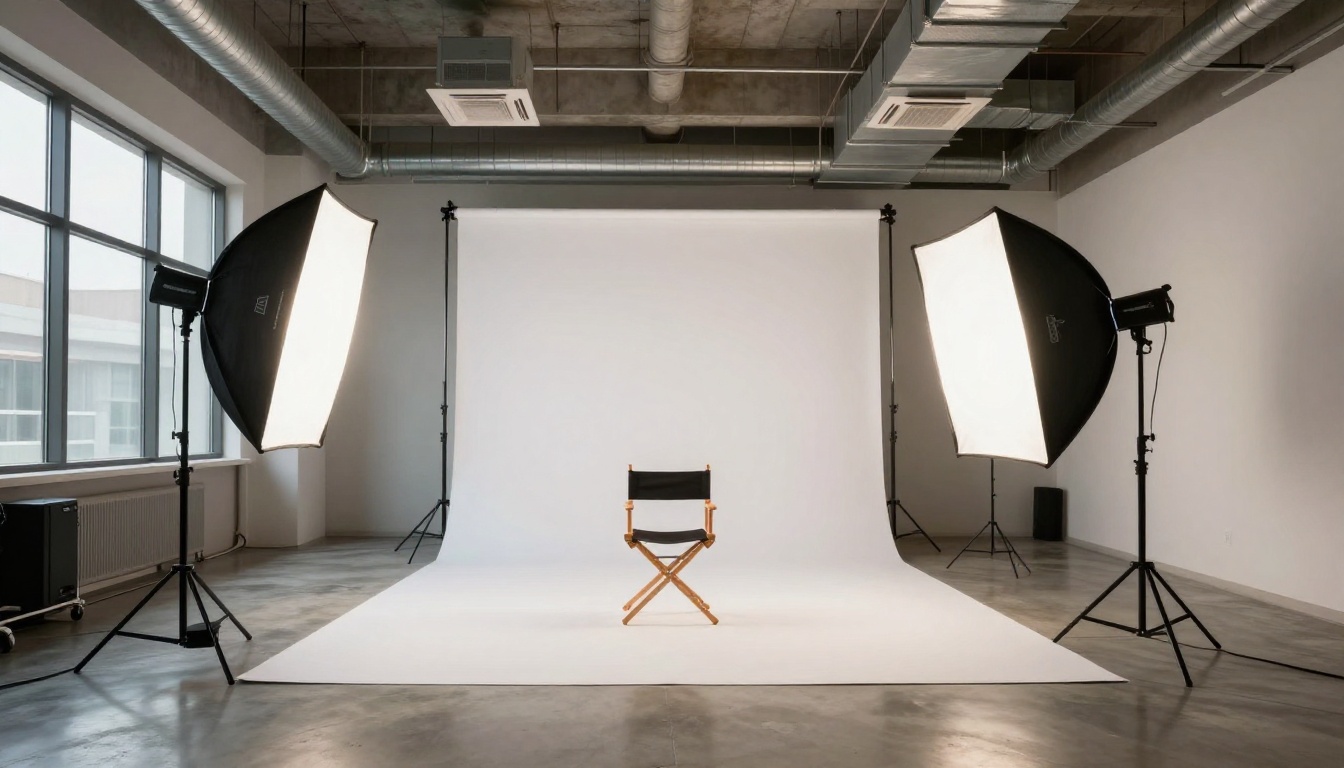
The fashion and glamour space is where no-filter generation has the most immediate practical value. Brands, photographers, and content creators all need imagery that sits in a creative space most filtered platforms refuse to touch.
Bikini photography, lingerie editorials, beauty campaigns with exposed skin, and beach lifestyle content all fall into a grey zone for most tools. With the right model and a precise prompt, you can generate production-quality reference imagery for fashion projects without a single barrier or refusal.
Fine Art and Conceptual Work
Fine art has always worked with the human body as subject matter. From Michelangelo to Egon Schiele, some of the most celebrated art in human history depicts the nude form. An uncensored generator respects that tradition without apology.
For conceptual work, the absence of filtering means you can create freely with:
- Dark themes: grief, conflict, mortality, and psychological states
- Surreal compositions: combining elements that filtered tools refuse to blend
- Intimate human moments: vulnerability, tenderness, and raw emotion without sanitization
Characters and Storytelling
Writers, game designers, and filmmakers increasingly use AI art generators to visualize characters before committing to production assets. No-filter generation means you can create:
- Characters with complex cultural or historical dress
- Mature character designs for adult games or graphic novels
- Scene visualizations that include conflict or adult themes appropriate to the narrative
How to Use Uncensored Models on PicassoIA
PicassoIA gives you direct access to over 91 text-to-image models, including the top-performing no-filter options. Here is how to get the most out of the platform.
Step-by-Step with Flux Dev
Step 1: Open the model page
Navigate to Flux Dev on PicassoIA. The model page shows sample outputs and parameter controls.
Step 2: Write a detailed prompt
Do not use short prompts. Describe your subject, environment, lighting, camera specs, and mood. Aim for 40 to 80 words minimum. Short prompts produce generic results.
Step 3: Set your aspect ratio
For portraits, use 2:3. For wide editorial shots, use 16:9. For social media, use 1:1.
Step 4: Adjust guidance scale
Higher guidance (7 to 9) makes the model follow your prompt strictly. Lower guidance (3 to 5) gives more creative interpretation. For no-filter realism, stay between 7 and 8.
Step 5: Run and iterate
Generate several variations. Small prompt edits produce significantly different results. Never judge a model based on one or two attempts.
Step 6: Upscale your favorites
Use Super Resolution tools on PicassoIA to upscale your best results to print-ready quality without visible artifacts.
Prompt Tips That Actually Work
The gap between a mediocre and excellent result comes down to prompt quality. These patterns consistently produce stronger output:
| Weak Prompt | Strong Prompt |
|---|
| "Beautiful woman on a beach" | "Young woman in white bikini, golden hour backlit on white sand beach, 50mm f/2.0, Kodak Portra 400, water droplets catching rim light" |
| "Dark artistic photo" | "Low-key portrait, single candle light from right, deep shadows on left, 85mm f/1.4, film noir aesthetic, high contrast" |
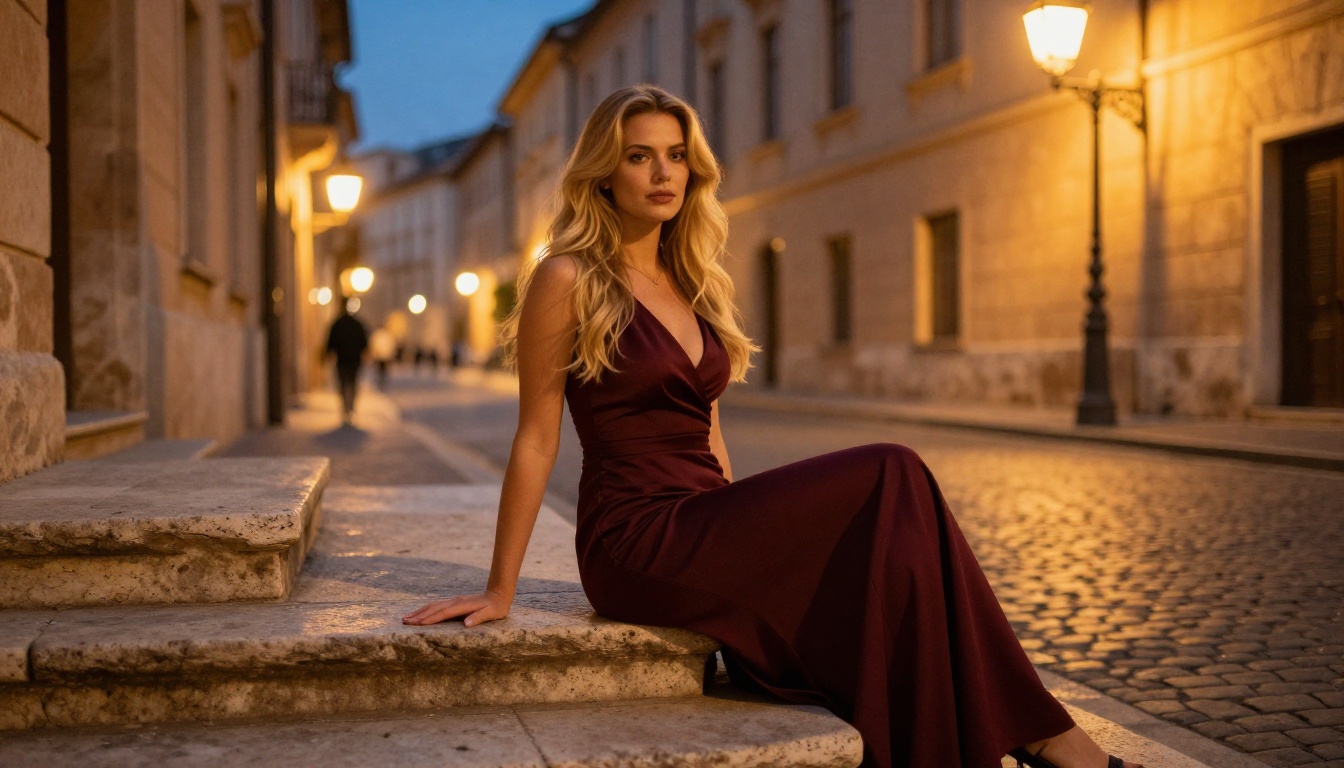
| "Fashion photography" | "Editorial fashion shoot, model in flowing silk dress on stone steps, blue-hour ambient light, 35mm f/2.8, natural grain" |
💡 The single highest-impact improvement you can make: add a specific camera lens and f-stop to your prompt. It tells the model exactly how to handle light and depth.
Common Mistakes That Kill Your Results
Even with a no-filter model, most users consistently make the same errors. Avoiding these will immediately improve your output quality.
Vague Prompts
"Generate a beautiful woman" gives the model almost nothing to work with. It will make every decision for you, and most of those decisions will produce a generic result. The model needs specifics: age range, hair color, expression, outfit, setting, lighting, camera details, and mood.
The more descriptive your prompt, the more the model behaves as a precise tool rather than guessing at what you want.
Wrong Model for the Job
Using DreamShaper XL Turbo for hard photorealism is the wrong choice. Using Realistic Vision for painterly stylized work is equally inefficient. Read the model description before committing. The right match between model and goal accounts for roughly half of your final result quality.
Skipping Negative Prompts
Most models support negative prompts, and they are essential for no-filter generation. Common entries to include:
- blurry, watermark, text, deformed hands, extra fingers
- overexposed, washed out, flat lighting
- cartoon, illustrated, animated, CGI
Negative prompts are not optional when pushing models toward realistic output. They function as a quality filter that you control directly.
Over-Relying on a Single Generation
Stochastic generation means every run is different. Professional users generate 10 to 20 variations per concept and select the best. Do not judge a prompt or model based on one or two outputs. Consistency comes from volume.
Beyond Images: What Else You Can Create
Once you have your core images, PicassoIA's full platform opens up additional production capabilities worth knowing about.
Super Resolution models can upscale your AI-generated images 2x to 4x without quality loss, making them suitable for print, large-format display, or high-resolution editorial use. If you are creating fashion or glamour content, this step is non-optional for anything going to production.
Face Swap AI lets you replace faces in generated images with reference faces, useful for character consistency across multiple scenes or for placing real subjects into AI-generated environments without reshooting.
Background Removal tools strip backgrounds instantly, letting you composite your generated subjects into new environments or export transparent-background assets for design work.
The Flux Kontext Pro model takes editing further by letting you make text-based edits to existing images, so you can refine a near-perfect generation rather than starting over from scratch.
For creators who want to take visuals into motion, the platform's text-to-video tools can animate or extend your static images into short sequences. The entire workflow from initial prompt to polished, production-ready asset sits within one platform.
Start Creating Without Limits
The creative ceiling you have been running into is not a technical limitation. It is a policy decision built into the tools you have been using. Switch to a platform that gives you actual access to no-filter models and that ceiling disappears.
PicassoIA's library includes Flux Dev, Flux 1.1 Pro Ultra, Realistic Vision v5.1, SDXL, DreamShaper XL Turbo, and over 85 additional text-to-image models, all accessible without the content blocks that make other platforms frustrating to use.
Write a detailed prompt. Pick the right model. Generate. Iterate. The images you have been trying to create are already possible. You just need the right tool to make them real.


