The era of blocked prompts, rejected outputs, and frustrating content filters is over. Uncensored AI art has never been this easy to access, and the results are unlike anything the average image generator can produce. Whether you want to create editorial glamour, artistic boudoir photography, high-realism portraits, or visual effects that push the boundaries of what digital imagery can be, a new generation of AI models has removed the walls between your ideas and the final image.
The shift happened fast. Two years ago, serious photorealistic AI art required either running local models on expensive hardware or accepting the sanitized output of consumer-facing tools. Today, the best uncensored models in the world run in a browser tab, produce results in seconds, and cost a fraction of what professional photography workflows demanded.
This is what that looks like in practice, and how to use it.
Why Filters Block Good Art
For years, the most capable AI image models came wrapped in aggressive content moderation. A prompt containing words like "bikini," "sensual," or even "shoulder" in certain contexts would get flagged, rejected, or silently softened into something bland. The original artistic intent was lost before the image even generated.
The "safe mode" trap
Most mainstream generators default to maximum restriction. They're built for brand campaigns, product shots, and family photos. That's fine for those use cases. But digital artists, boudoir photographers using AI as a reference tool, writers needing cover art, and creators building subscription content found themselves hitting walls constantly.
The workaround culture that emerged was exhausting. People wrote elaborate prompt hacks, used alternate spellings, and built whole dictionaries of approved words that might sneak a realistic portrait past the filter. Results were inconsistent, and the creative process became about fighting the tool instead of using it.
What "uncensored" actually means
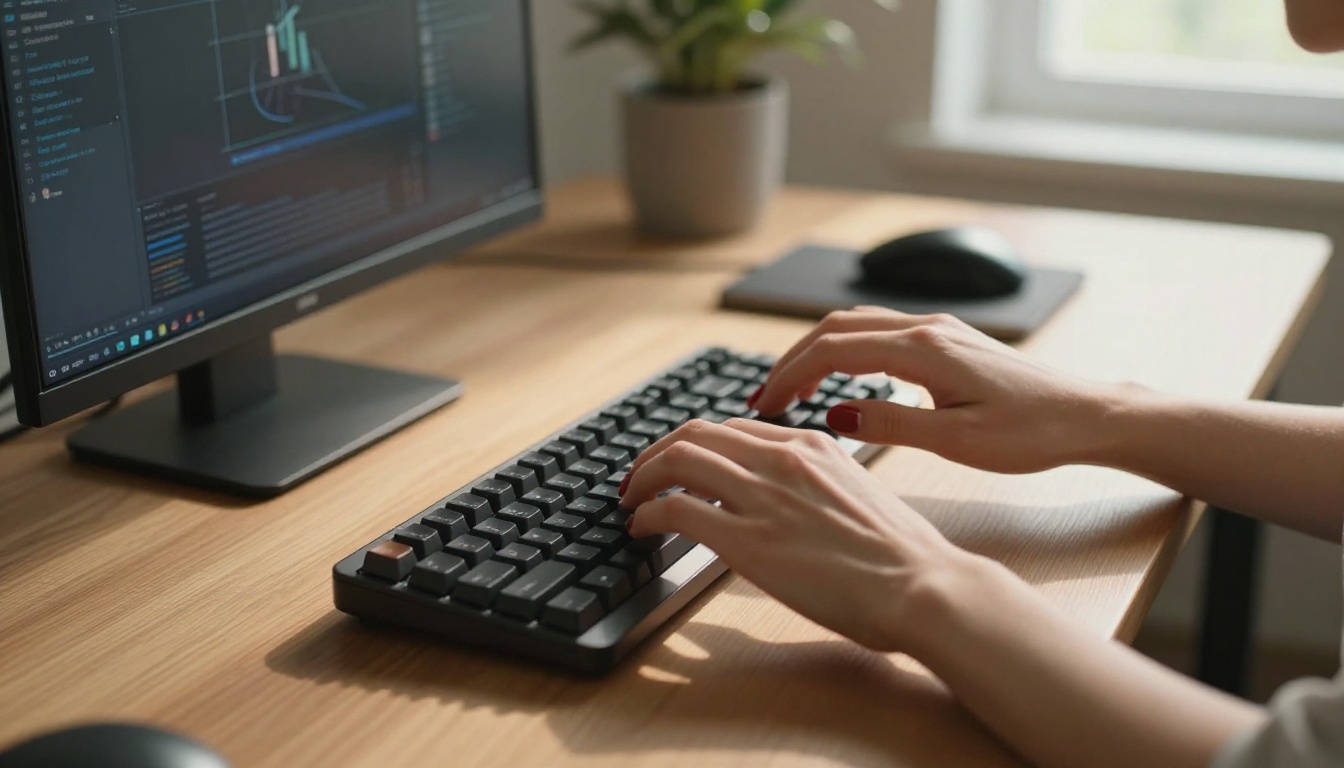
Calling a model "uncensored" doesn't mean it produces explicit pornography by default. That's a common misconception worth clearing up directly. Uncensored AI art models are simply models that haven't had artistically legitimate content surgically removed during training. They generate what the prompt says, with full creative latitude.
Think of it like the difference between a photography studio with a complete lighting setup versus one that only allows certain shot types. Both can produce images. One can produce every kind of image.
💡 Important: Uncensored doesn't mean uncontrolled. Quality platforms still enforce community guidelines. The difference is that artistically legitimate content, including glamour work, boudoir, fine art figure photography, and editorial imagery, isn't automatically rejected.
Seedream 4.5 Leads the Pack
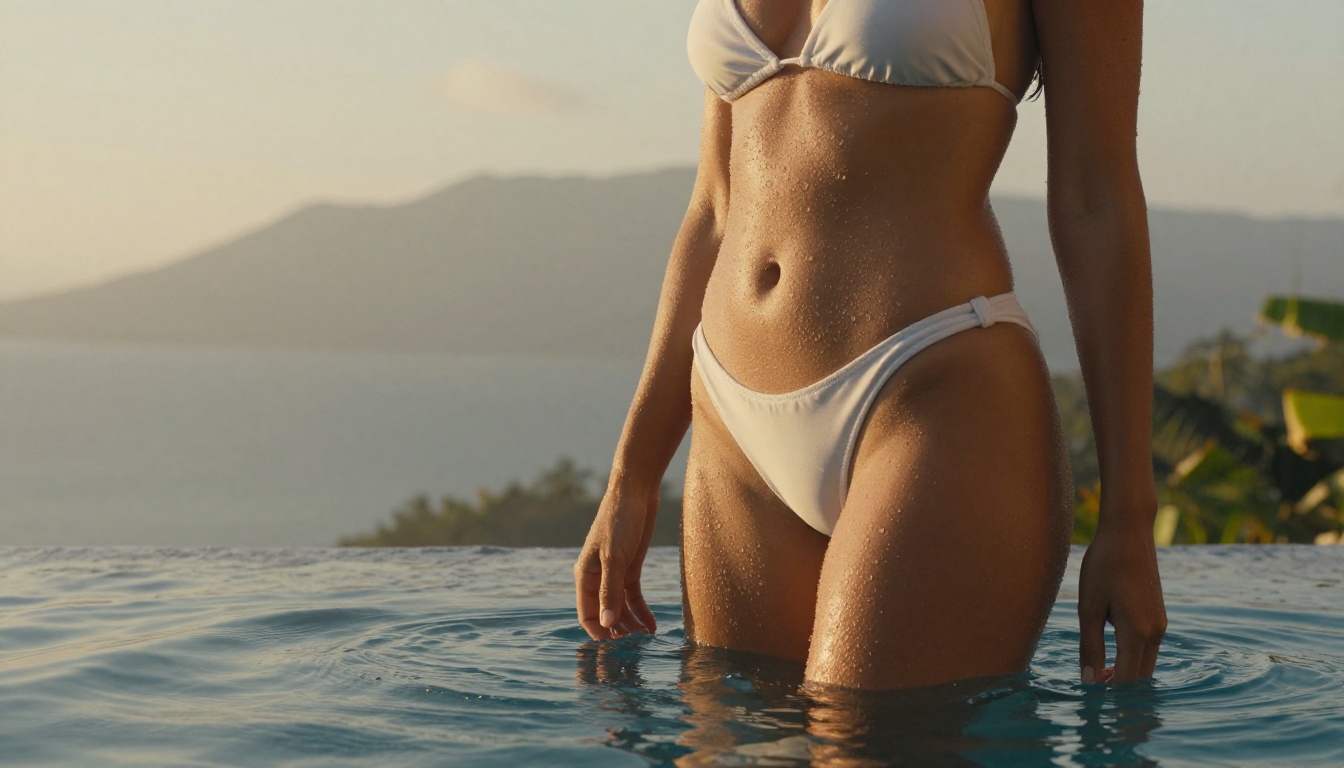
Seedream 4.5 from ByteDance is the current standout for photorealistic uncensored AI art. It runs on PicassoIA and delivers output that genuinely competes with professional photography at full resolution.
What sets it apart from earlier models in the same family, including Seedream 4 and Seedream 3, is its ability to render skin tones, fabric textures, and environmental lighting with a level of detail that earlier versions simply couldn't achieve. It doesn't just look good at small sizes. At full export resolution, it holds together under close inspection without the telltale AI softness or warped geometry that plagued older models.
Speed without sacrificing quality
One of the consistent complaints about photorealistic AI models is generation time. The best-looking models were often the slowest. Seedream 4.5 cuts generation time significantly while maintaining its quality ceiling. You're not waiting three minutes per image. Results arrive in seconds, which changes how you use the tool entirely. Rapid iteration becomes practical, and finding the right composition no longer requires committing to a slow generation cycle.
What Seedream 4.5 does well
| Capability | Rating |
|---|
| Skin texture and realism | Exceptional |
| Fabric and material detail | Very High |
| Environmental lighting | Natural and Accurate |
| Face consistency | Strong |
| Background coherence | High |
| NSFW content handling | Unrestricted |
| Generation speed | Fast |
💡 Pro tip: Seedream 4.5 responds particularly well to lighting descriptions. Include terms like "volumetric morning light from the left," "Rembrandt sidelighting," or "diffused overcast window light" in your prompts and the model will render them with surprising accuracy.
How to Use Seedream 4.5 on PicassoIA
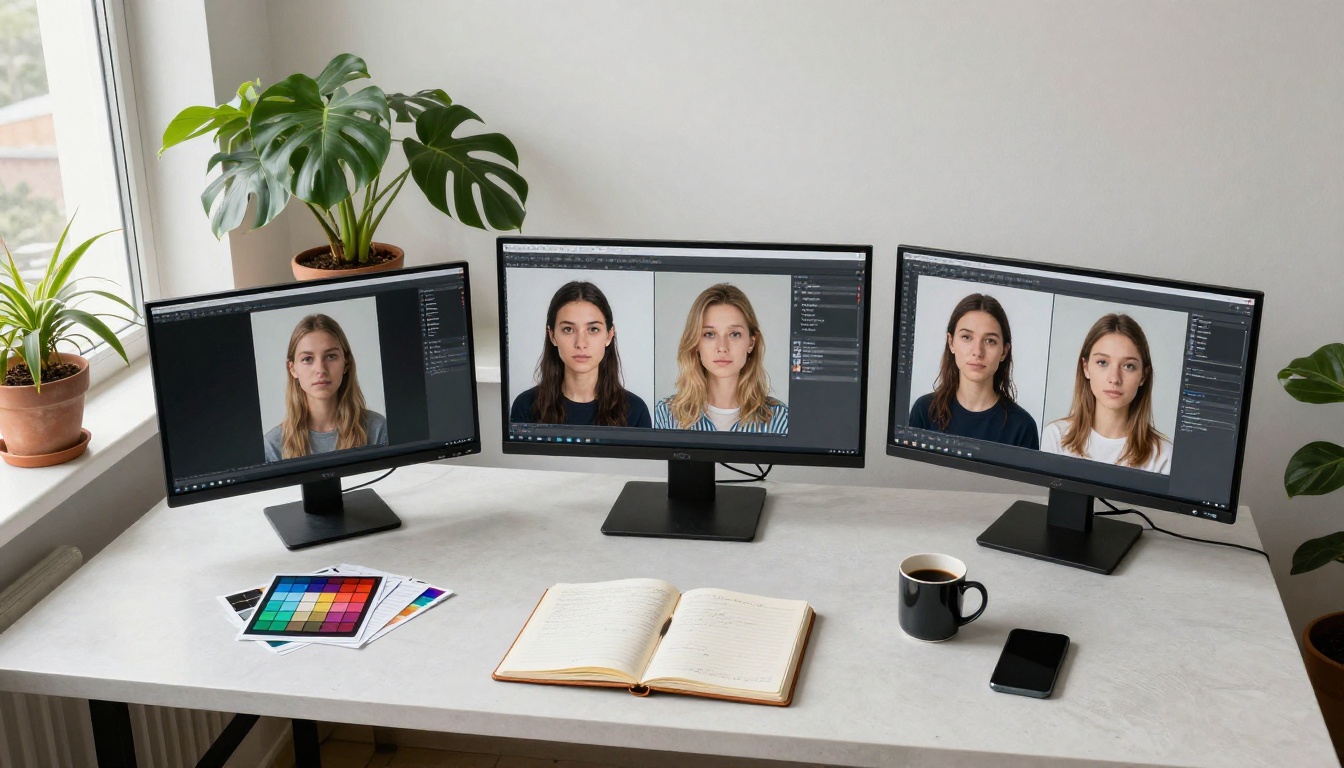
Getting started is straightforward. PicassoIA doesn't require an account setup maze or a waiting list. Open the model, write your prompt, and generate. Here's the actual workflow from blank screen to final image:
Step 1: Open Seedream 4.5
Go to Seedream 4.5 on PicassoIA. The model interface loads directly in your browser with no additional software required.
Step 2: Write a prompt with real specifics
Vague prompts produce vague results. Instead of "beautiful woman at the beach," write:
"Woman in a white linen dress standing barefoot on wet sand at low tide, golden hour light from the left casting long shadows, 85mm lens, film grain, Kodak Portra 400 color grading, shallow depth of field, surf visible in background bokeh"
The model reads and applies all of it. The specificity is what creates the cinematic quality.
Step 3: Set your aspect ratio
For portraits and editorial work, 4:3 or 16:9 work best. For full-body shots, try 3:4 or 9:16 vertical formats. The model handles each ratio well without distorting the subject.
Step 4: Generate and iterate
Your first output gives you a baseline composition. Adjust lighting descriptions, add texture details for skin or fabric, or shift the camera angle description. Most creators find their target result within three to five generations.
Step 5: Upscale the output
Generated images are already high-resolution. For print or large-format digital use, PicassoIA's super-resolution tools push them further without the blur artifacts that older upscalers introduced.
PicassoIA Image Editor Pro for Unlimited Generations
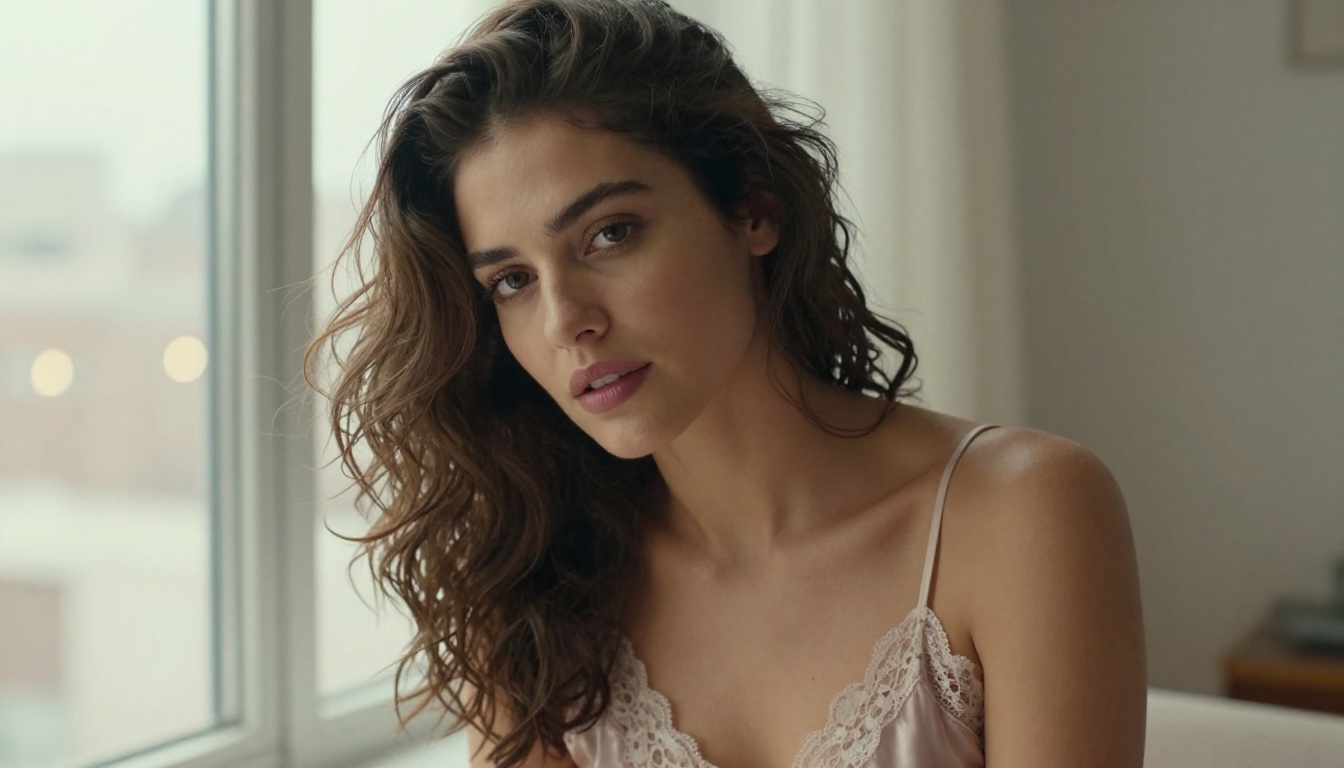
Once you've found the right model and workflow, generation limits become the bottleneck. This is where PicassoIA Image Editor Pro changes the equation entirely.
Unlimited generations means you can iterate freely without watching a credit counter. For creators producing content at volume, whether for subscription platforms, digital art collections, or editorial projects, that freedom matters more than any single quality improvement.
What Editor Pro adds beyond basic generation
- Inpainting: Select any region of a generated image and regenerate just that part. Fix a face, change clothing, remove an object, add detail to a background, all without regenerating the entire image from scratch.
- Outpainting: Expand the canvas beyond its original borders. Generated a portrait and now want a wider environmental shot? Extend the image outward and the model fills the new area coherently.
- Object replacement: Point to something in the image and describe what you want instead. The model handles the contextual blending so the replacement doesn't look pasted in.
- Image restoration: Have a reference photo with noise, motion blur, or compression damage? The editor can restore it to clean, high-resolution output.
When to use Editor Pro vs. Seedream 4.5
These aren't competing tools. They work together. Seedream 4.5 is the generation engine that produces a base image from a text prompt. PicassoIA Image Editor Pro is the refinement layer that makes that base image exactly what you need.
💡 Use Seedream 4.5 for rapid iteration and finding the right composition. Switch to Editor Pro when you have a strong base image and want to refine specific elements without redoing the entire generation.
The Best Unrestricted Models Right Now
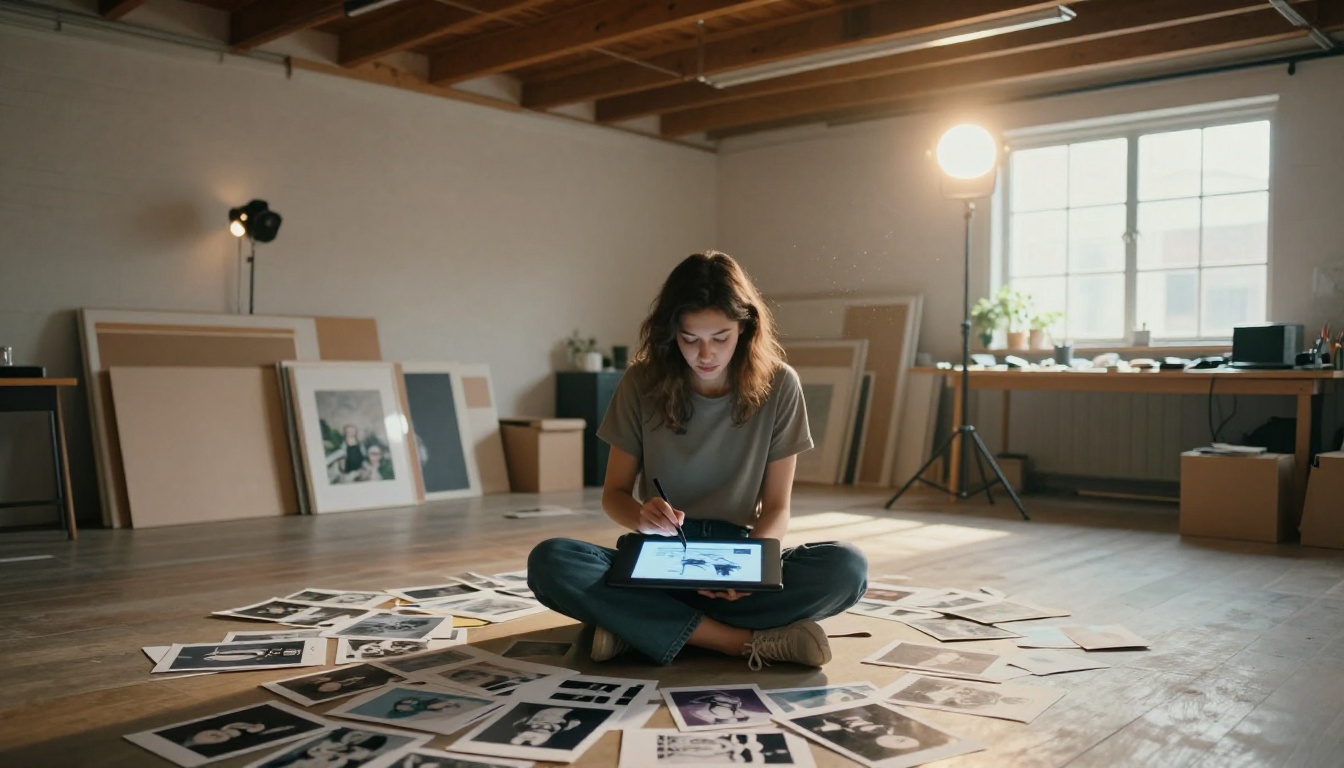
PicassoIA hosts over 90 text-to-image models. For uncensored and high-realism work specifically, these are the ones worth knowing and the scenarios where each performs best:
| Model | Best For | Link |
|---|
| Seedream 4.5 | Photorealistic portraits, glamour, editorial | Open |
| PicassoIA Image Editor Pro | Unlimited generations, inpainting, outpainting | Open |
| Flux Dev | Creative freedom, detailed complex prompts | Open |
| Flux Pro | Professional output, large compositions | Open |
| RealVisXL Turbo | Speed-optimized photorealism | Open |
| Flux Schnell | Fast drafts, rapid composition testing | Open |
| Flux 1.1 Pro | Top-tier output quality | Open |
One model to avoid for this use case: Seedream 5 Lite applies content filtering and will reject a significant portion of adult-adjacent or artistic prompts. It's optimized for commercial safe content, not creative freedom.
Prompt Writing That Gets Real Results
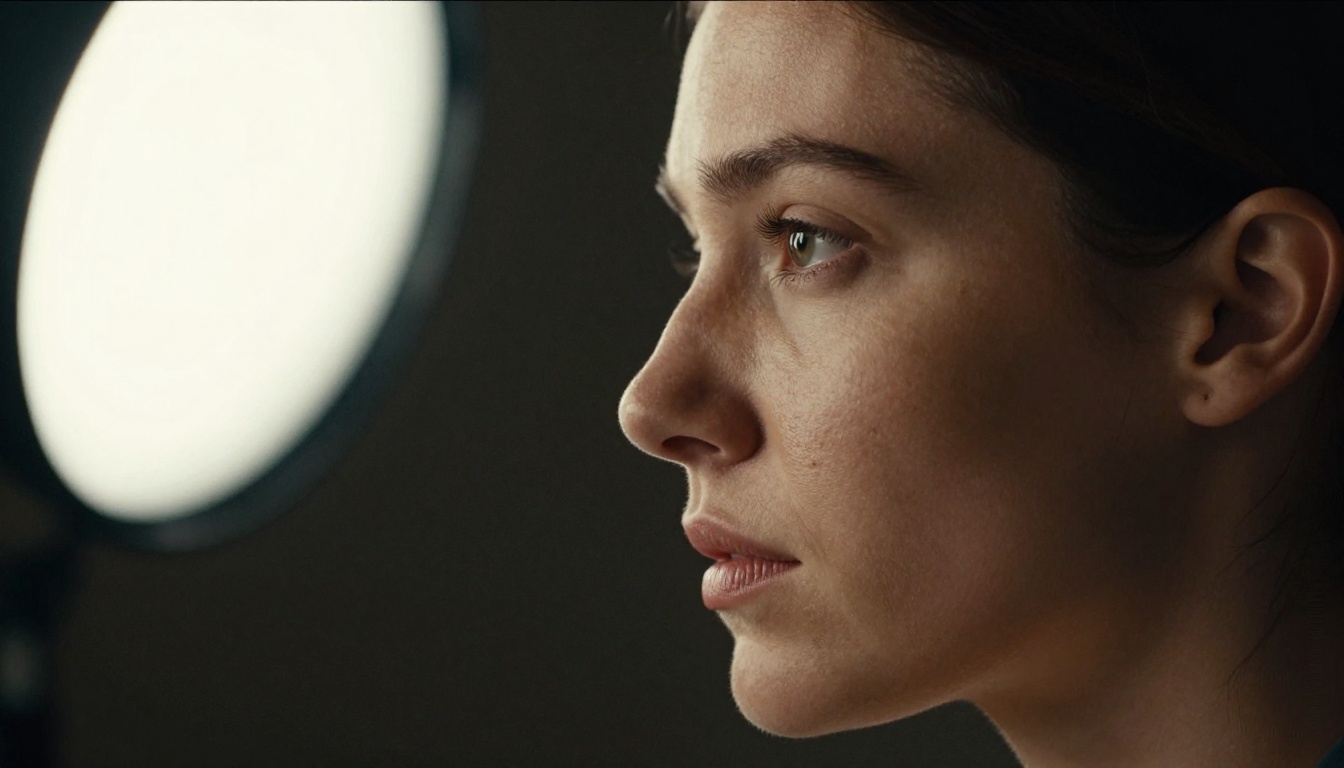
The difference between a mediocre output and a stunning one is almost always the prompt. Not the model. Good models like Seedream 4.5 respond to specificity in ways that generic generators don't.
Anatomy of a high-quality prompt
A strong photorealistic prompt has four parts, in this order:
- Subject: Who or what, in what state, doing what
- Environment: Where, what surrounds them, time of day, surface textures
- Lighting: Direction, quality (hard/soft), source, color temperature
- Camera: Focal length, aperture, film stock, angle
Example: "Woman with wet hair wrapped in a white towel, standing in a sunlit Moroccan tile bathroom, morning light from a high window hitting her left shoulder, 85mm f/1.4 bokeh on the tiled wall behind her, Kodak Portra 400 grain, visible skin texture on forearm and neck"
That prompt gives the model everything it needs. No creative gap gets filled in with default AI assumptions.
Common mistakes that hurt results
Describing mood instead of its cause
Don't write "sensual and moody." Write "warm amber sidelighting, deep shadow on the right side of her face, single practical lamp at low angle." The model creates mood from technical input, not from adjectives floating without context.
Skipping texture and surface details
The prompts that produce the most realistic outputs describe what surfaces look like physically. Visible skin pores. Fabric weave. Water on glass. Wet stone reflecting light. These details push the model into high-fidelity rendering mode.
Stacking conflicting visual styles
"Cinematic, watercolor, editorial, film grain, CGI" is incoherent instruction. Pick one visual language and commit to it. For photorealism: RAW photography, film grain, real lens specifications, and no stylization terms.
Negative prompting
Most models on PicassoIA support negative prompts. For photorealistic uncensored output, include this in your negative field:
"digital art, illustration, cartoon, anime, CGI, 3D render, painting, sketch, watermark, text, logo, oversaturated"
This keeps the model firmly in photography mode rather than drifting toward stylized or synthetic-looking output.
Upscaling for the Sharpest Output
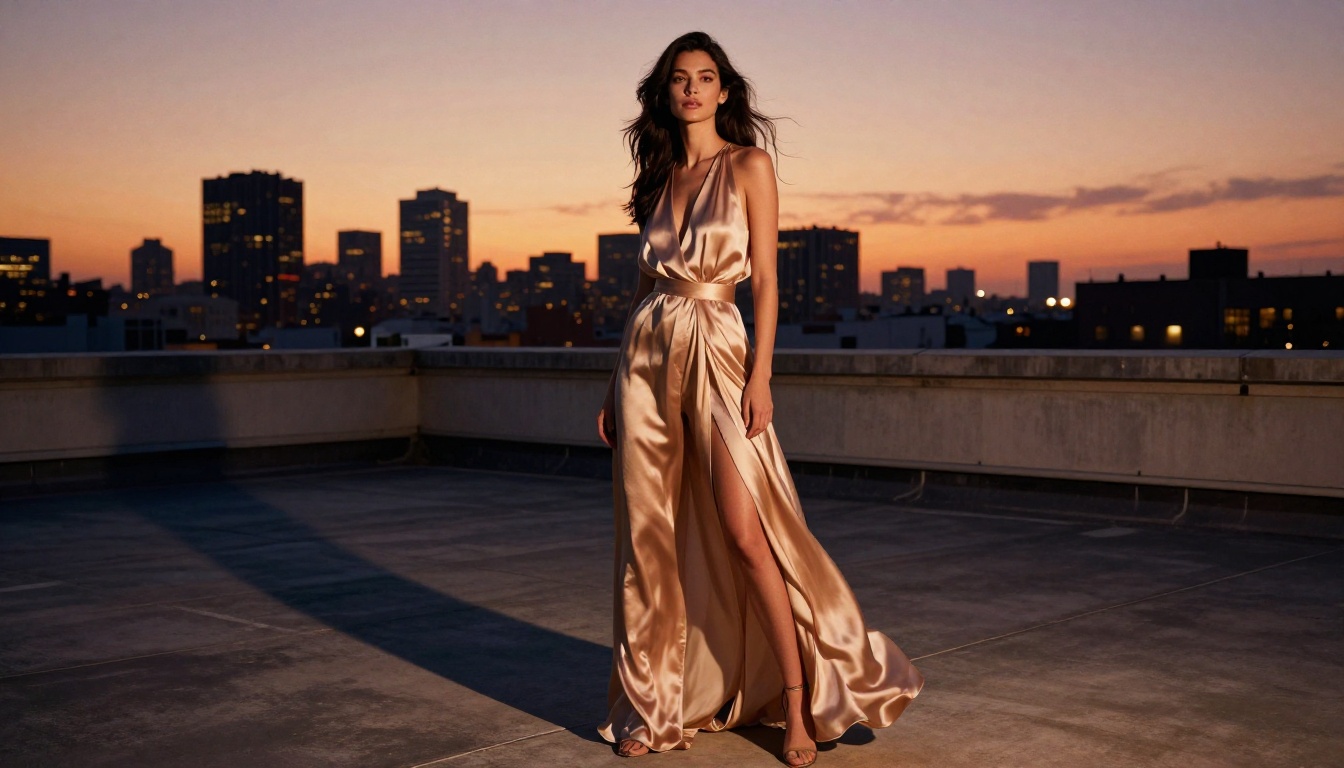
AI-generated images at base resolution are good. At upscaled resolution, they become something else entirely.
PicassoIA's super-resolution tools take a generated image and push it to 4x its original pixel count without the blur or artifact smearing that older upscalers produced. The result holds fine detail at 100% zoom, making it usable for large print formats, high-resolution displays, detailed close-up crops, and digital products where pixel count matters.
When to upscale: After you have a final composition you're satisfied with. Upscaling mid-iteration wastes processing time and can introduce subtle rendering differences that affect compositional continuity.
| Output Use Case | Recommended Scale |
|---|
| Web and social media | Base resolution (no upscale needed) |
| Digital download products | 2x super-resolution |
| Large format print | 4x super-resolution |
| Detail crops or desktop wallpaper | 4x super-resolution |
| Stock art submissions | 2x to 4x depending on platform specs |
The super-resolution step takes seconds and the quality difference is immediately visible. For anyone selling or licensing AI art, this step is non-negotiable.
3 Reasons Creators Pick PicassoIA
Beyond the specific models, PicassoIA's structure as a platform gives it distinct advantages for creators working with unrestricted content:
1. 90+ models in one place
Every model listed here, from Seedream 4.5 to Flux Pro to RealVisXL Turbo, is accessible from the same interface. No managing multiple API subscriptions. No hopping between platforms. No re-learning different interfaces for different tools.
2. No generation throttling on Editor Pro
PicassoIA Image Editor Pro genuinely means unlimited. There's no hidden rate limit after 100 images, no credit burn that surfaces mid-session, no quality reduction on overflow generations. The tool performs the same on generation 500 as it did on generation 1.
3. Visual effects and super-resolution in the same ecosystem
Generating an image is step one. Refining it, adding visual effects, upscaling it, and preparing it for final output are all available within the same platform. You're not exporting files to a different tool for each stage of the workflow. That reduction in friction adds up significantly over the course of a real creative session.
💡 The full model catalog is at picassoia.com/en/all-models. New models are added regularly and worth browsing even if you already have an established workflow.
Start Creating Now
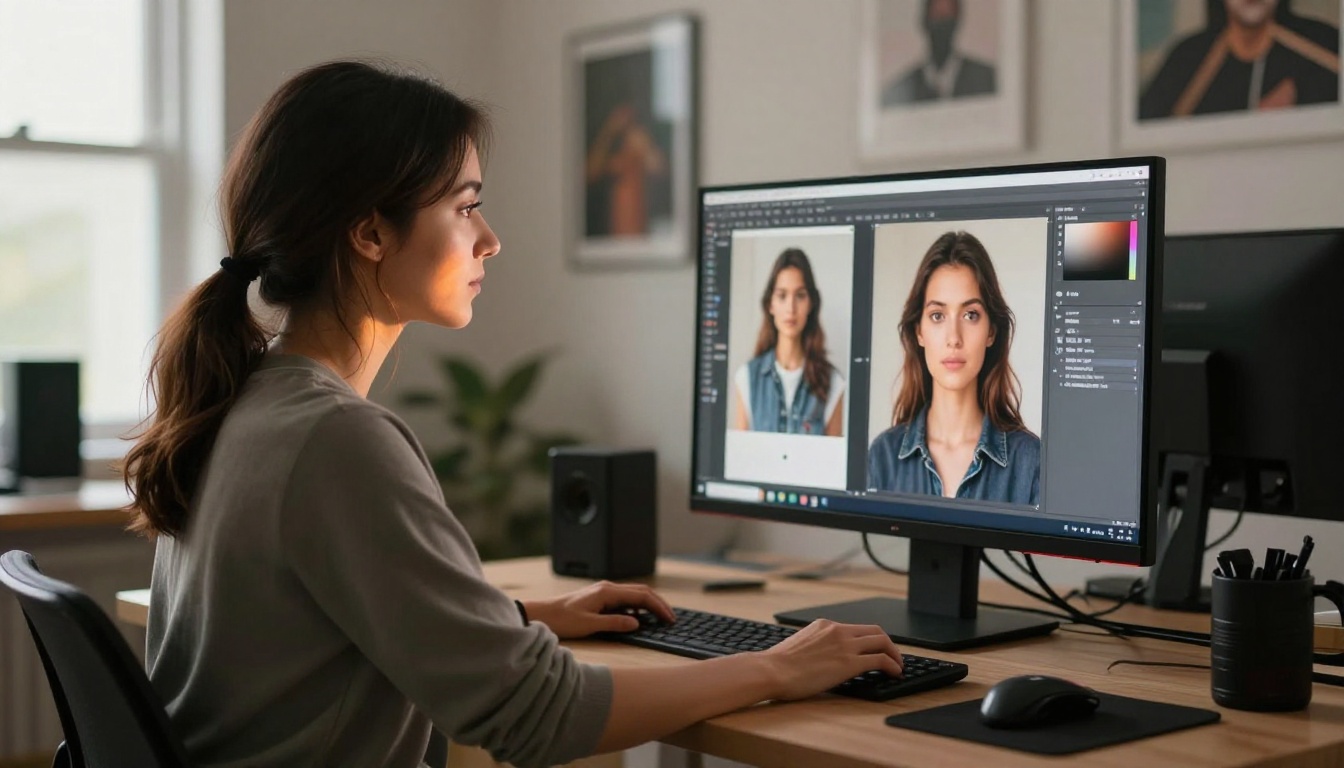
The best way to see what's now possible is to start. Not with a perfect prompt or a fully refined workflow, just with an idea and Seedream 4.5 open in a browser tab.
Pick a style: editorial glamour, fine art portraiture, boudoir photography, travel fashion, artistic figure work. Write one prompt using the four-part structure above. Generate. Look at what comes back. Adjust one variable at a time, lighting, camera angle, lens focal length, clothing texture, surface detail, and run it again.
Within ten generations you'll have learned more about how these models respond than any written explanation can convey. Within fifty you'll have found your personal house style, the specific combination of prompt variables that produces consistently strong output for your aesthetic.
Flux Dev and Flux Pro are strong second models to experiment with once you have a baseline. They respond differently to prompts and produce their own distinctive quality profile that some creators prefer for certain subject matter. Flux Schnell is ideal for rapid drafts when you want to test a composition idea before committing to a full-quality generation.
The restriction era in AI image generation isn't just fading. It's over. The tools, the models, and the platform to access them are all available right now at picassoia.com/en/all-models. What you create with them is entirely up to you.


