Uncensored AI Image Generator Free: No Filter No Block
Tired of AI image tools blocking your creative vision at every turn? This breakdown details the best free uncensored AI image generators with no filter, no content blocks, and zero restrictions, so you can create photorealistic, artistic, and NSFW content on your own terms in 2027.
Every time you type something remotely bold into a mainstream AI image tool, you hit the same wall: "Content policy violation. Request blocked." You wanted a photorealistic fashion portrait. You wanted artistic nudity in the style of a classical painting. Maybe you just wanted a bikini shot. Blocked. Flagged. Removed. That frustration is exactly why millions of creators are searching for a free uncensored AI image generator with no filter and no block that actually delivers on its promise.
This article gives you a straight look at which models work without restrictions, why the filters exist, how to access them legally using the right platforms, and where PicassoIA fits into all of this.
Why AI Generators Block Everything
Most people assume AI content filters are a technical necessity. They are not. They are a business decision. Large commercial platforms apply conservative filters because they serve corporate clients, face app store policies, and answer to advertising pressure. The result is a blunt instrument that blocks not just truly harmful content, but enormous swaths of legitimate creative work.
The Logic Behind Content Blocks
When you use a platform like Midjourney or DALL-E, your prompts run through a classifier before generation even begins. That classifier is trained on a broad definition of "unsafe" content that often includes:
Artistic nudity, even in classical or fine art contexts
Fashion photography featuring swimwear or lingerie
Fiction involving violence, conflict, or mature themes
Certain political or religious imagery
Realistic depictions of real people
The problem is not that these filters exist. The problem is they are calibrated for the most conservative possible interpretation, making them nearly useless for professional photographers, adult content creators, novelists, game developers, and visual artists.
What Actually Gets Blocked
The gap between what gets blocked and what is genuinely harmful is wide. Here is a practical breakdown:
Content Type
Blocked by Mainstream Platforms
Available in Unrestricted Models
Artistic nudity (non-explicit)
Often yes
Yes
Swimwear and bikini
Sometimes
Yes
Lingerie fashion
Usually
Yes
Literary violence
Often
Yes
NSFW text prompts
Always
Yes (within limits)
Explicit pornography
Yes
Depends on platform policy
Non-consensual scenarios
Yes
No (strictly prohibited)
💡 Important: Even the most permissive platforms draw a line at illegal content. The difference is that unrestricted tools trust adult users to self-regulate within legal boundaries, rather than pre-emptively blocking everything remotely mature.
Best Free Uncensored Models Right Now
The open-source AI community has produced genuinely powerful models that operate without commercial platform restrictions. Here is what is actually worth your time.
Flux Dev and Flux Schnell
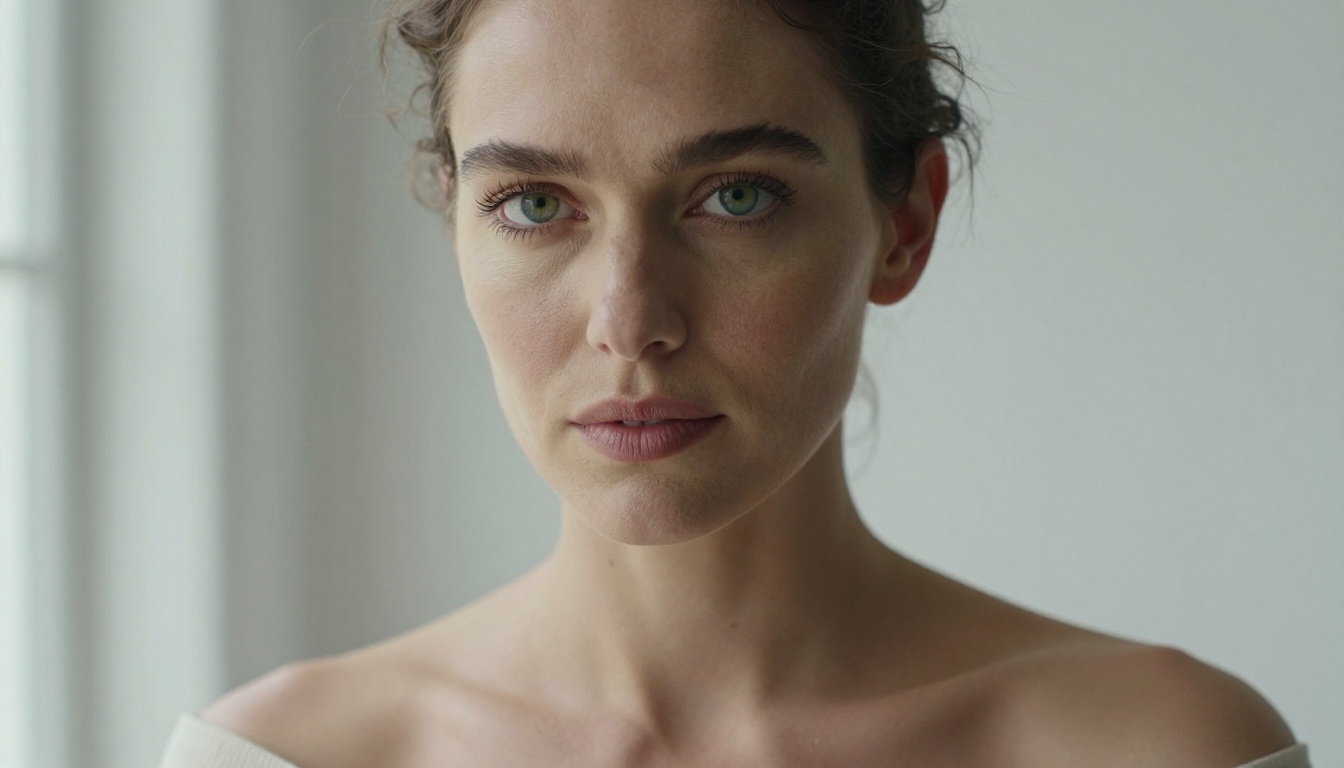
The Flux family from Black Forest Labs sits at the top of the free uncensored AI generator stack. Flux Dev is the workhorse model, open weights, extremely capable, with far less aggressive default filtering than commercial alternatives. It handles photorealistic human figures with exceptional detail: skin texture, natural lighting response, and clothing authentically rendered.
Flux Schnell is the speed-optimized version. You trade some quality for much faster generation, making it ideal for iteration and prompt testing before committing to a final render. Both models support 16:9 and custom aspect ratios, critical for professional outputs.
For maximum resolution and fidelity, Flux 1.1 Pro Ultra delivers some of the highest-quality photorealistic images currently available in any free or paid tier, and Flux 2 Pro pushes the capabilities further with improved coherence and anatomy accuracy.
Stable Diffusion 3.5
Stability AI's Stable Diffusion 3.5 Large remains one of the most flexible models for NSFW and unrestricted creative work. Its open architecture allows users to apply custom LoRA fine-tunes and adjust parameters to control exactly what the model produces.
Stable Diffusion 3.5 Medium offers a lighter footprint with comparable quality on most photorealistic tasks. For creators who do not want to run local inference, both versions are accessible via PicassoIA without a local GPU requirement.
The SD3.5 architecture particularly excels at:
Soft lighting and skin texture: Natural subsurface scattering on skin, realistic hair behavior
Environmental integration: Placing subjects convincingly in realistic backgrounds
SDXL and SDXL Lightning
SDXL was the dominant open model before Flux arrived, and it remains relevant thanks to an enormous ecosystem of fine-tunes. The base model itself is relatively neutral, but the NSFW fine-tunes available for SDXL architecture are extensive, covering photorealistic human portraits and stylized content alike.
SDXL Lightning from ByteDance runs at 4-step generation, making it exceptionally fast. The quality ceiling is lower than full SDXL, but for rapid iteration on unrestricted content, the speed-to-result ratio is hard to beat.
Photorealistic Models for NSFW Content
Pure photorealism is where many creators specifically need uncensored output. Fashion photography, artistic portraiture, swimwear shoots, and glamour work all require a model that can reproduce human skin, anatomy, and lighting with zero stylization artifacts.
RealVisXL: The Realistic Standard
RealVisXL v3.0 Turbo is one of the most respected photorealism models in the open-source ecosystem. Built on the SDXL architecture with extensive real-photography training data, it consistently produces results that pass the "is this a photograph?" test. This makes it the go-to for:
Glamour and lingerie photography simulation
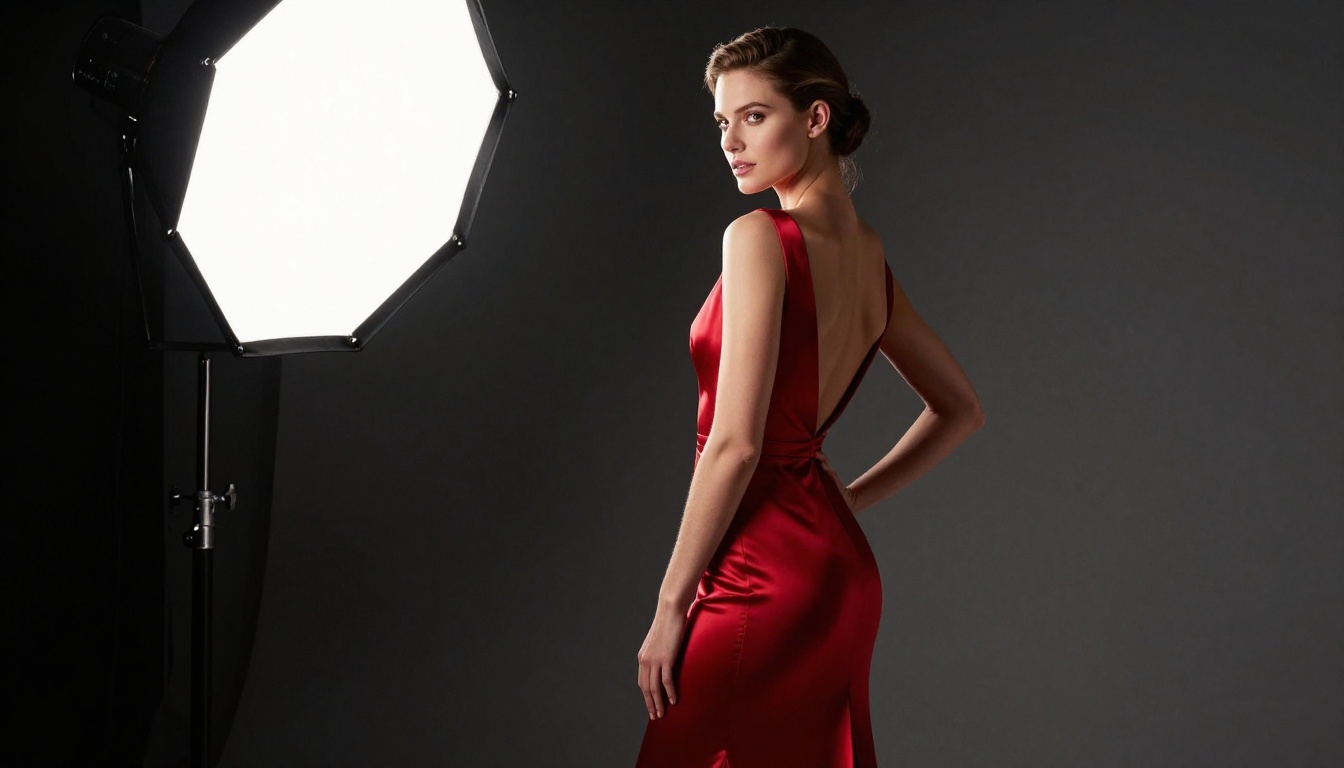
Fashion editorial content
Realistic portrait photography with accurate skin tones
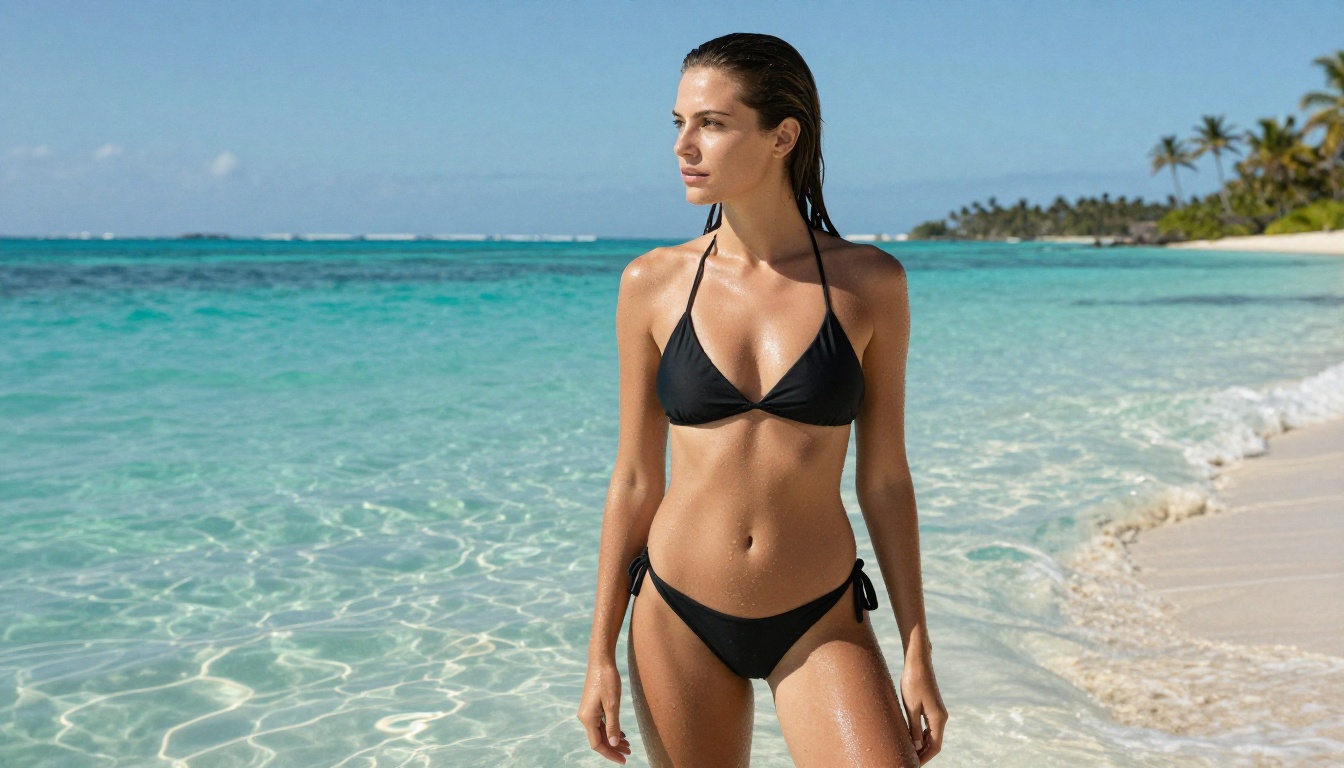
Swimwear and athletic body photography
The turbo variant generates faster without a dramatic quality drop, making it practical for professional workflows.
Realistic Vision v5.1
Realistic Vision v5.1 carries a long reputation as one of the most capable photorealistic models available without a paywall. Version 5.1 improved body anatomy, reduced the common "AI hands" problem significantly, and added better handling of natural lighting scenarios.
It particularly stands out for rendering natural body proportions and candid-style photography rather than hyper-stylized outputs. For creators aiming at authentic, editorial-style photorealism, this remains a top-tier choice.
💡 Tip: For photorealistic NSFW outputs, always include specific lighting descriptions in your prompt: "soft Rembrandt lighting," "volumetric morning light," "directional studio strobe at 45 degrees." Models respond to these cues far more accurately than vague quality descriptors like "high quality" or "ultra realistic."
Newer Models Worth Testing
The generation of models released in 2024 and 2025 brought notable improvements in quality and permissive capability.
Qwen Image 2
Qwen Image 2 from the Qwen team has surprised many users with its handling of complex human figure prompts. It demonstrates stronger understanding of full-body anatomy and clothing interaction than older SDXL-based models, with notably more permissive defaults for artistic work.
Qwen Image 2 Pro adds enhanced detail and resolution capabilities, making it a compelling option for creators who want both quality and fewer restrictions in a single model.
Seedream and Imagen 4
ByteDance's Seedream 4.5 handles cinematic composition and natural light scenarios with impressive consistency. It produces warmer, more film-like color grades by default, which suits fashion and lifestyle photography well.
Imagen 4 from Google represents one of the cleanest and most technically capable models for pure photorealism. Running it through a platform with adjusted parameters yields exceptional results for professional-grade portraiture.
How to Use These Models on PicassoIA
PicassoIA gives you access to all of these models through a single interface without requiring local GPU infrastructure, API keys, or technical setup. Here is exactly how to put them to work for uncensored AI image generation.
Step 1: Choose Your Model
Navigate to the PicassoIA collection and filter by Text to Image. For photorealistic NSFW work, start with Flux Dev or RealVisXL v3.0 Turbo. For speed during prompt testing, use Flux Schnell.
Step 2: Set Your Aspect Ratio
For portrait and fashion work, 16:9 works best for landscape compositions while 9:16 suits vertical portrait shots. For full-body fashion photography, 9:16 gives the model more vertical space to render proportional anatomy accurately.
Step 3: Write a Precise Prompt
This is where most users fall short. Vague prompts get vague results. Here is the structure that consistently outperforms generic prompting:
[Subject + pose or action] + [specific clothing or state] + [environment/location] +
[lighting description with direction] + [camera and lens specs] + [skin/texture details] +
[mood or atmosphere] + [technical modifiers: RAW, 8K, film grain, Kodak Portra 400]
Example: "Beautiful woman in a white silk robe standing in a Parisian apartment doorway, morning golden light from the left window, sheer fabric showing natural silhouette, Sony A7R V 85mm f/1.4, fine pores visible on skin, warm amber tones, RAW 8K, film grain, Kodak Portra 400"
Step 4: Adjust Negative Prompts
Most models on PicassoIA support negative prompt inputs. Use these to push the model away from common failure modes:
cartoon, illustration, anime, drawing, painting, CGI, 3D render, plastic skin
deformed hands, extra fingers, bad anatomy, watermark, text overlay
oversaturated, HDR, unrealistic skin, airbrushed
Step 5: Iterate Fast
Do not obsess over a single output. Generate 4 to 6 variations using Flux Schnell at lower resolution, identify which composition works, then upscale the best result using PicassoIA's super-resolution tools for the final output.
The single biggest factor in getting quality uncensored AI outputs is prompt quality. Models respond to the specificity and accuracy of your instructions, not to your wishes.
What to Include
Specific camera and lens: "Canon EOS R5, 85mm f/1.4 portrait lens" signals photorealism to the model
Lighting direction and quality: "soft north window light" vs "direct overhead flash" produces dramatically different outputs
Fabric and material details: "translucent chiffon," "matte black swimsuit fabric," "fine cotton weave"
Skin quality descriptors: "natural skin texture, fine pores visible, subtle warmth in highlights"
Framing and distance: "waist-up," "full body," "close-up face and décolletage"
What to Avoid
Vague quality tags: "ultra HD," "super realistic," "amazing quality" add very little to output
Overloaded prompts: More than 150 words can dilute the model's focus on what matters
💡 Platform tip: PicassoIA's Flux 2 Max and Flux 1.1 Pro Ultra both support extremely long, detailed prompts without quality degradation, making them especially suited for the structured prompting approach above.
The Access Question
One question comes up constantly: do you need to pay for uncensored AI image generation? The honest answer is no, at least not to start.
Several of the models listed here, including Flux Schnell, Flux Dev, SDXL, SDXL Lightning, and Realistic Vision v5.1, are fully accessible on PicassoIA's free tier. You get real generation runs, not watermarked previews or placeholder outputs.
The tradeoff is generation speed and daily limits. For professionals generating high volumes, upgrading to a paid tier removes those constraints and gives access to priority queuing and maximum resolution outputs.
What "No Block" Really Means in 2027
The phrase "no filter no block" gets used loosely online. In practice, it exists on a spectrum:
True no-filter (local models): Running Stable Diffusion locally with SafeTensor files and no NSFW classifier active. Zero content restrictions, full responsibility on the user.
Platform-permissive (like PicassoIA): Models run server-side with permissive settings that allow artistic nudity, NSFW content within legal limits, mature themes, and suggestive imagery. Not zero-filter, but dramatically less restrictive than commercial alternatives.
Mainstream restricted (Midjourney, DALL-E): Heavy filtering, everything suggestive blocked, conservative defaults, no ability to adjust thresholds.
For most creators, the platform-permissive approach hits the sweet spot: professional infrastructure, no local GPU required, access to dozens of capable unrestricted models, and content freedom that commercial platforms simply do not offer.
Try It Yourself
The only way to feel the real difference between a blocked platform and one that respects your creative intent is to generate something. Pick a model, write a detailed prompt using the structure in this article, and run it.
PicassoIA's collection of 91 text-to-image models includes the full Flux family, the Stable Diffusion ecosystem, RealVisXL, Qwen Image, Seedream, and many others, all in one interface with no local GPU required.
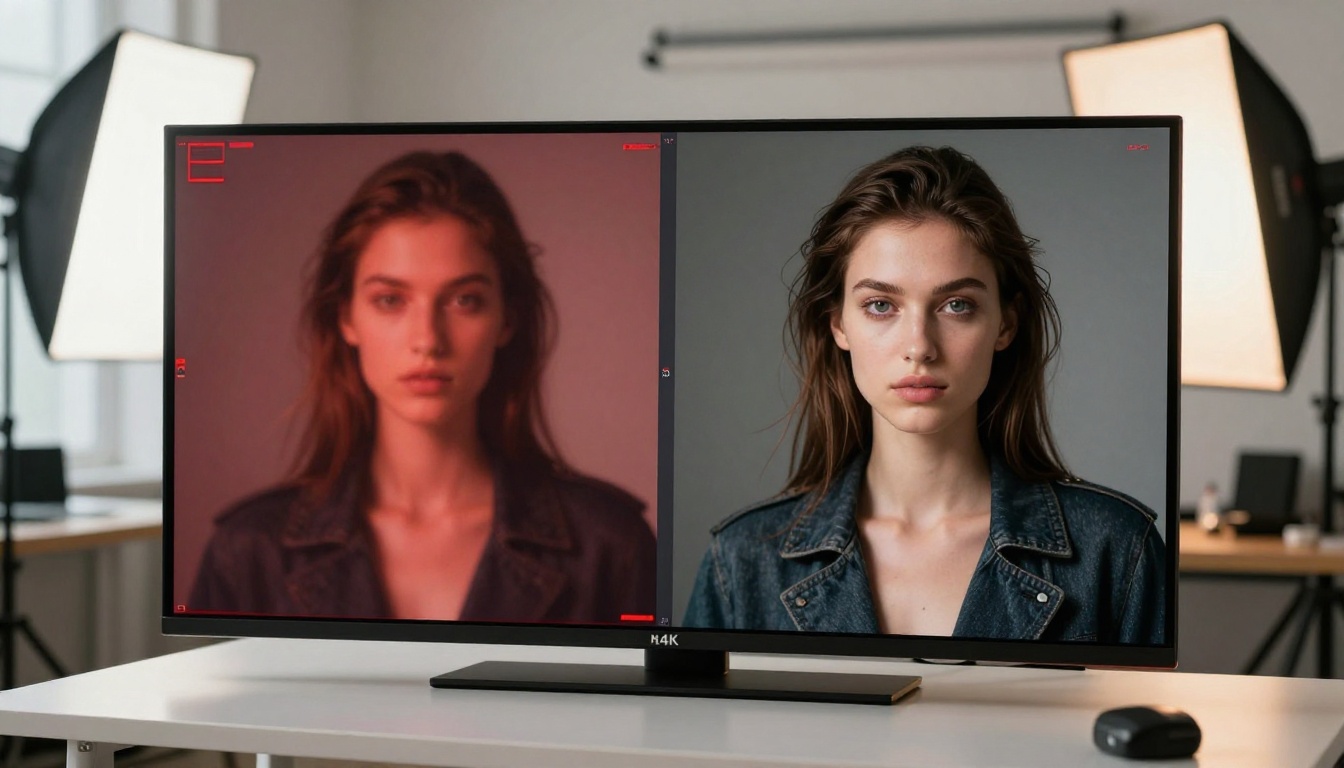
Start with Flux Dev for your first run. Write a specific, detailed prompt. Include lighting direction, camera specs, and subject detail. Then try RealVisXL Turbo with the same prompt and compare the outputs side by side. The quality difference between a well-prompted unrestricted model and a blocked mainstream platform is not subtle. It is the difference between a tool that works for you and one that works against you.