Every day, shoppers are clicking away from your store because your product photos don't hold up at full resolution. Not because your products are bad. Because when a potential buyer zooms in and the image turns into a pixelated mess, the trust is gone. AI-powered upscaling changes this equation completely, giving any seller the ability to take a mediocre photo and turn it into a sharp, high-fidelity product shot that converts.
This is not about running a filter. Modern AI upscaling reconstructs image data at the pixel level, predicting and generating detail that wasn't there in the original file. The results are dramatic, fast, and accessible to anyone running an online store.
Why Blurry Product Photos Kill Conversions
The connection between image quality and sales is not an opinion. Studies across major ecommerce platforms consistently show that high-resolution product images correlate directly with lower return rates and higher add-to-cart percentages. When customers can't see the texture of a fabric, the finish of a surface, or the detail of a label, they hesitate. Hesitation kills conversions.
The problem is especially acute for sellers who:
- Inherited a product catalog with legacy low-resolution photos
- Sourced supplier images that weren't shot in high quality
- Photographed products on a phone before upgrading their setup
- Sell on multiple platforms with different resolution requirements (Amazon, Etsy, and Shopify each have their own specs)
For all of these situations, AI upscaling is the fastest and most cost-effective solution available.
The Real Price of a Low-Res Catalog
Re-shooting an entire product catalog professionally costs thousands. A commercial product photographer charges anywhere from $50 to $300 per product, depending on complexity. For a store with 200 SKUs, that math is brutal. AI upscaling doesn't replace professional photography for hero shots, but it absolutely can salvage an existing catalog and make it competitive.
What Shoppers Notice at First Glance
Shoppers aren't consciously evaluating image resolution. They respond emotionally. A sharp image communicates quality. A blurry image communicates carelessness. The subconscious processing happens in milliseconds, long before the shopper reads a product description or checks a price.
💡 Tip: Zoom functionality is one of the most-used features on product pages. If your image breaks down on zoom, you're losing buyers at the exact moment of highest purchase intent.
How AI Upscaling Actually Works
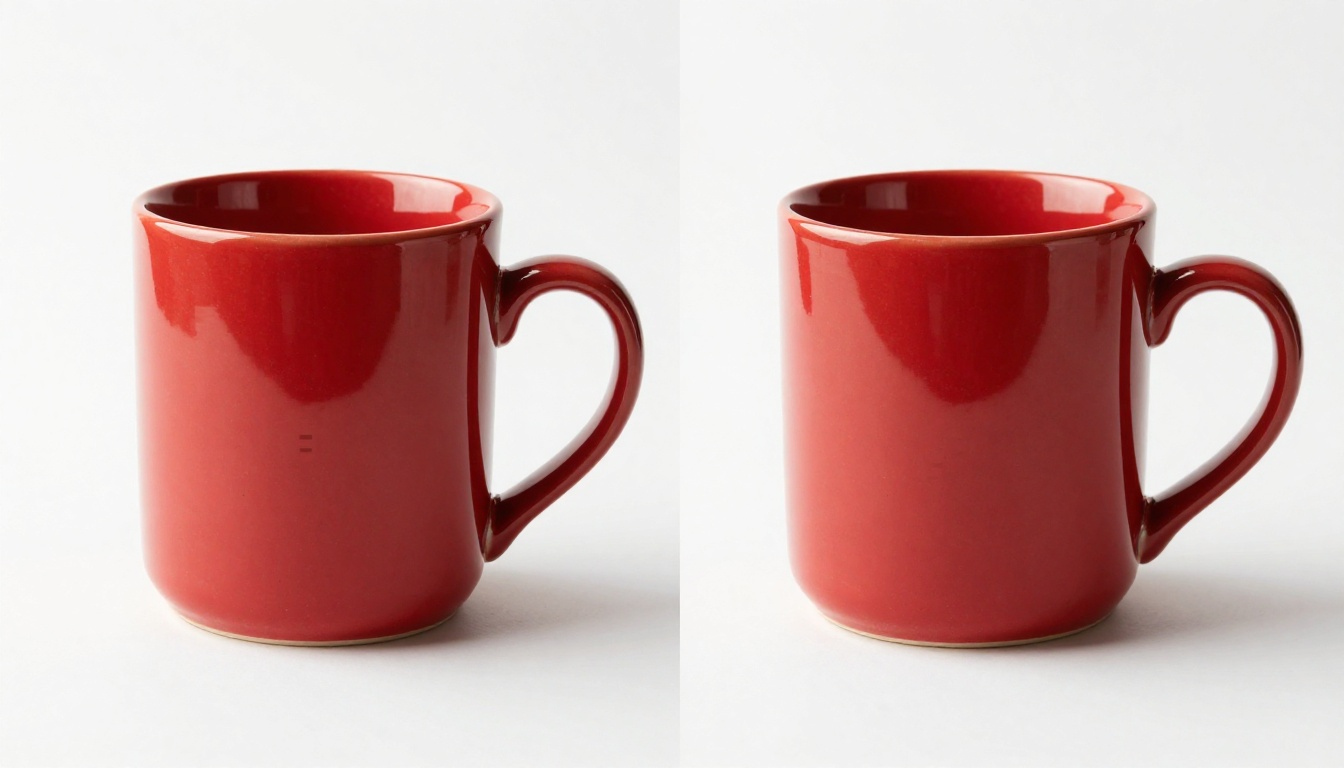
Traditional image enlargement, the kind built into basic resize tools, uses bicubic interpolation. It averages surrounding pixel values to fill in the gaps. The result is technically larger but visually soft. You gain pixels without gaining detail.
AI super-resolution works differently. Models trained on millions of high-resolution images learn what real-world textures look like: fabric weaves, metal grain, glass reflections, paper fibers. When they upscale an image, they're not averaging pixels. They're predicting what the detail should look like based on learned visual patterns and then generating it.
Super Resolution vs. Simple Enlargement
| Method | Detail Added | Edge Sharpness | Artifact Risk | Processing Time |
|---|
| Bicubic Interpolation | None | Soft | Low | Instant |
| Lanczos Resampling | Minimal | Moderate | Low | Fast |
| AI Super Resolution 2x | High | Sharp | Very Low | Seconds |
| AI Super Resolution 4x | Very High | Very Sharp | Low | Seconds |
The AI models available today can upscale images 2x, 4x, and even 6x while maintaining photorealistic output. For ecommerce purposes, a 4x upscale is typically the sweet spot: it takes a 500x500 pixel supplier photo to 2000x2000, which is the minimum for effective zoom on most platforms.
What Changes After Upscaling
When you run a product photo through a well-trained upscaling model, several things improve simultaneously:
- Edge definition: Boundaries between the product and background become crisp
- Surface texture: Fabric, leather, ceramic, glass, and metal surfaces show realistic micro-detail
- Label legibility: Text on packaging becomes readable where it was previously blurry
- Color saturation: Many models also improve tonal range as part of the process
- Noise reduction: Grain from low-light phone photography is smoothed intelligently
The Best AI Models for Product Photo Upscaling
Several specialized AI models have emerged as the standard for ecommerce photo upscaling. Each has different strengths depending on the product type and the starting quality of the image.
Clarity Pro Upscaler: For Detailed Products
Clarity Pro Upscaler is built specifically for photorealistic output. It excels at products with fine surface detail: jewelry, watches, cosmetics, electronics. Where other models can introduce slight artifacting around complex textures, Clarity Pro tends to preserve natural grain and sheen.
Best for: Jewelry, cosmetics, high-end accessories, anything where surface quality is the primary selling point.
Real ESRGAN: The Reliable Standard
Real ESRGAN is one of the most widely tested upscaling models available. It handles 4x upscaling reliably across a wide range of product types. It's particularly good at recovering sharpness in images that suffered from motion blur or soft focus during the original shoot.
Best for: General product catalogs, clothing, shoes, household goods, any situation where speed and reliability matter more than maximum fidelity.
Topaz Image Upscale: Maximum Resolution
Topaz Image Upscale supports up to 6x enlargement, which is exceptional for cases where you need to crop tightly into a product detail while maintaining sharpness. If you're selling products where buyers need to see microscopic detail (gemstones, watchmaker components, precision tools), this is the model that delivers.
Best for: Specialized products requiring extreme close-up zoom functionality.
P Image Upscale: Speed at Scale
P Image Upscale is optimized for throughput. It processes images in approximately one second, making it the practical choice for large catalog updates. Quality is strong for standard product categories. For sellers with hundreds of SKUs to process, this model is the most efficient path to a higher-quality catalog.
Best for: High-volume catalog processing, time-sensitive updates, standard product categories.
💡 Tip: Run a sample batch of 5 to 10 products through two or three models before committing to a full catalog upscale. The best model depends heavily on your specific product type and original photo quality.
How to Use Clarity Pro Upscaler on PicassoIA

PicassoIA gives direct access to all the super-resolution models above, with no subscription required to get started. Here's how to upscale a product photo using Clarity Pro Upscaler.
Step 1: Upload Your Product Image
Navigate to the Clarity Pro Upscaler model page. Click the upload button and select your product photo. The model accepts JPEG, PNG, and WebP files. For best results, start with the highest-resolution version of the image you have, even if it's still considered low-quality by ecommerce standards.
Step 2: Set Your Upscale Parameters
The key setting is the scale factor:
- 2x: Best when the original image is 1000x1000 or larger. Produces a clean, sharp result without oversharpening artifacts.
- 4x: The standard choice for ecommerce. Takes a 500x500 image to 2000x2000, suitable for all major platforms.
- Custom: Use when you need a specific output resolution to meet a platform's technical requirements.
For most product shots, 4x is the right setting. If the original image has heavy noise or compression artifacts, consider running a noise reduction pass first before upscaling. Upscaling artifacts makes them larger, not smaller.
Step 3: Download and Deploy
Processing takes between 5 and 30 seconds depending on file size and scale factor. The output is a full-resolution file ready to upload directly to Shopify, WooCommerce, Amazon Seller Central, or any other platform. No additional editing is required for most product types.
💡 Tip: Save both the original and the upscaled version. If you later re-shoot the product at higher quality, you'll want to compare the AI-upscaled output against the new photograph to decide whether a re-upload makes sense.
Product Categories That Benefit Most
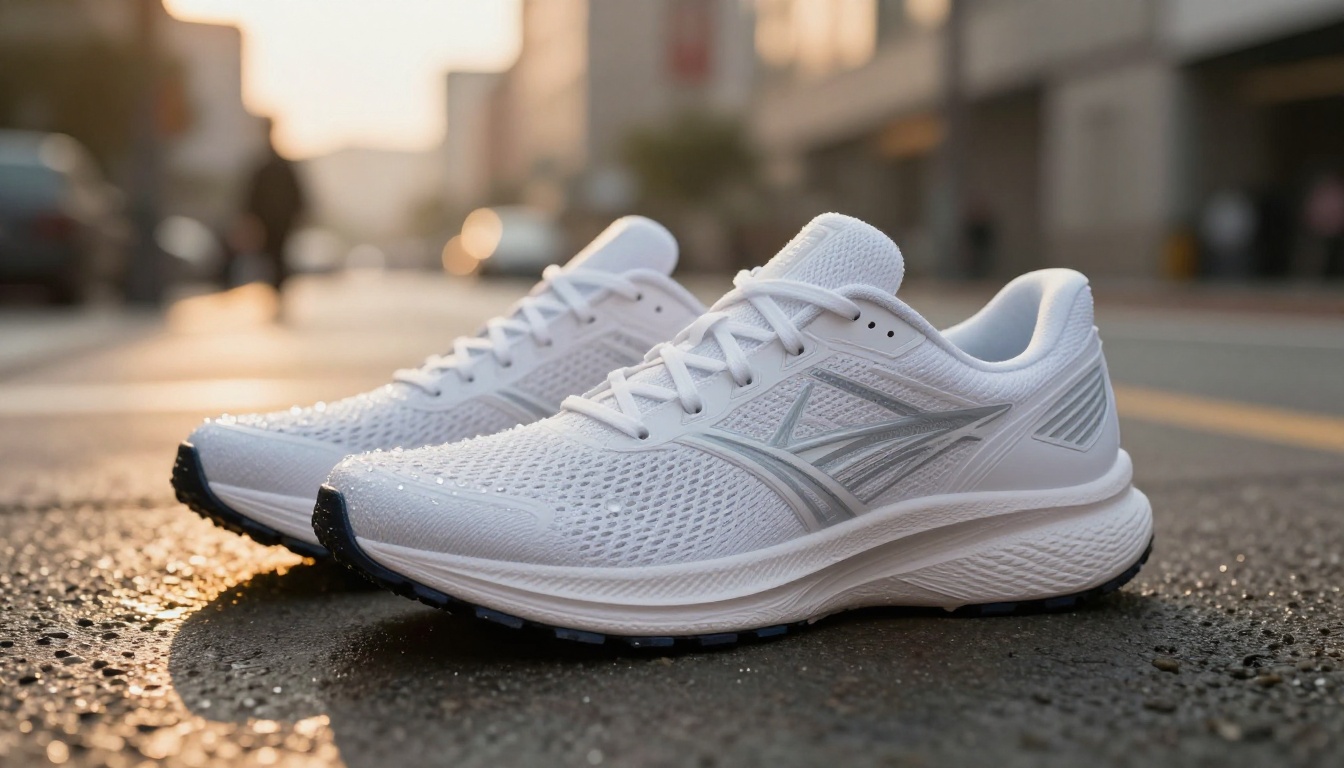
AI upscaling delivers different levels of improvement depending on product category. Here's a practical breakdown of where the impact is highest.
Fashion and Footwear
Clothing and shoes are among the biggest beneficiaries. Fabric texture is a primary purchase signal for apparel buyers. An upscaled image of a wool sweater should show individual fiber detail. Shoe upscales should reveal the stitching pattern on the sole and the grain of the leather upper. Both Real ESRGAN and Clarity Pro Upscaler handle textile textures exceptionally well.
Jewelry and Accessories

Jewelry is where upscaling has the most dramatic effect. Microscopic detail on a gold chain, the facets of a gemstone, the clasp mechanism on a bracelet: all of these are critical purchase signals that disappear in low-resolution images. Topaz Image Upscale with a 4x or 6x scale is the preferred choice here because it preserves the specular highlights (the tiny reflective points of light) that make jewelry look genuine and valuable rather than flat.
Electronics and Tech Products
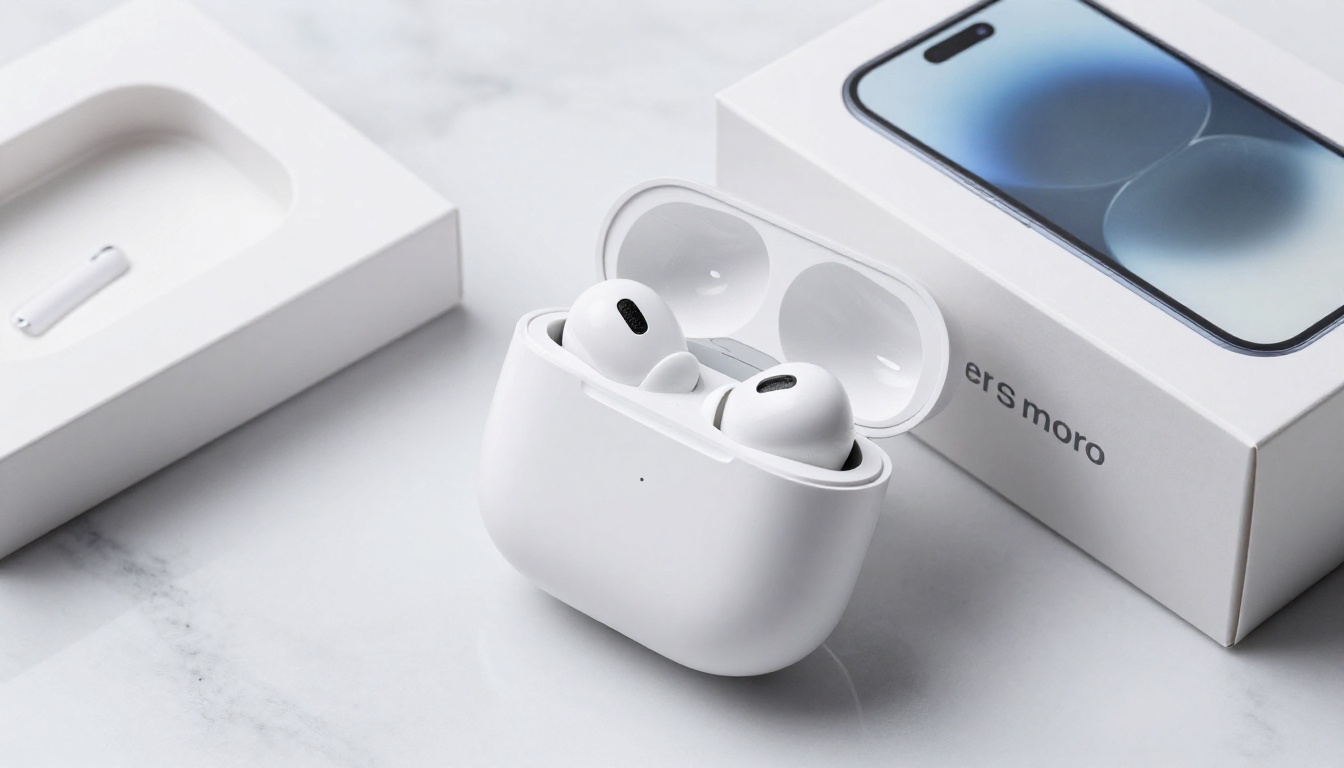
Tech buyers are particularly sensitive to image quality because they associate it with product quality. A blurry photo of a pair of earbuds signals a cheap product, even if the product itself is premium. Upscaling electronics shots sharpens the anodized aluminum finish detail, makes port and button labels legible, and clarifies the screen glass quality. P Image Upscale is well-suited for tech catalogs due to its speed and clean output on manufactured surfaces.
Luxury Goods and Watches
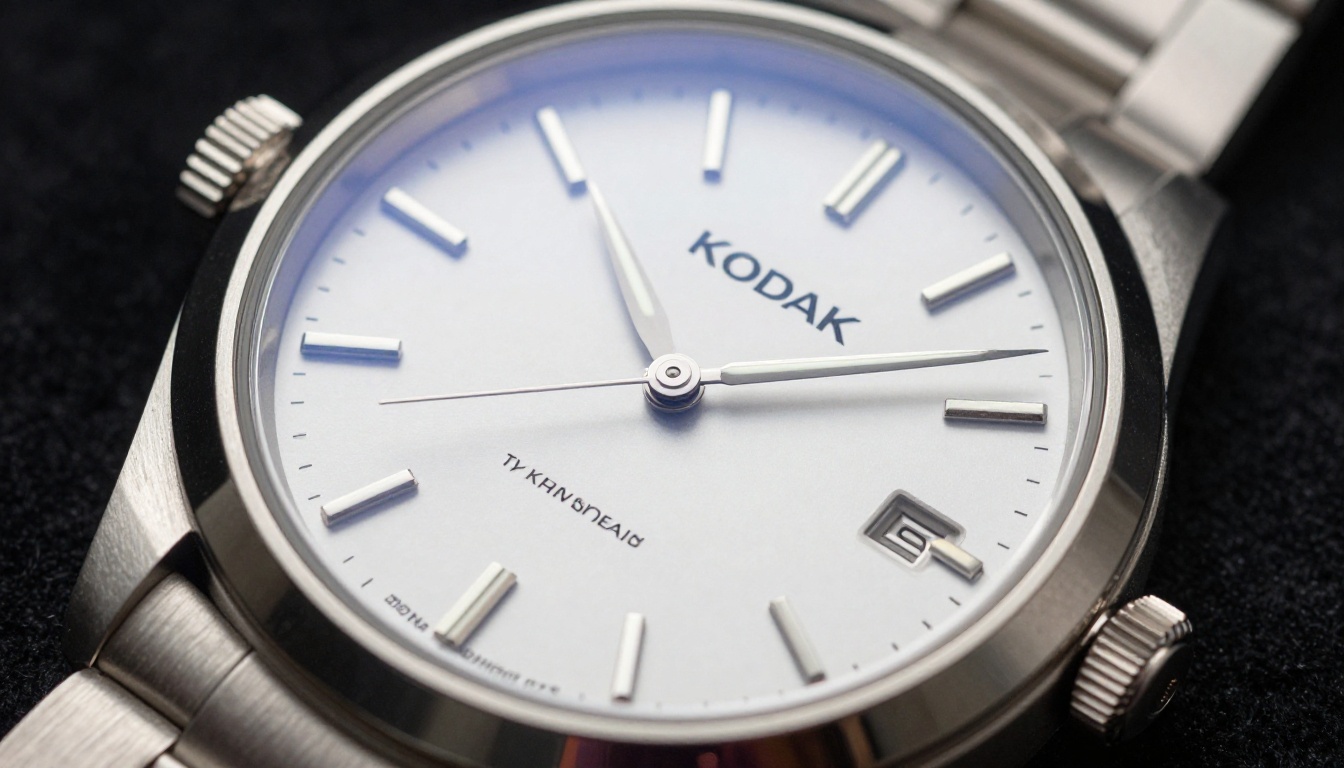
Luxury products have zero tolerance for visual ambiguity. A watch costing over $500 needs images where the buyer can see the brushed steel texture on the bracelet, read the dial typography clearly, and see the sapphire crystal's surface. AI upscaling makes this level of detail achievable even from solid but not exceptional source photos. Clarity Pro Upscaler with its photorealistic output is the standard recommendation for luxury product photography workflows.
Food and Beverage
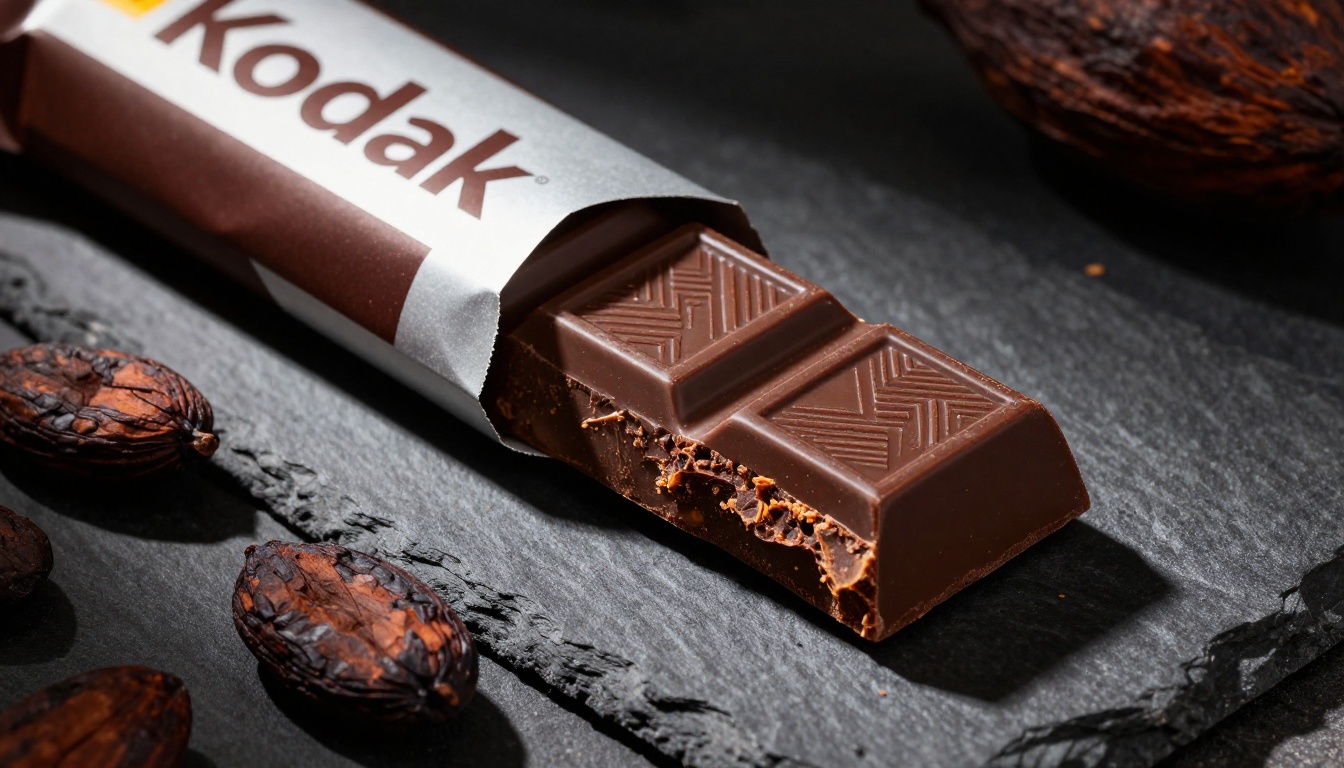
Food photography relies on texture to trigger appetite appeal. The crystalline surface of chocolate, the crumb structure of bread, the glossy sheen on fresh fruit: all of these are appetite signals that collapse at low resolution. AI upscaling recovers these textures and, in many cases, enhances the tonal richness of food images in ways that make the product look more appetizing. Recraft Crisp Upscale is worth testing for food products specifically because it handles warm color tones with particular accuracy.
Common Issues AI Upscaling Fixes (and One It Doesn't)
Understanding what AI upscaling can and cannot do prevents disappointment when working with particularly difficult source images.
What upscaling fixes well:
- Low pixel count (small file size, small dimensions)
- Mild compression artifacts from JPEG over-compression
- Soft focus from camera shake or slightly missed autofocus
- Lack of texture detail due to low megapixel camera sensors
- Platform-required minimum dimensions not met by the original file
What upscaling struggles with:
- Extreme motion blur where the subject was moving fast during exposure
- Severe overexposure with clipped highlights where detail is genuinely lost
- Very heavy JPEG artifacting from multiple re-save cycles
For the last category, Recraft Crisp Upscale on PicassoIA includes artifact removal as part of its pipeline, which can recover images that other models cannot.
💡 Tip: If an image has heavy JPEG artifacts, run it through a dedicated artifact removal step before upscaling. Upscaling JPEG artifacts makes them larger, not smaller.
Upscaling vs. Reshooting: Making the Right Call
AI upscaling is powerful, but it's not a permanent substitute for professional photography in every situation. Here's a practical decision framework:
| Situation | Recommended Action |
|---|
| 200 or more SKU catalog with legacy low-res images | AI upscaling for entire catalog |
| New hero product launch | Professional shoot plus AI upscale for backup angles |
| Supplier-provided images under 500x500 | AI upscaling mandatory |
| Images with severe motion blur | Reshoot if possible |
| Existing 1000x1000 images that need 4x | AI upscaling ideal |
| Brand refresh with new visual identity | Professional reshoot |
The sweet spot for AI upscaling is the massive middle ground of "good enough to work with but not good enough to compete." That's where it delivers the highest ROI, turning a mediocre catalog into a competitive one without a five-figure photography budget.
Pricing and Speed: What to Expect
Speed and cost vary significantly across models. Here's a realistic benchmark for planning purposes:
PicassoIA's credit system makes it straightforward to run test batches across multiple models before committing to a full catalog workflow. The cost per image is a fraction of any alternative, including stock photography replacements.
Start Upscaling Your Product Images Today
Your product catalog is the visual sales pitch that runs 24 hours a day. Every blurry image in that catalog is quietly costing you sales at the moment buyers are most likely to convert. The tools to fix this are available right now, take seconds per image, and don't require a photography background to use.
PicassoIA puts the best AI upscaling models on a single platform. Clarity Pro Upscaler, Real ESRGAN, Topaz Image Upscale, P Image Upscale: all accessible without setting up developer accounts, configuring APIs, or installing software.
Pick a product from your store. The one with the most views and the lowest conversion rate. Run the image through one of these models. Then look at the result and imagine how that image would perform in your store compared to what you have now.
That's the experiment. And it takes about 30 seconds.


