Most people discover unrestricted AI generators the same way: they hit a content policy wall on a mainstream tool, someone in a forum mentions "there are better options," and suddenly they're diving into a completely different world. What they find is usually not what they expected.

"Unrestricted" Does Not Mean What You Think
The word "unrestricted" gets thrown around a lot. It sounds absolute. It sounds like creative freedom without ceiling. But here's the part nobody explains upfront: the label describes a spectrum, not a binary state. Every platform that calls itself unrestricted still has some limits. The difference is where those limits sit and how visible they are.
The Filter Gap Nobody Mentions
When a platform claims to have no filters, what most of them mean is that they removed the text-content-safety layer that flags your prompt before generation. The model itself, however, was trained on data. That training data shapes what the model is capable of producing. A model fine-tuned on professional editorial photography will resist certain directions no matter what you type. A model trained on diverse uncensored datasets will handle the same prompt with entirely different results.
This creates what you might call a filter gap: the gap between what the interface allows and what the model actually delivers. Most users blame their prompts when they hit this gap. The real issue is model selection.

Speed vs. Quality Tradeoffs
Another thing nobody mentions in the marketing copy: generating unrestricted content at high quality costs more compute. Fast models cut corners. The model that gives you an image in two seconds is almost certainly doing less work than the one taking eight. That affects texture detail, anatomical accuracy, and lighting realism in ways that become very obvious once you know what to look for.
💡 Tip: If your images look flat or plasticky, check which model you're using and whether you're on a quality or speed-optimized variant before blaming the prompt.
Why Your Results Look Nothing Like the Demo
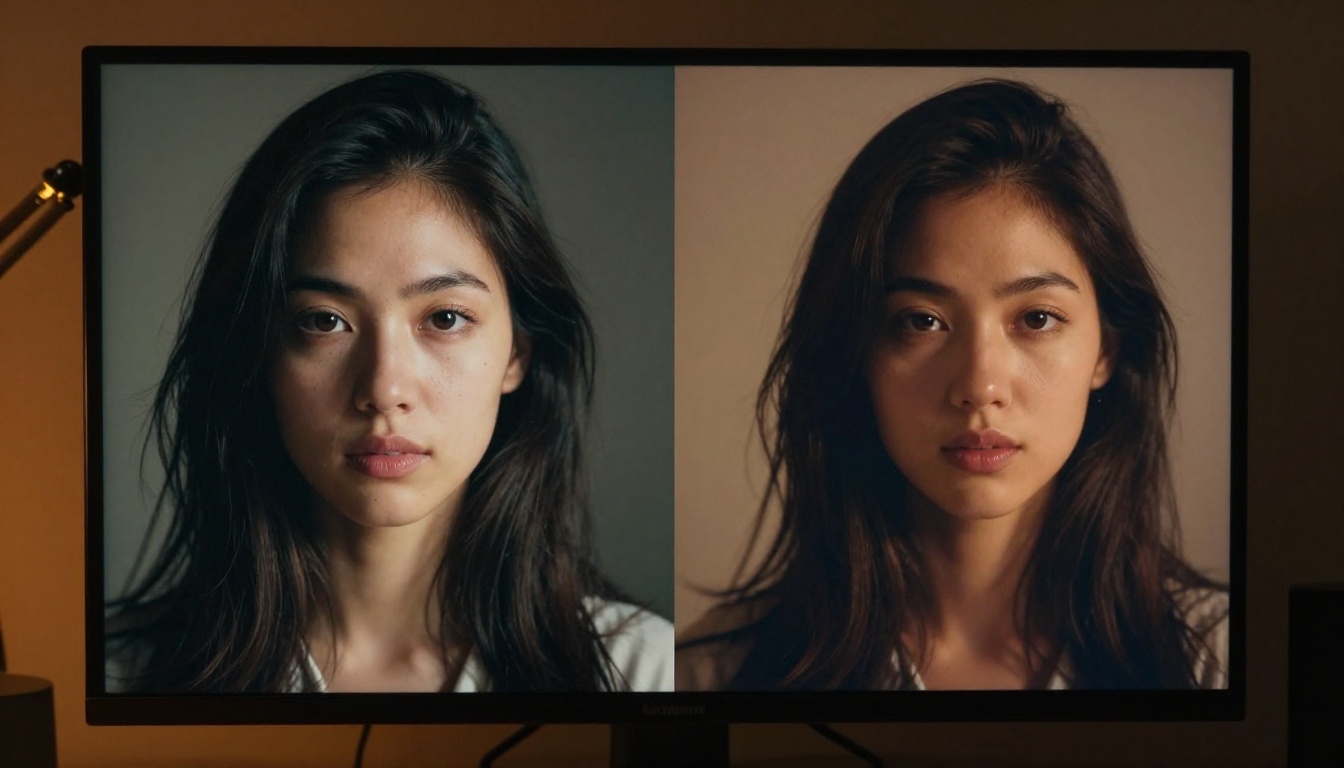
Platform demo images are almost never generated with default settings. They're the product of heavy iteration, custom seeds, and often a model version that isn't the default selection for new users. When you sign up and type your first prompt, you're working with a completely different setup than the one that produced the sample gallery.
Prompt Quality Changes Everything
The difference between a vague prompt and a structured one isn't 10% better results. It can be the difference between unusable output and exactly what you wanted. Experienced users are specific about subjects, lighting direction, distance, and style keywords. Beginners write one sentence and are disappointed with what comes back.
Structured prompts for photorealistic output follow a reliable pattern:
- Subject: who or what, with specific physical description
- Action or pose: what they're doing or how they're positioned
- Environment: where, with specific background detail
- Lighting: direction, quality, time of day
- Camera: lens focal length, aperture, film stock or simulation
- Mood or atmosphere: one or two words that set the overall tone

Model Parameters Most Users Skip
Almost every serious text-to-image model exposes parameters that most users never touch. Steps, CFG scale, negative prompts, and seed control are the most impactful. Here is what they actually do:
| Parameter | What It Controls | Common Mistake |
|---|
| Steps | How many refinement passes the model runs | Leaving it at a low default |
| CFG Scale | How closely the model follows your prompt | Setting it too high, causing over-sharpening |
| Negative Prompt | What the model should avoid generating | Skipping it entirely |
| Seed | Reproducibility of the generation | Not saving seeds from good outputs |
The Real Cost Behind "Free" Generators
Free-tier access to unrestricted AI generators is real, but the constraints attached to it often make it unusable for volume work. Credit limits, queue throttling, and resolution caps are the three mechanisms most platforms use to convert free users into paying ones.
Rate Limits and Queue Realities
When you're generating images one at a time for personal projects, rate limits are annoying. When you're trying to produce 50 images for a content batch, they're a serious blocker. Many platforms enforce a per-hour limit on free tiers that can halt a workflow entirely.
Queue times add a different kind of friction. During peak hours, a generation that usually takes 4 seconds can stretch to 45 seconds or more on overloaded shared infrastructure. This isn't something platforms advertise on their pricing pages.
💡 Tip: Run batches during off-peak hours. Early morning in your timezone is usually faster than evenings when the most users are online.
What Happens to Your Images
One detail most platforms bury in their terms: images generated on free tiers are often stored on their servers and can be used for model training or surfaced in public feeds. If privacy matters for what you're creating, free tiers are frequently not the right choice.
Paid subscriptions on reputable platforms typically include private generation, meaning your content stays yours and isn't visible to other users or used for training without explicit opt-in. This is a real and meaningful distinction for creators working on commercially sensitive or personal content.

How to Use Seedream 4.5 on PicassoIA
Seedream 4.5 is the top recommendation for anyone working with adult or unrestricted content. It accepts NSFW prompts, supports image editing on top of generation, and produces results in under 3 seconds. The output quality on realistic human subjects is genuinely impressive, with accurate anatomy, natural skin tones, and lighting that reads as photographic rather than synthetic.
Here is the step-by-step process for getting the best results:
Step 1: Write Your Prompt
Open Seedream 4.5 on PicassoIA and type your prompt in the input field. Use the structured approach above: subject, action, environment, lighting, camera, mood. Do not leave any of these undefined. The more specific, the better.
For NSFW content, describe the scene directly and clearly. Seedream 4.5 does not require special bypass phrases or workarounds. It processes adult prompts as written.
Step 2: Set the Aspect Ratio
Select 16:9 for landscape, 9:16 for vertical, or 1:1 for square. Seedream 4.5 handles all ratios without significant quality degradation. Most photorealistic use cases look best at 16:9 for environments and 9:16 for portraits.
Step 3: Add a Negative Prompt
Use the negative prompt field to exclude common artifacts. Useful entries to include: blurry, pixelated, low resolution, plastic skin, overexposed, noise, CGI, cartoon, illustration. This alone will noticeably improve output quality.
Step 4: Generate and Iterate
Click generate. You will have a result in under 3 seconds. If the composition is close but not perfect, use the seed from the successful generation and adjust your wording in the next run. Small prompt changes with a locked seed often produce the refinement you need without starting from scratch.
💡 Tip: If you need to make targeted changes to a generated image, use Seedream 4.5's built-in editing mode to modify specific areas without regenerating the entire image.
Models That Actually Deliver Without Limits
Beyond Seedream 4.5, there is a full stack of models on PicassoIA that handle unrestricted generation at different speed and quality points:
- Seedream 4.5 ⭐ The best all-around option. Accepts adult content, supports image editing, and generates ultra-realistic results in under 3 seconds. Its newer sibling, Seedream 5 Lite, does not allow adult content, so stick with 4.5 for this purpose.
- PicassoIA Image Editor Pro Img2img with unlimited generations on Elite and Infinite plans. Generating 1,000 images here costs nothing extra. On models like Nano Banana 2, that same volume would cost around $100. Accepts NSFW, returns results in under one second, and includes a 3-generation free trial with no credit card required.
- Qwen Image 2 Open-source model that edits or creates any image with very detailed realism.
- Grok Imagine Image Converts any reference photo to a realistic bikini format with impressive accuracy.
- Recraft V4 Very realistic text-to-image results, no editing mode required.
- P-Image NSFW text-to-image generation in under one second.
- prunaai-wan-2.2-image Generates highly realistic images from text without content filters.
- Wan 2.2 I2v Fast Converts static images into dynamic videos with smooth, natural animations.
- PicassoIA Video Unlimited video generation from text prompts at up to 720p and 5 seconds per clip, with no per-clip charges.
- P-Video Text, image, or audio to video up to 1080p, with the safety filter off by default and a draft mode for instant previews.
- Grok Imagine Video Clips up to 15 seconds from text, an image, or an existing video with no watermarks.
- LTX 2.3 Pro Highest fidelity output at up to 4K and 50fps, with retake and extend editing tools for precise clip control.
Speed Champions for Volume Work
If you need to produce large image volumes quickly, P-Image and PicassoIA Image Editor Pro are the obvious choices. Sub-one-second generation means you can iterate dozens of times in a few minutes. Seedream 4.5 is the better choice when quality of individual outputs matters more than raw iteration speed.
3 Mistakes That Kill Your Output Quality
These are the patterns that show up constantly among users who are frustrated with their results but blaming the platform instead of the approach.
The Prompt Mistake
Writing a prompt that describes an outcome instead of an image. "A beautiful romantic scene" tells the model almost nothing. "A woman in a red dress standing on a candlelit restaurant terrace at night, warm tungsten light from behind, 85mm f/1.8, Kodak Portra" tells it exactly what to produce.
Outcome prompts rely on the model to fill in the visual blanks. The blanks it fills in are drawn from its most statistically common training data, which may have nothing to do with what you actually want.
The Resolution Mistake
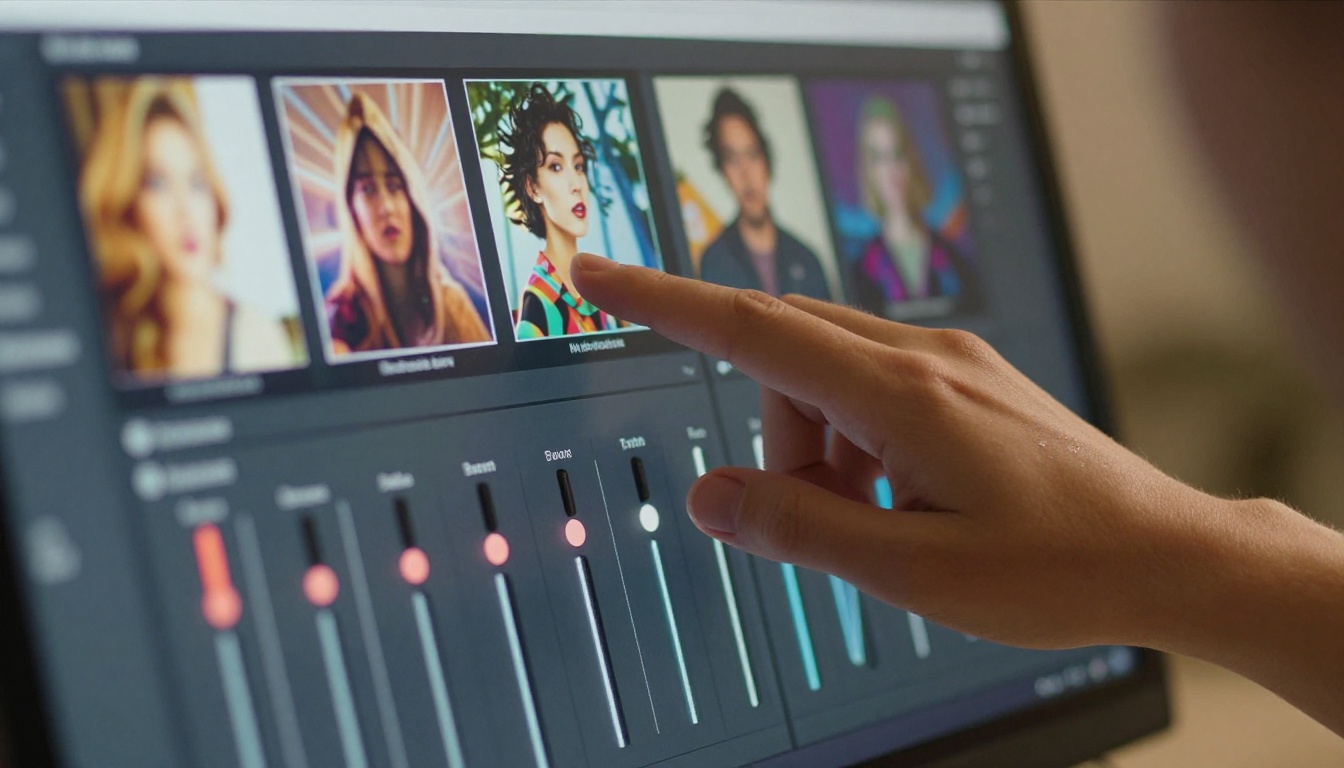
Running a high-detail prompt at a low resolution and then being surprised the details are missing. Fine texture, skin pores, fabric weave, and hair strand detail only appear clearly at higher resolutions. If the model offers a resolution setting and you're leaving it at a low default, you're working against yourself.
The Model Mismatch
Using a speed-optimized model for a result that requires quality-optimized rendering. If your prompt requires precise anatomical accuracy or fine realistic skin texture, use the full quality model even if it takes longer. The time savings from using a faster model are meaningless if the output isn't usable.
What Real Users Wish They Knew Earlier
The biggest gaps between novice and experienced users are not technical. They're workflow habits.
Batch Generation Tips
Don't generate one image at a time and evaluate before running more. Run batches of 4 to 10 from slightly varied prompts or seeds, then evaluate the full batch. You'll spot patterns faster and find what works without wasting time on single-image iteration cycles.
Keep a prompt library. Every prompt combination that produced a great result goes into a document with its seed. You'll reuse 80% of your best prompts across future projects.

When to Use Image Editing vs. Text-to-Image
Text-to-image is the right tool when you're starting from nothing and need to establish the visual from scratch. Image editing is the right tool when you have a strong base image and need targeted changes: different clothing, adjusted lighting, a different background, or specific element swaps.
PicassoIA Image Editor Pro is particularly effective for this workflow. Generate a base image with Seedream 4.5, then pass it to Image Editor Pro for specific modifications. Because Image Editor Pro has unlimited generations on Elite and Infinite plans, you can iterate on the editing phase as many times as you need without burning through a credit budget.

💡 Tip: For NSFW content specifically, Grok Imagine Image specializes in realistic wardrobe transformations from a reference image. It is one of the fastest ways to modify an existing image's clothing realistically.

What Real Unrestricted Generation Looks Like
PicassoIA puts all of these models in one place without fragmenting access across separate platforms. You get Seedream 4.5 for primary generation, PicassoIA Image Editor Pro for unlimited iterations, and the full video stack including PicassoIA Video, P-Video, Grok Imagine Video, and LTX 2.3 Pro, all in the same interface.
The access model matters as much as the model quality. A platform with great models and terrible quota management will frustrate you constantly. PicassoIA's Elite and Infinite tiers were built with volume creators in mind, which is why features like unlimited generations on Image Editor Pro and unlimited video clips on PicassoIA Video exist.
Unlike many mainstream AI platforms that restrict adult content creation, PicassoIA gives creators full creative freedom with uncensored, high-performance models.
Start Creating at Full Creative Capacity
The information above is what most platforms assume you'll figure out on your own. Some creators do, after months of trial and error. Now you don't have to wait that long.
Pick the model that fits your goal. Write a structured prompt. Use your negative prompt. Save your seeds. Run batches instead of singles. And when you need to iterate, use the image editing layer instead of regenerating from scratch.
PicassoIA is the platform where all of this comes together without hitting content walls or credit ceilings at the worst possible moment. Start with Seedream 4.5 for your first generation, move to PicassoIA Image Editor Pro when you want unlimited refinement, and browse the full lineup at picassoia.com/en/all-models to see everything available across image, video, audio, and editing categories.
The creative ceiling is much higher than most people think. Now you know where to find it.
👉 picassoia.com/en/all-models


