Seedream 5 Lite has been quietly outperforming models twice its size. ByteDance built it to hit a specific target: fast generation, 2K resolution, and consistent quality across a wide range of subject types, without the compute overhead of its larger siblings. Whether you're generating portraits, landscapes, urban scenes, or typographic imagery, Seedream 5 Lite handles each category with a precision that most lightweight models can't match. This article breaks down where it actually excels and why it belongs in every serious creator's toolkit.
Sharp 2K Output Without the Wait
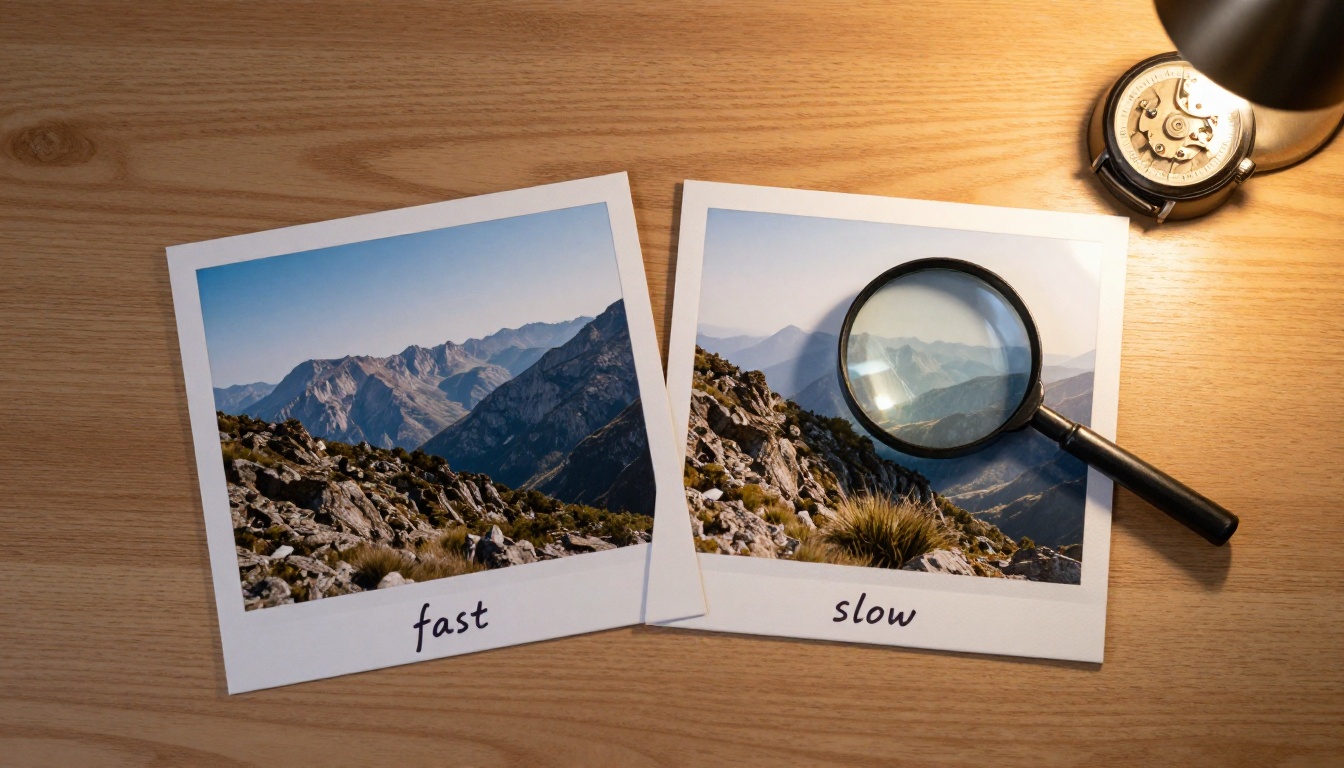
The first thing you notice when working with Seedream 5 Lite is how clean the output is at 2K resolution. There's no soft wash or AI-typical blur around complex edges. Hair, fabric weave, and foliage all hold up when you zoom in. That's not something you can take for granted at this performance tier.
Resolution That Holds Up at Large Sizes
Most "lite" or "fast" model variants sacrifice edge sharpness to hit generation speed targets. Seedream 5 Lite takes a different approach. Its architecture preserves fine detail encoding without requiring additional upscaling steps. Outputs at native resolution remain usable for print-ready work without needing to run them through a super-resolution pass first.
If you regularly work with images destined for social content, digital ads, or editorial layouts, that matters. The difference between an image that needs a cleanup pass and one that ships straight from generation is real time and real cost. With Seedream 5 Lite, the gap narrows considerably.
Speed vs. Quality Tradeoff
Seedream 5 Lite sits in the ideal middle zone for most workflows. When you need a quick iteration cycle to test compositions or prompt variations, it delivers results fast enough to keep momentum going. When you need the final image, you're often already done.
Portrait Quality Sets It Apart
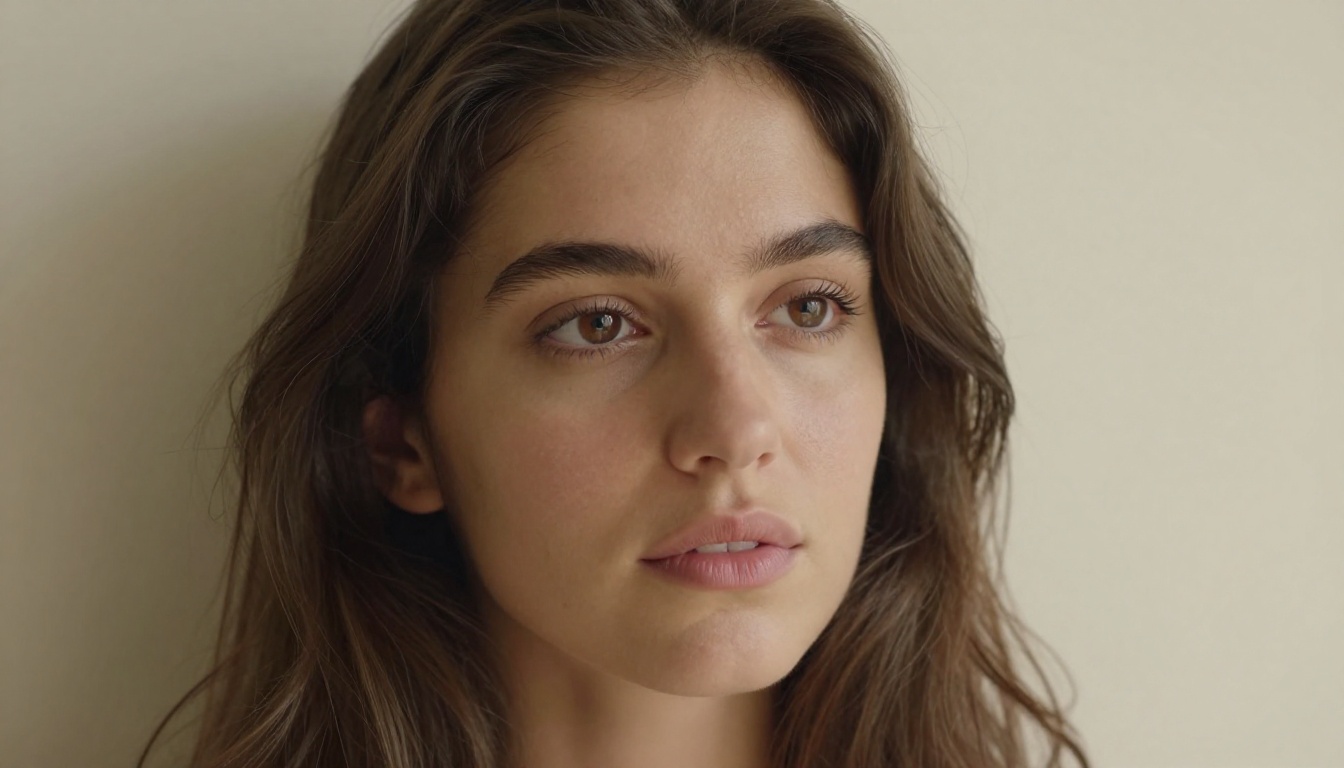
Portrait generation is where Seedream 5 Lite demonstrates its most reliable edge over comparable fast models. Skin, hair, and facial geometry consistently render with a level of structural accuracy that budget-tier models routinely miss.
Skin Texture and Facial Detail
The model handles heterogeneous skin tone rendering particularly well. Instead of flattening skin to a uniform smooth surface, a common artifact in budget models, Seedream 5 Lite preserves the slight variation in tone, micro-shadowing in facial contours, and natural pore texture that makes a portrait feel like a photograph rather than a digital render.
This extends to hair. Individual strand behavior, the way light separates loose strands from the main mass, and the sheen variation across different hair types all render with uncommon accuracy at this performance tier. It's the kind of detail that separates usable portraits from generic AI output.
💡 Prompt tip: Specify lighting direction explicitly. "Overcast light from a window at 45 degrees" produces far more accurate portrait lighting than vague prompts like "natural light." The model responds well to specific photographic language.
Lighting Accuracy in Portrait Shots
One of the most technically difficult elements in portrait generation is light falloff: the way illumination decreases as it moves around a curved surface like a face. Seedream 5 Lite replicates this naturally. A single-source lighting prompt produces a realistic gradient from highlight to shadow without harsh digital edges or artificially even illumination.

This makes it valuable for fashion and editorial content, headshot generation, and any creative work where portrait photography sets the benchmark. When you pair it with specific camera and lens language in your prompt (85mm f/1.8, Canon EOS R5, shallow depth of field), the model adjusts its simulated rendering accordingly. The results consistently read as photographic.
Scene and Landscape Precision
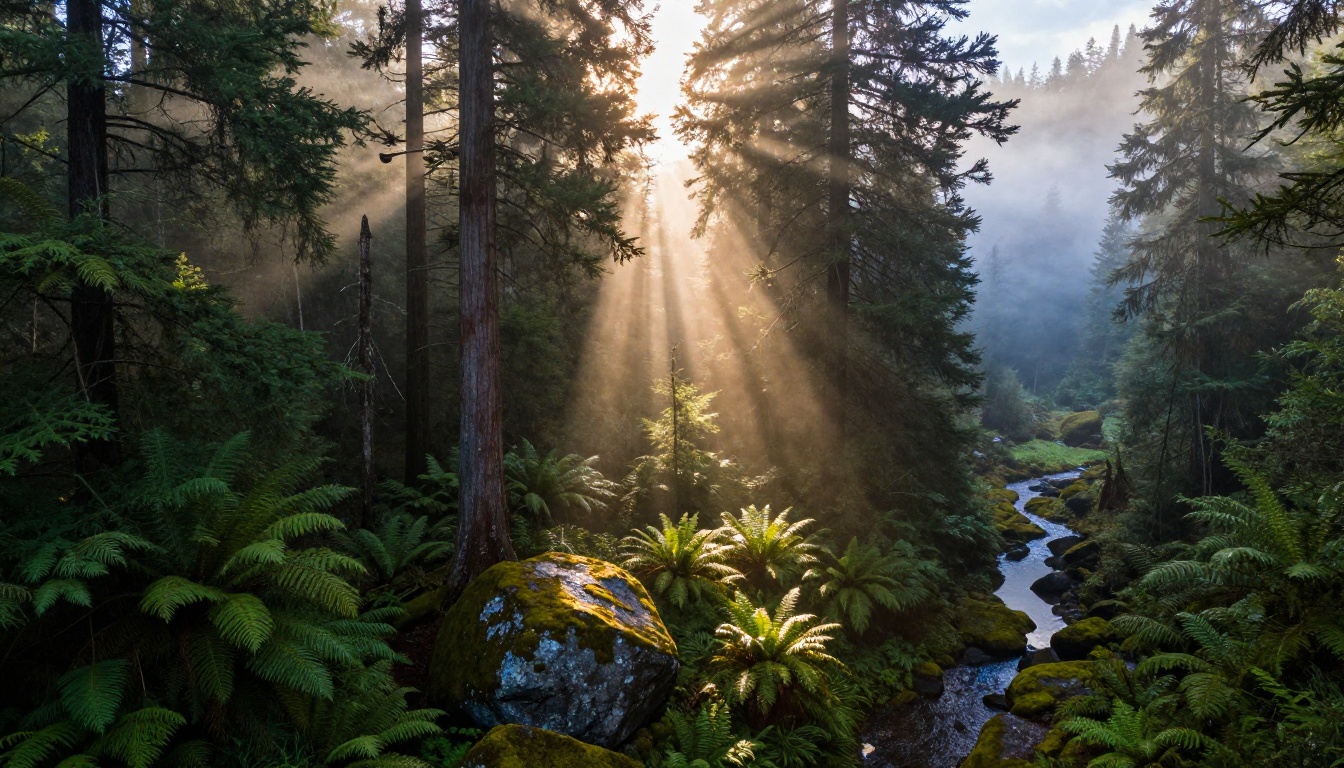
Beyond portraits, Seedream 5 Lite handles environmental imagery with atmospheric accuracy. Fog, mist, rain, volumetric light, and large-scale compositions all maintain coherent spatial relationships without the perspective warping that degrades other fast models.
Depth and Atmospheric Rendering
Layered depth in landscape scenes (foreground detail, mid-ground subject, atmospheric background) renders with spatial consistency. Objects in the distance show appropriate atmospheric haze without becoming muddy or undefined. Foreground elements like rocks, foliage, or water retain texture without overshadowing the compositional hierarchy.
This is especially useful for travel content, environmental storytelling, and product photography backgrounds. Seedream 5 Lite doesn't collapse a scene into a flat backdrop, which is a persistent failure mode in smaller, faster models that skip depth encoding for speed.
Natural Color Grading
Seedream 5 Lite produces color that reads as photographic rather than algorithmically generated. Shadows retain warmth or coolness based on ambient light conditions described in the prompt. Sunset scenes don't over-saturate into unrealistic orange. Overcast daylight renders with the correct flat, even color temperature.
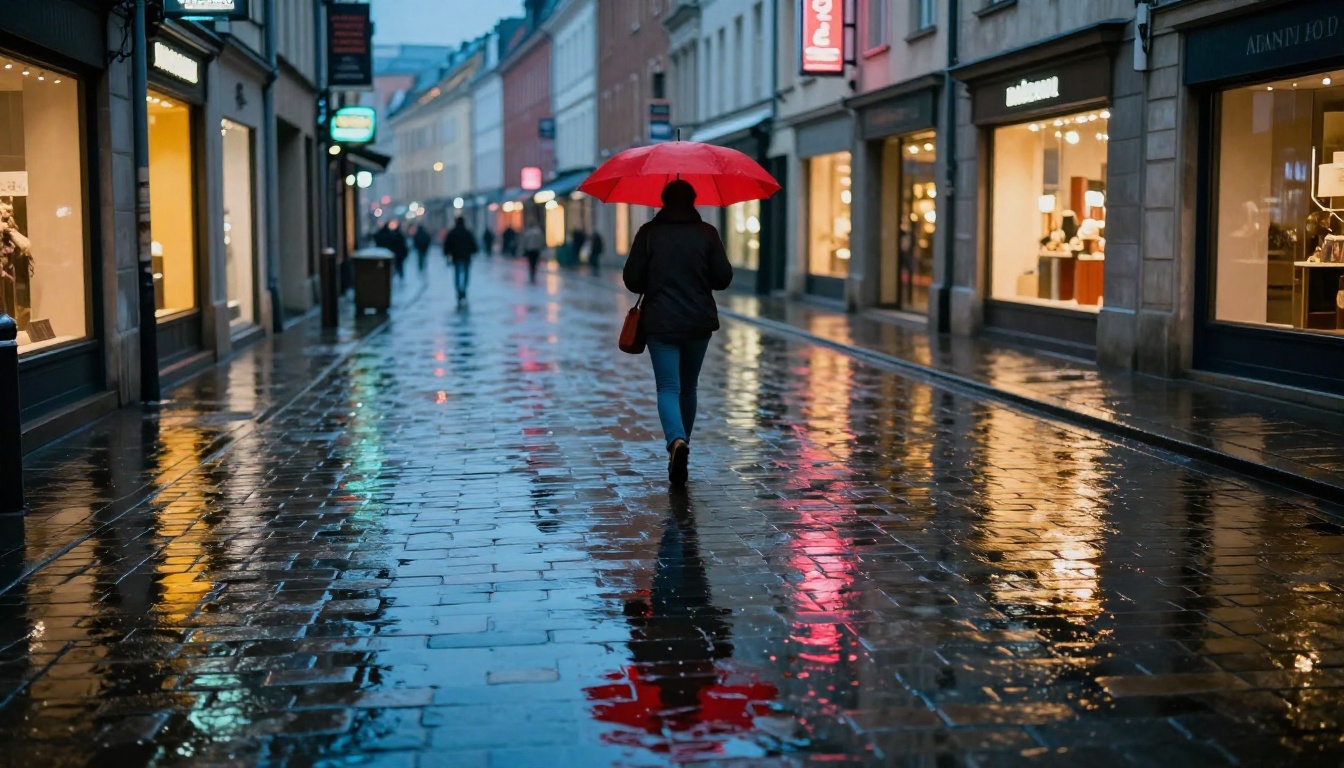
When you describe a specific color situation (golden hour from the east, overcast Nordic light, tungsten interior ambiance), the model interprets that contextually rather than applying a generic warm or cool filter. That makes color grading prompts behave predictably, which saves significant trial-and-error time across a production run.
💡 Prompt tip: Mention the color temperature source alongside your scene description. "Warm Edison pendant lights" or "cool overcast Nordic daylight" consistently outperforms vague descriptors like "moody" or "dramatic." Seedream 5 Lite uses environmental light context more effectively than most models at this speed tier.
Text Rendering in Images
Text generation inside AI images is notoriously unreliable. Most models produce blurry, distorted, or entirely hallucinated letterforms. Seedream 5 Lite improves on this significantly for short text strings at readable sizes.

When Type Needs to Be Legible
The model handles 1-4 word text strings in simple, well-established typeface styles (bold serif, clean sans-serif) with reasonable accuracy when the text is large relative to the image frame. The key technique: enclose the text string in quotation marks within your prompt and position the type element prominently in the scene description.
It won't replace a dedicated typesetting workflow, but for mockups, editorial thumbnails, and social graphics where legible text is part of the composition, Seedream 5 Lite performs better than most alternatives at its speed tier.
The improvement over Seedream 3 is particularly noticeable here. Character spacing, baseline consistency, and letterform accuracy have all improved meaningfully in the 5 Lite version, making it the better default when text rendering matters to the output.
How Seedream 5 Lite Compares to Older Models
Understanding what changed between versions helps you decide when to use Seedream 5 Lite and when to reach for one of its predecessors.

vs. Seedream 4 and 4.5
Seedream 4 and Seedream 4.5 operate at 4K resolution and offer a higher absolute detail ceiling. If you need maximum fine texture or are creating images intended for large-format print, those models have an edge in raw output resolution. The difference is real at sizes above A2.
But for most digital-first workflows, the gap is negligible. Seedream 5 Lite's 2K output is sharp enough for web, social, digital advertising, and editorial work. The speed advantage means you can iterate through significantly more prompt variations in the same time window, which in practice often produces a better final image than fewer, slower generations.
💡 When to choose Seedream 4.5 over 5 Lite: When printing at A2 or larger, when extreme fine detail in fabric or foliage is the primary compositional subject, or when you have time for longer generation and need the absolute resolution ceiling.
vs. Seedream 3
The jump from Seedream 3 to Seedream 5 Lite is substantial. Portrait coherence, text rendering, color accuracy, and atmospheric scene depth all improved meaningfully. Seedream 3 remains useful for very high-volume draft generation where quality is secondary to throughput, but for anything intended for publication or client delivery, Seedream 5 Lite is the better default choice.
The architectural changes in Seedream 5 Lite specifically address the areas where Seedream 3 produced the most inconsistent results: portrait facial geometry, skin texture across different tones, and complex scene depth. If those were pain points for you in Seedream 3, they're largely resolved.
How to Use Seedream 5 Lite on PicassoIA
Seedream 5 Lite is available directly on PicassoIA without any setup friction. Here's how to get the best results quickly.
Step-by-Step
- Go to Seedream 5 Lite on PicassoIA
- Enter your prompt in the text field. Structure it as: subject, then environment, then lighting, then camera specifics.
- Select your aspect ratio. Use 16:9 for landscape compositions, 9:16 for portrait-orientation content, 1:1 for social thumbnails.
- Hit generate. The model completes in seconds.
- If the result needs refinement, adjust one element of the prompt at a time rather than rewriting the entire description. This makes it easier to isolate what variable produced the change.
Prompt Tips for Best Results
- Be specific about lighting: "Soft overcast light from above-left" consistently outperforms "natural light."
- Include camera language: "85mm f/1.8, shallow depth of field" signals the model to adjust rendering without needing a real camera brand.
- Anchor surface texture descriptions: Phrases like "natural pore texture," "fine fabric weave," or "rough-cast concrete aggregate" reliably activate texture rendering.
- Short text strings in quotes: Keep embedded text to 1-3 words, enclose in double quotes, and place the type element prominently in the composition.
- Use film stock references: "Kodak Portra 400 film grain" pushes output away from digital sterility and toward photographic warmth.
Other Models Worth Pairing With It
Seedream 5 Lite works best as part of a broader generation workflow rather than as a standalone tool. Several other models on PicassoIA complement it well depending on what you're producing.
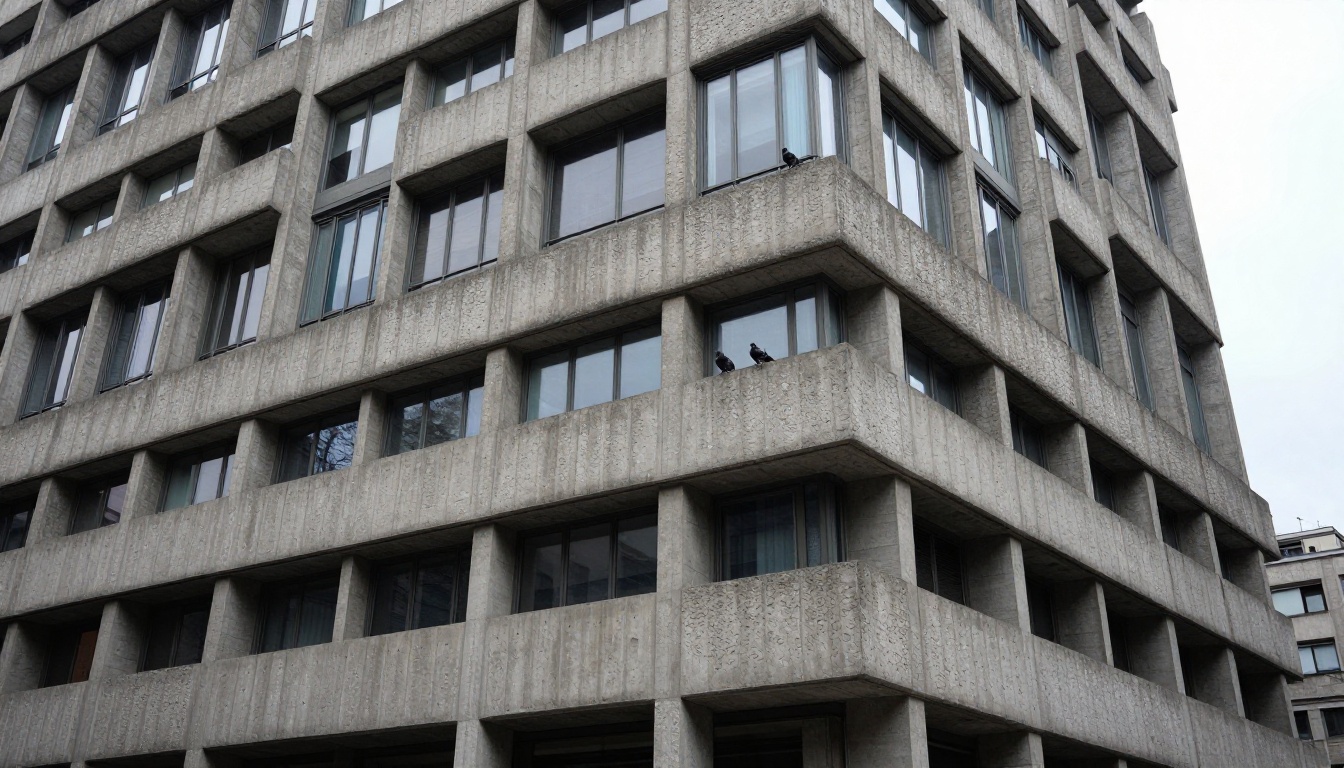
For portrait upscaling: After generating a strong portrait with Seedream 5 Lite, running it through a super-resolution model on PicassoIA can bring it to print-ready dimensions without introducing AI artifacts or edge degradation.
For background removal: PicassoIA's background removal tools work cleanly on Seedream 5 Lite outputs, particularly for product shots and portrait cutouts where the subject edges are well-defined.
For inpainting and editing: When a Seedream 5 Lite image is close but needs a specific element corrected (wrong prop, slightly off expression, background doesn't fit the brief), PicassoIA's inpainting tools let you fix targeted regions without regenerating the full image and losing what's working.
For image-to-video: If you want to animate a Seedream 5 Lite still, PicassoIA's image-to-video models accept the output directly, letting you extend a single high-quality frame into motion content for reels, presentations, or campaign assets.
The combination of Seedream 5 Lite with these surrounding tools creates a complete production pipeline rather than a single generation step.
What It Won't Do (and What to Use Instead)
Seedream 5 Lite isn't the right choice for every task. For highly stylized illustration or artistic styles, models specifically trained on those datasets will outperform it. For maximum resolution at first generation without any upscaling step, Seedream 4.5 at 4K is the better pick. For complex multi-subject scenes requiring precise spatial relationships and narrative composition, larger models with stronger semantic understanding tend to produce fewer structural errors.
💡 The honest take: Seedream 5 Lite is a workhorse. It won't always be the absolute best at any single task, but it's consistently good across almost everything, which is far more valuable in a real workflow than a model that excels at one task and fails at five others. Reliability matters more than peak performance.
Start Creating With It Now
The fastest way to understand what Seedream 5 Lite actually does is to run a few prompts and compare results directly. Take a composition you've already generated in another model and regenerate it here. Compare the portrait detail, the color accuracy, the speed. Most creators who run that comparison end up making it their primary fast-generation tool within the same session.
PicassoIA gives you access to Seedream 5 Lite alongside dozens of other text-to-image models, all on the same interface, without managing separate tools or API keys. Whether you're building a content pipeline, testing creative concepts, or producing final assets for clients, the platform lets you work with the right model for each stage of production.

Start with a portrait. Then try a landscape. Then a typographic mockup. Each category will show you something different about where the model performs, and within a few generations you'll have a clear picture of where it fits in your workflow and when to reach for one of its siblings instead. That kind of firsthand calibration is worth more than any benchmark.
Try Seedream 5 Lite on PicassoIA and see what it does for your next project.


