Most people asking which AI tools let you skip the filters are not doing anything sinister. They want to create glamour photography, suggestive artistic portraits, or generate images of a woman in a bikini without the platform treating them like a criminal. That experience, of crafting a careful prompt only to receive a refusal, is what pushed creators toward a new generation of AI tools built without those hard blocks.
This is a breakdown of the tools that actually work, what makes them different, and why the platform hosting the model matters just as much as the model itself.

What "Skipping the Filters" Actually Means
Not all AI content restrictions are the same. Some are architectural, baked into the model weights themselves. Others are platform-level, meaning the same underlying model behaves completely differently depending on where you access it.
Hard Blocks vs. Soft Restrictions
A hard block happens at the model level. The model was trained to refuse certain outputs, regardless of how the prompt is written. DALL-E 3 is the most famous example: OpenAI trained explicit rejection of suggestive content into the model itself. You can host it anywhere and it will still decline.
A soft restriction is different. It lives in the API wrapper, the platform's safety classifier, or a custom fine-tune applied on top of a base model. Strip the wrapper away, or access the base model directly, and the restriction disappears. This is why Stable Diffusion 3 behaves differently on a locked commercial platform versus on an open-access one. The model is the same. The gate around it is not.
The tools worth paying attention to are the ones that either:
- Use base models without restrictive safety layers, or
- Run on platforms that explicitly allow mature and suggestive content
Why Open Platforms Win
A model running on a permissive platform with no automated content classifier gives you full prompt fidelity. What you type is what gets rendered. This is not a hack or a workaround. It is the original design of diffusion models before safety classifiers were bolted on by commercial hosts.

💡 The question to ask any AI platform is not "does it have a safety filter?" but "is the filter hard-coded at model level, or is it applied externally?"
Seedream 4.5
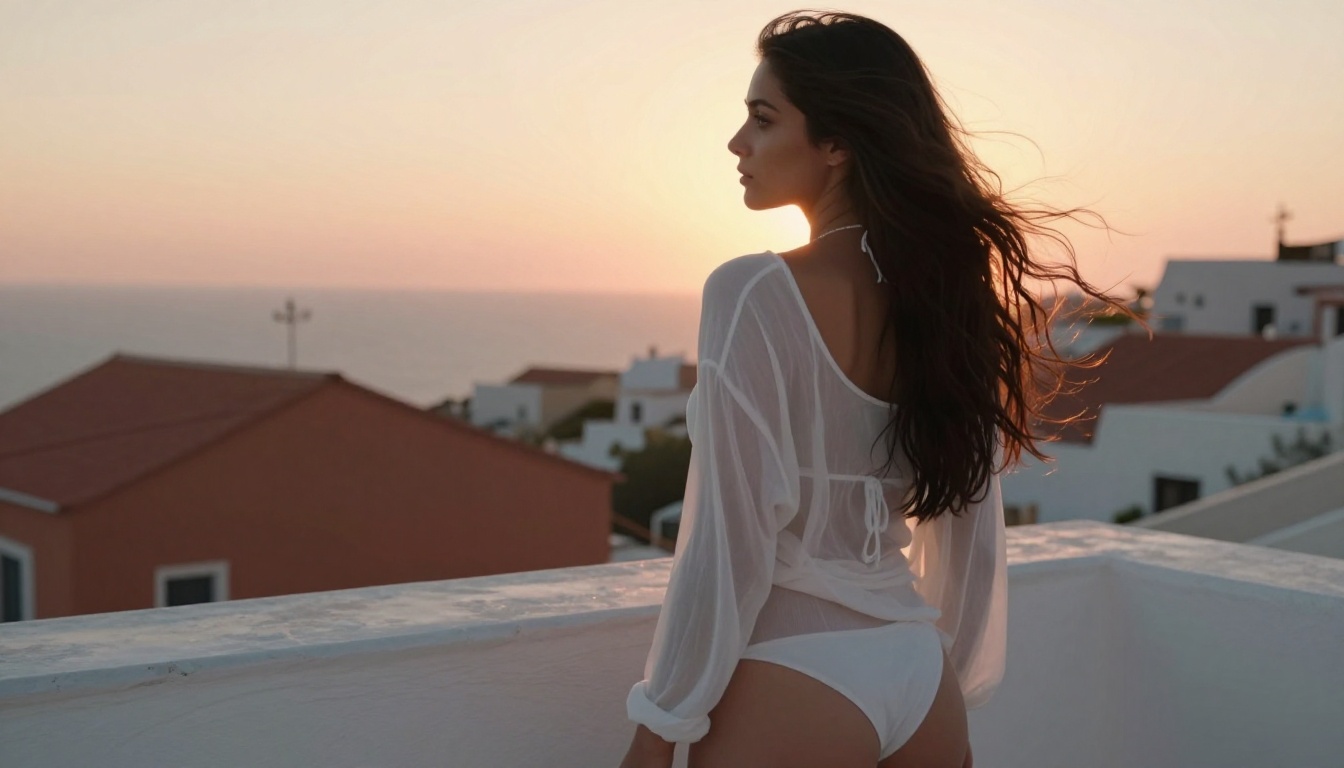
Seedream 4.5 from ByteDance is the strongest starting point for any creator working with suggestive or mature content. Where many models soften skin, round out details, and add an uncanny quality to human figures, Seedream 4.5 renders skin texture, clothing fabric, and physical proportions with a precision that reads as genuinely photographic.
What sets it apart:
- Photorealistic skin rendering at 4K resolution
- Strong understanding of fabric physics (silk, sheer, swimwear)
- Prompt adherence that does not water down suggestive descriptors
- Consistent human anatomy even in challenging poses
The model handles lighting nuance well. Describe a bikini-clad woman backlit by late afternoon sun and you get exactly that: rim light on fabric edges, warm skin tone, shadow gradients that a real photographer would struggle to replicate on a budget.
PicassoIA Image Editor Pro
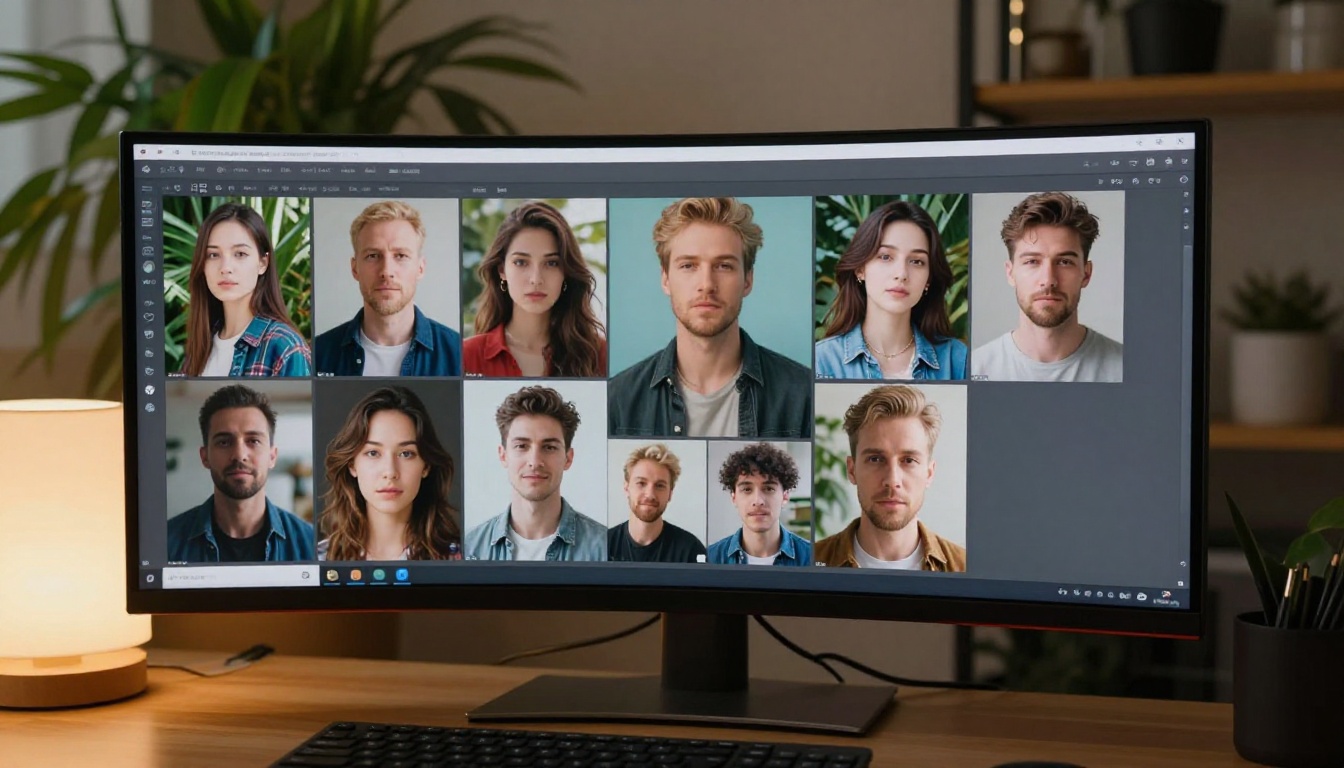
PicassoIA Image Editor Pro is the platform-level answer to the filter problem. While most hosted AI tools throttle you to 10-20 free generations per day, this model runs with unlimited generations on the PicassoIA platform. For creators doing iterative work, that is not a minor convenience. It changes how you work entirely.
You stop rationing prompts. You experiment more aggressively. You find the version of an image that works instead of settling for the closest one you can afford.
The model performs well on portrait work, glamour photography, and fashion-style images. The absence of hard content blocks on the platform means prompts describing lingerie, swimwear, or artistic partial nudity are handled without refusals.
Flux Dev
Flux Dev by Black Forest Labs quietly displaced Stable Diffusion as the default choice for unrestricted image generation. The base weights are public. The architecture responds well to direct, unambiguous prompting. Where many models interpret suggestive descriptors conservatively, Flux Dev follows the literal intent.
Strengths for filter-free work:
- Exceptional detail in fabric rendering (silk, sheer, lace)
- High spatial intelligence placing subjects in environments accurately
- No commercial content filter in the base weights
- Strong response to artistic and editorial photography prompts
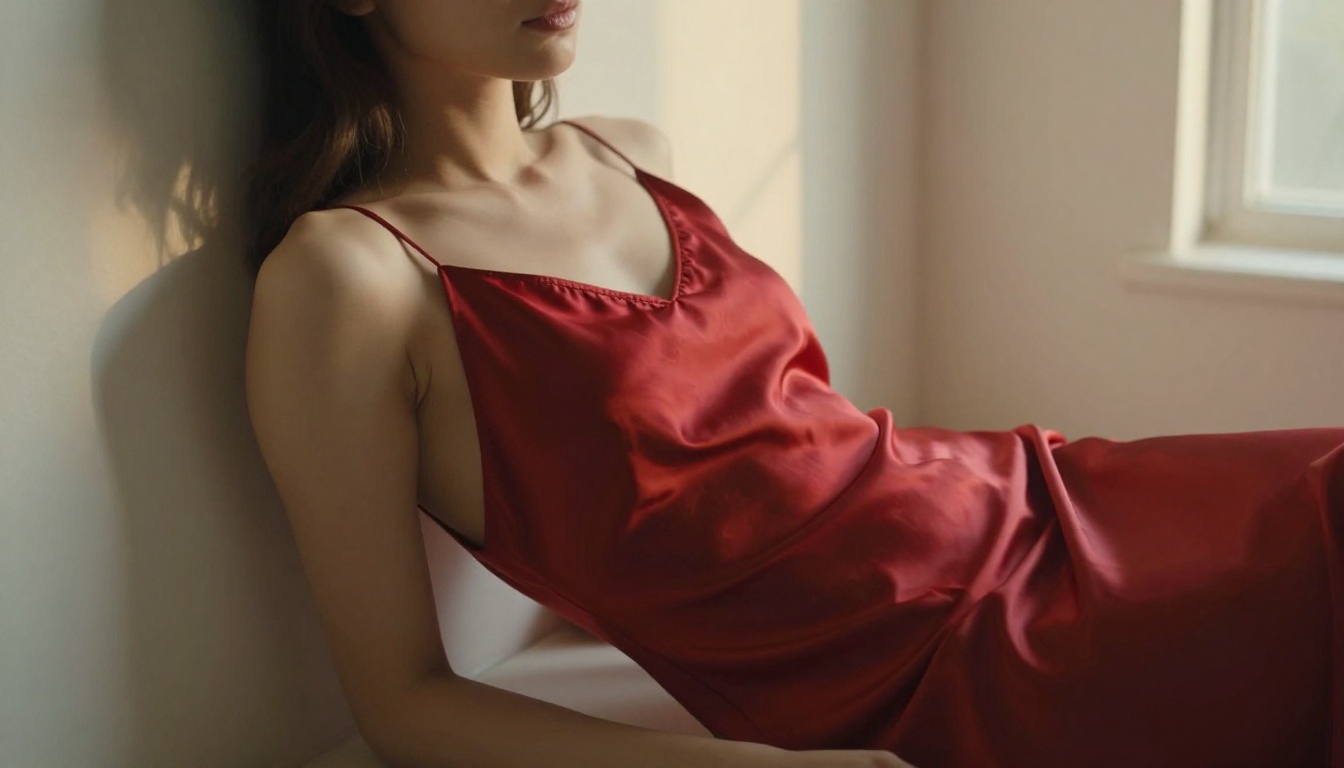
Describe a woman in a red silk slip dress against a white wall in diffused afternoon light and the model delivers the specific quality of light, the drape of the fabric, and the intimacy of the framing.

Stable Diffusion 3.5 Large
Stable Diffusion 3.5 Large remains one of the most-used models for adult and mature content because its weights are freely available and the community has spent years building fine-tunes, LoRAs, and prompt libraries around it. On a permissive platform, it delivers consistently for portrait and glamour work.
It is not the newest model in the lineup, but the volume of community tooling around it is unmatched. That means better prompt templates, refined LoRAs for specific photographic styles, and predictable output quality across varied subjects.
RealVisXL v3.0 Turbo
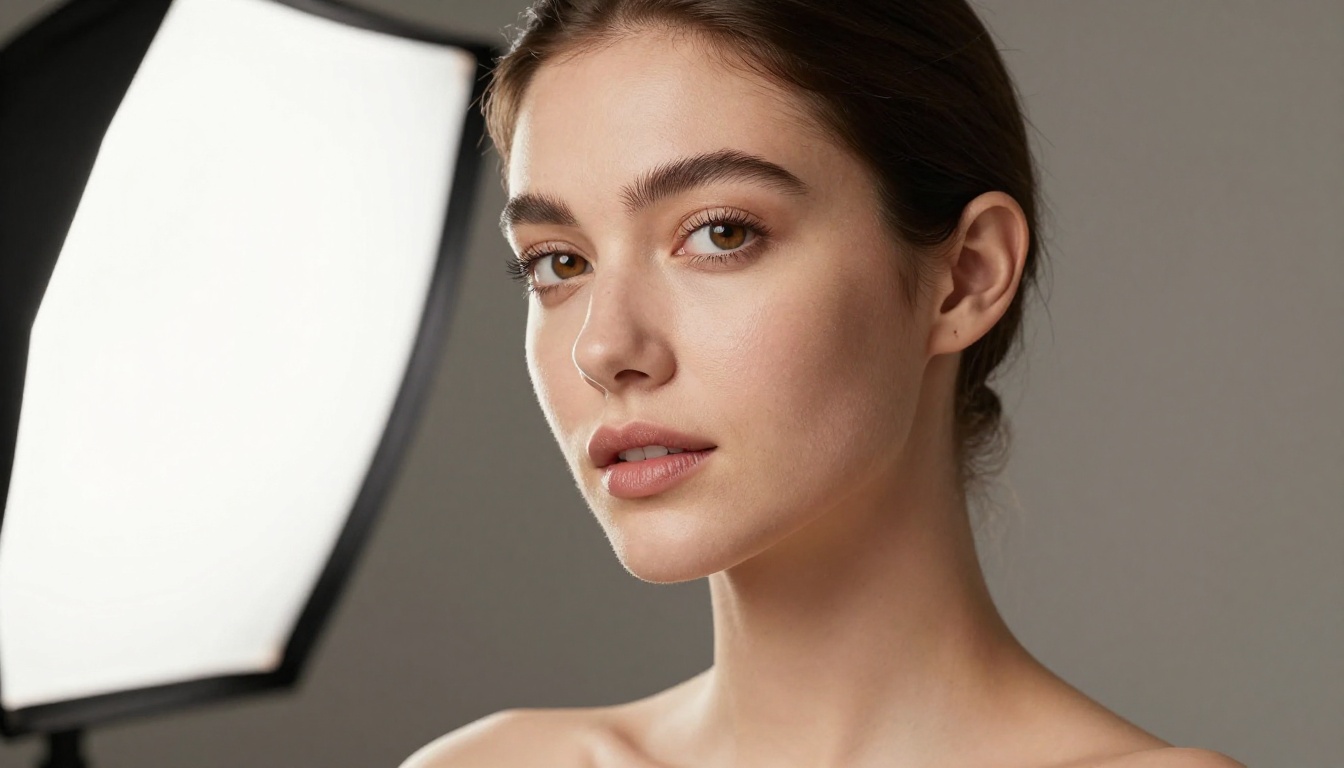
RealVisXL v3.0 Turbo is fine-tuned specifically for photorealism. Skin texture, hair, eyes, the micro-details that separate a convincing image from an obvious AI render are where this model makes its case. It runs on SDXL architecture but the fine-tune pushes output significantly beyond the base model for portrait and glamour work.
If your use case involves close-up beauty photography, detailed skin work, or high-fidelity fashion shots, this is the model to reach for first.

How to Use Seedream 4.5 on PicassoIA
PicassoIA hosts Seedream 4.5 directly. You get access without needing API keys, local setup, or credit management on a third-party platform.
Step 1: Open the model page
Go to Seedream 4.5 on PicassoIA and open the generation interface. No account required to start.
Step 2: Write a specific prompt
Vague prompts produce average results with any model. With Seedream 4.5, specificity is rewarded aggressively. Describe the exact lighting (volumetric morning light from the left), the exact clothing (ivory silk bikini, sheer linen cover-up), and the camera framing (85mm f/1.8, low angle, shallow depth of field).
💡 Include photographic technical terms. Seedream 4.5 interprets "Kodak Portra 400 film grain" and "85mm f/1.8 depth of field" as actual visual instructions, not decorative text.
Step 3: Iterate without limits
Because PicassoIA does not cap daily generations, you can run 10-20 variations of the same prompt to find the ideal composition. Adjust one variable at a time: swap the background, change the time of day, or shift the camera angle.

Parameter recommendations:
- Resolution: Default to the highest available for portrait work
- Guidance scale: 7-9 increases prompt fidelity for specific physical descriptions
- Steps: 30-50 steps produces noticeably sharper detail
- Negative prompt: Use "cartoon, illustration, painting, 3D render, CGI" to push toward photography

Side-by-Side Comparison

Choosing the right model is only half of the equation. The platform running it determines what prompts actually go through without modification or refusal.
The Limit Problem
Most AI platforms that claim "unrestricted" access still impose daily or monthly generation caps. When you are iterating on a complex prompt with specific lighting, pose, and composition requirements, hitting a 25-image daily limit stops creative work completely.
PicassoIA removes that cap entirely on their native models, including PicassoIA Image and PicassoIA Image Editor Pro. The practical impact is significant. Creators who need 40-50 generations to find the right version of an image can work without interruption.

Speed and Output Quality
Filter-free does not mean slow. Both Seedream 4.5 and Flux Schnell LoRA generate images in under 10 seconds on PicassoIA's infrastructure. That speed matters when you are running multiple variations of a single prompt.
Flux Kontext Fast takes this further, optimized specifically for rapid iteration while maintaining output quality. For photographers and content creators doing high-volume work, the combination of speed, unlimited generations, and no content blocks changes the workflow completely.
💡 Speed and freedom from filters are not in conflict. The fastest models on PicassoIA are also the ones with the least restrictive output policies.
What You Can Actually Create
The practical scope of filter-free AI image generation is wider than most people initially assume. It covers not just mature content but entire categories of photography that standard platforms block or water down by default.
Glamour and Artistic Portraits
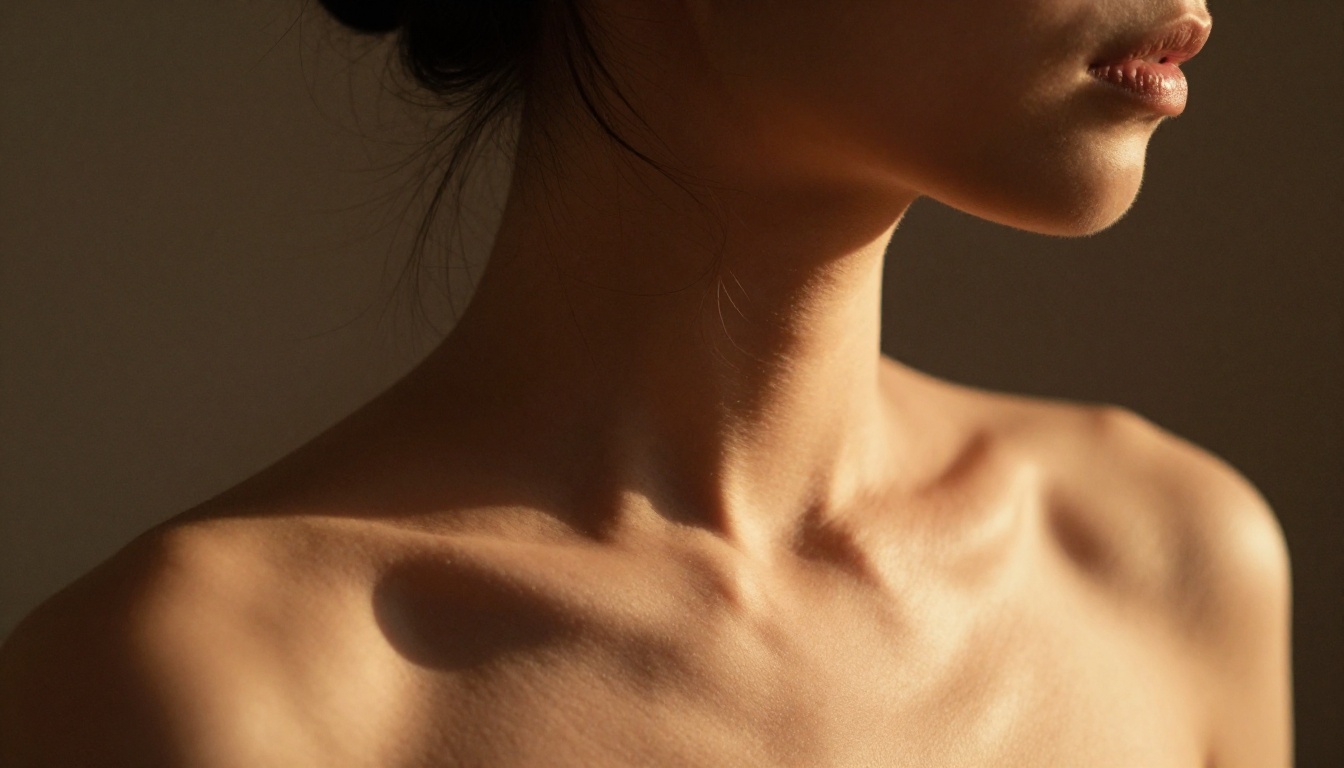
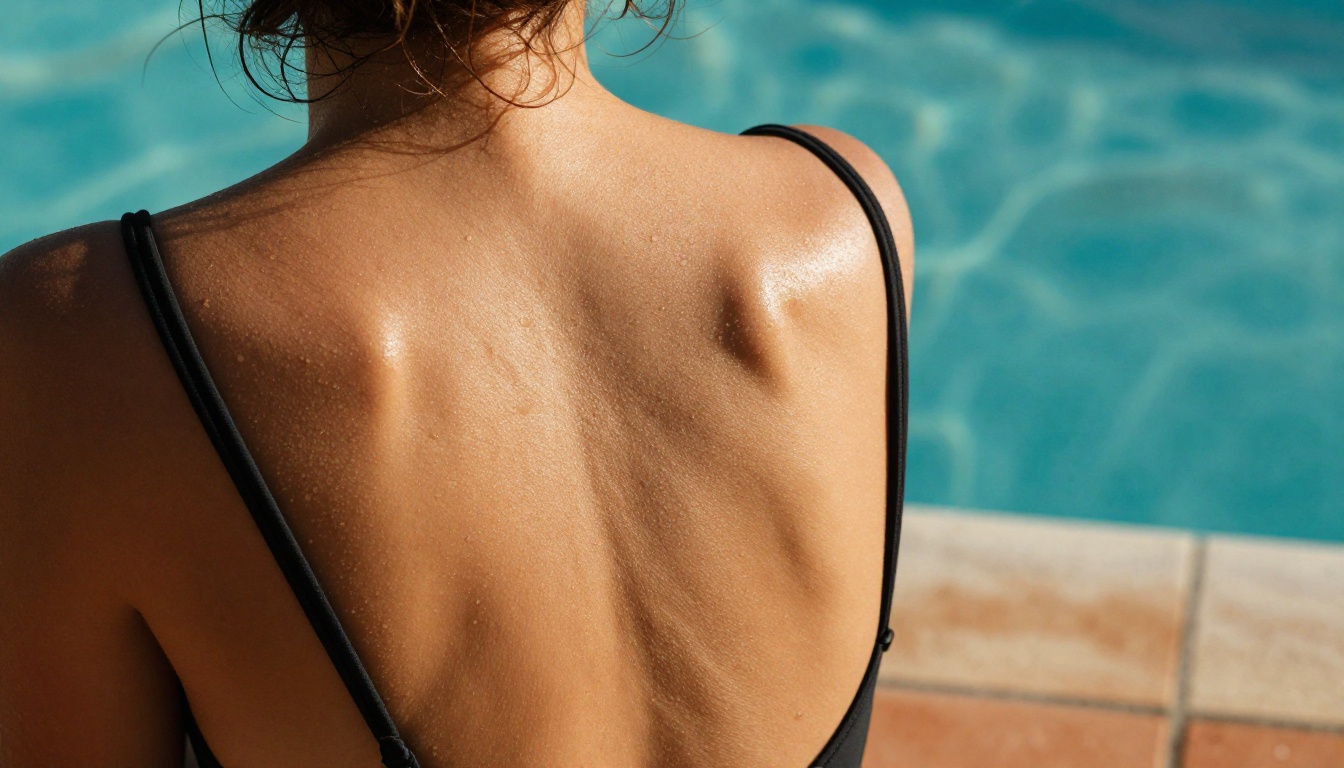
Swimwear, lingerie, sheer clothing, and implied nudity are all areas where mainstream platforms add automatic conservatism that distorts the final image. A prompt describing a model in a bikini on a sun lounger becomes a fully clothed woman in soft lighting. The filter is invisible, but its effect is total.
With Seedream 4.5 or RealVisXL v3.0 Turbo on PicassoIA, the prompt renders as written. Swimwear remains swimwear. Sheer fabric remains sheer. The image reflects creative intent rather than a cleaned-up approximation.

Fantasy and Atmosphere
Beyond direct portrait work, filter-free models handle atmospheric and stylized scenarios that mainstream platforms flag because of subject matter rather than actual content.
A woman reclining in a Mediterranean villa in a silk bikini is not explicit content. A woman on a beach at sunset in a white sundress is not adult material. Yet both scenarios get softened or refused on platforms running aggressive classifiers.

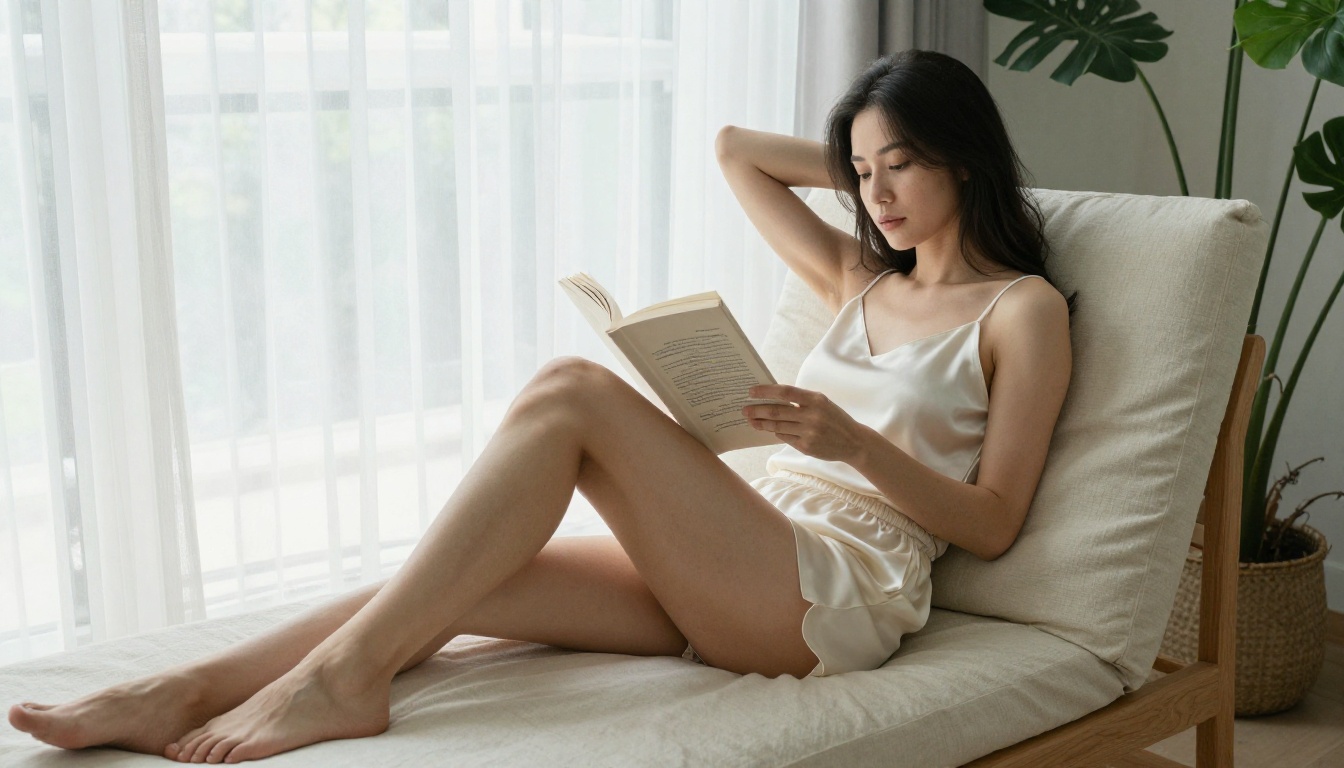
The models listed here render these images without modification. The subject stays in focus. The lighting matches the description. The atmosphere of the scene, the warmth, intimacy, or sensuality, is preserved rather than washed out by a classifier working against the prompt.
High-End Photography Style
Studio portraiture, beauty photography, fashion editorials: these genres require precise control over lighting, skin rendering, and compositional framing. When a filter layer actively works against suggestive lighting or form-fitting clothing, the output drifts away from editorial quality and toward something blander.
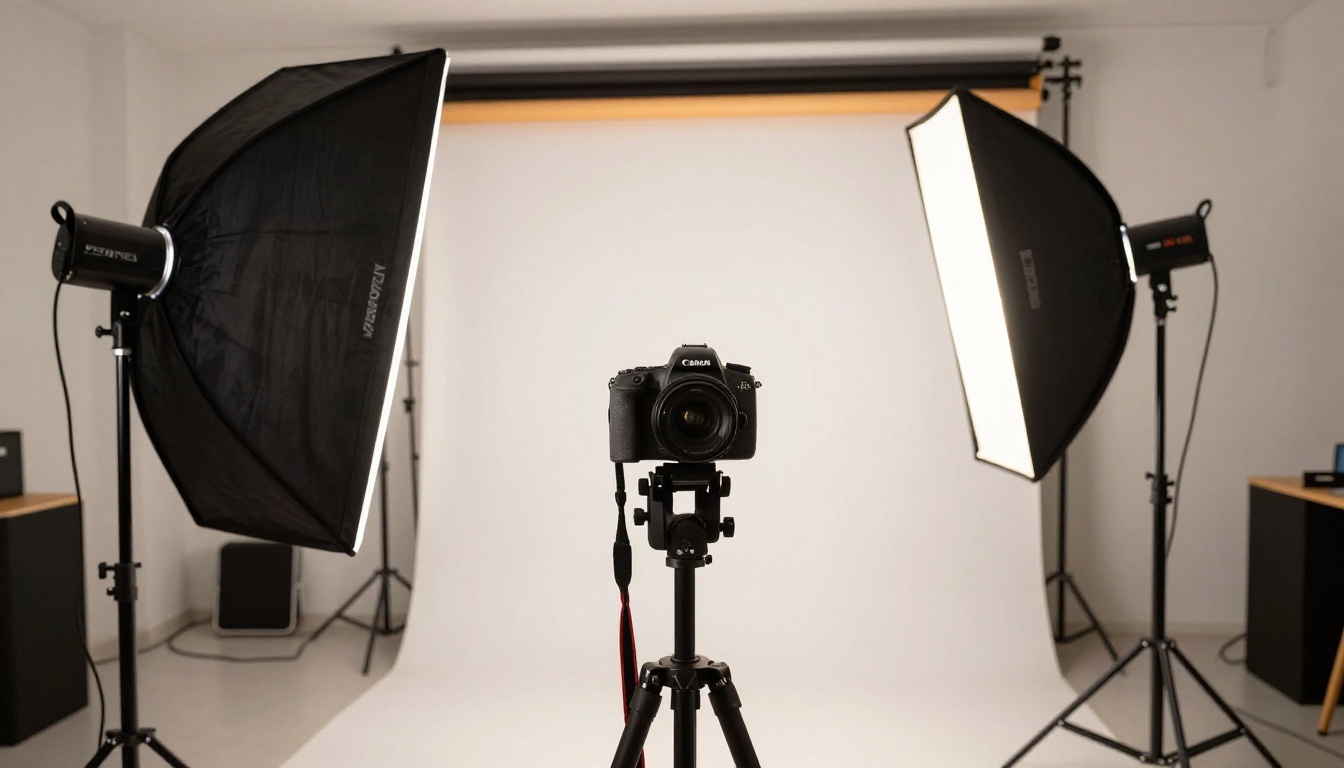
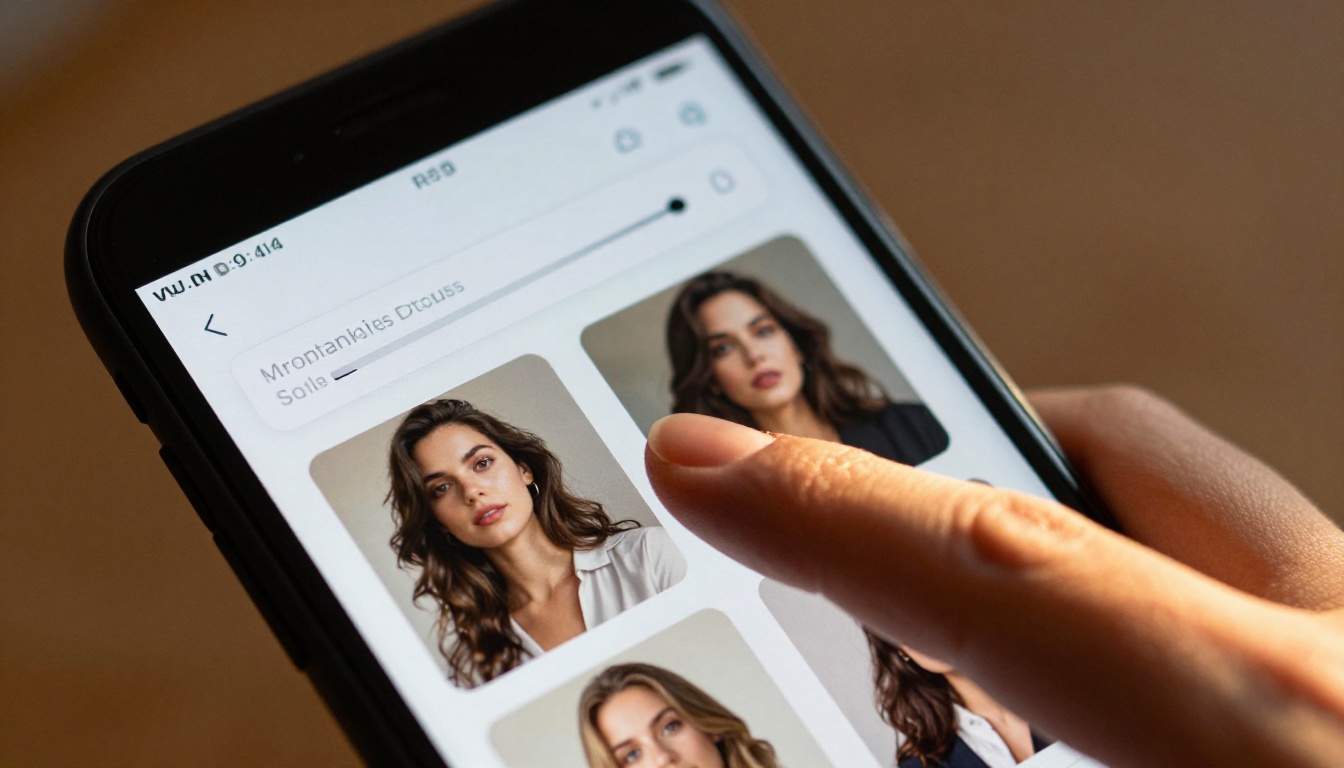
Models like Wan 2.7 Image Pro and Hunyuan Image 2.1 bring the resolution and detail fidelity needed for professional-quality outputs while running without automatic content reduction. Dreamina 3.1 adds cinematic scene-building capability for more atmospheric compositions.
Start Creating Without Walls
The answer to which AI tools let you skip the filters is not a single model. It is the combination of a model with open base weights and a platform that does not apply an aggressive classifier on top of it.
Seedream 4.5 is the recommendation for creators who want the best photorealistic quality right now. PicassoIA Image Editor Pro is the recommendation for anyone doing high-volume iterative work. Flux Dev and RealVisXL v3.0 Turbo are the strongest options for editorial and fashion work.
All of them are available in one place. Visit picassoia.com/en/all-models to browse the full catalog, compare output styles side by side, and start generating without the walls.


