If you've spent any time searching for a solid NSFW AI image generator, two names keep appearing in every forum thread and comparison post: ZenCreator and Grok Imagine. Both tools promise photorealistic results, creative freedom, and a workflow that feels less like fighting a content filter and more like actual art creation. But which one actually delivers?
This breakdown cuts through the noise. We tested both platforms, analyzed their output quality, dug into their pricing structures, and looked at where each one draws the line on suggestive and adult-oriented content. By the end, you'll have a clear picture of which tool fits your workflow and creative goals.
ZenCreator: What It Actually Is
ZenCreator is a dedicated AI image generation platform built specifically for creative freedom. Unlike mainstream tools that apply aggressive content filters to everything remotely suggestive, ZenCreator positions itself as a space for artists, content creators, and adult content producers who want more latitude in what they create.
How ZenCreator Works
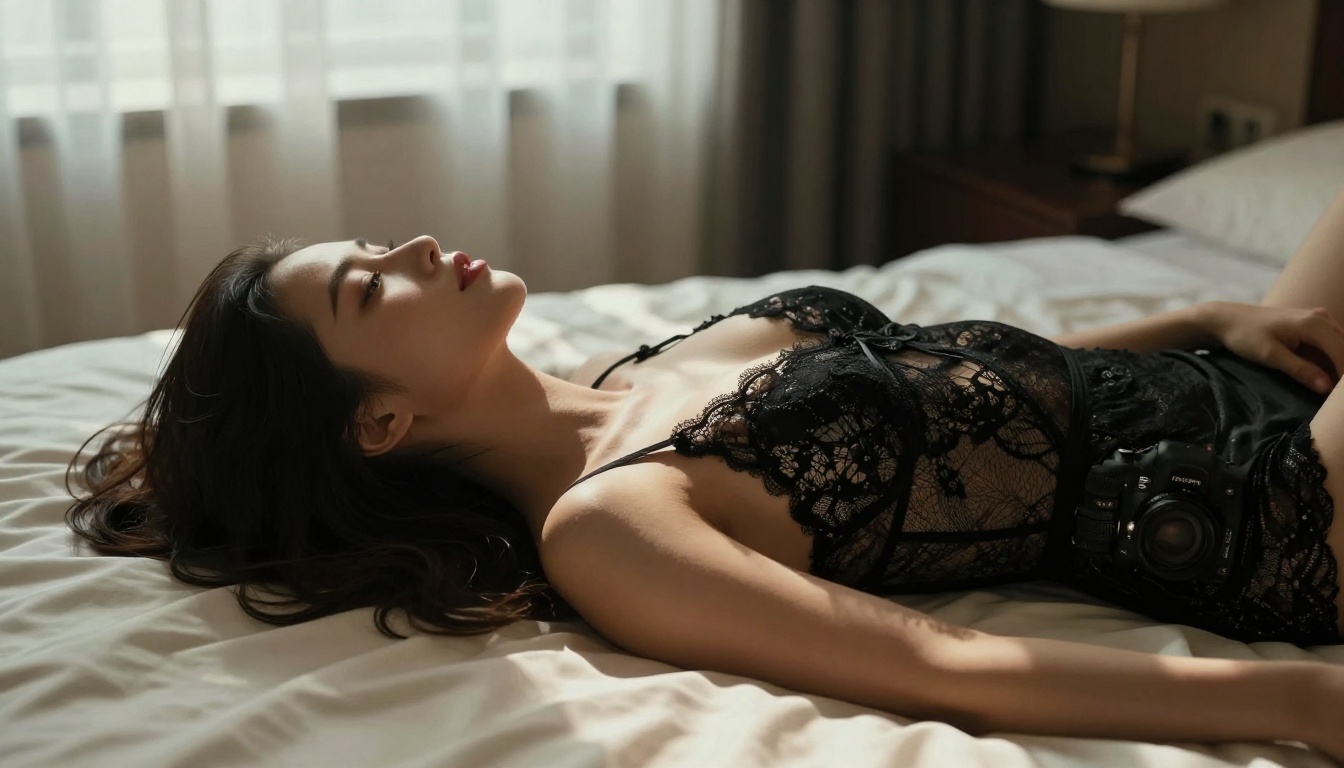
At its core, ZenCreator uses a combination of fine-tuned diffusion models to process your text prompts and convert them into images. The platform offers multiple model options, letting you switch between checkpoints optimized for photorealism, stylized art, or anime aesthetics depending on your project.
The interface is straightforward. You type a prompt, optionally add a negative prompt, adjust parameters like steps, guidance scale, and seed, then generate. Results typically come back in under 30 seconds for standard resolutions.
One thing that stands out is the LoRA system ZenCreator supports. Users can load community-trained LoRAs to fine-tune outputs toward specific body types, art styles, or character aesthetics. This gives ZenCreator a significant edge in customization compared to more closed platforms.
ZenCreator's NSFW Approach
ZenCreator is explicit about its adult content support. The platform operates under an age-verification system and allows users to generate suggestive and mature content within defined parameters. Artistic nudity, glamour photography styles, and suggestive scenarios are all within scope.
💡 Important: ZenCreator requires account verification and is age-gated. Always use these platforms responsibly and within their stated terms of service.
The tool does maintain hard limits around certain categories, but within those boundaries the creative range is considerably wider than what you'd get from mainstream platforms like Midjourney or Adobe Firefly.
Grok Imagine comes from a completely different direction. It's built by xAI, Elon Musk's AI company, and launched as part of the Grok AI assistant ecosystem. The image generation capability was added to Grok as an integrated feature, making it accessible to anyone with an X (formerly Twitter) Premium subscription.
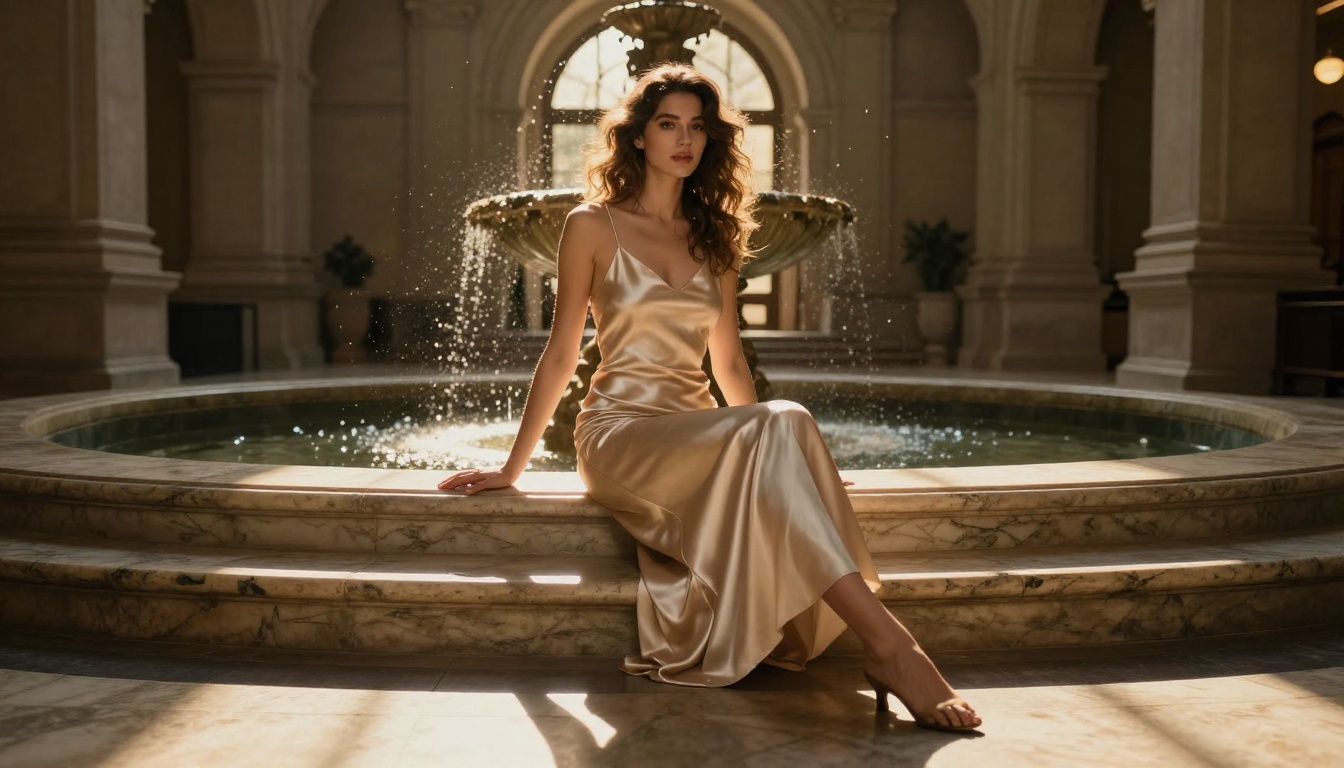
On PicassoIA, you can access Grok Imagine Image directly through the platform's text-to-image collection, which means you don't need an X subscription to test it alongside dozens of other models.
Built by xAI, Shaped by Controversy
Grok made headlines early on precisely because of its content policy, or more accurately, the relative lack of one compared to other corporate AI tools. When Grok Imagine launched, users quickly discovered it would generate images that other platforms outright refused, including political figures in unusual contexts and mildly suggestive imagery without significant pushback.
xAI later tightened some of these policies following media attention, but Grok Imagine still operates with noticeably fewer hard stops than OpenAI's DALL-E or Google's Imagen.
Grok Imagine's NSFW Capabilities
Grok Imagine supports suggestive content but does not currently offer full explicit adult content generation through official channels. It handles:
- Bikini and lingerie imagery without flagging
- Suggestive poses and styling
- Artistic implied nudity in certain contexts
- Mature themes in fashion and glamour contexts
Where it pulls back is on anything crossing into explicit territory. The model has been trained to recognize direct requests and either decline or soften the output significantly.
Image Quality: The Real Difference
This is where the comparison gets genuinely interesting. Both tools produce impressive images, but they have distinct visual fingerprints.
Realism and Skin Texture
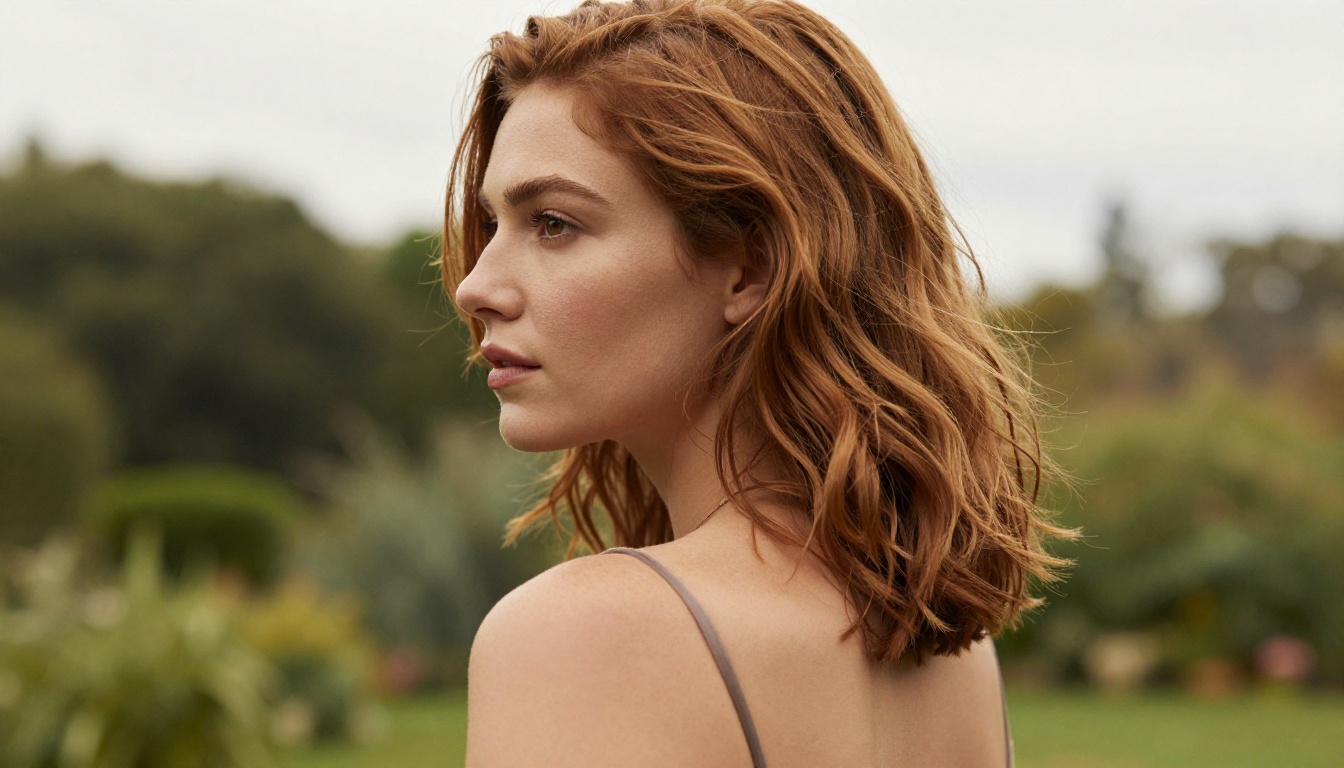
ZenCreator, running on its photorealistic checkpoints (models similar in architecture to Realistic Vision v5.1 and SDXL), tends to produce outputs with:
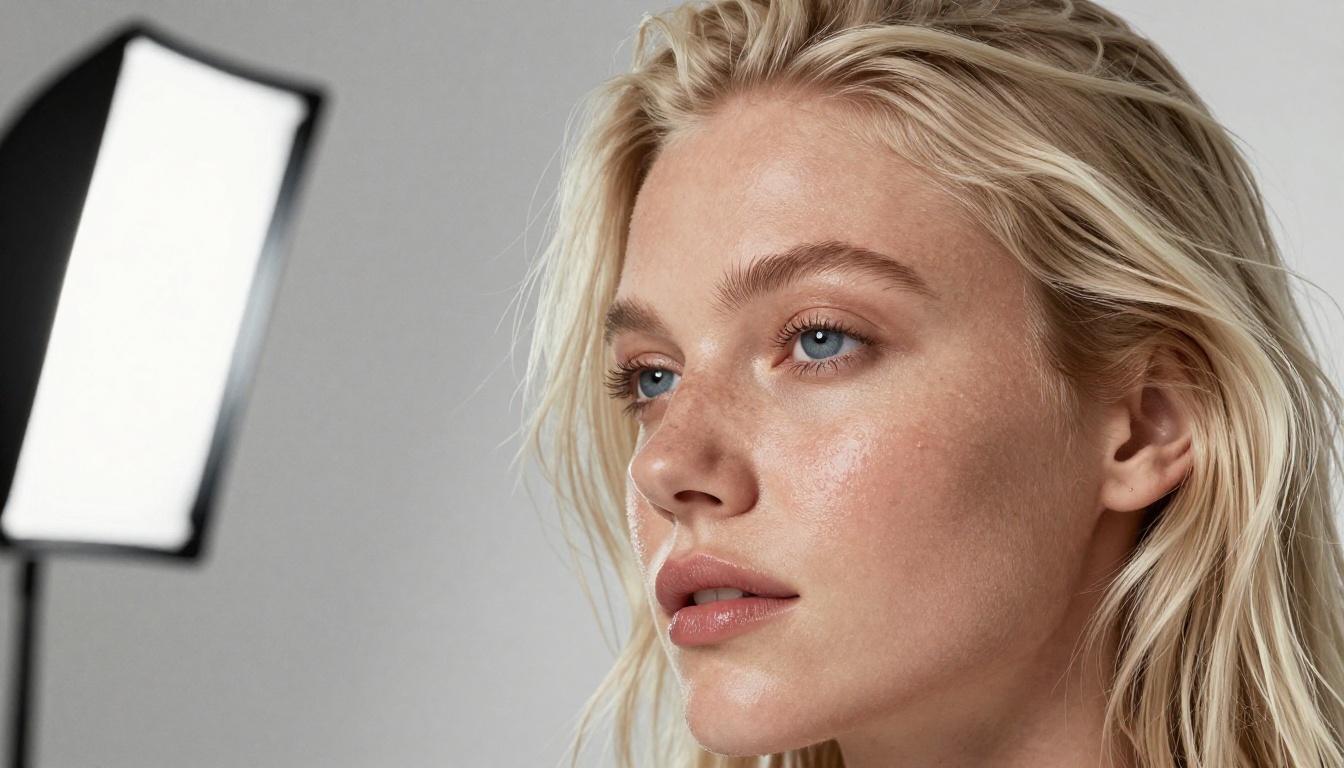
- More accurate skin texture and pore detail
- Better handling of hair strands and fine details
- More natural lighting transitions across surfaces
- Less of the "smooth plastic" look that plagues many AI generators
Grok Imagine produces cleaner, sharper outputs that can look almost overly polished. The images feel more like digital renders than photographs. For certain use cases like illustrations or stylized content, this works well. But for photorealistic NSFW art where authentic skin texture matters, ZenCreator has a visible edge.
Prompt Accuracy and Instruction Following
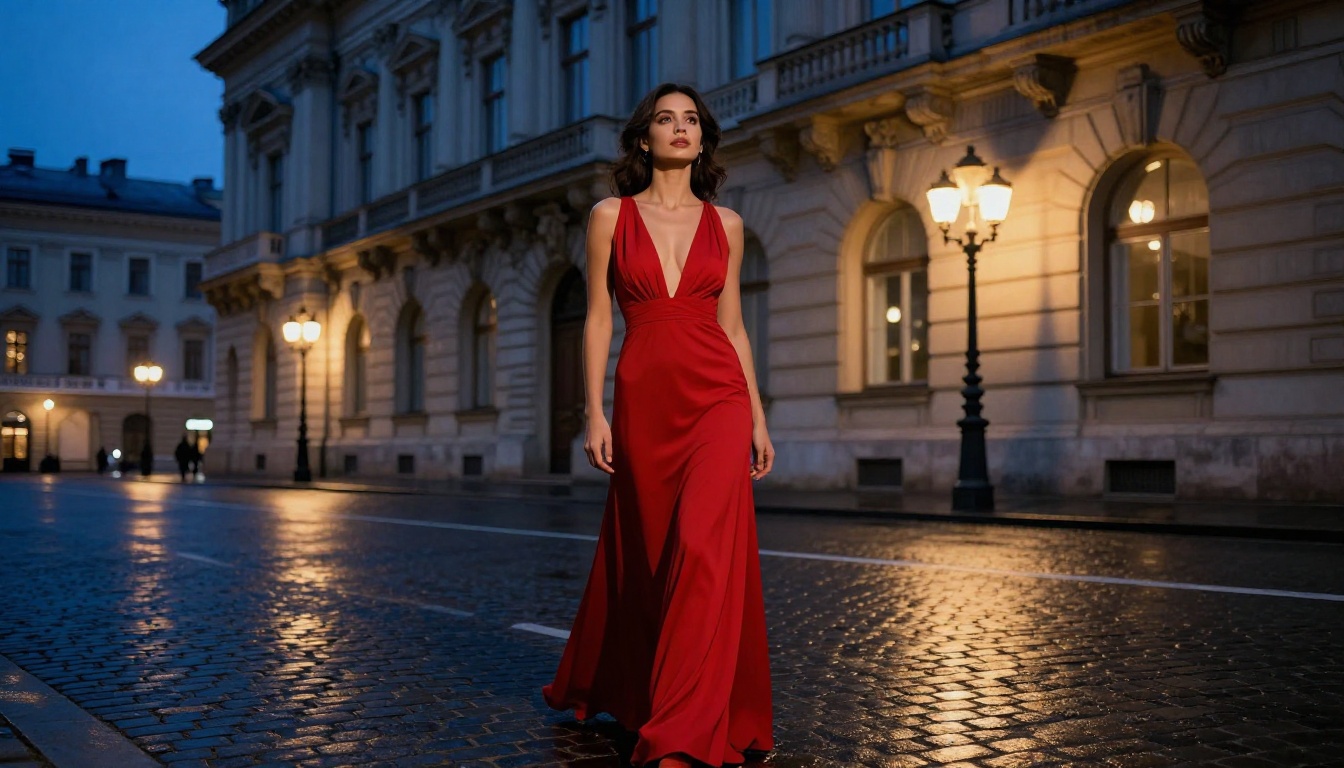
Grok Imagine is surprisingly good at following prompt instructions precisely. If you specify "woman in a red dress standing near a fountain," Grok delivers that composition consistently. The model seems well-trained on compositional understanding.
ZenCreator's prompt following depends heavily on which model checkpoint you're using and how well you've crafted your negative prompts. Without careful prompting, outputs can drift from the original intent. With good prompting technique, though, ZenCreator produces more nuanced and complex scenes.
| Feature | ZenCreator | Grok Imagine |
|---|
| Skin Texture Realism | ★★★★★ | ★★★☆☆ |
| Prompt Accuracy | ★★★☆☆ | ★★★★☆ |
| NSFW Freedom | ★★★★★ | ★★★☆☆ |
| Generation Speed | ★★★☆☆ | ★★★★☆ |
| Customization | ★★★★★ | ★★☆☆☆ |
| Accessibility | ★★★☆☆ | ★★★★★ |
NSFW Output: Where Each Draws the Line
ZenCreator's Approach to Adult Content
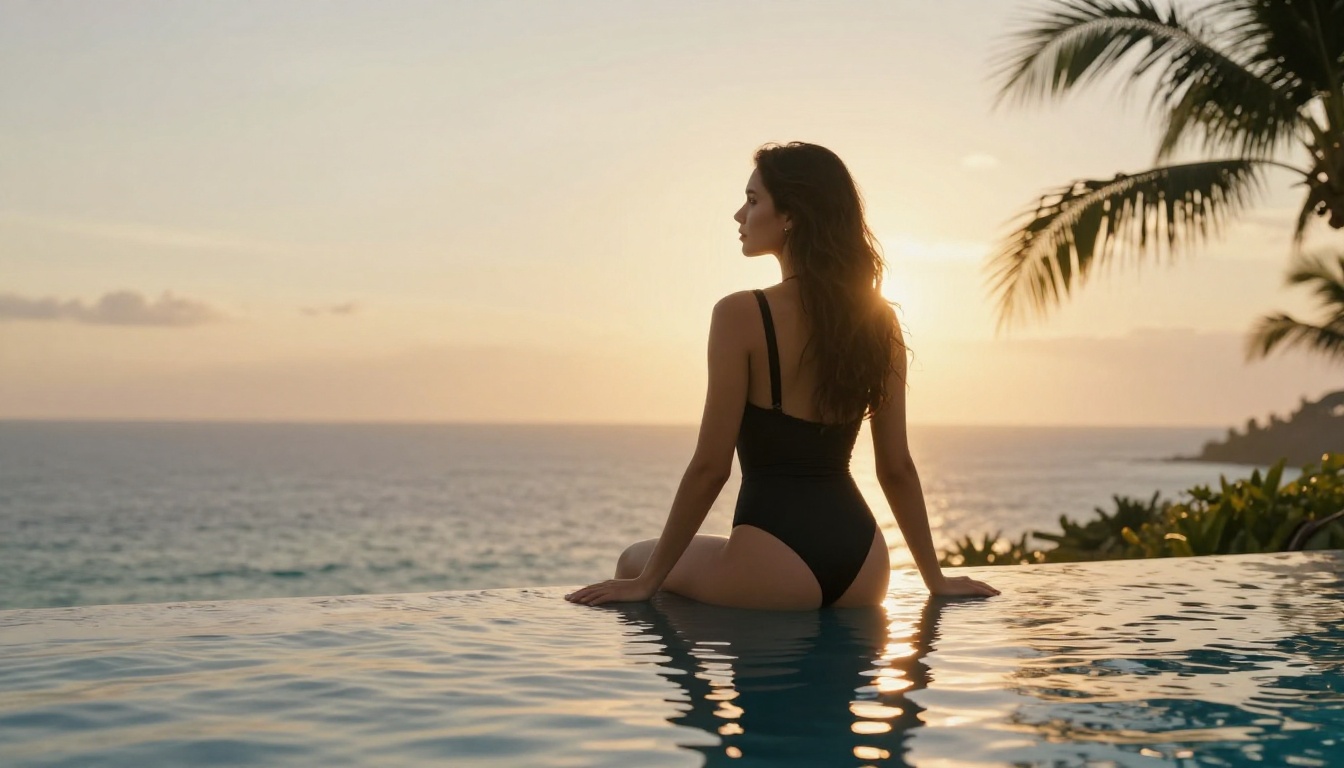
ZenCreator operates on an opt-in adult content system. Once verified, users can toggle NSFW mode and access a wider range of generation capabilities. The platform supports:
Artistic nudity (implied or stylized), glamour and lingerie photography aesthetics, suggestive scenarios with consenting adult themes, and mature storytelling visuals.
The key advantage is that ZenCreator built its model stack with adult content in mind from the start. This means the fine-tuned models actually understand how to render these subjects accurately rather than fighting against training data that excluded them entirely.
Grok Imagine's Limits in Practice
Grok Imagine sits in an interesting middle ground. It's more permissive than most mainstream tools but still falls short of dedicated adult content platforms. In practice:
- Explicit requests get softened automatically
- Certain body parts trigger automatic content filtering
- Contextual NSFW (artistic contexts, fashion) tends to pass through
- The filtering is inconsistent, sometimes blocking tame requests while passing borderline ones
The inconsistency is a genuine problem if you're trying to produce a consistent series of images. You might generate 10 similar prompts and get 7 usable outputs, with 3 flagged or distorted by the filter.
💡 Pro tip: Grok Imagine responds better to descriptive language framing the content as artistic or professional. "Fashion editorial featuring lingerie" gets better results than more direct descriptions.
Pricing and Access

ZenCreator Pricing
ZenCreator operates on a credit-based subscription model. Pricing tiers typically include:
- Free tier: Limited credits per day, watermarked outputs, standard queue
- Basic plan: Around $10 to $15 per month for increased credits and no watermarks
- Pro plan: $25 to $40 per month for higher resolution, priority queue, and LoRA access
- Unlimited plans: Available at higher price points for heavy users
The credit system means costs scale with how much you generate, which is either a feature or a frustration depending on your usage pattern.
Grok Imagine Costs
Grok Imagine's access model is tied to X Premium. As of early 2026:
- X Premium ($8/month): Basic Grok access including limited image generation
- X Premium+ ($16/month): Higher quality outputs, more generations per day, access to the best Grok models
If you're already paying for X Premium, Grok Imagine comes essentially "included" as part of that subscription. This makes it genuinely cost-effective for light to moderate use.
On the PicassoIA platform, Grok Imagine Image is accessible through the standard credit system alongside powerful models like Flux 1.1 Pro, Stable Diffusion 3.5 Large, and Flux Dev.
Speed and Daily Usability
Interface and Workflow
Grok Imagine wins on accessibility. It's integrated into the Grok chat interface, so generating images feels conversational. You can describe a scene in plain language and Grok visualizes it in the same thread. For non-technical users, this is a major advantage.
ZenCreator has a more traditional AI art generator interface with explicit parameter controls. If you're comfortable with tools like Stable Diffusion or SDXL, the UI will feel familiar. If you're new to AI image generation, there's a steeper learning curve.
Generation Speed
Both platforms operate at roughly similar speeds for standard generations:
- ZenCreator: 15 to 45 seconds depending on resolution, model, and queue load
- Grok Imagine: 10 to 30 seconds typically, with occasional slowdowns during peak hours
For batch production workflows, ZenCreator's dedicated nature gives it better throughput once you're on a Pro plan. Grok Imagine has daily generation limits even on Premium+ that become restrictive for heavy users.
How Each Handles Prompt Style
Understanding what these tools respond to is half the skill in using them effectively.
ZenCreator prompt style:
- Detailed descriptions with negative prompts
- Technical photography language covering lens, lighting, and film stock
- LoRA trigger words when using custom models
- Explicit guidance scale tweaking (7 to 12 for photorealism)
Grok Imagine prompt style:
- Natural language works well, as if describing a scene to a human
- Context framing helps navigate filters
- Shorter, cleaner prompts often outperform over-engineered ones
- Less need for negative prompts, but this adds some unpredictability
💡 Key insight: If you're coming from a Stable Diffusion background, ZenCreator will feel natural. If you're used to ChatGPT-style tools, Grok Imagine's conversational approach will click faster.
The Verdict: Which One Fits Your Needs
There's no single winner here because both tools serve different audiences well.
ZenCreator is the better choice if:
- You need genuine NSFW content generation with real adult content capability
- Photorealism and authentic skin texture are priorities
- You want deep customization through LoRAs and fine-tuned checkpoints
- You're producing content at volume for a content business or creative practice
Grok Imagine is the better choice if:
- You want a quick, accessible tool for moderately suggestive content
- You're already paying for X Premium
- Conversational prompting and ease of use matter more than technical control
- You don't need explicit content, just more freedom than mainstream tools offer
The honest truth is that neither tool fully replaces a capable multi-model platform where you can switch between models based on your specific needs for each generation. Real creative workflows demand flexibility.
Start Generating Now on PicassoIA

You don't have to pick just one tool and commit to its limitations. On PicassoIA, you get access to Grok Imagine Image alongside some of the most capable photorealistic models available anywhere, including Flux 1.1 Pro Ultra, Realistic Vision v5.1, and Imagen 3.
That means you can test different models side by side, compare outputs from the same prompt across multiple architectures, and find exactly the right visual style for your project without being locked into one platform's restrictions.
Whether you're creating glamour photography aesthetics, artistic portraits, or mature content within platform guidelines, PicassoIA gives you the flexibility that single-tool platforms simply can't match.
Pick a model, write your first prompt, and see the difference a real multi-model platform makes.


