The AI space moves fast. Between the viral ChatGPT moments, Sora launches, and Midjourney updates, a serious collection of tools quietly shipped this year and almost nobody noticed. Not because they were bad. Because the noise was too loud.
These 10 tools are already making real differences for the people who found them. Image generators that produce results professional photographers would second-guess. Video tools that output 1080p clips in seconds. Audio tools that compose an entire song from a one-line prompt. All available right now, with no installs and no waitlists.
The attention problem in AI
Every major AI announcement sucks up all the oxygen in the room. When a headline model drops, it buries three other tools that may solve your specific problem better and more affordably. The media cycle does not wait, and smaller, more specialized tools get pushed to the third page of search results while everyone debates the latest headline release.
This is not new. It happens every cycle. But this year the gap widened. The volume of truly useful tools that shipped without fanfare reached a point where most professionals, even those who follow AI closely, missed several that would have saved them real time and money.
How this list was built
These 10 were selected on one basis: real output quality. Not press releases. Not demo videos. Tools that, when you actually sit down and use them, produce something you would not expect from an AI. Each one addresses a specific creative or professional need, and every single one is available today through PicassoIA with no software installs and no technical setup required.

1. Flux Pro: Images That Challenge Photography
Flux Pro from Black Forest Labs quietly became one of the most capable text-to-image models available this year. Its output is photorealistic in a way that earlier generators simply were not. Skin textures, lighting falloff, and depth of field rendering all read as genuine photography rather than AI output.
What separates Flux Pro from the crowd is its prompt adherence. You write a detailed description and it follows through, without the warping, extra fingers, or floating elements that plagued earlier models. For product photography, portrait mockups, and editorial visuals, it produces results that would have required a full studio shoot just two years ago.
Best for: Marketing visuals, editorial imagery, product concepts
Output speed: Results in under 30 seconds
Pro tip: The more specific your lighting description, the better the output
For 4x higher resolution output, combine Flux Pro results with Real ESRGAN to upscale without quality loss.
2. GPT Image 1.5: Photorealistic with Transparency
GPT Image 1.5 from OpenAI brought something that seemed minor on paper but is massive in practice: genuine transparency output. You can generate product images, logos, and graphic elements with clean alpha channels, ready to drop into any design without a separate background removal step.
The image quality is exceptional, but the real value is workflow compression. What used to require generation followed by background removal now happens in a single prompt. For social media creators, e-commerce brands, and designers working at volume, this is a practical shift in daily productivity.
What it does differently:
- Generates PNG with proper alpha channels in one pass
- Handles complex edges (hair, glass, fabric) accurately
- Follows complex compositional prompts with strong consistency
- Renders text inside images with high accuracy, which most image models still struggle with
3. Veo 3: Text to Video with Audio Already There
Google's Veo 3 did something most video AI tools have avoided: native audio generation. Write a prompt, get a video clip that already has ambient sound, music, or dialogue baked in, without any additional steps or tools.
The results are cinematic. Motion is smooth, scene transitions feel natural, and the audio sync is better than what you get from tools that treat video and sound as entirely separate problems. For content creators who need short-form video clips with atmosphere, this cuts production time significantly. For a faster version with the same output quality, Veo 3 Fast delivers results in a fraction of the generation time.
4. Kling v2.6: Cinematic Video That Moves Correctly
Kling v2.6 nails something most AI video tools still get wrong: physics. Objects fall correctly. Fabric moves with weight. Camera pans feel planned rather than mechanical. The 1080p output is sharp enough for social media without any post-processing.
Combined with Kling v3 Omni Video, you have a full text-to-cinematic-clip pipeline covering everything from short social reels to longer product showcase videos.
| Feature | Kling v2.6 | Typical AI Video |
|---|
| Physics accuracy | High | Variable |
| Max resolution | 1080p | Often 720p |
| Camera movement | Cinematic | Robotic |
| Prompt adherence | Strong | Inconsistent |
| Audio sync | Available | Rare |
💡 Use Kling v2.6 for established scene compositions and Kling v3 Motion Control when you need precise control over how characters move within the frame.
5. Lipsync 2 Pro: Any Voice, Any Face, Any Language
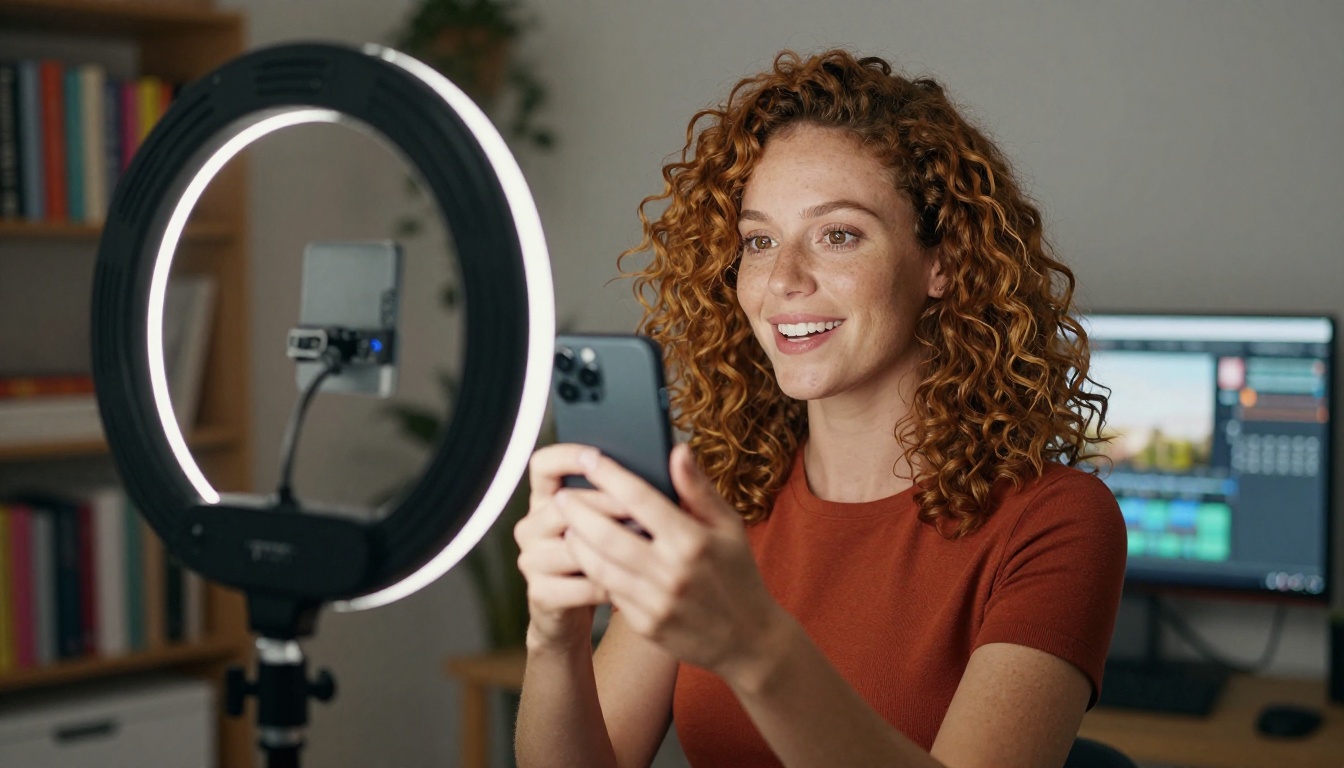
Lipsync 2 Pro makes lip movements in a video match a completely different audio track, accurately, with no uncanny valley effect. Podcast creators use it to dub content into new languages without re-recording. Marketing teams use it to adapt spokesperson videos for regional campaigns without additional shoots.
For a related capability, Omni Human from ByteDance takes a single photo and animates the entire face to match a voice recording, not just the lips. The result is a full talking-head video from a still image, which has obvious applications for creating presenters and spokespersons from photography alone.
Where creators are applying this:
- Translating YouTube content into Spanish, Portuguese, and French for new audience segments
- Creating spokesperson videos from still photography without video production costs
- Adapting corporate training videos for multilingual global teams
- Dubbing short-form content for platform-specific audiences
Kling Lip Sync offers another solid option for creators already in the Kling video ecosystem who want lipsync built directly into their video workflow.
6. Real ESRGAN: Rescue Any Low-Res Image
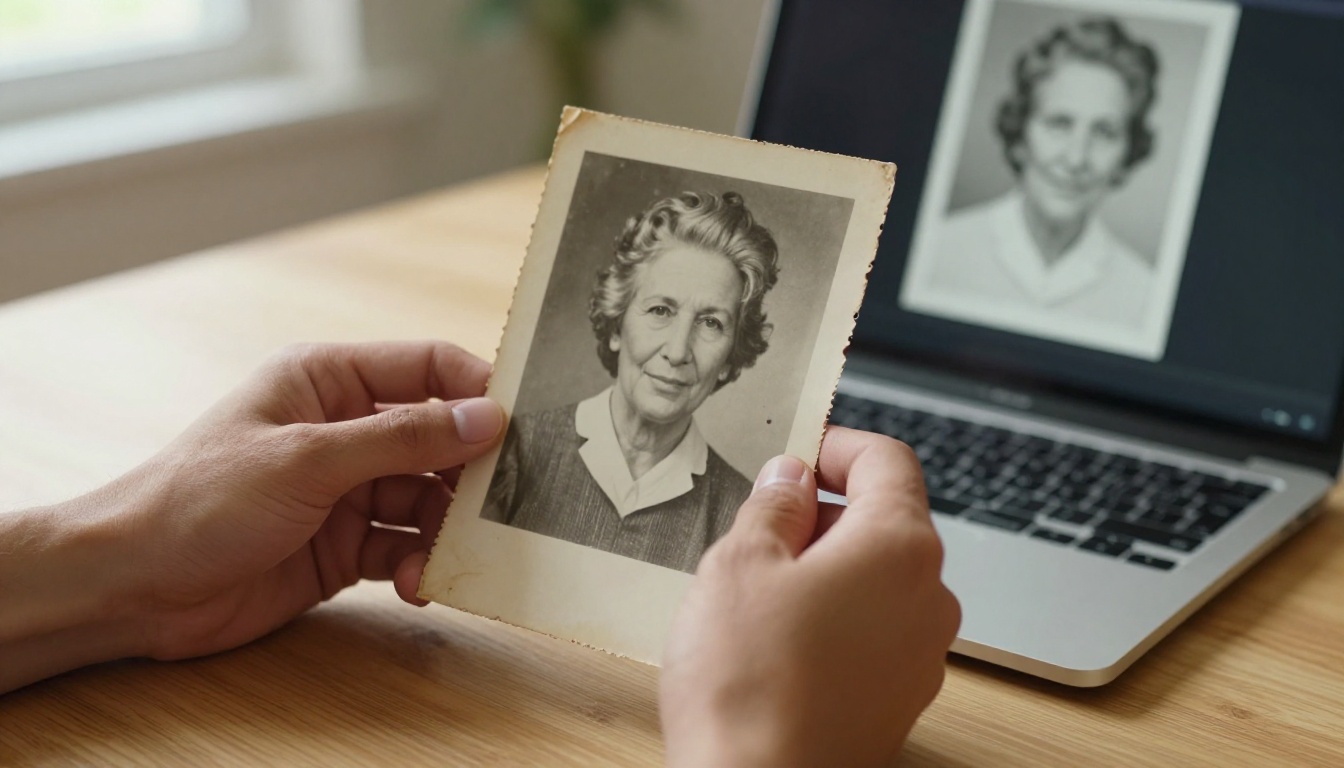
Real ESRGAN upscales blurry, pixelated, or damaged images to 4x their original resolution with genuine detail recovery, not just digital enlargement. Old family photos look restored. Low-resolution archive images become print-ready. Small product thumbnails scale up for large-format use without visible pixelation.
For even more control, Image Upscale by Topaz Labs pushes this to 6x with exceptional detail preservation in faces and fine textures. For portrait-specific work, Crystal Upscaler is optimized for faces with skin smoothing and detail recovery built directly into the upscaling process.
💡 Shooting on a phone and need print-quality output? Increase Resolution by BRIA delivers a clean 4x result that holds up at large format with minimal artifacts.
7. Lyria 2: Original Music from One Line of Text
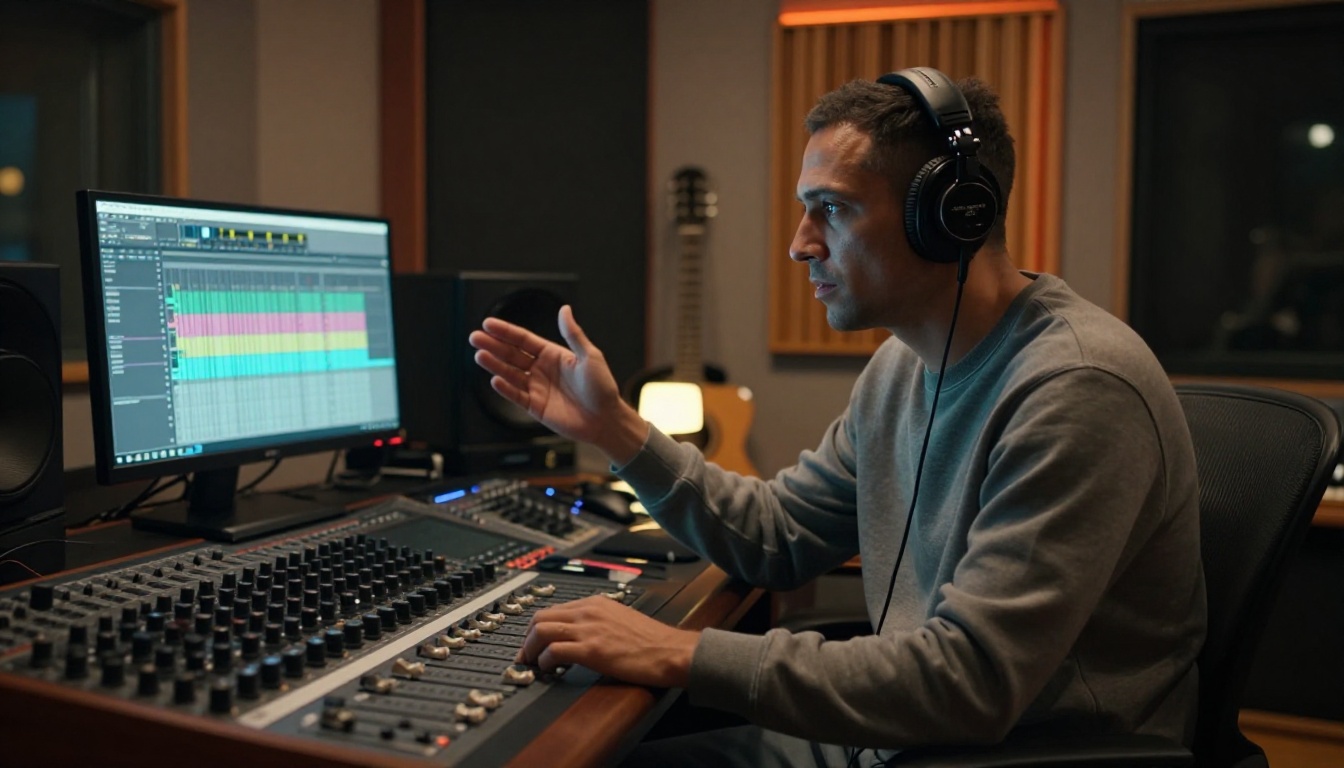
Google's Lyria 2 creates original music from a text description. Not loops. Not samples. Full compositions with instrumentation, structure, and dynamics. Describe the genre, mood, tempo, and instruments, and get back a track that sounds produced and composed for a specific purpose.
Creators use it for YouTube background music, podcast intros, and short-form video scores. The output is original, which matters significantly for anyone monetizing content on platforms that scan for licensed audio.
Stable Audio 2.5 from Stability AI covers the same territory with a different strength: it handles longer compositions and gives more granular control over musical structure. For scoring longer-form videos or creating multi-section tracks with distinct movements, it is the better option.
Prompt tips for better AI music:
- Include BPM when you need video sync: "120 BPM upbeat electronic"
- Name instruments specifically: "acoustic guitar, upright bass, brushed snare"
- Describe the emotional arc: "starts tense, resolves warm in the final third"
- Specify the duration and any section changes you want
8. GPT 4o Transcribe: Speech-to-Text That Handles Real Audio
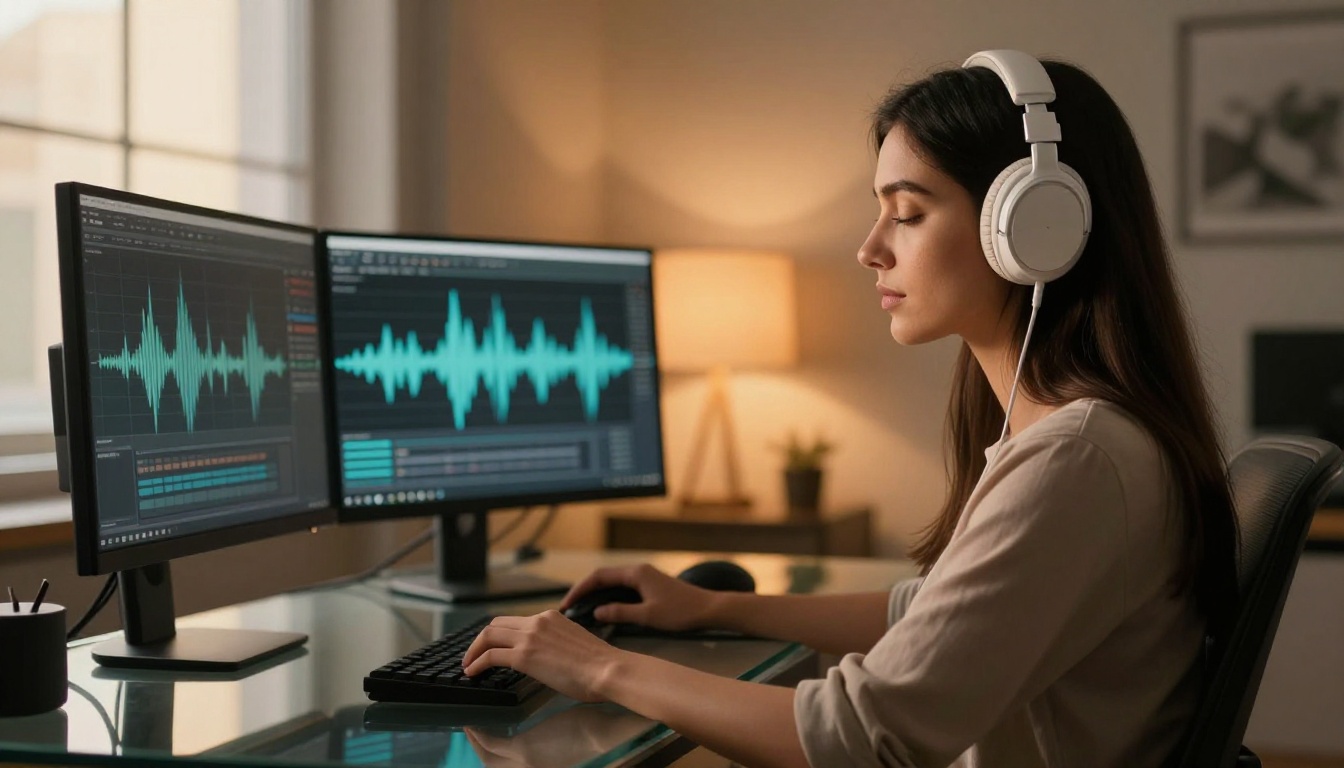
GPT 4o Transcribe handles accents, overlapping speech, and domain-specific vocabulary better than anything that came before it. Podcast audio recorded in a noisy room, conference calls with multiple speakers, voice memos with regional dialect: all come back as accurate, clean text that requires minimal correction.
For content teams, this replaces expensive transcription services and removes a major time bottleneck in the production pipeline. For researchers, it processes hours of interview audio in minutes rather than days. For teams working with technical or scientific content, Gemini 3 Pro adds contextual understanding that makes it substantially better at specialized terminology.
9. Flux Kontext Pro: Rewrite Any Photo with Words
Flux Kontext Pro takes an existing image and rewrites specific elements based on a text prompt, while keeping everything else in the frame intact. Change the color of a jacket in a product photo. Swap the background of a campaign image without touching the subject. Add or remove objects from a scene. Replace a season in a landscape shot.
The identity-preserving capability is what makes Flux Kontext Pro stand out: the subject in the original image stays consistent across edits, which is critical for brand and product photography. For more complex structural changes and larger images, Flux Kontext Max handles the heavier edits with the same identity consistency.
Where this changes the workflow:
- Clothing brands editing color variants without reshoots
- Furniture retailers swapping room backgrounds seasonally
- Marketers adapting campaign imagery for regional markets
- Real estate teams staging empty properties with virtual furniture
10. Seedance 2.0: Video and Audio from One Prompt
Seedance 2.0 from ByteDance generates video content with synchronized audio from a single text prompt. The audio, whether ambient sound, dialogue, or music, is generated alongside the video rather than added in post-production as a separate workflow step.
Character and object consistency across frames is where Seedance 2.0 stands out from earlier models. Maintaining consistent appearance across cuts and camera angles was a persistent problem in AI video. This model largely solves it. The 1080p output is publishing-ready without post-processing, which removes a bottleneck that used to require dedicated editing time.

Content creators and solo producers
The biggest adopters are content creators working across YouTube, TikTok, Instagram, and podcast platforms. The combination of Flux Pro for thumbnails and promotional images, Lipsync 2 Pro for multilingual distribution, and Lyria 2 for original scores has effectively replaced what used to require a small production team for solo creators working at scale.
A creator who previously spent hours on photo editing, audio licensing, and video dubbing can now run all three workflows in a single afternoon without specialist software or outsourcing costs.
Small business owners and marketing teams
For small business owners, the economics shifted when GPT Image 1.5 made product photography without a studio viable at scale. Pair that with Flux Kontext Pro for seasonal product edits and Real ESRGAN for upscaling existing visual assets, and a brand can maintain a visual standard that was previously only achievable with a dedicated creative team and a real production budget.
Marketing teams are also using GPT 4o Transcribe to repurpose video content into written articles, social captions, and newsletter material, turning one hour of recorded content into a week of written output with minimal editing time.

Despite covering very different use cases, every tool on this list shares three characteristics:
- Output quality that holds up to scrutiny. Not just impressive in controlled demos. Usable in real production environments with real professional standards.
- Focused problem-solving. Each one does one thing well rather than attempting to cover everything. That focus shows in the results.
- No-barrier access. Every tool on this list is available through PicassoIA without software installs, local GPU requirements, or technical configuration.

Every tool on this list is available right now on PicassoIA. No waiting. No installs. No local hardware needed. The platform brings together over 91 image generation models, 89 video models, music creation tools, transcription tools, and lipsync capabilities in a single browser-based interface.
The most practical way to start is to pick one problem you face regularly, whether that is creating product images, generating background music, transcribing audio content, or producing video clips, and run it through the relevant tool. The results tend to be persuasive on first use.
Try generating your first high-quality image with Flux Pro, restore an old photo with Real ESRGAN, or compose an original track with Lyria 2. The tools that flew under the radar this year are exactly the ones worth picking up first.


