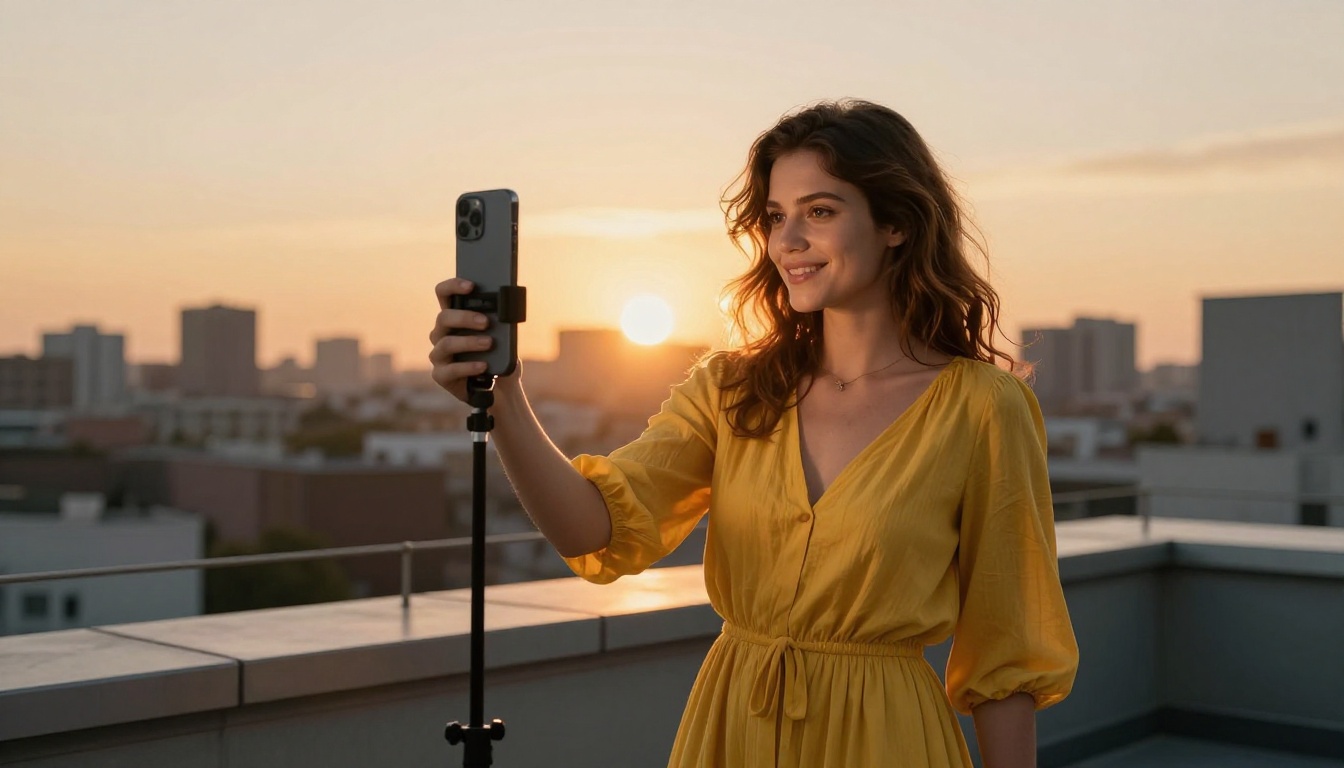
The TikTok algorithm does not care about effort. It rewards frequency, retention, and format relevance. Creators who post three to five times per week, with consistent audio and visual quality, grow faster than those who spend two weeks polishing a single video. In 2027, AI tools have made that pace achievable without a production team, a studio, or expensive software. This article breaks down the 12 best AI tools for TikTok creators, spanning video generation, voiceover, music, lipsync, and avatar creation, all available through one platform.
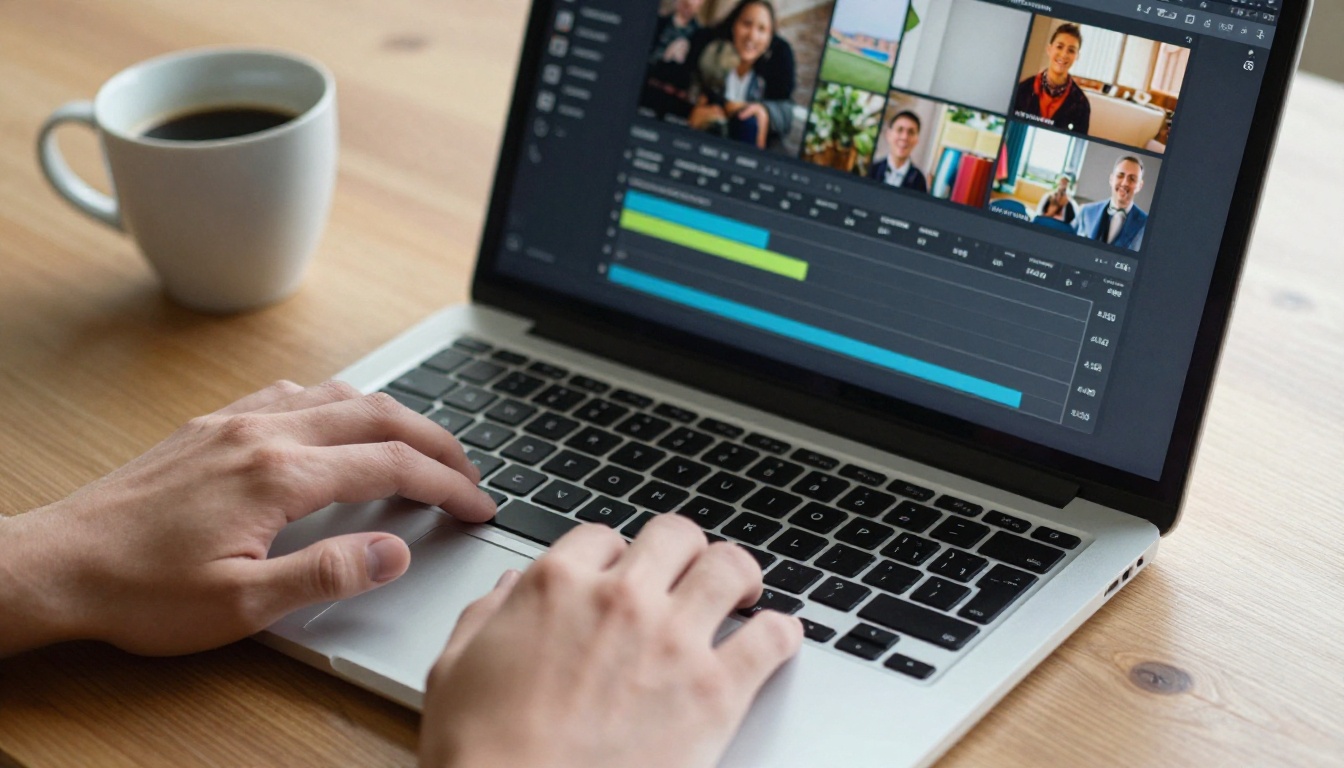
TikTok's content consumption pace has accelerated. Trends cycle in 72 hours or less. Sounds go viral and expire within the same week. A creator who takes five days to edit and publish a video misses the window entirely.
AI tools cut production time from days to hours, and in some cases to minutes. Video generation, voiceover synthesis, music creation, and lip sync automation handle the technical execution so you can focus on creative direction.
The 12 tools below span every stage of TikTok content production. Most are available through PicassoIA, where you can run them from a browser without installing anything.
💡 Start small: Pick one tool from each category, text-to-video, audio, and music, and build a repeatable workflow before adding more.
1. Seedance 2.0
Seedance 2.0 by ByteDance generates video from a text prompt with built-in audio. The soundtrack is produced alongside the visual output, so you get a finished clip with matching ambiance in a single generation. No separate audio step needed.
Best for: Concept-driven TikToks, travel content, nature clips, abstract visuals with atmospheric sound.
The built-in audio removes the most time-consuming step for most creators: finding audio that matches the visual mood. Seedance 2.0 handles both in one pass.
💡 Prompt format that works well: "A slow aerial push over a misty Japanese mountain village at dawn, soft wind sound, distant temple bells."
2. Kling v2.6
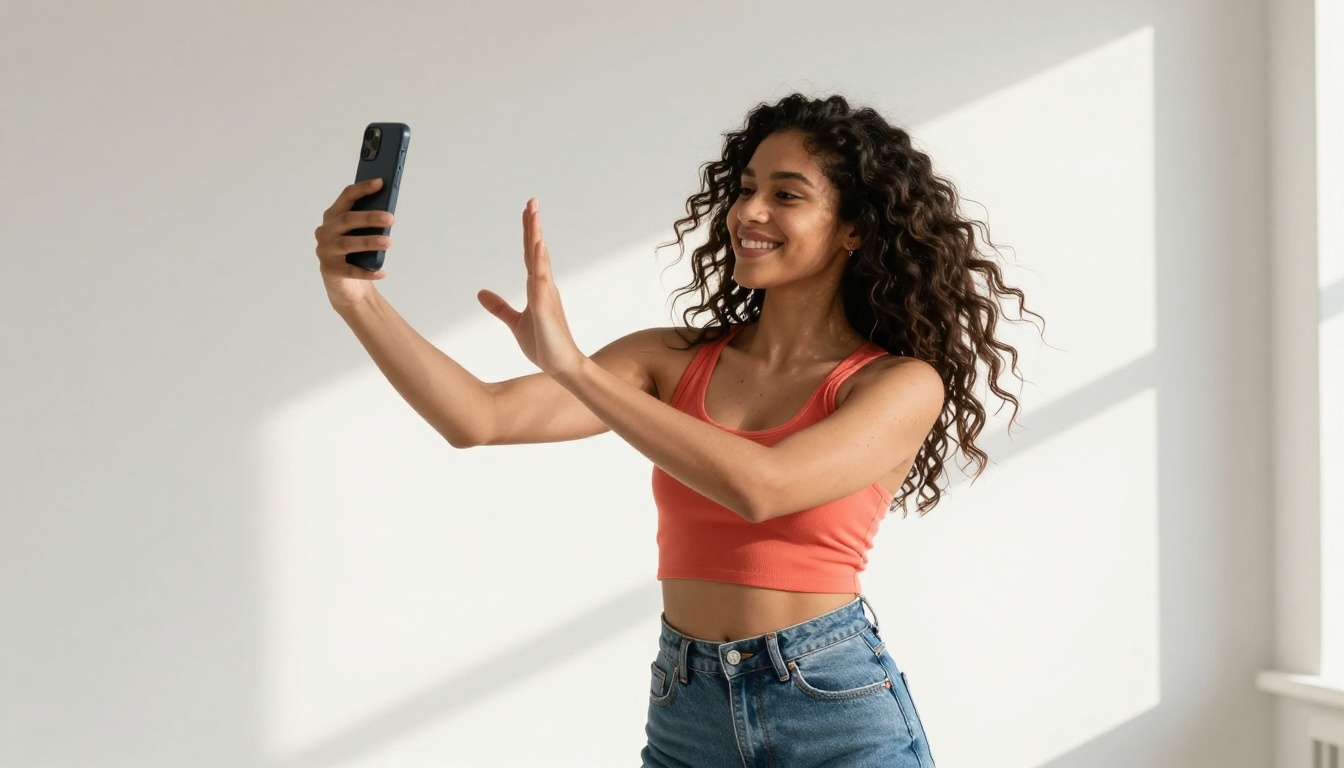
Kling v2.6 by KwaiVGI produces 1080p cinematic video with strong motion consistency. It holds scene composition across frames better than most models in the same generation tier.
| Feature | Detail |
|---|
| Resolution | 1080p |
| Motion quality | Cinematic |
| Best use case | Lifestyle, fashion, product |
| Audio included | No, pair with a music model |
This is the right tool for creators in fashion, beauty, lifestyle, or product review niches where visual quality is part of the brand identity.
3. Veo 3
Google's Veo 3 generates video with native audio from a single prompt. Ambient sound, dialogue hints, and score-adjacent audio are synthesized together with the visual content, not added as a separate layer.
It performs particularly well with outdoor scenes, urban environments, and slice-of-life content where organic sound adds authenticity that silent clips cannot replicate.
💡 Prompt tip: Describe the audio you want as part of the scene. "Busy street market in Bangkok, vendors calling out, motorbikes passing, warm midday light" gives Veo 3 enough context to generate sound that actually fits the footage.
4. Pixverse v6
Pixverse v6 combines fast generation speed with cinematic AI audio. It handles both text-to-video and image-to-video workflows, which makes it useful for creators who want to animate product photos or existing still images into short clips.
What works well on TikTok with Pixverse v6:
- Product animation from a single still image
- Quick trend-based clips with a cinematic grade
- B-roll generation to pair with talking-head footage
5. Omni Human 1.5
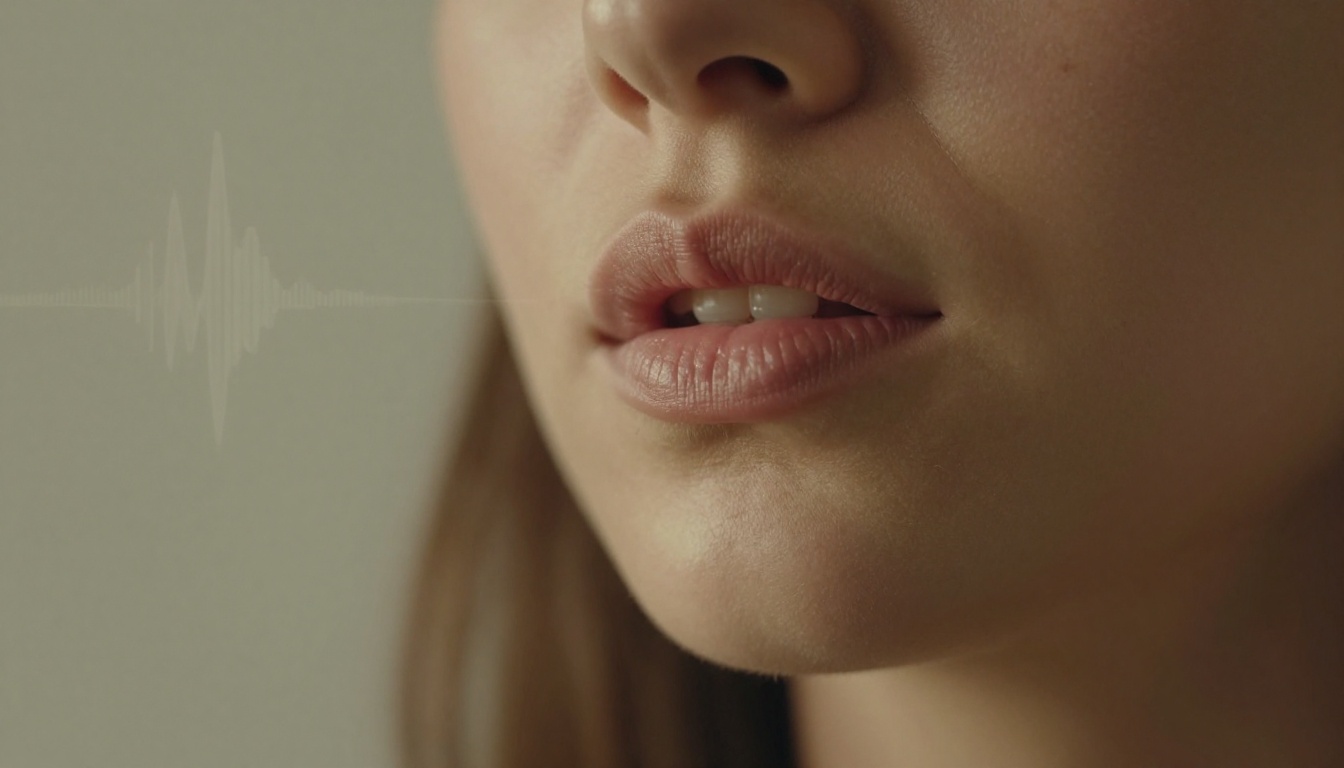
Omni Human 1.5 from ByteDance turns a static photo into a talking video by syncing facial movements to a provided audio track. The output includes blinking, micro-expressions, and natural head motion, not just mouth movement.
Where this fits into TikTok content:
- Faceless content where an AI persona speaks on your behalf
- Historical or fictional character videos
- Brand spokesperson content built from a single headshot
The facial animation in Omni Human 1.5 reads as believable on a first watch, which is the threshold that matters for TikTok retention.
6. Lipsync 2 Pro
Lipsync 2 Pro by Sync replaces the lip movements in an existing video to match a new audio track. This is the tool for re-dubbing, dialogue replacement, or updating a video's script without reshooting.
Sync accuracy covers jaw position, teeth visibility, and cheek tension in a way that holds up on close-up shots, which is exactly where most lipsync tools break down.
Practical use: Record one raw video, then use Lipsync 2 Pro to produce versions with different voiceovers for A/B testing which script drives more watch time.
7. Video Translate
Video Translate by HeyGen translates and dubs any video into 150+ languages with automatic lip sync adjustment. The mouth movements are re-timed to match the speech rhythm of the target language, not just the words.
For creators with international audience potential, this converts one original piece of content into multiple localised versions without re-recording anything.
| Market | Language | TikTok Audience Scale |
|---|
| USA and UK | English | 1.2B+ users |
| Brazil | Portuguese | 90M+ users |
| Mexico | Spanish | 60M+ users |
| Germany | German | 21M+ users |
8. ElevenLabs v3
v3 from ElevenLabs generates natural-sounding voiceovers with emotional cadence variation, realistic breath patterns, and natural pausing. For TikTok creators using narration over B-roll or educational content formats, this is the most human-sounding text-to-speech option in 2027.
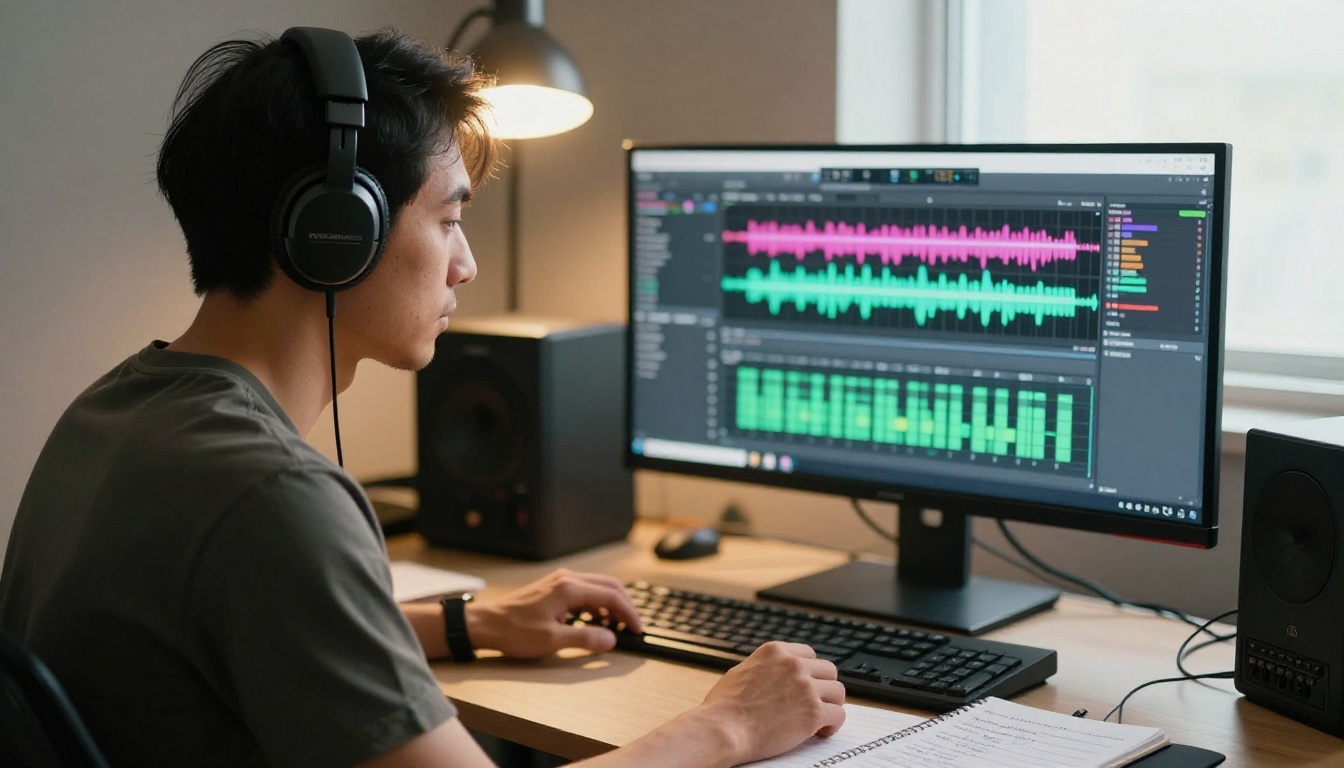
Voice output characteristics:
- Pitch variation that mirrors natural speech rhythm
- Emotional tone shifting within a single sentence
- Multiple accent styles and vocal registers available
9. Speech 2.8 HD
Speech 2.8 HD by Minimax produces studio-grade voiceover audio. For sponsored TikTok content, product reviews, or any video where audio quality signals production value to viewers, this model delivers output that competes with professional studio recordings.
The difference between Speech 2.8 HD and standard TTS tools is most noticeable at higher playback volumes and on videos where audio is the primary reason someone watched.
| Tool | Best For | Speed | Quality |
|---|
| ElevenLabs v3 | Natural narration | Fast | Excellent |
| Speech 2.8 HD | Studio-grade output | Medium | Premium |
| Speech 2.8 Turbo | High-volume content | Very fast | Good |
10. Music 2.6
Music 2.6 by Minimax generates full songs with vocals from a text description. Describe the genre, tempo, mood, and lyrical theme, and it produces an original track you own outright, with no licensing concerns on TikTok.
Prompt formats that produce strong outputs:
- "Upbeat lo-fi hip hop, positive lyrics about morning routines, 90 BPM, warm vinyl texture"
- "Emotional indie pop, female vocals, minor key, slow tempo, longing mood"
- "High-energy EDM, no lyrics, festival-ready drop, heavy bass, 128 BPM"
11. Lyria 3 Pro
Google's Lyria 3 Pro produces full-length songs at a quality level that approaches professional music production. The instrumentation layering, mix balance, and arrangement structure are noticeably more sophisticated than standard AI music tools.
For creators building a long-term content brand, Lyria 3 Pro can generate consistent music that functions as a sonic identity across a content series, from intro themes to background tracks, all sounding like they belong to the same artistic voice.
💡 Brand audio tip: Create one short signature jingle with Lyria 3 Pro. Viewers associate consistent audio with recognizable creators faster than visual branding alone.
12. Kling Avatar v2
Kling Avatar v2 animates any face into a talking video from an audio source. It gives more stylistic control over animation output than photo-realistic lipsync models while still maintaining enough realism to hold up in a TikTok feed.
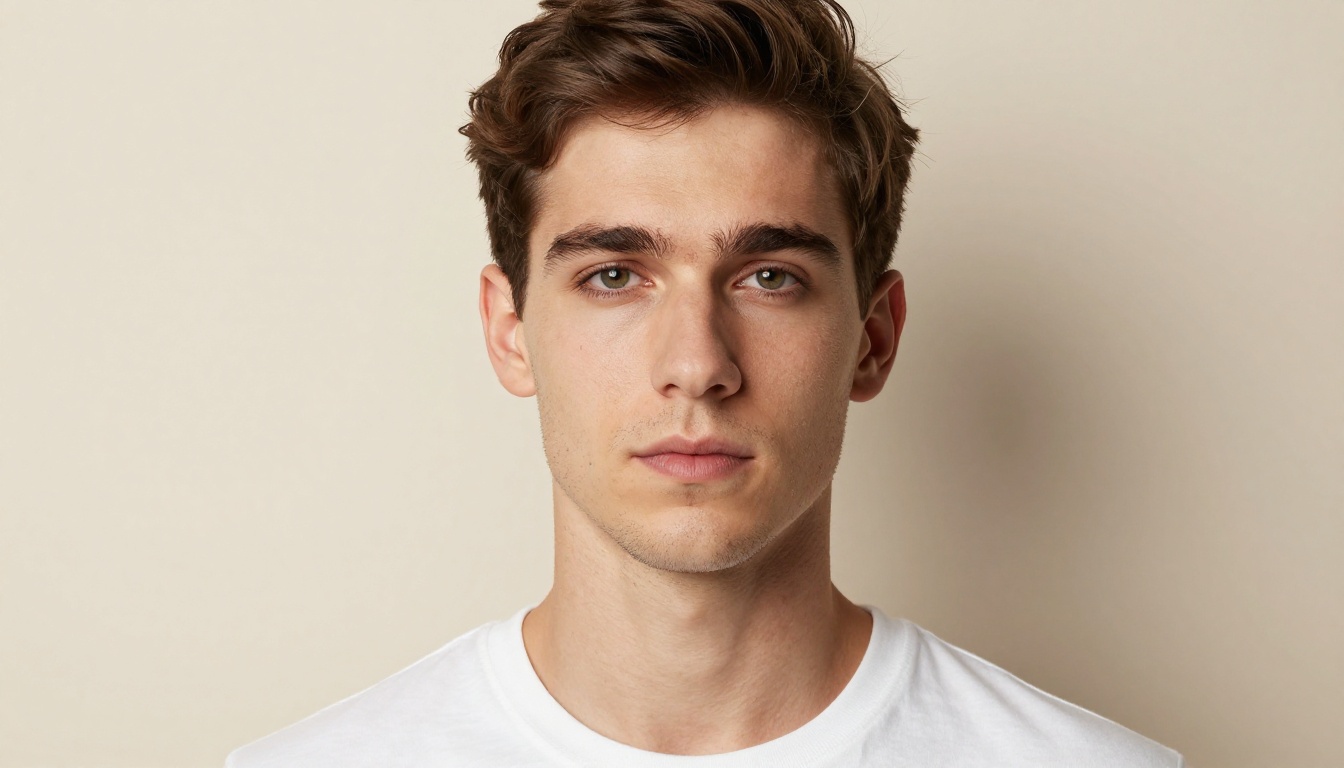
TikTok use cases:
- Recurring AI host for a weekly series
- Brand spokesperson without on-camera talent costs
- Privacy-first creators who want a visual presence without showing their face
PicassoIA gives you access to all 12 tools above, plus over 91 text-to-image models, 87+ video models, and dozens of audio tools, through a single browser-based platform. No installation, no separate accounts per provider.
Step 1: Visit picassoia.com and create an account.
Step 2: Go to the category matching your task, such as Text to Video, Lipsync, Text to Speech, or AI Music Generation.
Step 3: Open the model page. Each page shows example outputs, parameter descriptions, and generation cost upfront.
Step 4: Enter your prompt or upload your source asset, whether that is a photo, audio file, or existing video.
Step 5: Download or share the result directly.
Recommended starter workflow for video-first creators:
- Generate your clip with Seedance 2.0 or Kling v2.6
- Add voiceover using Speech 2.8 HD or ElevenLabs v3
- Add original background music with Music 2.6 or Lyria 3 Pro
- Sync audio to video if needed with Lipsync 2 Pro
This four-step process produces a full TikTok video without recording equipment.
The right starting point depends on where you currently lose the most time in your production process.
Posting consistently is the problem: Start with Seedance 2.0. It produces video with audio from one prompt, removing most of the production chain in a single step.
Audio quality is holding you back: Speech 2.8 HD or ElevenLabs v3 will noticeably improve voiceover quality without changing your current filming workflow.
You want to reach international markets: Video Translate adapts existing content into 150+ languages with automatic lip sync, the fastest path to non-English TikTok growth.
You prefer faceless content: Omni Human 1.5 or Kling Avatar v2 give you a visual presence without on-camera recording.
💡 The real edge in 2027 is not the tools. It is having a repeatable workflow. Creators who combine two or three of these tools into a consistent production process will outpost those who use each tool ad-hoc every time.
The best way to know which tools fit your content style is to actually run them. Not research them. Not watch tutorials about them. Open the model page, write a prompt describing your ideal TikTok scene, and see what comes back.
PicassoIA brings Veo 3, Lyria 3 Pro, Omni Human 1.5, Lipsync 2 Pro, Kling Avatar v2, and every other tool on this list into one platform. You switch between video generation, voiceover, and music creation without changing tabs or re-authenticating across different services.
Pick one tool from the list. Write one sentence describing what you want. See what it produces. The first output tells you more about how to refine your prompts than three hours of planning ever will.