If you have ever typed an adult prompt into a mainstream AI generator and received a content warning instead of an image, you already know the problem. Most platforms filter at the model level, the API level, or both, and there is no setting you can change to get around it. Flux 2 Pro approaches this differently. It ships with an adjustable safety tolerance setting, accepts up to eight reference photos per generation, and runs in-browser on PicassoIA with free access and no credit card required for your first images. That combination makes serious 18+ AI art genuinely accessible, with results that look like editorial photography rather than obvious computer output.
The model outputs at up to 4 MP resolution (2048x2048 pixels), supports ten standard aspect ratios including 16:9 and 9:16, and exports in WebP, JPEG, or PNG. These are professional-tool specs, not a side project. Understanding how to use them is the difference between mediocre results and images that look like they came from a proper studio.
What Flux 2 Pro Does That Others Cannot
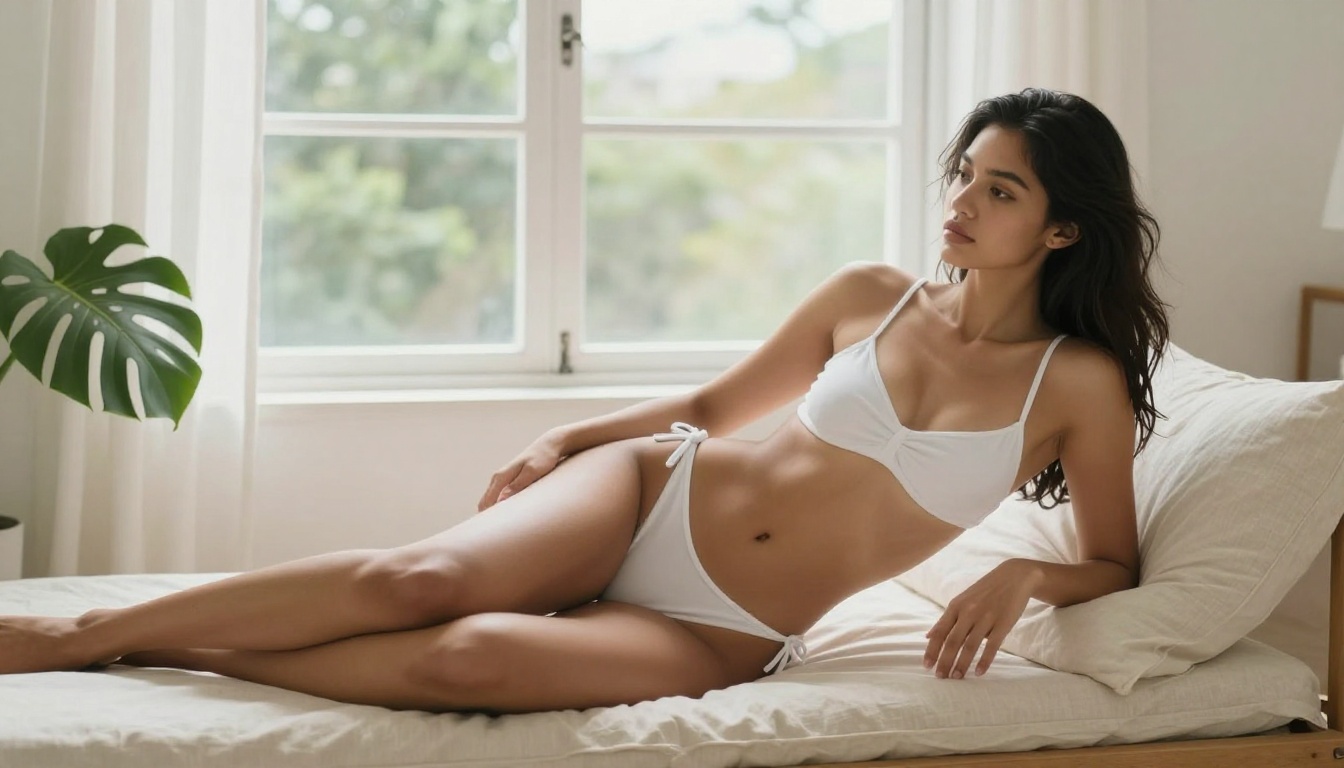
The conversation around adult AI art usually centers on whether a model will generate something. Flux 2 Pro shifts that to how well it generates it. A model that technically produces adult content but returns flat, plastic results is nearly useless for creators who care about photographic quality.
Black Forest Labs designed Flux 2 Pro with professional workflows in mind. The reference image system, the 4 MP resolution ceiling, and the permissive safety settings are intentional features for creators working in categories where mainstream tools refuse to operate. The model sits at the intersection of precise content control and high-fidelity output, which is exactly where adult creators need their tools to be.
The Safety Tolerance Setting Changes Everything
The most important feature for 18+ work is the safety_tolerance input. It runs from 1 (most strict) to 5 (most permissive), with a default of 2. Mainstream platforms force this to 1 and lock it there permanently.
On PicassoIA, you control it. Setting tolerance to 4 or 5 opens a range of results that strict-mode models refuse to produce. This is not a workaround or a jailbreak. It is the intended design of the model as shipped by Black Forest Labs. The slider exists so professionals can calibrate output to their actual creative use case without fighting the platform at every step.
The practical impact is significant. At tolerance 2, many adult prompts return sanitized or heavily modified results. At tolerance 5, the model produces what you described. That gap represents the entire value proposition for 18+ creators using this tool.
Reference Images for Character Consistency
Most adult content creators hit the same wall: they get one great result and cannot reproduce the same character face, body type, or visual style in subsequent generations. Flux 2 Pro solves this directly.
You can upload up to eight reference images per generation. If you have photos of a specific subject, a lighting setup you want to match, or a clothing style you want reproduced, you upload them and the model weighs them against your text prompt. The result reflects your references rather than pulling something random from training data.
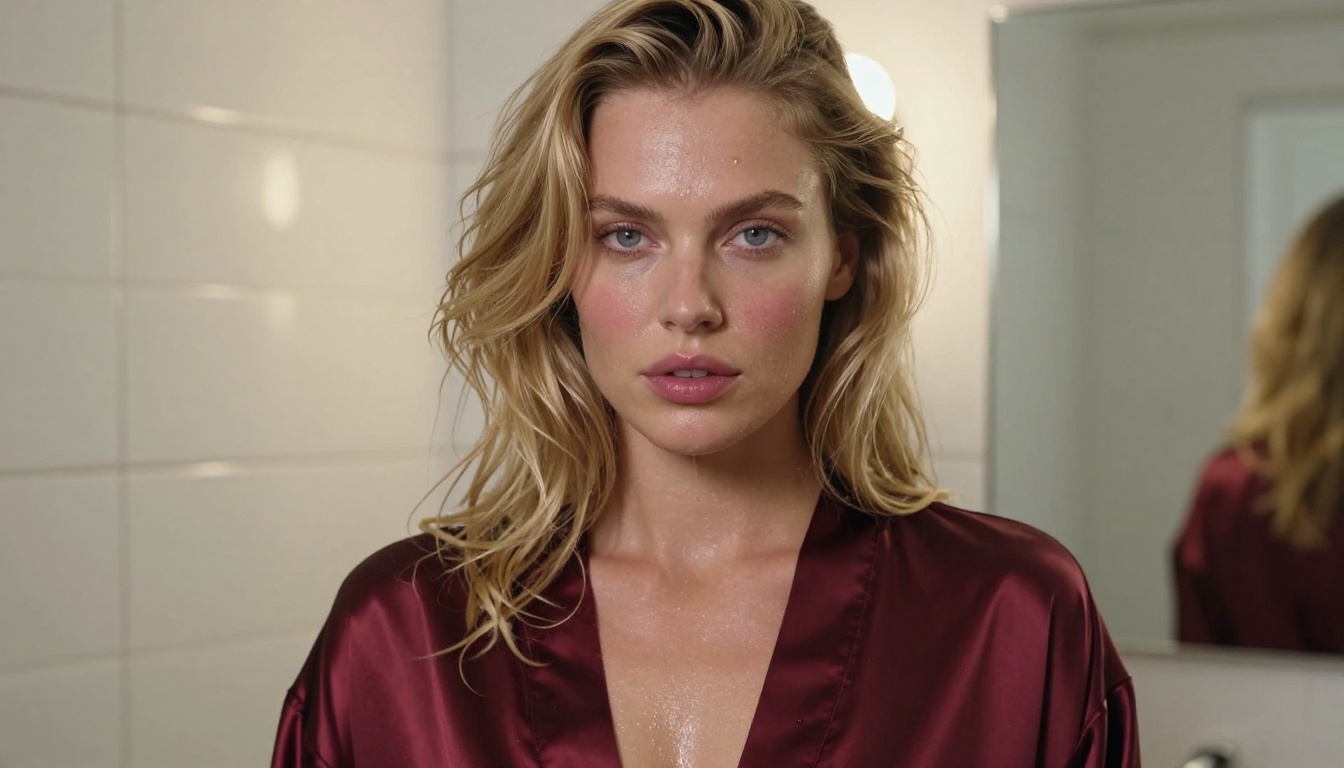
This reference system is what separates Flux 2 Pro from standard text-to-image tools. For creators building content series, maintaining visual consistency across posts, or working with a specific individual's likeness, reference images are the most valuable capability in the toolkit.
Free Access: What You Actually Get
PicassoIA's No-Credit-Card Free Trial
Flux 2 Pro on PicassoIA gives you free generations without requiring payment upfront. You land on the model page, write a prompt, set your parameters, and generate. The free tier covers enough generations to evaluate output quality before committing to a subscription.
This matters more than it sounds. The standard practice on AI platforms is to wall off adult capabilities behind a credit card form the moment you land. You cannot see real NSFW output until you have already paid. PicassoIA skips that step, which means you can evaluate actual adult output quality from Flux 2 Pro rather than guessing from sample images on a marketing page.
Where Other Platforms Fall Short
Most mainstream image generators block adult content at the infrastructure level, not at the model level. You can set safety tolerance to 5 in the request and the query still gets filtered before the model processes it. What returns is either a refusal message or a version of your image with everything explicit removed.
The underlying models often support adult content by design. Platforms choose to restrict them for liability reasons, and they do it at a layer you cannot reach through prompt adjustments or parameter changes. PicassoIA takes a different position: it offers the model with its full parameter set available, and lets creators use it for what it was designed for. That is the practical difference between generating adult content on a restricted platform versus an open one.
How to Use Flux 2 Pro on PicassoIA
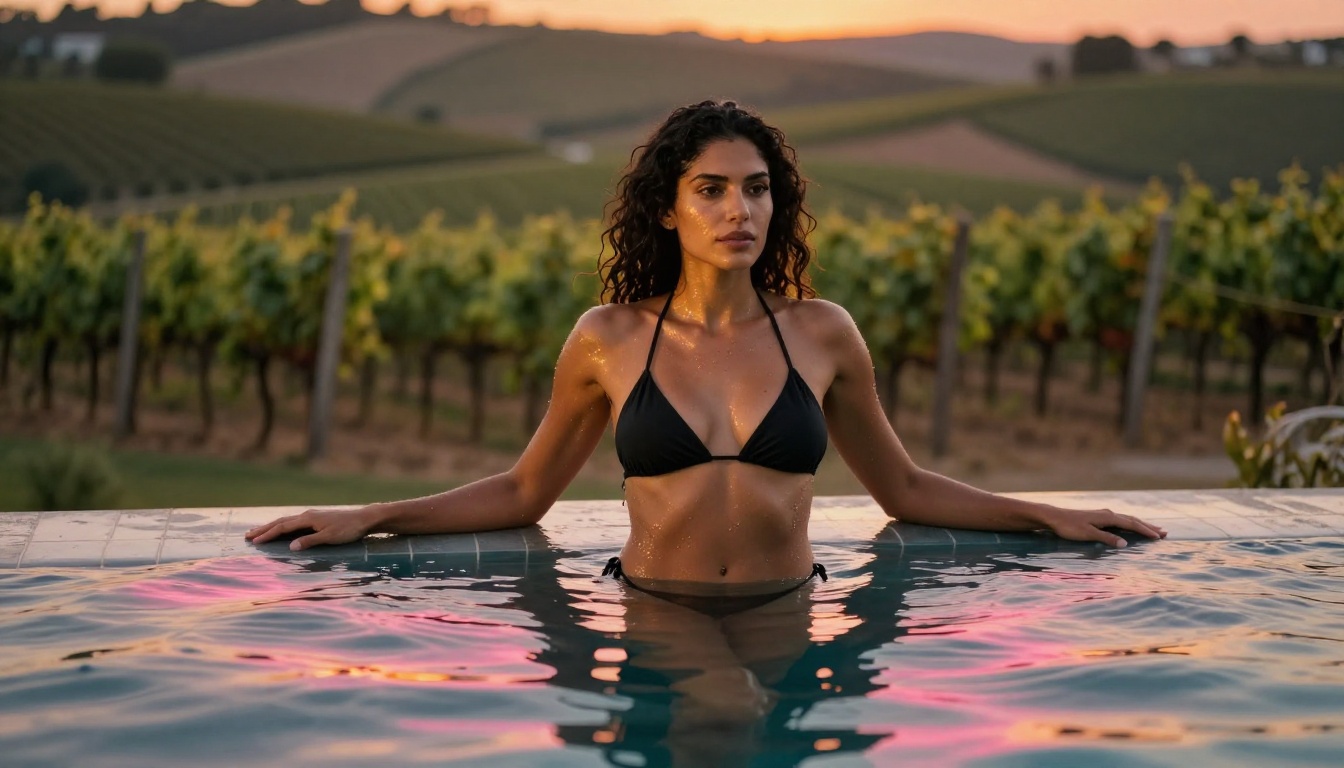
Flux 2 Pro is confirmed available on PicassoIA. Here is the complete workflow for strong 18+ results.
Step 1: Open the Model
Go to picassoia.com/en/collection/text-to-image/black-forest-labs-flux-2-pro. No account is needed for your first free generations.
Step 2: Upload Reference Images (Optional, Strongly Recommended)
Click the reference image upload area and add up to 8 photos. For 18+ work, these might be photos of the specific person or character you want to reproduce, a lighting setup you want to match, a clothing style you want the model to replicate, or examples of the photographic aesthetic you are targeting. The model weighs all references simultaneously unless your text prompt explicitly tells it to prioritize one image over others.
Step 3: Write Your Prompt
Be specific. Vague prompts produce vague results with any model, but especially with adult content where the model needs clear direction on what you want rather than leaving it open to interpretation. Include the subject's physical description, the setting, clothing details, lighting, and camera specifications. The prompting section below has concrete structures to follow.
Step 4: Set Safety Tolerance
In the settings panel, move safety_tolerance to 4 or 5 for adult content. The default value of 2 suppresses a significant range of NSFW output. This single adjustment has more impact on adult results than rewriting your prompt five times. Set it first, before anything else.
Step 5: Choose Resolution and Aspect Ratio
For social content, 9:16 at 2 MP is the practical choice. For detailed work or high-resolution display, use 16:9 at 4 MP. For portraits, 3:4 at 2 MP returns the cleanest face and body detail at a manageable file size. The 4 MP ceiling supports print-quality output when you need it.
Step 6: Use the Seed Field for Iteration
After your first generation, copy the seed value from the output. When you adjust the prompt, paste the same seed into the next request. The seed locks the random starting point of the generation, which means your prompt change is the only variable. Without it, every generation is a fresh random roll and you cannot isolate what caused a result you like or dislike.
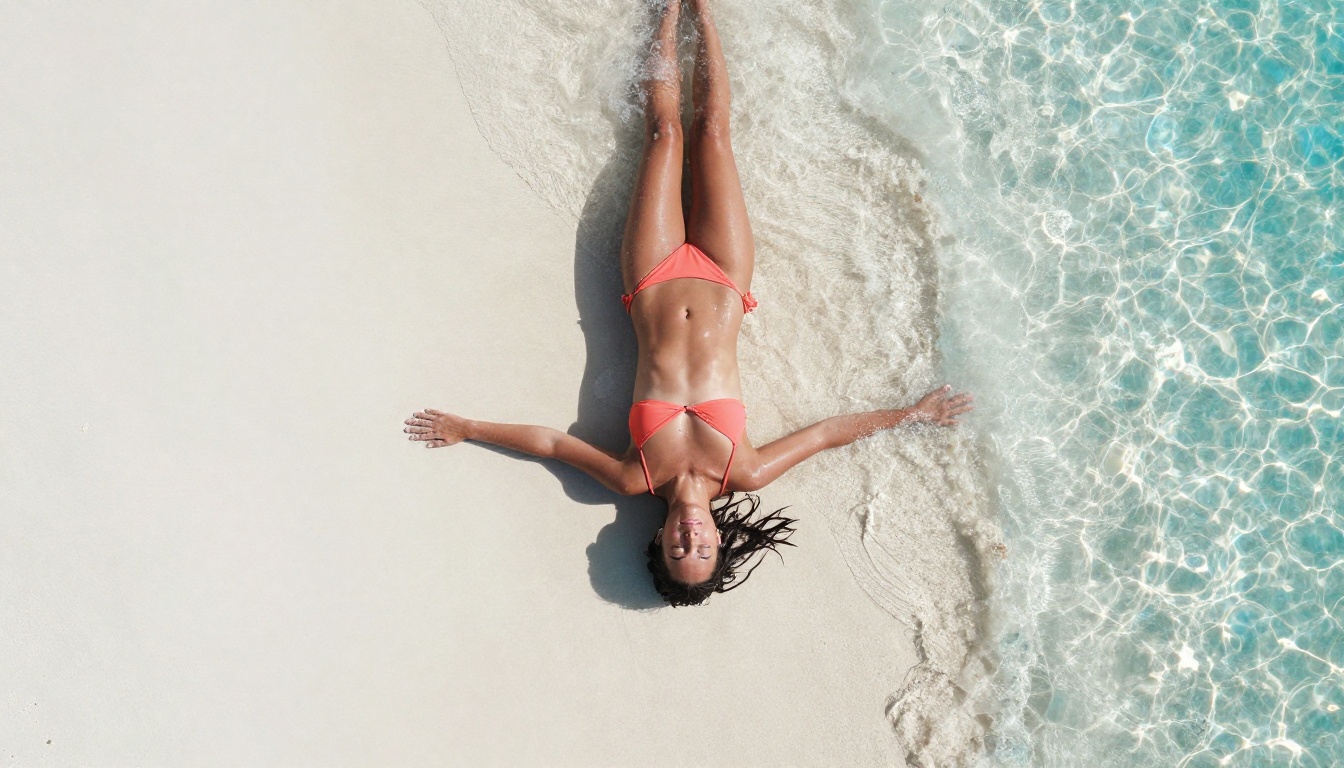
💡 Tip: The output quality slider (output_quality) runs from 0 to 100 and defaults to 80. For final assets you plan to publish, set it to 95-100. For iteration rounds where file size matters more than sharpness, keep it at 70-80.
Best NSFW Models on PicassoIA
Flux 2 Pro is strong, but it is one of several models on PicassoIA built for adult content. Here is the full ranked list with what each one actually does well.
-
Seedream 4.5 - The top recommendation for NSFW work right now. It accepts adult content natively, supports image editing alongside generation in the same interface, and delivers results in under 3 seconds. The realism level is exceptional for that speed. Its newer variant, Seedream 5 Lite, does not support adult content at all, so 4.5 is the version to use for NSFW.
-
PicassoIA Image Editor Pro - An img2img model with the most significant pricing structure on the list: unlimited generations on Elite and Infinite plans. Need 500 images? They cost nothing beyond your subscription. At models like Nano Banana 2, that volume would run around $50 in generation credits. Results come back in under 1 second. A 3-generation free trial is available with no credit card required.
-
Qwen Image 2 - Open-source, capable of creating and editing images in the same interface, with very detailed realism on skin texture and environmental elements. A strong choice for creators who want both text-to-image and inpainting in one model.
-
Grok Imagine Image - Particularly strong at img2img conversion. Its signature capability is taking any reference photo and rendering it in a more revealing format with photorealistic, accurate results.
-
Recraft V4 - Text-to-image only, but the output quality for detailed adult scenes is among the highest on the platform. Best for creators who write careful, detailed prompts rather than working primarily from reference photos.
-
P-Image - NSFW text-to-image generation in under 1 second. When speed matters more than fine-tuned reference control, this is the model to use for fast batch production.
-
Wan 2.2 Image - Generates highly realistic images from text descriptions without content filters. Strong for long-form descriptive prompts with precise subject and environment detail, particularly in realistic indoor and outdoor settings.
For video generation, the platform offers several NSFW-capable options:
- PicassoIA Video - Unlimited video generation from text prompts at up to 720p and 5 seconds per clip, with no per-generation cost on unlimited plans.
- P-Video - Text, image, or audio to video at up to 1080p with the safety filter off by default and a draft mode for instant low-res previews before the final render.
- Grok Imagine Video - Clips up to 15 seconds from text or a reference image, at 720p or 480p, with no watermarks and automatic aspect ratio matching from your source photo.
- LTX 2.3 Pro - The highest-fidelity video option at up to 4K/50fps, with retake and extend editing modes for precise scene control.
💡 Browse the full lineup of NSFW-capable models at picassoia.com/en/all-models.
Prompts That Actually Work
Anatomy of a Strong NSFW Prompt
The difference between a mediocre adult AI image and a photorealistic one almost always comes down to the prompt. Generic prompts produce generic results. Specific, structured prompts produce specific results.
A well-built Flux 2 Pro prompt for 18+ content has six components:
- Subject and appearance: Age reference (over 18), physical build, hair color and texture, skin tone, distinguishing features
- Clothing state: Specific garment name, material (silk, lace, cotton, satin), how it sits on the body, coverage level, color
- Setting: Room type or outdoor location, furniture, background elements, what surrounds the subject
- Lighting: Direction (left, right, overhead, rim), quality (hard versus soft), color temperature (warm amber, cool daylight), named source (window, lamp, sunset)
- Camera: Focal length (35mm, 50mm, 85mm), aperture (f/1.4, f/1.8, f/2.8), angle (eye level, low, high, aerial), framing (close-up portrait, half-body, full body)
- Style: Film stock (Kodak Portra 400, Fuji 400H, Velvia 50), mood descriptor, photography category (editorial, glamour, boudoir, fashion)
5 Prompt Structures That Deliver Results
These structures consistently return strong results on Flux 2 Pro at safety_tolerance: 4-5:
Portrait, close-up:
"A [age] woman with [hair and skin description], wearing [garment, material, color], seated in [specific location], soft window light from the left, 85mm f/1.8, Kodak Portra 400, photorealistic, RAW 8K"
Full body, standing:
"[Subject description] standing in [specific environment], wearing [minimal clothing with material detail], [body pose], [lighting direction and quality], 35mm wide angle, natural color grading, photorealistic RAW photography, film grain"
Intimate interior:
"[Subject description] lying on [specific surface and material], wearing [garment name and material], [lighting from named direction], [specific camera lens and aperture], Kodak Portra 400 film grain, no CGI, RAW 8K"
Reference-based character (requires uploaded photos):
"The person from the reference photos, in [new setting], wearing [garment], [lighting conditions], 85mm f/1.4, Kodak film grain, photorealistic" — with your reference images uploaded before generating
Style-matched output (requires uploaded style reference):
"In the lighting and photographic composition of the reference image, [subject description], [clothing state], [pose], realistic skin texture, RAW 8K" — with a style image alongside your subject reference
The key across all five structures is specificity at the lighting and camera levels. Creators who write detailed lighting descriptions see the most dramatic jump in output quality because lighting is where the difference between "obvious AI" and "looks like a real photo" is decided.
Model Comparison: Speed, Quality, Limits
3 Mistakes That Kill Your Results
Leaving safety tolerance at the default. The default value of 2 filters out most meaningful adult output. If your results look sanitized or generic when you are trying for 18+ content, check this setting before you change anything else. Move it to 4 or 5. This single adjustment has more impact on NSFW output than rewriting your prompt from scratch.
Writing prompt stubs instead of full descriptions. "A woman in a bikini on a beach" returns something different every time the model runs. Add the hair color and texture, the specific bikini cut and color, the time of day, the sun position and angle, the camera focal length, the film stock. Every detail you add is a constraint that steers the output toward what you actually want rather than what the model defaults to when given nothing specific to work from.
Skipping the seed field. When you get a result that is 80% right, rerunning without a seed gives you a completely different random output. You lose the good composition and have no way to recover it. Copy the seed from your good result, paste it into the next generation, change one element of the prompt, and compare. That is how you iterate toward a specific result instead of gambling on each generation independently.
Your First Image, Right Now
Everything described in this article is available now, in-browser, for free, without a credit card for your first generations.
Flux 2 Pro on PicassoIA gives you the safety tolerance control, the reference image system, and the 4 MP resolution ceiling of a professional model at zero cost for initial use. Set tolerance to 4, upload one or two reference photos if you have them, write a detailed prompt using the structures above, and generate. The difference from what you have been getting on restricted platforms will be immediate.
If you want faster iteration after that, Seedream 4.5 returns results in under 3 seconds with image editing built into the same interface. If you need high-volume output without per-image cost, PicassoIA Image Editor Pro gives you unlimited generations on Elite and Infinite plans with a free trial that requires no credit card.
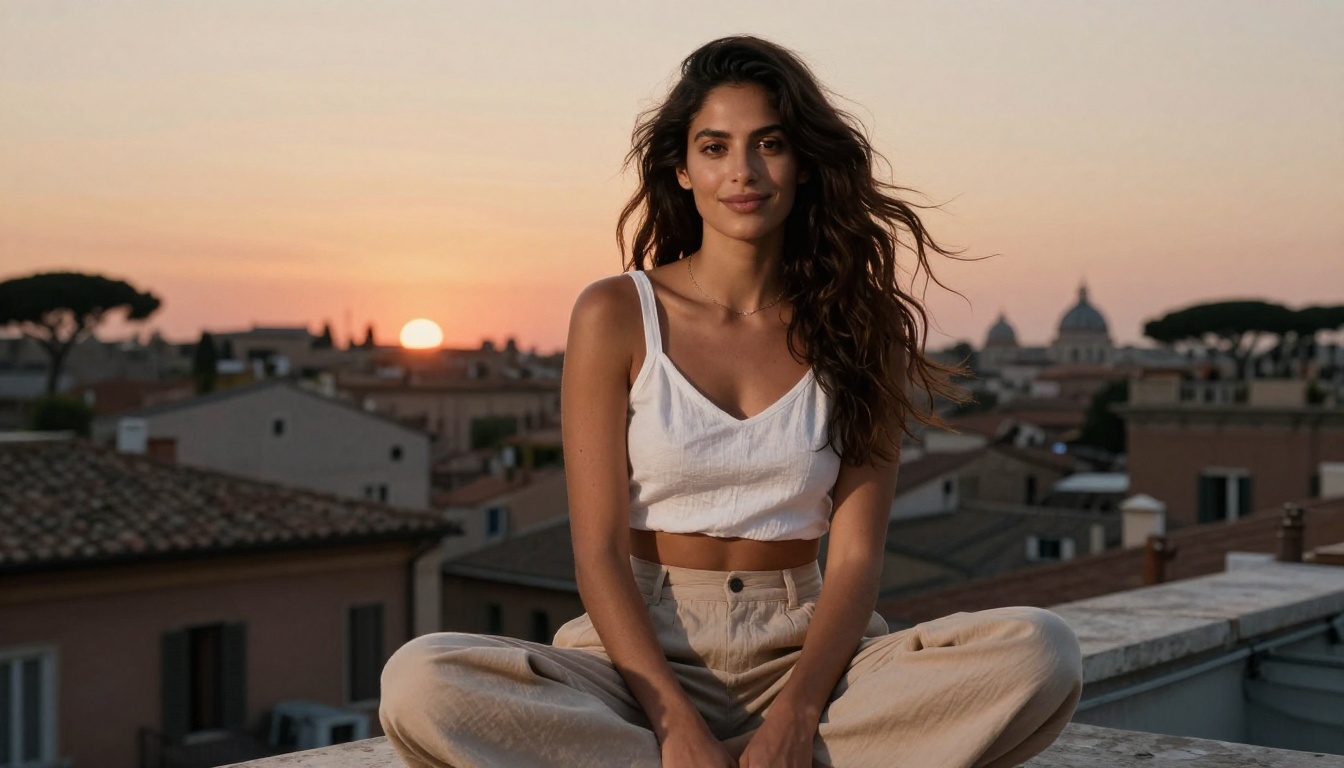
The full catalog of NSFW-capable models, including video tools with no watermarks and no content restrictions, is at picassoia.com/en/all-models. Open Flux 2 Pro, use the reference image system with a photo you already have, and see what 4 MP uncensored output from a properly configured professional model actually looks like.


