Type "18+ AI chat bot" into a search bar and you get a wall of promises: free, uncensored, no login, no limits. Some of those promises hold for an afternoon. Most come with a catch buried three screens deep, like a message cap that hits at the worst moment, a paywall in front of the good features, or an age check nobody mentioned. If you are an adult who simply wants a private, flexible, grown-up conversation with an AI, it helps to know what is real before you download anything.
This article sorts the marketing from the mechanics. You will see what "uncensored" actually means in practice, what no-login chat costs you in other ways, how free tiers throttle you, why age verification is spreading in 2026, and which language models you can try right now. Near the end, there is a section on giving your chat character a face with photorealistic image tools, because text alone is only half of what people want from companion style chat.

What "18 AI Chat Bot" Really Means
The "18" in the search term is a signal, not a feature. It tells you the service is meant for adults, and that the conversation may include romance, flirting, mature storytelling, or topics a general assistant might steer away from. It does not mean the bot has no rules.
Adult only, not anything goes
Every serious provider draws a hard line somewhere. Content involving minors, real people being targeted, violence against real individuals, and illegal activity are blocked almost everywhere, whether the app markets itself as "unfiltered" or not. Treat any site that claims to have zero rules with suspicion. It is either lying, or it is operating in a way that can disappear overnight when a payment processor or app store notices.
What changes between services is the default tone and tolerance. A general assistant tends to stay polite and redirect when a scene turns suggestive. A companion app tends to allow flirtation and romantic roleplay, and it may gate more intense material behind a subscription or a verified age.
Uncensored versus filtered
"Uncensored" is a spectrum, and the word is used loosely. In practice you will see three levels:
| Level | What it usually means | Typical example |
|---|
| Filtered | Refuses or redirects mature topics | General assistants and office chat tools |
| Relaxed | Allows flirting, romance, dark fiction, with limits | Companion and roleplay apps |
| Open weights, self hosted | You control the system prompt and settings | Local models run on your own machine |
💡 Tip: If a site says "uncensored" but asks for a card on the first screen, read the free tier details first. The label is often a sales hook rather than a technical fact.
Who actually searches for this
The audience is wider than the stereotype. Writers want a collaborator that will not flinch at a love scene or a villain's monologue. Lonely or shy people want a low pressure place to talk. Couples use chat bots for playful scenario writing. Others just want to stop being told "I can't help with that" when their request is perfectly legal and adult.

Free and No Login: What You Actually Get
Two words drive most of the traffic: free and no login. They are not the same thing, and neither one is as simple as it sounds.
No login chat has trade offs
Anonymous chat is appealing because there is no email to hand over and no account tied to your conversations. The trade offs are practical:
- No memory. Without an account, the bot usually forgets you when you close the tab.
- Tighter caps. Anonymous sessions are the easiest to throttle, so expect fewer messages per hour.
- Weaker safeguards for you. If there is no account, there is no way to delete your history on request, and you have to take the site's word on how it handles logs.
- More ads. Free anonymous traffic is often paid for with advertising, and some of it is aggressive.
That said, no login is genuinely useful for a quick, throwaway chat. Just keep the conversation to things you would be comfortable seeing leaked.
Free tiers and message caps
"Free" almost always means a metered experience. The meter can be measured in several ways: messages per day, tokens per session, a slow queue when servers are busy, or a model downgrade after a set number of replies. A service can advertise "unlimited" while quietly switching you to a smaller, weaker model after the first few exchanges.
| Free tier pattern | What you feel | How to work around it |
|---|
| Daily message cap | Chat stops mid scene | Write longer, richer messages so each turn counts |
| Model downgrade | Replies get flat and repetitive | Restart the scene with a fuller character brief |
| Slow queue | Waiting during peak hours | Use off peak times |
| Memory limit | The bot forgets earlier details | Paste a short recap every 20 or so messages |

💡 Tip: A well written first message is worth more than a paid plan. State the character, the setting, the tone, and the boundaries you want in one paragraph, and even a modest model will stay on track much longer.
Apps Versus Browser Chat
The next decision is where to chat. Each format has its own strengths, and your privacy exposure changes with it.
Companion apps
Companion apps are built around a persistent character. You pick or design someone, and the app remembers your history, sends notifications, and sometimes adds voice or images. The experience is smooth and emotionally sticky, which is exactly why subscriptions are common. Expect the mobile store version to be more restricted than the website version, since app stores set content rules that web services do not have to follow.
Think about what the app collects. Chat logs, device identifiers, and payment details can all end up on a server. Read the privacy settings before the first long conversation, not after.
Browser based chat
Browser chat is the lightest option. There is nothing to install, it works on any device, and clearing your session is easy. The downside is less polish: no push notifications, and persistence depends on whether you create an account. For quick sessions and for trying several models side by side, a browser is hard to beat.

Local models on your own machine
If privacy is the top priority, running an open weights model on your own computer keeps every word offline. You set the system prompt, you decide the rules, and nothing is sent to a company. The cost is hardware and setup time, and smaller local models are noticeably weaker than the large hosted ones at long, coherent storytelling. It is a trade of convenience for control.
Age Checks and Privacy Rules in 2026
The biggest shift this year is regulatory. Governments are paying attention to companion chat, mostly out of concern for minors, and the effect lands on adult users too.
What changed this year
Based on recent reporting, New York's governor signed a law in late October 2026 restricting unsafe chatbot features for minors, with rules reported to take effect on January 1, 2027. California already has companion chatbot rules in force this year, Colorado's 2026 law reportedly calls for age estimation on public conversational AI, and federal bills such as the GUARD Act have been proposed but, as far as reporting shows, not enacted. Regulators in Australia are also weighing age verification pressure on AI services. In Italy, the data protection authority fined the company behind Character.AI in July 2026 over how minors were protected.
The direction is clear: more services will ask you to confirm you are an adult.
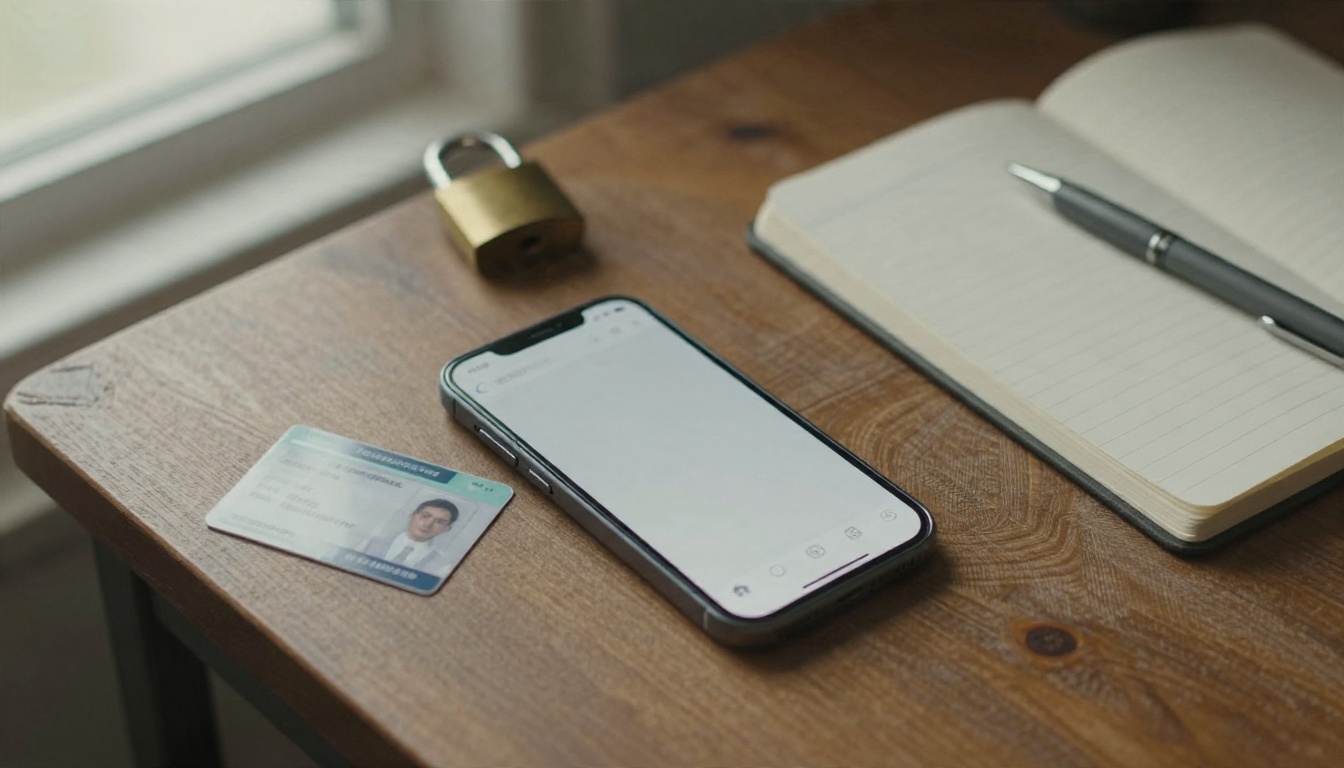
What this means for no login chat
Strict age assurance and fully anonymous access pull in opposite directions. Expect services to land in one of three places:
- Light checks: a self declared birth date or a checkbox, which is easy and not very protective.
- Age estimation: a quick face or behavior based estimate, with no document upload.
- Document or third party verification: the strictest option, more common for the most mature features.
If a site asks for an ID, check who actually receives it. A reputable third party verifier that deletes data quickly is a very different thing from a small site storing scans in its own database.
Privacy habits that actually help
- Use a separate email address for chat accounts.
- Never share your real full name, address, workplace, or financial details with a character.
- Check whether the service lets you delete conversation history, and use it.
- Avoid uploading photos of real people, especially people who have not agreed to it.
- Assume anything typed into a hosted service could be read by staff or exposed in a breach.

Where the Limits Hide
Even when content rules are loose, other limits shape the experience. They are less obvious, and they decide whether a chat feels satisfying or frustrating.
Memory and context windows
Every model has a context window, the amount of text it can hold in mind at once. When a long chat passes that size, the earliest details fall out. That is why a character forgets your name, the room you set up, or a promise made earlier. Larger, newer models hold far more, which makes a real difference for long roleplay or serial storytelling.
A reliable habit: keep a short "character sheet" at the top of the chat and paste an updated summary now and then.
Content rules and refusals
Refusals come in two forms. A hard refusal is a plain "I can't help with that." A soft refusal is sneakier: the bot keeps replying but waters everything down, changes the subject, or ends scenes early. If you notice soft refusals, rewording the setup usually works better than arguing. Frame the scene as fiction between adults, set the tone up front, and keep the request within legal and consensual territory.

💡 Tip: Collaborative fiction works best when you write like an author, not like a customer. Give the bot a scene to play in, and it will follow your lead more reliably.
Chat Models You Can Try on PicassoIA
PicassoIA hosts a long list of language models you can chat with in the browser. These are general purpose models, so they follow their providers' safety policies, and they are better suited to storytelling, character writing, and conversation practice than to explicit content. They are a good way to compare how different models handle tone, memory, and humor in the same scene.
A starter prompt that works across models
Paste something like this as your first message, then adjust it:
"You are Marisol, a witty 32 year old bookshop owner in Lisbon. We are two adults having a relaxed, flirty conversation over evening drinks. Keep replies to three or four sentences, stay in character, and keep the tone playful and warm. If I say 'pause', step out of character."
Notice what it does. It sets a name, an age, a place, a tone, a length, and an exit word. Those six details prevent most of the drift and flat replies people blame on the model.
How to compare models fairly
Run the same prompt through two or three models and score them on four things: how well they stay in character, how long they remember details, how natural the dialogue sounds, and how often they steer away from the scene. A model that wins on one scene may lose on another, so test with the scenario you actually care about.
Give Your Character a Face
Many people who build a chat character want a picture to go with it: a portrait for the profile, a mood image for a scene, or a recurring look for a story. This is where photorealistic image generation comes in, and it pairs nicely with text chat.

Seedream 4.5 for glamour portraits
Seedream 4.5 is the strongest place to start for suggestive, non explicit glamour imagery, with sharp detail in skin, fabric, and lighting. Here is a simple workflow:
- Open the Seedream 4.5 page and choose a 16:9 or 3:4 ratio depending on whether you want a scene or a portrait.
- Describe your character in one sentence: age (clearly adult), hair, outfit, and expression.
- Add the setting and the light, such as "warm lamp light from the left" or "soft window light at dusk".
- Name the lens and look, for example "85mm f/1.8, shallow depth of field, film grain".
- Generate a few variations and keep the one that matches your chat persona.
💡 Tip: Reuse the same character sentence in every prompt. Consistent wording is what keeps hair, face, and style recognizable across a series.
Image Editor Pro for fast edits
Once you have a base image, PicassoIA Image Editor Pro lets you adjust it without starting over: change the outfit color, swap the background, or tweak the mood, with unlimited generations so you can iterate freely. It is the quickest way to get a whole set of consistent images for one character.
Other image models worth a look
If you want a different look, Qwen Image 3 Pro leans toward photorealism, and Grok Imagine Image Quality offers a different style of 2K output. Trying the same prompt across models is the fastest way to find the look you prefer.
Try It Yourself on Picasso IA
The best chat setup is the one you shape yourself: a clear character brief, a model that fits your tone, and sensible habits around privacy and age checks. You do not need to sign up for five apps to find it. Pick two of the chat models above, run the same starter prompt through both, and see which voice you prefer.
Then give your character a face. Open Seedream 4.5, write one detailed sentence about who they are, and generate your first portrait. From there, PicassoIA Image Editor Pro lets you iterate with unlimited generations until the look is right.
Ready to experiment? Browse the full catalog of chat, image, and video models at picassoia.com/en/all-models and start creating on Picasso IA today.


