The question sounds simple. But search it in AI communities and you will find mostly confusion, vague workarounds, and forum threads that go nowhere. So here is the direct answer: Veo 3.1 does not allow 18+ content, period. No suggestive beach clips, no implied nudity, no adult scenes of any kind. Google built its flagship video model with hard-coded content filters and the policy is permanent. But that is only half the answer. If you came here because you actually want to create adult AI clips, this article explains exactly what Veo 3.1 blocks and why, how every major competitor handles the same question, and which specific pipeline on PicassoIA produces real results. Not theoretical "it might work." A step-by-step workflow that works right now.
What Veo 3.1 Can and Cannot Do
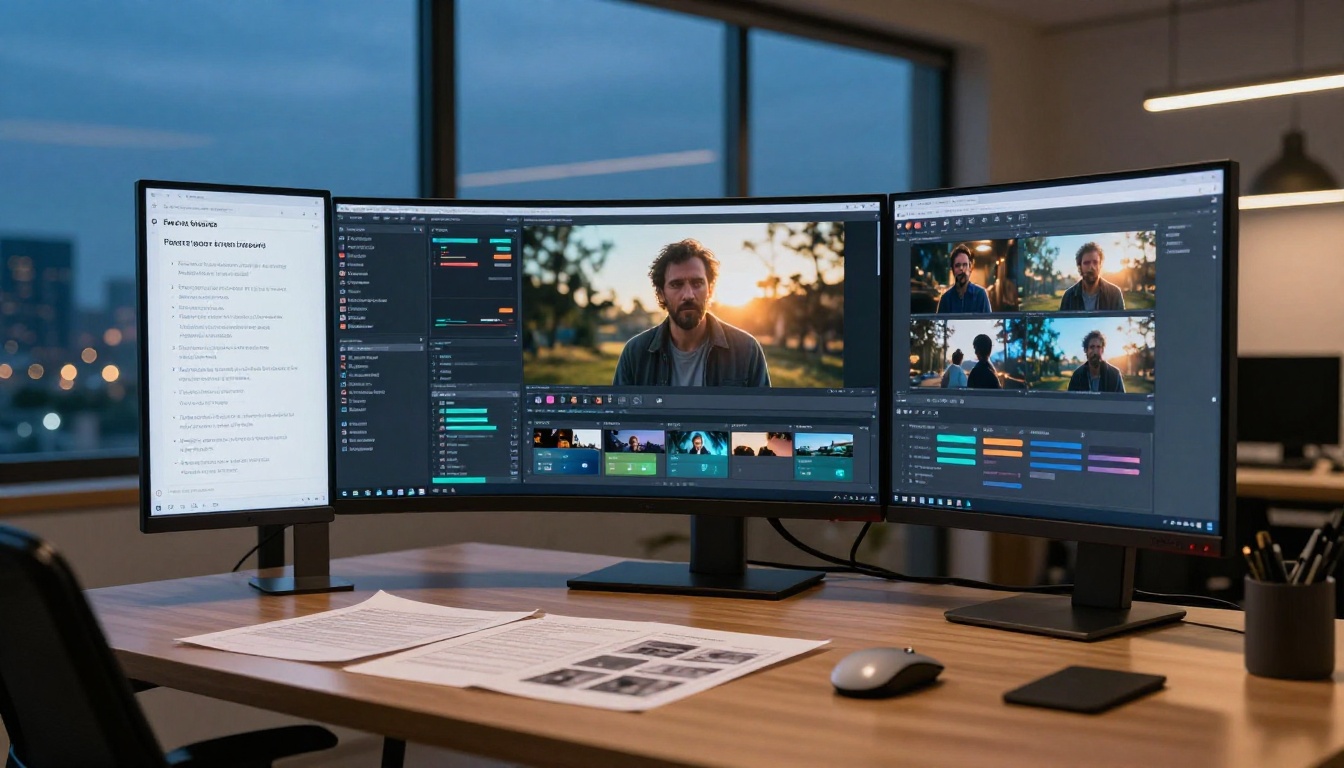
Released in mid-2025, Veo 3.1 represents Google's most refined video generation architecture to date. It produces 1080p footage with native synchronized audio, supports both text-to-video and image-to-video workflows, and delivers some of the best temporal consistency of any model on the market. Camera motion prompts, like slow dolly moves or arc shots, execute with a precision that earlier models could not match.
On PicassoIA, Veo 3.1 is available in three variants that fit different production needs:
- Veo 3.1: The full-spec version. Best output quality, fullest prompt adherence, native audio sync.
- Veo 3.1 Fast: 1080p output optimized for quicker generation. Excellent for rapid iteration on SFW projects.
- Veo 3.1 Lite: A lighter architecture with native audio. Good for volume work when the highest fidelity is not needed.
What Veo 3.1 genuinely excels at
For professional, brand-safe video production, Veo 3.1 sets a new bar. Its native audio capability is genuinely different from anything that came before it. Previous AI video tools required separate audio generation and synchronization, a clunky post-production step. Veo 3.1 generates audio as part of the clip: ambient sound, voice tone, environmental texture, all synchronized to what is happening visually. If a character walks across gravel, you hear it. If wind moves through trees, the audio captures it.
The motion coherence is similarly impressive. Subjects maintain consistent appearance across the full clip, lighting stays stable, and backgrounds do not drift. For anyone creating short-form content, narrative clips, product showcases, or branded video, Veo 3.1 is currently among the strongest tools in the category.
The hard ceiling on content
None of those capabilities apply to adult content. The model has a content classifier running at inference time that evaluates every prompt before generation begins. Prompts suggesting adult themes are refused immediately. Ambiguous prompts may produce a sanitized interpretation, a fully clothed subject in a neutral pose regardless of what was requested. There is no prompt engineering trick, no clever phrasing, no workaround that changes this. The filters are embedded in the model weights and the inference pipeline, not just in a surface-level API policy layer.
Veo 3.1's Content Policy in Detail
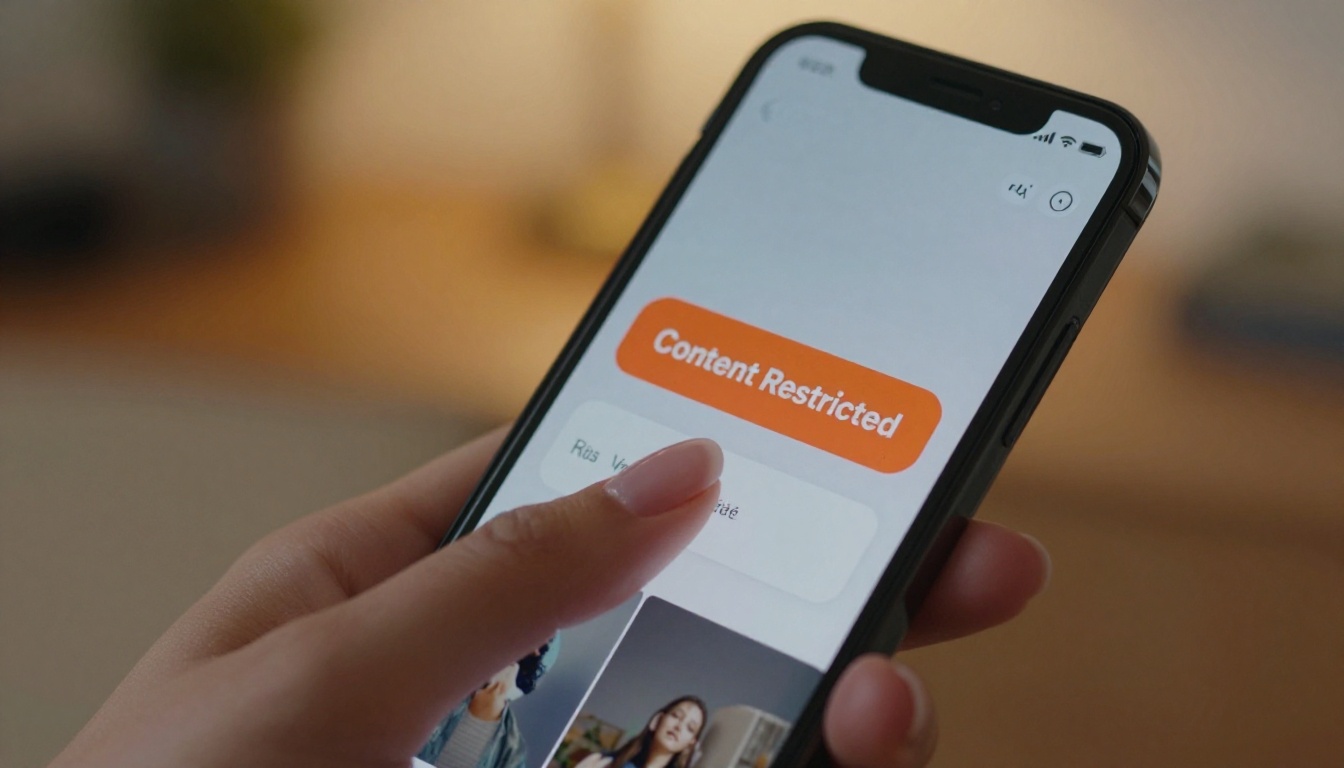
Google built Veo 3.1 under its Responsible AI framework, and the content policy that applies to it is neither vague nor negotiable. Every generation request runs through a safety classifier trained on a broad set of prohibited content categories. The output never reaches you if the request is flagged.
What gets blocked outright
The following categories are hard-blocked with no exceptions:
- Sexual activity of any kind, including implied or softcore scenarios
- Nudity of any kind, including artistic and implied nudity
- Suggestive poses or contexts indicating sexual intent
- Violence directed at individuals in a realistic manner
- Content involving or targeting minors inappropriately
- Realistic depictions of real people in sexual or violent contexts
The nudity block is broader than many expect. A scene that would pass without comment in a mainstream film or fashion editorial will often get flagged. "Woman in a bikini, cinematic" might work as a wide environmental shot. Add specificity about the pose, framing, or implied activity and the classifier fires.
Why this policy is permanent
The practical reason is liability. Veo 3.1 is a Google product distributed through Google's infrastructure to Google's consumer and business base. One viral explicit clip traced back to Veo would generate regulatory attention, media coverage, and serious legal exposure. The cost of that outcome is far higher than the revenue from adult use cases. The policy stays.
There is also a technical dimension. The model was trained on curated data with explicit content excluded. The safety classifiers were trained alongside the model, not bolted on afterward. Undoing that would require retraining from scratch with a fundamentally different data strategy and a deliberate decision to accept the accompanying risk. Google has no reason to make that decision.
💡 The takeaway: Veo 3.1 is the right tool for professional SFW video production. It is categorically the wrong tool for 18+ content. These are not competing facts. They are just the honest landscape.
Veo 3.1 is not unusual in blocking adult content. Most major AI video tools operate under similar restrictions. Here is a realistic assessment of where each one stands:
| Model | Adult Content | Notes |
|---|
| Veo 3.1 | Blocked | Hard filters at inference level |
| Veo 3 | Blocked | Same policy as 3.1 |
| Sora 2 | Blocked | OpenAI enforces strict SFW-only policy |
| Kling v2.6 | Partial | Suggestive content possible; not explicit |
| Seedance 2.5 | Partial | Handles tasteful adult imagery from image input |
| Wan 2.7 I2V | Partial | Strong image-to-video; inherits from source frame |
| Hailuo 02 | Partial | Context-sensitive; moderate tolerance |
| Pixverse v5.6 | Partial | Works for stylized suggestive content |
Sora 2 and OpenAI's position
Sora 2 matches Veo 3.1 in its restrictions. OpenAI trained Sora for mainstream adoption and built content safety into the model architecture. There is no adult generation pathway. The model is extraordinary for cinematic text-to-video work and produces remarkably fluid, realistic motion. For adult content, it is a dead end, same as Veo.
The gray zone models
Kling v2.6, Seedance 2.5, and Wan 2.7 I2V operate differently. These models are generally more permissive when the input is an image rather than a text prompt. Because the content classifier runs primarily on the motion description rather than the visual content of the source image, this gap in the pipeline is where adult AI clips actually get made.
The key distinction is that image-to-video models receive a first frame as input. What that first frame contains determines what the animation produces, and the safety check evaluating the motion description is a much narrower filter than the one evaluating a full text prompt describing adult intent.
The Real Pipeline for 18+ AI Clips
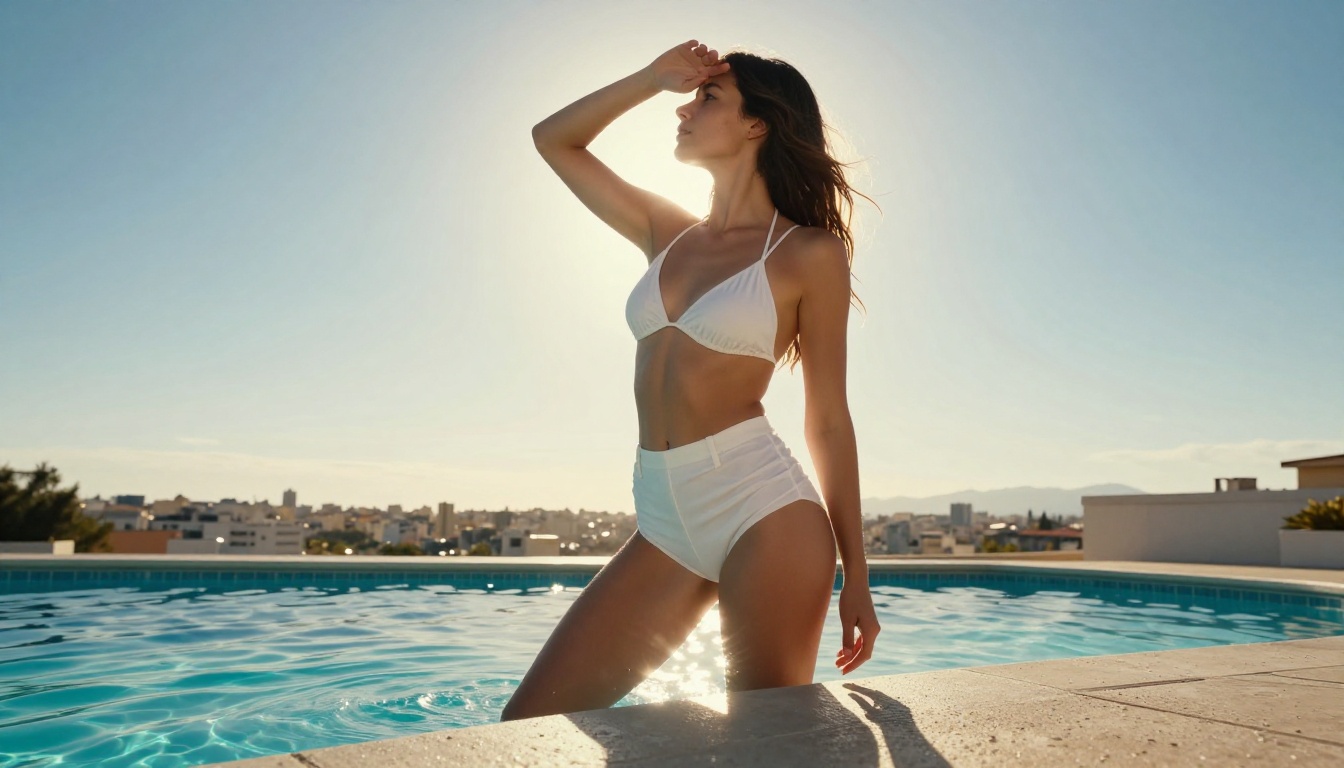
The effective approach for adult AI video is not text-to-video. It is image-to-video. This distinction changes the entire workflow.
Text-to-video models read intent from language. The safety classifier evaluates your prompt words before any generation happens. Certain terms, certain phrasings, or certain combinations of descriptors trigger the filter immediately. The model never attempts to generate the content.
Image-to-video works at a different layer. You supply a first frame as an image, and the model generates motion from that frame forward. The safety classifier on the motion description evaluates what moves and how, not what the subject is wearing or what the scene implies. This is the gap the adult AI workflow lives in.
Why Seedream 4.5 changes the starting point
Seedream 4.5 is the image generation model that makes this pipeline work. It accepts detailed NSFW prompts and produces high-resolution, photorealistic output without the automatic sanitization that plagues most models. Where other generators default to adding clothing or cropping frames, Seedream 4.5 follows the prompt with genuine fidelity.
The output quality is cinematic: accurate skin texture, natural lighting response, realistic body proportions, and compositional coherence that reads like professional photography. This quality matters because the animation result is only as good as the source image. A flat, poorly lit, anatomically inconsistent source image produces a mediocre clip. A sharp, well-composed Seedream 4.5 image produces something that looks shot.
💡 Seedream 4.5 is the starting point for every serious 18+ AI pipeline. The better your source image, the better your animated clip. Do not rush this step.
The animation layer
Once you have the source image, you pass it into Wan 2.7 I2V or Seedance 2.5 as the first frame. Both models are optimized for animating still images with realistic motion, and both handle complex subject matter without the aggressive content filtering of models like Veo or Sora. A gentle camera movement, a breath motion, or a slow pan creates a clip that feels genuinely alive.
Refining with PicassoIA Image Editor Pro
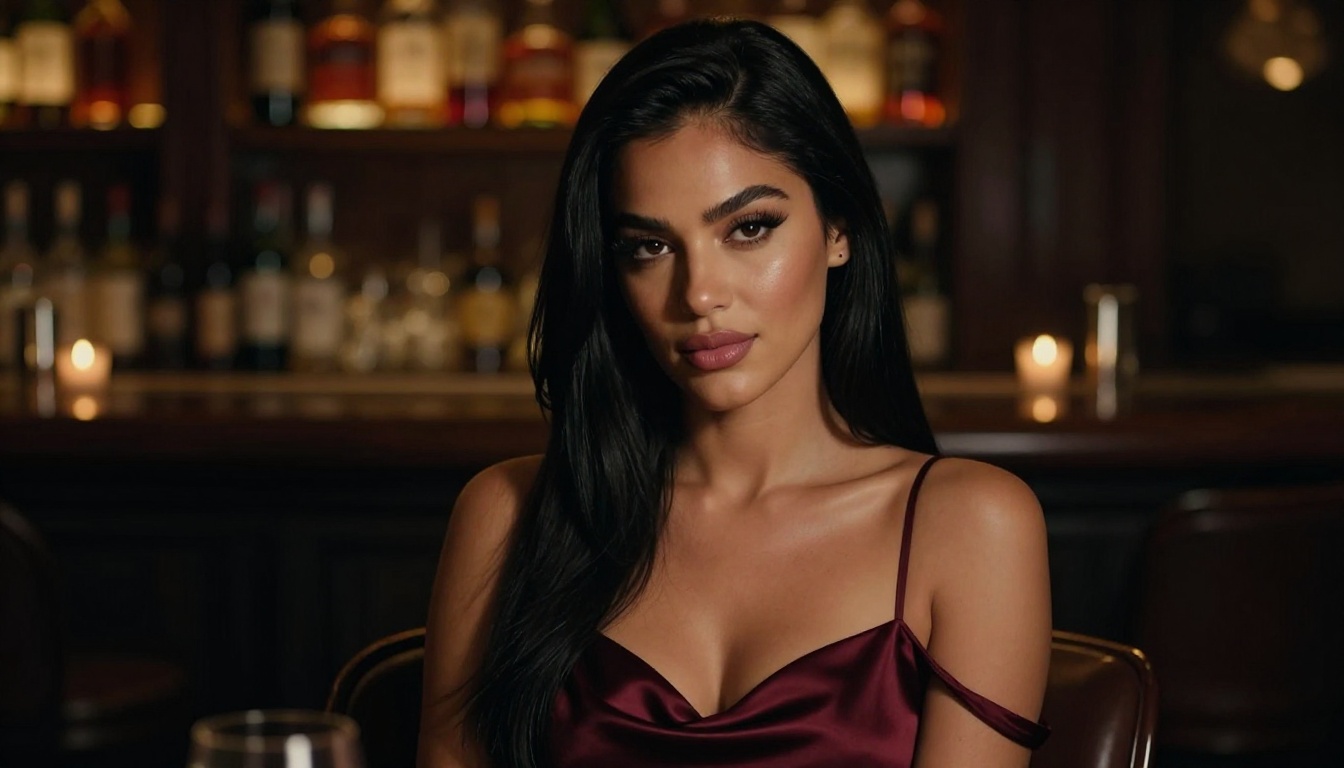
Before animating, there is an optional but high-value step: image editing. PicassoIA's Image Editor Pro gives you unlimited inpainting, outpainting, and object replacement on any source image. This is particularly valuable in the adult content pipeline because it lets you iterate precisely without regenerating the full composition.
The most common uses in this workflow:
- Fix lighting: Inpaint shadow areas or overexposed regions without changing the subject
- Widen the frame: Outpaint to a 16:9 ratio before animating so the clip does not crop awkwardly
- Correct details: Replace a background element, adjust pose detail, or fix an area where the model made an error
- Test variations: Generate a dozen inpainted versions of the same shot and select the strongest one
The unlimited generation model is critical here. When you are iterating on a shot to get it right, having no credit ceiling per attempt changes your relationship to the work entirely. You stop settling for "close enough" and start actually achieving the shot you had in mind. This is one of the areas where PicassoIA's platform design shows its value in real production workflows.
💡 Tip: Outpaint your Seedream 4.5 image to 16:9 before animating. This ensures the clip fills the frame without letterboxing and gives the animation model more canvas to work with.
Step-by-Step: Building the Clip
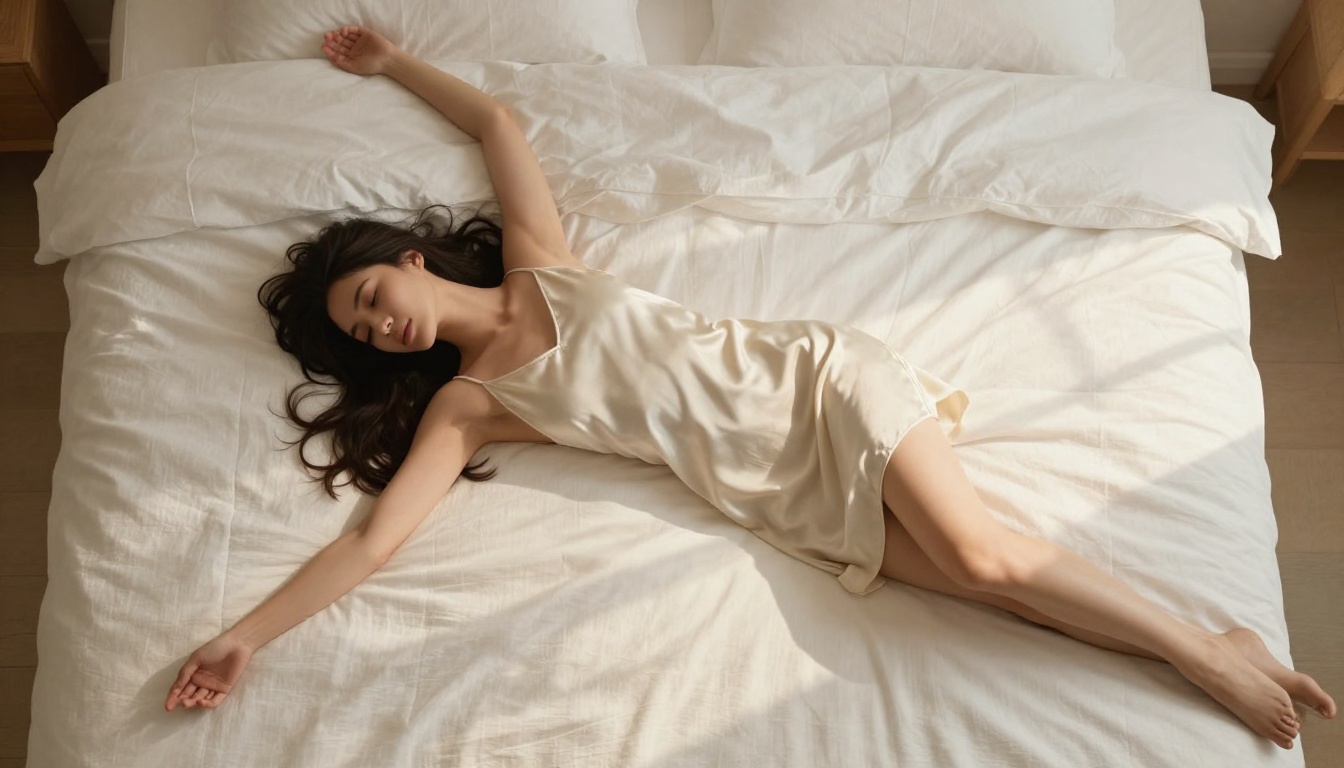
This is the actual workflow. No vague suggestions.
Step 1: Generate the source image with Seedream 4.5
Open Seedream 4.5 on PicassoIA. Write a photorealistic prompt that specifies:
- Subject: pose, clothing level, expression, body position
- Lighting: direction, quality, color temperature (golden hour, soft diffused window light, candlelight)
- Camera: implied focal length and angle (85mm portrait, low-angle wide shot, overhead flat lay)
- Environment: background, surface, props in the scene
- Style qualifiers: "8K, Kodak Portra 400 film grain, photorealistic, natural skin texture, professional photography"
Generate multiple variations. You are looking for the image that already feels like a still frame pulled from a well-shot editorial shoot. That is your first frame.
Step 2: Refine the frame
Use Image Editor Pro to outpaint to a 16:9 ratio if needed. Run inpainting on areas that need correction. The goal is an image with no remaining compromises, one that is ready to be animated without apology.
Step 3: Write the motion prompt and animate
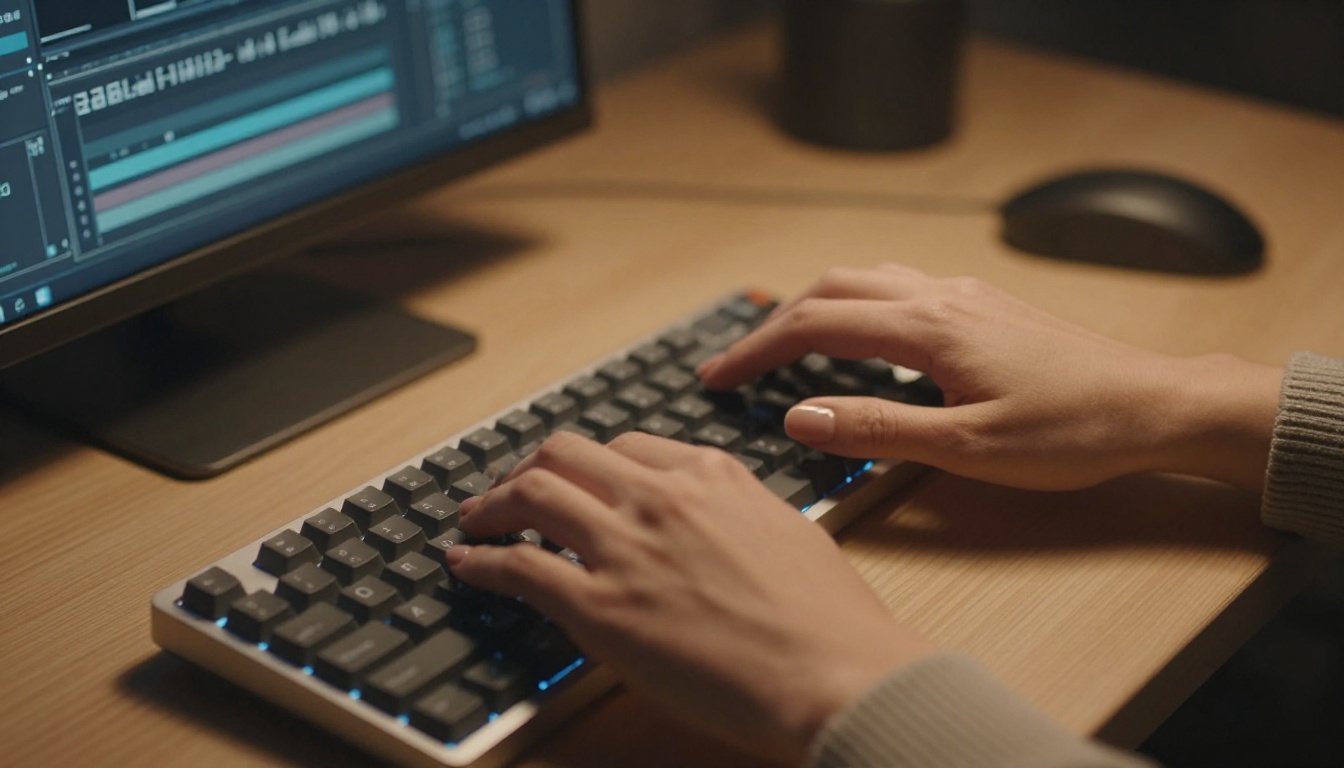
Open Wan 2.7 I2V or Seedance 2.5. Upload the source image. Write a motion prompt that describes the physical action in the clip, not the subject or their appearance:
- "Slow dolly-in, warm afternoon light shifting gently across the frame, subject's hair lifting in a subtle breeze"
- "Subject breathes slowly with a natural rise and fall, camera holds perfectly still, golden light softens gradually"
- "Camera pans gently from left to right revealing the full scene, ambient natural motion throughout, atmosphere warm and still"
Keep the motion description cinematic and physical. Do not describe the subject's clothing or implied activity in the motion prompt. Describe movement, light, and atmosphere. The safety classifier evaluating the motion description is much less restrictive than the one evaluating image-generation prompts.
Step 4: Review and iterate
Review the clip at full resolution. If the motion does not feel right, adjust the motion description and regenerate. If the source image needs work, return to Image Editor Pro. Most clips reach a final publishable version in 2 to 4 iterations. The pipeline is fast once you have the source image locked.
What Stays Within the Lines
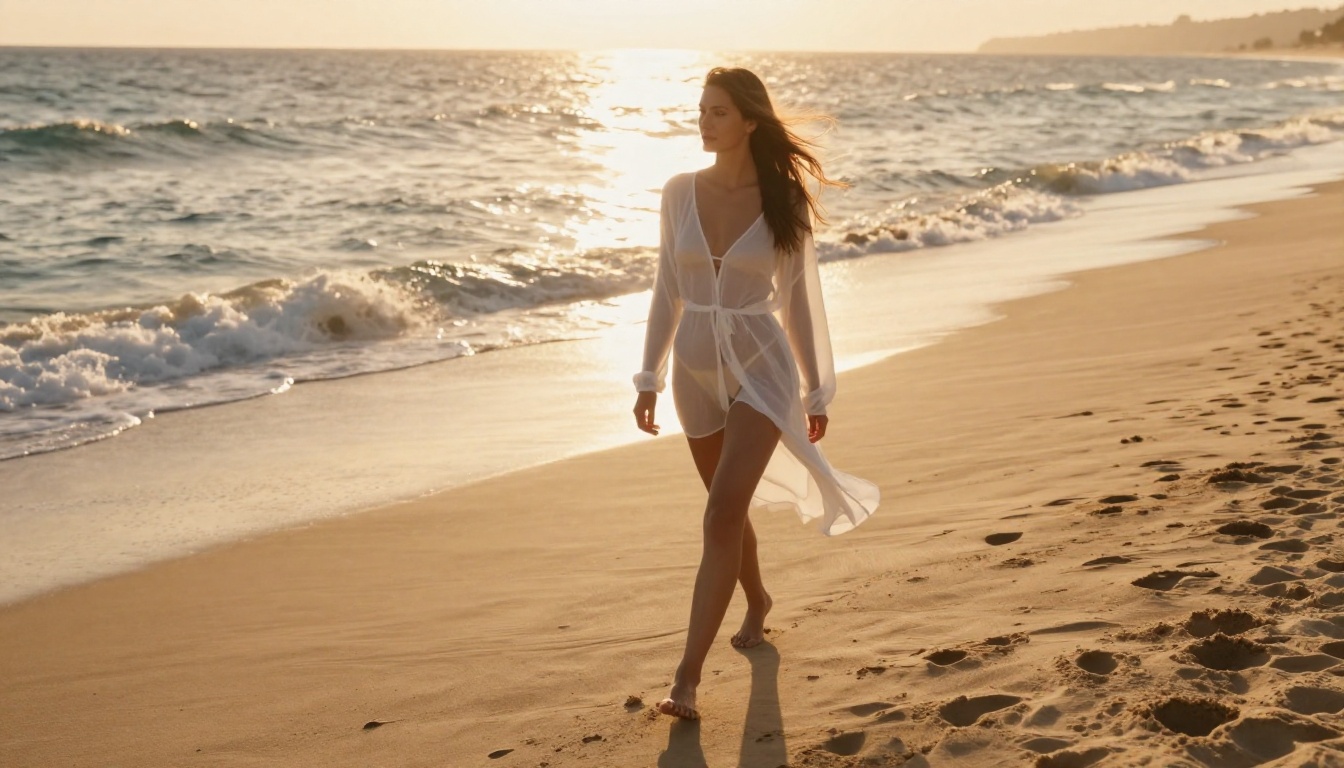
The pipeline described above operates in the suggestive and artistic range of adult content, not the explicit range. Knowing where the creative boundary sits makes the workflow more effective and more sustainable.
The models on PicassoIA handle:
- Artistic nudity: implied or partially visible in editorial or beauty contexts
- Lingerie and swimwear: detailed, photographic, fashion-adjacent quality
- Intimate compositions: suggesting closeness or sensuality without depicting explicit activity
- Beauty and glamour photography: atmospheric lighting, expressive poses, high-end editorial styles
What the pipeline does not support well is graphic or explicitly pornographic content. Prompts pushing into that territory produce inconsistent results or nothing at all. The creative output is consistently strongest in the suggestive-but-tasteful register, which also tends to be the most visually compelling. The constraint often produces better composition because it demands more attention to lighting, framing, and atmosphere rather than relying on explicitness to carry the image.
💡 Think editorial, not explicit. The most striking 18+ AI content reads like a high-end fashion or beauty shoot, not a graphic image. That is also the territory the models handle best.
A note on platform terms
PicassoIA allows adult content creation within its platform for users who have confirmed their age and accepted the relevant terms. The pipeline described here operates within those terms. Content that pushes toward the explicitly pornographic sits outside the platform's accepted use and will not produce consistent results anyway. The sweet spot is artistic adult content, the kind that reads as intentional, well-composed, and aesthetically driven.
Start Creating on PicassoIA Right Now
The answer to the original question is no. Veo 3.1 does not allow adult clips of any kind, and that position is not going to change. For cinematic SFW video with native audio and 1080p output, it is genuinely one of the best tools available. But for 18+ content, you need a different pipeline.
That pipeline runs through Seedream 4.5 for the source image, PicassoIA Image Editor Pro for refinement, and Wan 2.7 I2V or Seedance 2.5 for animation. All of it is available right now at picassoia.com/en/all-models, with over 90 text-to-image models and more than 80 text-to-video models to work with. Start with a strong image on Seedream 4.5 and the rest of the pipeline falls into place naturally. The tools are there. The only step left is starting.


